


Document Scanner - Scan to PDF
9+
unduhan5.0+
versi Android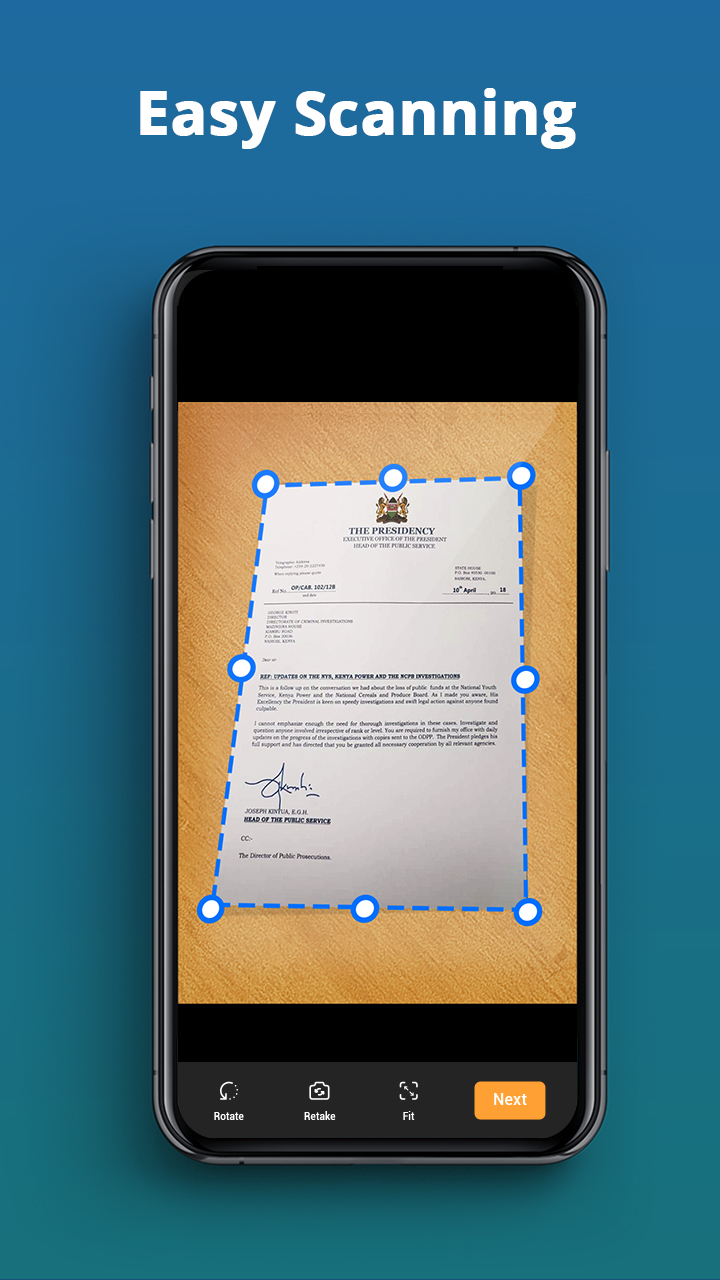
Ditambahkan: Denis Rubinov
Versi: 4.3.1
Ukuran: 36.6 MB
Diperbarui: 24.06.2025
Developer: TopTap Studio
Batasan Usia: Everyone
Diunduh di Google Play: 21139341
Kategori: Kerja
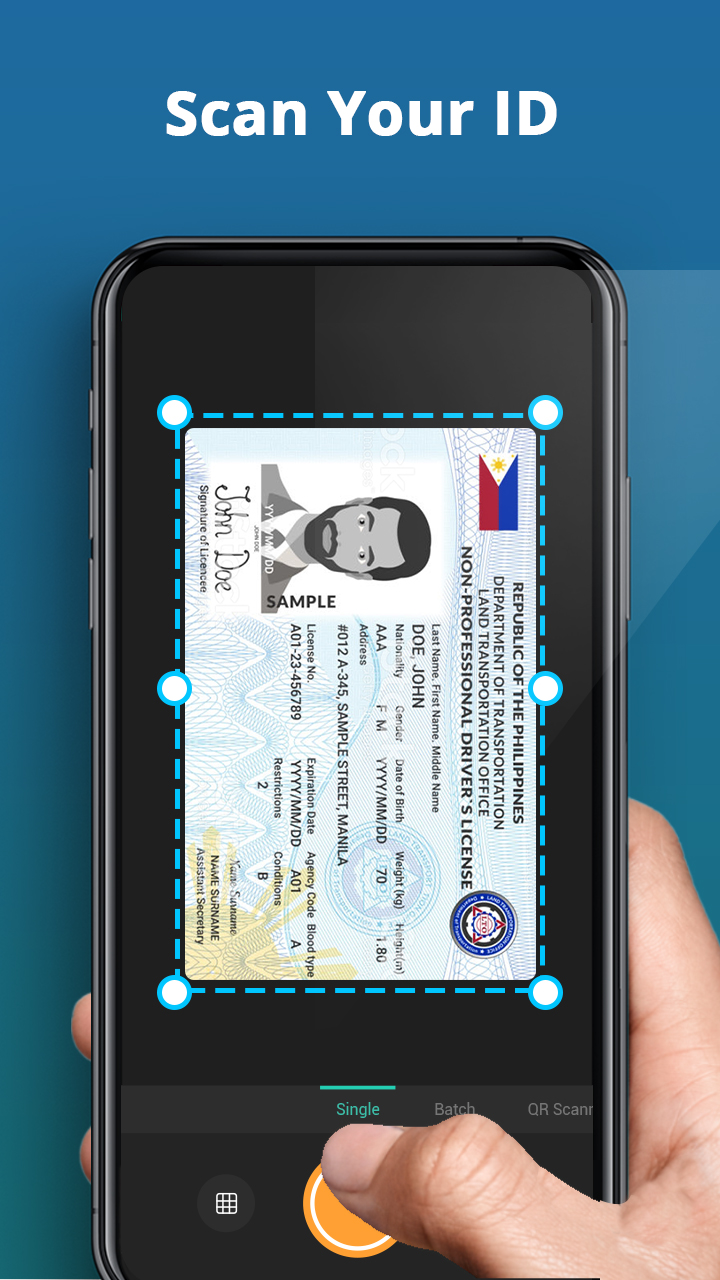
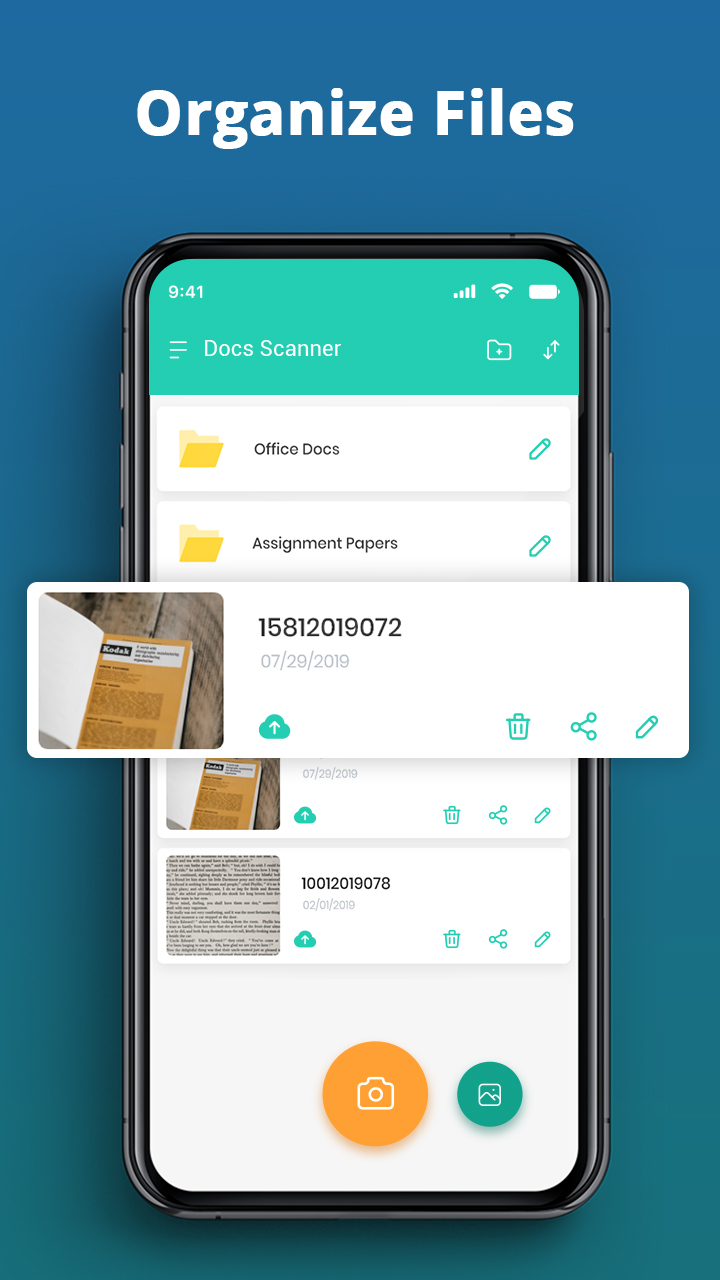
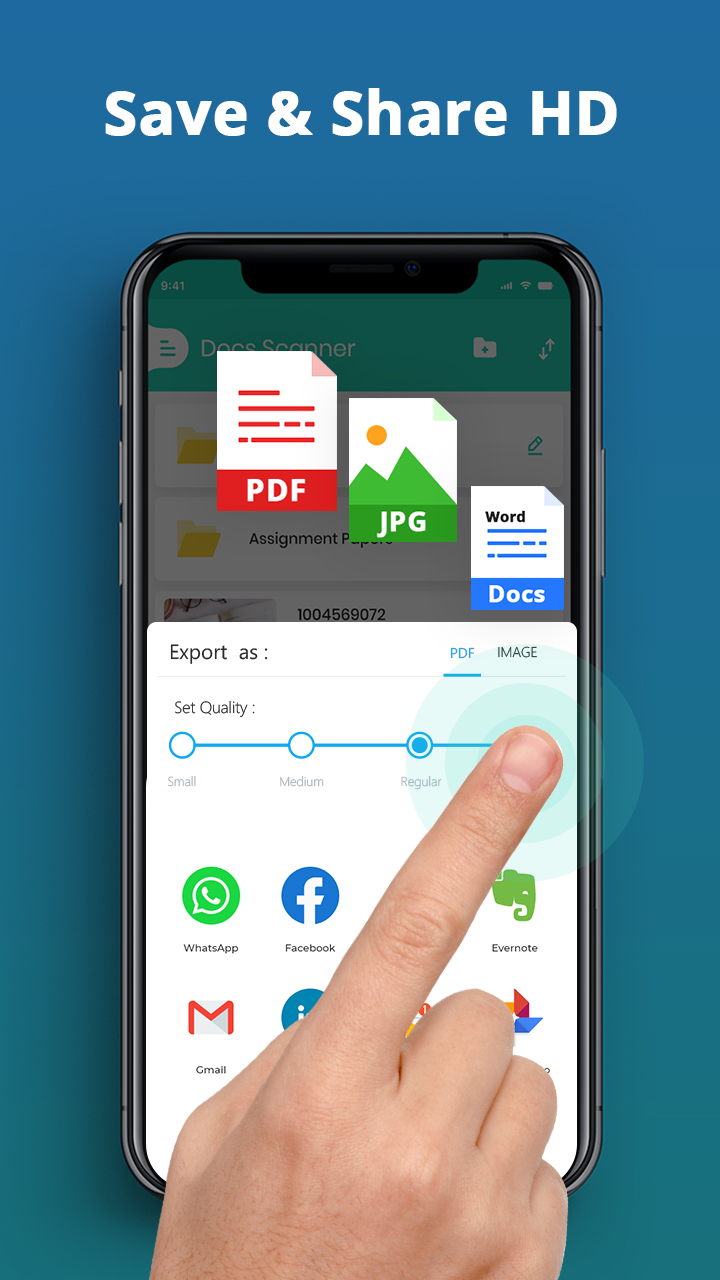
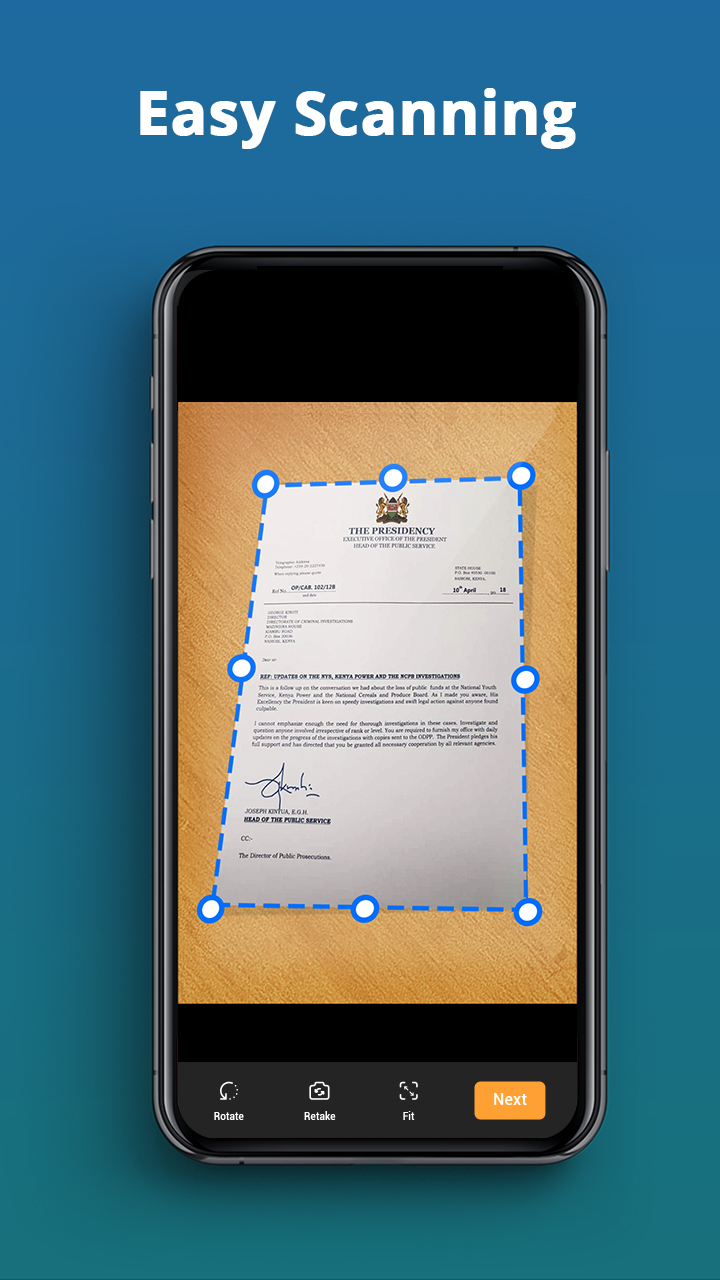
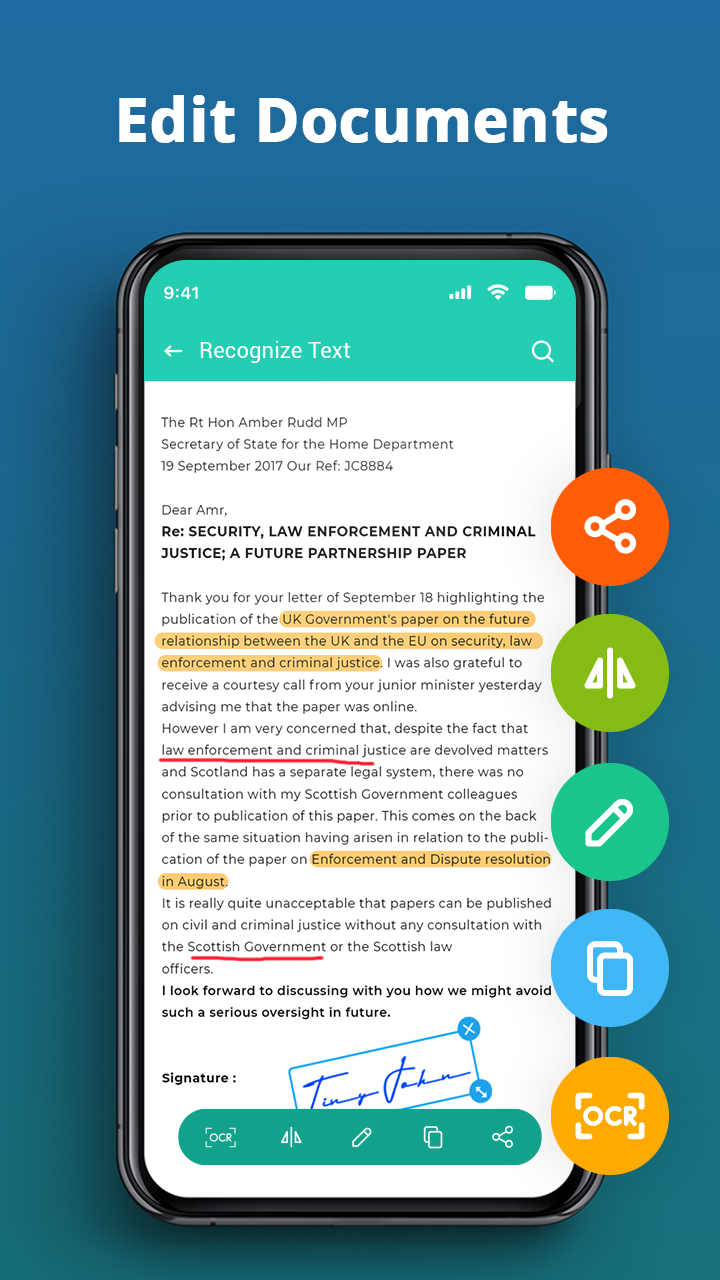
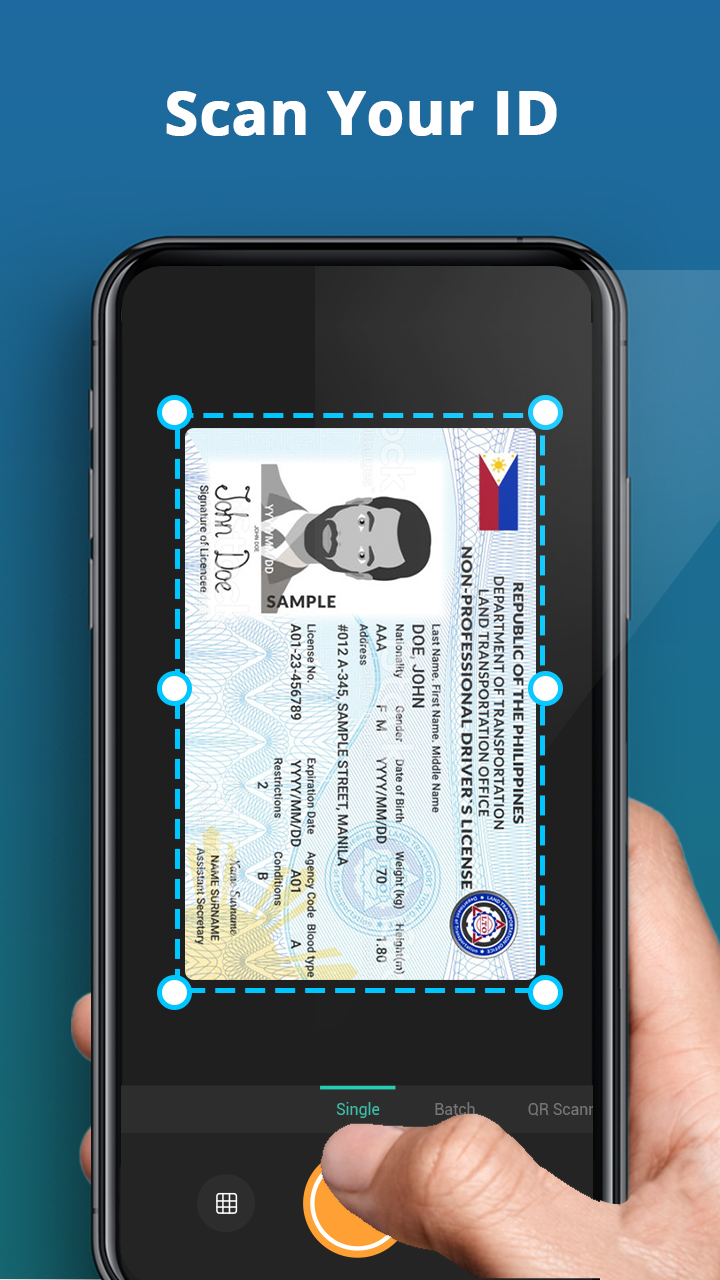
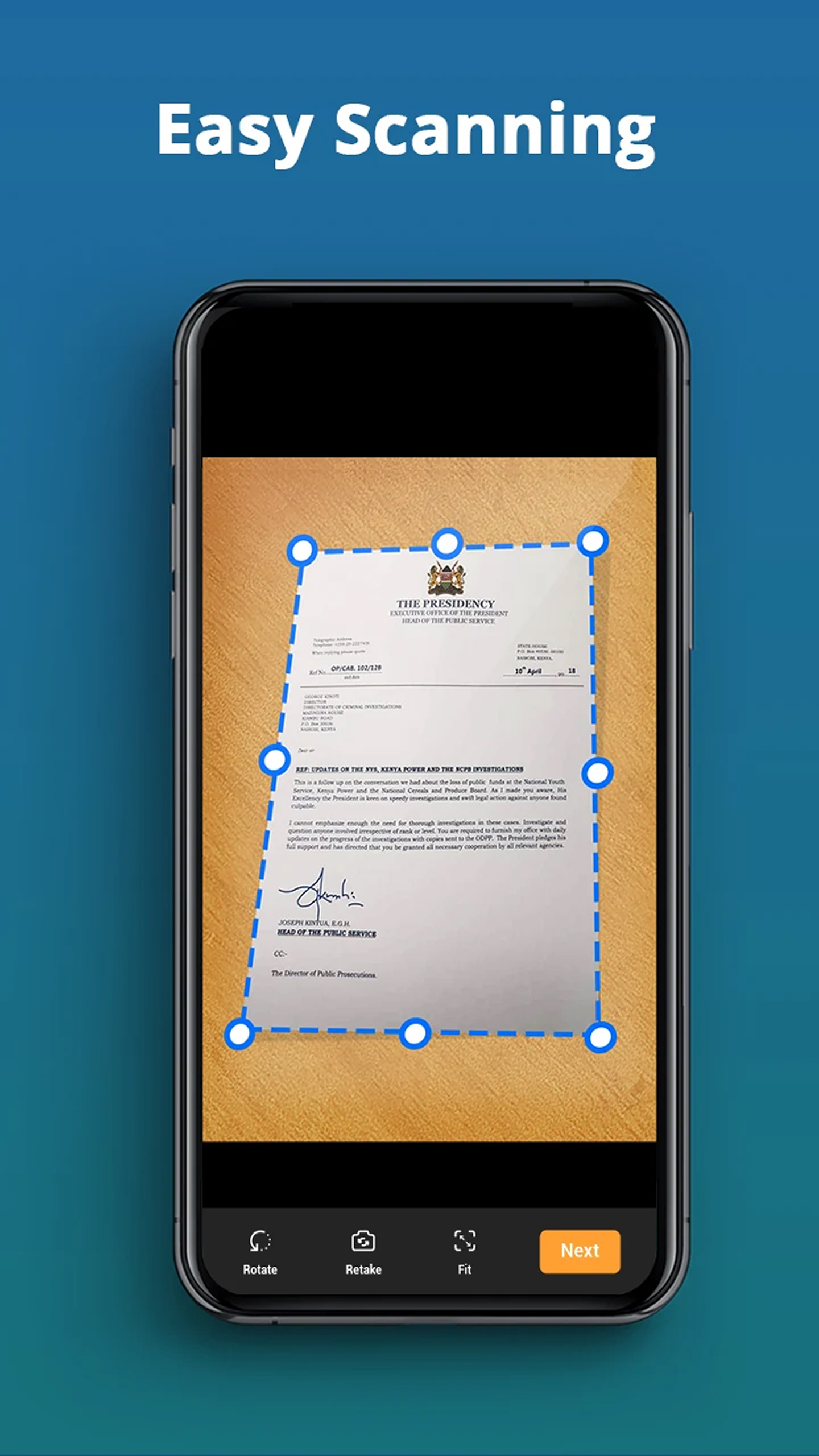
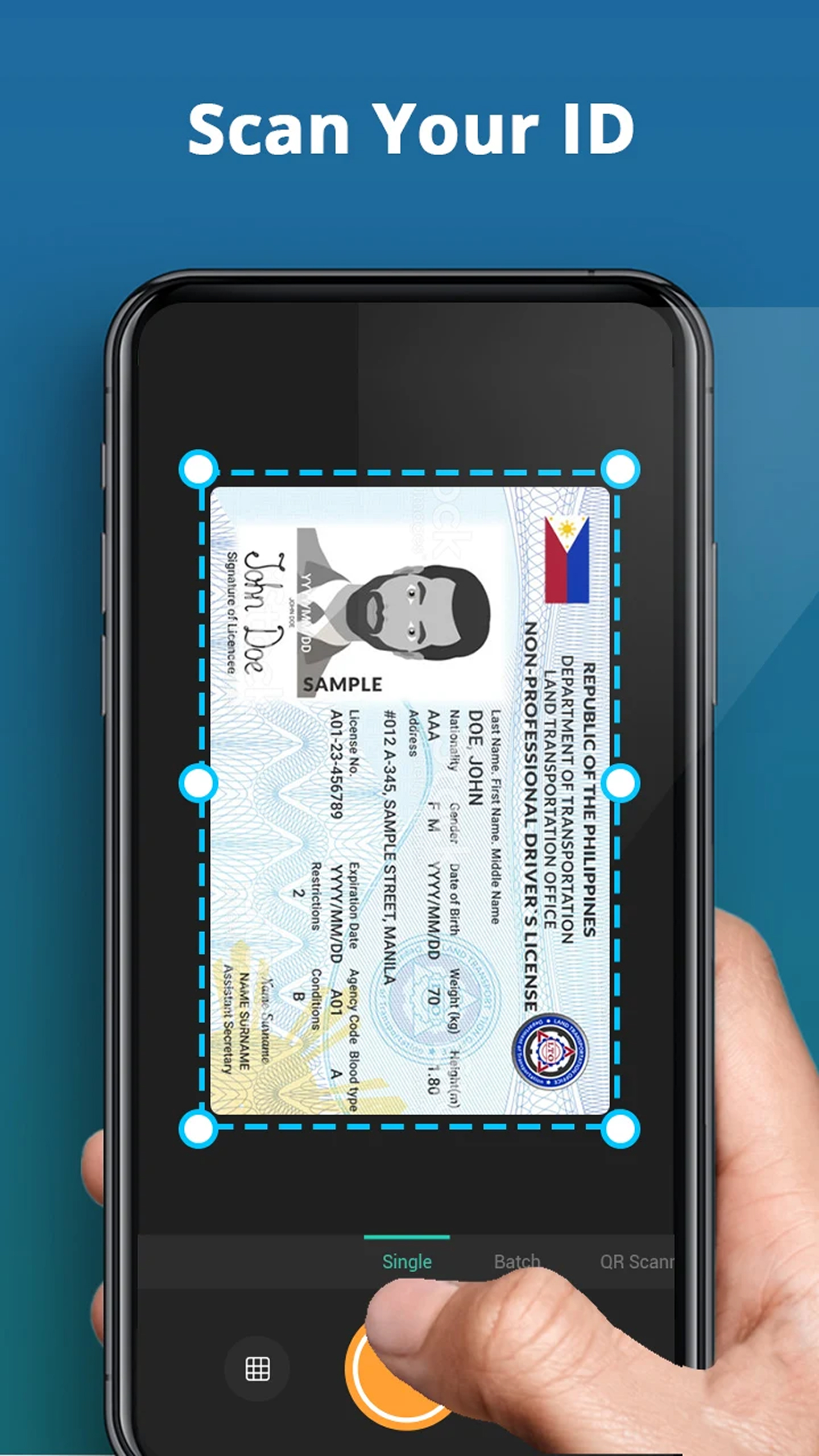
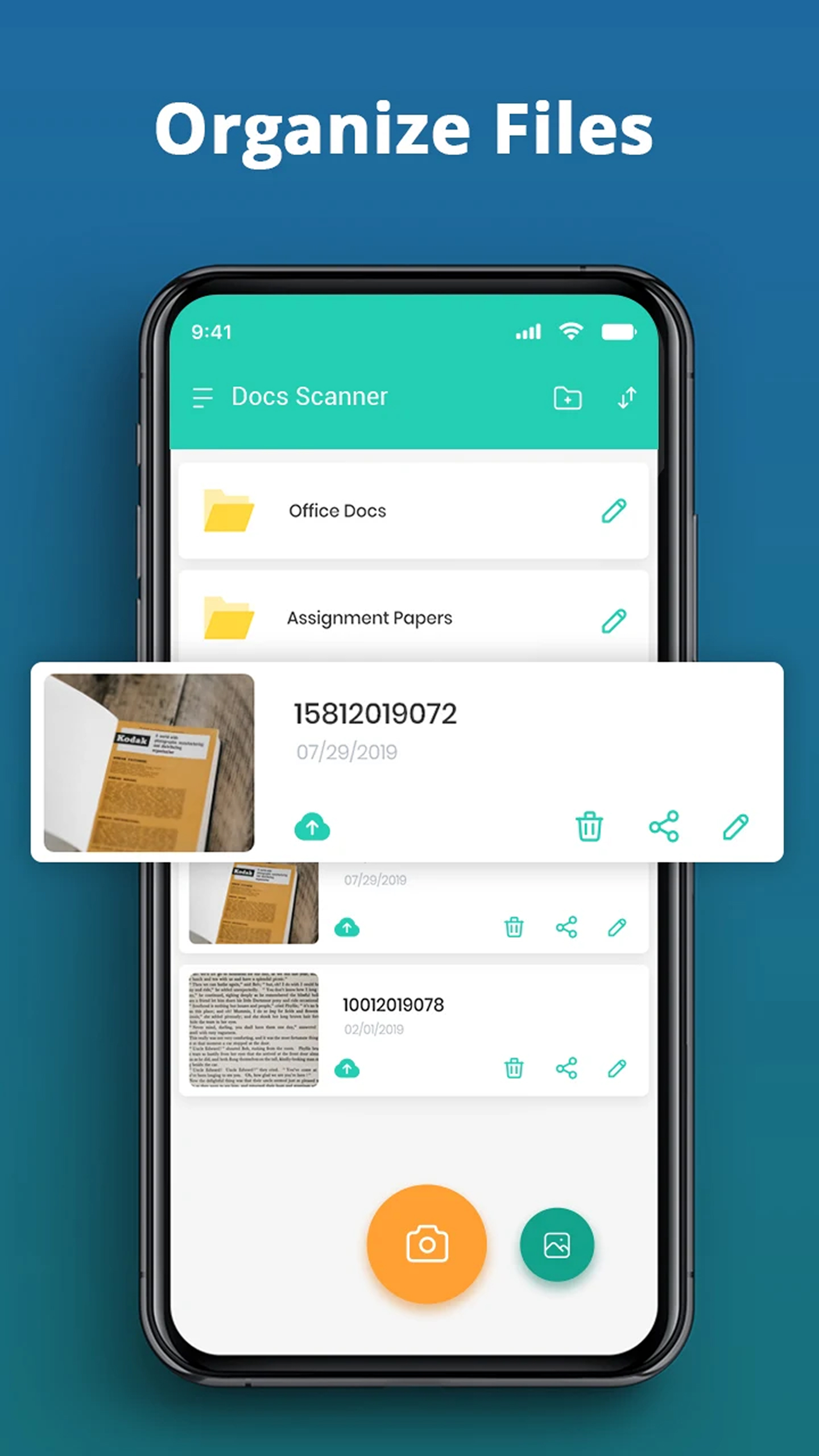
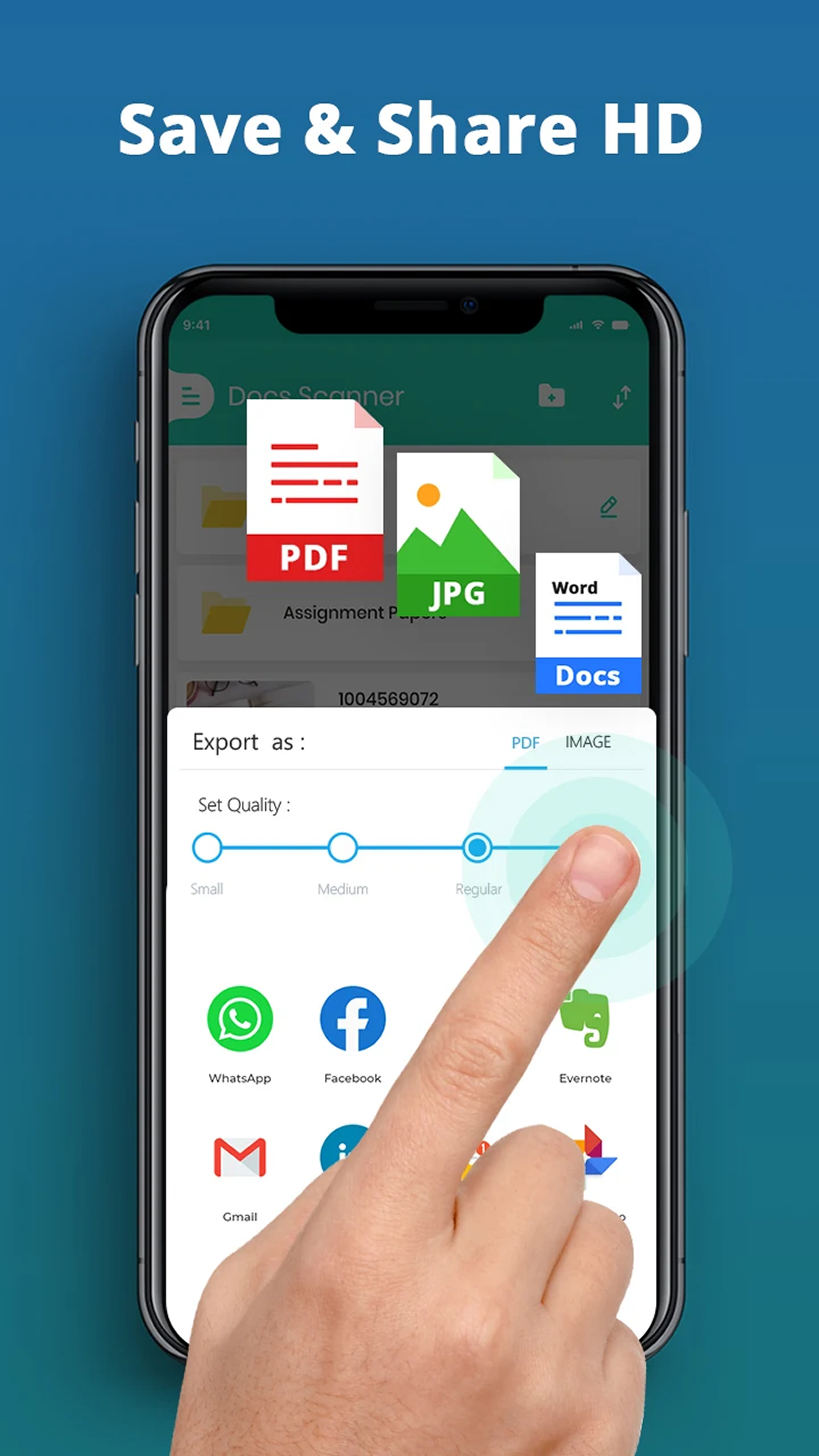
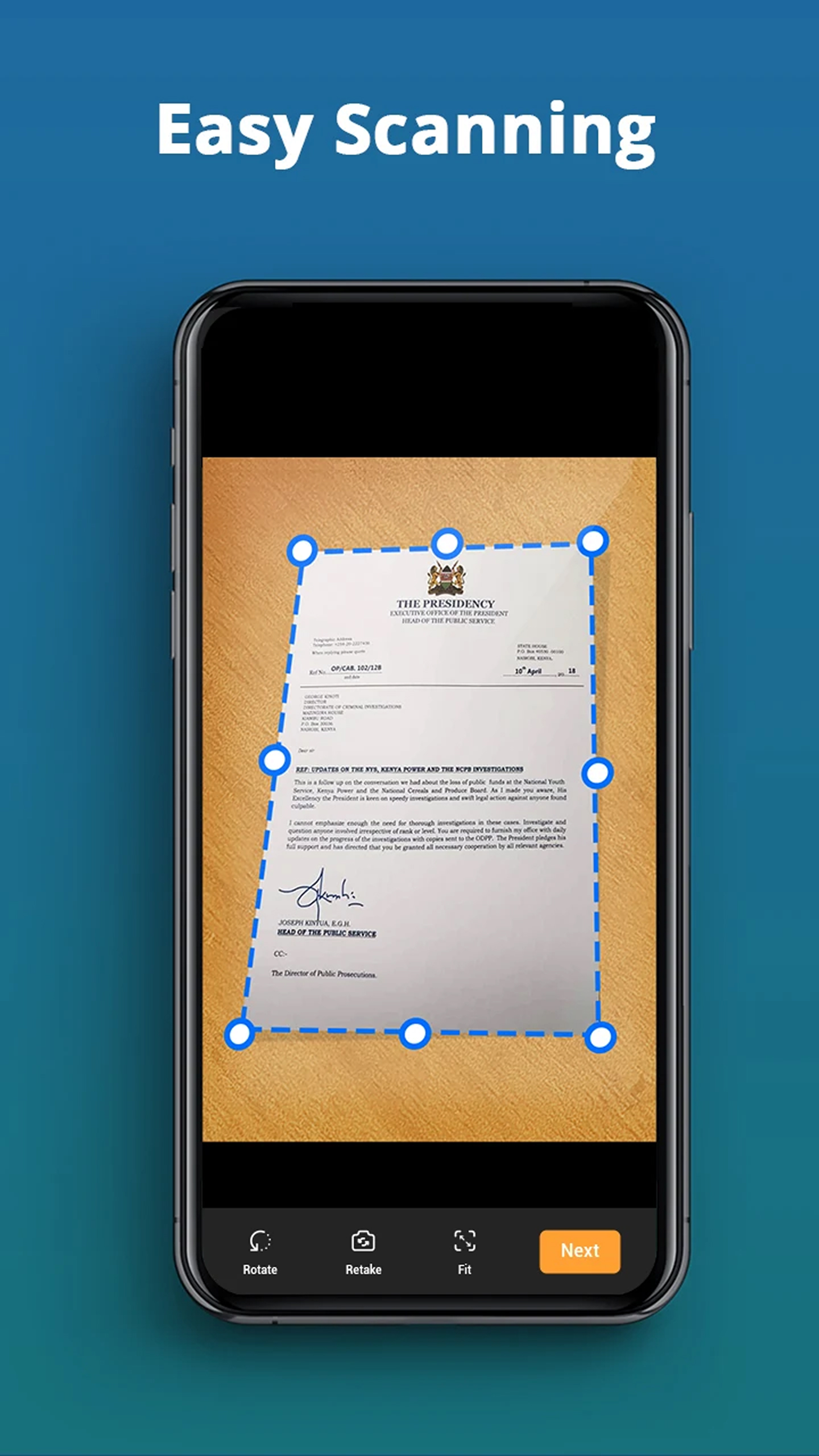
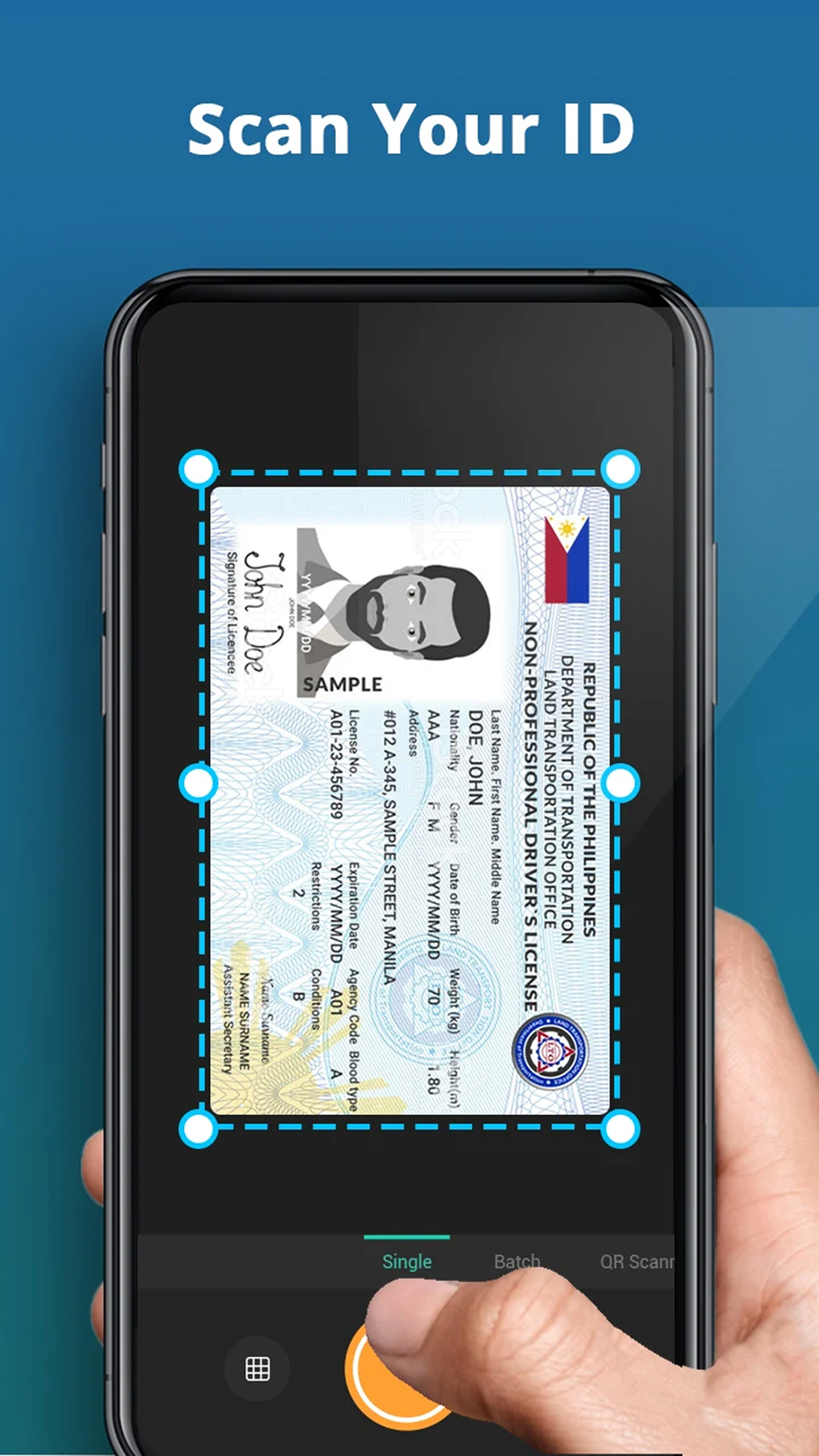
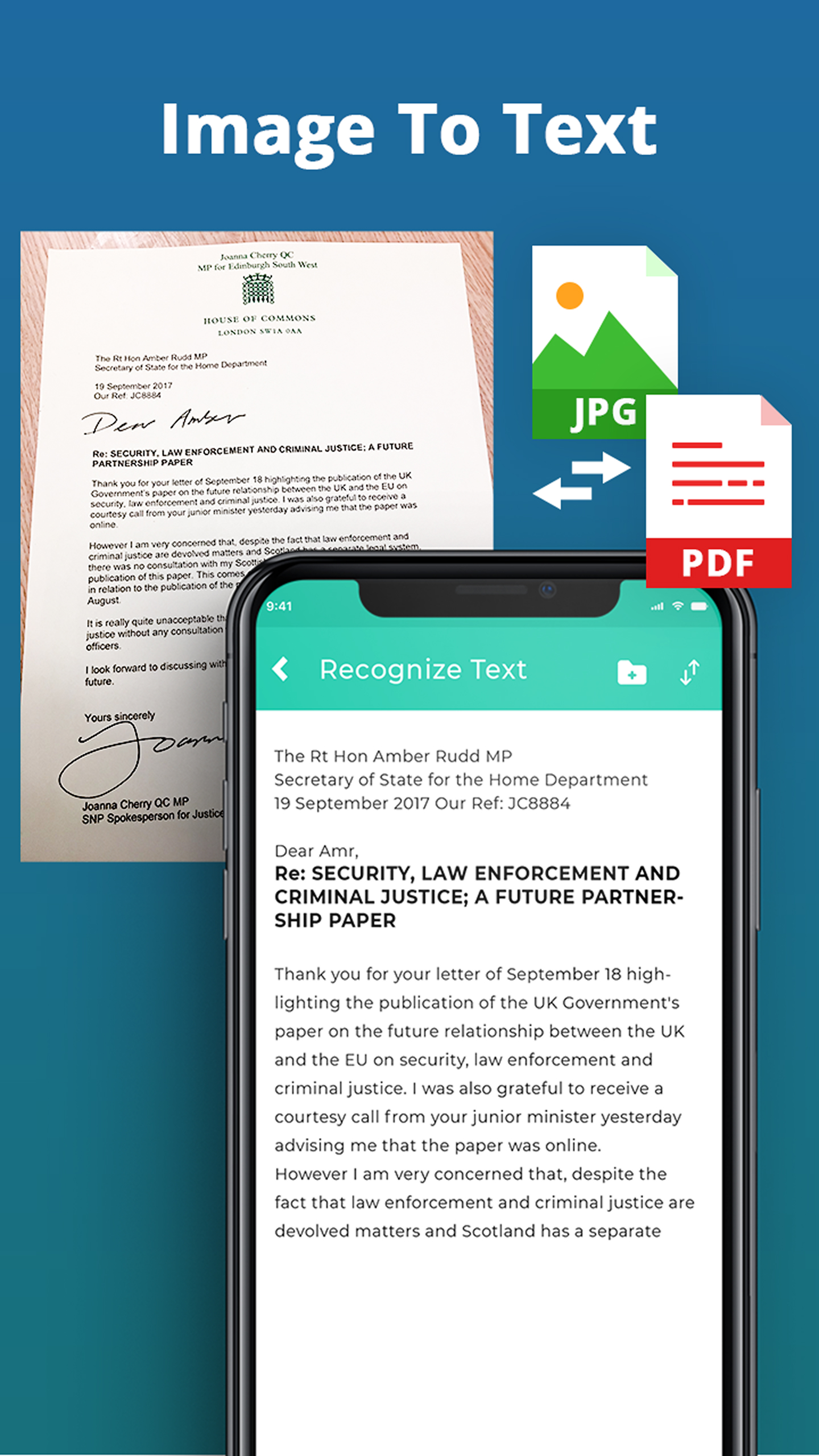
- Kecepatan pemindaian cepat.
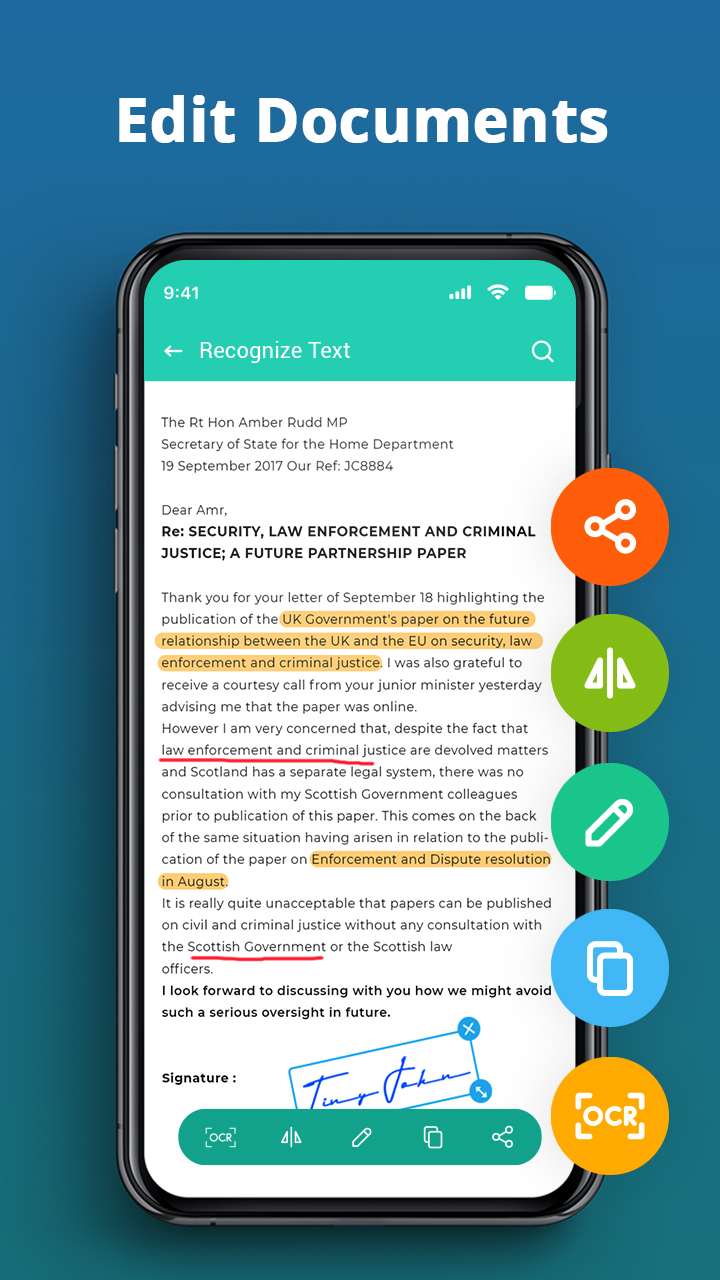
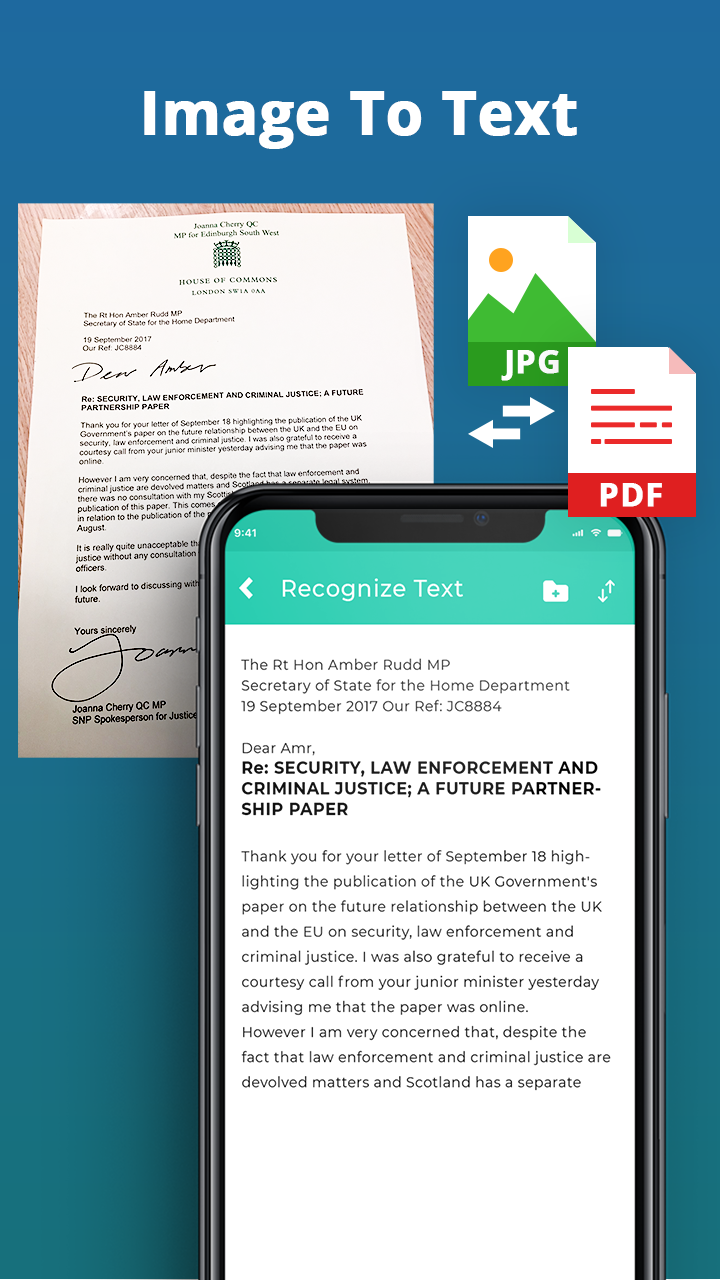
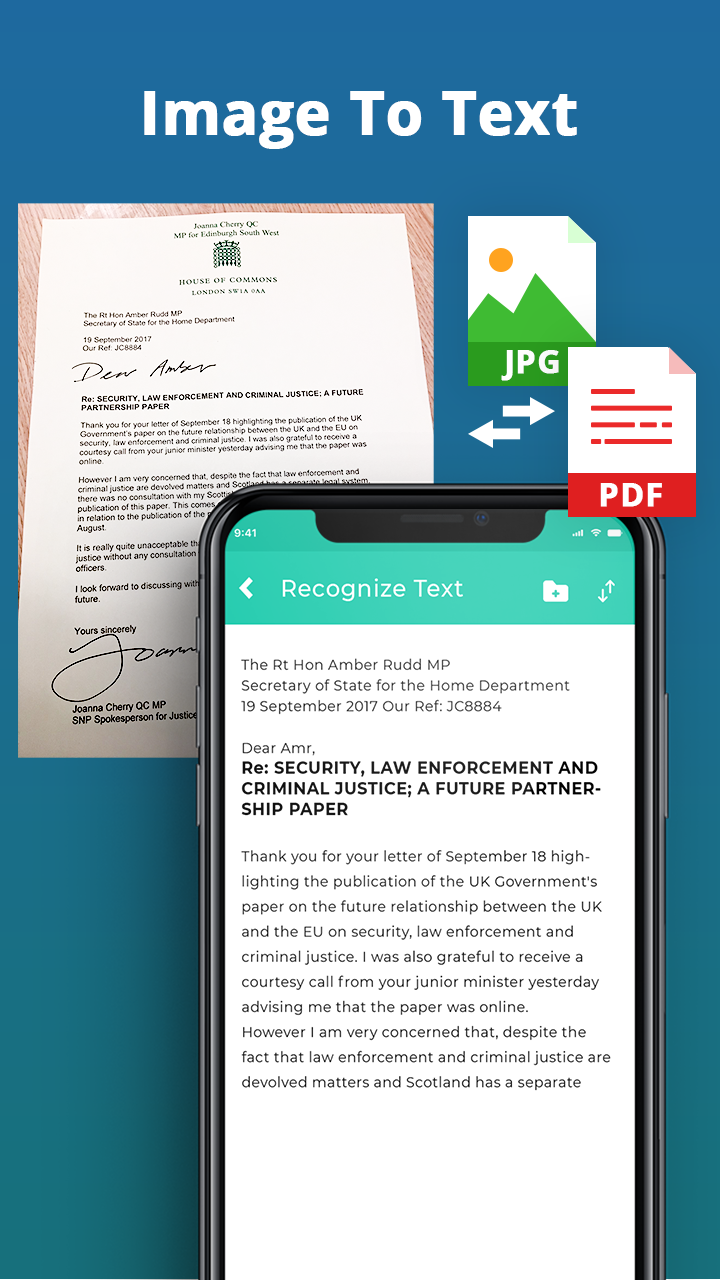
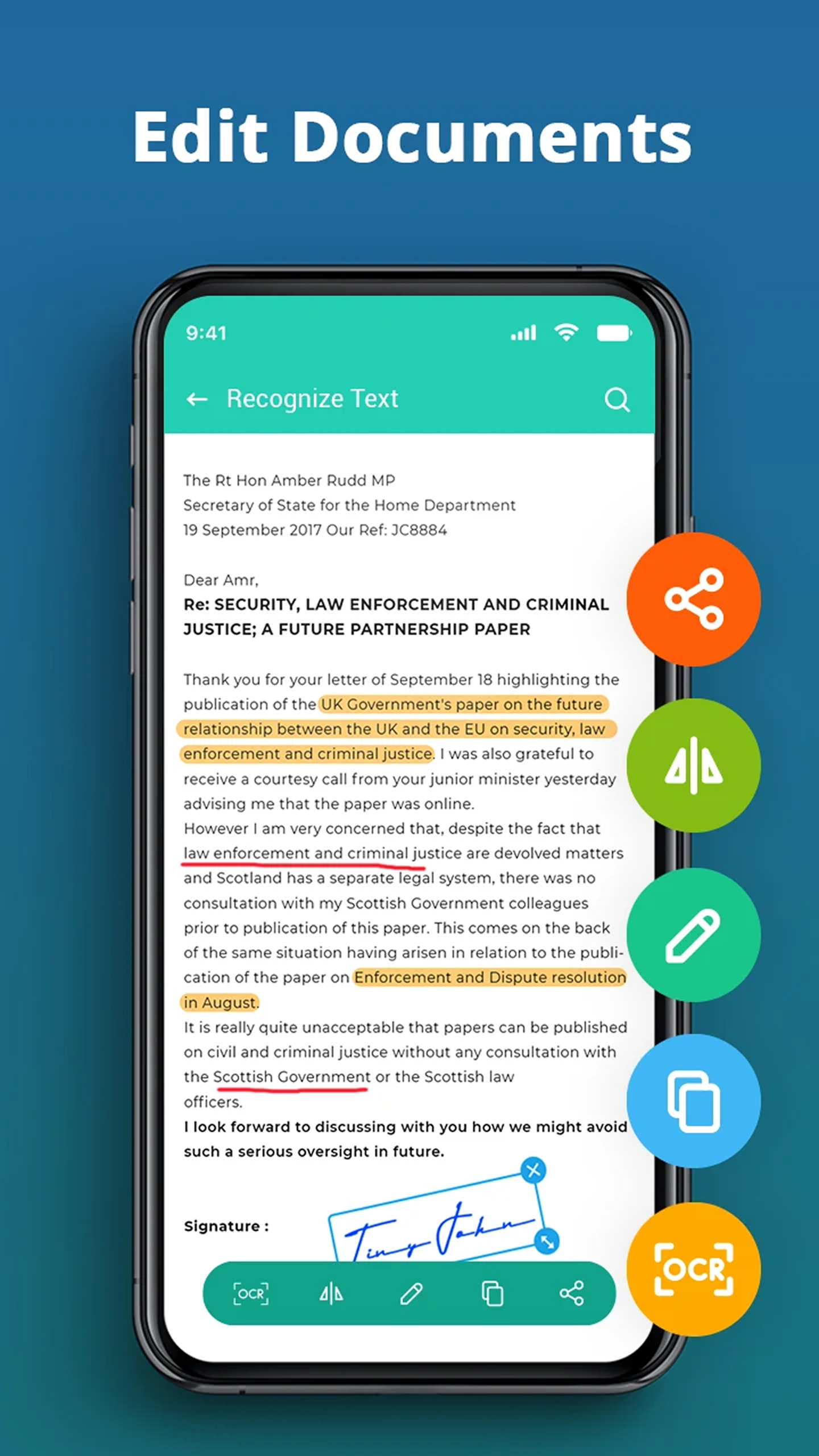
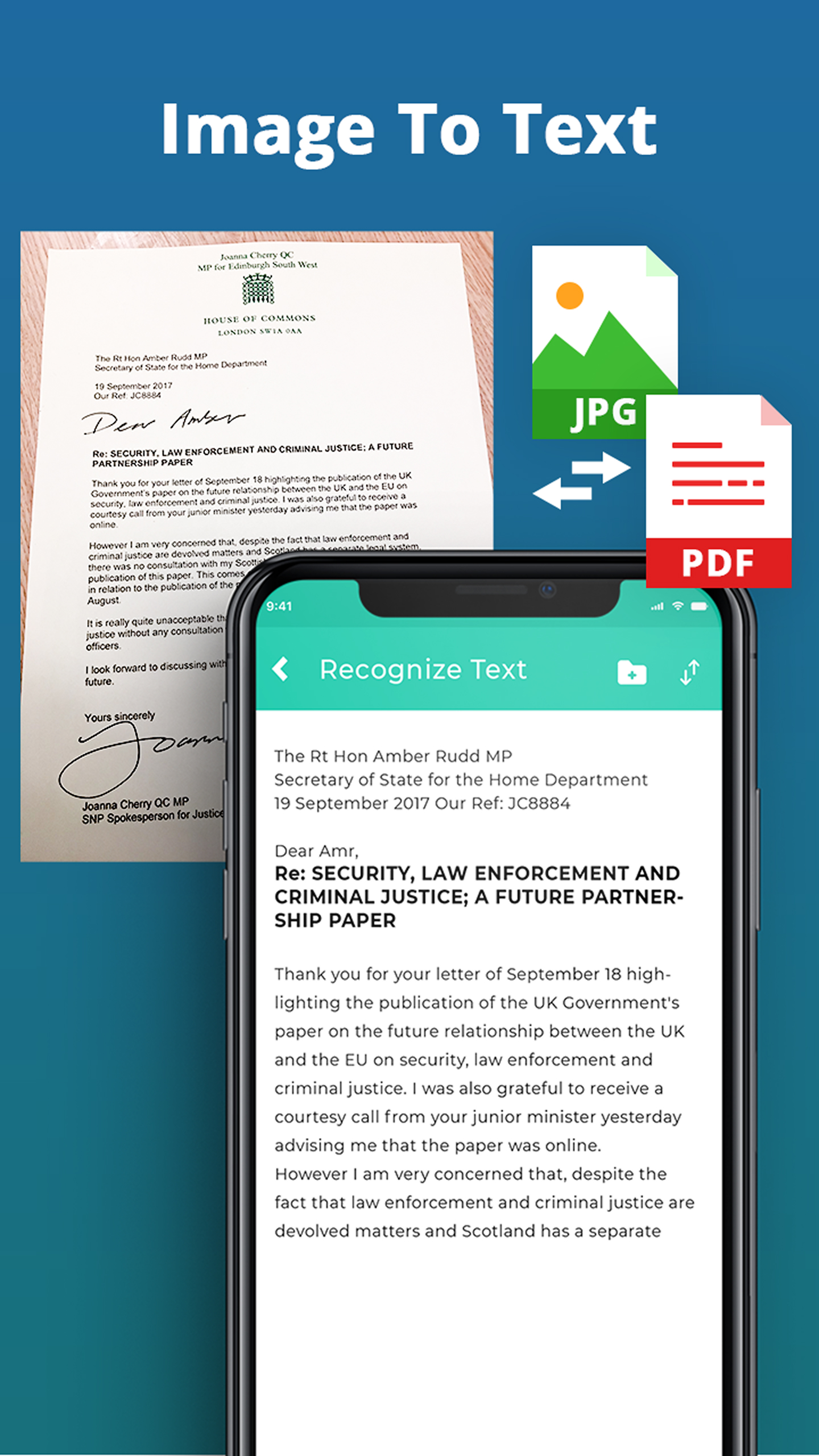
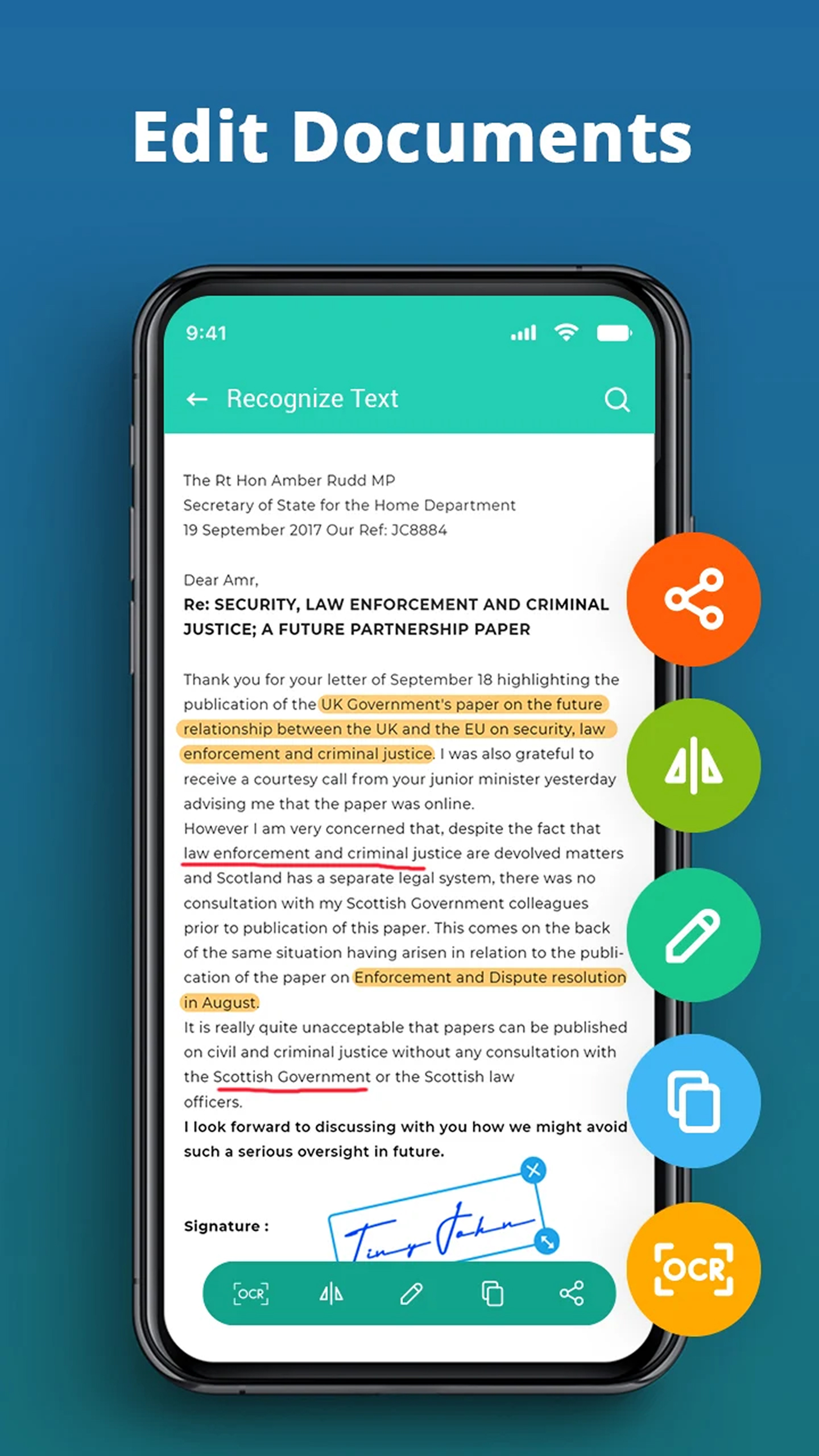
- Pengenalan teks yang akurat.
- Mendukung lebih dari 100 bahasa.
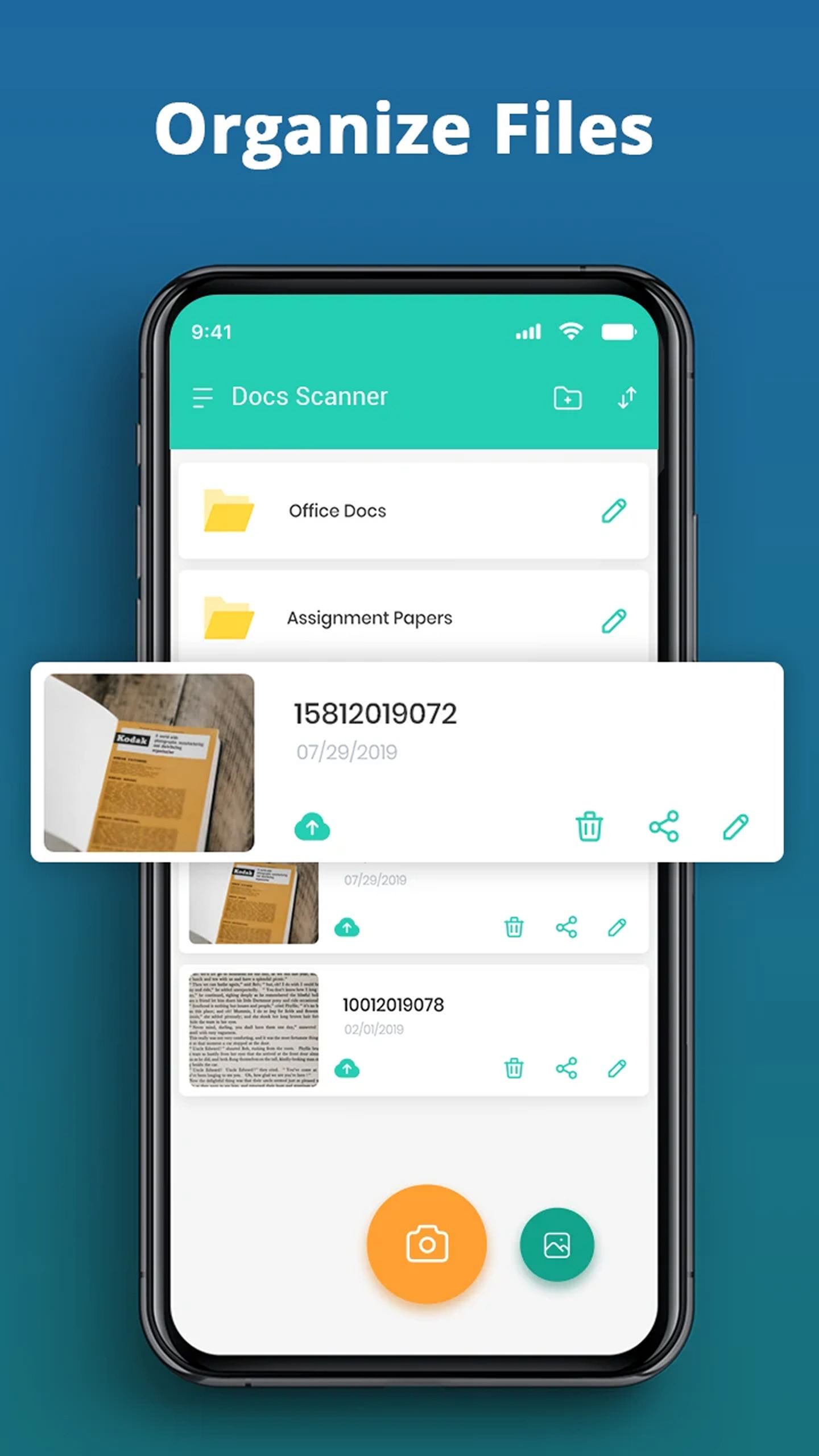
- Antarmuka yang intuitif.
- Uji coba gratis selama 3 hari.
Deskripsi
Aplikasi Document Scanner - Scan to PDF diperiksa oleh antivirus VirusTotal. Sebagai hasil pemindaian, tidak ada infeksi file yang terdeteksi oleh semua tanda tangan terbaru.
Cara memasang Document Scanner - Scan to PDF
- Unduh file APK aplikasi dari apkshki.com.
- Temukan file yang diunduh. Anda dapat menemukannya di baki sistem atau di folder 'Download' menggunakan manajer file apa pun.
- Jika file yang diunduh berekstensi .bin (bug WebView di Android 11), ubah namanya menjadi .apk menggunakan pengelola file apa pun atau coba unduh file dengan browser lain seperti Chrome.
- Mulai penginstalan. Klik pada file yang diunduh untuk memulai penginstalan
- Izinkan penginstalan dari sumber yang tidak dikenal. Jika Anda menginstal untuk pertama kalinya Document Scanner - Scan to PDF bukan dari Google Play, buka pengaturan keamanan perangkat Anda dan izinkan penginstalan dari sumber yang tidak dikenal.
- Lewati perlindungan Google Play. Jika proteksi Google Play memblokir penginstalan file, ketuk 'Info Lebih Lanjut' → 'Tetap instal' → 'OK' untuk melanjutkan..
- Selesaikan penginstalan: Ikuti petunjuk penginstal untuk menyelesaikan proses penginstalan.
Cara memperbarui Document Scanner - Scan to PDF
- Unduh versi baru aplikasi dari apkshki.com.
- Cari file yang diunduh dan klik file tersebut untuk memulai penginstalan.
- Instal di atas versi lama. Tidak perlu menghapus instalasi versi sebelumnya.
- Hindari konflik tanda tangan. Jika versi sebelumnya tidak diunduh dari apkshki.com, pesan 'Aplikasi tidak terinstal' mungkin muncul. Dalam kasus ini, hapus instalan versi lama dan instal versi baru.
- Mulai ulang lampiran Document Scanner - Scan to PDF setelah pembaruan.







Meminta pembaruan aplikasi
Ditambahkan Denis Rubinov
Versi: 4.3.1
Ukuran: 36.6 MB
Diperbarui: 24.06.2025
Developer: TopTap Studio
Batasan Usia: Everyone
Diunduh di Google Play: 21139341
Kategori: Kerja















Ulasan untuk Document Scanner - Scan to PDF
A great app, I really liked it. However, in its next version it would be even more interesting if the possibility of combining two or more PDFs into one.
fast and neatly done why working
good
This is the best app
best of the best , Masha Allah.
this App is the best
Very Usefull at work, very recommendable for others. nice.
very good ap
Great to work with but too much ads
Document scanner app works amazing everything. I absolutely lovit... best part the app works when you have no data it's amazing . The app works fast its perfect all its features. The ads is not as annoying like other apps . On this app you get no adds when u have no data but once u you connect to internet then it shows short add that you can end easily without getting annoyed.... awsoom app I lovit ! Does what it's suppose to do ❤
I'll strictly recommend you to not to use this app. There are many glitches in this app and it almost ruined my whole presentation. This happens a lot with this app that you created a whole PDF, edit it and then when the final document is ready, it shows only a single page throughout the PDF. If the developer of this app is reading this.. i would request you that if you make applications, make them trustworthy. Thankyou :)
Worst app. It automatically charges the connected credit card in my paypal account. When I signed up, I only keyed in my Paymaya card. I don't know why the credit card was being charged. I AM ASKING FOR A REFUND. This is insane.
Kirimkan komentar
Untuk memberikan komentar, masuklah dengan jejaring sosial Anda:
Atau tinggalkan komentar anonim. Komentar Anda akan dikirim untuk dimoderasi.
Kirimkan komentar
Untuk memberikan komentar, masuklah dengan jejaring sosial Anda:
Atau tinggalkan komentar anonim. Komentar Anda akan dikirim untuk dimoderasi.