



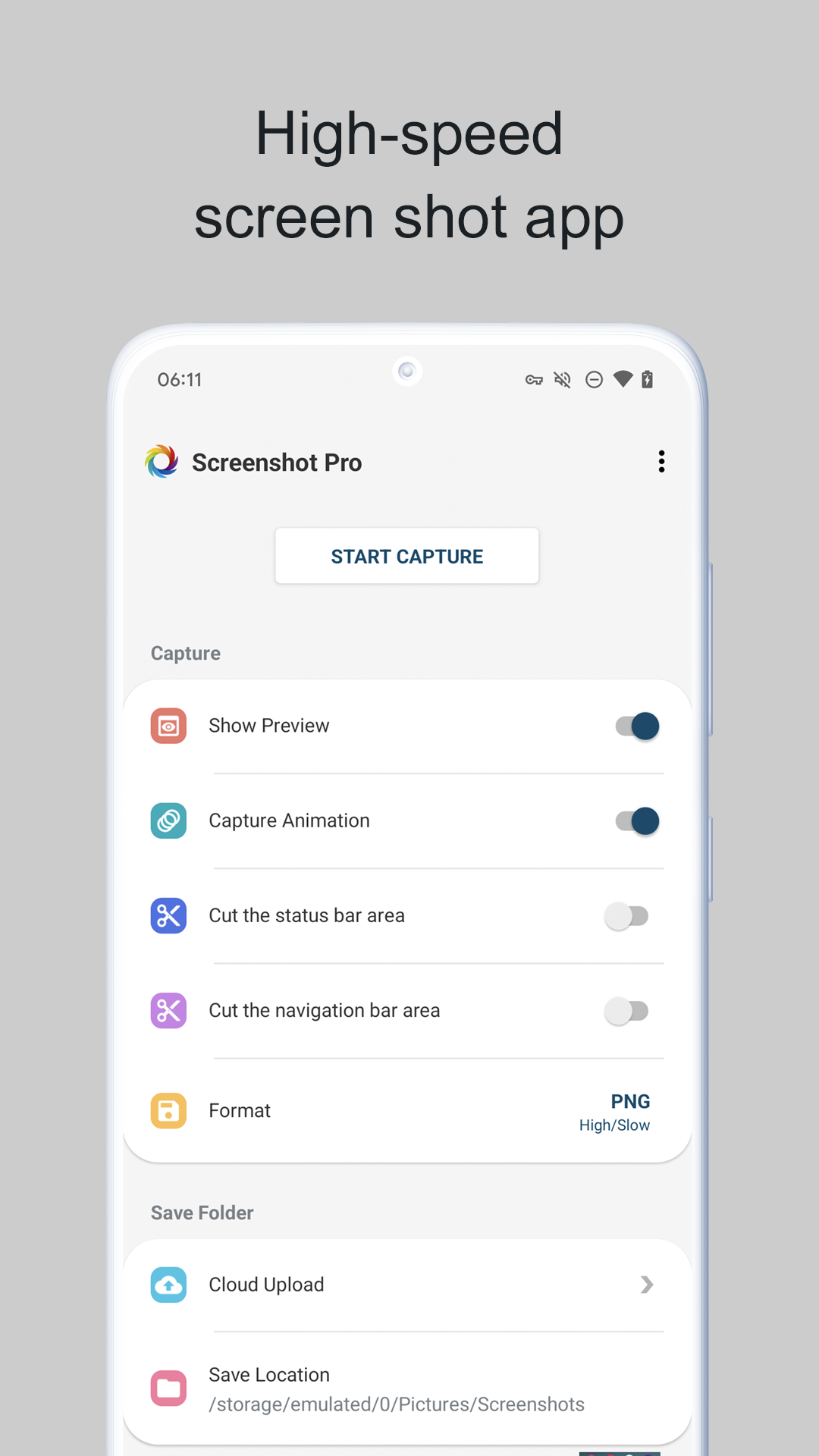
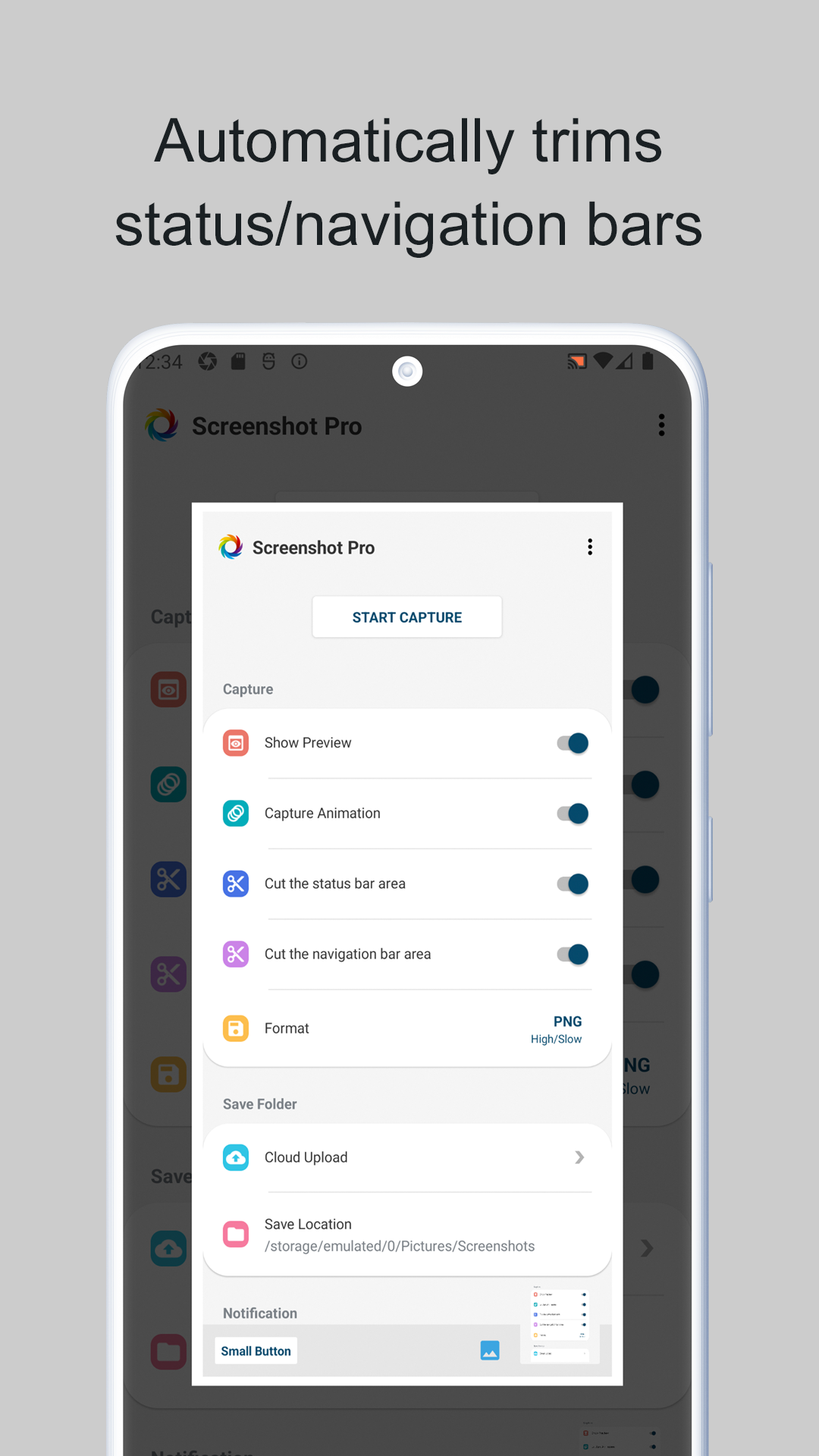
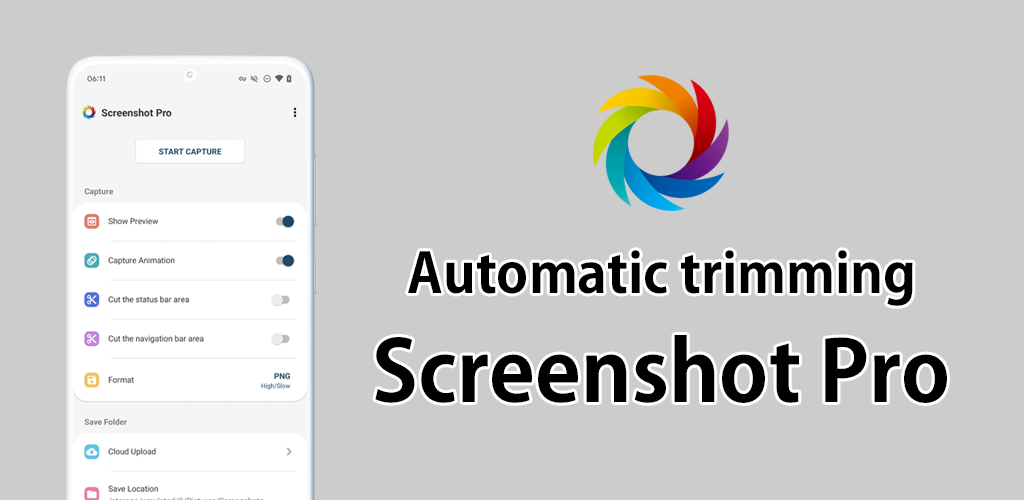
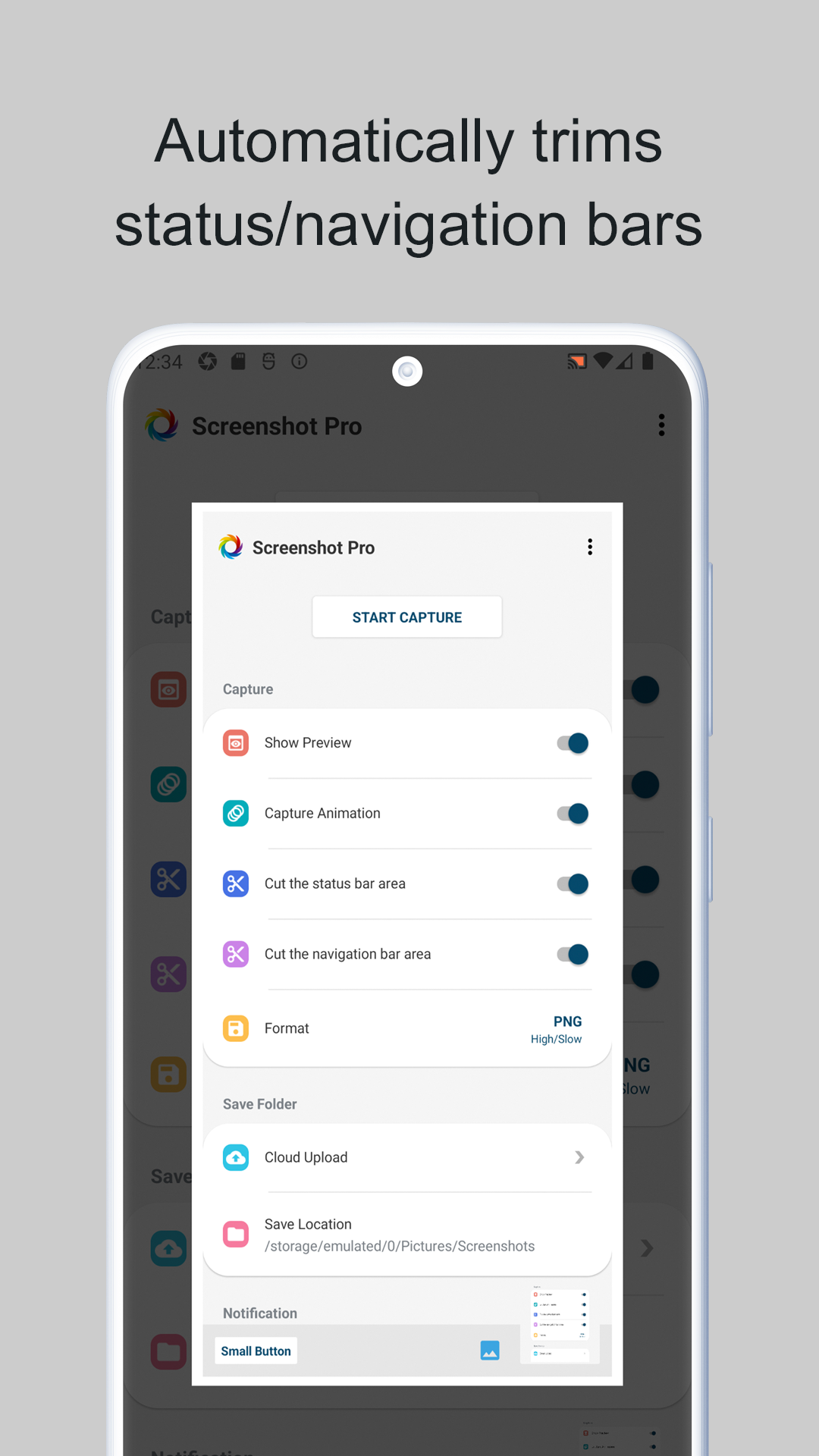
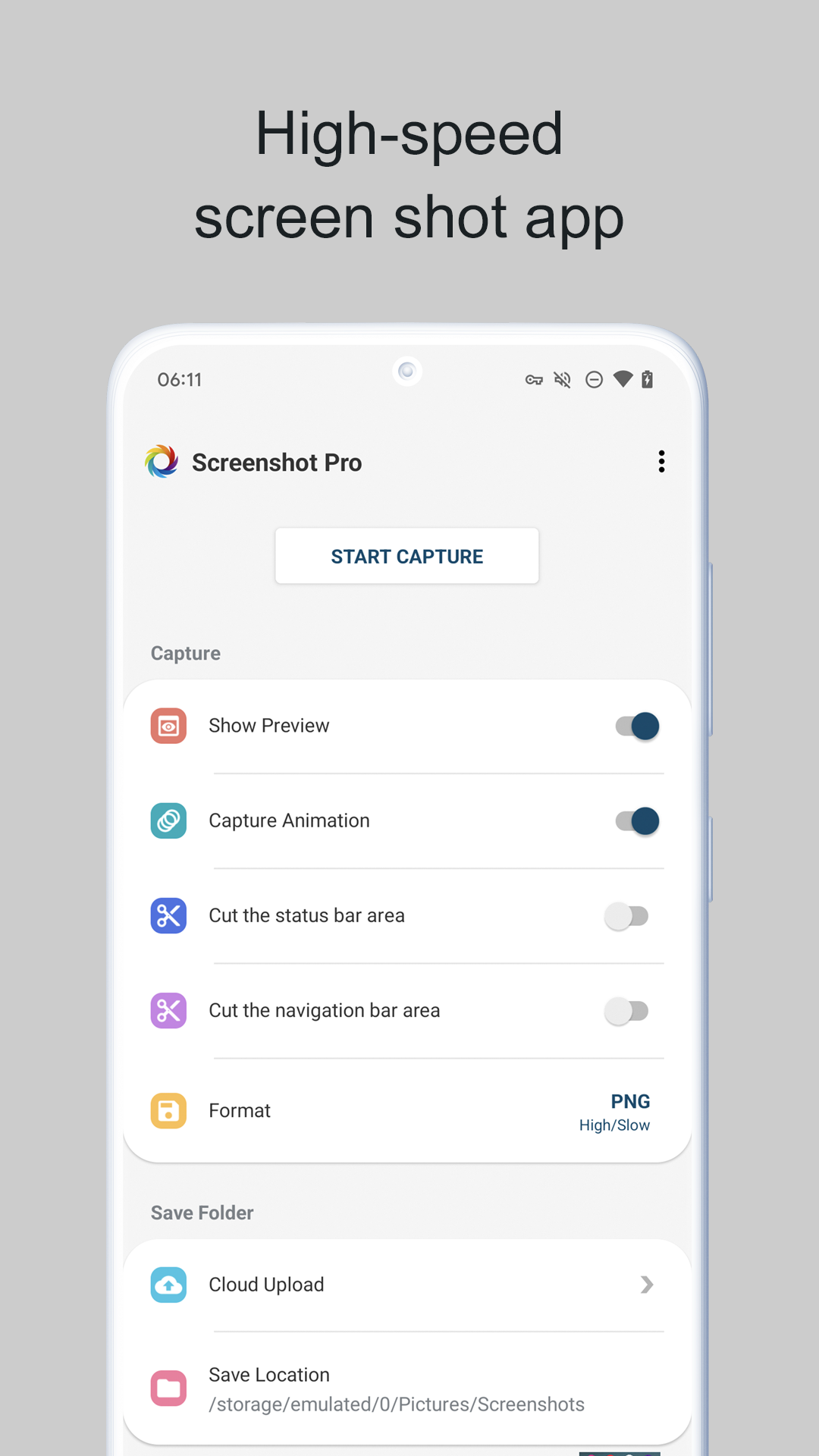
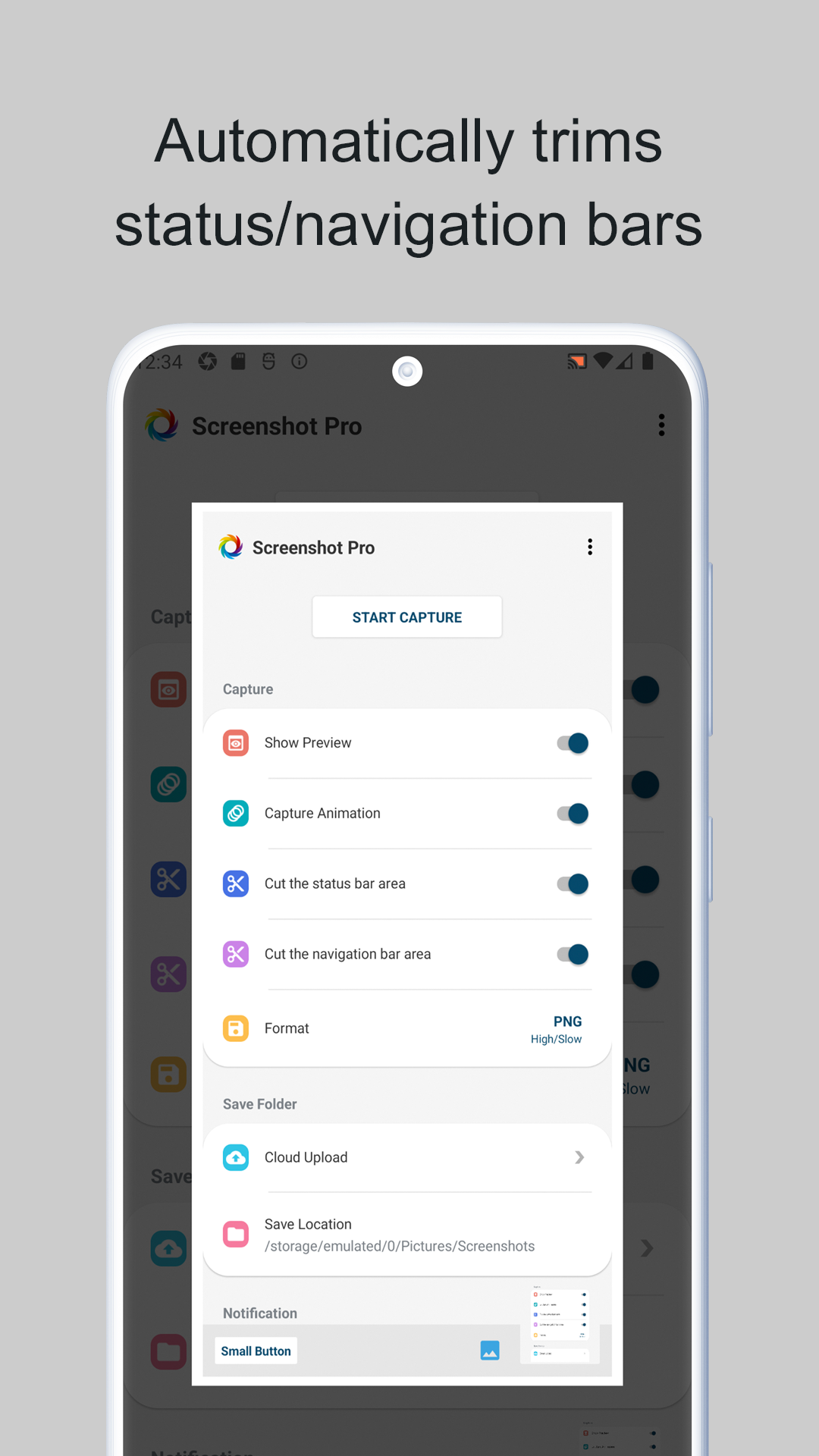
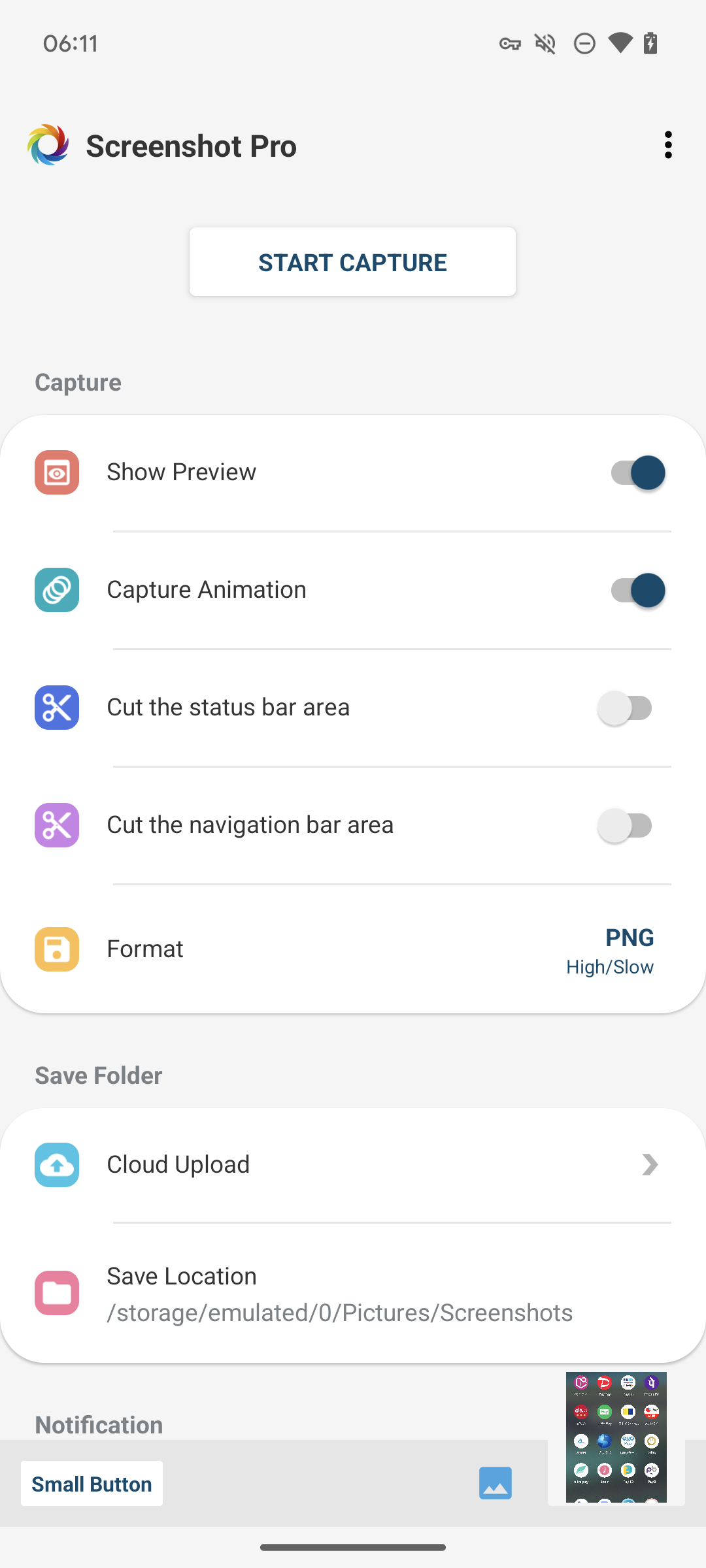
Screenshot -Automatic trimming
5+
unduhan5.1+
versi Android
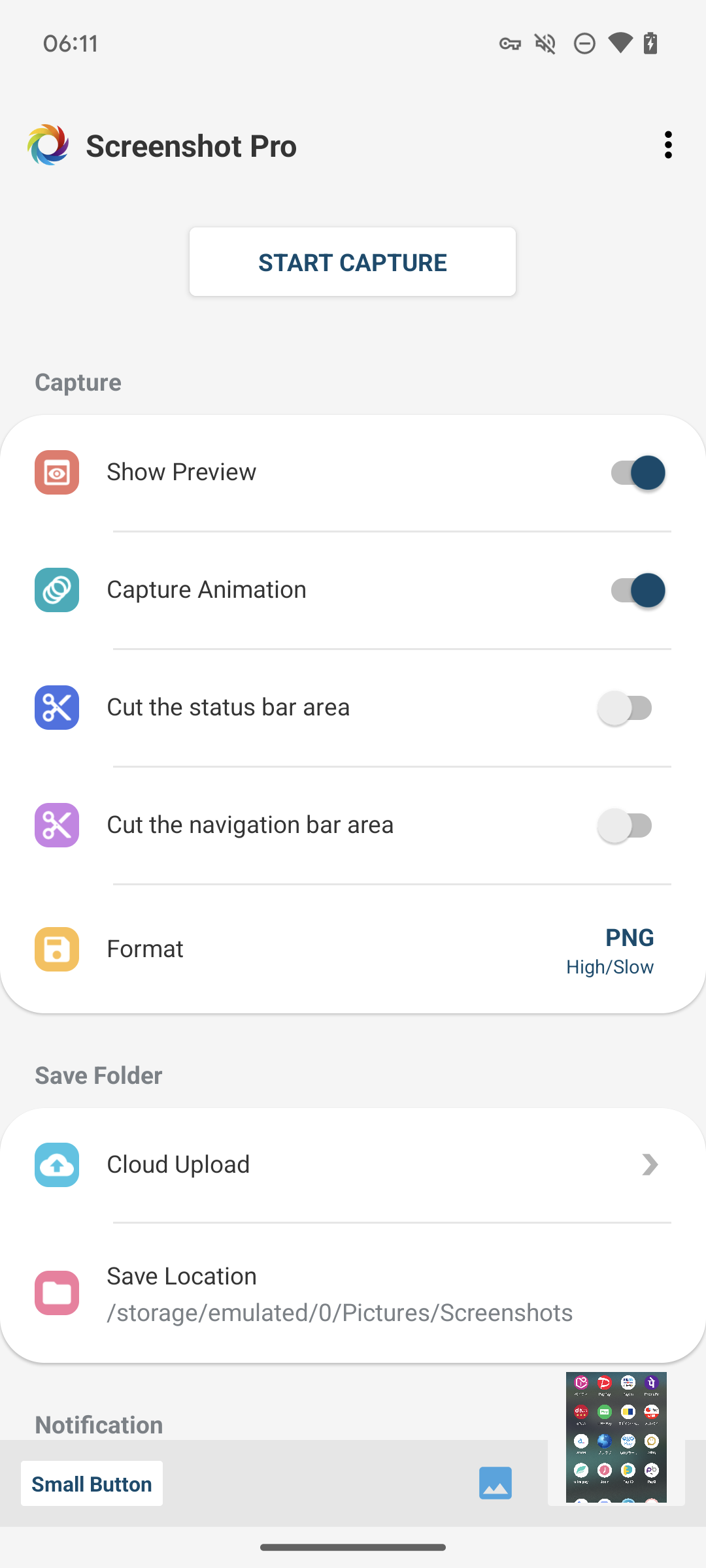
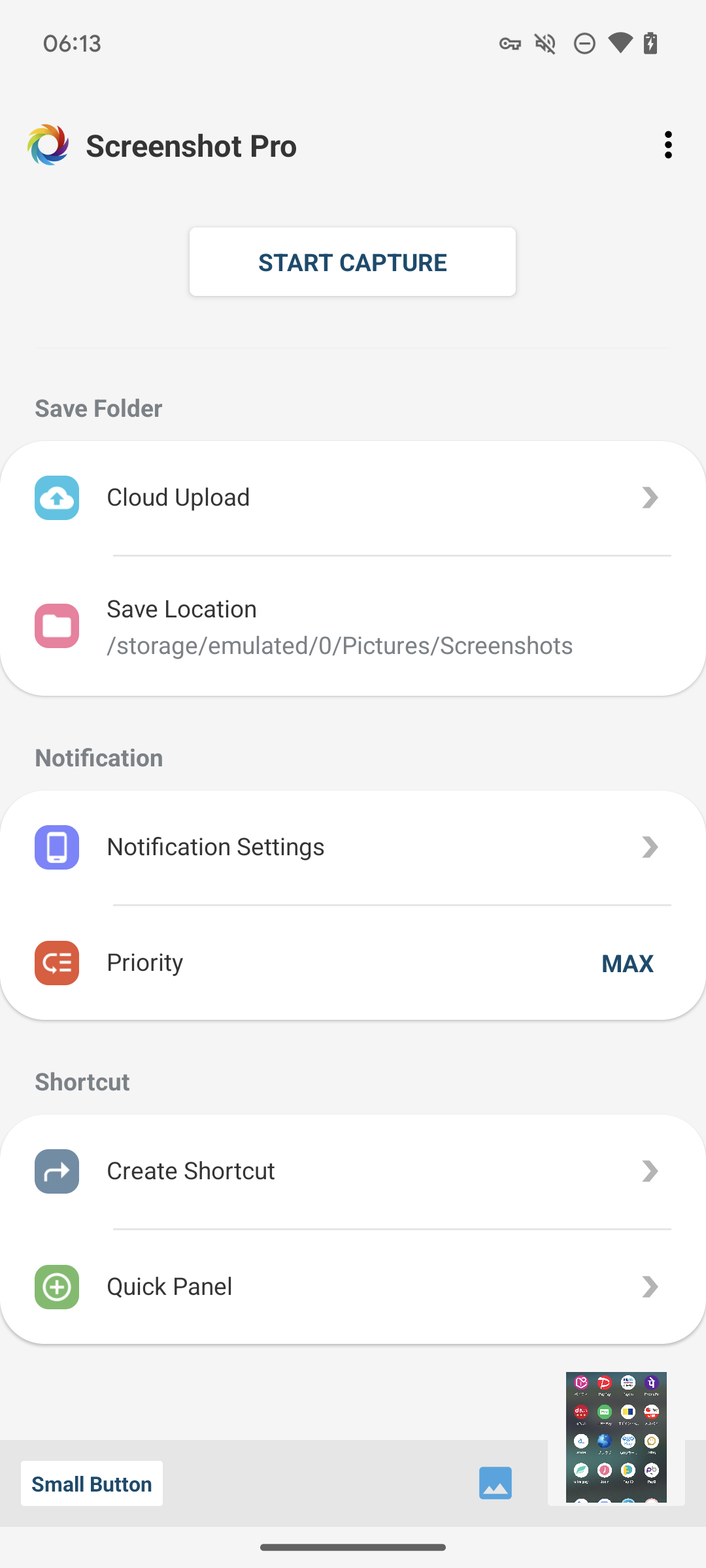
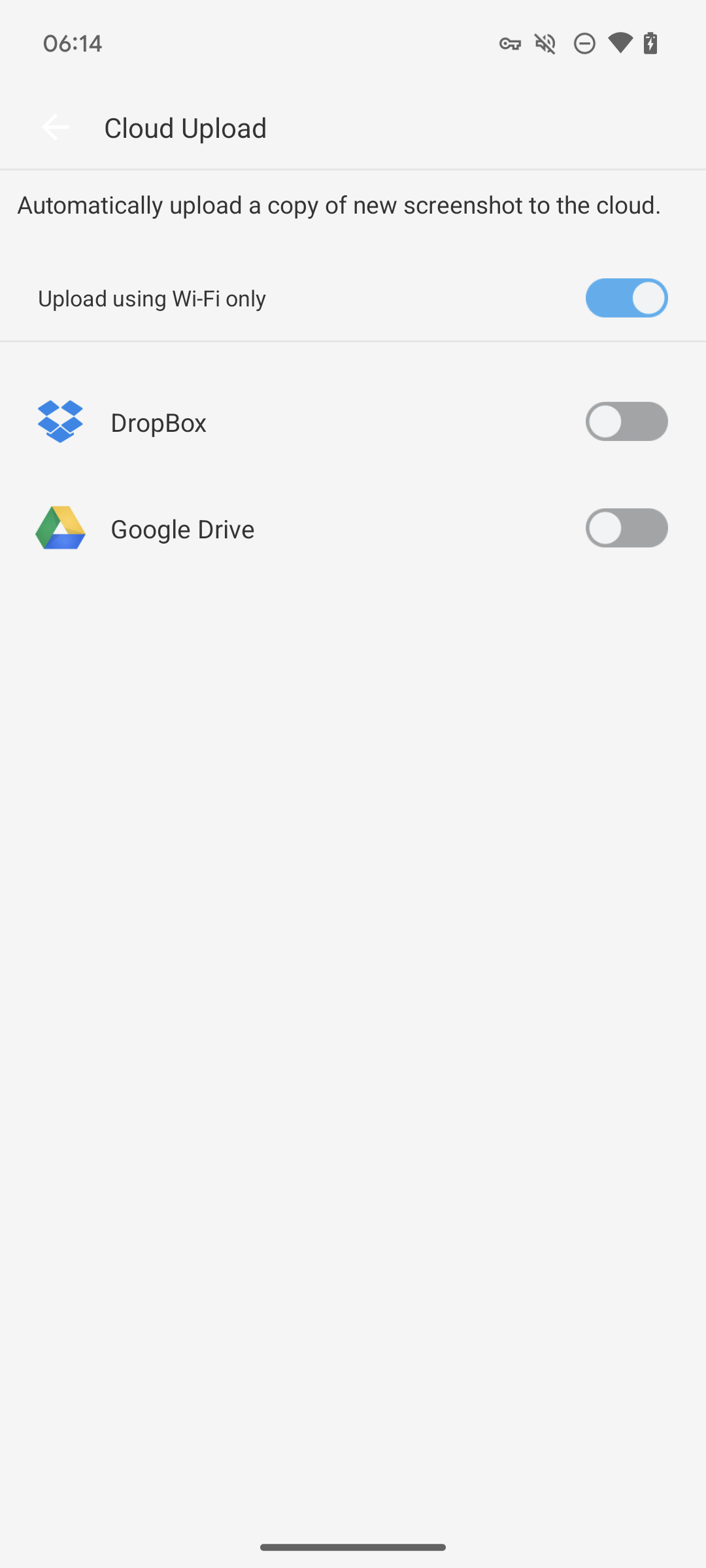
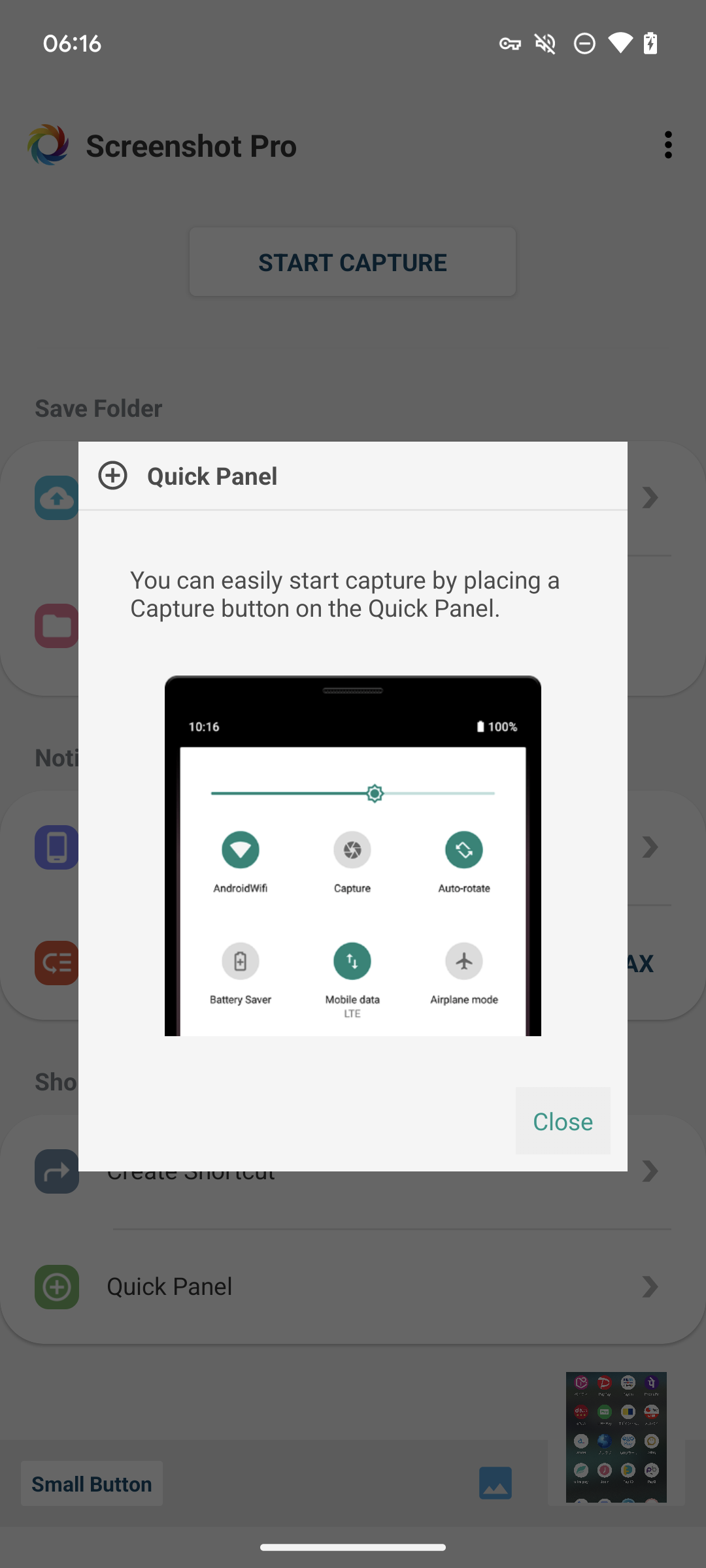
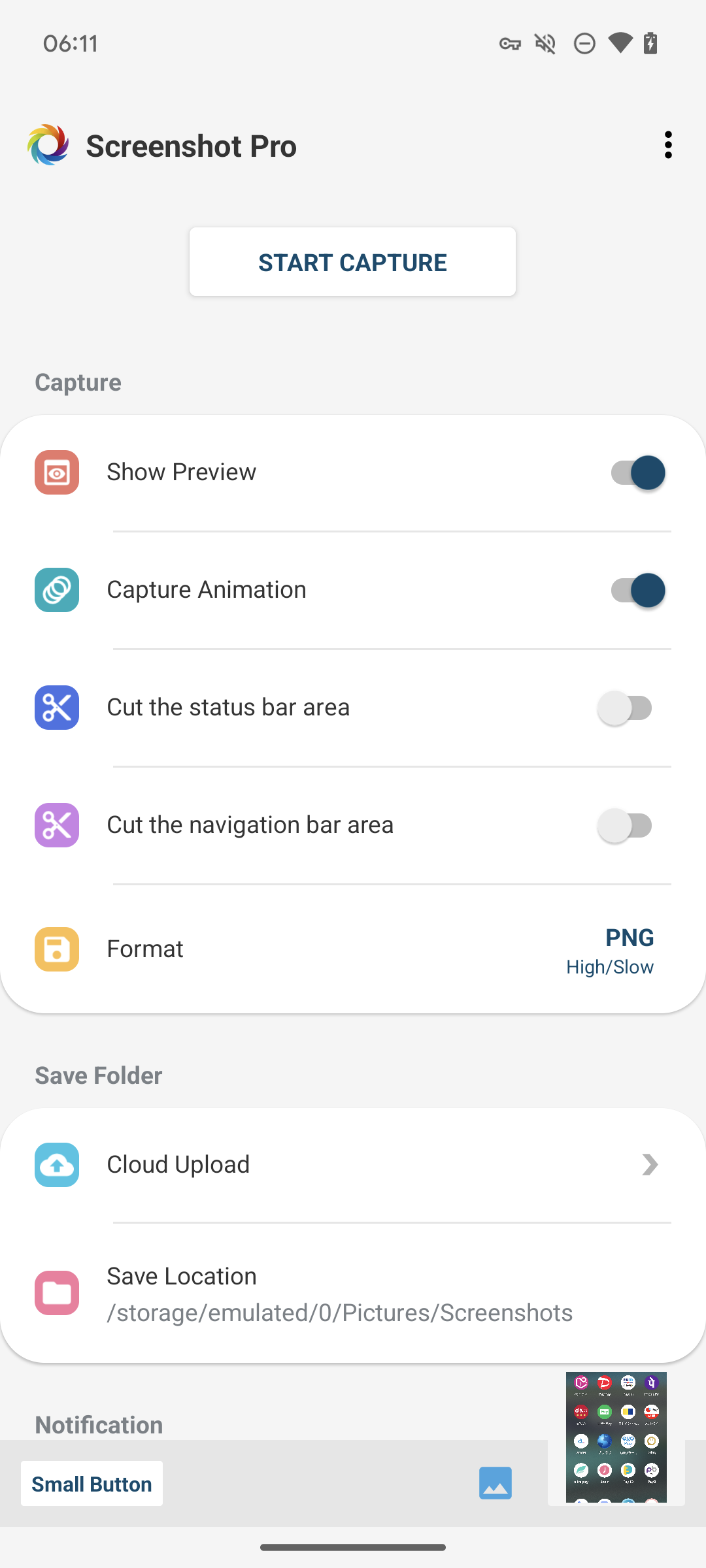
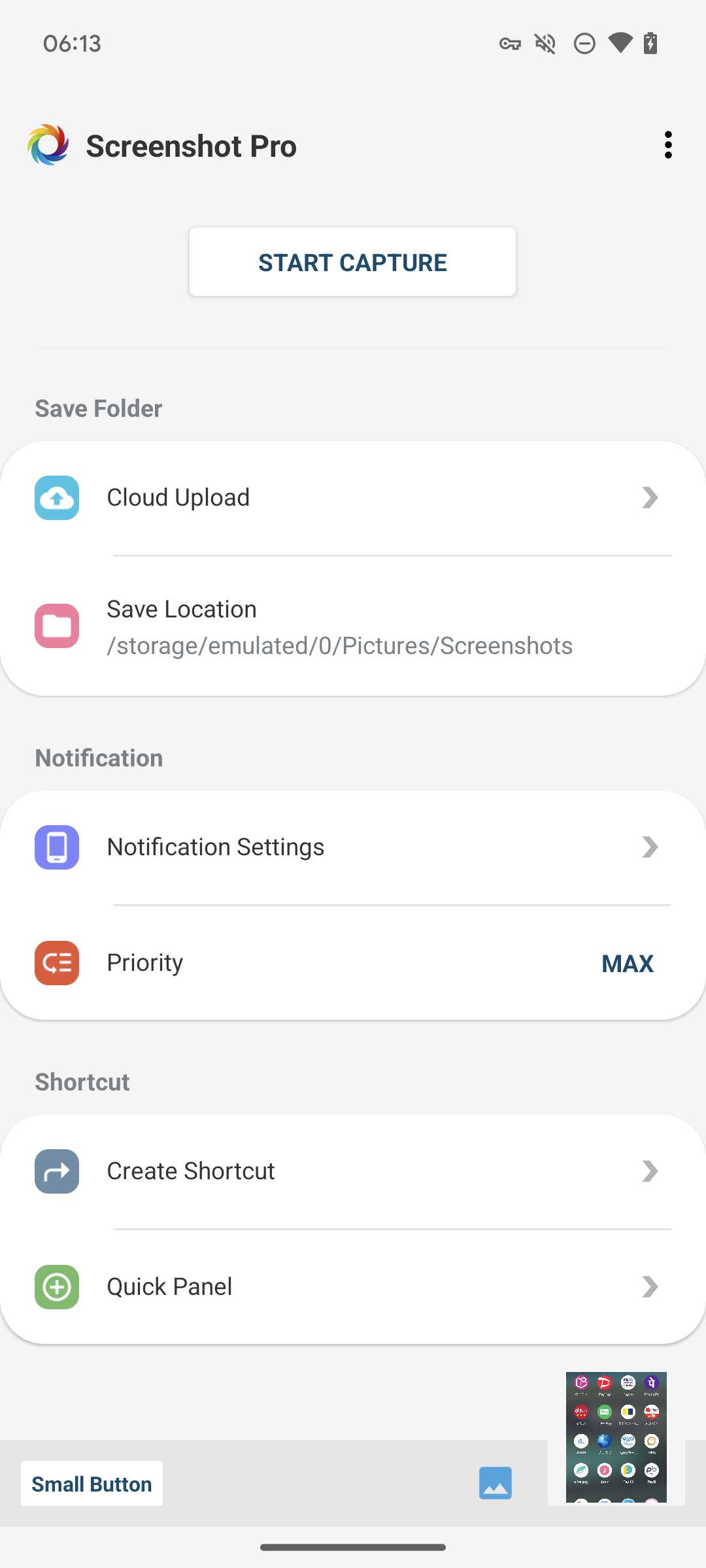
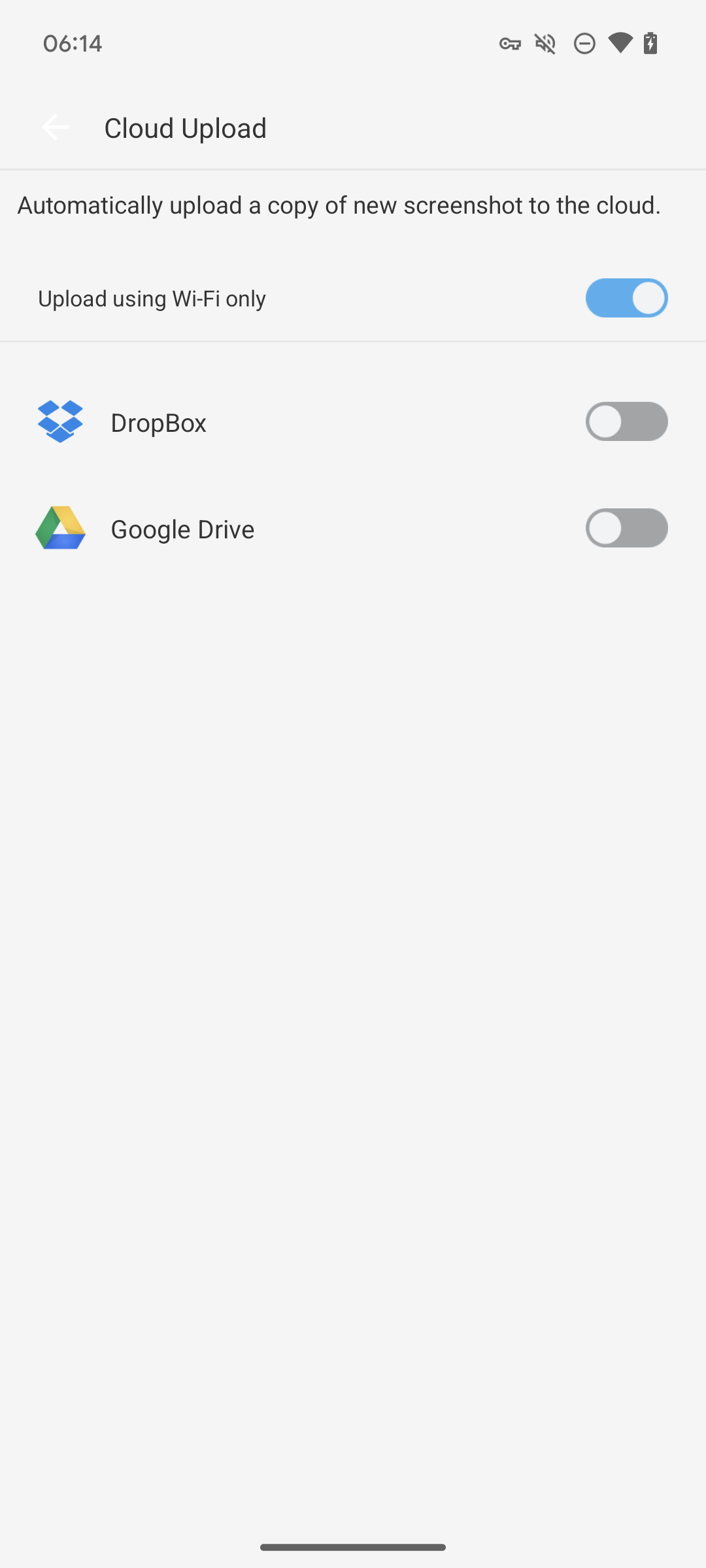
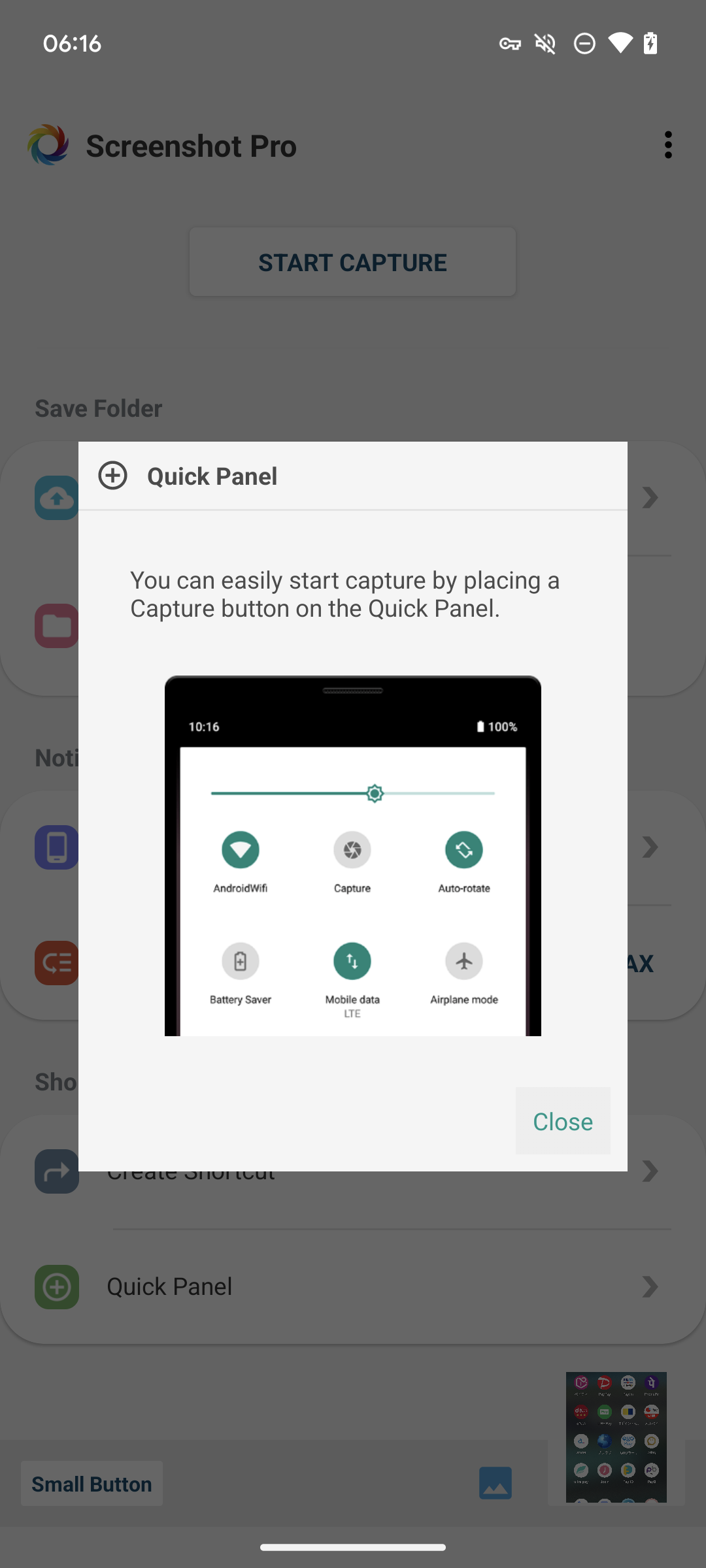
Ditambahkan: Denis Rubinov
Versi: 5.1.4
Ukuran: 6.8 MB
Diperbarui: 21.05.2025
Developer: HDM Dev Team
Batasan Usia: Everyone
Otorisasi: 12
Kategori: Alat
Deskripsi
Aplikasi Screenshot -Automatic trimming diperiksa oleh antivirus VirusTotal. Sebagai hasil pemindaian, tidak ada infeksi file yang terdeteksi oleh semua tanda tangan terbaru.
Cara memasang Screenshot -Automatic trimming
- Unduh file APK aplikasi dari apkshki.com.
- Temukan file yang diunduh. Anda dapat menemukannya di baki sistem atau di folder 'Download' menggunakan manajer file apa pun.
- Jika file yang diunduh berekstensi .bin (bug WebView di Android 11), ubah namanya menjadi .apk menggunakan pengelola file apa pun atau coba unduh file dengan browser lain seperti Chrome.
- Mulai penginstalan. Klik pada file yang diunduh untuk memulai penginstalan
- Izinkan penginstalan dari sumber yang tidak dikenal. Jika Anda menginstal untuk pertama kalinya Screenshot -Automatic trimming bukan dari Google Play, buka pengaturan keamanan perangkat Anda dan izinkan penginstalan dari sumber yang tidak dikenal.
- Lewati perlindungan Google Play. Jika proteksi Google Play memblokir penginstalan file, ketuk 'Info Lebih Lanjut' → 'Tetap instal' → 'OK' untuk melanjutkan..
- Selesaikan penginstalan: Ikuti petunjuk penginstal untuk menyelesaikan proses penginstalan.
Cara memperbarui Screenshot -Automatic trimming
- Unduh versi baru aplikasi dari apkshki.com.
- Cari file yang diunduh dan klik file tersebut untuk memulai penginstalan.
- Instal di atas versi lama. Tidak perlu menghapus instalasi versi sebelumnya.
- Hindari konflik tanda tangan. Jika versi sebelumnya tidak diunduh dari apkshki.com, pesan 'Aplikasi tidak terinstal' mungkin muncul. Dalam kasus ini, hapus instalan versi lama dan instal versi baru.
- Mulai ulang lampiran Screenshot -Automatic trimming setelah pembaruan.









Meminta pembaruan aplikasi
Ditambahkan Denis Rubinov
Versi: 5.1.4
Ukuran: 6.8 MB
Diperbarui: 21.05.2025
Developer: HDM Dev Team
Batasan Usia: Everyone
Otorisasi:
Kategori: Alat















Ulasan untuk Screenshot -Automatic trimming
i love to used this type of new screenshots..it is very sample and provide the clear picture.. keep it up
good okay
thank u
sometimes it doesnt appear on top.
good
On my phone this app doesn't work, due to its "Display over other apps" feature which isn't functioning in my phone.
ok jer
nice and good app
nice
nice but improve this one click to take a screenshot.
As far I I can see, It seems the companies responsible for developing the budget device I purchased neglected to incorporate a screenshot opinion. This App was, and does, exactly what I sought. much appreciation.
Gets struck/ hanged; even after giving d permissions it needs. & only gives a 2_4 shots @ a given time. So, we'd to stall n undo to take d shots.
I am So happy that I FINALLY Found a Screenshot app that works smoothly and does what it's Bio says what it does! To the Developer: I've been through a lot of them trying to upgrade moto 7gplay(it sucks & I'll NEVER buy Motorola NEVER again! Your app is SMOOTH! Thank you! Zero kinks, no freeze, goes to logical place after shot Photos, Files Under it's Name, and to edit. The BEST screenshot app By so far it's no comparison! I 100% mean every word. Look no further!
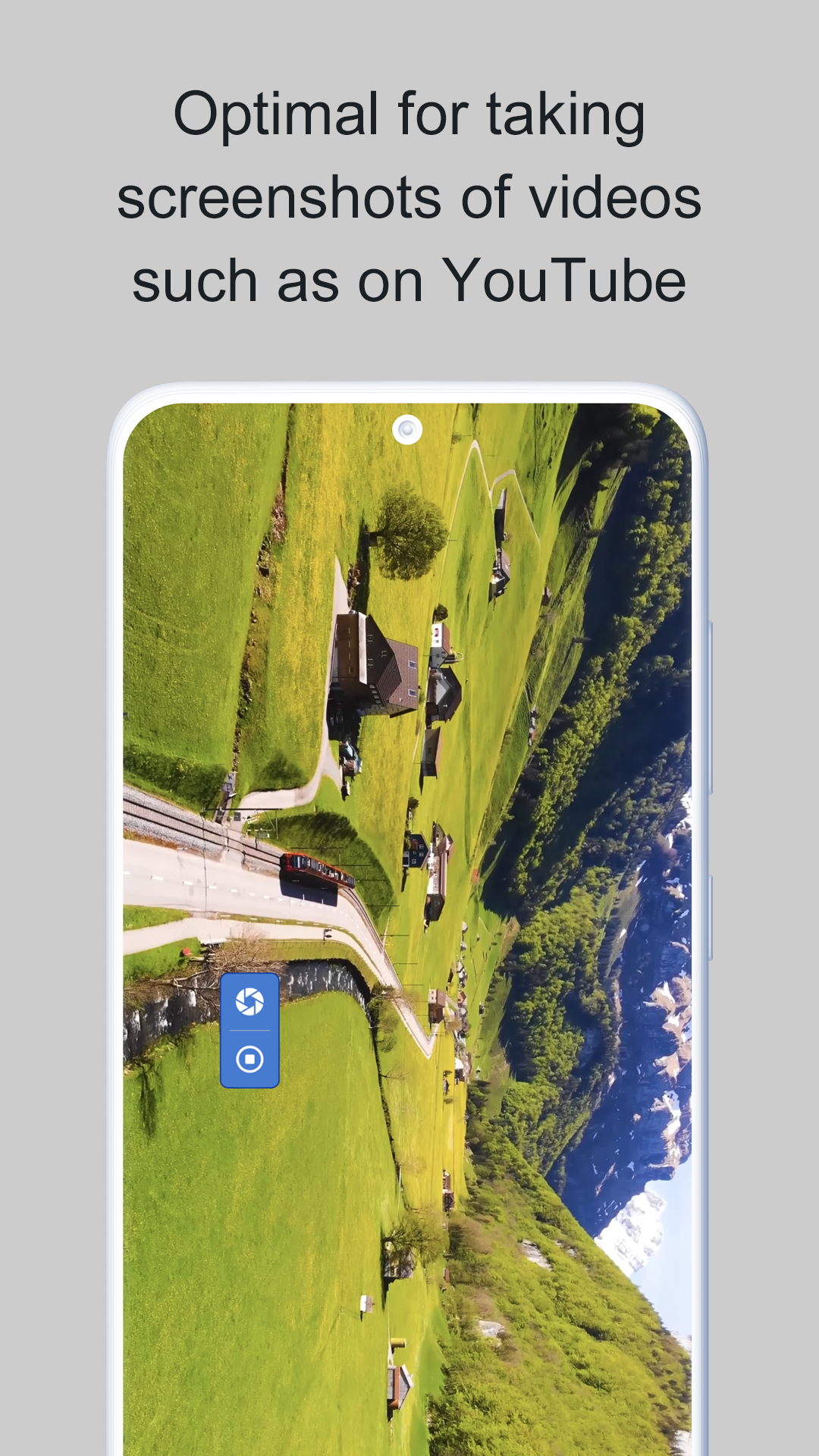
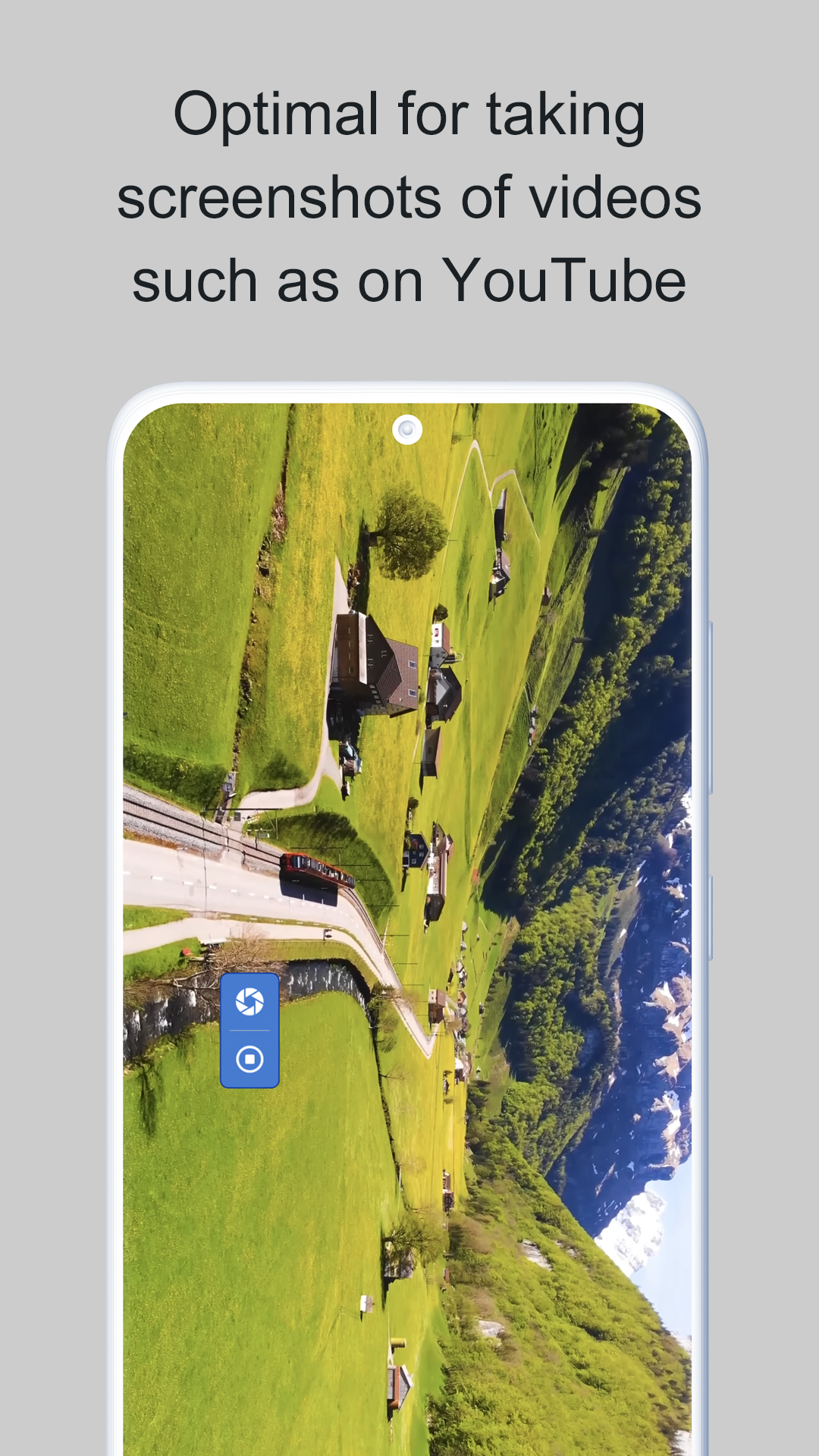
Best Screenshot capture that I've come across. It has a nice well-ordered introduction. The overlay button is just the right size , not too big , not too small & is easily movable . And No Ads .
Works GREAT! ....lots of extra features I am not sure I will use. I am mainly about the screen capture. I used another app. It worked good, but I had to determine if wanted to save. I would rather save and edit later.
Kirimkan komentar
Untuk memberikan komentar, masuklah dengan jejaring sosial Anda:
Atau tinggalkan komentar anonim. Komentar Anda akan dikirim untuk dimoderasi.
Kirimkan komentar
Untuk memberikan komentar, masuklah dengan jejaring sosial Anda:
Atau tinggalkan komentar anonim. Komentar Anda akan dikirim untuk dimoderasi.