



Smart Video Crop - Video Cut
6+
unduhan4.2+
versi Android
Ditambahkan: Denis Rubinov
Versi: 2.5
Ukuran: 15.1 MB
Diperbarui: 22.10.2023
Developer: Clogica
Batasan Usia: Everyone
Otorisasi: 6
Diunduh di Google Play: 5105510
Kategori: Pemutar & Editor Video
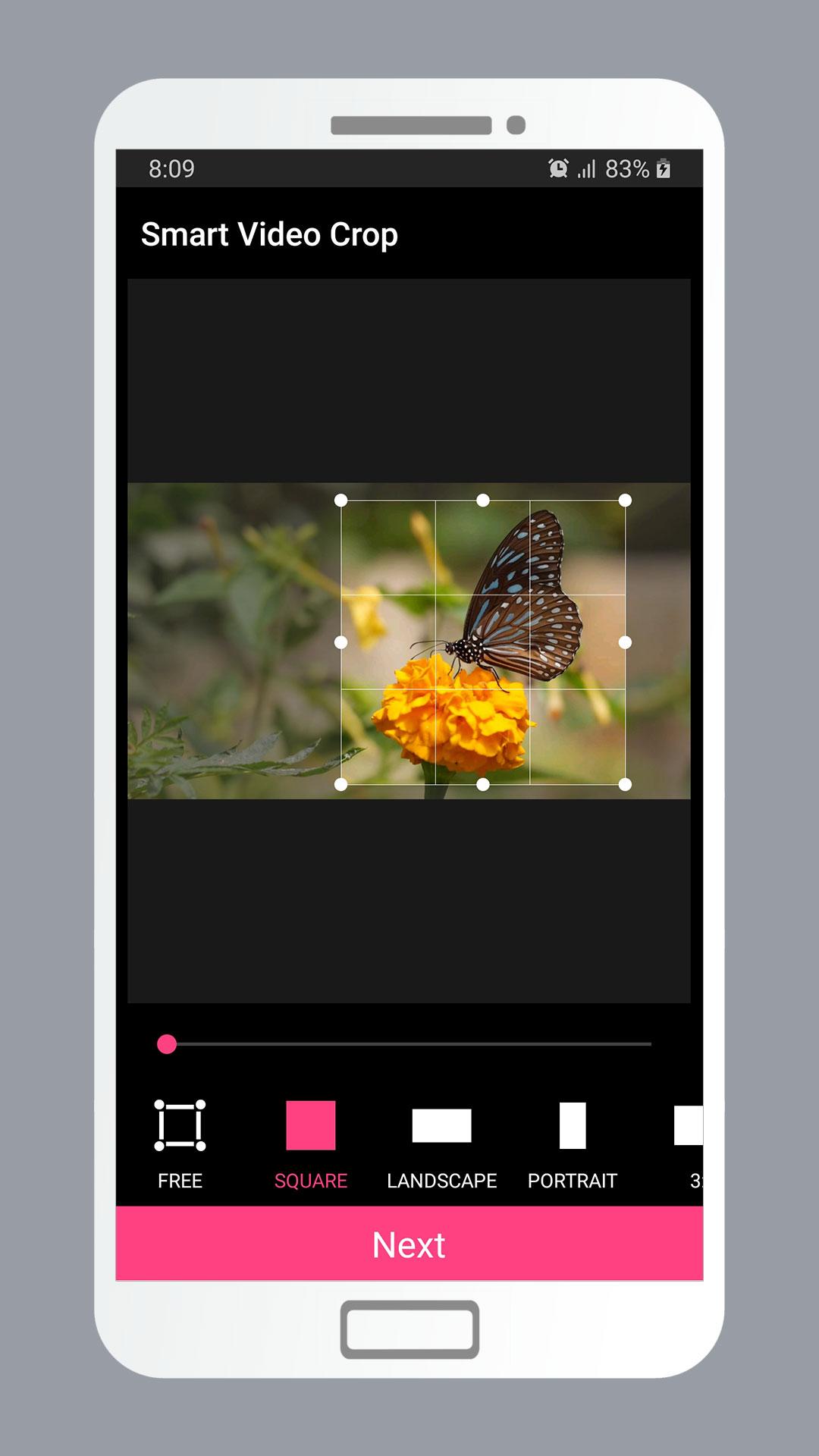
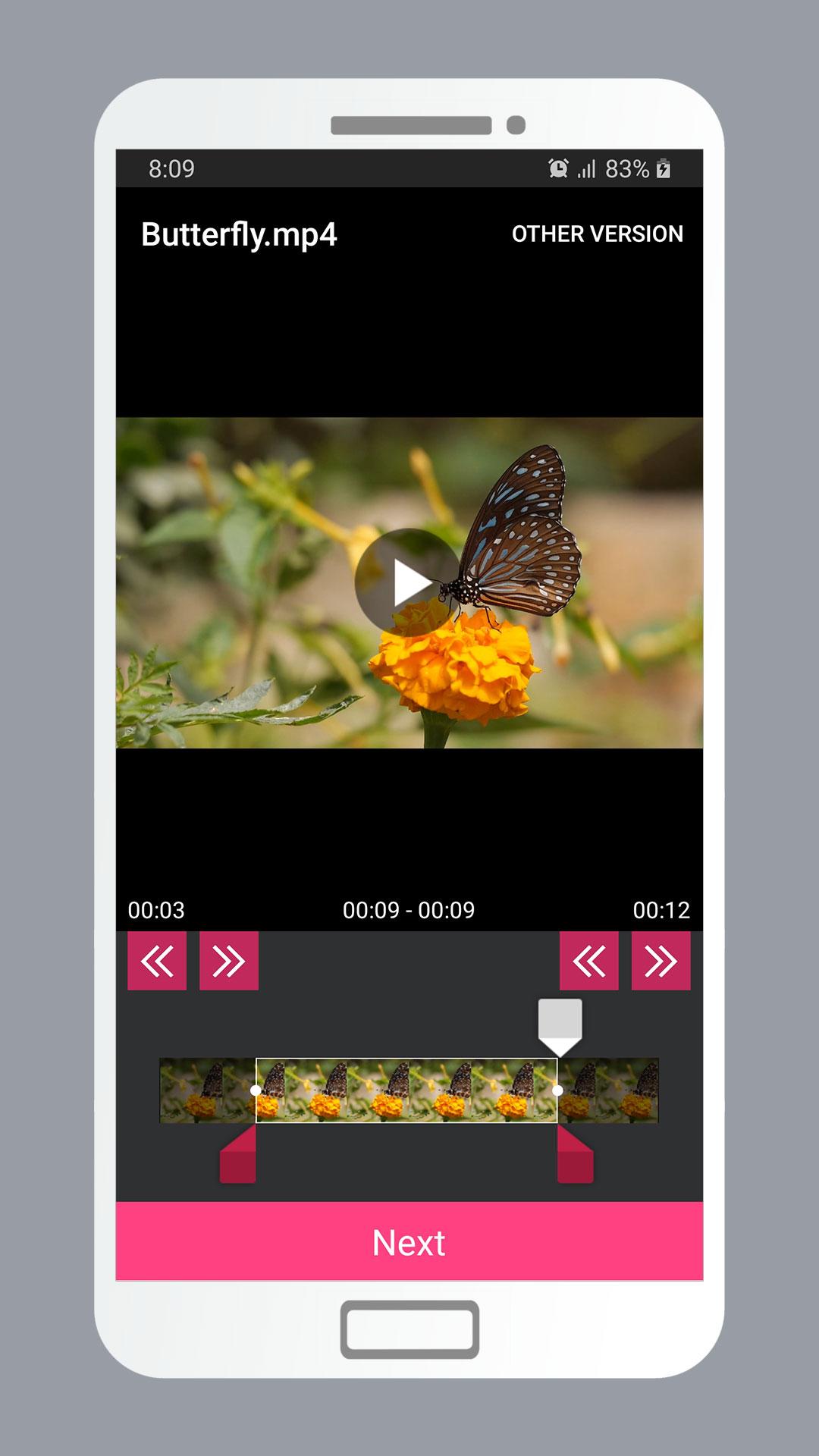
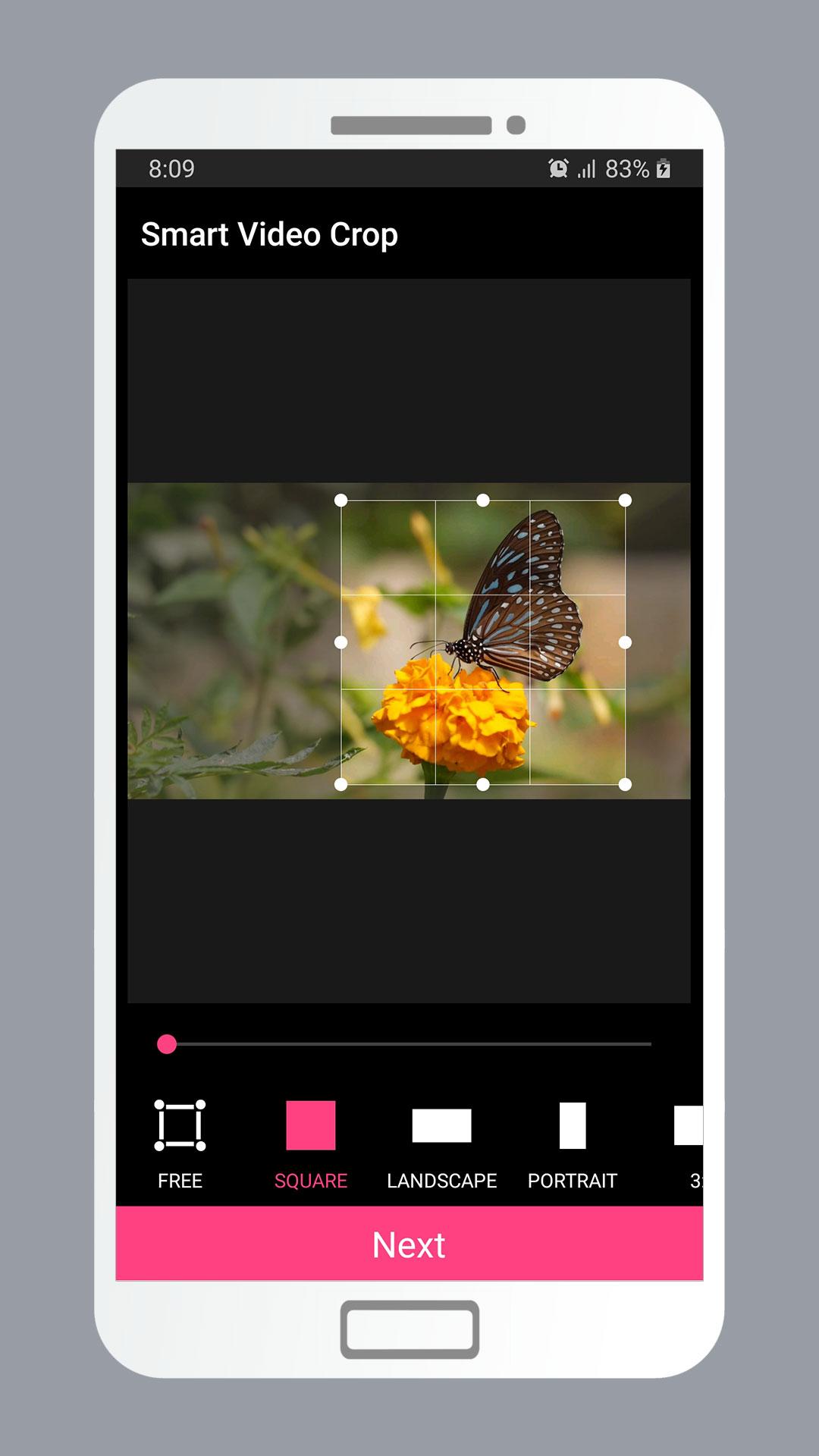
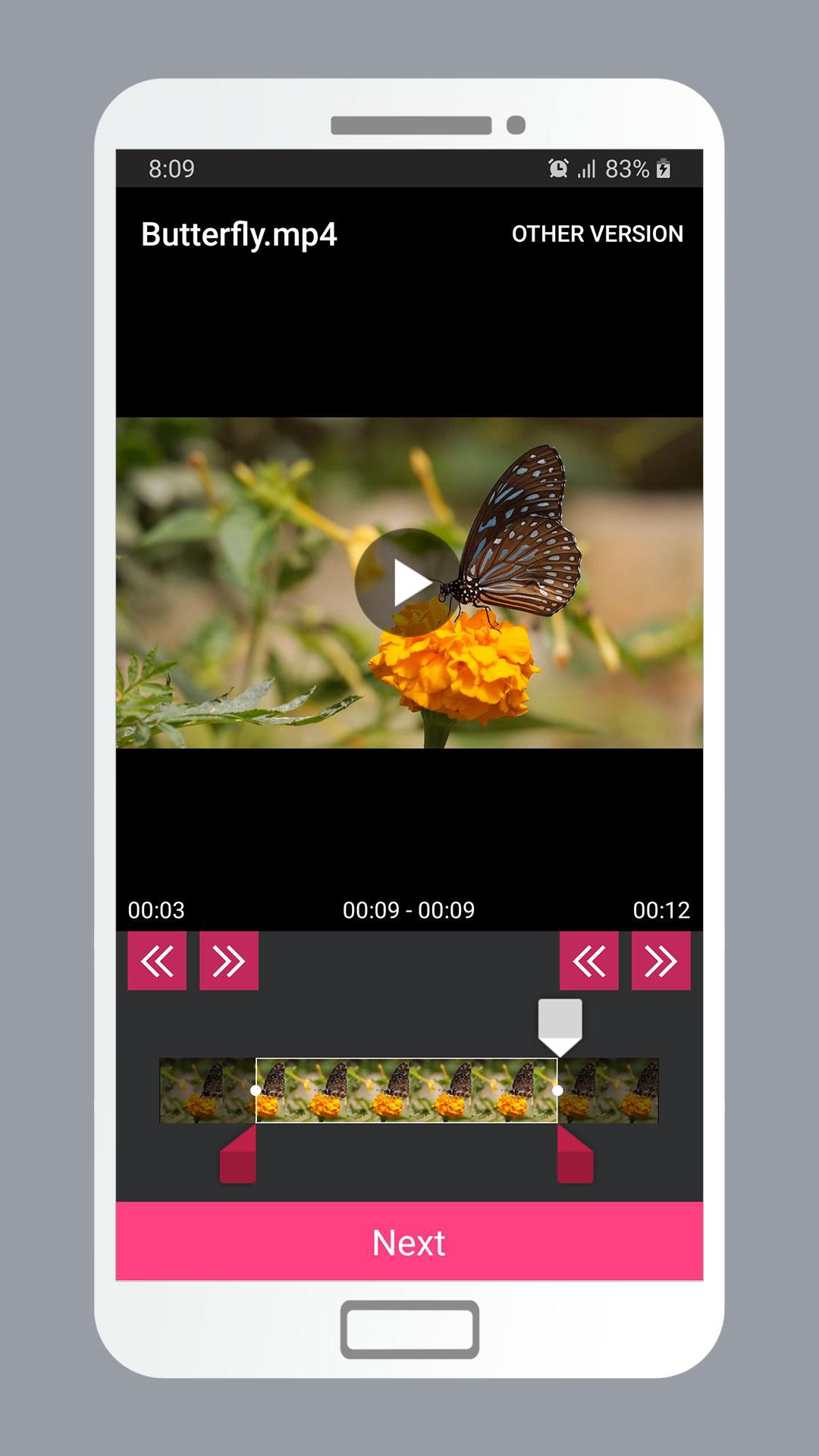
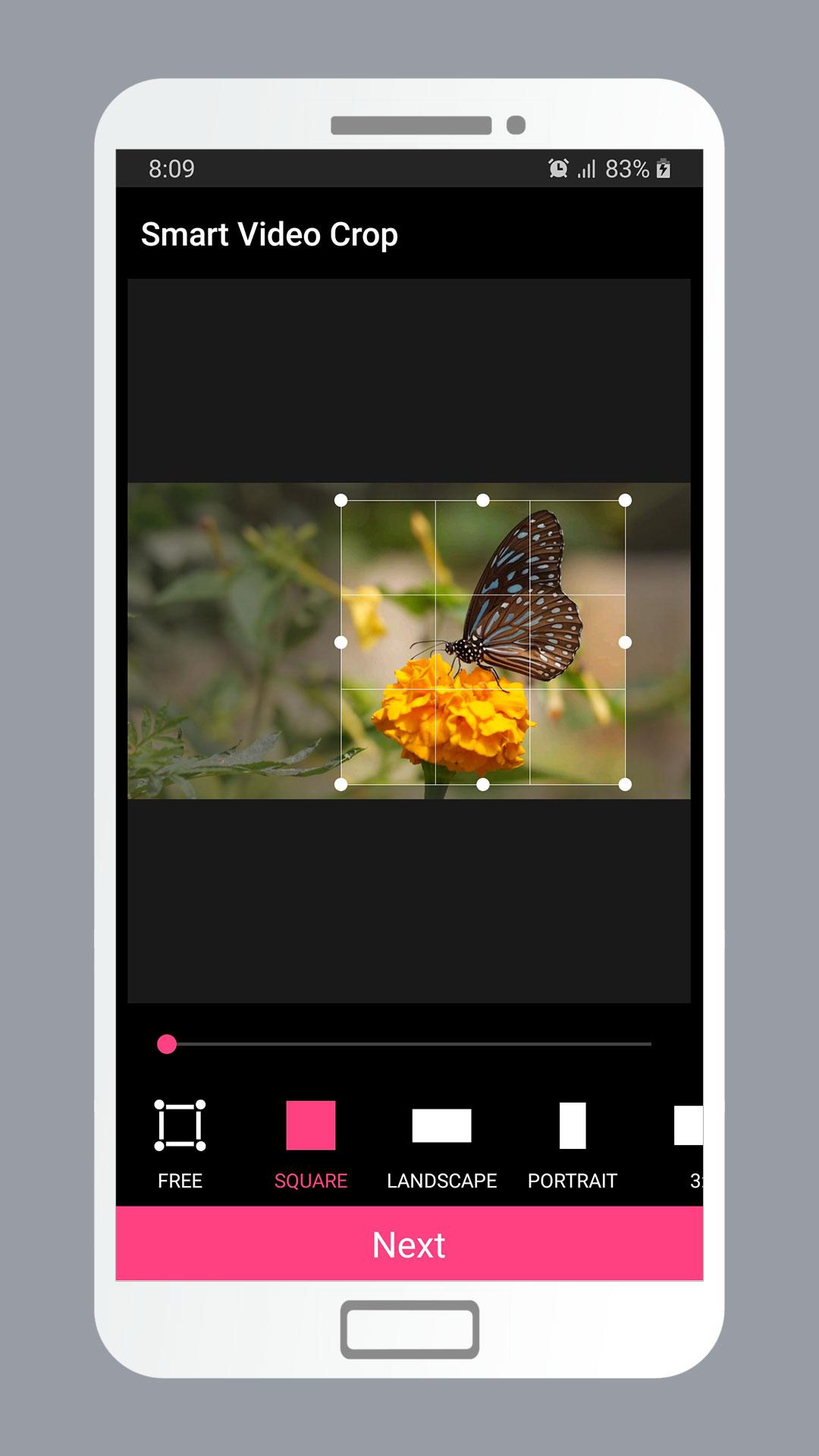
- Beberapa opsi rasio aspek.
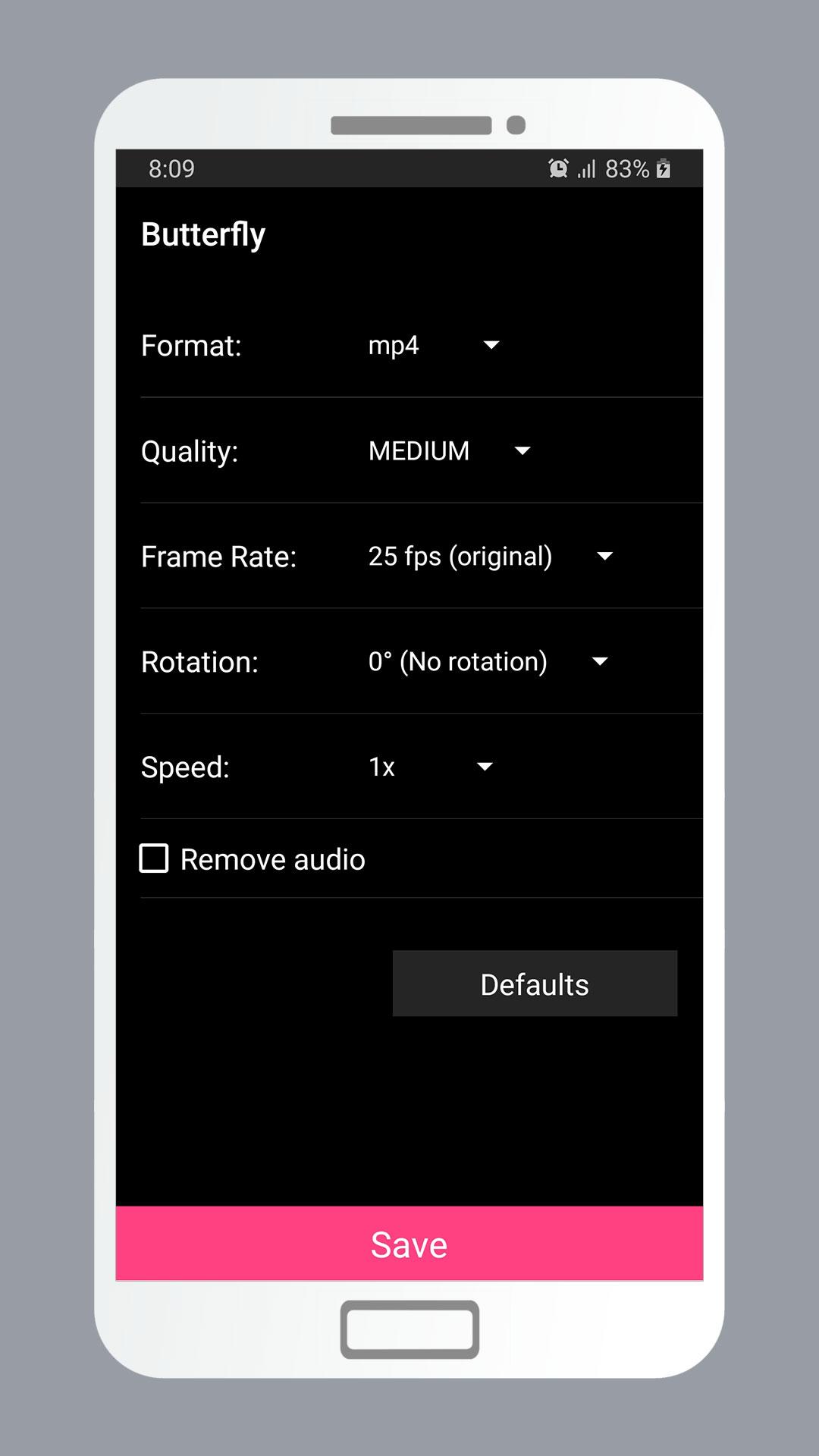
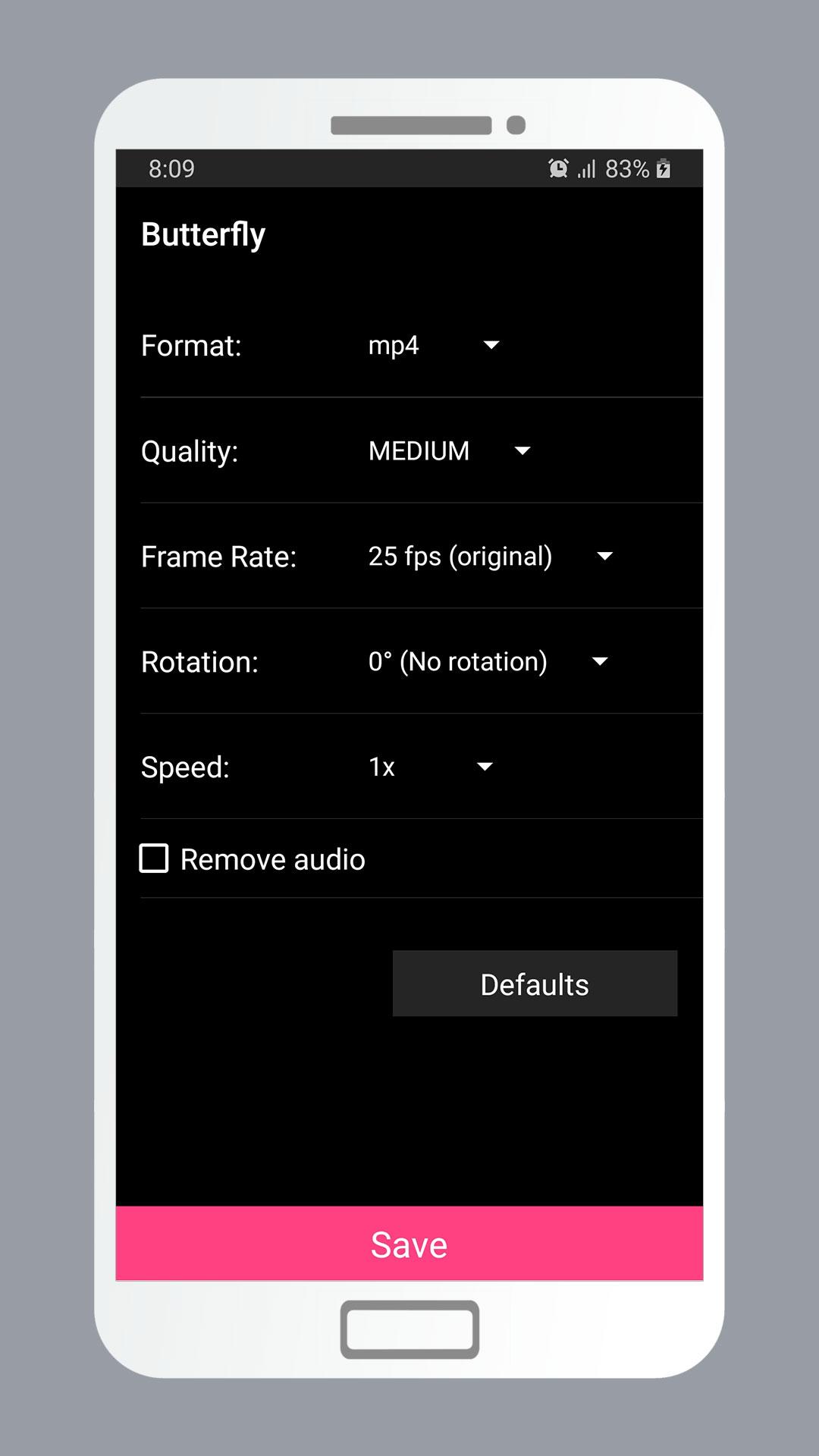
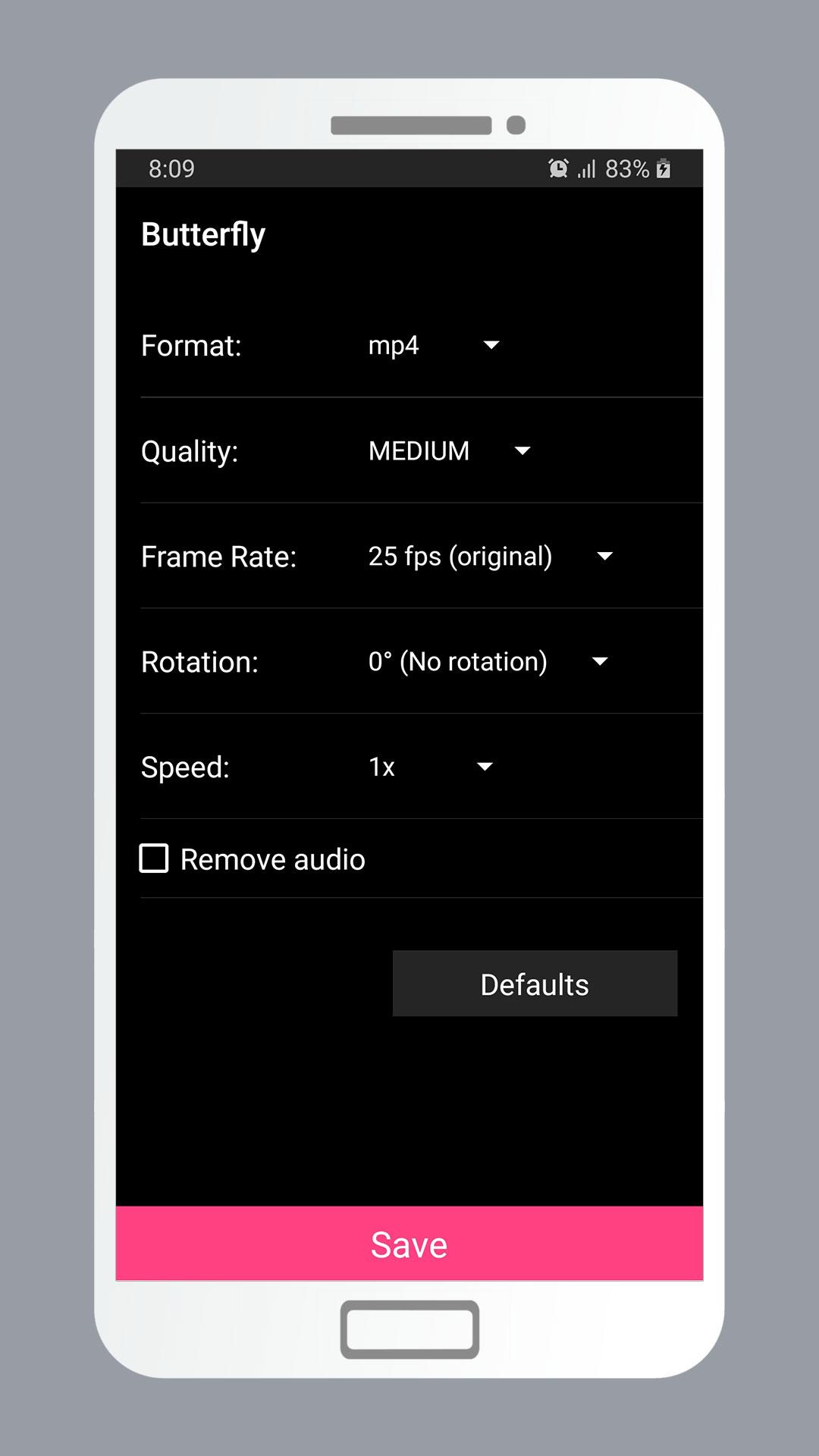
- Sesuaikan kecepatan bingkai.
- Pangkas video atau audio dengan mudah dan cepat.
- Tanda air tidak ada.
- Tidak perlu internet.
- Gratis untuk digunakan.
Deskripsi
Aplikasi Smart Video Crop - Video Cut diperiksa oleh antivirus VirusTotal. Sebagai hasil pemindaian, tidak ada infeksi file yang terdeteksi oleh semua tanda tangan terbaru.
Cara memasang Smart Video Crop - Video Cut
- Unduh file APK aplikasi dari apkshki.com.
- Temukan file yang diunduh. Anda dapat menemukannya di baki sistem atau di folder 'Download' menggunakan manajer file apa pun.
- Jika file yang diunduh berekstensi .bin (bug WebView di Android 11), ubah namanya menjadi .apk menggunakan pengelola file apa pun atau coba unduh file dengan browser lain seperti Chrome.
- Mulai penginstalan. Klik pada file yang diunduh untuk memulai penginstalan
- Izinkan penginstalan dari sumber yang tidak dikenal. Jika Anda menginstal untuk pertama kalinya Smart Video Crop - Video Cut bukan dari Google Play, buka pengaturan keamanan perangkat Anda dan izinkan penginstalan dari sumber yang tidak dikenal.
- Lewati perlindungan Google Play. Jika proteksi Google Play memblokir penginstalan file, ketuk 'Info Lebih Lanjut' → 'Tetap instal' → 'OK' untuk melanjutkan..
- Selesaikan penginstalan: Ikuti petunjuk penginstal untuk menyelesaikan proses penginstalan.
Cara memperbarui Smart Video Crop - Video Cut
- Unduh versi baru aplikasi dari apkshki.com.
- Cari file yang diunduh dan klik file tersebut untuk memulai penginstalan.
- Instal di atas versi lama. Tidak perlu menghapus instalasi versi sebelumnya.
- Hindari konflik tanda tangan. Jika versi sebelumnya tidak diunduh dari apkshki.com, pesan 'Aplikasi tidak terinstal' mungkin muncul. Dalam kasus ini, hapus instalan versi lama dan instal versi baru.
- Mulai ulang lampiran Smart Video Crop - Video Cut setelah pembaruan.

YouCut - Video Editor & Maker
Pemutar & Editor Video

B612 AI Photo&Video Editor
Foto

Video Editor & Maker AndroVid
Pemutar & Editor Video

Scoompa Video: Slideshow Maker
Foto

Beauty Video - Video Editor
Pemutar & Editor Video

Free Video Editor
Pemutar & Editor Video

Filmora:AI Video Editor, Maker
Pemutar & Editor Video

Video Editor APP - VivaCut
Pemutar & Editor Video
Meminta pembaruan aplikasi
Ditambahkan Denis Rubinov
Versi: 2.5
Ukuran: 15.1 MB
Diperbarui: 22.10.2023
Developer: Clogica
Batasan Usia: Everyone
Otorisasi:
Diunduh di Google Play: 5105510
Kategori: Pemutar & Editor Video















Ulasan untuk Smart Video Crop - Video Cut
Please App ko Powerful banayee.This app heats mobile very high temprature.Heating is only issue otherwise all ok.please work on this problem.
Perfection app
Very so so so so so useful 💕💕💕💕💕💕💕💕🩷🩷🩷🩷❤️❤️❤️♥️♥️♥️♥️ this app | thanks for this app's devloper ♥️♥️♥️♥️♥️ | please this app in no water mark update in the app in all versions update | please this app's devloper this app in water mark no give in this app | please my request accept 🙏🙏|
love the seek buttons that enable me to get precise cuts aswell as the crop presets. what an awesome editor 😎👏🏽👏🏽👏🏽
👎
excellent app! 100% recommended....
Very Very good 😊😊
It's a great app, But would be better if you didn't increase the size of the video after cropping. for example a 5mb video ends up being 15mb. Lowering the resolution looks bad , making it medium quality actually doesn't help
bekar app
no longer working after 4 years of use. suddenly stuck doing a square shape always. actually disappointed
This app works as advertised for me, but I experience an issue upon startup. When I tap the app icon on my homescreen, a small text bubble pops up, reading "Permission Denied," and the app will not open. I've discovered a workaround where I can long-press the app icon, tap "App Details," and then "Open" from that page, but unsure as to why this is, when permissions are allowed for the app. Samsung Galaxy Note 10+ on Verizon.
It's a really useful app, but there is a problem... and I also need to say that many editors have this problem too; It increases the size of the video VERY MUCH. Quality: the same. Frame rate: the same. Size: 3x I don't know if increasing as much is usual or not.
Exactly what I was looking for! Simple & fast cropping. Lot of different aspect ratios ánd free crop. Simple rotating in srandard degrees (90°, 180°, 360° etc...). NO WATERMARK, NO AUDIO OR VIDEO QUALITY LOOSE :) I recommend it for sure if you are looking for simple & fast video cropping/ rotating or trimming.
You should download this app to crop video. It is the best cropping video app according to me... People are actually misunderstanding. This app is used to crop the video and not to trim it. There is a difference between the two.
Pretty good and user friendly, the output processing is fast as well, but the time of the trimmed video is not accurate i.e. when editing I set it to trim from 00:15 to 00:30 but the output turns out 00:17 to 00:32. It was fine and precise when I play it mid editing tho, so I don't think it has something to do with the keyframes
Kirimkan komentar
Untuk memberikan komentar, masuklah dengan jejaring sosial Anda:
Atau tinggalkan komentar anonim. Komentar Anda akan dikirim untuk dimoderasi.
Kirimkan komentar
Untuk memberikan komentar, masuklah dengan jejaring sosial Anda:
Atau tinggalkan komentar anonim. Komentar Anda akan dikirim untuk dimoderasi.