



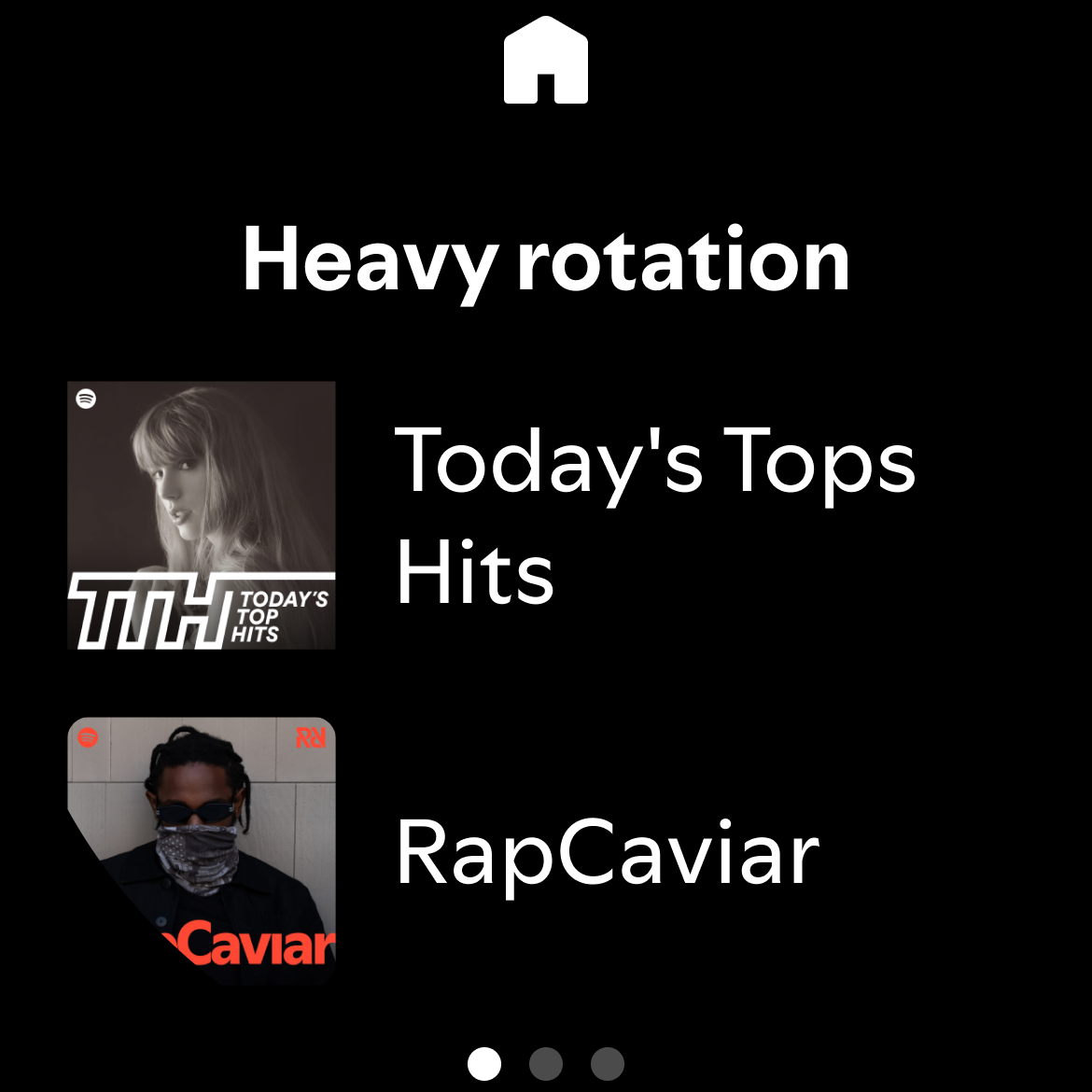
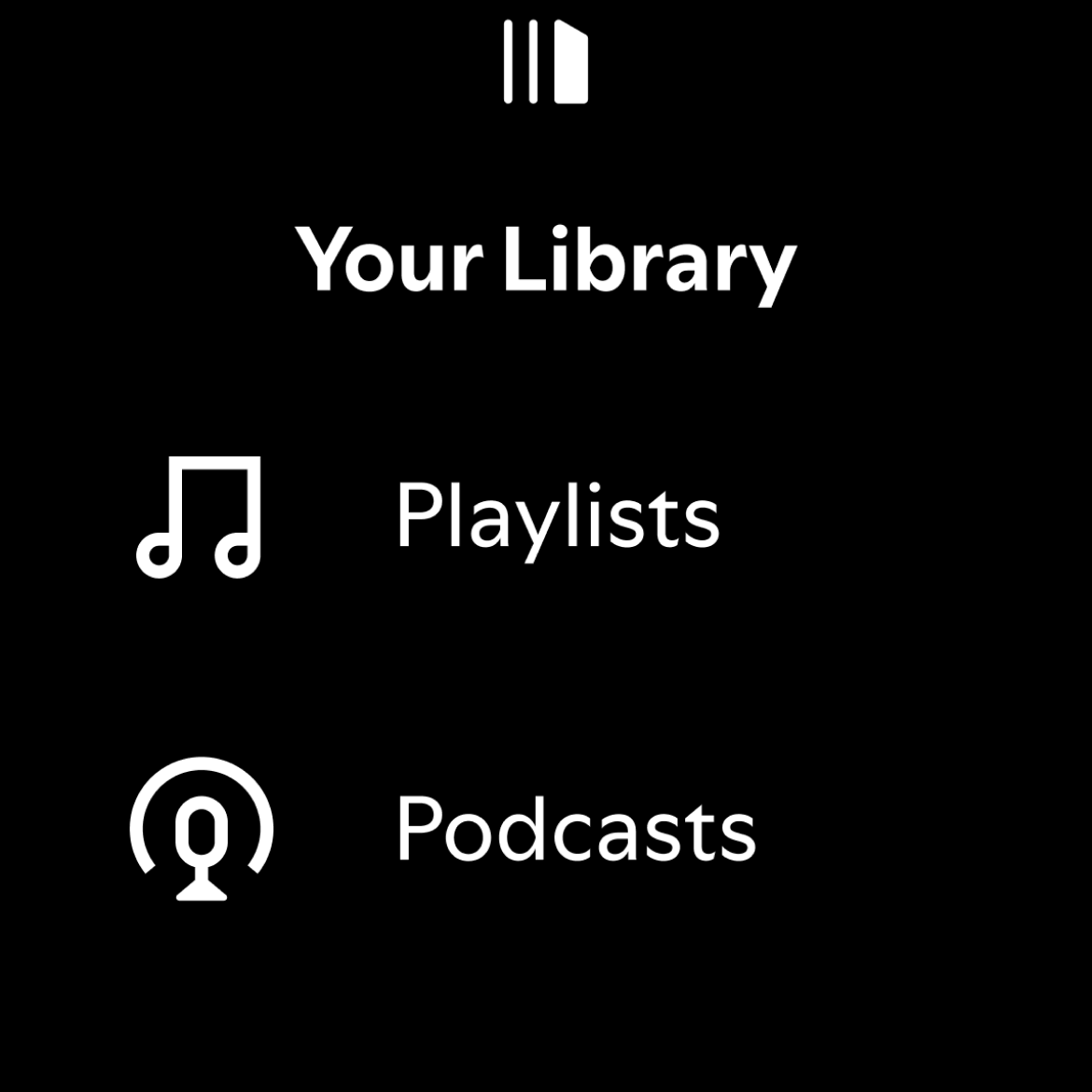
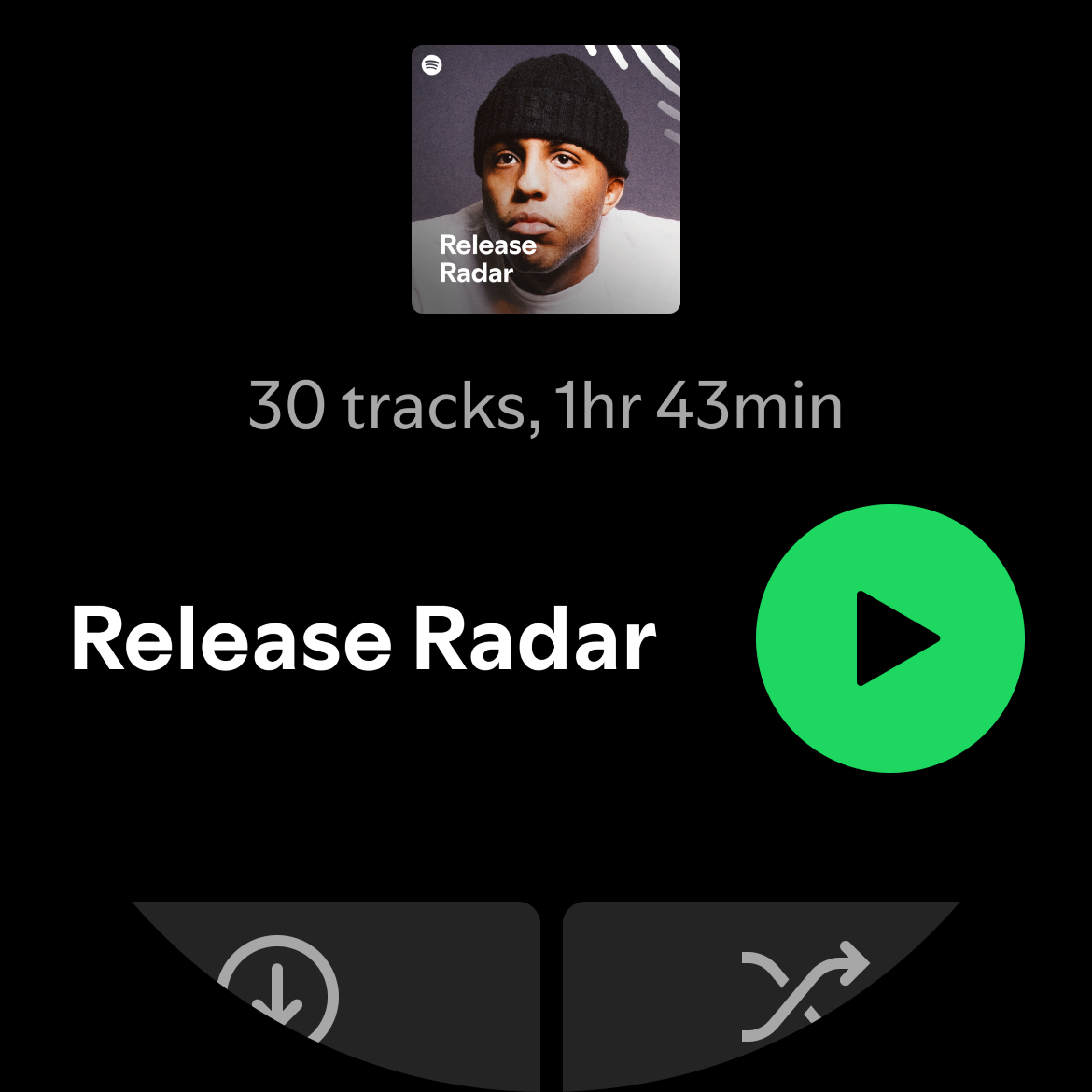
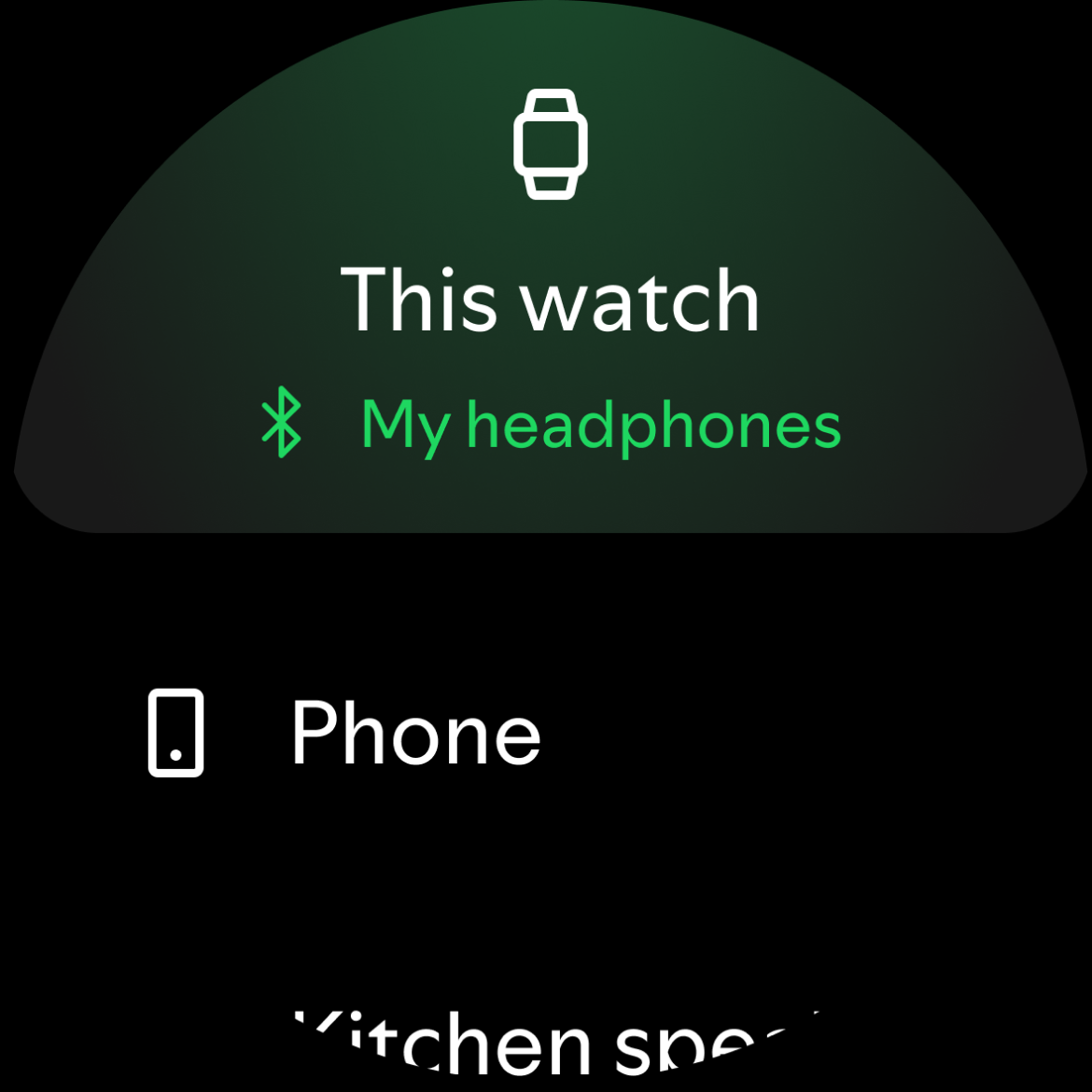
Spotify: Music and Podcasts
307+
unduhan4.1+
versi Android
Ditambahkan: Denis Rubinov
Versi: 9.0.54.80
Ukuran: 94 MB
Diperbarui: 24.06.2025
Developer: Spotify Ltd.
Batasan Usia: Teen
Otorisasi: 25
Diunduh di Google Play: 1896148836
Kategori: Musik dan audio
Deskripsi
Aplikasi Spotify: Music and Podcasts diperiksa oleh antivirus VirusTotal. Sebagai hasil pemindaian, tidak ada infeksi file yang terdeteksi oleh semua tanda tangan terbaru.
Cara memasang Spotify: Music and Podcasts
- Unduh file APK aplikasi dari apkshki.com.
- Temukan file yang diunduh. Anda dapat menemukannya di baki sistem atau di folder 'Download' menggunakan manajer file apa pun.
- Jika file yang diunduh berekstensi .bin (bug WebView di Android 11), ubah namanya menjadi .apk menggunakan pengelola file apa pun atau coba unduh file dengan browser lain seperti Chrome.
- Mulai penginstalan. Klik pada file yang diunduh untuk memulai penginstalan
- Izinkan penginstalan dari sumber yang tidak dikenal. Jika Anda menginstal untuk pertama kalinya Spotify: Music and Podcasts bukan dari Google Play, buka pengaturan keamanan perangkat Anda dan izinkan penginstalan dari sumber yang tidak dikenal.
- Lewati perlindungan Google Play. Jika proteksi Google Play memblokir penginstalan file, ketuk 'Info Lebih Lanjut' → 'Tetap instal' → 'OK' untuk melanjutkan..
- Selesaikan penginstalan: Ikuti petunjuk penginstal untuk menyelesaikan proses penginstalan.
Cara memperbarui Spotify: Music and Podcasts
- Unduh versi baru aplikasi dari apkshki.com.
- Cari file yang diunduh dan klik file tersebut untuk memulai penginstalan.
- Instal di atas versi lama. Tidak perlu menghapus instalasi versi sebelumnya.
- Hindari konflik tanda tangan. Jika versi sebelumnya tidak diunduh dari apkshki.com, pesan 'Aplikasi tidak terinstal' mungkin muncul. Dalam kasus ini, hapus instalan versi lama dan instal versi baru.
- Mulai ulang lampiran Spotify: Music and Podcasts setelah pembaruan.









Meminta pembaruan aplikasi
Ditambahkan Denis Rubinov
Versi: 9.0.54.80
Ukuran: 94 MB
Diperbarui: 24.06.2025
Developer: Spotify Ltd.
Batasan Usia: Teen
Otorisasi:
Diunduh di Google Play: 1896148836
Kategori: Musik dan audio















Ulasan untuk Spotify: Music and Podcasts
Amazing songs that give people a voice however, the GUI is horrible and the amount of bugs I see so often, makes me never want to use what I payed for.
Great for gaming
when you say you will give me 30 minites of ad-free listening, I EXPECT YOU TO HONOUR YOUR PROMISE! Instead, i have to listen to not one but TWO ads after just 2 mins!
I had made a playlist and I can't listen to a particular song I want to listen at that time from it....what's the fu*king point of that ....it's a basic requirement , if I can't listen to a song at a time I want why would this app even exist then...such a dumb way to force everyone to buy your premium.....I am deleting your so called music app..
love Spotify been using for years just wish the smart shuffle was a bit smarter and shuffled through all ur songs
not bad..
If subbed via google you can not redeem gift cards, you have to let sub expire and then use the gift card. Stupidest setup ever; what kind of poorly coded company would be set up this way? just let customers pre-pay anyway they want and then charge the google account what's left over! So frustrated I am letting Spotify expire and going to just use Amazon or YT Music.
easy and accessible.
very good😌
it is good for music and it has cool music
I've been using Spotify for three years now and it has always been great. I don't know if it was the latest update that brought the bug I've been seeing lately. I am able to reproduce anything, however they control bar(pause, next, previous) does not appear within the app or on the notification bar. I am unable to control what's reproduced in any way, not even with earphones in.
Hi spotify when I listen to my favorite songs, I'm getting poor play back quality. The songs are freezing right in the middle of the song. And it's not just one song, it's doing it every time I listen to the app. I tried Un installing the app, then opening it up again but no difference. I won't need to continue Spotify premium, hopefully this gets fixed so I can come back to enjoy my songs.
The service itself is great but the mobile app is infintely annoying. Most frequently I just listen to my "Liked Songs" playlist. I choose a song to listen to in the car then close the app when I get out. Anyone with a brain would think I'd want to continue listening from where I left off, right? So why is it that when I reopen the app, even if it's only been closed for a minute, my playlist has jumped ahead by about 100 songs? This is incredibly irritating. I would give 5 stars if not for this.
Love this app, I only use this for my music streaming. I pay for premium for my family and both my mom and I have been experiencing weird pauses and skips. For example, sometimes when I let my phone screen time out while playing music and it goes dark it pauses, sometimes it will come back on its own and other times I have to restart the app. It pauses other times too. It's a minor inconvenience but very annoying.
I really don't understand how one of the biggest music apps on the planet can be this buggy. Frequently missing the "now playing" tab at the bottom of the app, which means all controls (skip, pause, etc) are missing. Randomly says "no internet connection" while clearly connected to the internet and streaming. If you search for a song and play it, then let it autoplay similar songs afterwards, you can't go back and listen to the original song without backing out and selecting the song again.
Kirimkan komentar
Untuk memberikan komentar, masuklah dengan jejaring sosial Anda:
Atau tinggalkan komentar anonim. Komentar Anda akan dikirim untuk dimoderasi.
Kirimkan komentar
Untuk memberikan komentar, masuklah dengan jejaring sosial Anda:
Atau tinggalkan komentar anonim. Komentar Anda akan dikirim untuk dimoderasi.