



Ditambahkan: Denis Rubinov
Versi: 0.119.0
Ukuran: 109.6 MB
Diperbarui: 24.06.2025
Developer: Fredrik Fornwall
Batasan Usia: Everyone
Otorisasi: 4
Diunduh di Google Play: 28845148
Kategori: Alat
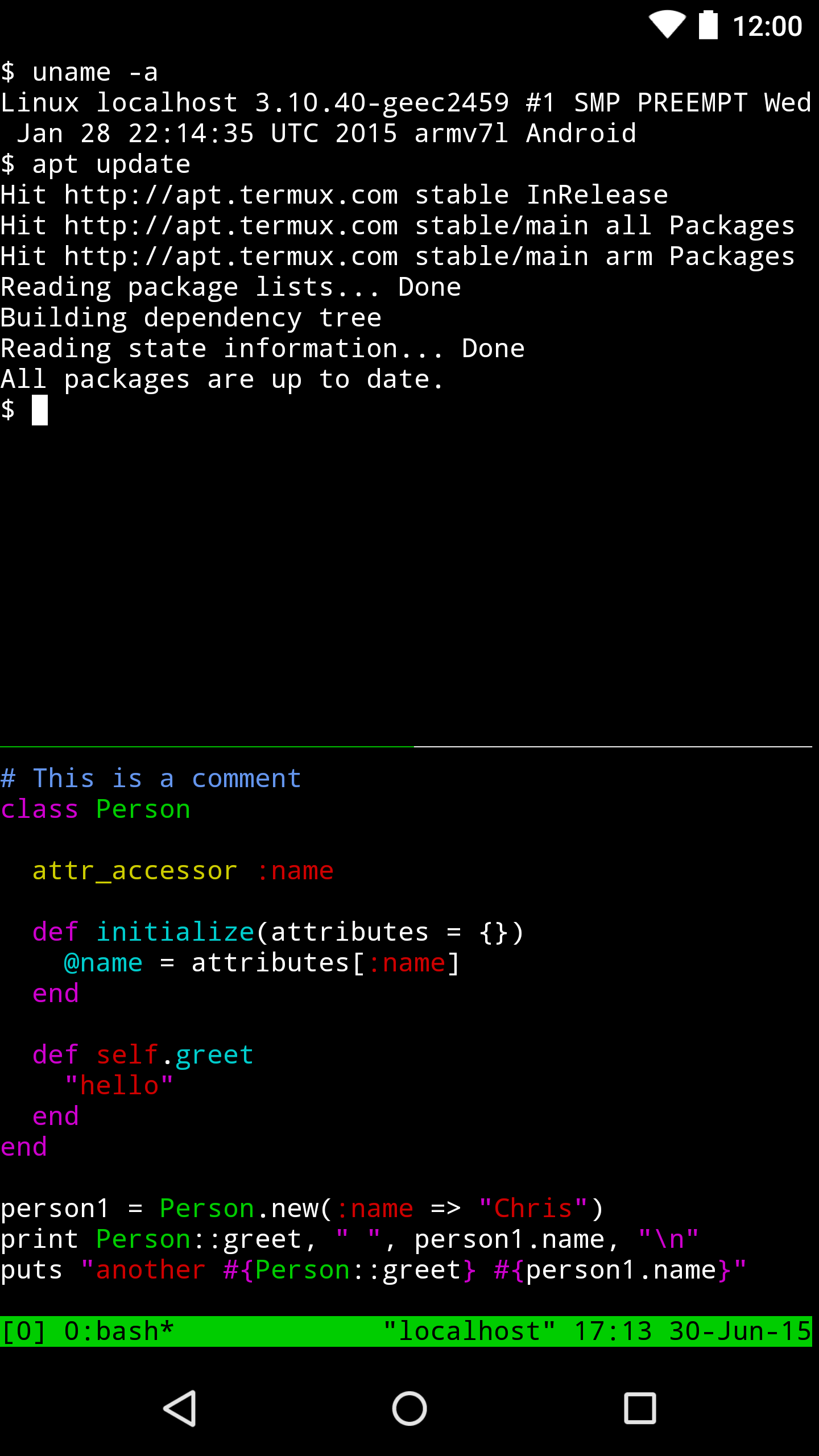
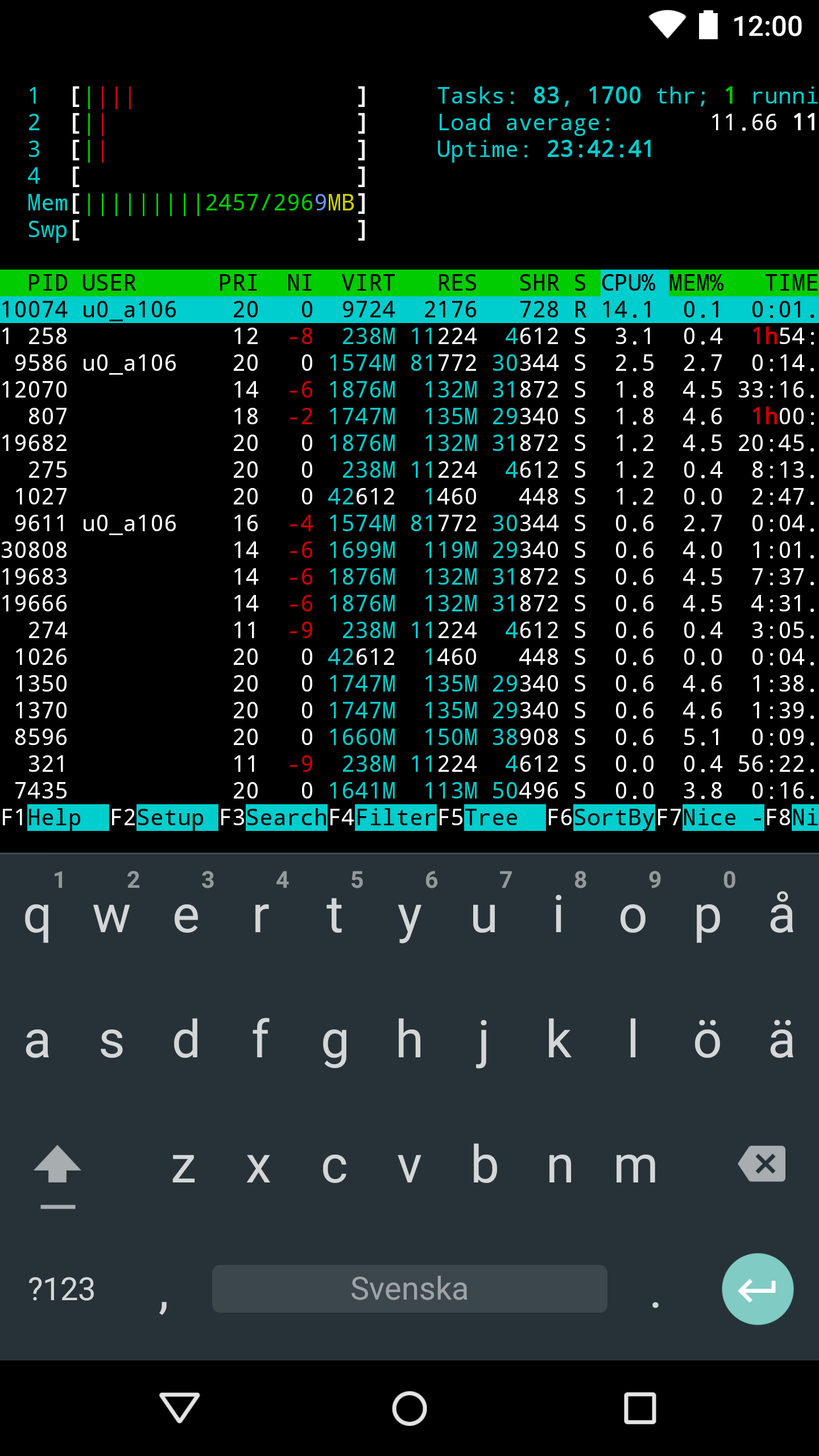
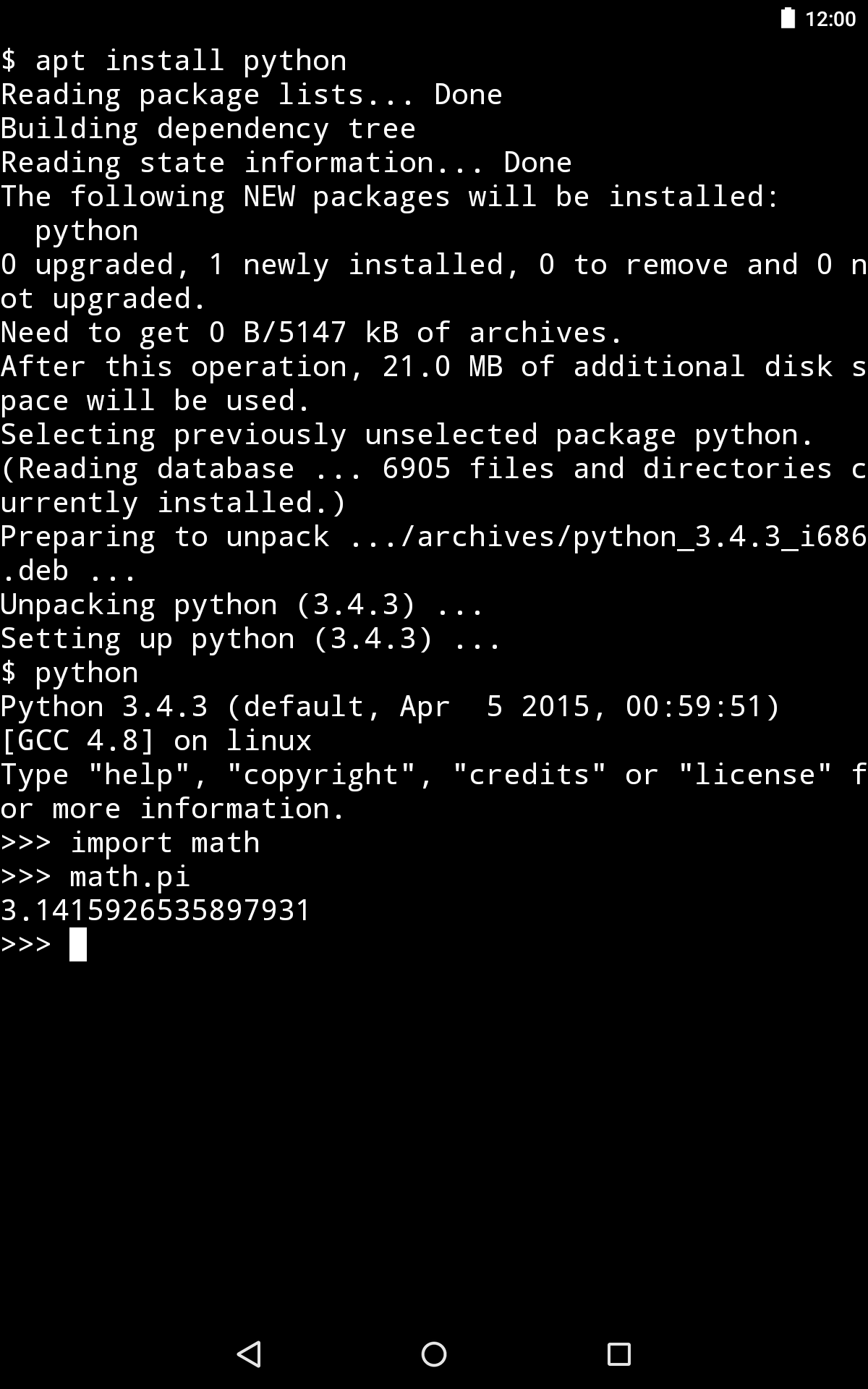
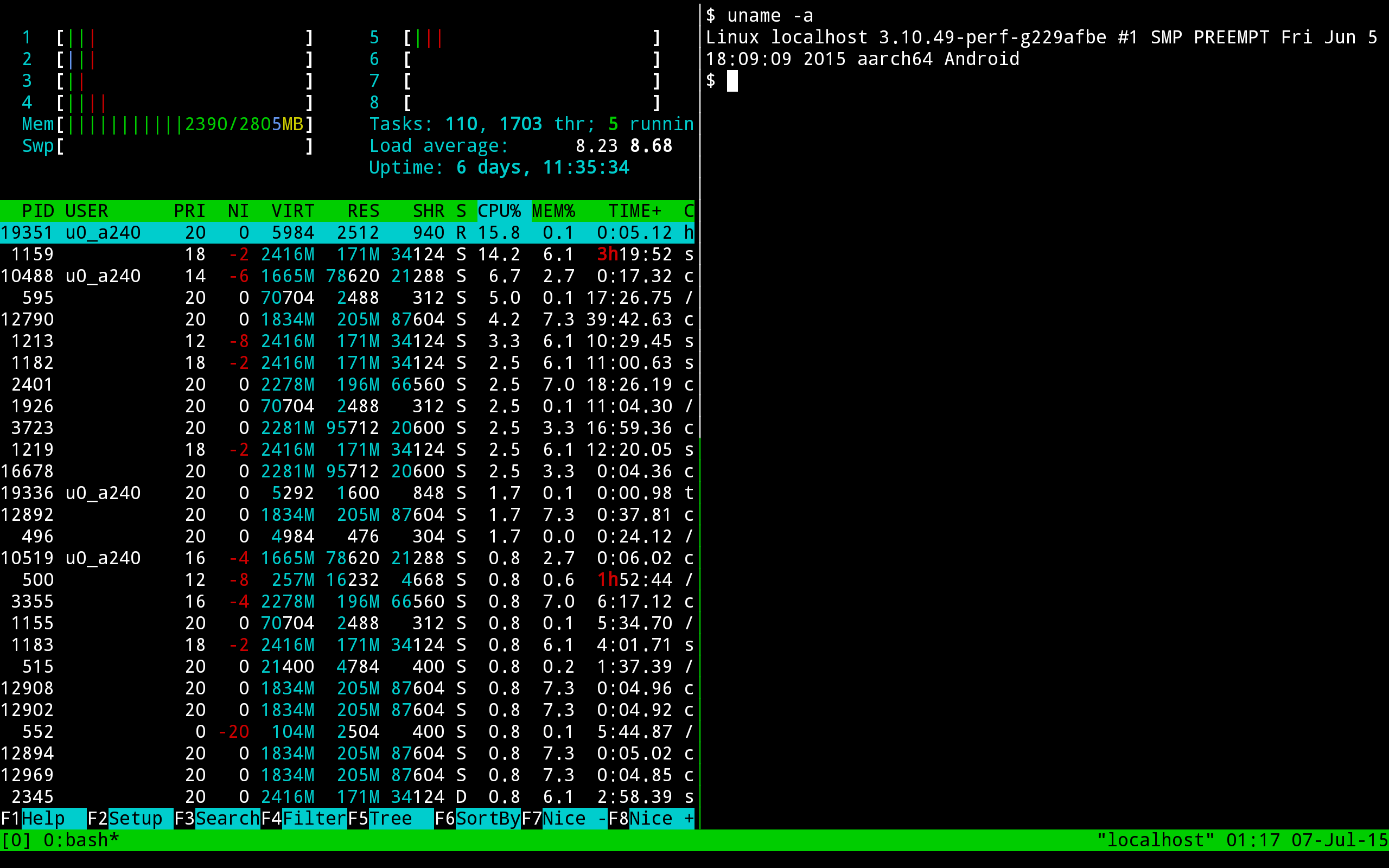
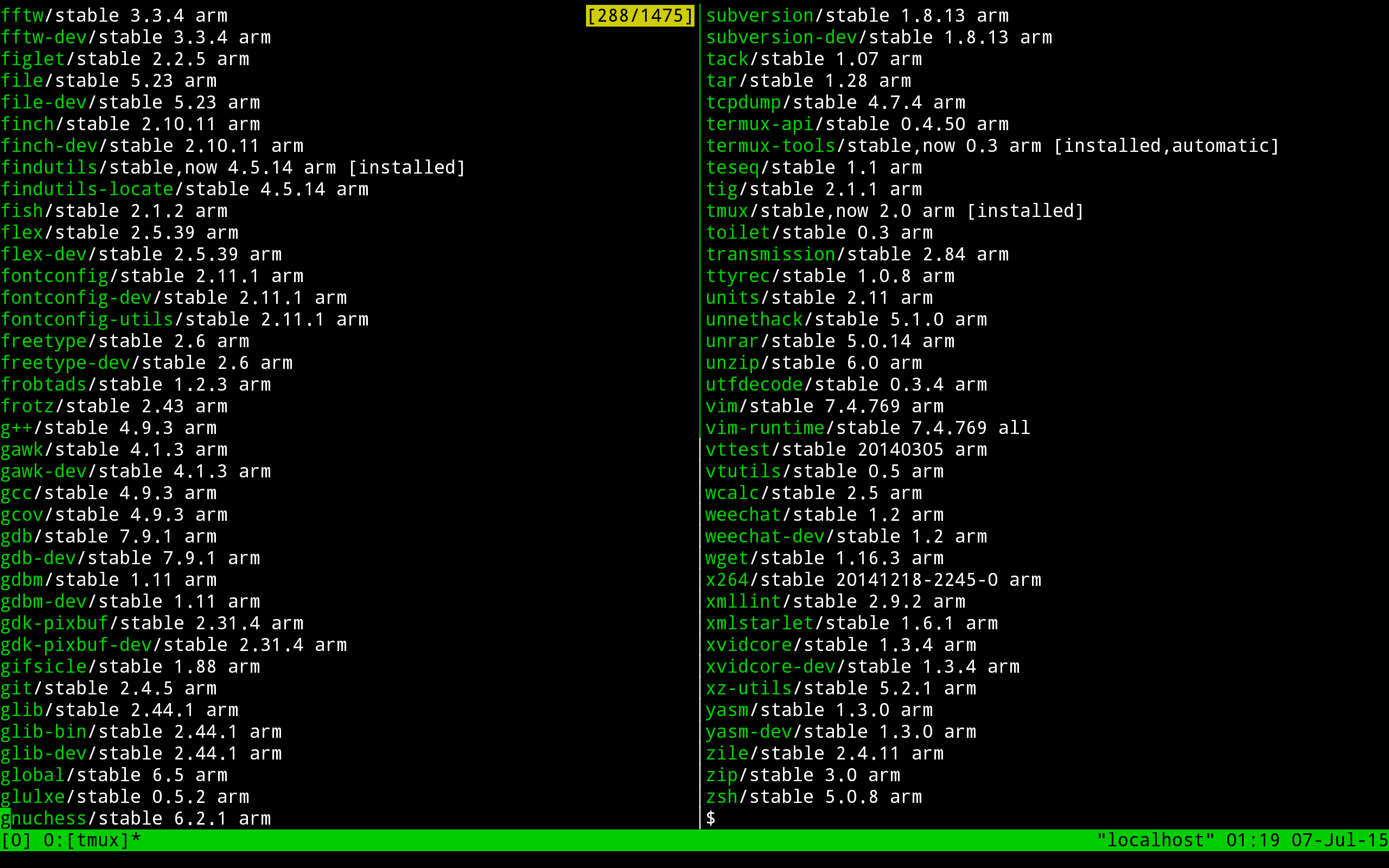
- Terminal Linux yang lengkap.
- Dukungan untuk shell bash dan zsh.
- Akses ke server melalui ssh.
- Kemampuan untuk mengkompilasi kode.
- Tidak ada iklan.
- Gratis untuk digunakan.
Deskripsi
Aplikasi Termux diperiksa oleh antivirus VirusTotal. Sebagai hasil pemindaian, tidak ada infeksi file yang terdeteksi oleh semua tanda tangan terbaru.
Cara memasang Termux
- Unduh file APK aplikasi dari apkshki.com.
- Temukan file yang diunduh. Anda dapat menemukannya di baki sistem atau di folder 'Download' menggunakan manajer file apa pun.
- Jika file yang diunduh berekstensi .bin (bug WebView di Android 11), ubah namanya menjadi .apk menggunakan pengelola file apa pun atau coba unduh file dengan browser lain seperti Chrome.
- Mulai penginstalan. Klik pada file yang diunduh untuk memulai penginstalan
- Izinkan penginstalan dari sumber yang tidak dikenal. Jika Anda menginstal untuk pertama kalinya Termux bukan dari Google Play, buka pengaturan keamanan perangkat Anda dan izinkan penginstalan dari sumber yang tidak dikenal.
- Lewati perlindungan Google Play. Jika proteksi Google Play memblokir penginstalan file, ketuk 'Info Lebih Lanjut' → 'Tetap instal' → 'OK' untuk melanjutkan..
- Selesaikan penginstalan: Ikuti petunjuk penginstal untuk menyelesaikan proses penginstalan.
Cara memperbarui Termux
- Unduh versi baru aplikasi dari apkshki.com.
- Cari file yang diunduh dan klik file tersebut untuk memulai penginstalan.
- Instal di atas versi lama. Tidak perlu menghapus instalasi versi sebelumnya.
- Hindari konflik tanda tangan. Jika versi sebelumnya tidak diunduh dari apkshki.com, pesan 'Aplikasi tidak terinstal' mungkin muncul. Dalam kasus ini, hapus instalan versi lama dan instal versi baru.
- Mulai ulang lampiran Termux setelah pembaruan.








Meminta pembaruan aplikasi
Ditambahkan Denis Rubinov
Versi: 0.119.0
Ukuran: 109.6 MB
Diperbarui: 24.06.2025
Developer: Fredrik Fornwall
Batasan Usia: Everyone
Otorisasi:
Diunduh di Google Play: 28845148
Kategori: Alat















Ulasan untuk Termux
hi guys this is not a vary good version we aspect.
best app but I think it needs to add something cause I've been so stressed it doesn't have a "delete all" and I'm so annoyed please add this feature thank you!
saved me from buying laptop- Having error npm install
This application is my soul mate for NOW 💻 👨💻
bad
this apk is older version of termux and it's not support fully thing so update the termux's newest version plsssee
great application
Good
nice
thank developers my collage computer enter various enter USB cable 😁😁😁😁
Probably the most useful app on my Android device! I can even run Jupyter notebooks using it with my phone as a server, which is fantastic. The inclusion of soft keys for things like the CTRL and ALT buttons in latest update is really helpful as I don't need to keep switching back and forth from Hacker's Keyboard. Great job and keep up the good work!
It's an amazing terminal with lots of features, but it needs another way to open the session selector. Modern Pixel phones (and maybe others) use the swipe-from-the-edge gesture as the Back button. Sometimes I can get the session selector to open using two fingers, which Android send to ignore about half the time, but it's not reliable. It would work fine if opening it used a normal swipe-from-middle-to-edge gesture.
Words can't describe how happy this makes me. The most frustrating thing about mobile OSes is that they're so locked down. You can't even get the length of a block of text or see your files or check the time or edit text in a way that "they" don't want you to. But with Termux, you can drop into a Python shell, you can install what you want, you can use your phone like a personal computer because that's what it actually is. I hate the way consumer software is going but Termux gives me hope.
Great app, good potential. But like someone else said, input handling is pretty bad. Not only you can't see what you type but autocompletion gets in the way. I just tried entering rsync -av /data/blah user@server:~/. Apart from other issues, once i got to user part, I entered "user@" at which point the entered text appeared. So I continued with "server:". At that point "user@user@server:" appeared. Completely wrong and moving cursor back and deleting extra "user@" also was a problem.
Cool app, I use it to perform rsync backups and resumable downloads from my NAS, and it works great with password or key-based authentication. It lets you install quite a few common apps, and over ssh I haven't found any programs that don't run correctly! Only thing I'd recommend is for the developer to somehow let you know where your internal/sdcard storage is. Mine was hidden under 3 layers of folders that I couldn't even cd into, but I could cd into the final folder once I found it online
Kirimkan komentar
Untuk memberikan komentar, masuklah dengan jejaring sosial Anda:
Atau tinggalkan komentar anonim. Komentar Anda akan dikirim untuk dimoderasi.
Kirimkan komentar
Untuk memberikan komentar, masuklah dengan jejaring sosial Anda:
Atau tinggalkan komentar anonim. Komentar Anda akan dikirim untuk dimoderasi.