



Private & Secure VPN: TorGuard
28+
unduhan4.0+
versi Android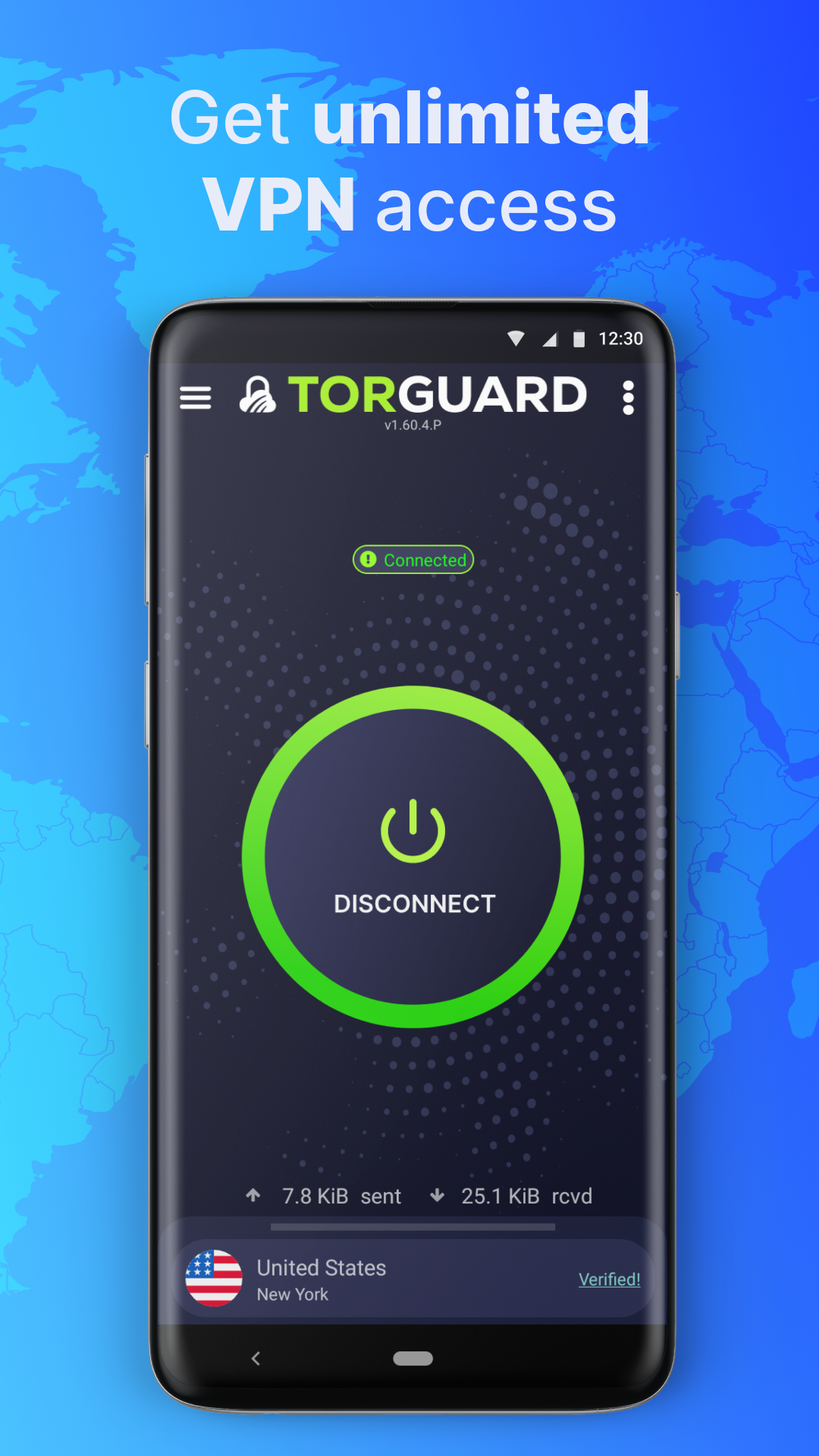
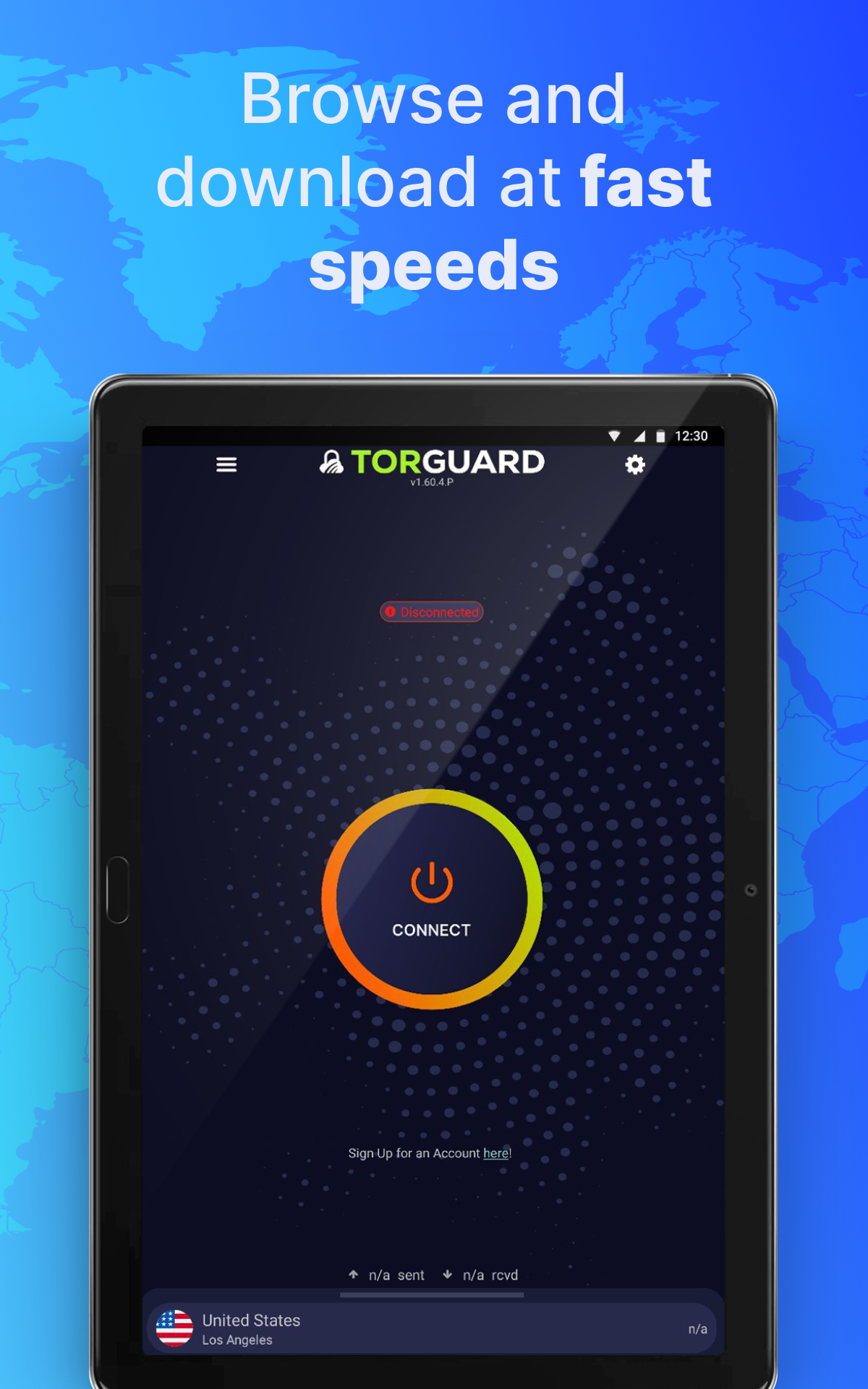
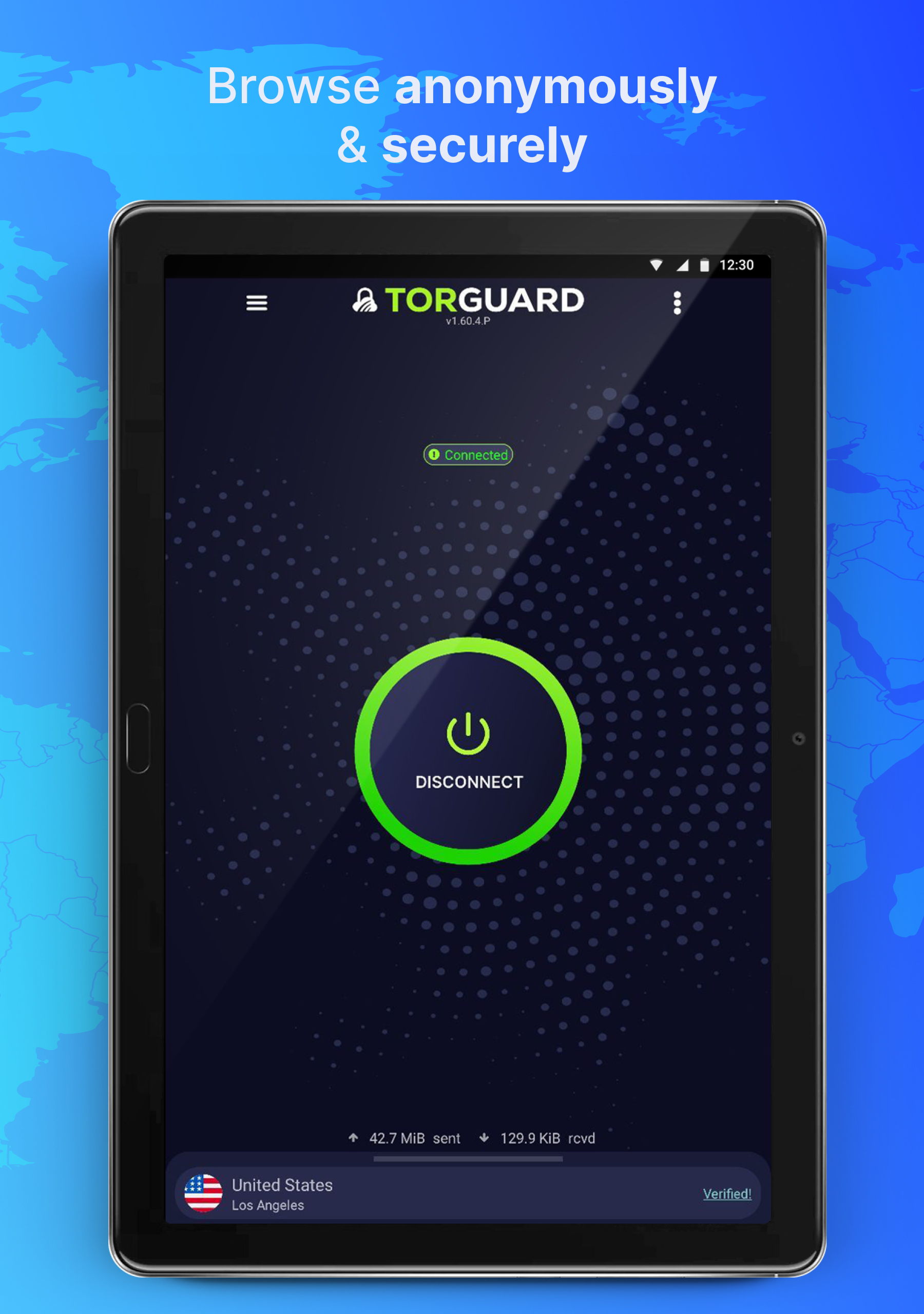
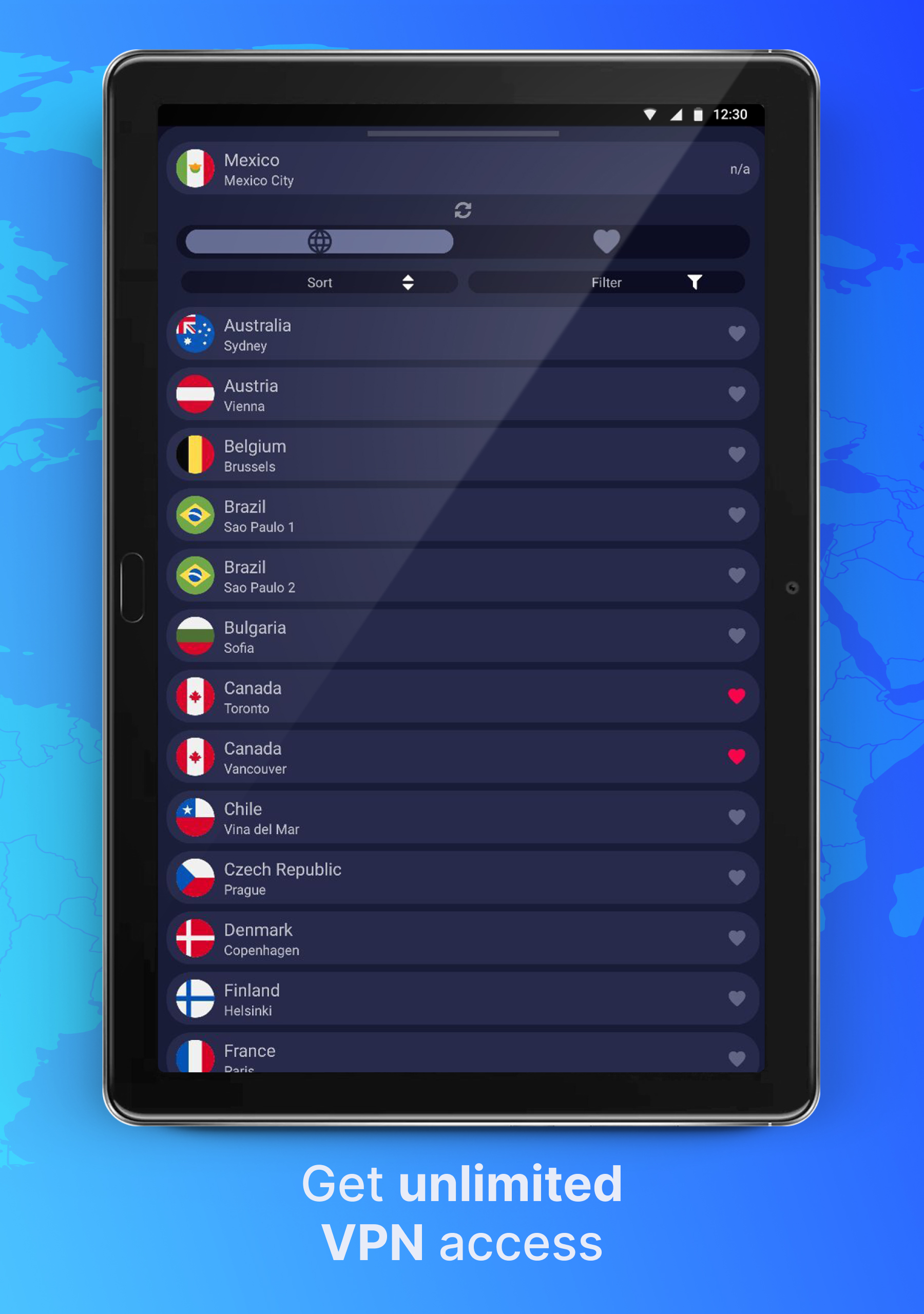
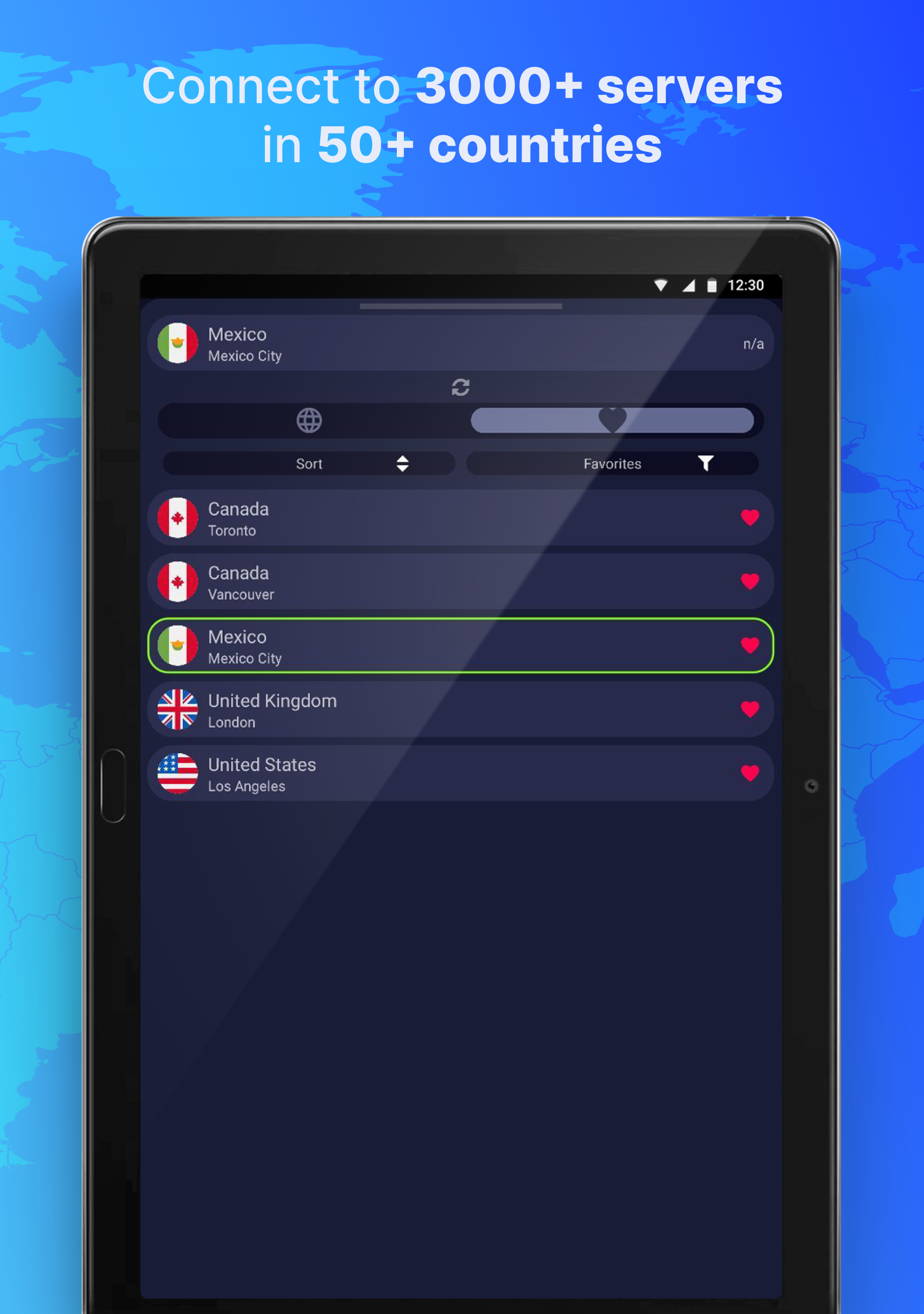

Ditambahkan: Denis Rubinov
Versi: 1.60.14
Ukuran: 40.8 MB
Diperbarui: 24.06.2025
Developer: TorGuard
Batasan Usia: Everyone
Otorisasi: 9
Diunduh di Google Play: 994428
Kategori: Alat
Deskripsi
Aplikasi Private & Secure VPN: TorGuard diperiksa oleh antivirus VirusTotal. Sebagai hasil pemindaian, tidak ada infeksi file yang terdeteksi oleh semua tanda tangan terbaru.
Cara memasang Private & Secure VPN: TorGuard
- Unduh file APK aplikasi dari apkshki.com.
- Temukan file yang diunduh. Anda dapat menemukannya di baki sistem atau di folder 'Download' menggunakan manajer file apa pun.
- Jika file yang diunduh berekstensi .bin (bug WebView di Android 11), ubah namanya menjadi .apk menggunakan pengelola file apa pun atau coba unduh file dengan browser lain seperti Chrome.
- Mulai penginstalan. Klik pada file yang diunduh untuk memulai penginstalan
- Izinkan penginstalan dari sumber yang tidak dikenal. Jika Anda menginstal untuk pertama kalinya Private & Secure VPN: TorGuard bukan dari Google Play, buka pengaturan keamanan perangkat Anda dan izinkan penginstalan dari sumber yang tidak dikenal.
- Lewati perlindungan Google Play. Jika proteksi Google Play memblokir penginstalan file, ketuk 'Info Lebih Lanjut' → 'Tetap instal' → 'OK' untuk melanjutkan..
- Selesaikan penginstalan: Ikuti petunjuk penginstal untuk menyelesaikan proses penginstalan.
Cara memperbarui Private & Secure VPN: TorGuard
- Unduh versi baru aplikasi dari apkshki.com.
- Cari file yang diunduh dan klik file tersebut untuk memulai penginstalan.
- Instal di atas versi lama. Tidak perlu menghapus instalasi versi sebelumnya.
- Hindari konflik tanda tangan. Jika versi sebelumnya tidak diunduh dari apkshki.com, pesan 'Aplikasi tidak terinstal' mungkin muncul. Dalam kasus ini, hapus instalan versi lama dan instal versi baru.
- Mulai ulang lampiran Private & Secure VPN: TorGuard setelah pembaruan.








Meminta pembaruan aplikasi
Ditambahkan Denis Rubinov
Versi: 1.60.14
Ukuran: 40.8 MB
Diperbarui: 24.06.2025
Developer: TorGuard
Batasan Usia: Everyone
Otorisasi:
Diunduh di Google Play: 994428
Kategori: Alat
















Ulasan untuk Private & Secure VPN: TorGuard
I love the VPN service, it works awesome. The only thing that needs improvement is the Android app. when switching between Wi-Fi and mobile connection, most of the time the app loses connection and I have to restart it to be able to use the internet.
This app is useless. Up until few days ago (when I was able to connect using Android's built-in VPN capability), I would connect in a few seconds. But with this app I've never yet been able to connect: it just sits in its Reconnecting status, reconnecting and reconnecting and reconnecting and reconnecting but never actually completing the connection. Perfectly useless.
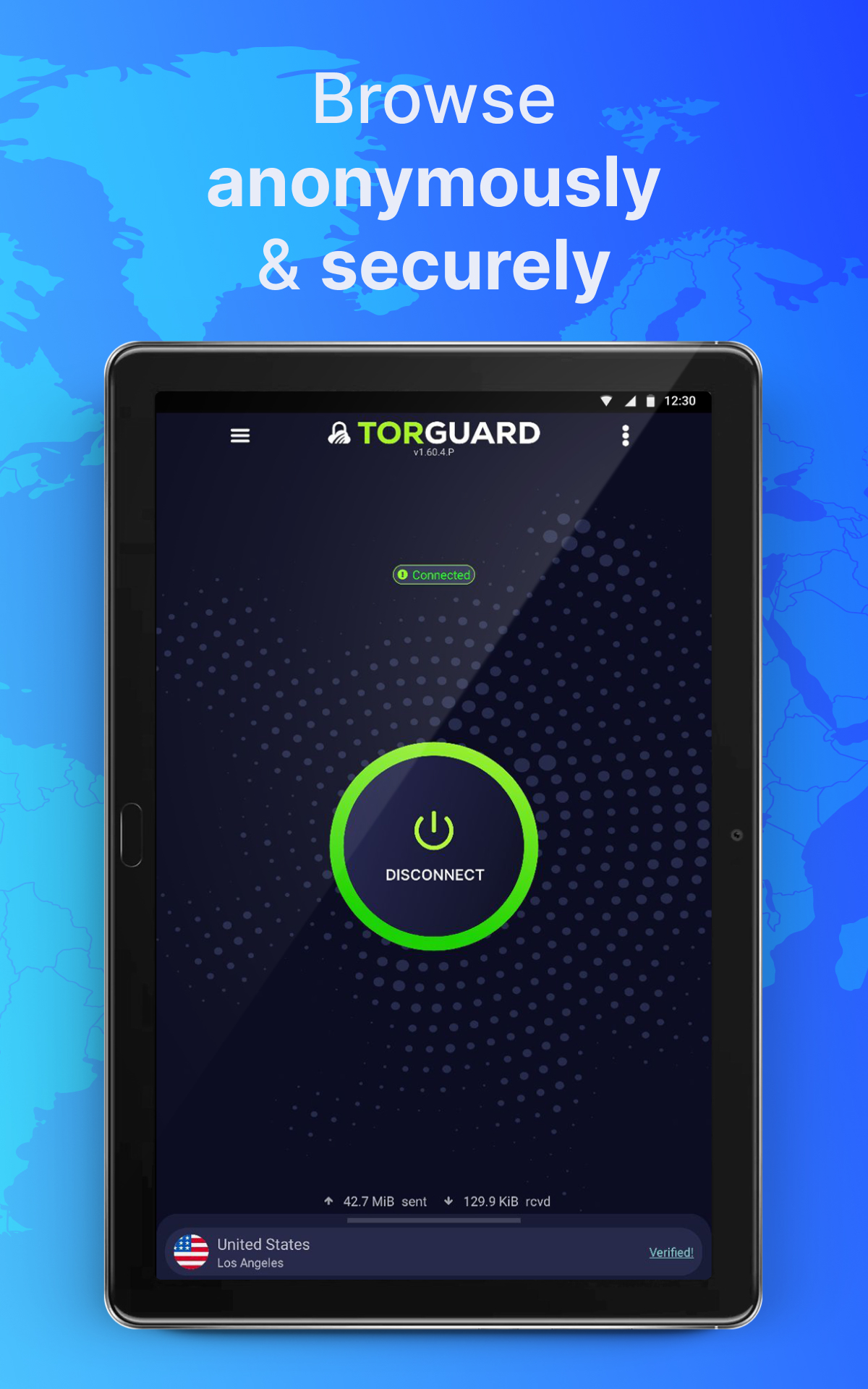
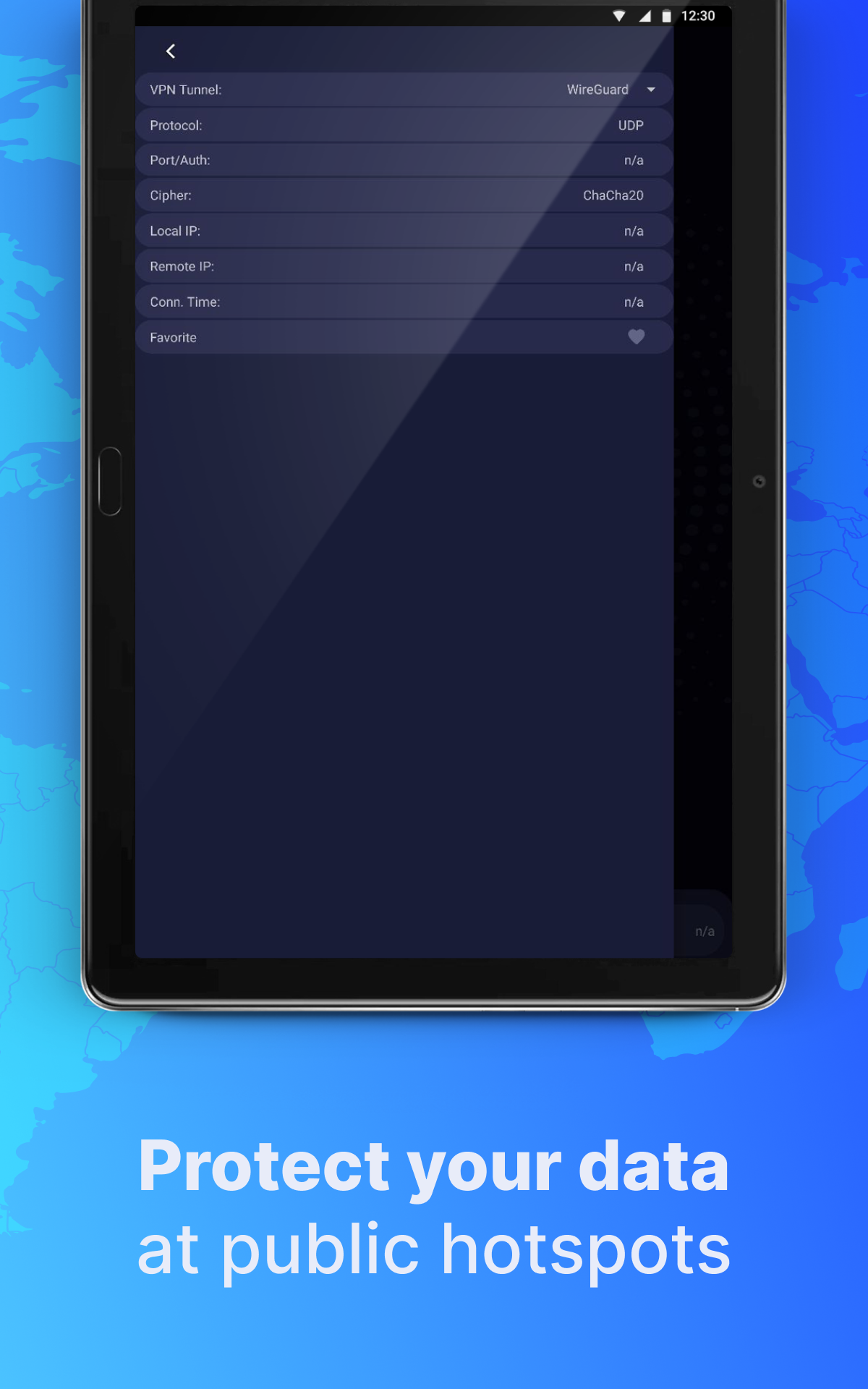
EDITED: 5/21/2021 To be clear, if I constantly have to hit the login button to connect to a new IP address, then I have to practically RE-authorize it, since that is the first step to connecting ("Auth")[Note: fixed]. Negative criticism aside, it's nice to see a completely new GUI display. The new update keeps old features (different ports) while adding some new ones (constant connection) along with a choice of OpenVpn network or WireGuard. As far as bargain bin VPNs go, Torguard is decent.
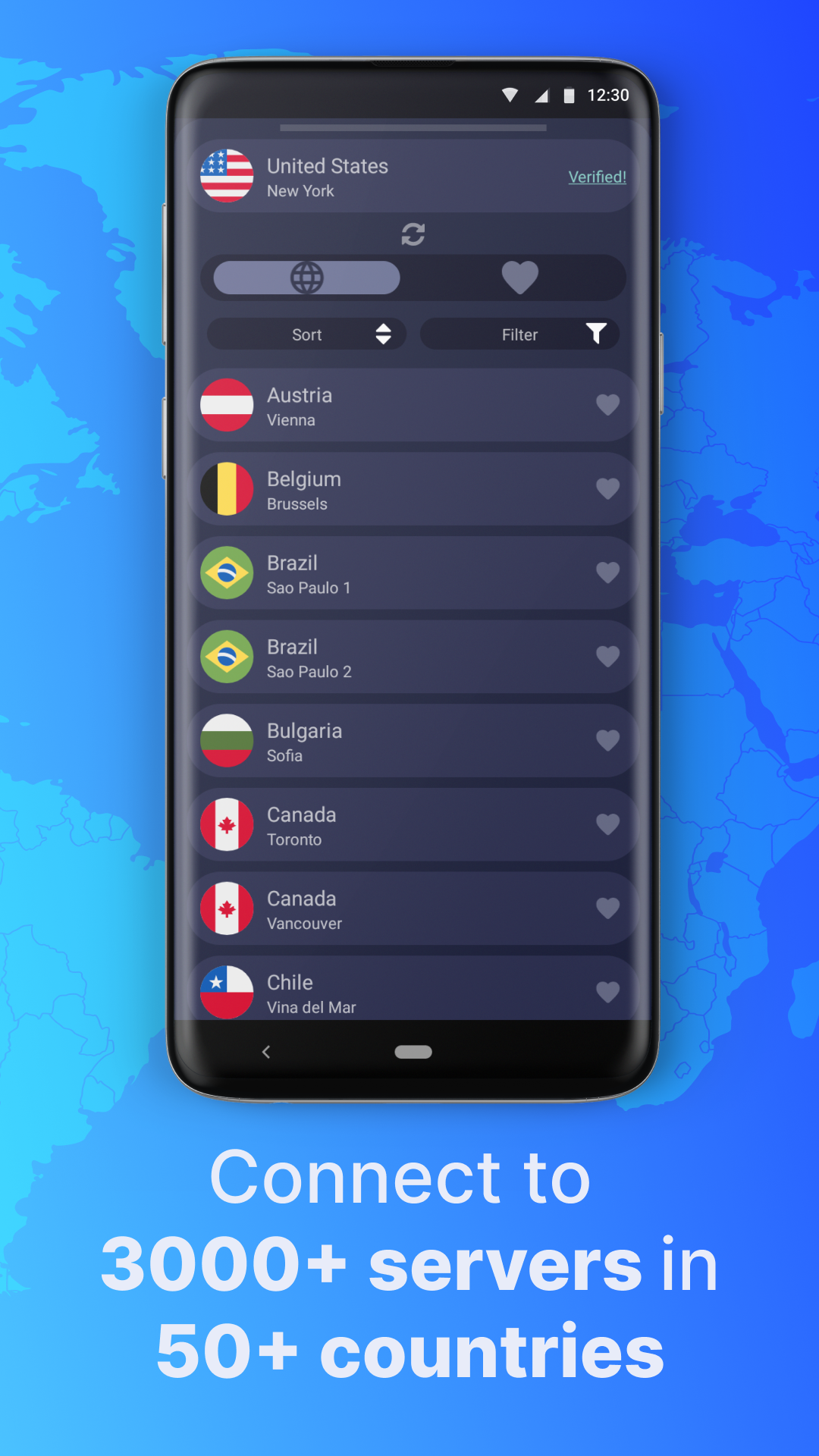
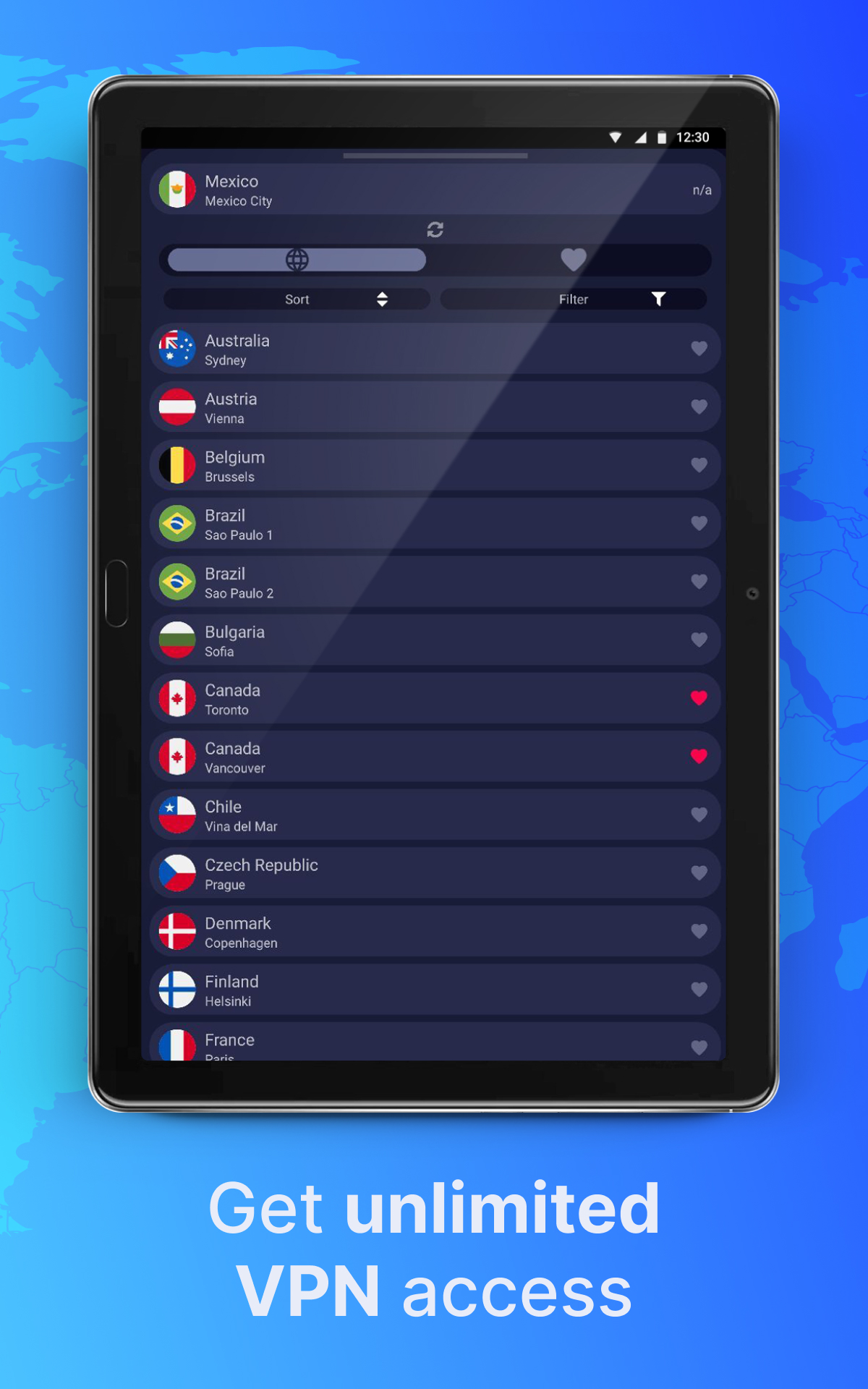
The UI gets progressively worse with new app updates. The proximity sorting option is now broken. I'm in the US and for some reason it's telling me that S Africa or New Zealand are faster than anywhere in the Americas. No way to tell if the top of the list is fastest or slowest. But if I filter by region, it shows the farthest cities at the top. Counterintuitive
It's a pretty good VPN but quite a bit more expensive than most, and you have to pay significantly more on top of that if you want to use streaming services from other countries as without the specific streaming add-on you are blocked by Netflix, Amazon, Disney+, etc. If they make the add-on standard or drop the base price significantly I'd probably give 5 stars, but as it is those are fairly significant drawbacks. You do get better and more low-level settings than most any other VPN I know of.
Most importantly, it stays connected. I wanted faster, it was seemingly slow at 1 to 2 MB per sec, I have a 200mbps connecting... Finally did a speed test, 100+ mbps! They cannot control others' upload speed or others internet throttling. A negative, I wish the app would would do anything to let you know that it stopped protecting the connection, it does not disconnect the network, it does not shut down an app, it merely puts a faint slash on its notification icon, revealing all information.
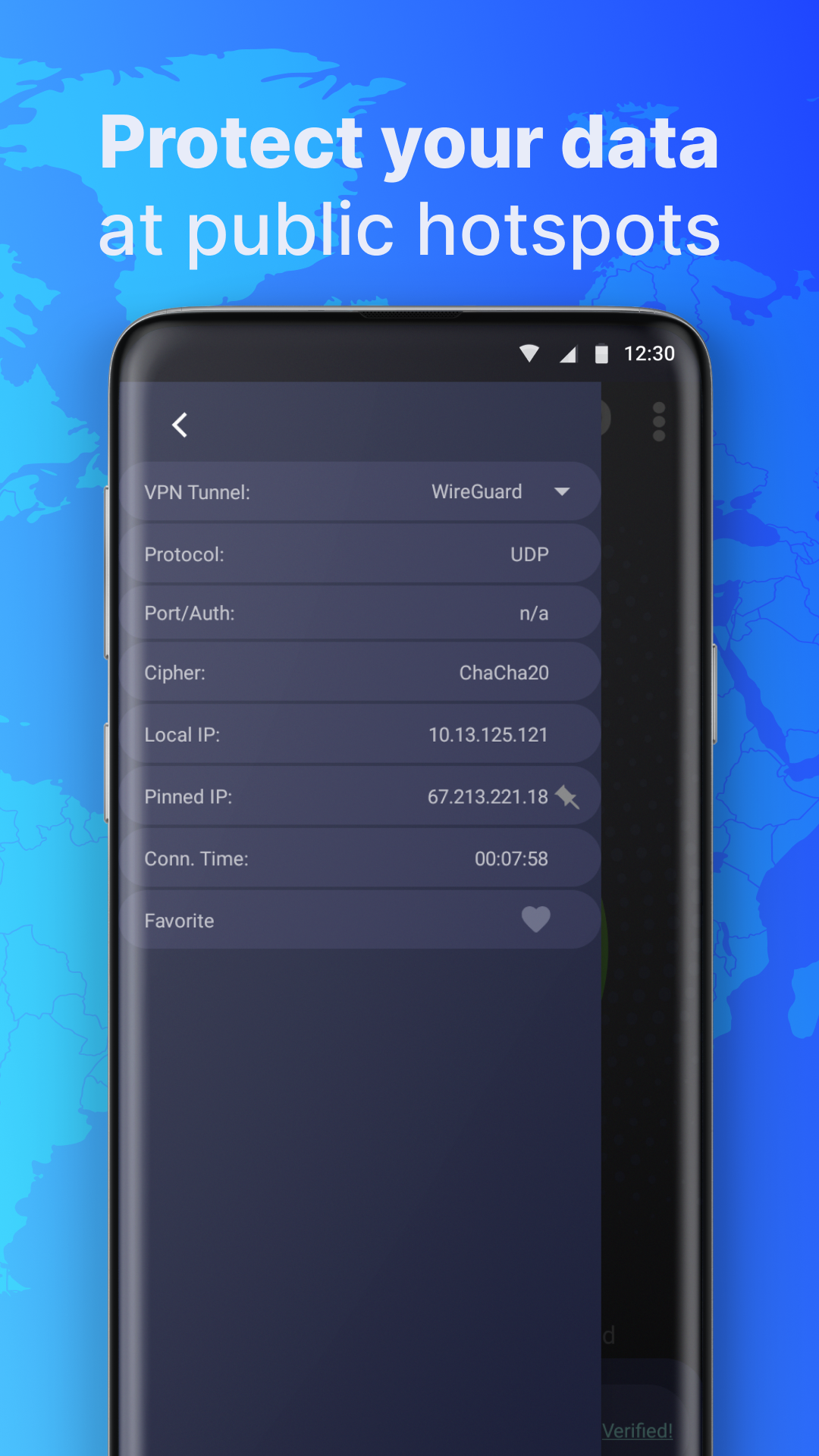
Wireguard is here and it works (kind of) ! Love it. It connects and verifies, but then after some time starts to look for server host name and gets stuck on detecting. I had noticed the same issue with the desktop app, but there you can switch it off in the Network options. No such option is available here though.
I had to clear the cache and data in order to be brought to a login screen. And once I entered my credentials, it just shows a loading screen (rotating loading circle) and never actually logs me in. Until this is fixed the app is completely useless. If it's not fixed by the time my billing cycle ends, I'll be finding another provider. This service has continually gone downhill in the last year, with random disconnects and reconnection issues.
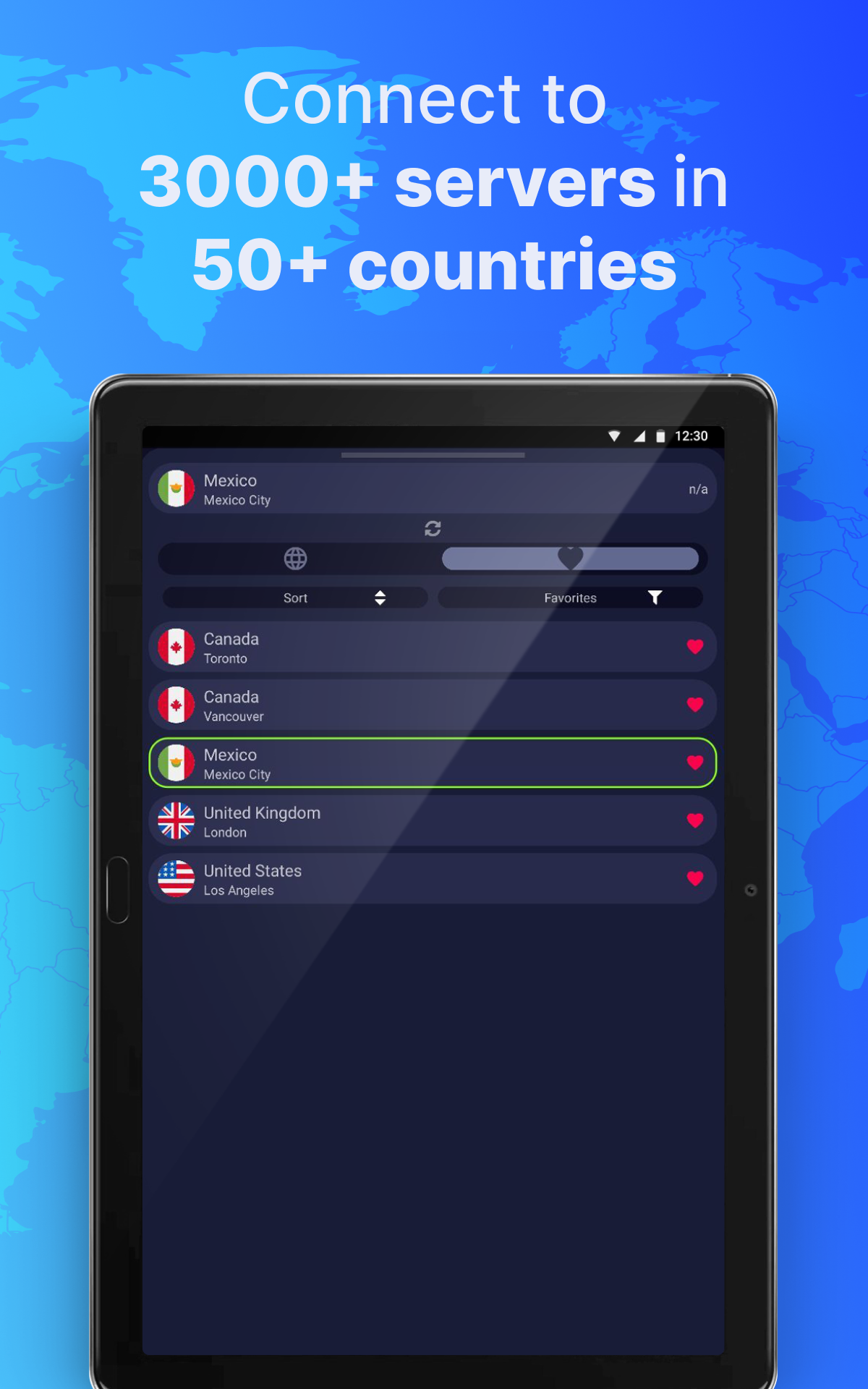
Great team behind the VPN - I was having some issues with Wiregaurd and their client, and they worked hand in hand with me to determine the error. I love the features such as lan bypass (please know what you are doing), the latest opvpn support, the ability to pin your favorite ips, and more. They are *super* responsive when you have a question, and are super helpful! Purchased the 1 year plan!
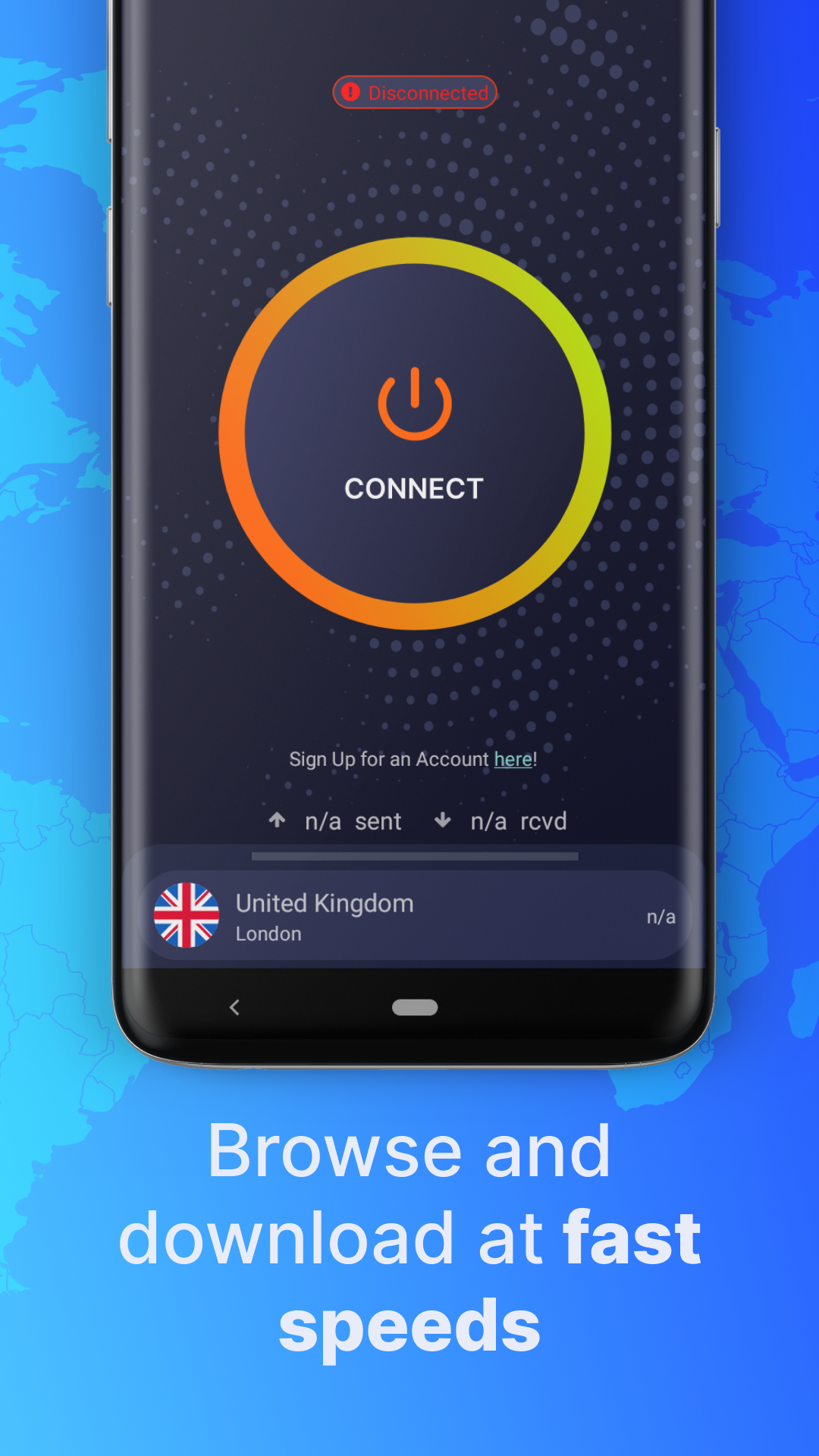
Changing my review to 2 stars because the following keeps happening: Keeps disconnecting. Difficult to restart after being kicked. Doesn't handle network switching well. Update: Still plagued by constant disconnects that don't reconnect. Torguard app just spins. No idea if/when it will reconnect. Super disappointed. Looking for a new vpn provider now. 😟
Kirimkan komentar
Untuk memberikan komentar, masuklah dengan jejaring sosial Anda:
Atau tinggalkan komentar anonim. Komentar Anda akan dikirim untuk dimoderasi.
Kirimkan komentar
Untuk memberikan komentar, masuklah dengan jejaring sosial Anda:
Atau tinggalkan komentar anonim. Komentar Anda akan dikirim untuk dimoderasi.