


Total Commander - file manager
54+
unduhan2.0+
versi Android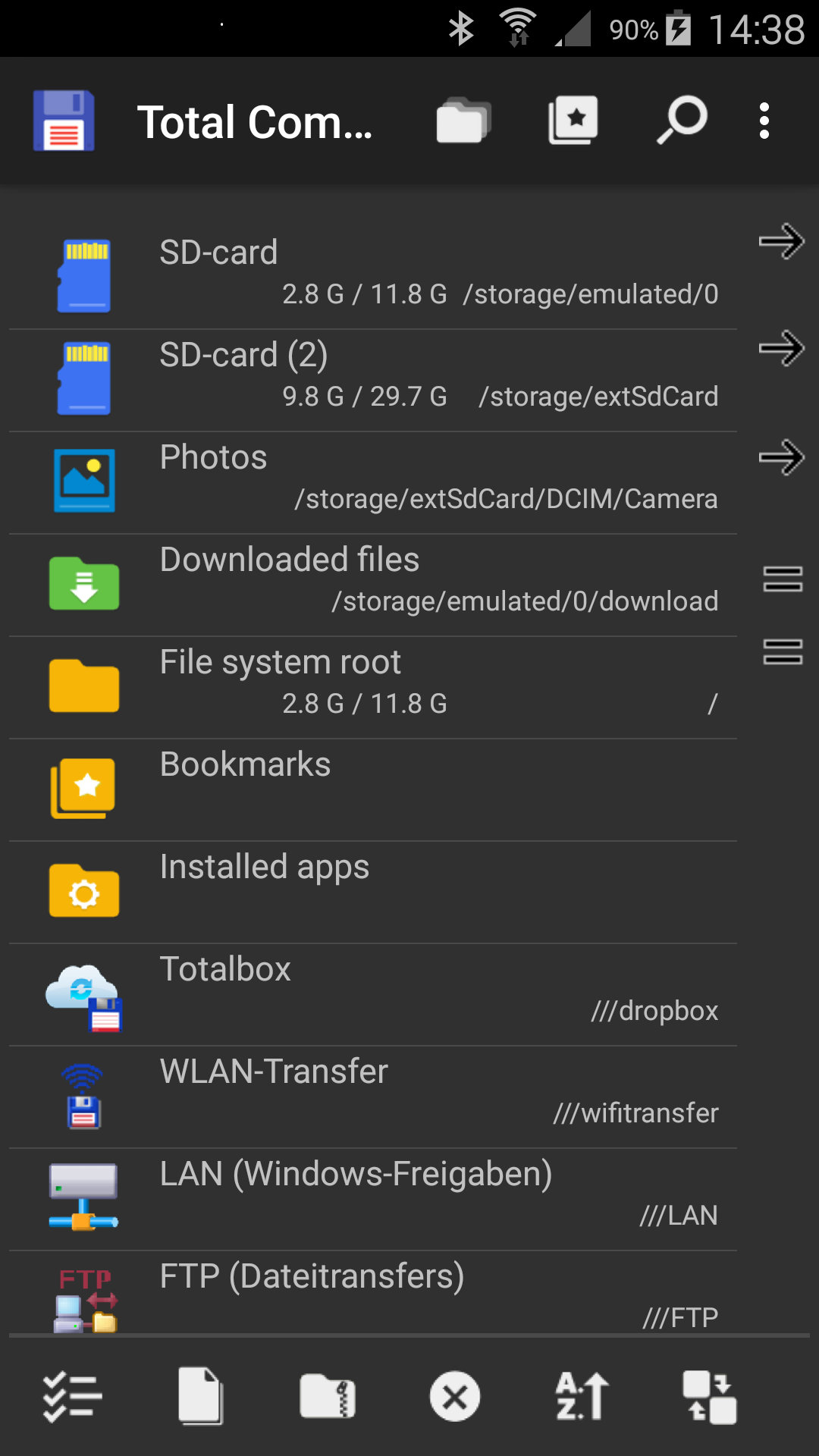
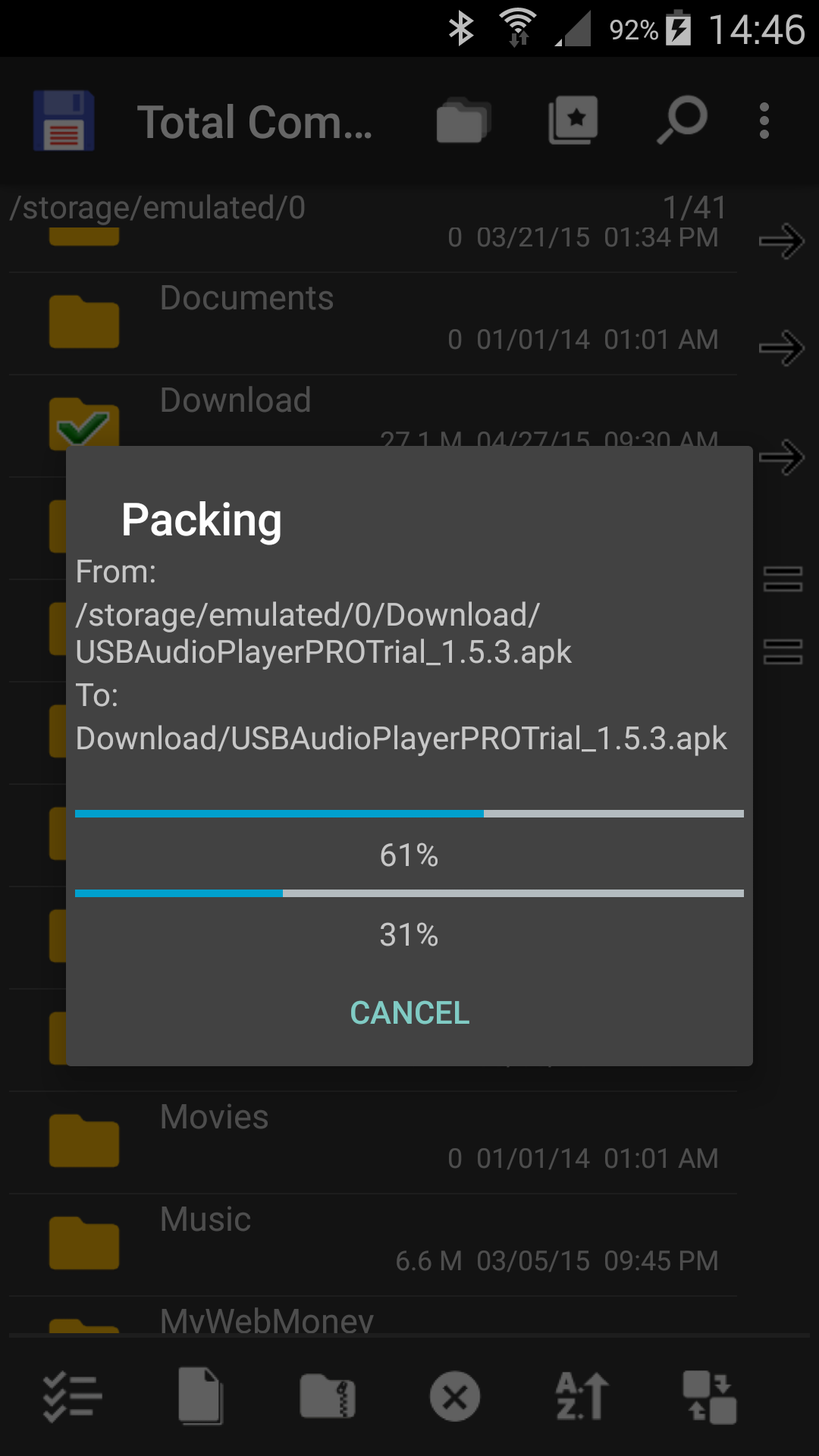
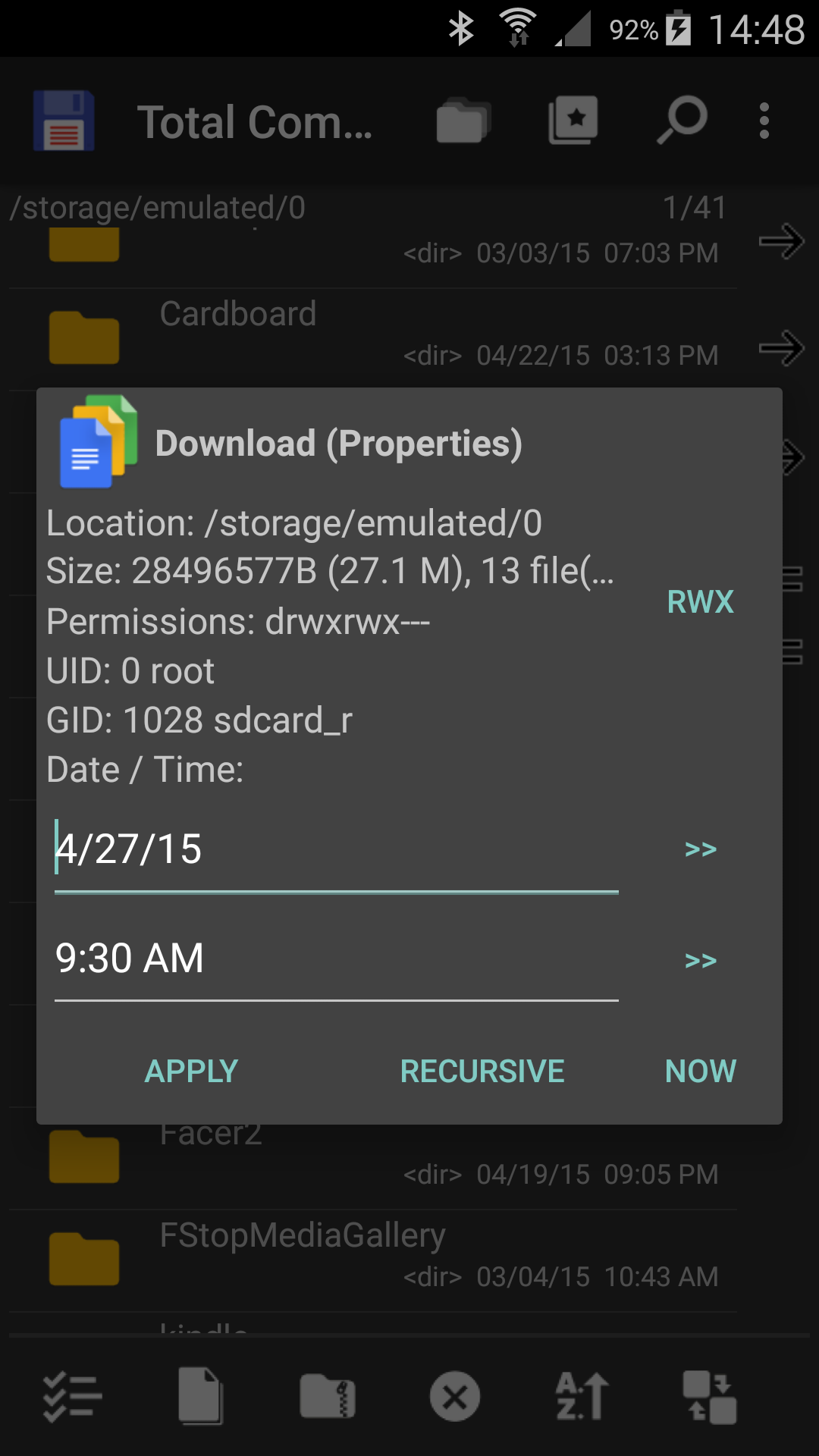
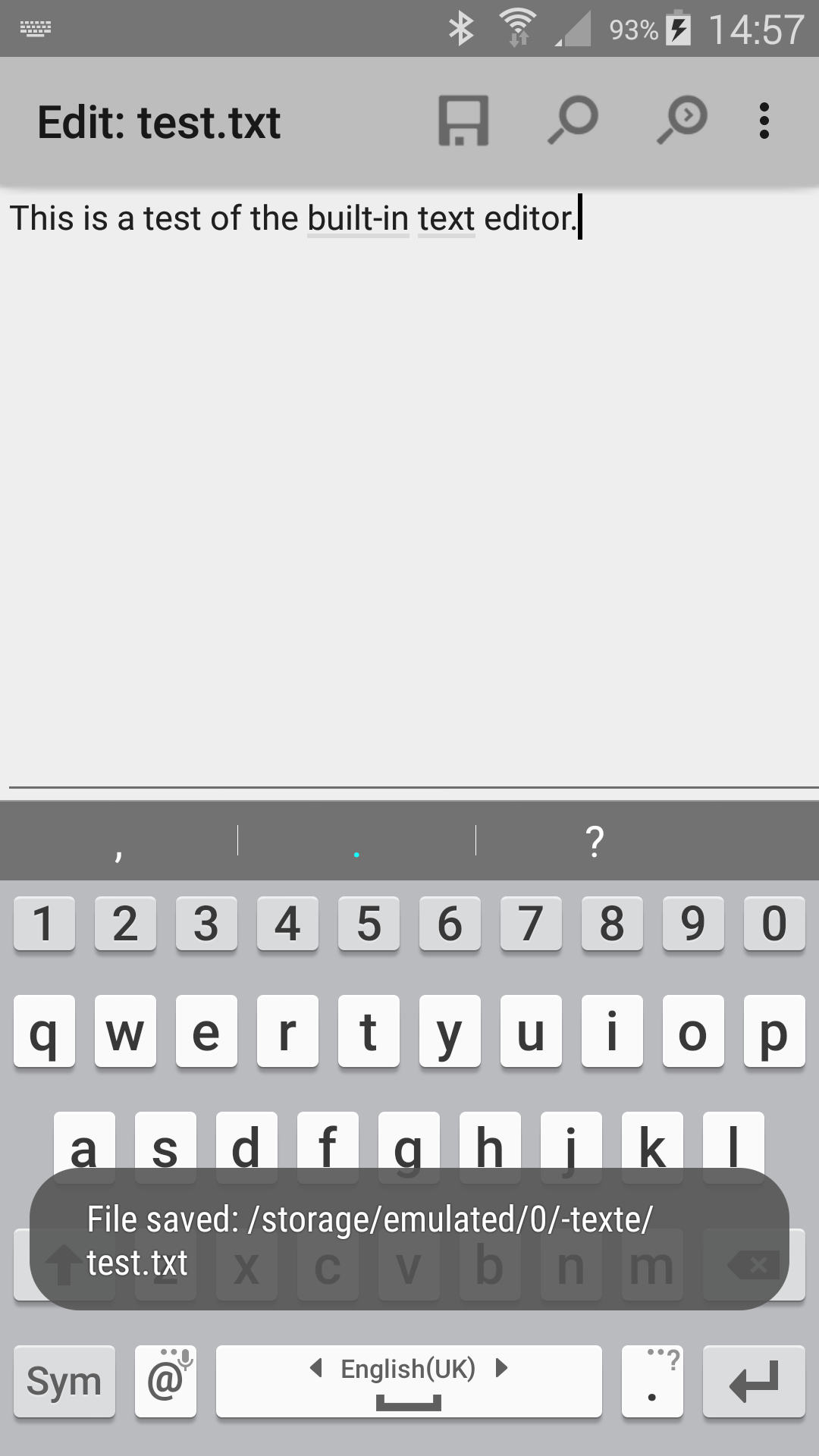
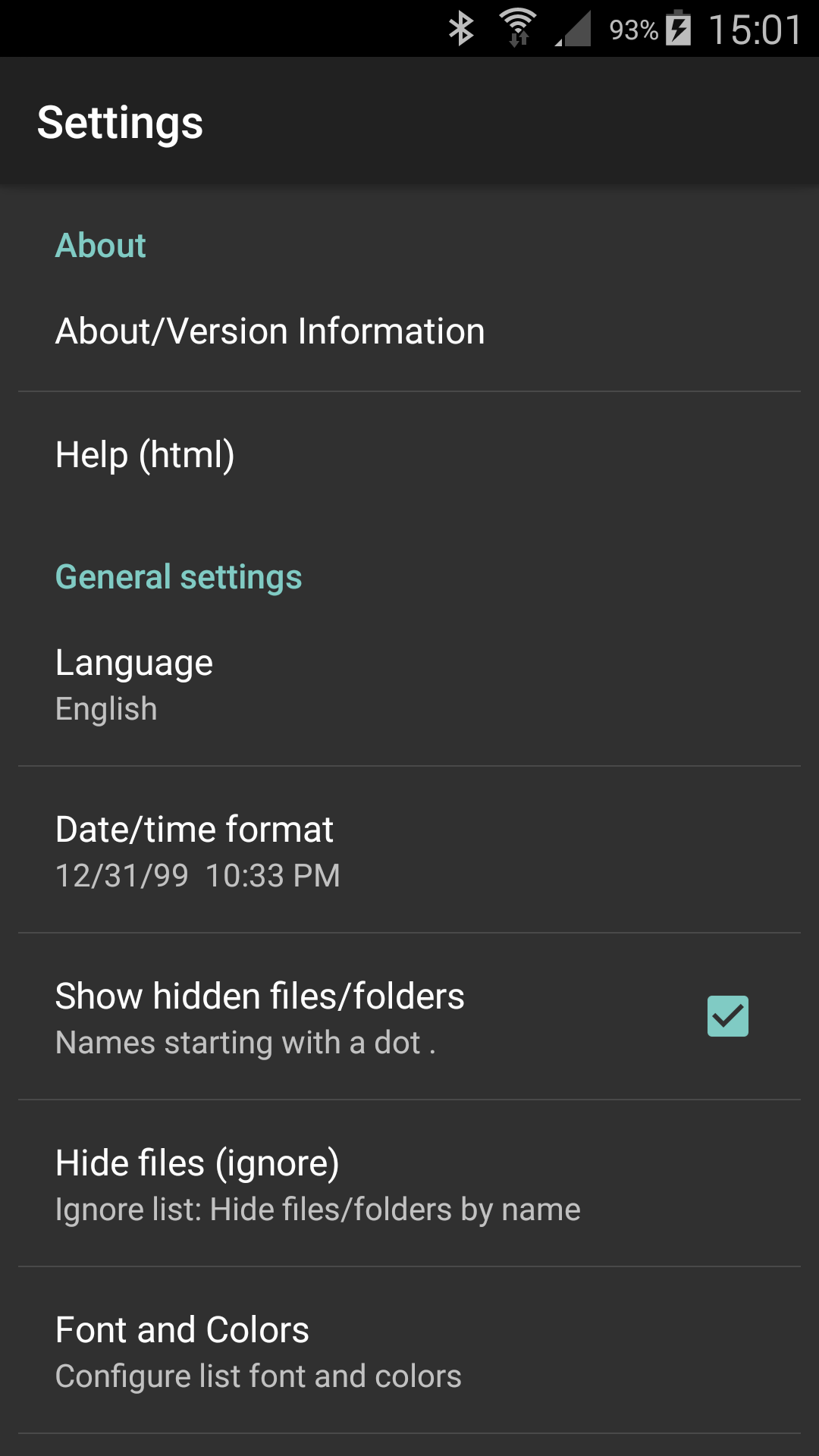
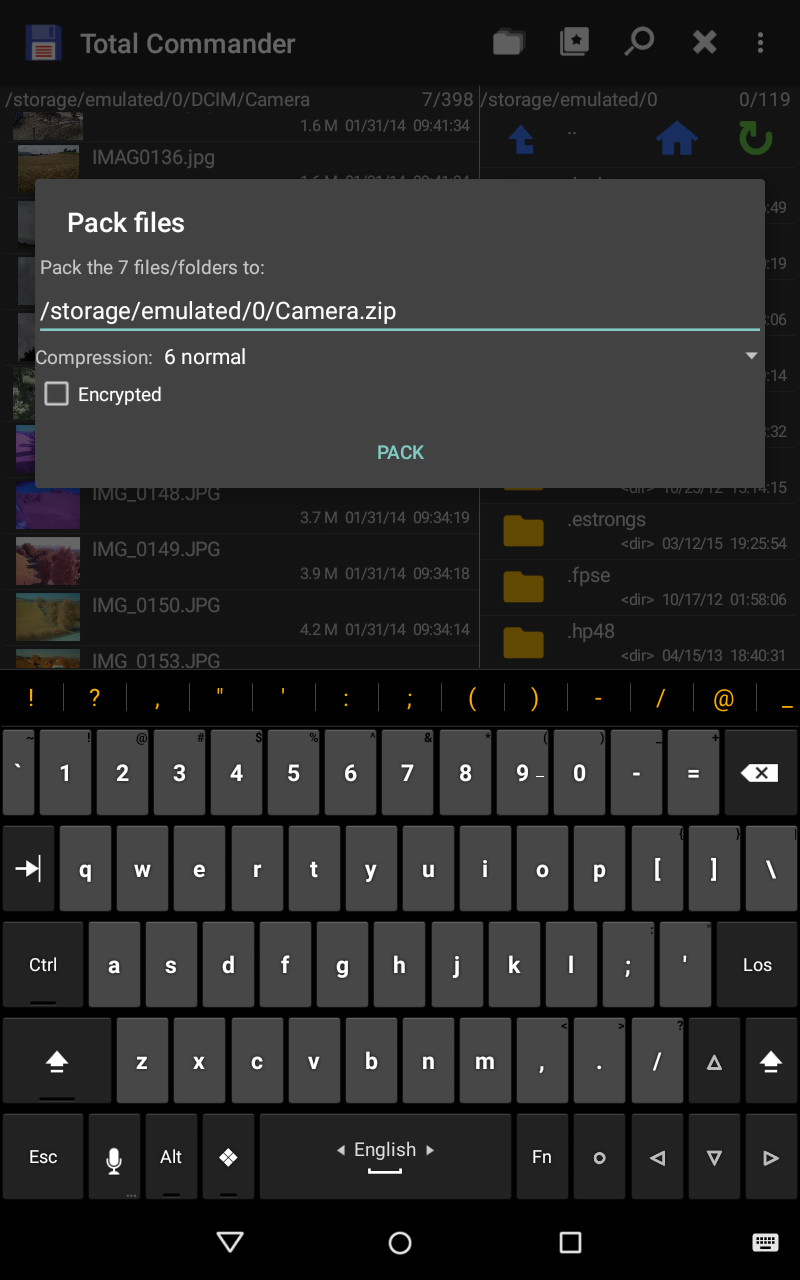
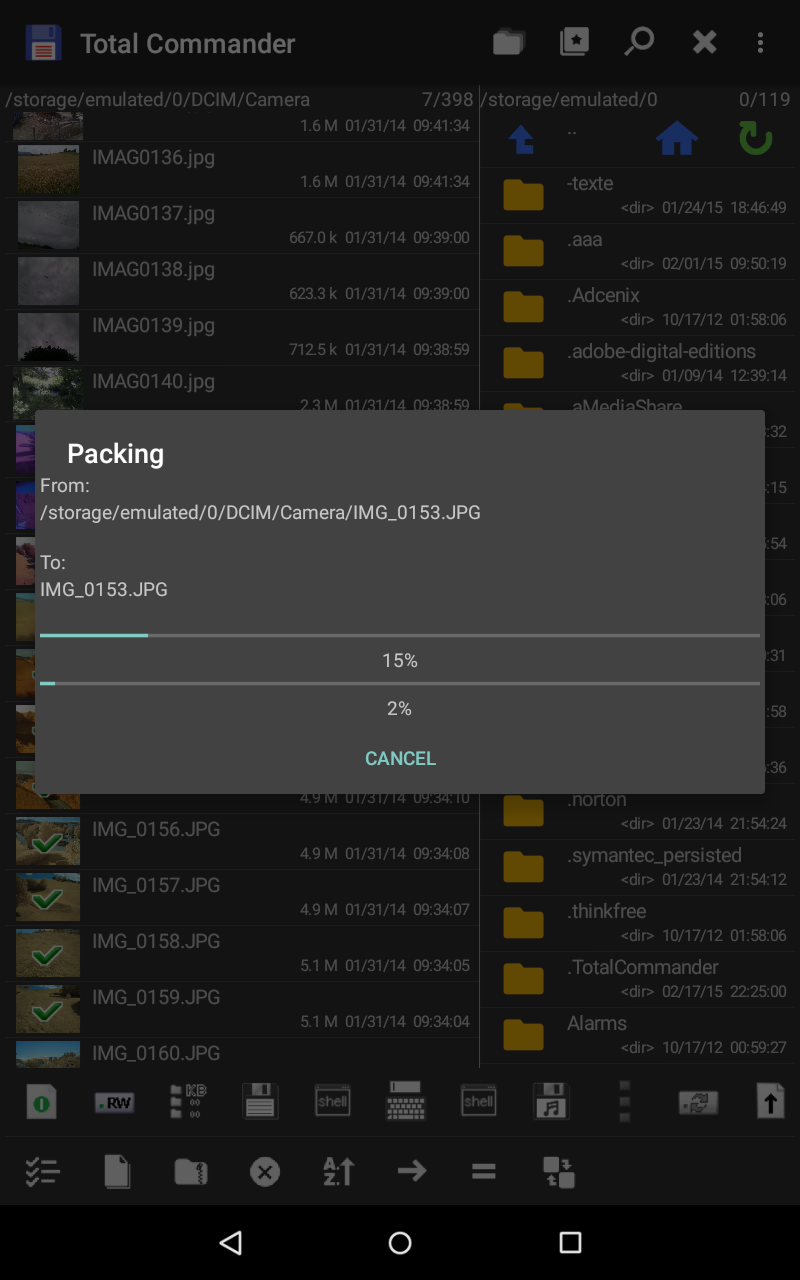
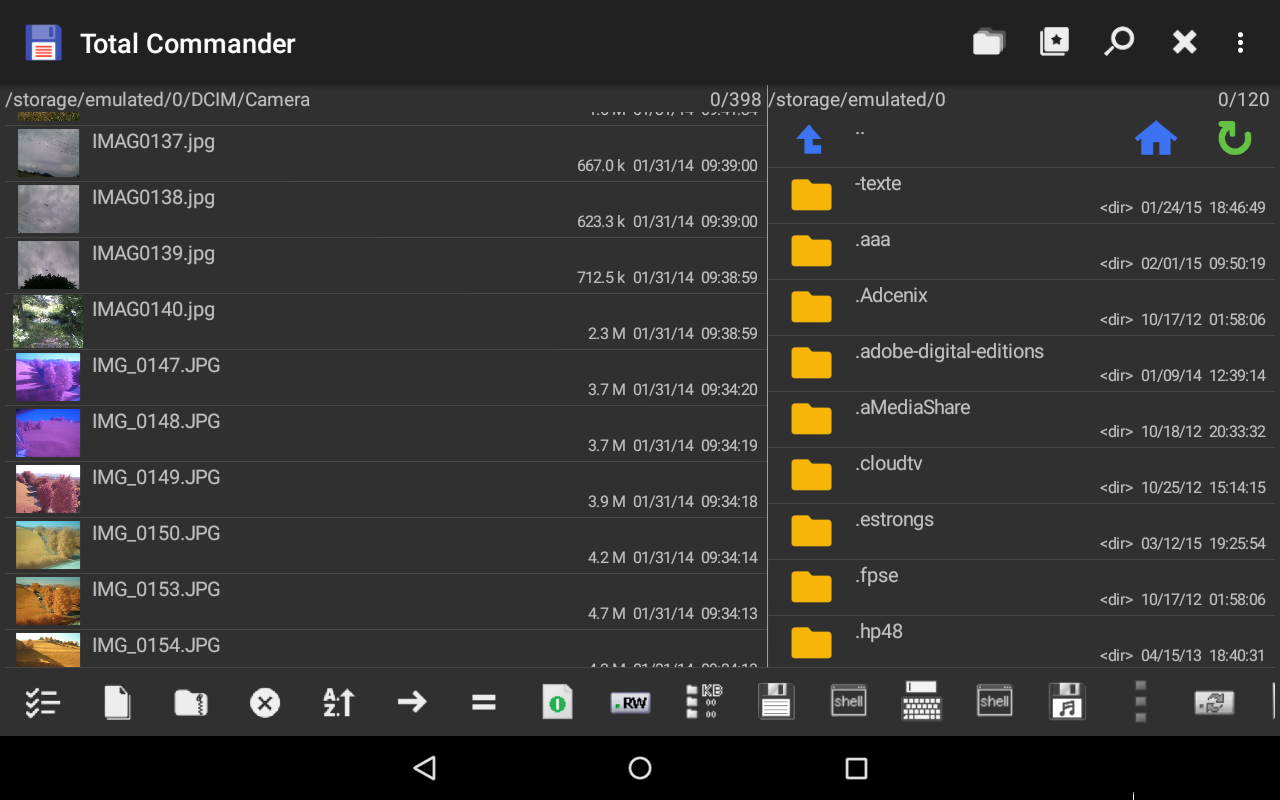
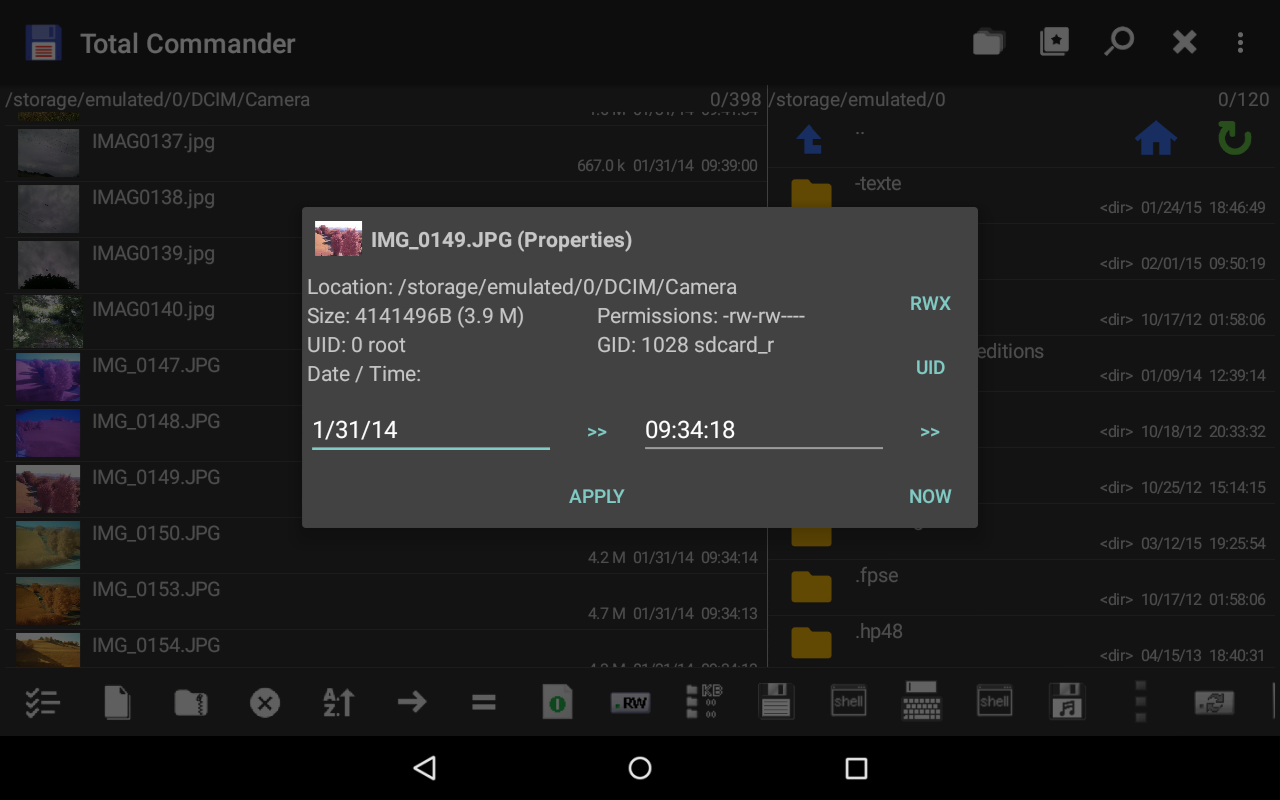
Ditambahkan: Denis Rubinov
Versi: 3.60b4d
Ukuran: 4.9 MB
Diperbarui: 20.05.2025
Developer: C. Ghisler
Batasan Usia: Everyone
Otorisasi: 8
Diunduh di Google Play: 33397729
Kategori: Alat
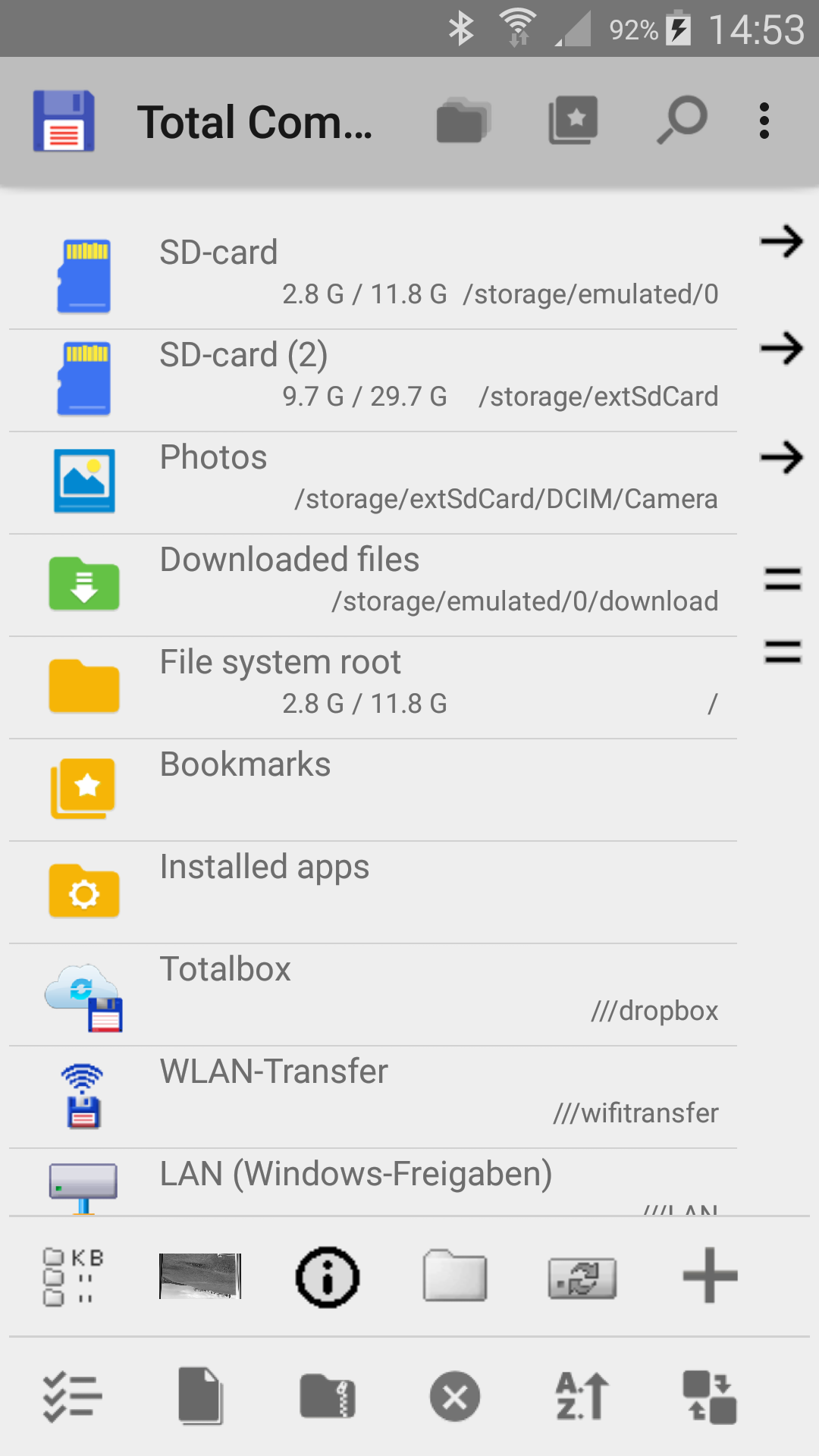
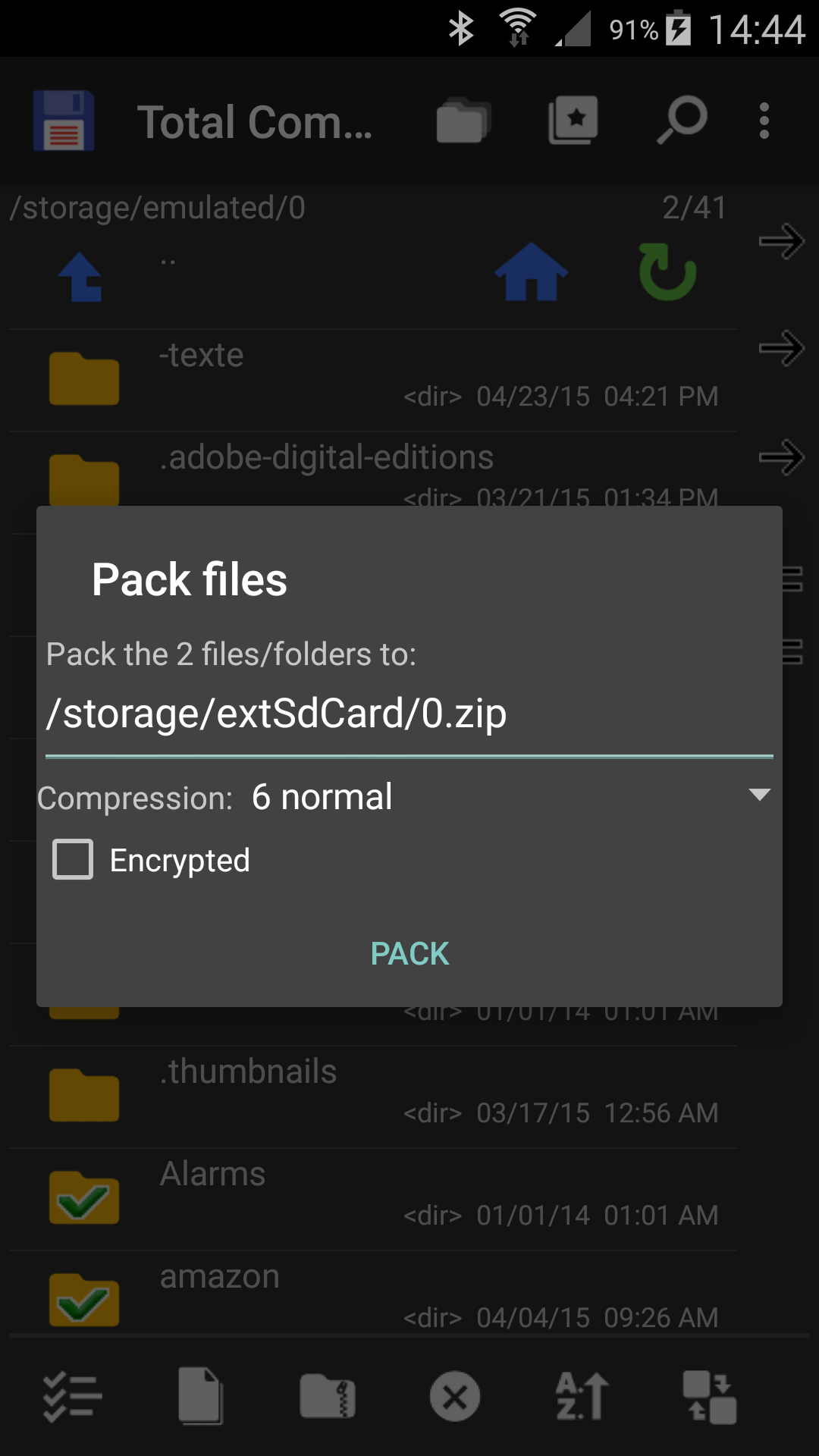
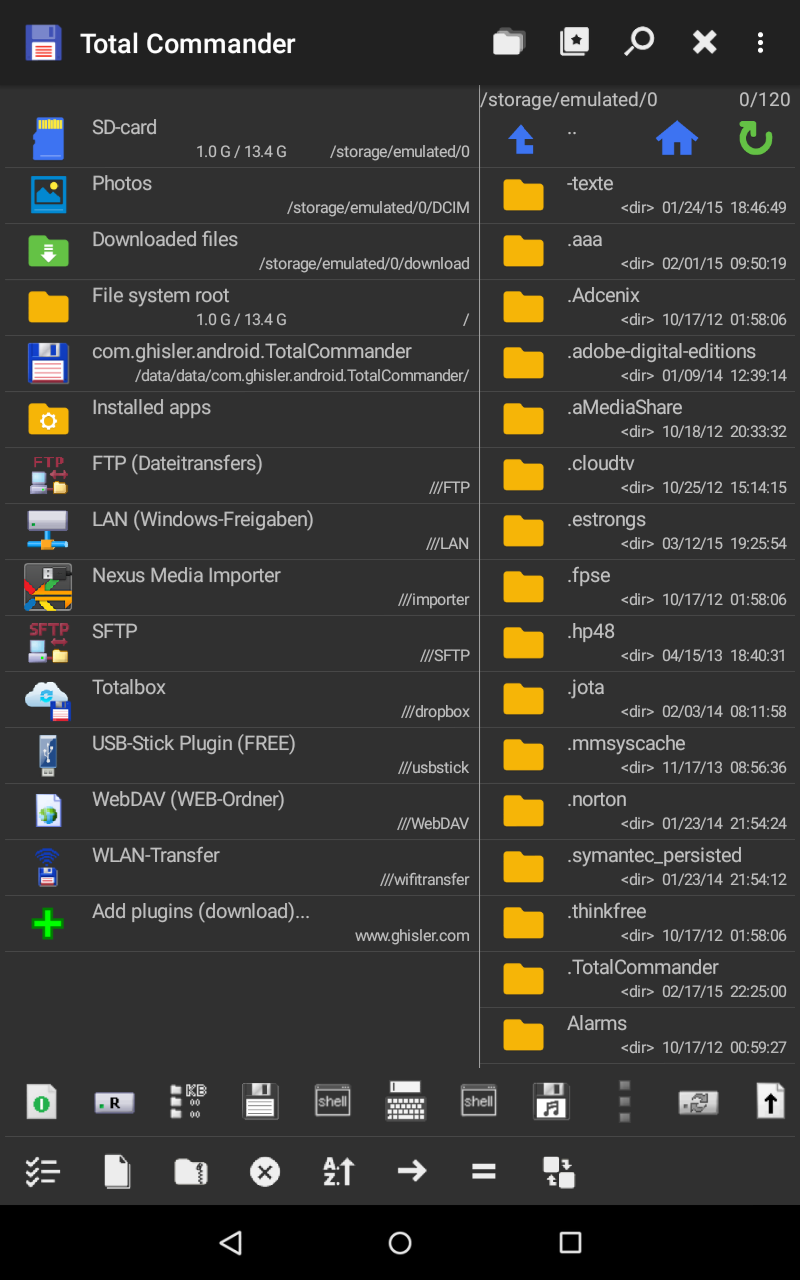
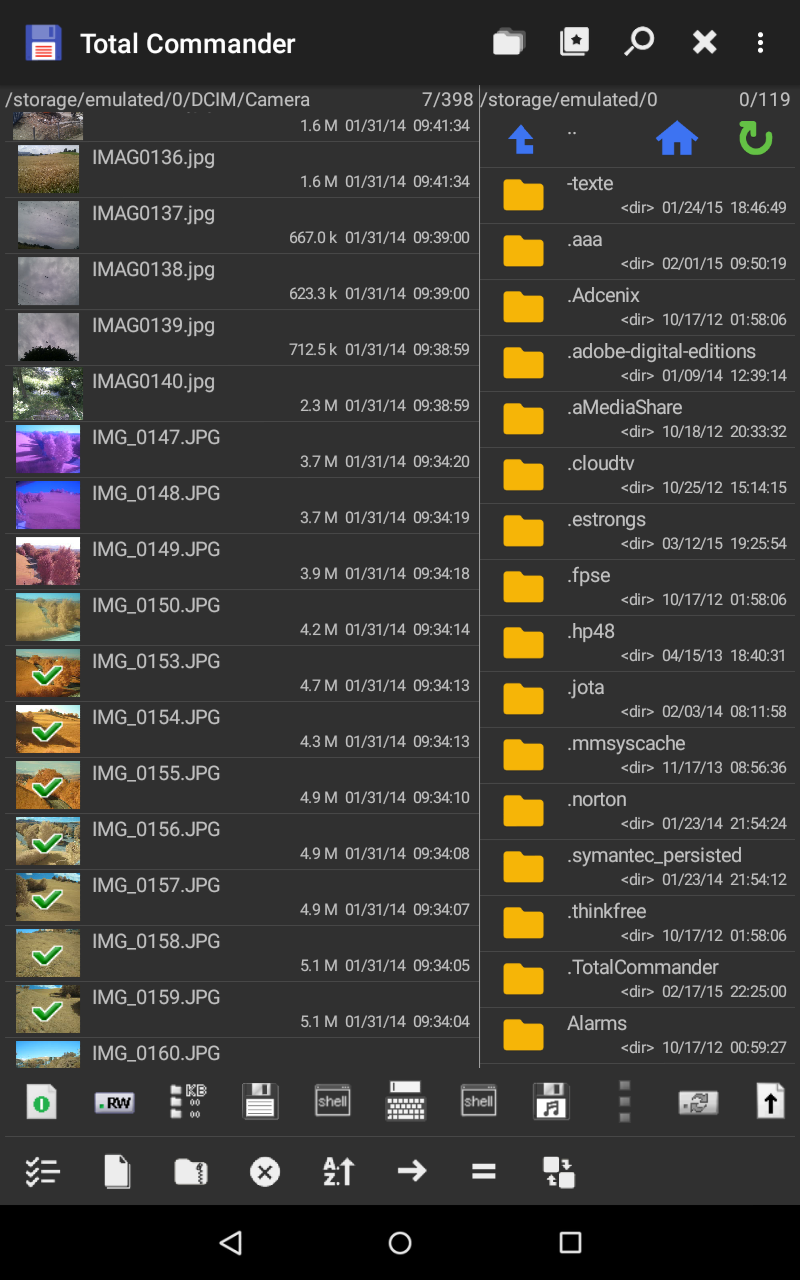
- Manajemen file yang nyaman.
- Dukungan plugin.
- Tidak ada iklan atau fitur berbayar.
- Fitur tambahan, jika sudah root.
- Dukungan Seret & Lepas.
- Terjemahan bahasa Rusia.
Deskripsi
Aplikasi Total Commander - file manager diperiksa oleh antivirus VirusTotal. Sebagai hasil pemindaian, tidak ada infeksi file yang terdeteksi oleh semua tanda tangan terbaru.
Cara memasang Total Commander - file manager
- Unduh file APK aplikasi dari apkshki.com.
- Temukan file yang diunduh. Anda dapat menemukannya di baki sistem atau di folder 'Download' menggunakan manajer file apa pun.
- Jika file yang diunduh berekstensi .bin (bug WebView di Android 11), ubah namanya menjadi .apk menggunakan pengelola file apa pun atau coba unduh file dengan browser lain seperti Chrome.
- Mulai penginstalan. Klik pada file yang diunduh untuk memulai penginstalan
- Izinkan penginstalan dari sumber yang tidak dikenal. Jika Anda menginstal untuk pertama kalinya Total Commander - file manager bukan dari Google Play, buka pengaturan keamanan perangkat Anda dan izinkan penginstalan dari sumber yang tidak dikenal.
- Lewati perlindungan Google Play. Jika proteksi Google Play memblokir penginstalan file, ketuk 'Info Lebih Lanjut' → 'Tetap instal' → 'OK' untuk melanjutkan..
- Selesaikan penginstalan: Ikuti petunjuk penginstal untuk menyelesaikan proses penginstalan.
Cara memperbarui Total Commander - file manager
- Unduh versi baru aplikasi dari apkshki.com.
- Cari file yang diunduh dan klik file tersebut untuk memulai penginstalan.
- Instal di atas versi lama. Tidak perlu menghapus instalasi versi sebelumnya.
- Hindari konflik tanda tangan. Jika versi sebelumnya tidak diunduh dari apkshki.com, pesan 'Aplikasi tidak terinstal' mungkin muncul. Dalam kasus ini, hapus instalan versi lama dan instal versi baru.
- Mulai ulang lampiran Total Commander - file manager setelah pembaruan.



Meminta pembaruan aplikasi
Ditambahkan Denis Rubinov
Versi: 3.60b4d
Ukuran: 4.9 MB
Diperbarui: 20.05.2025
Developer: C. Ghisler
Batasan Usia: Everyone
Otorisasi:
Diunduh di Google Play: 33397729
Kategori: Alat















Ulasan untuk Total Commander - file manager
Google made it to where you can not erase unwanted apps. That is evil. Letting others remotely add apk files to control and monitor any device. This app used to let you edit your device to prevent dirty cops, feds, or Hackers. Erase the app from Google play store if your not going to let the app function anymore.
A go to file manager since even before Android exists! A must in Windows, now in Android! Wonderful!
Very solid app, it uses plugins for Ftps, GDrive, SMB and the main app is therefore clean from the start. No Ads! The only downside is the ugly logo. 😅
Did not see any way to unzip files.
copy paste not working always failed
Awesome. light and efficient. UI is for experts.
The entire point of installing was so I could transfer files from my Android phone to my 1TB NFTS external SSD drive. But not only would it refuse to transfer the any files, it refused to create the needed folders. Complete waste of time and energy.
seems legit
There doesn't seem to be an easy and efficient way to browse images over the LAN.
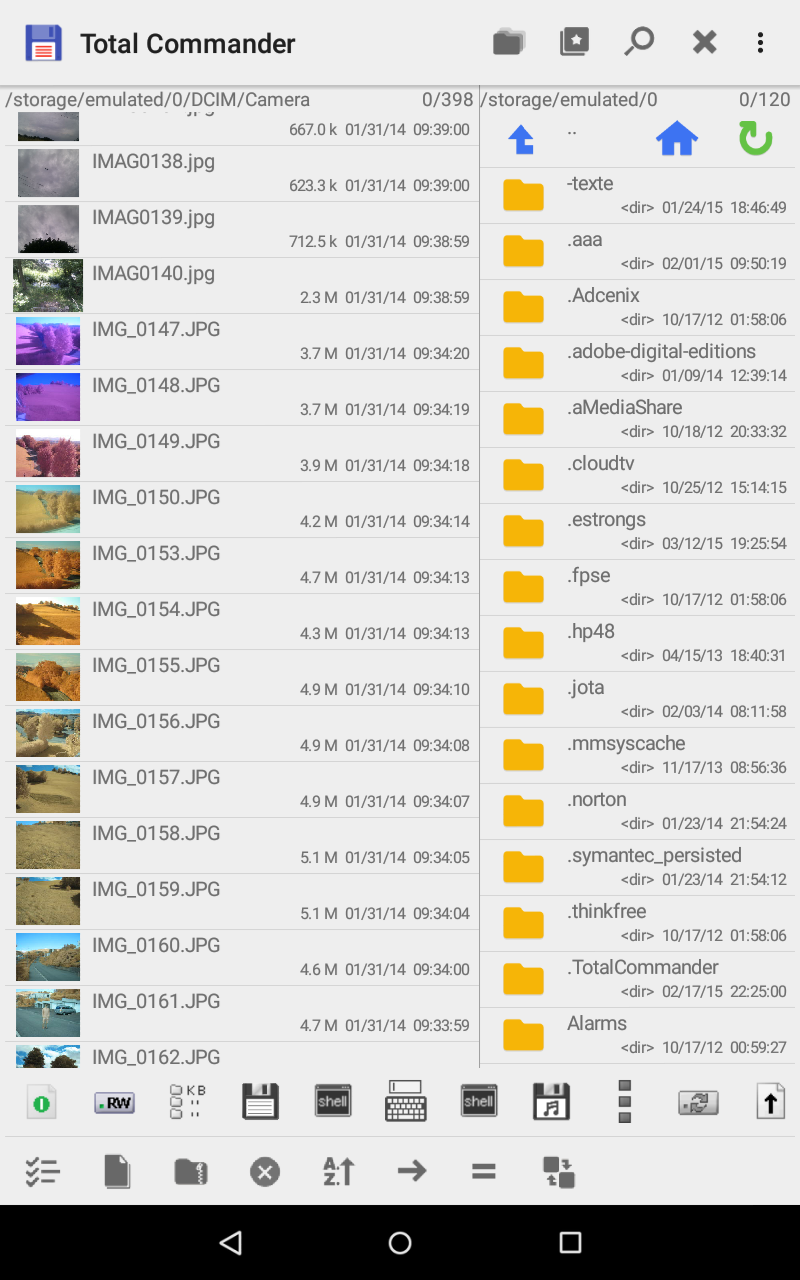
I have dozens of folders with hundreds/ thousands of images. ⛔️There does not seems to be an option to customize view: No grid view. No option to make thumbnails larger. No option to have grid view + filename. ⛔️No native internal image viewer. The internal "TC media player" only works with music and movie files,it seems. ⛔️There is a recycle bin, but it can't be opened or customized (e.g. delete after 30 days). Deletion is thus permanent. ⛔There also needs to be a PW lock for app / recycle bin.
Best file manager for Android. Works a lot like the Windows version which is a good thing. It doesn't have a flashy UI but instead focuses on features which I wish more apps would do. With plugins it has also replaced dedicated apps for cloud storage and LAN/SMB access makes it so I don't have to plug in my phone to transfer files from my home PC.
The only file manager I use. Started using it on desktop when Windows replaced DOS (was called Windows Commander back then). Was super excited when they started offering it for Android and have never looked back. With the added plugins (such as Dropbox, etc.) - it is truly the most powerful tool an advanced user needs. All this for free and with NO ADS!
Excellent app! File manager has capabilities you would expect on a PC. Easily navigate your device's file system. I installed this app specifically to allow mobile phone connections to PCs on my LAN. This app, together with its free addon called "LAN plugin for Total Commander" enable easy LAN connections. The app uses SMB2 protocol which is secure. And file transfers take place at full WiFi speeds. For the first time, I have easy and fast access to LAN shares. Excellent!
USE THIS APP! I think TCmd is very good. I've been using it for years. It is incredibly robust but not entirely inuitive, in my experience. The help file could be improved by better search matching. It seems to currently be a simple text search. I discovered 'drag and drop' by mistake; it did not appear when I searched for 'move file'. Adding images to help will also be useful for users. Also, including a quick link to Help as a '?' icon on the top nav would be a time saving shortcut.
It works good, but coult use some improvements. #1, the top under bar should not scroll when scrolling the list of files. Thay way you always have access to 'back/up' without having to scroll all the way to the top. #2, you need a better way to paste into an empty folder. Now you must do 3 dots, then create a folder, then long press on that and select paste (here) then delete the folder. #3, It would be nice to have easier access to copying multiple files without always going back and forth.
Kirimkan komentar
Untuk memberikan komentar, masuklah dengan jejaring sosial Anda:
Atau tinggalkan komentar anonim. Komentar Anda akan dikirim untuk dimoderasi.
Kirimkan komentar
Untuk memberikan komentar, masuklah dengan jejaring sosial Anda:
Atau tinggalkan komentar anonim. Komentar Anda akan dikirim untuk dimoderasi.