



TP-Link Tether
8+
unduhan4.4+
versi Android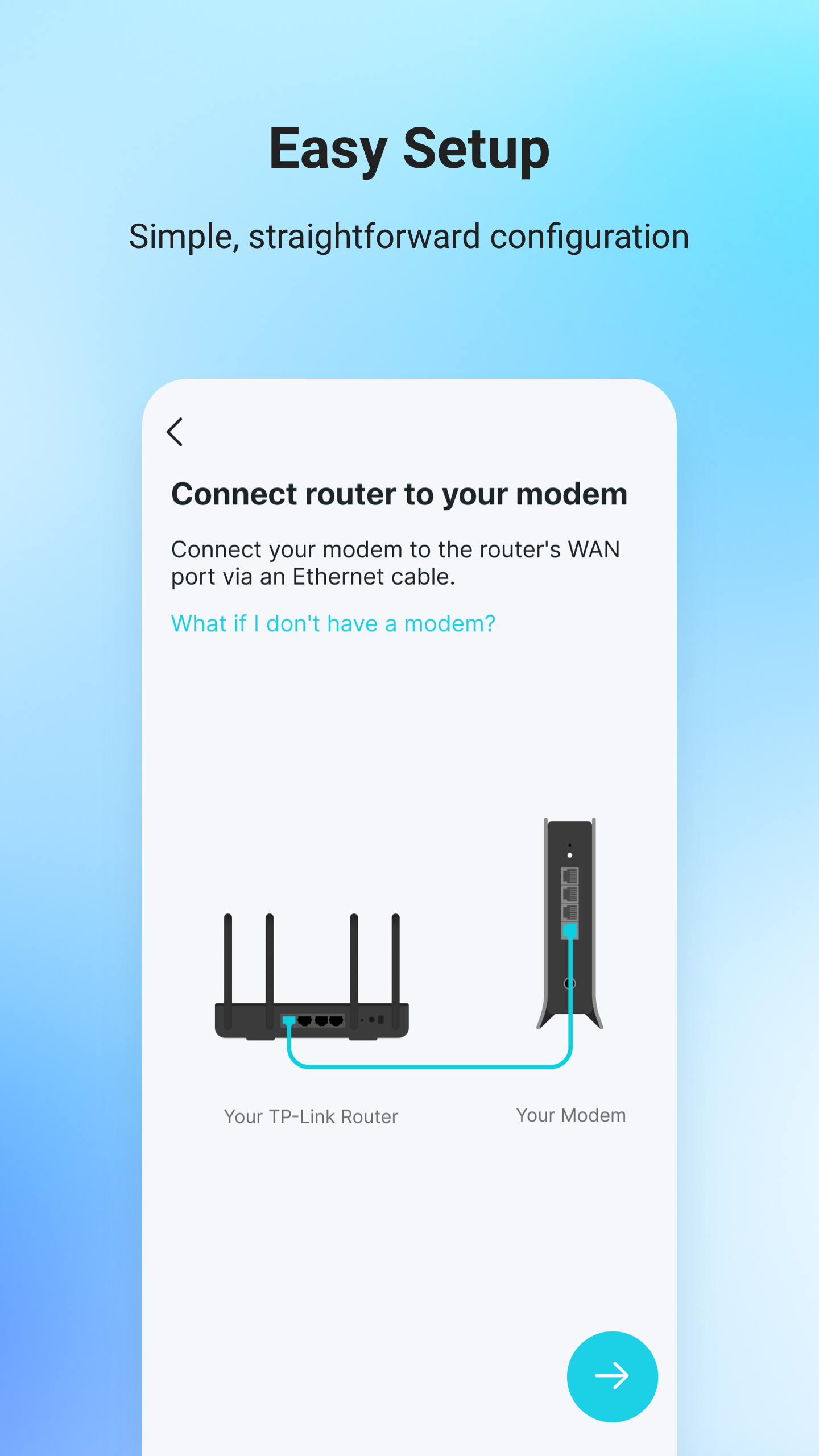
Ditambahkan: Denis Rubinov
Versi: 4.10.42
Ukuran: 203.3 MB
Diperbarui: 24.06.2025
Developer: TP-LINK Technologies Co., Ltd.
Batasan Usia: Everyone
Otorisasi: 19
Diunduh di Google Play: 50435053
Kategori: Alat
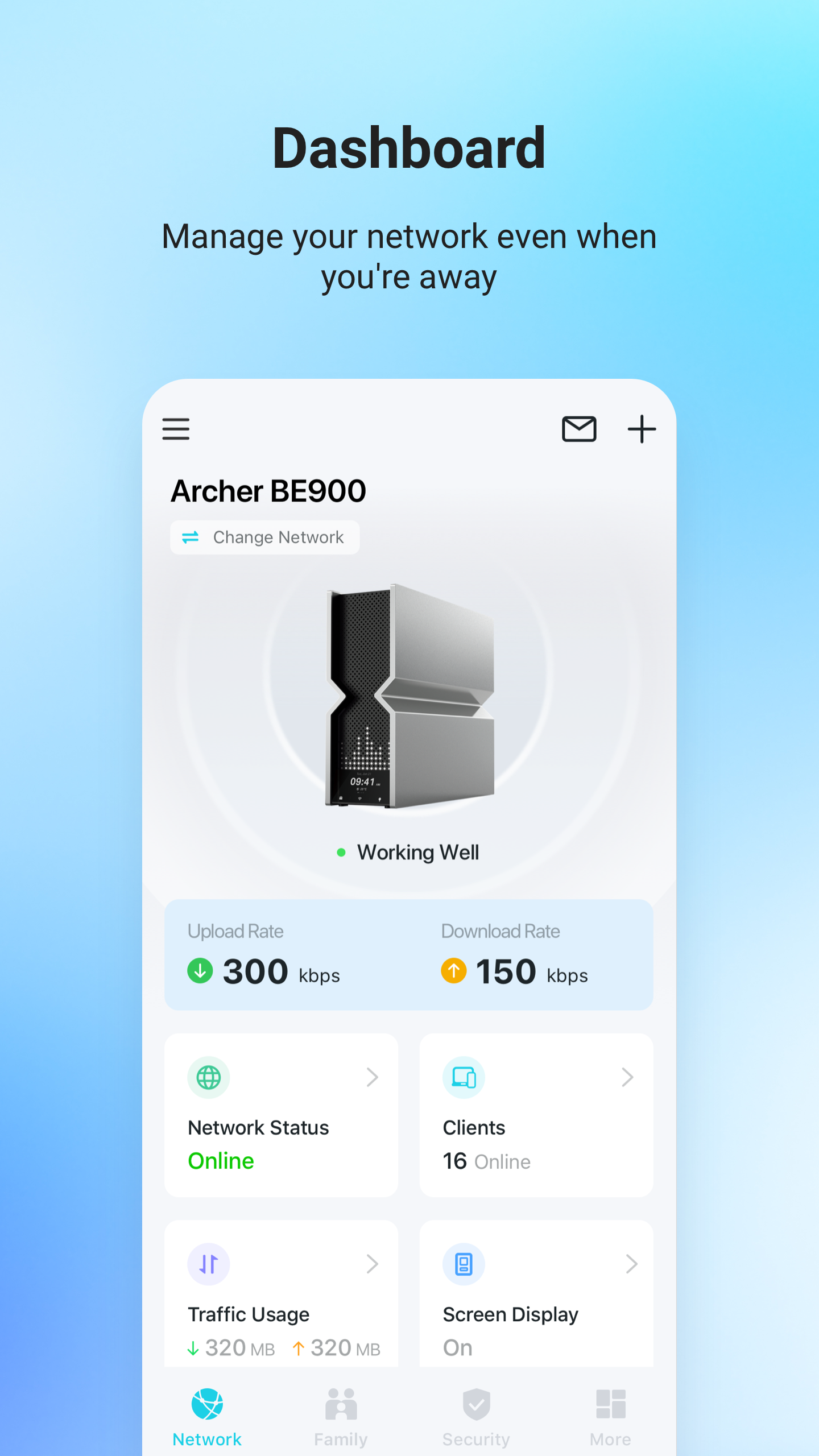
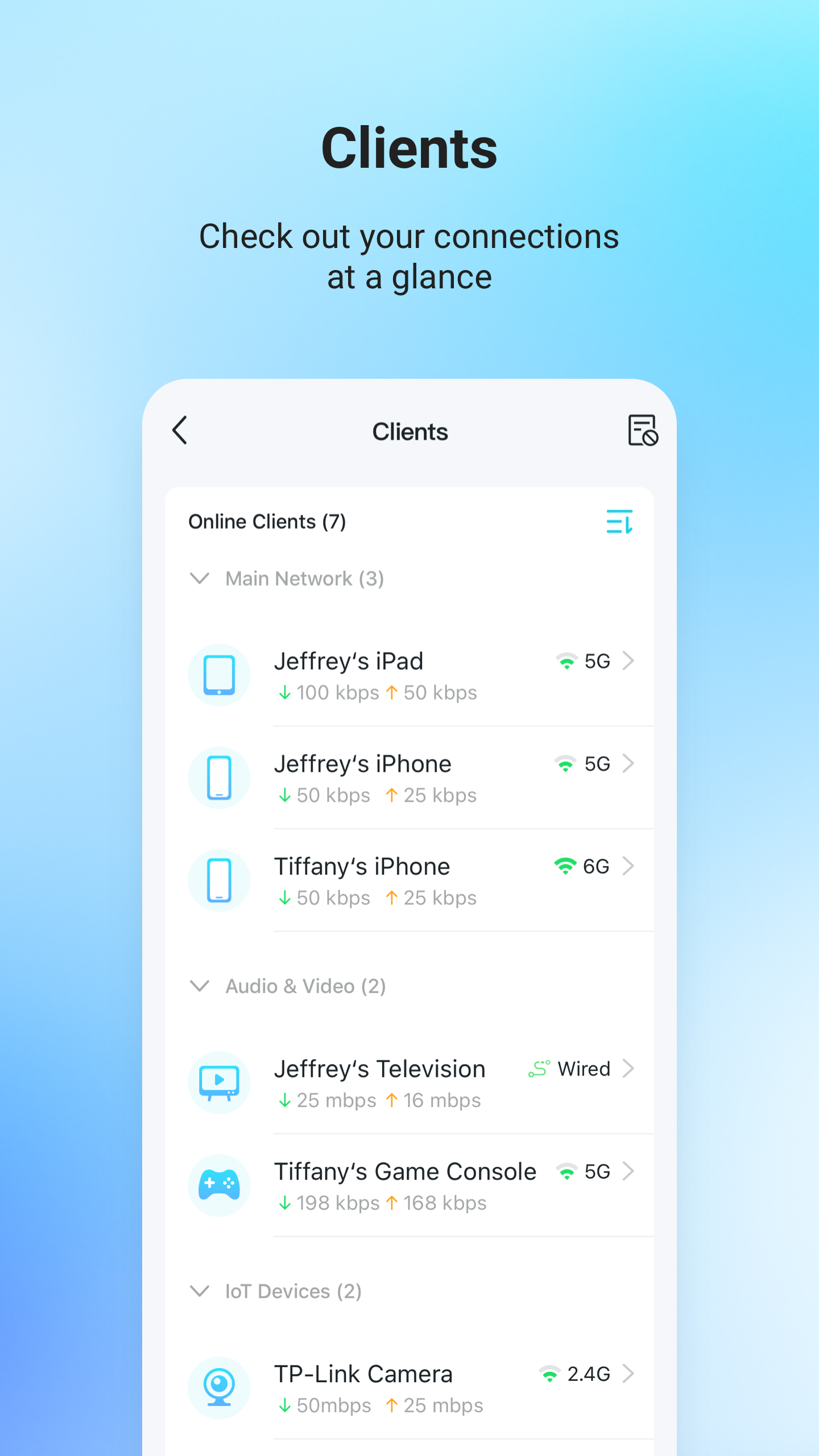
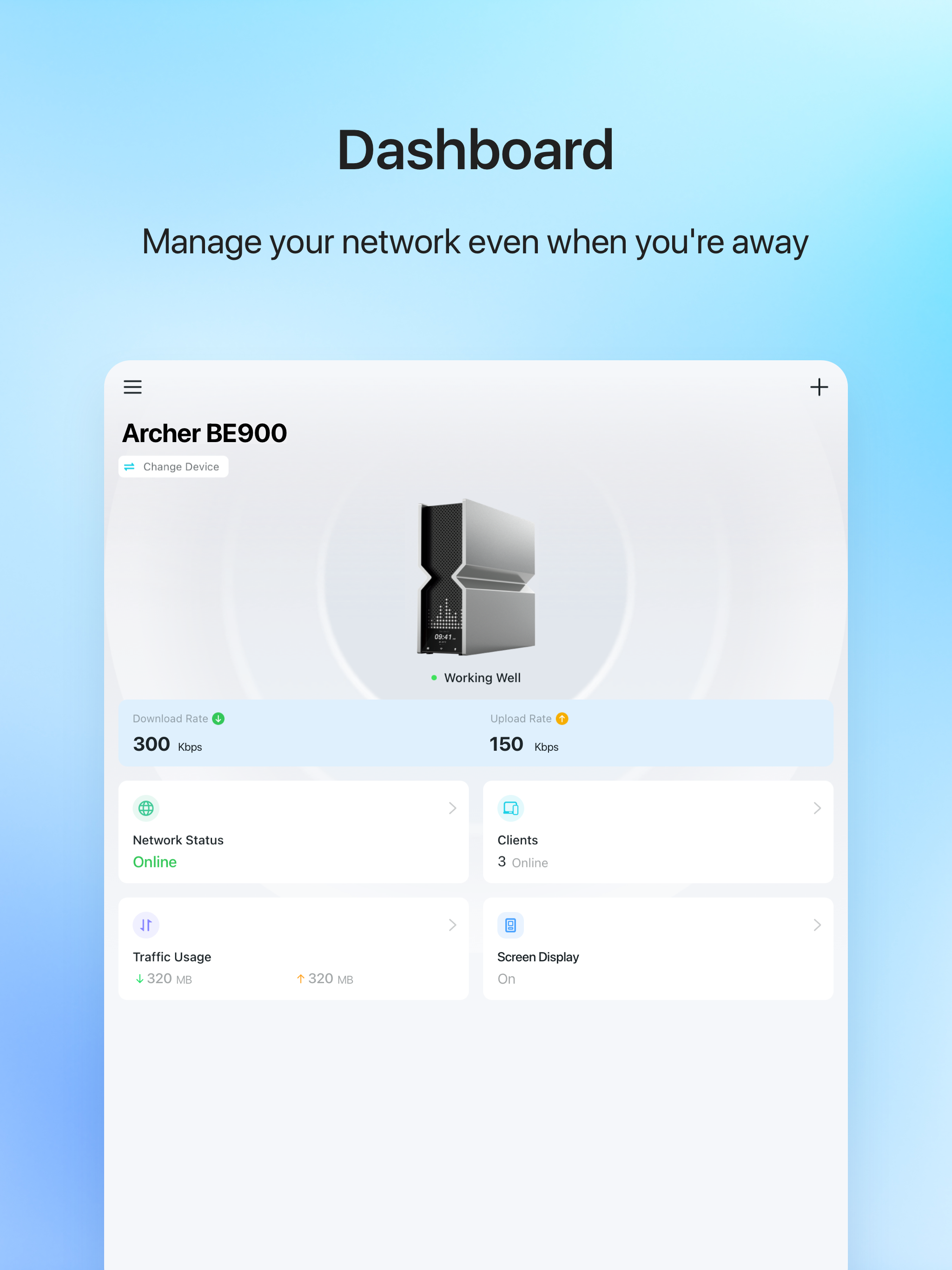
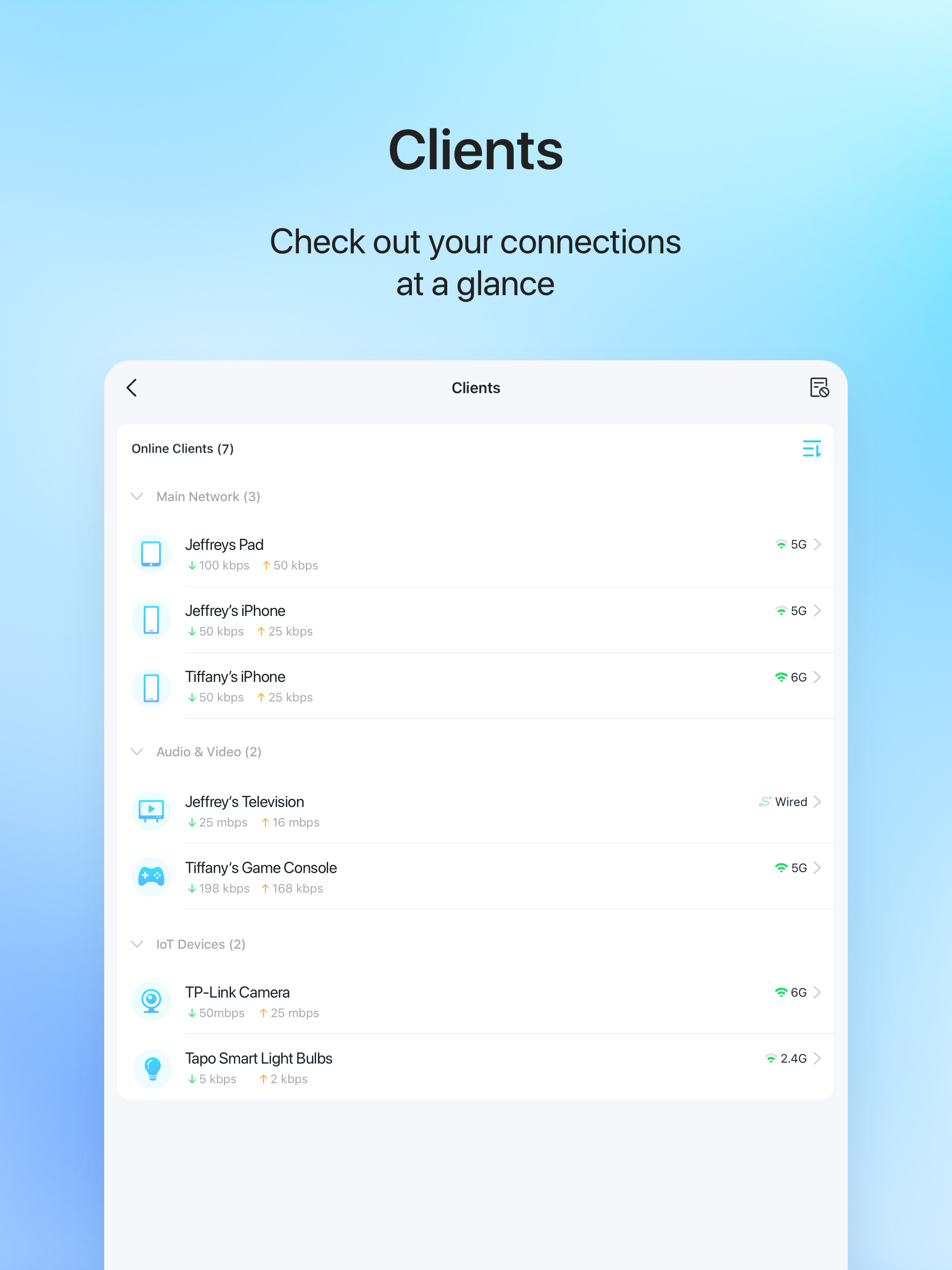
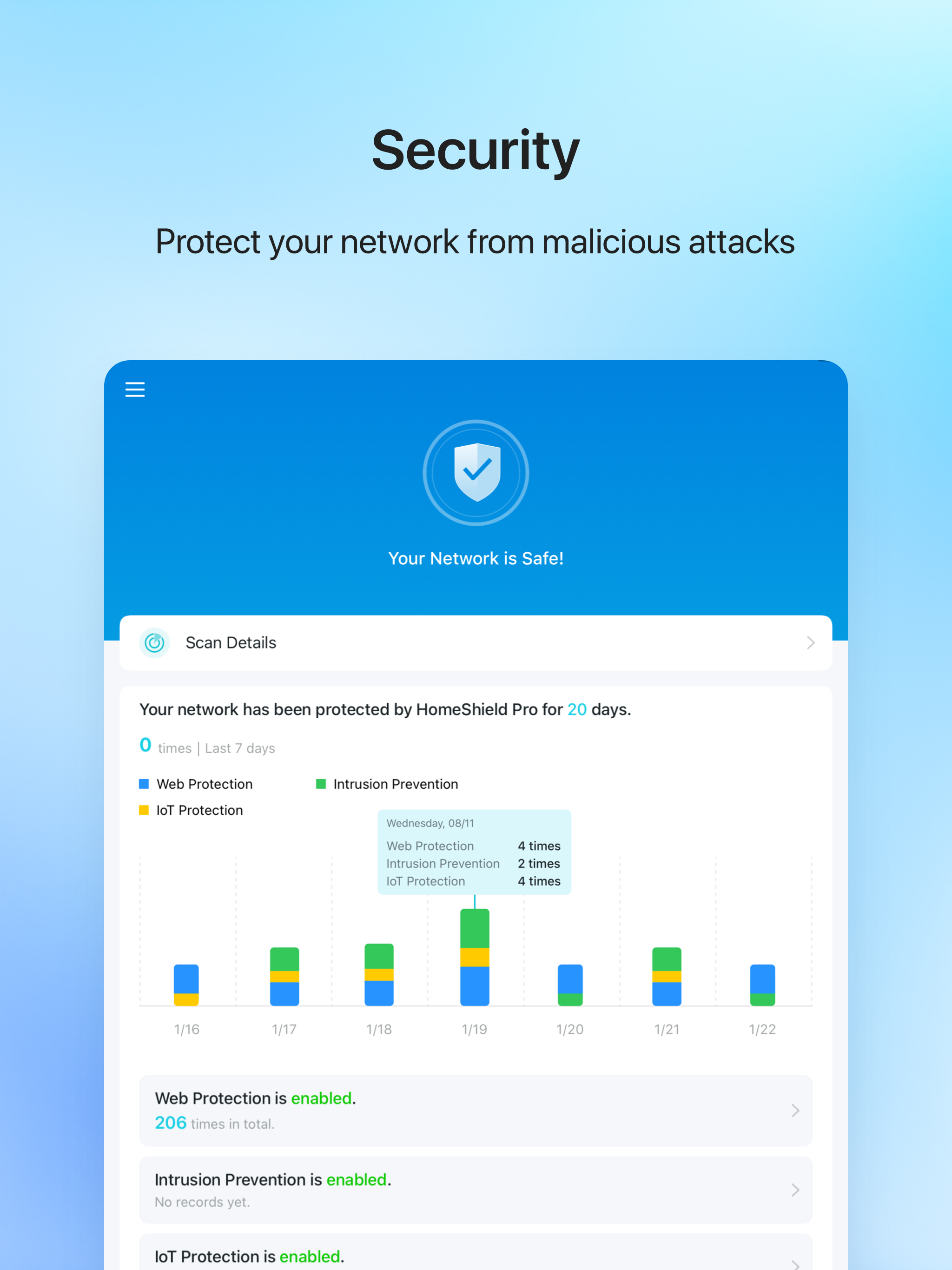
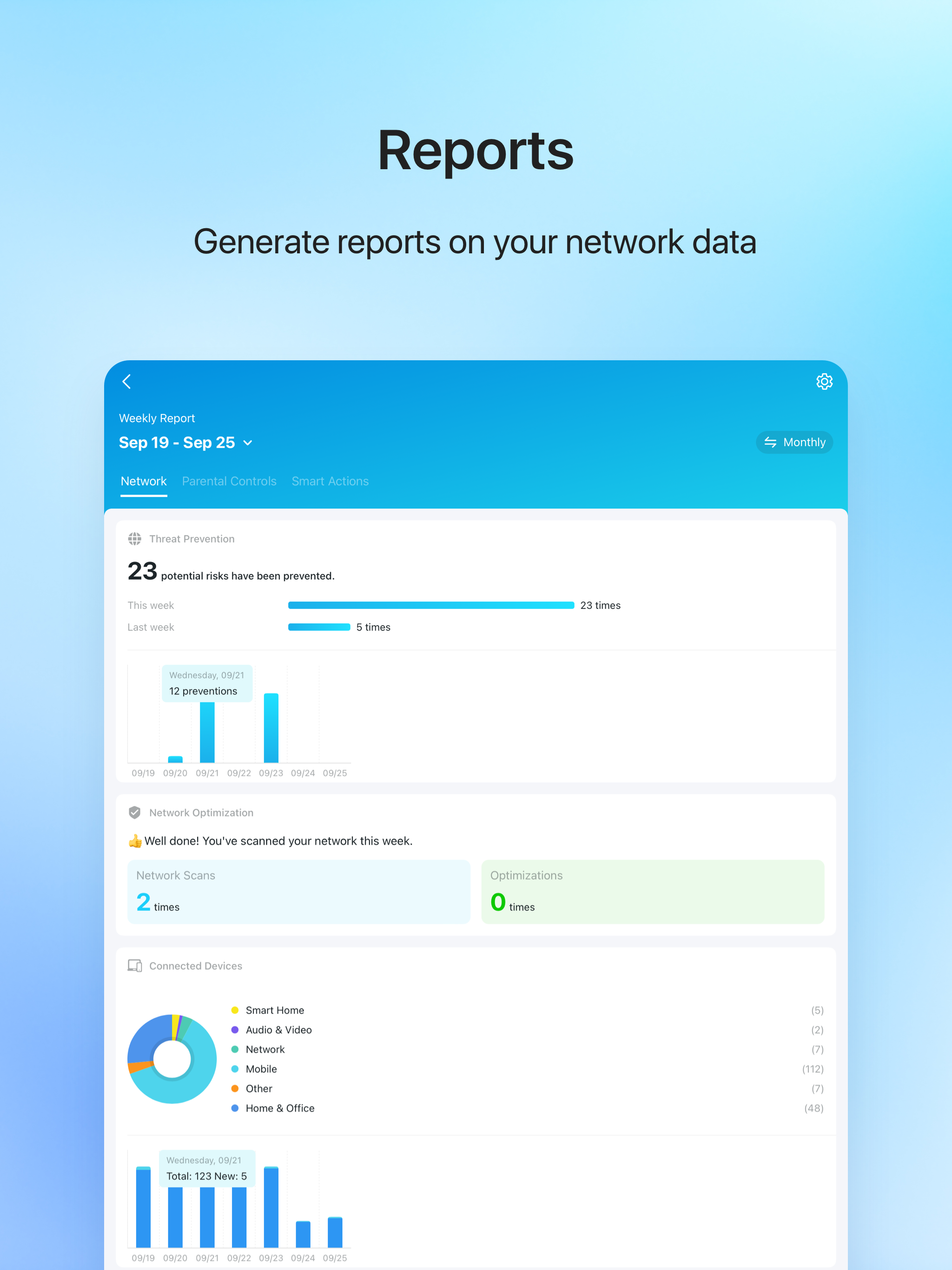
- Mendukung sebagian besar router, router xDSL, dan penguat sinyal.
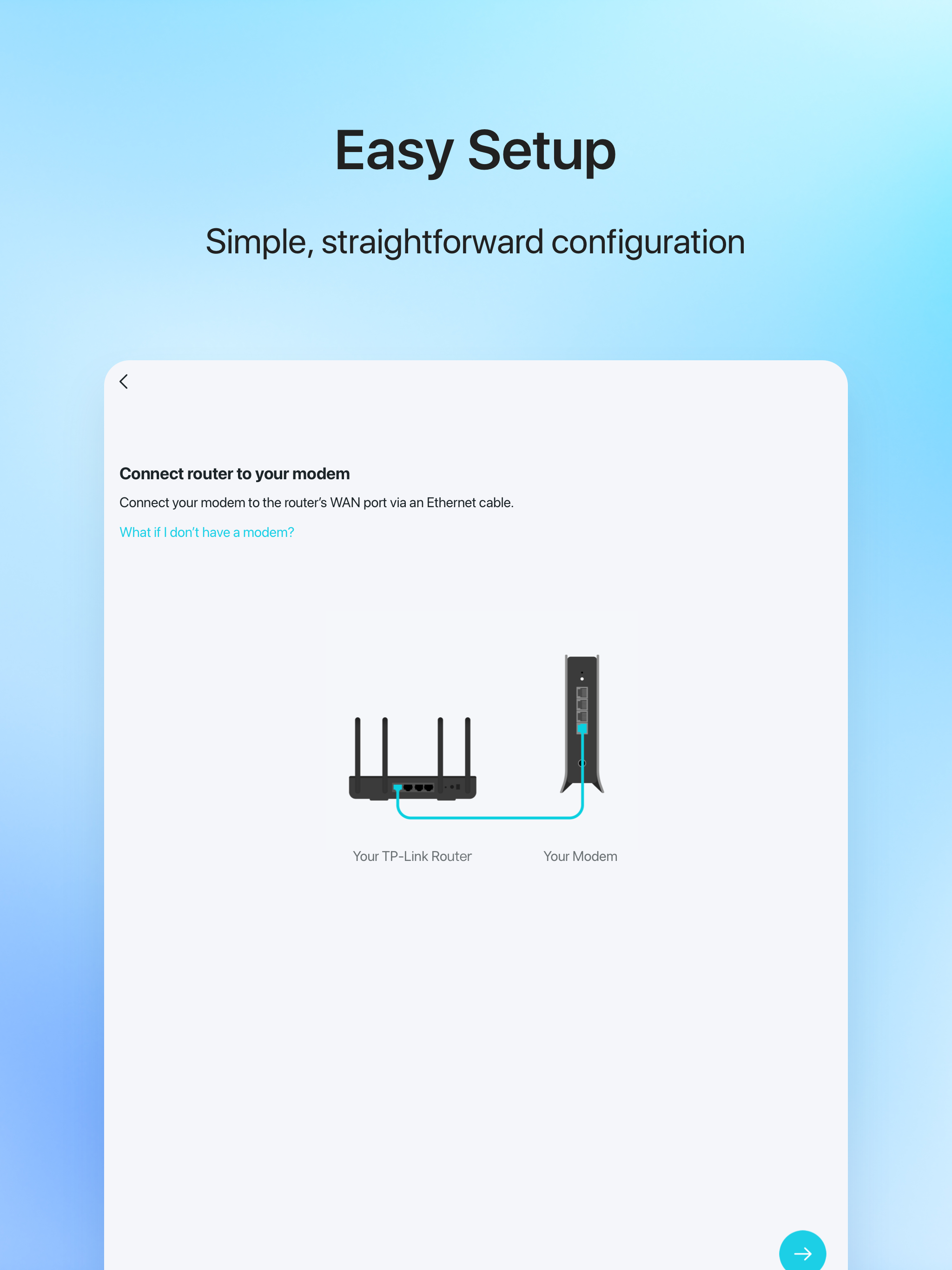
- Selesaikan penyiapan jaringan.
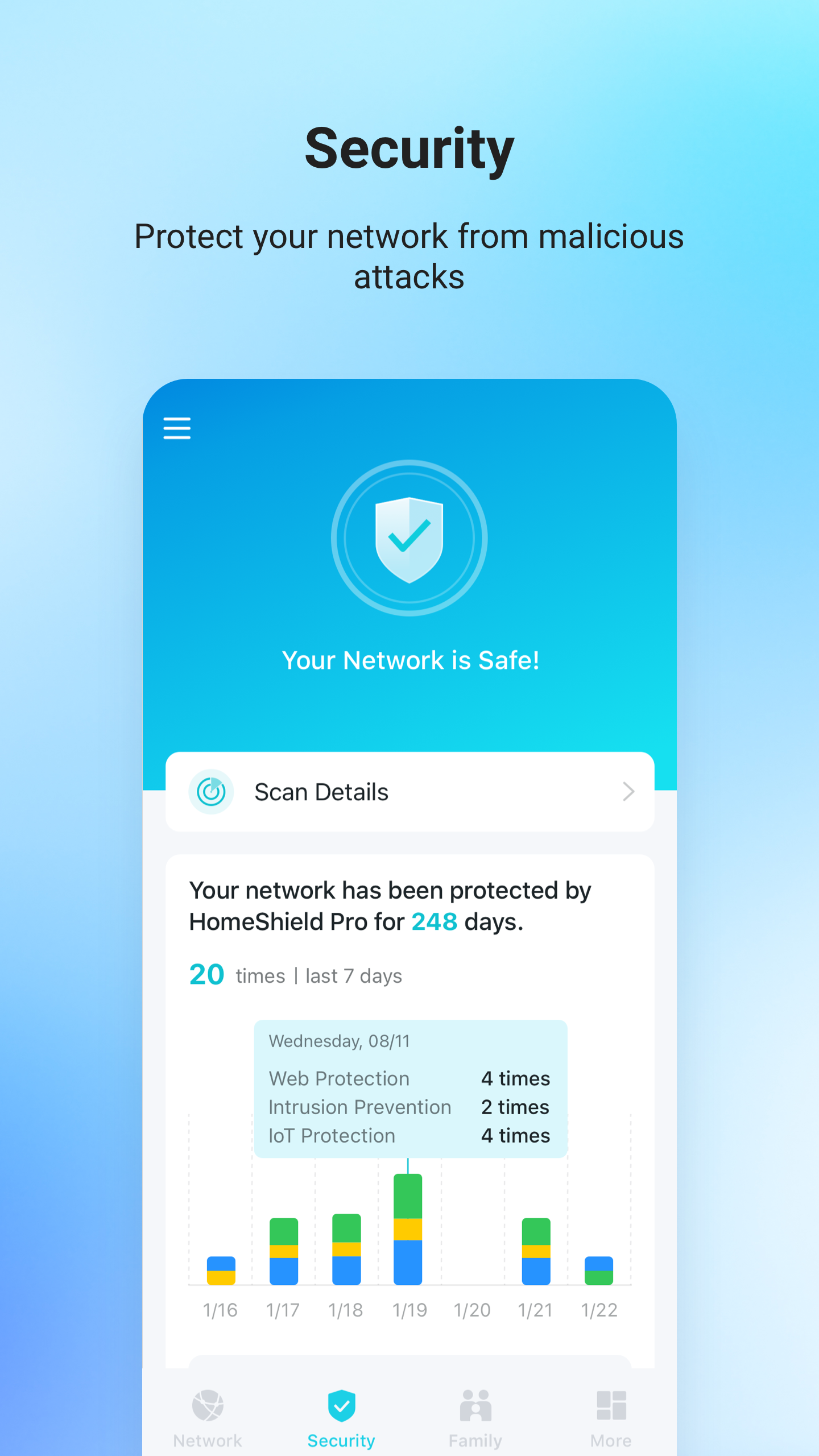
- Antarmuka yang intuitif.
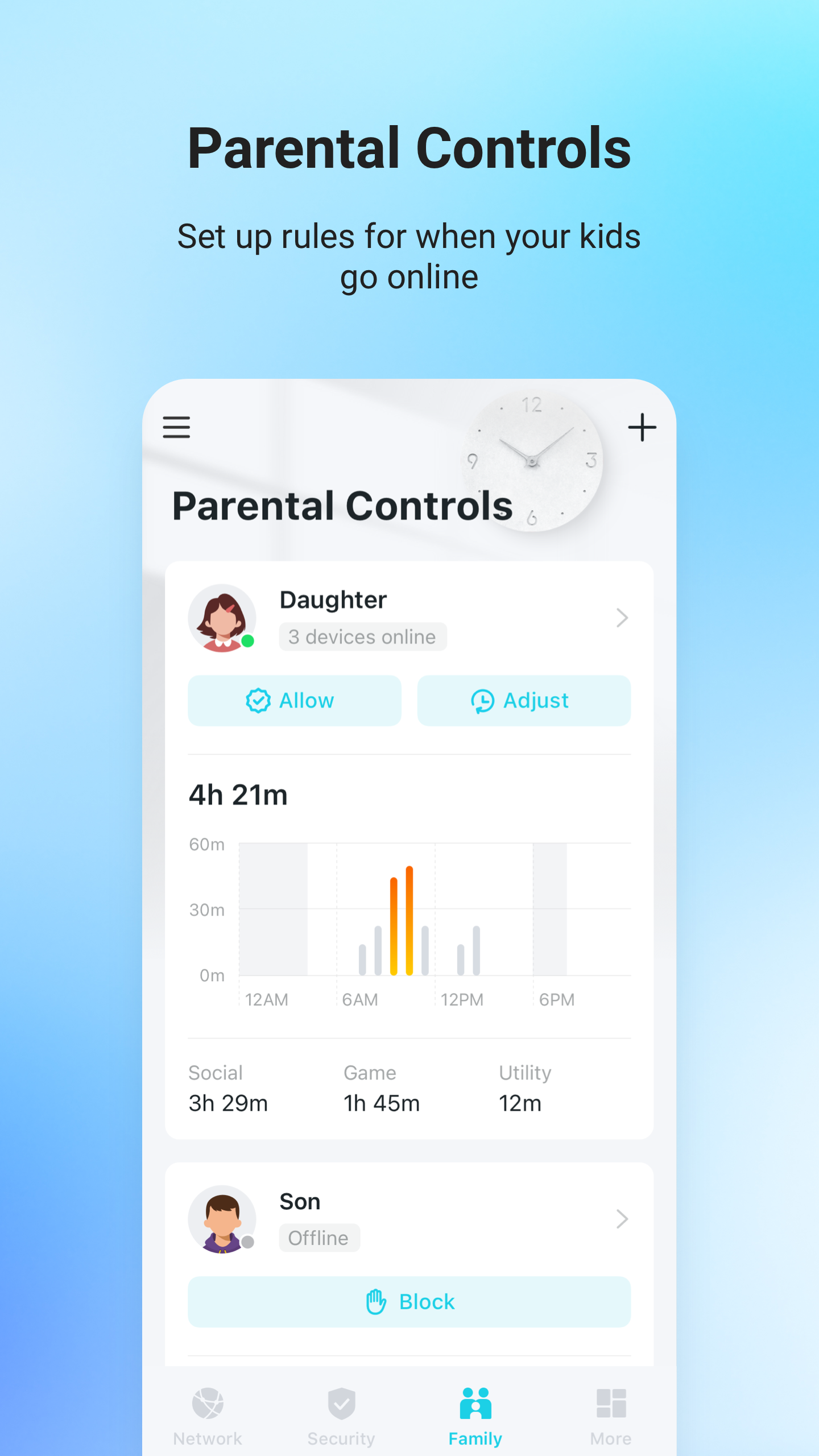
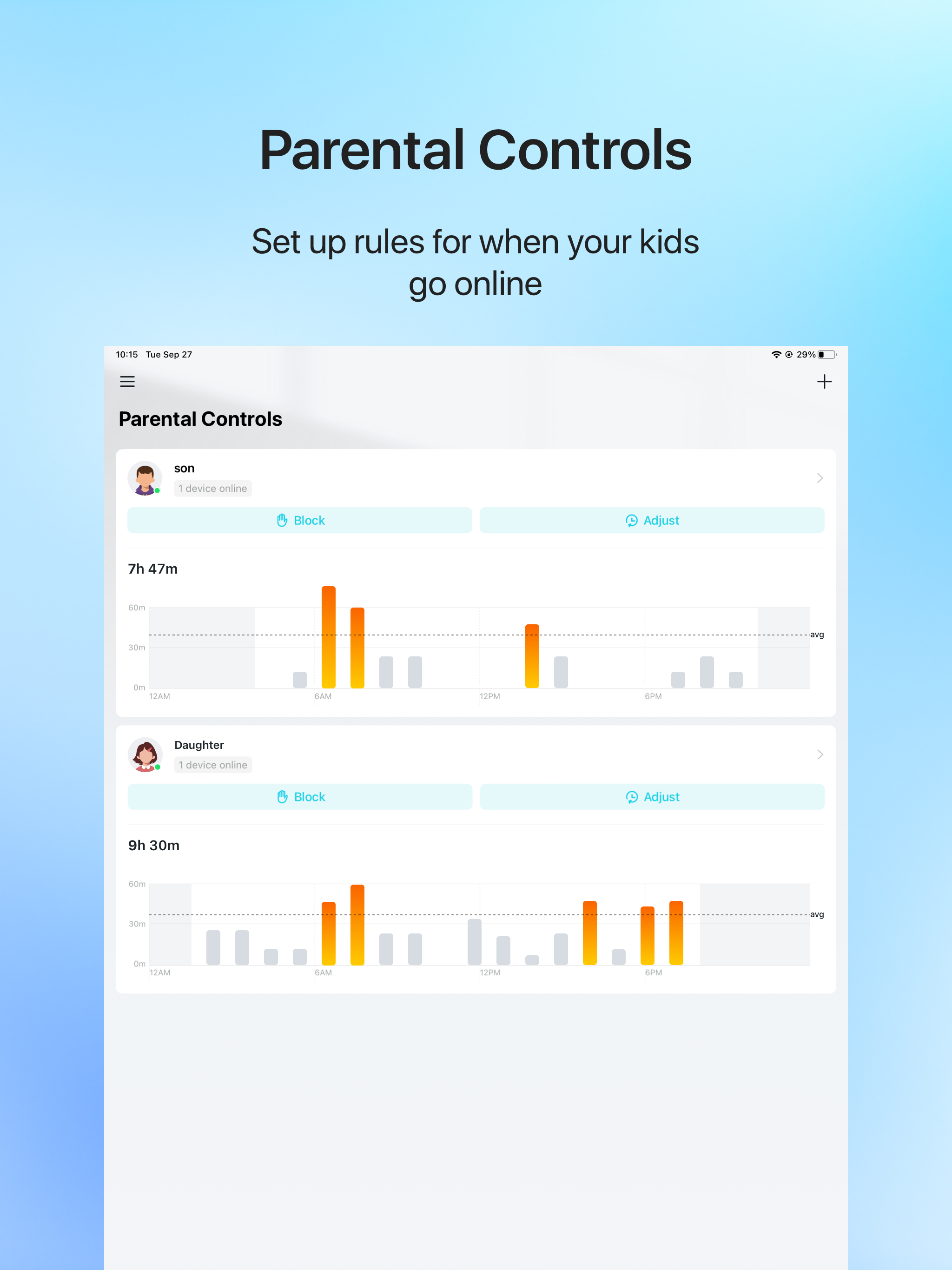
- Mendukung kontrol orang tua.
- Nonaktifkan indikator sesuai jadwal.
- Memilih lokasi terbaik untuk router.
Deskripsi
Aplikasi TP-Link Tether diperiksa oleh antivirus VirusTotal. Sebagai hasil pemindaian, tidak ada infeksi file yang terdeteksi oleh semua tanda tangan terbaru.
Cara memasang TP-Link Tether
- Unduh file APK aplikasi dari apkshki.com.
- Temukan file yang diunduh. Anda dapat menemukannya di baki sistem atau di folder 'Download' menggunakan manajer file apa pun.
- Jika file yang diunduh berekstensi .bin (bug WebView di Android 11), ubah namanya menjadi .apk menggunakan pengelola file apa pun atau coba unduh file dengan browser lain seperti Chrome.
- Mulai penginstalan. Klik pada file yang diunduh untuk memulai penginstalan
- Izinkan penginstalan dari sumber yang tidak dikenal. Jika Anda menginstal untuk pertama kalinya TP-Link Tether bukan dari Google Play, buka pengaturan keamanan perangkat Anda dan izinkan penginstalan dari sumber yang tidak dikenal.
- Lewati perlindungan Google Play. Jika proteksi Google Play memblokir penginstalan file, ketuk 'Info Lebih Lanjut' → 'Tetap instal' → 'OK' untuk melanjutkan..
- Selesaikan penginstalan: Ikuti petunjuk penginstal untuk menyelesaikan proses penginstalan.
Cara memperbarui TP-Link Tether
- Unduh versi baru aplikasi dari apkshki.com.
- Cari file yang diunduh dan klik file tersebut untuk memulai penginstalan.
- Instal di atas versi lama. Tidak perlu menghapus instalasi versi sebelumnya.
- Hindari konflik tanda tangan. Jika versi sebelumnya tidak diunduh dari apkshki.com, pesan 'Aplikasi tidak terinstal' mungkin muncul. Dalam kasus ini, hapus instalan versi lama dan instal versi baru.
- Mulai ulang lampiran TP-Link Tether setelah pembaruan.








Meminta pembaruan aplikasi
Ditambahkan Denis Rubinov
Versi: 4.10.42
Ukuran: 203.3 MB
Diperbarui: 24.06.2025
Developer: TP-LINK Technologies Co., Ltd.
Batasan Usia: Everyone
Otorisasi:
Diunduh di Google Play: 50435053
Kategori: Alat















Ulasan untuk TP-Link Tether
works great
Good experience
Great
good one👍🏻
good
easy to Configurator and easy clear instructions
works great, easy set up, I'm pleased.
best
Quick and easy directions. It took about 15 minutes.
Not enough control over the router in Tether app. They make all the advanced settings into subscription. I mean antivirus I can see making subscription, but I should at least be able to do advanced configuration on a device that I paid for. That said you can use the routers internal web interface. But that defeats the purpose of having an app. Maybe a one time fee to activate advanced configuration in the app.
Nice app but frustrated with list of connected devices. After I reboot the router, the list is fully populated and shows all devices. However the next time I open the app 5 minutes later, the list is 0 and I see "connection timed out" error. Only way to resolve is another reboot.. Also wish the app had more functions that you can only access in a browser.
I bought an Archer A8 (and a new modem) a month ago when I lost internet access due to a fault in one of those devices (I couldn't determine which). I had been so happy with my existing TP-Link router that I was definitely going to buy a replacement from them. I'm extremely pleased with it and with Tether! Checking and changing the Archer's settings far easier and more convenient than with the previous Archer router! My only complaint is that the web interface won't allow you to paste addresses
I haven't had any trouble with this app. I particularly like the parental controls to keep my son's screen time acceptable. It gets a little glitchy sometimes. All my devices connect just fine. I can access app from outside of home like from work or on the road. It has been a very important tool for many years. After seeing several bad reviews I realize that I may be one of the lucky ones.
Took forever to find the tether's network, then it had no Internet access. Instructions for reset on the app are different from the device manual that was in the box. FAQ's don't help for trouble shooting and even the link for the customer service contact us button only opens a blank page. It's a good looking $30 paperweight though!
Horrible support. Can't create a password to manage device. No available help or information. Too many missing parts to app. Under settings you have 1. language 2. notifications 3. rate app 4. share 5. about. That is it, select any and the cupboard is bare. Device doesn't reset for a complete reset. It is more of a restart. Just sucks.socks. Cannot delete the device. Call them? They just reread the same self-help you just read. Nothing additional. They will wear you out and then change timezone
Kirimkan komentar
Untuk memberikan komentar, masuklah dengan jejaring sosial Anda:
Atau tinggalkan komentar anonim. Komentar Anda akan dikirim untuk dimoderasi.
Kirimkan komentar
Untuk memberikan komentar, masuklah dengan jejaring sosial Anda:
Atau tinggalkan komentar anonim. Komentar Anda akan dikirim untuk dimoderasi.