



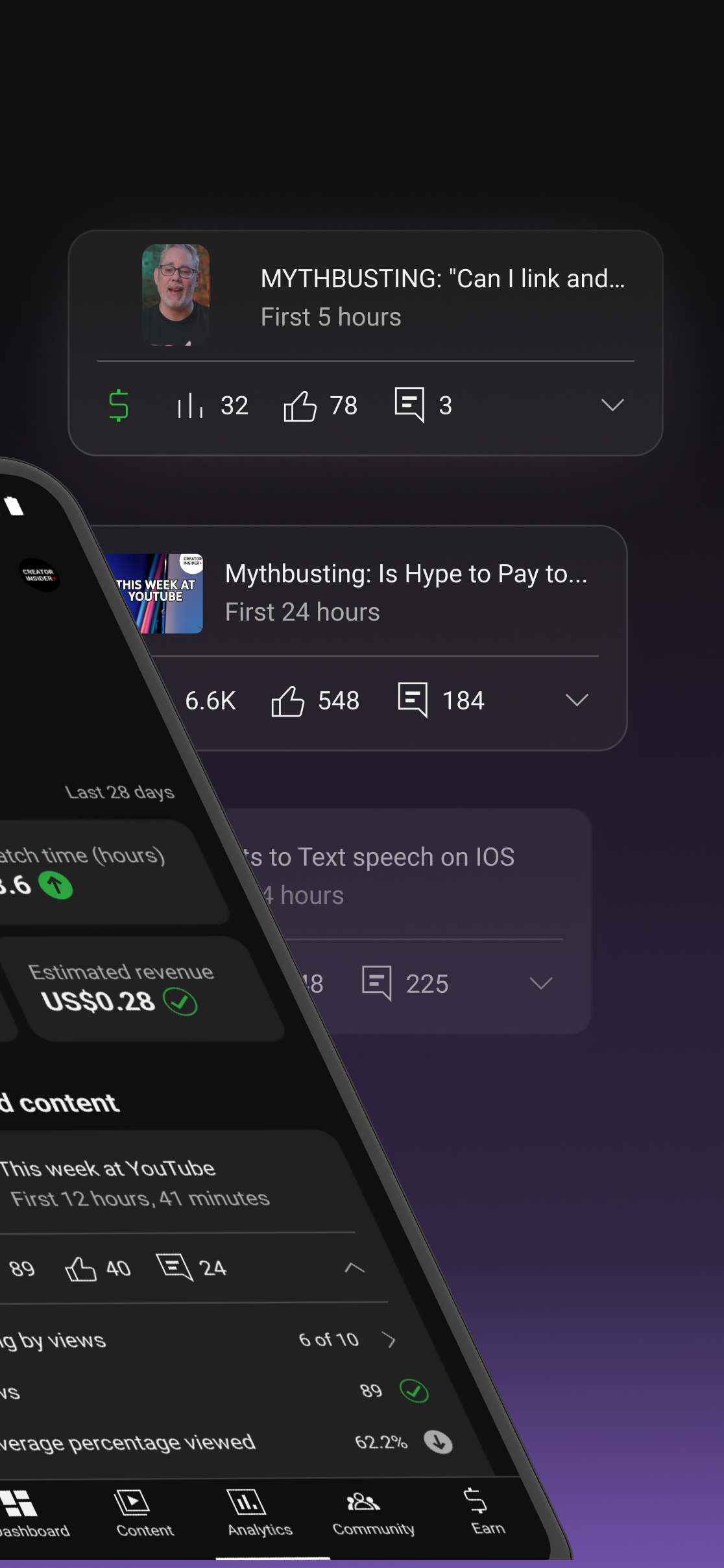
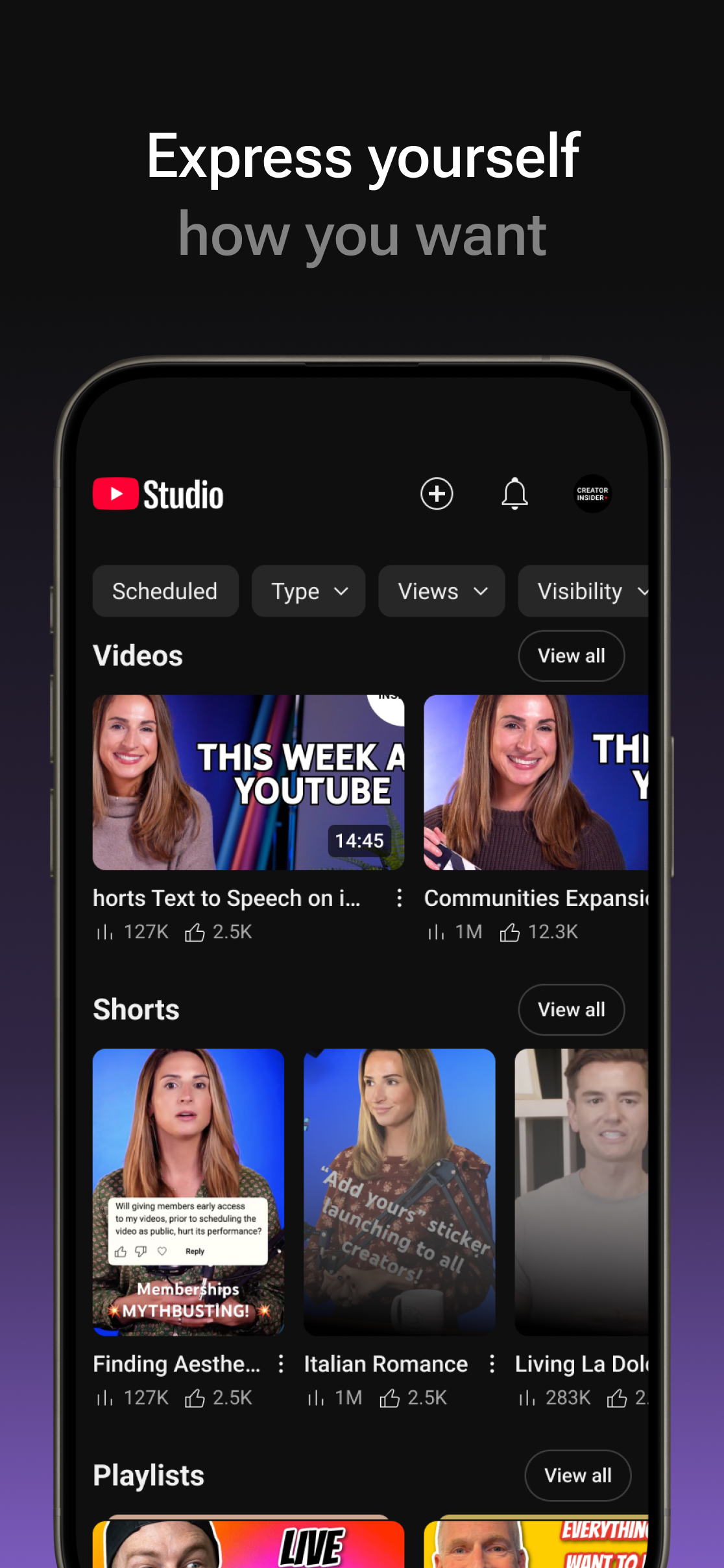
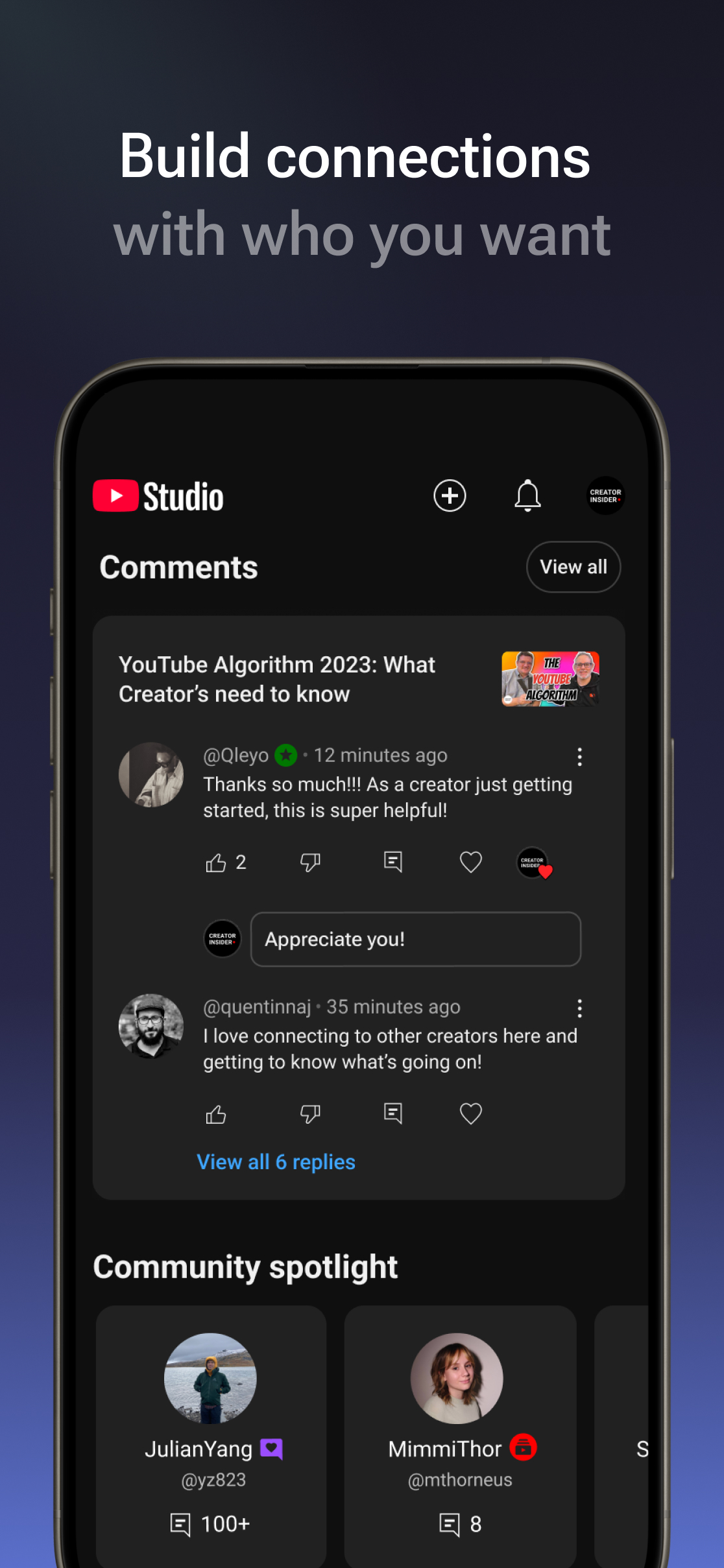
YouTube Studio
1431+
unduhan4.2+
versi Android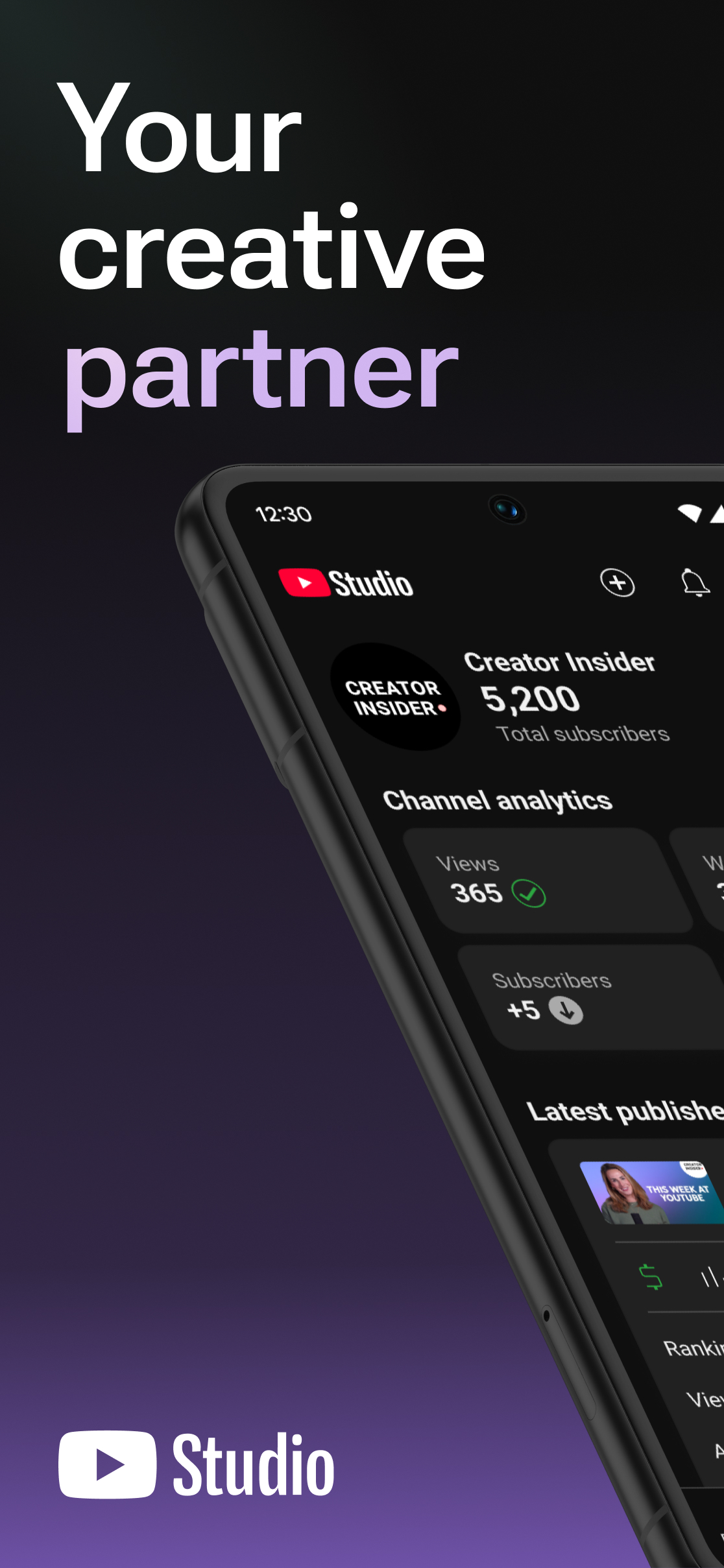
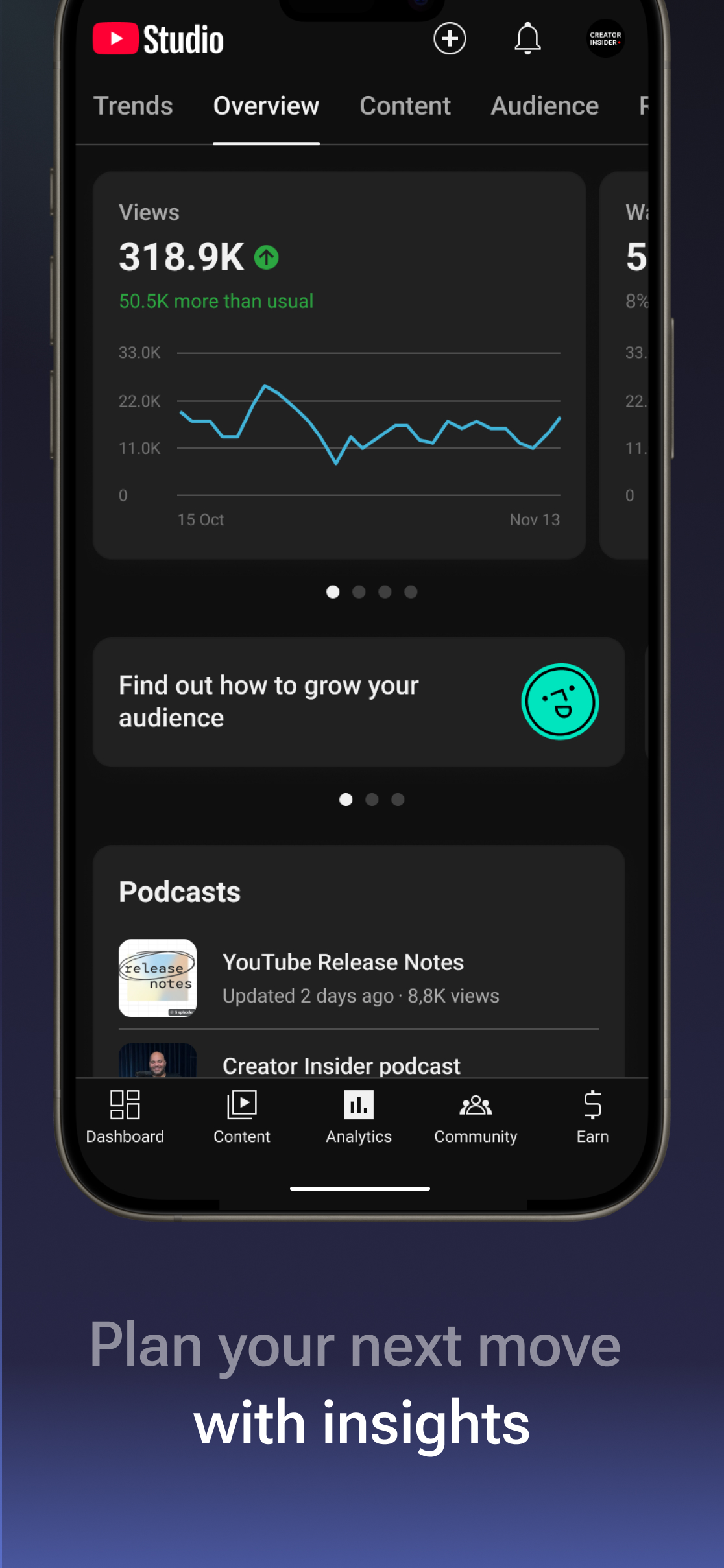
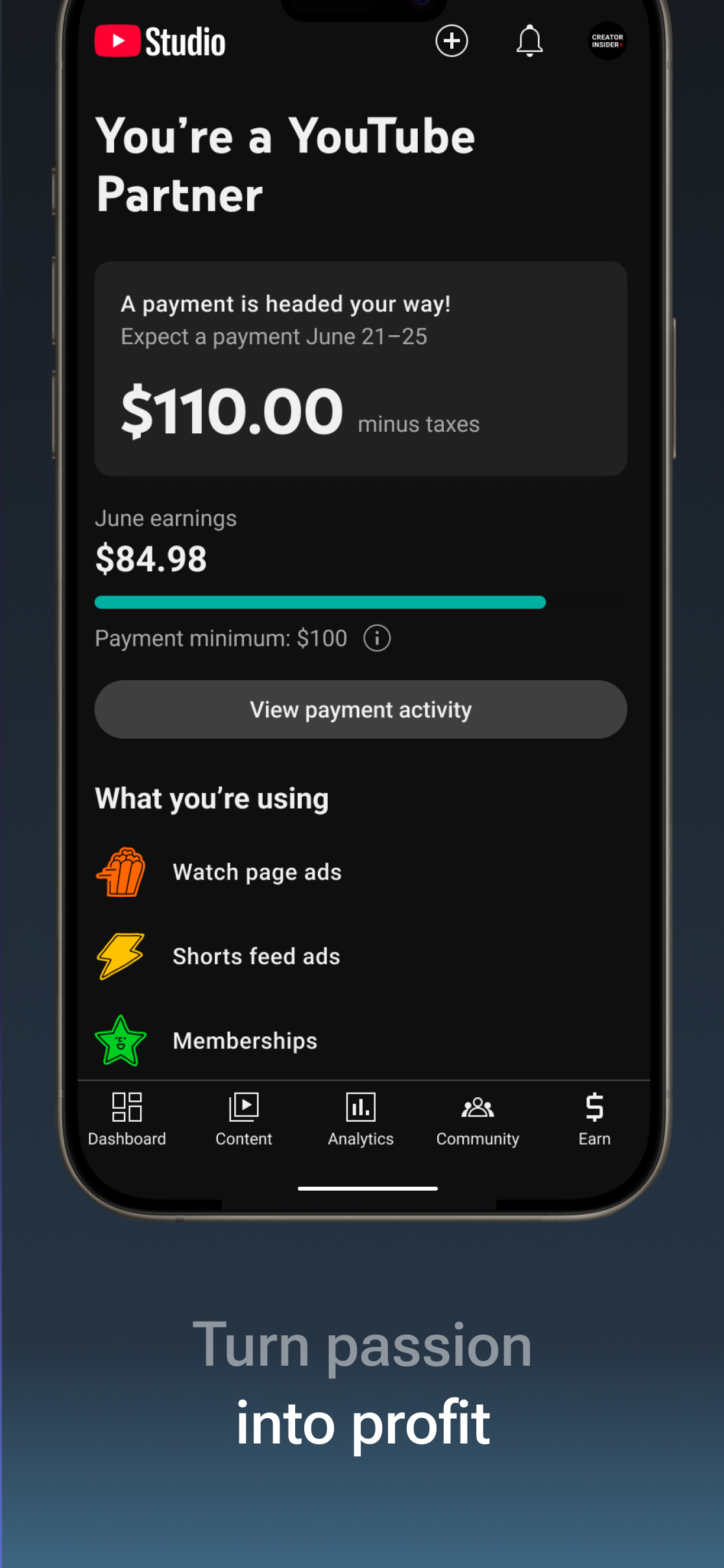
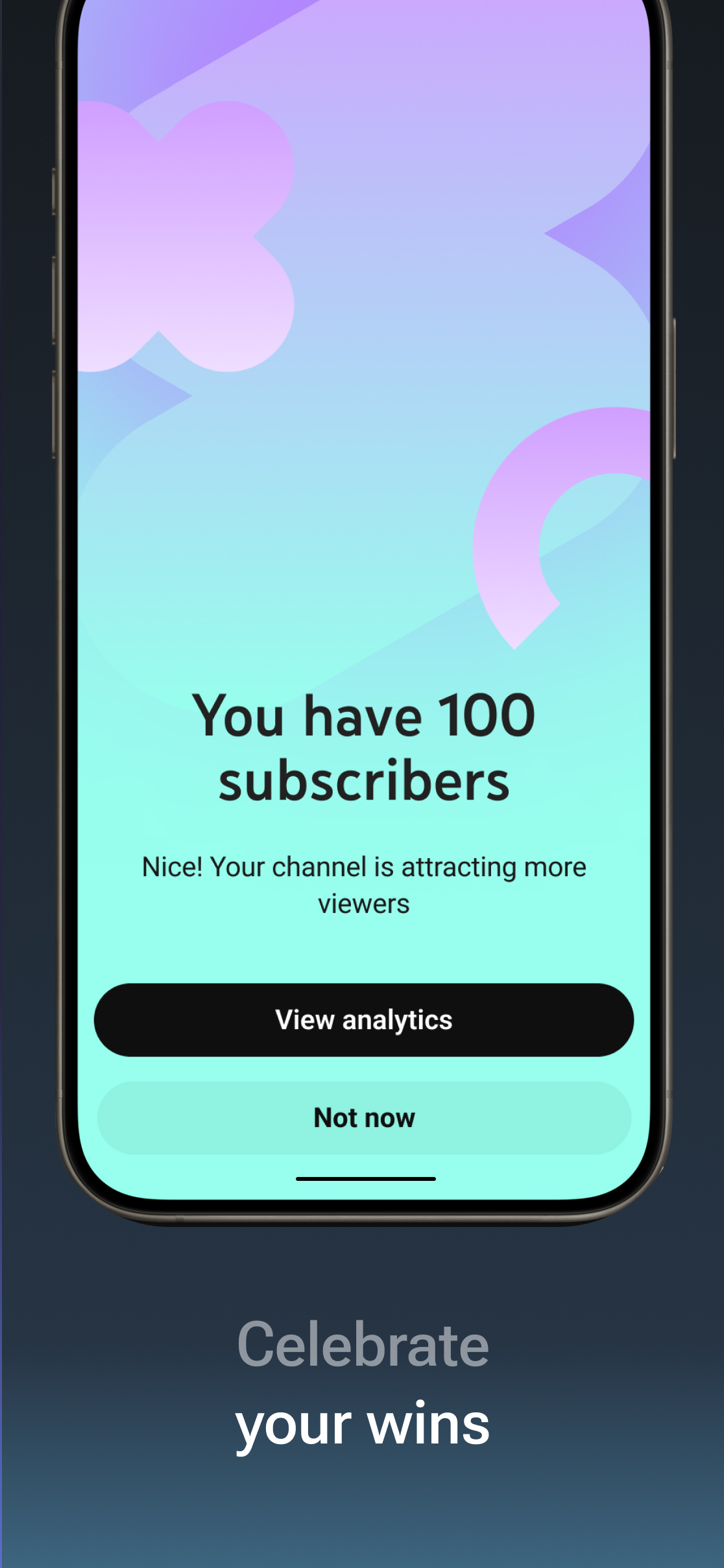
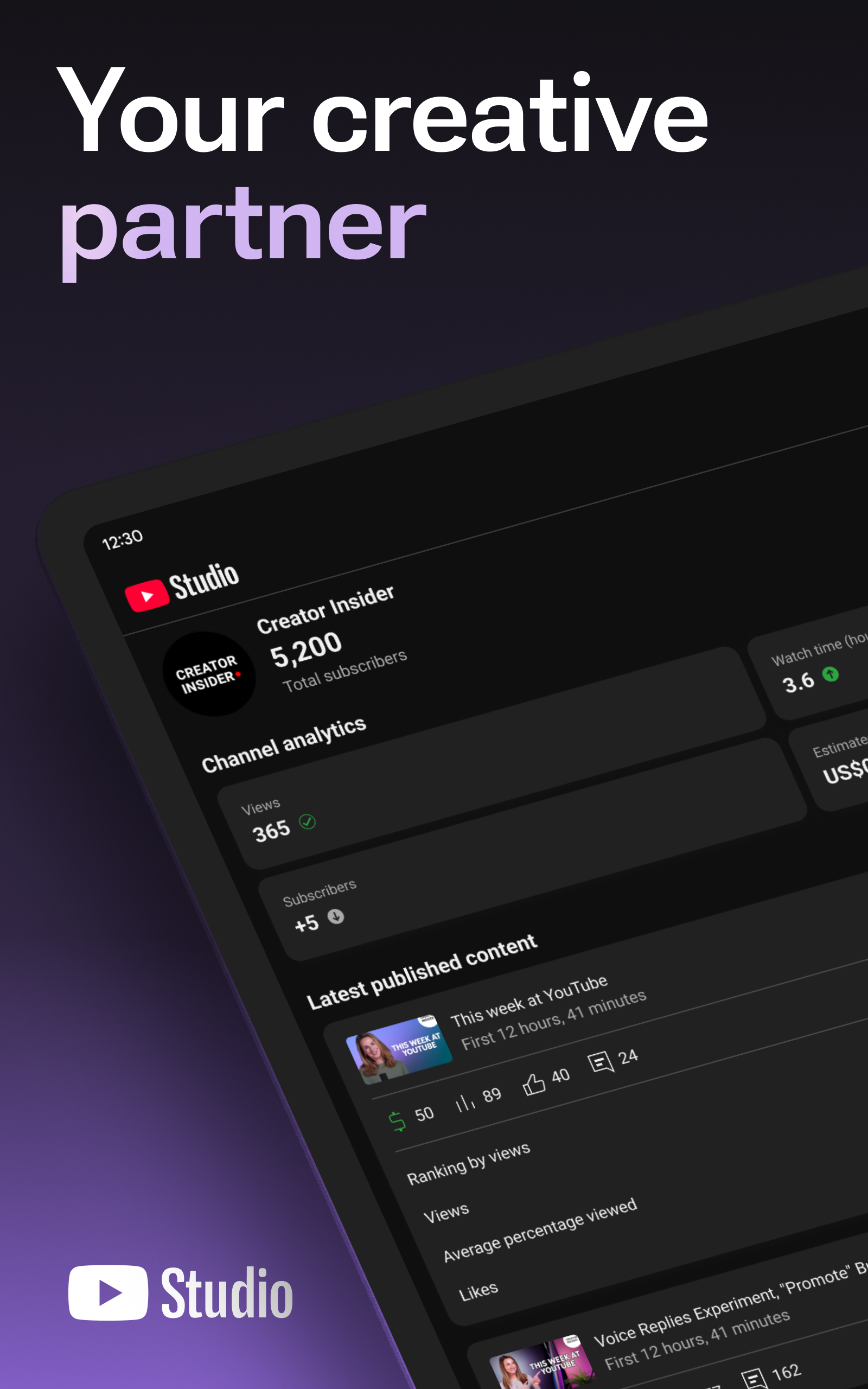
Ditambahkan: Denis Rubinov
Versi: 25.24.101
Ukuran: 107.3 MB
Diperbarui: 24.06.2025
Developer: Google LLC
Batasan Usia: Teen
Otorisasi: 12
Diunduh di Google Play: 242402750
Kategori: Pemutar & Editor Video
Deskripsi
Aplikasi YouTube Studio diperiksa oleh antivirus VirusTotal. Sebagai hasil pemindaian, tidak ada infeksi file yang terdeteksi oleh semua tanda tangan terbaru.
Cara memasang YouTube Studio
- Unduh file APK aplikasi dari apkshki.com.
- Temukan file yang diunduh. Anda dapat menemukannya di baki sistem atau di folder 'Download' menggunakan manajer file apa pun.
- Jika file yang diunduh berekstensi .bin (bug WebView di Android 11), ubah namanya menjadi .apk menggunakan pengelola file apa pun atau coba unduh file dengan browser lain seperti Chrome.
- Mulai penginstalan. Klik pada file yang diunduh untuk memulai penginstalan
- Izinkan penginstalan dari sumber yang tidak dikenal. Jika Anda menginstal untuk pertama kalinya YouTube Studio bukan dari Google Play, buka pengaturan keamanan perangkat Anda dan izinkan penginstalan dari sumber yang tidak dikenal.
- Lewati perlindungan Google Play. Jika proteksi Google Play memblokir penginstalan file, ketuk 'Info Lebih Lanjut' → 'Tetap instal' → 'OK' untuk melanjutkan..
- Selesaikan penginstalan: Ikuti petunjuk penginstal untuk menyelesaikan proses penginstalan.
Cara memperbarui YouTube Studio
- Unduh versi baru aplikasi dari apkshki.com.
- Cari file yang diunduh dan klik file tersebut untuk memulai penginstalan.
- Instal di atas versi lama. Tidak perlu menghapus instalasi versi sebelumnya.
- Hindari konflik tanda tangan. Jika versi sebelumnya tidak diunduh dari apkshki.com, pesan 'Aplikasi tidak terinstal' mungkin muncul. Dalam kasus ini, hapus instalan versi lama dan instal versi baru.
- Mulai ulang lampiran YouTube Studio setelah pembaruan.









VN - Video Editor & Maker
Pemutar & Editor Video

Graphionica: insta story maker
Foto

CapCut - Video Editor
Pemutar & Editor Video

Video Maker: Photo Music Video
Pemutar & Editor Video

Music Video Editor Add Audio
Pemutar & Editor Video

Photo Video Slideshow Music
Pemutar & Editor Video

Tempo - Music Video Maker
Pemutar & Editor Video

VN Video Editor Lite
Pemutar & Editor Video
Meminta pembaruan aplikasi
Ditambahkan Denis Rubinov
Versi: 25.24.101
Ukuran: 107.3 MB
Diperbarui: 24.06.2025
Developer: Google LLC
Batasan Usia: Teen
Otorisasi:
Diunduh di Google Play: 242402750
Kategori: Pemutar & Editor Video














Ulasan untuk YouTube Studio
Nice
❤️❤️
good app
waww
please note that I rated before opening the app,but cool doh.used it before now
Good
betar app
op
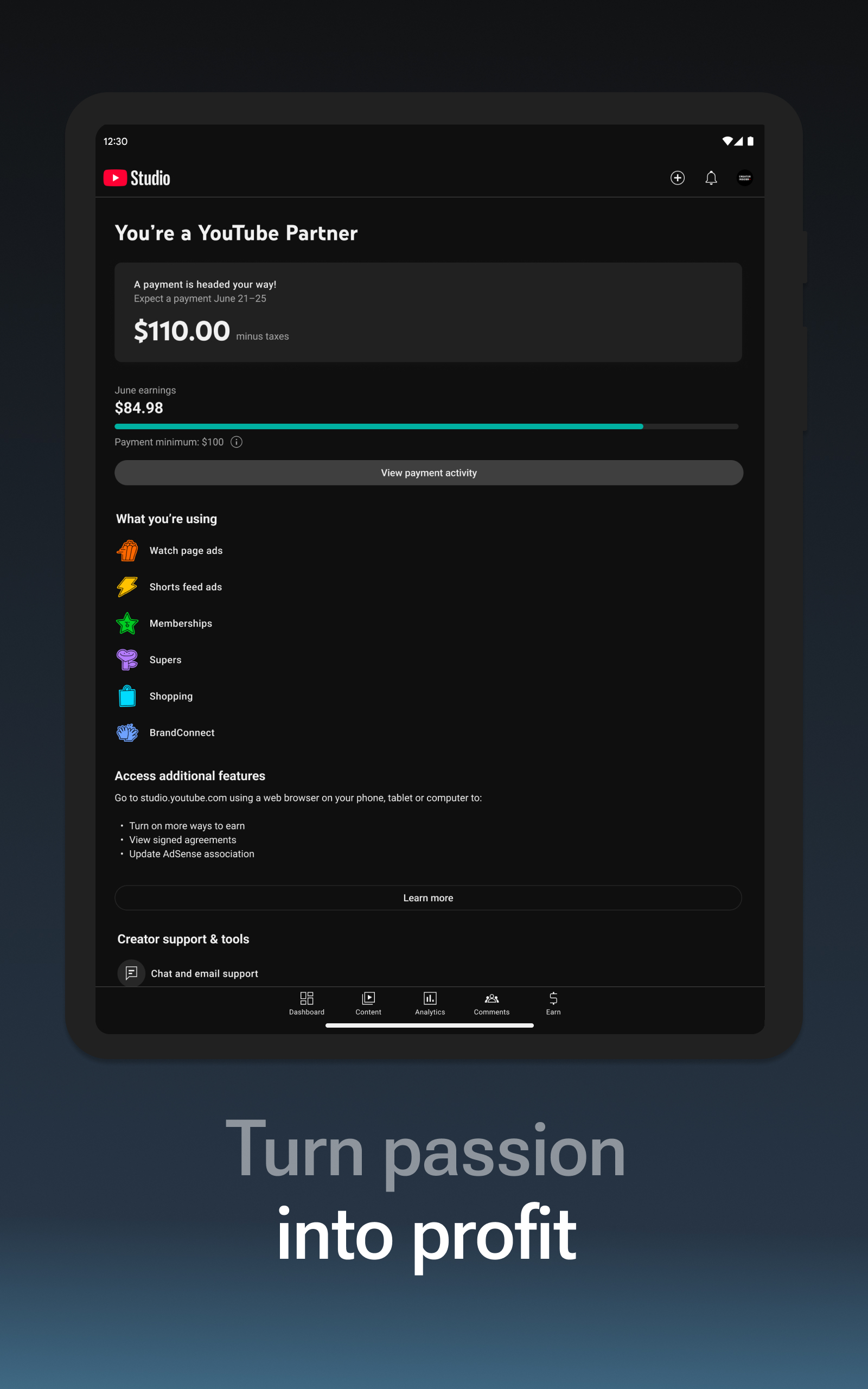
YouTube Studio is pretty easy to use and I'm glad dark themes are becoming common! I have one issue with the apo, however: I'd like to add captions to my videos without having to use a computer. I can't even add captions on my phone's browser, because it just opens up the app, instead of sending me to a page to manage my videos. It's frustrating, to be honest, and as someone that relys on captions to know what's going on, we should be able to add, edit, and publish captions on this app.
I love the app but the thing is it isn't enough for creators on the go. It doesn't have as much features as the desktop app, like no viewing more advanced info unless on desktop. Only a select set of info makes it on mobile, which is annoying. I wish youtube studio was as convenient on mobile. Otherwise good job for creating a convenient way to see how your channel is doing.
On my browser I click the upload button and then it opens this app. This app doesn't have a upload option. If I wasn't use to beyond stupid things like this, this app would not have been possible to even keep downloaded on my phone because it opens automatically. I only give it 2 stars because I know a work around by opening the upload link in chrome, in a new tab, then declining the YouTube studio ad it shows. That, or the upload option in the app is not obvious to know it's to upload.
1st: The most recent update, I can't clear out "Notifications." Every single notification I've gotten since the update is still stuck in my app. If I clear them out, they return. 2nd : This app is very minimal. It definitely has the basics; The stuff I look at most often. But if I need more information I always have to log in to the desktop version of YouTube to find anything. Why can I not live stream from this app? Instead I have to go to the YouTube app. Too many apps for one service.
It's helpful for quickly accessing your videos or editing the info and for getting instant notifications when your videos get comments, but when you open the notification it just shows the comment and doesn't even tell you which video it's on (which can be really confusing) and pressing the back button just exits the app (a lot of apps do this sort of thing but it's kind of lame). Also you can only see 10 replies to a comment when trying to view the whole thread, which is... really dumb
The only issue that I have is that not everything can be done in the app. No end screens nor cards. Why isn't it possible to do the following. I make and produce all my vids from my phone and having to go into chrome to do it is very annoying, it waste time and effort. Please add these features to the app.
I've had a very mixed experience with this app.some things like changing the title and description are easy but the app will not allow me to save after adding hashtags. So is also difficult to combine or split clips. *Update* it is now even harder to just simply upload One clip and I don't see any way to combine media. This is quickly becoming a useless app
Kirimkan komentar
Untuk memberikan komentar, masuklah dengan jejaring sosial Anda:
Atau tinggalkan komentar anonim. Komentar Anda akan dikirim untuk dimoderasi.
Kirimkan komentar
Untuk memberikan komentar, masuklah dengan jejaring sosial Anda:
Atau tinggalkan komentar anonim. Komentar Anda akan dikirim untuk dimoderasi.