



Twitch: Live Game Streaming
14+
unduhan5.0+
versi Android
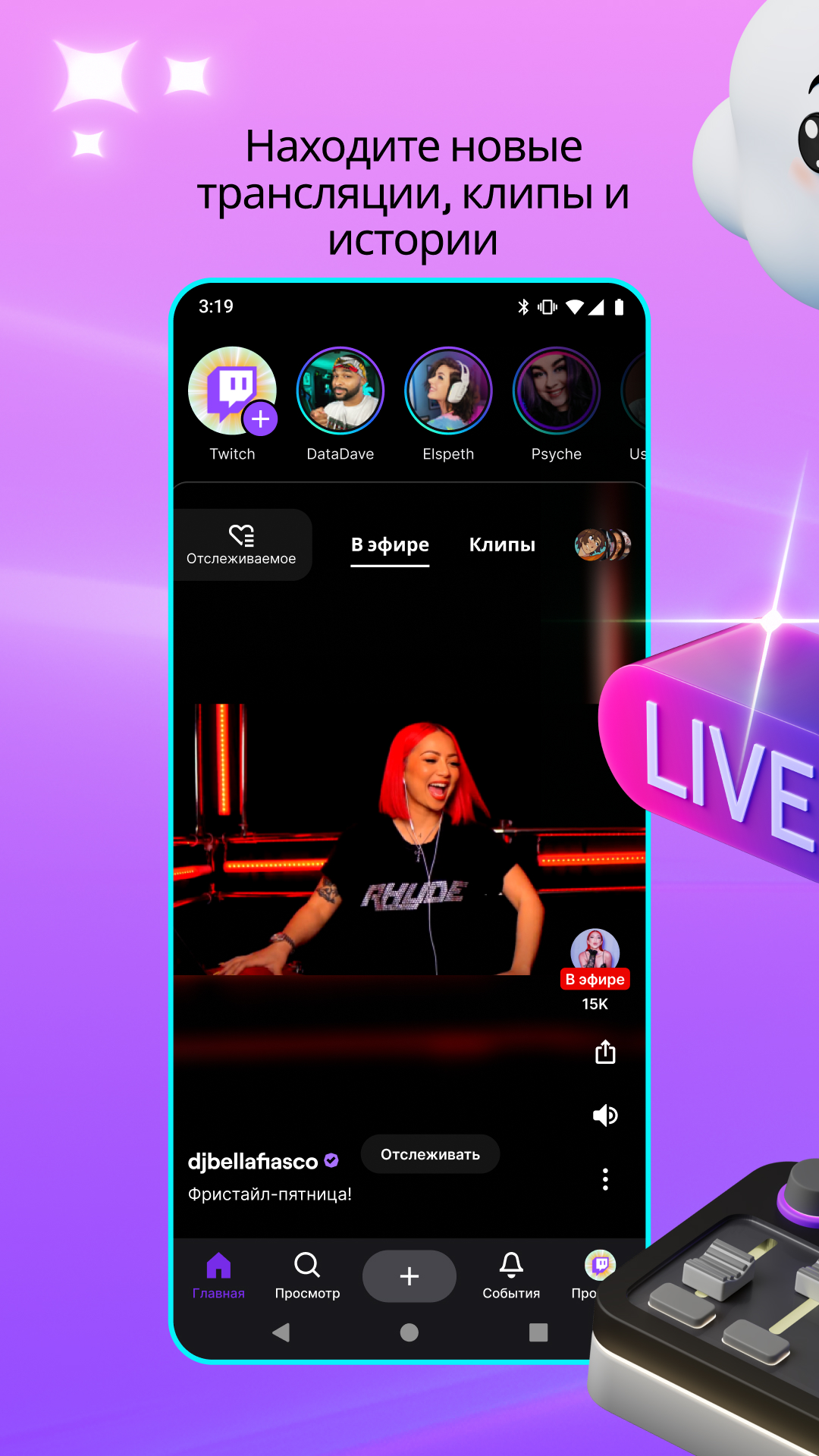
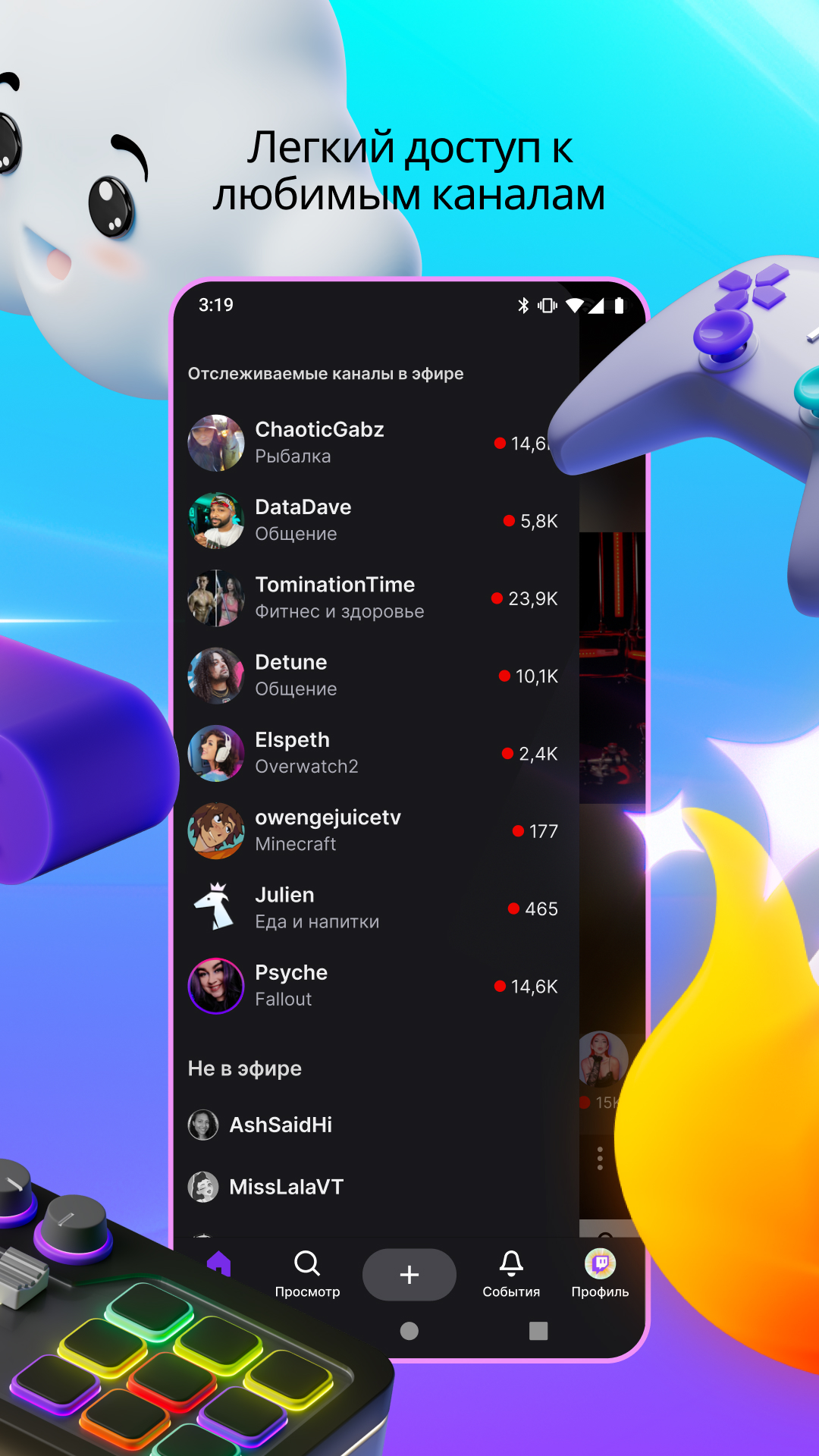
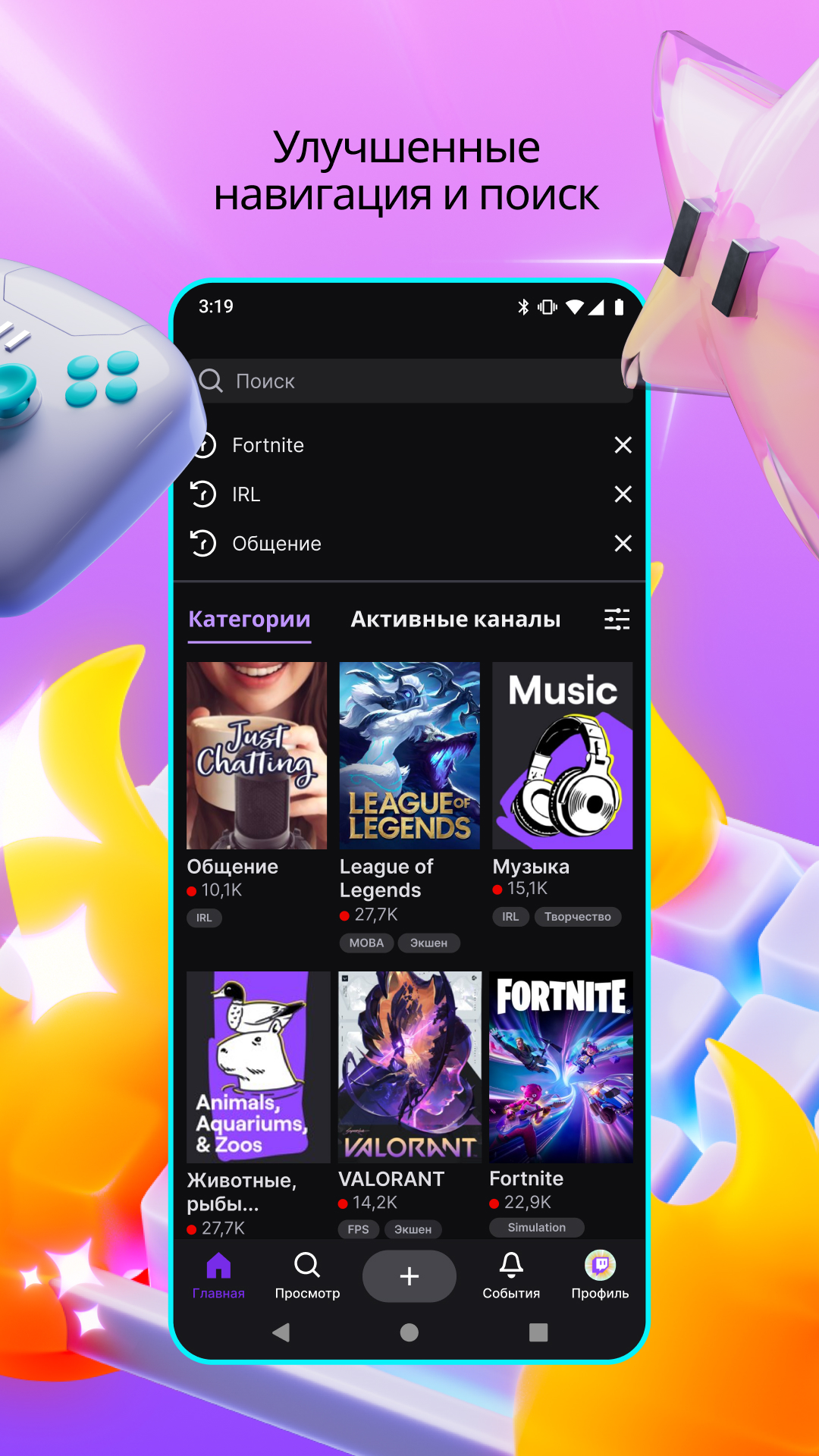
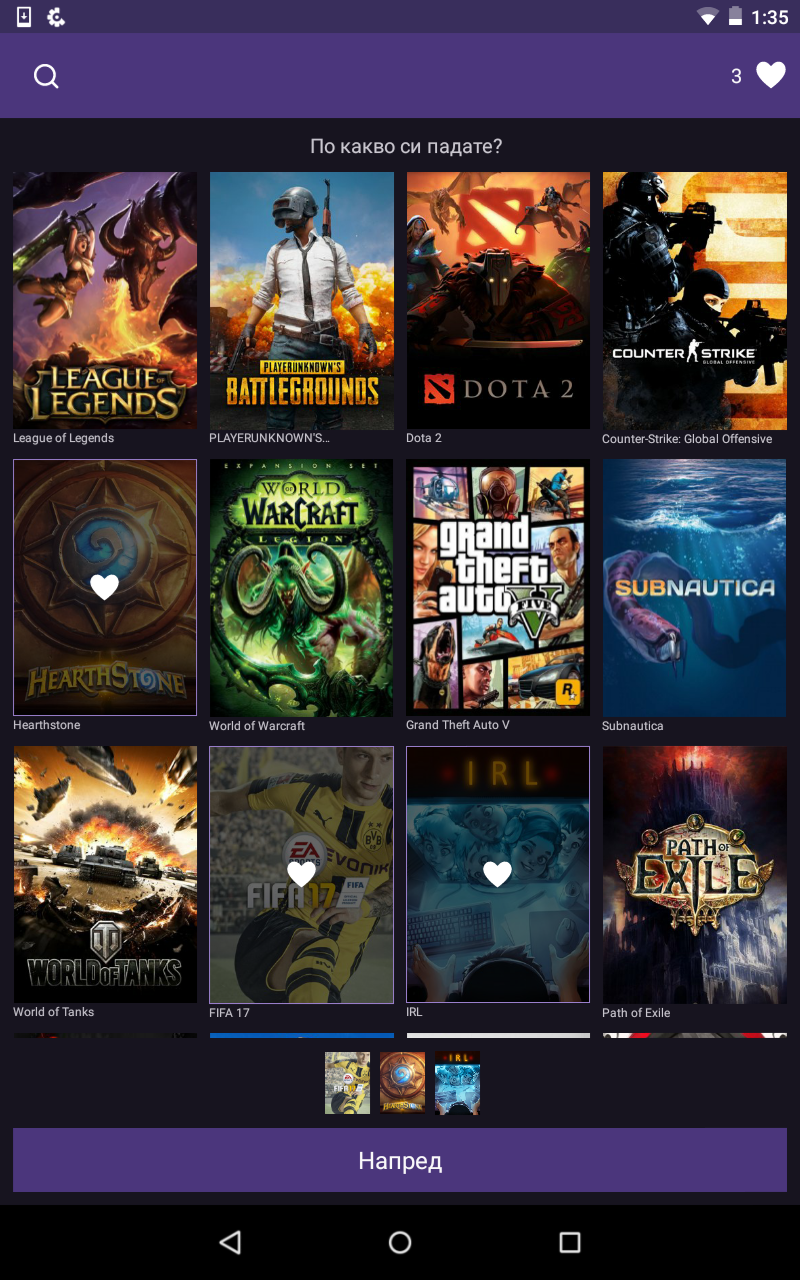
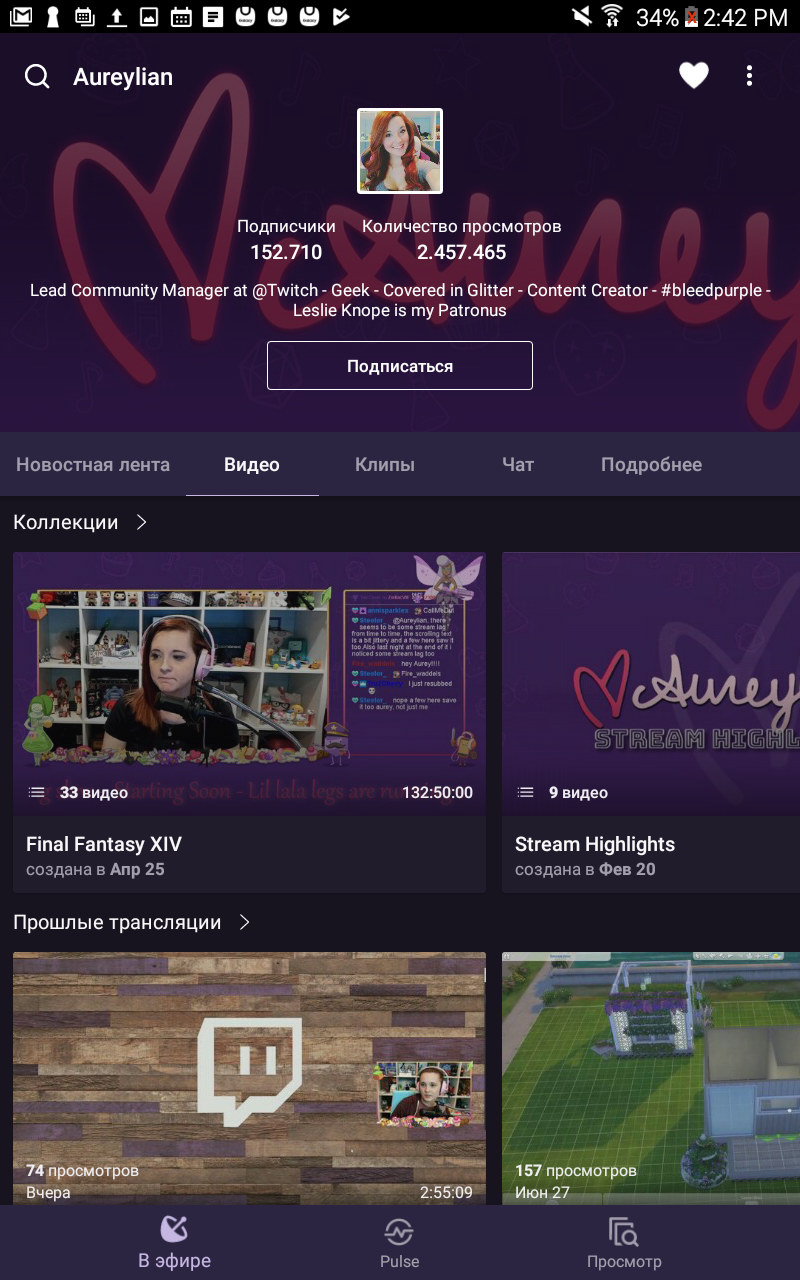
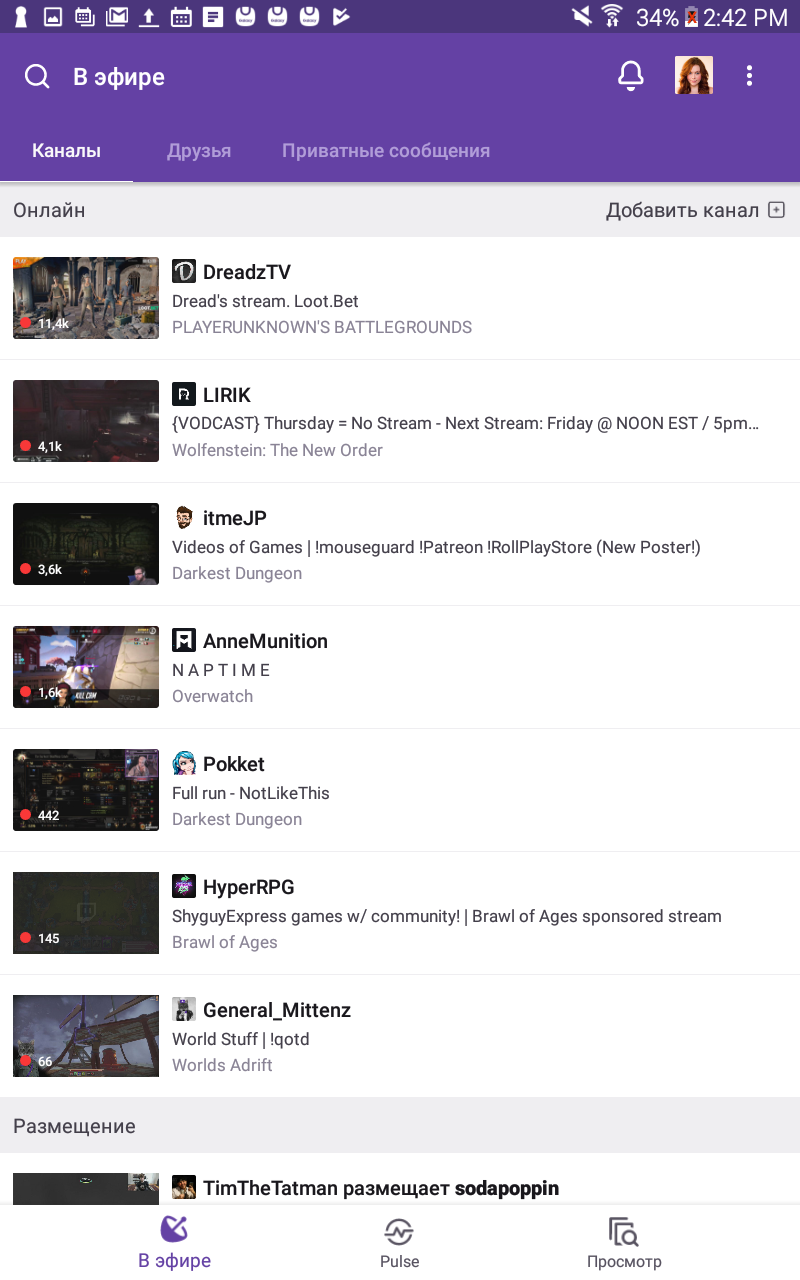
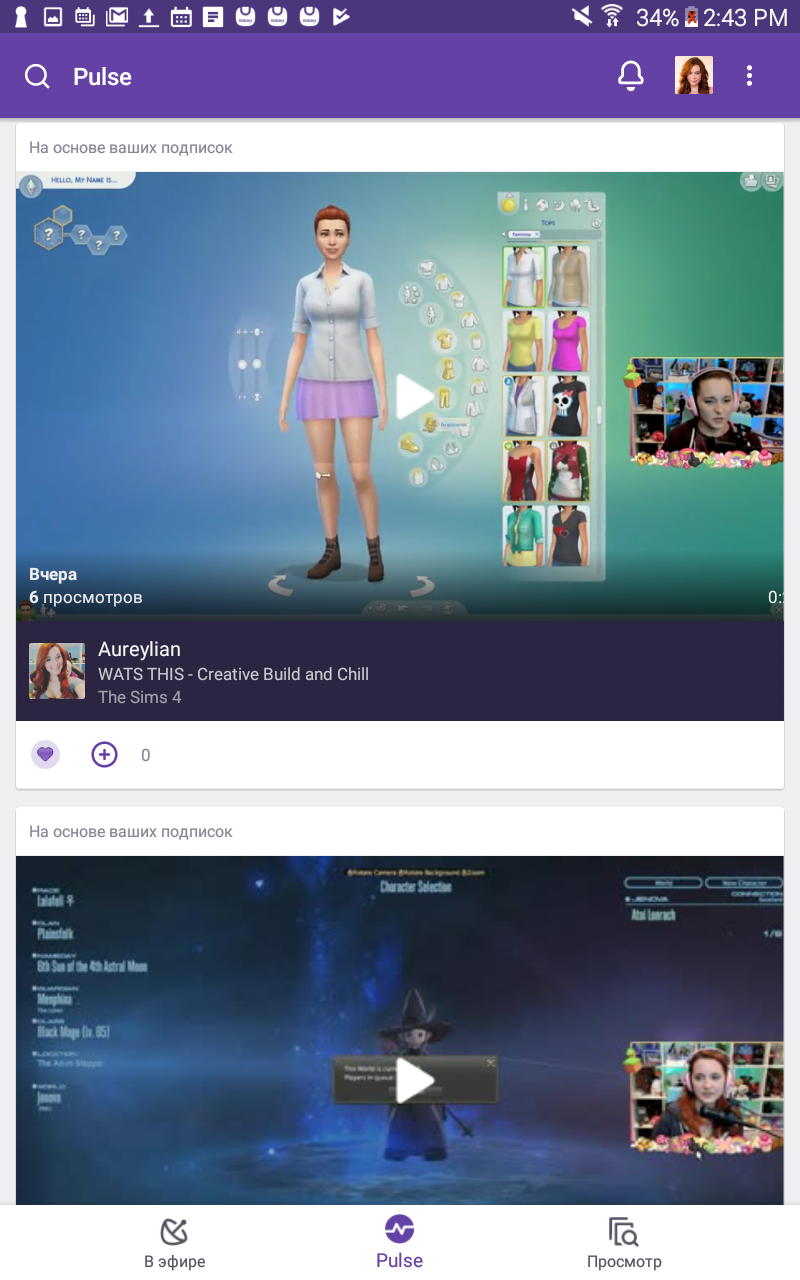
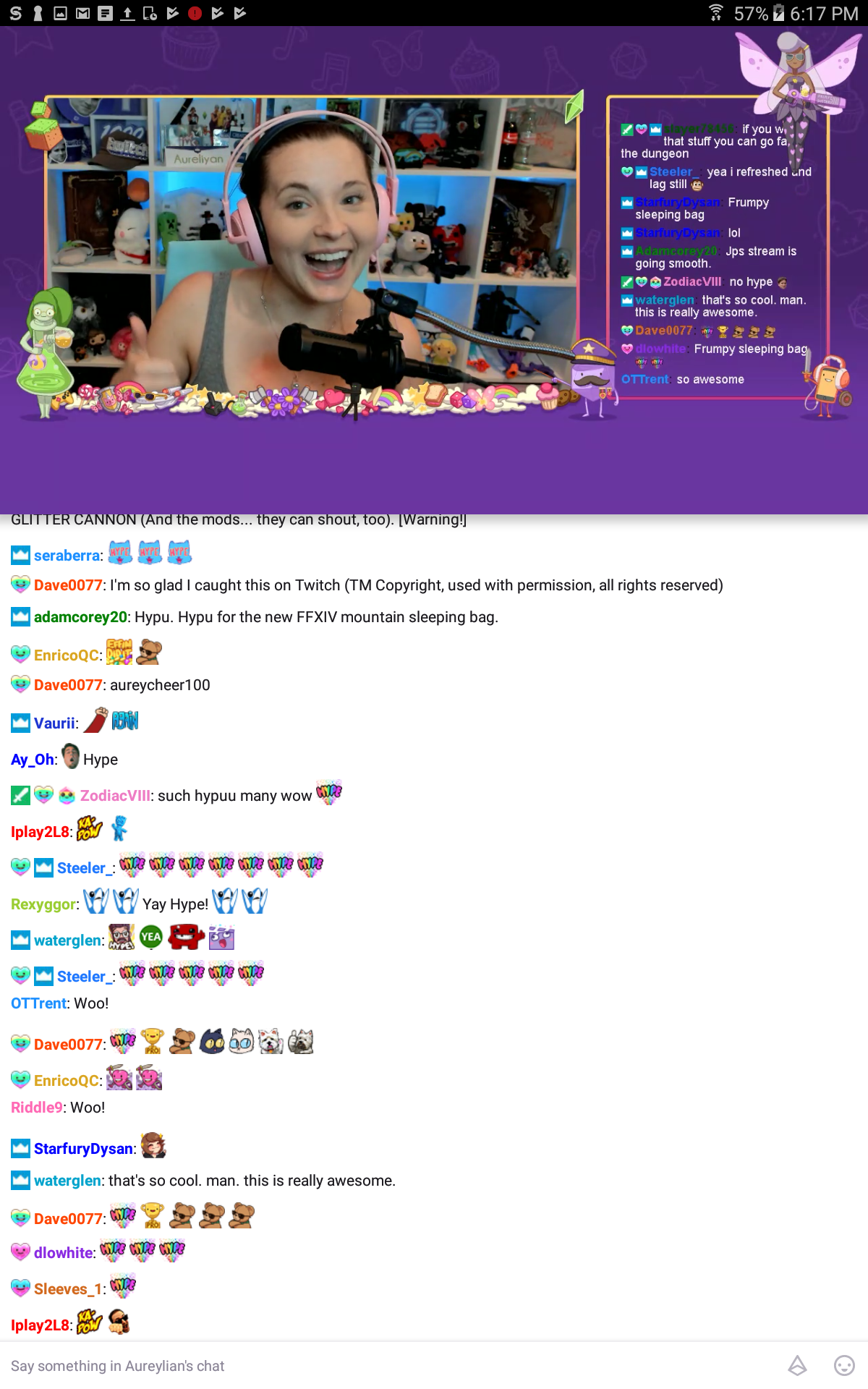
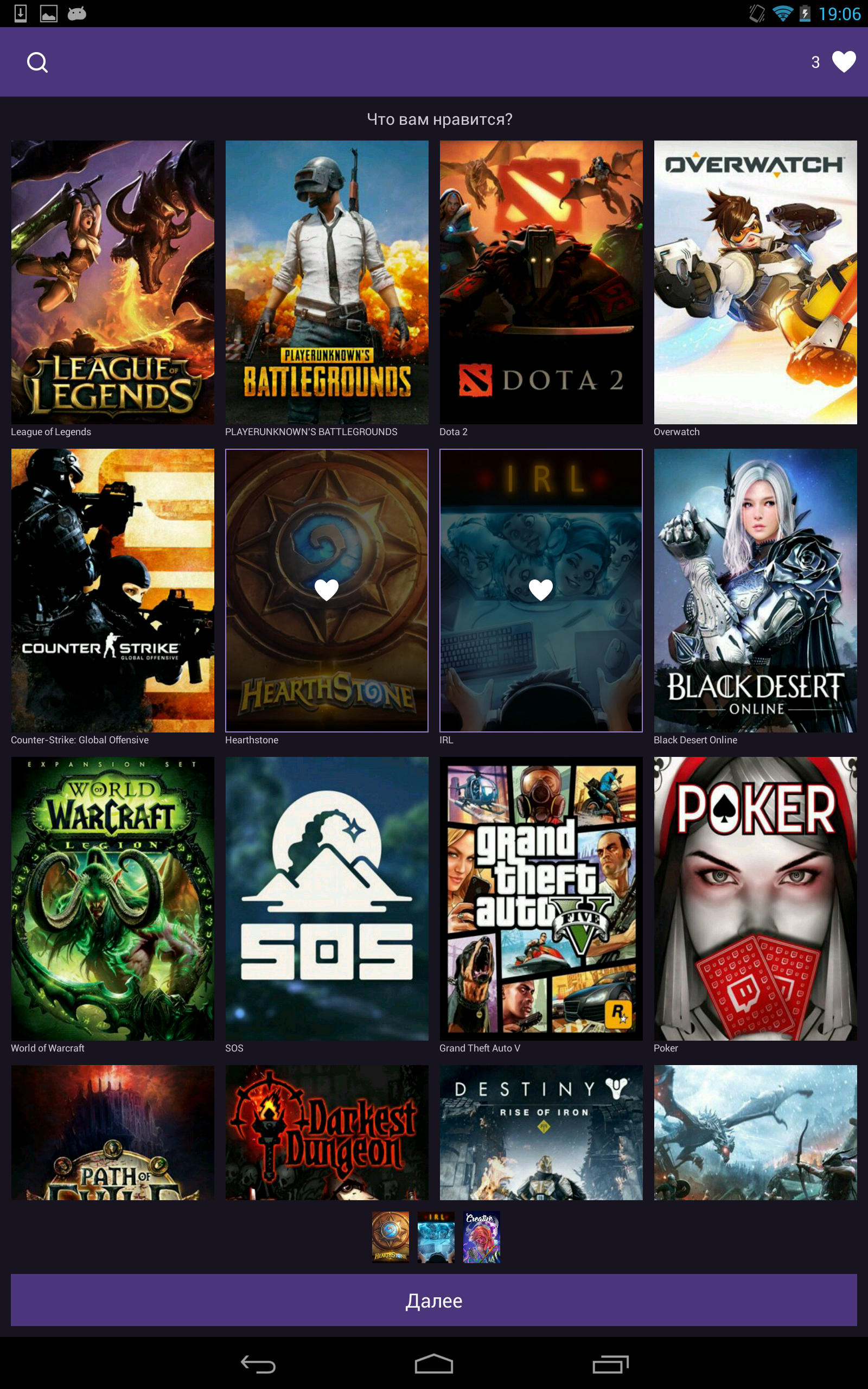
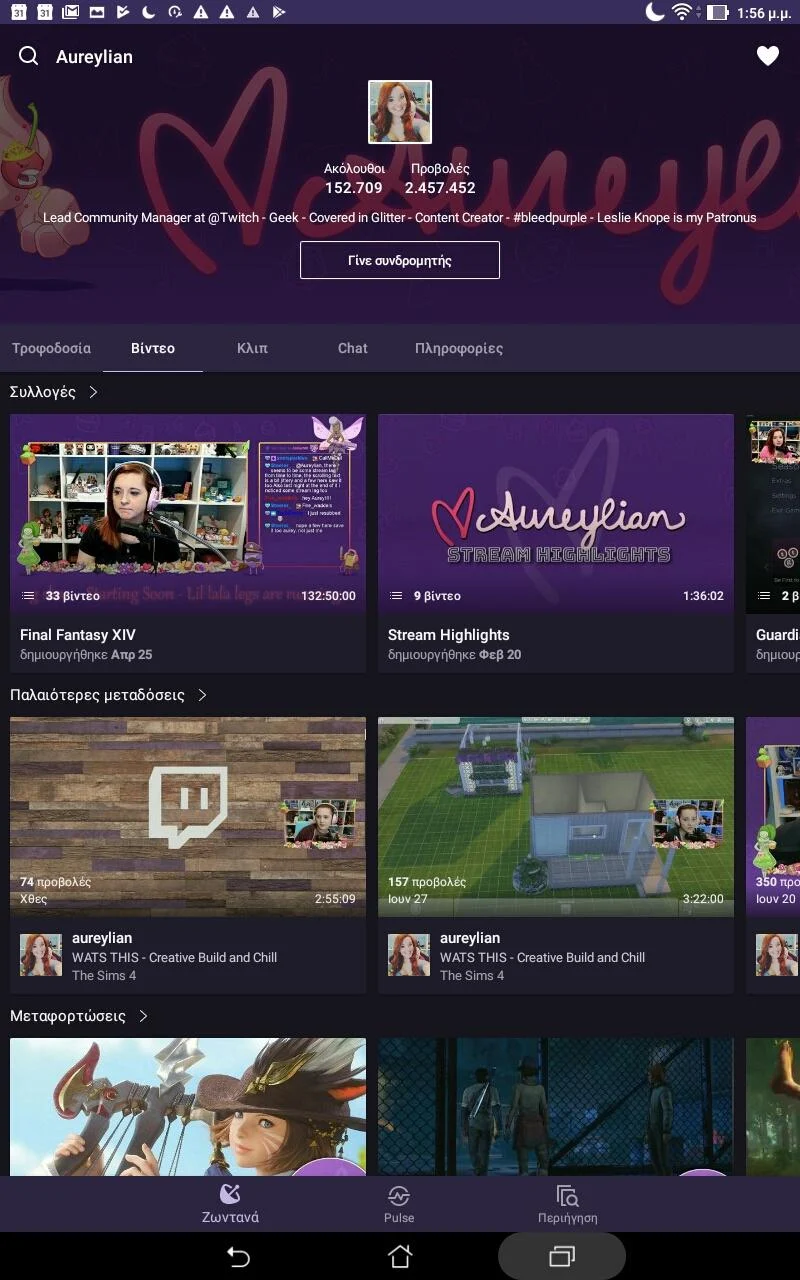
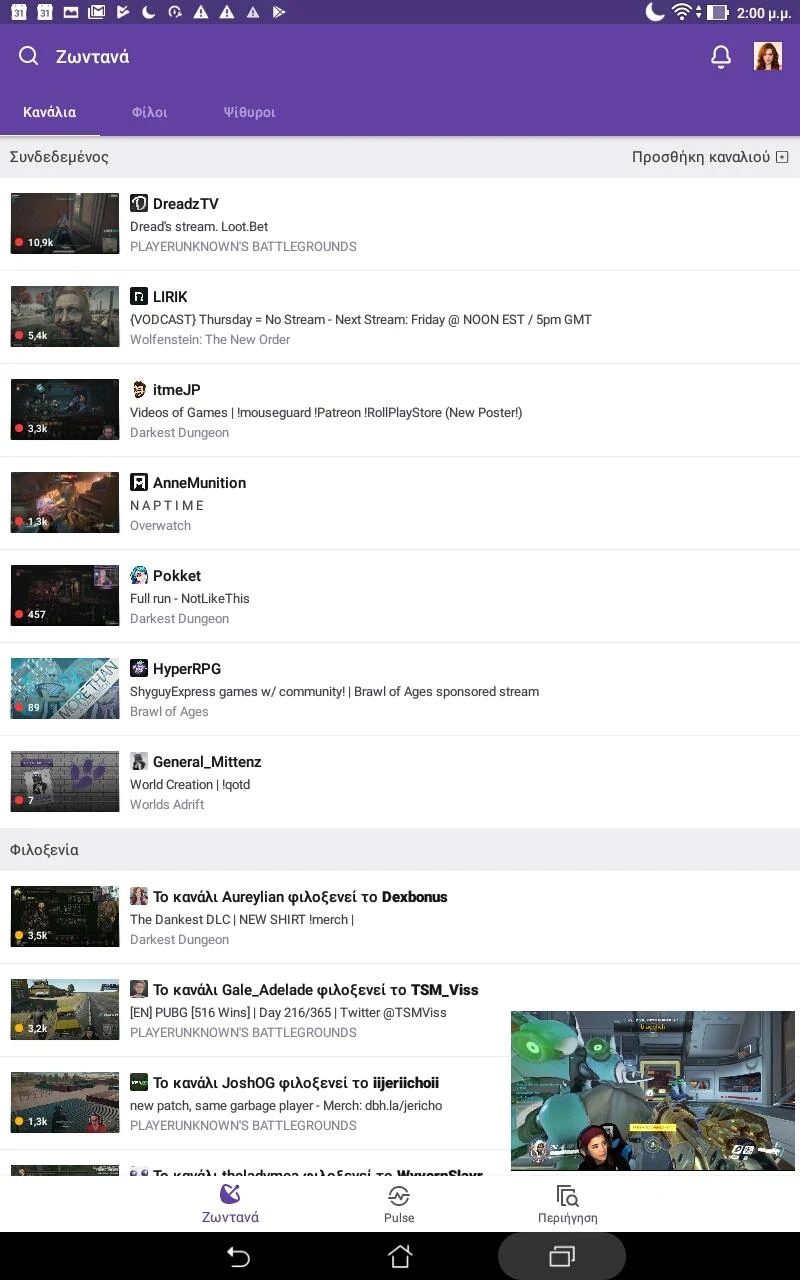
Ditambahkan: Denis Rubinov
Versi: 24.9.0_BETA
Ukuran: 141.2 MB
Diperbarui: 24.06.2025
Developer: Twitch Interactive, Inc.
Batasan Usia: Teen
Otorisasi: 15
Diunduh di Google Play: 253603846
Kategori: Hiburan
Deskripsi
Aplikasi Twitch: Live Game Streaming diperiksa oleh antivirus VirusTotal. Sebagai hasil pemindaian, tidak ada infeksi file yang terdeteksi oleh semua tanda tangan terbaru.
Cara memasang Twitch: Live Game Streaming
- Unduh file APK aplikasi dari apkshki.com.
- Temukan file yang diunduh. Anda dapat menemukannya di baki sistem atau di folder 'Download' menggunakan manajer file apa pun.
- Jika file yang diunduh berekstensi .bin (bug WebView di Android 11), ubah namanya menjadi .apk menggunakan pengelola file apa pun atau coba unduh file dengan browser lain seperti Chrome.
- Mulai penginstalan. Klik pada file yang diunduh untuk memulai penginstalan
- Izinkan penginstalan dari sumber yang tidak dikenal. Jika Anda menginstal untuk pertama kalinya Twitch: Live Game Streaming bukan dari Google Play, buka pengaturan keamanan perangkat Anda dan izinkan penginstalan dari sumber yang tidak dikenal.
- Lewati perlindungan Google Play. Jika proteksi Google Play memblokir penginstalan file, ketuk 'Info Lebih Lanjut' → 'Tetap instal' → 'OK' untuk melanjutkan..
- Selesaikan penginstalan: Ikuti petunjuk penginstal untuk menyelesaikan proses penginstalan.
Cara memperbarui Twitch: Live Game Streaming
- Unduh versi baru aplikasi dari apkshki.com.
- Cari file yang diunduh dan klik file tersebut untuk memulai penginstalan.
- Instal di atas versi lama. Tidak perlu menghapus instalasi versi sebelumnya.
- Hindari konflik tanda tangan. Jika versi sebelumnya tidak diunduh dari apkshki.com, pesan 'Aplikasi tidak terinstal' mungkin muncul. Dalam kasus ini, hapus instalan versi lama dan instal versi baru.
- Mulai ulang lampiran Twitch: Live Game Streaming setelah pembaruan.







Meminta pembaruan aplikasi
Ditambahkan Denis Rubinov
Versi: 24.9.0_BETA
Ukuran: 141.2 MB
Diperbarui: 24.06.2025
Developer: Twitch Interactive, Inc.
Batasan Usia: Teen
Otorisasi:
Diunduh di Google Play: 253603846
Kategori: Hiburan















Ulasan untuk Twitch: Live Game Streaming
love this app nd clips
gta rp nights they do it right just saying
Too many long ads and no skip option used to be a good app now it's just a horrible scam trying to make you play more money just not to see the ads
Refund please.
good
i started streaming and oh my goodness it's so easy and enjoyable
ts got unwatchable. I watch 2 ads thinking I won't get any for at least 30 minutes, but then 10 seconds later I get 9 more.
love it
loving the fifa games on it..
very bad in mobile
Great on website! Bad over mobile! Continuous issue of trying to watch stuff while on mobile data is horrendous! Many times over I have tried changing the settings for the data, even uninstall/reinstall the whole 9. Changed formats, plus some other small settings. Twitch is the only app on the market that doesn't work on mobile data CONSISTENTLY. TikTok, YouTube, Instagram and many others I have zero issue with. Just twitch is better either on a laptop/computer than it is on there phone.
A recent update (within the last 2-3 months) has made it so mobile playback is always 40-60 seconds behind, regardless of refreshing the stream, wi-fi vs data, any option or settings. It is immensely frustrating watching streams and seeing chat react then waiting another 40 seconds to see what happened. It is legitimately a better experience currently to watch streams in a mobile browser than use this app.
Great app. I just dislike ads. They don't make me want products, and are rarely helpful in any way. I just want to watch gamers play games without having to turn the volume down for an ad that is at 2 or 3 levels higher than the streamers I watch. At least give the option to skip a few seconds in. And adjust volume to match the audio level of the stream. Please.
New bug with recent update Overlay windows are MUCH worse than before. With the new update on Galaxy 22 Ultra, when I enter an app that has its own sound and twitch is an overlay window, I can only resume the stream after pausing once. The second time it doesn't resume and the stream needs restarted. So inconvenient
Destroyed the app. If watching picture in picture ads misformat the video. Randomly pauses on its own and can't be restarted without closing app and going back in, resolution changes by itself even when auto isn't selected, so many bugs you can't list them all. Seems like nobody knows what they are doing
Kirimkan komentar
Untuk memberikan komentar, masuklah dengan jejaring sosial Anda:
Atau tinggalkan komentar anonim. Komentar Anda akan dikirim untuk dimoderasi.
Kirimkan komentar
Untuk memberikan komentar, masuklah dengan jejaring sosial Anda:
Atau tinggalkan komentar anonim. Komentar Anda akan dikirim untuk dimoderasi.