


Universal TV Remote Control
8+
unduhan4.2+
versi Android
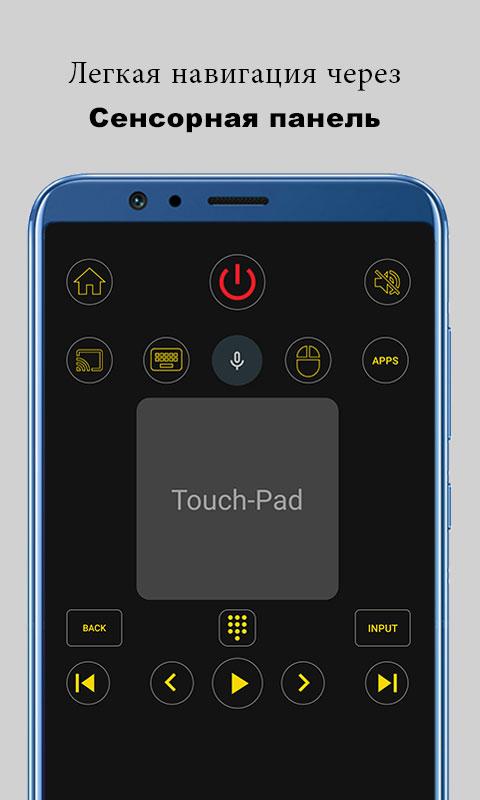
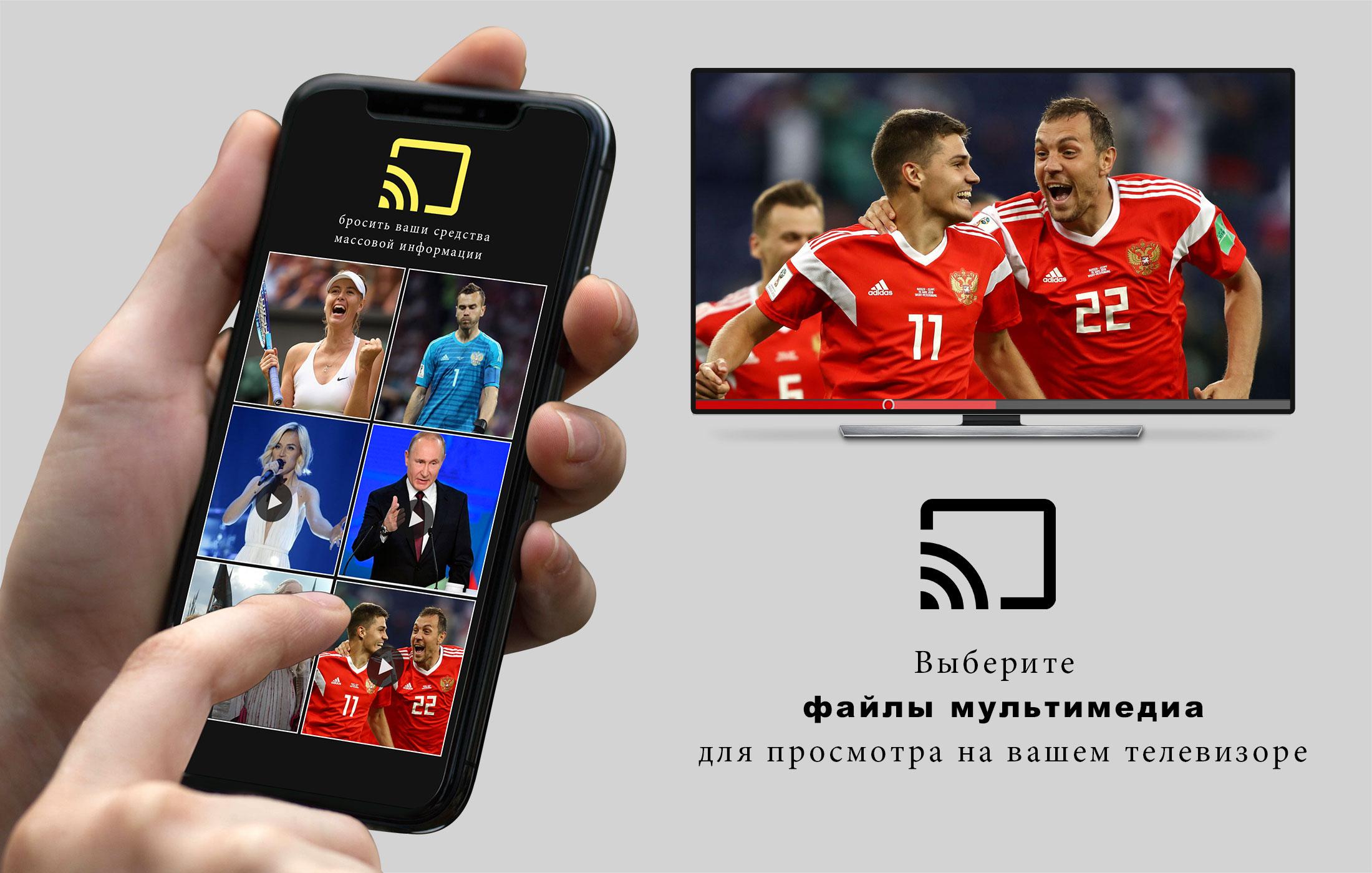
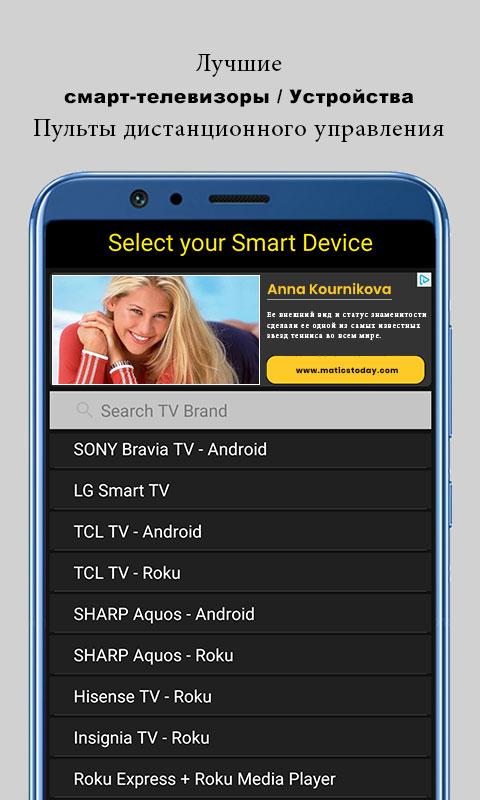
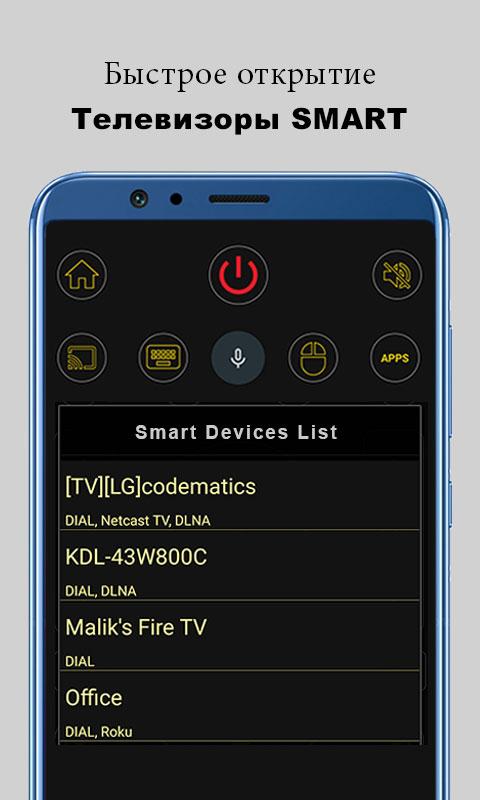
Ditambahkan: Denis Rubinov
Versi: 2.9.1
Ukuran: 24.3 MB
Diperbarui: 24.06.2025
Developer: CodeMatics Media Solutions
Batasan Usia: Everyone
Otorisasi: 17
Diunduh di Google Play: 118480817
Kategori: Perumahan dan rumah
Deskripsi
Aplikasi Universal TV Remote Control diperiksa oleh antivirus VirusTotal. Sebagai hasil pemindaian, tidak ada infeksi file yang terdeteksi oleh semua tanda tangan terbaru.
Cara memasang Universal TV Remote Control
- Unduh file APK aplikasi dari apkshki.com.
- Temukan file yang diunduh. Anda dapat menemukannya di baki sistem atau di folder 'Download' menggunakan manajer file apa pun.
- Jika file yang diunduh berekstensi .bin (bug WebView di Android 11), ubah namanya menjadi .apk menggunakan pengelola file apa pun atau coba unduh file dengan browser lain seperti Chrome.
- Mulai penginstalan. Klik pada file yang diunduh untuk memulai penginstalan
- Izinkan penginstalan dari sumber yang tidak dikenal. Jika Anda menginstal untuk pertama kalinya Universal TV Remote Control bukan dari Google Play, buka pengaturan keamanan perangkat Anda dan izinkan penginstalan dari sumber yang tidak dikenal.
- Lewati perlindungan Google Play. Jika proteksi Google Play memblokir penginstalan file, ketuk 'Info Lebih Lanjut' → 'Tetap instal' → 'OK' untuk melanjutkan..
- Selesaikan penginstalan: Ikuti petunjuk penginstal untuk menyelesaikan proses penginstalan.
Cara memperbarui Universal TV Remote Control
- Unduh versi baru aplikasi dari apkshki.com.
- Cari file yang diunduh dan klik file tersebut untuk memulai penginstalan.
- Instal di atas versi lama. Tidak perlu menghapus instalasi versi sebelumnya.
- Hindari konflik tanda tangan. Jika versi sebelumnya tidak diunduh dari apkshki.com, pesan 'Aplikasi tidak terinstal' mungkin muncul. Dalam kasus ini, hapus instalan versi lama dan instal versi baru.
- Mulai ulang lampiran Universal TV Remote Control setelah pembaruan.




Meminta pembaruan aplikasi
Ditambahkan Denis Rubinov
Versi: 2.9.1
Ukuran: 24.3 MB
Diperbarui: 24.06.2025
Developer: CodeMatics Media Solutions
Batasan Usia: Everyone
Otorisasi:
Diunduh di Google Play: 118480817
Kategori: Perumahan dan rumah















Ulasan untuk Universal TV Remote Control
gud app when remote is unavailable 🫡
superb
functioning
really good
very useful for me
it works
This App help me a lot... and so much more TV brands, Wifi and IR Remote are also Compatible... Like it so much hoping for an update for non-smart TV so this app would be more Universal to all tv's. so we can just buy a type c OTG IR blaster..... More power to all of you guys
awesome stuff
good one
achi app ha work kr ti ha
Both my phone and my TV set are connected to the same WiFi network. Still, after selecting my TV's brand, the app is unable to detect my TV. It's worth noting that my TV has the latest software update. Oh, and btw, just a comment: the ads wouldn't allow using the app anyway.
Works great on our Hisense, but my Vizio says to connect to the same Wi-Fi network... Except they Are connected to the same Wi-Fi. Also, if you go into the LG TV setting, it can actually see the Vizio and makes it an option. That controller doesn't work either, but the fact that it made it an option proves it can be connected, there is just something wrong with the actual Vizio Smart TV settings in the app. Thank you, I would happily give 5 stars if this gets fixed!
First app out of all that I've tried that actually worked on my LG Smart TV, and it worked flawlessly, instantly and without even using the IR on the phone (meaning any smart phone can use this function). However they don't have Vizio Smart TV control for my other TV or most of the brands yet and when I tried to use the IR I get no options/instructions on how to set it up. It doesn't seem to work
Once you get it connected, it works enough to get you where you need, but heaven forbid you go to another app on your phone because it sometimes disconnects from the TV when you come back. And still having to press the power button on the TV every time defeats the purpose of a remote. Wish the app would automatically reconnect to the TV instead of me getting up every 5 minutes to turn the TV off and back on manually just to change channels or YouTube videos.
Want a positive review? Then make the app actually detect my TV everytime I try to use it. Because as of now, I have to keep closing and opening the app to get it to even register that my TV is there. Both my phone and TV are connected to the wifi and yet it just keeps searching for it and takes about 20 minutes before it actually works if at all. It's extremely frustrating. But when it actually does work, it's a pretty decent app. Please fix and I'll delete this review and give a 5 star review.
Kirimkan komentar
Untuk memberikan komentar, masuklah dengan jejaring sosial Anda:
Atau tinggalkan komentar anonim. Komentar Anda akan dikirim untuk dimoderasi.
Kirimkan komentar
Untuk memberikan komentar, masuklah dengan jejaring sosial Anda:
Atau tinggalkan komentar anonim. Komentar Anda akan dikirim untuk dimoderasi.