


Cut Paste Photo Seamless Edit
9+
unduhan4.1+
versi Android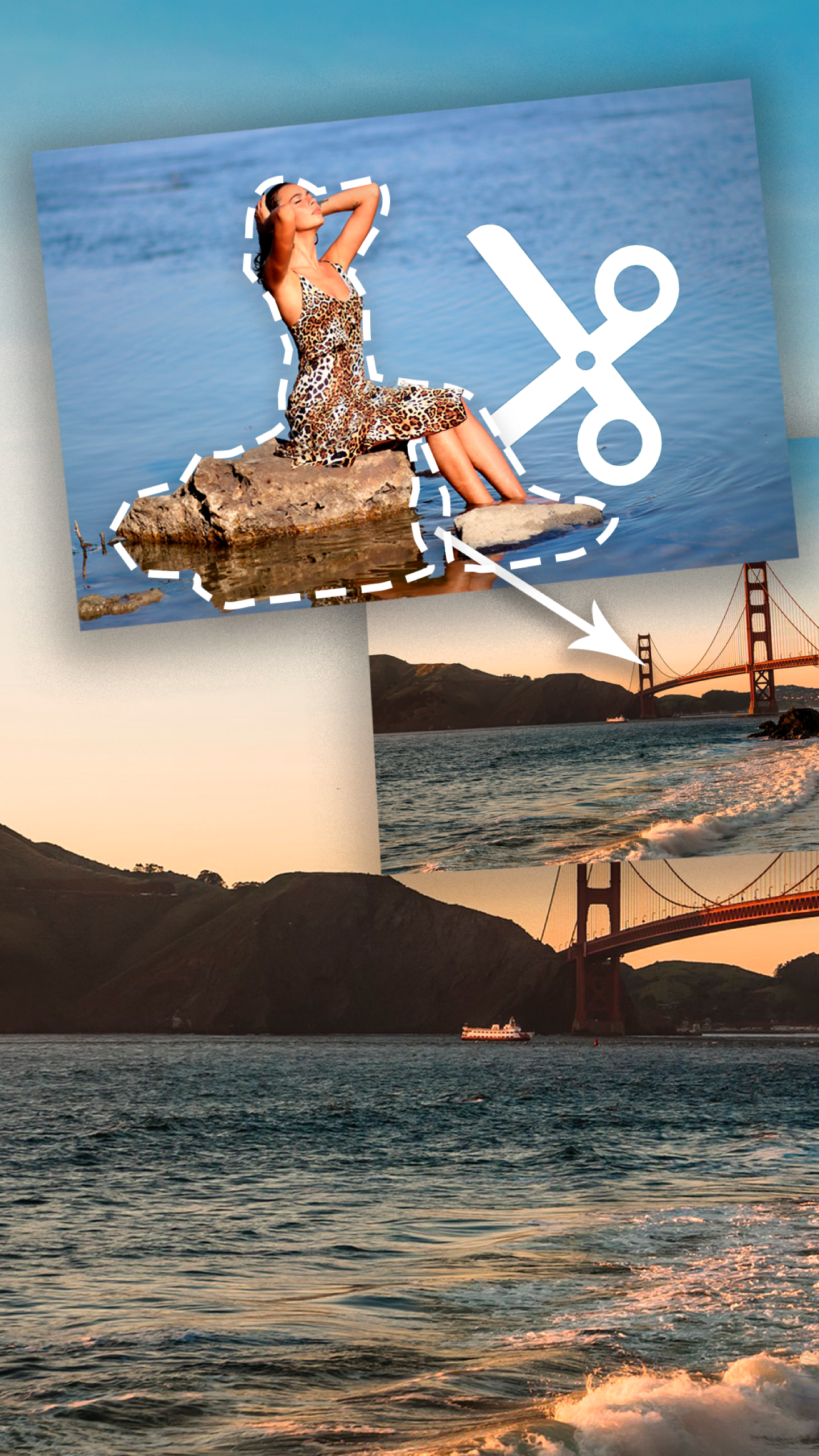


Ditambahkan: Denis Rubinov
Versi: 35.2
Ukuran: 8.9 MB
Diperbarui: 02.02.2024
Developer: Photo2Photo
Batasan Usia: Everyone
Otorisasi: 6
Diunduh di Google Play: 67778830
Kategori: Foto
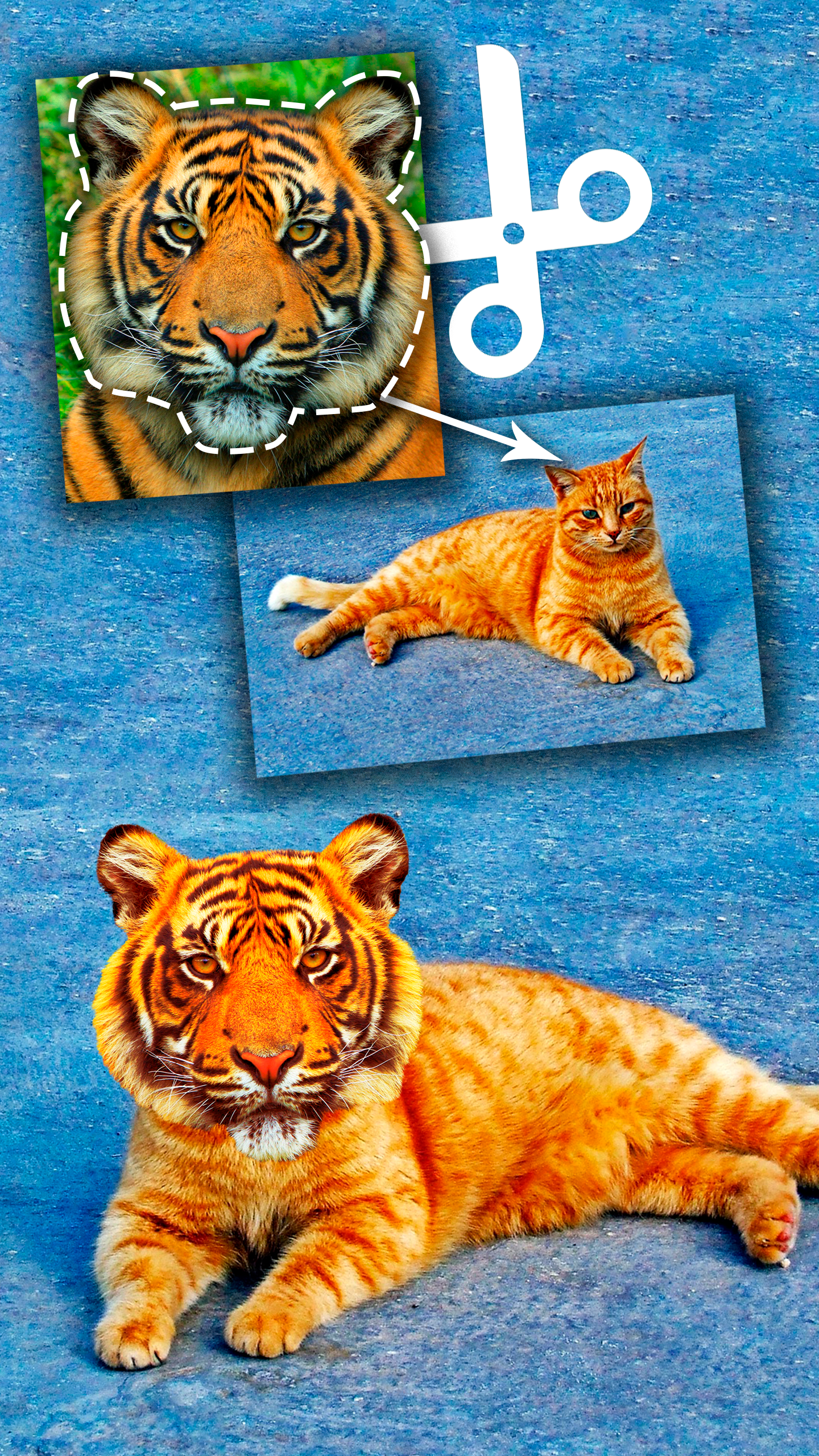
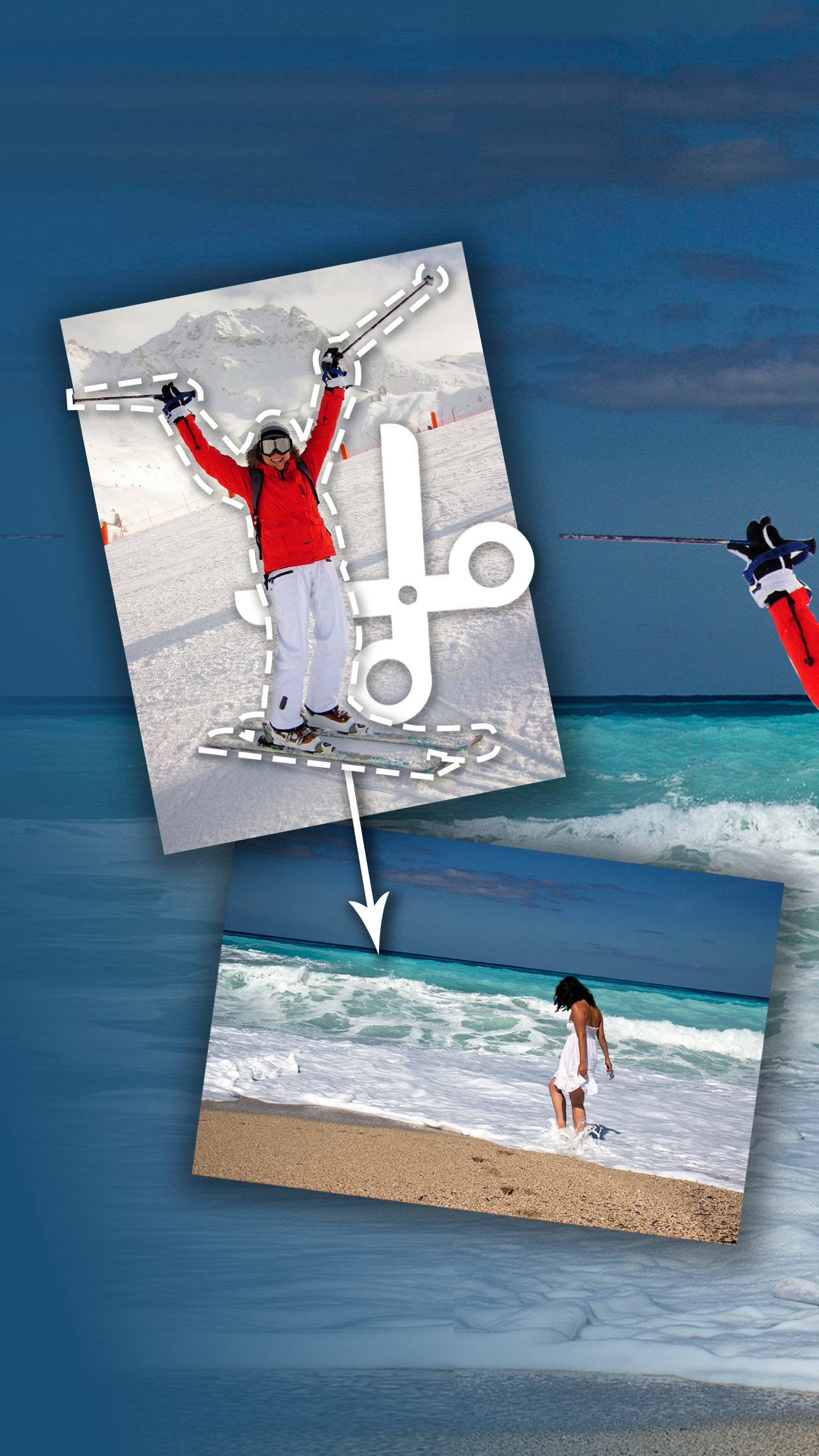
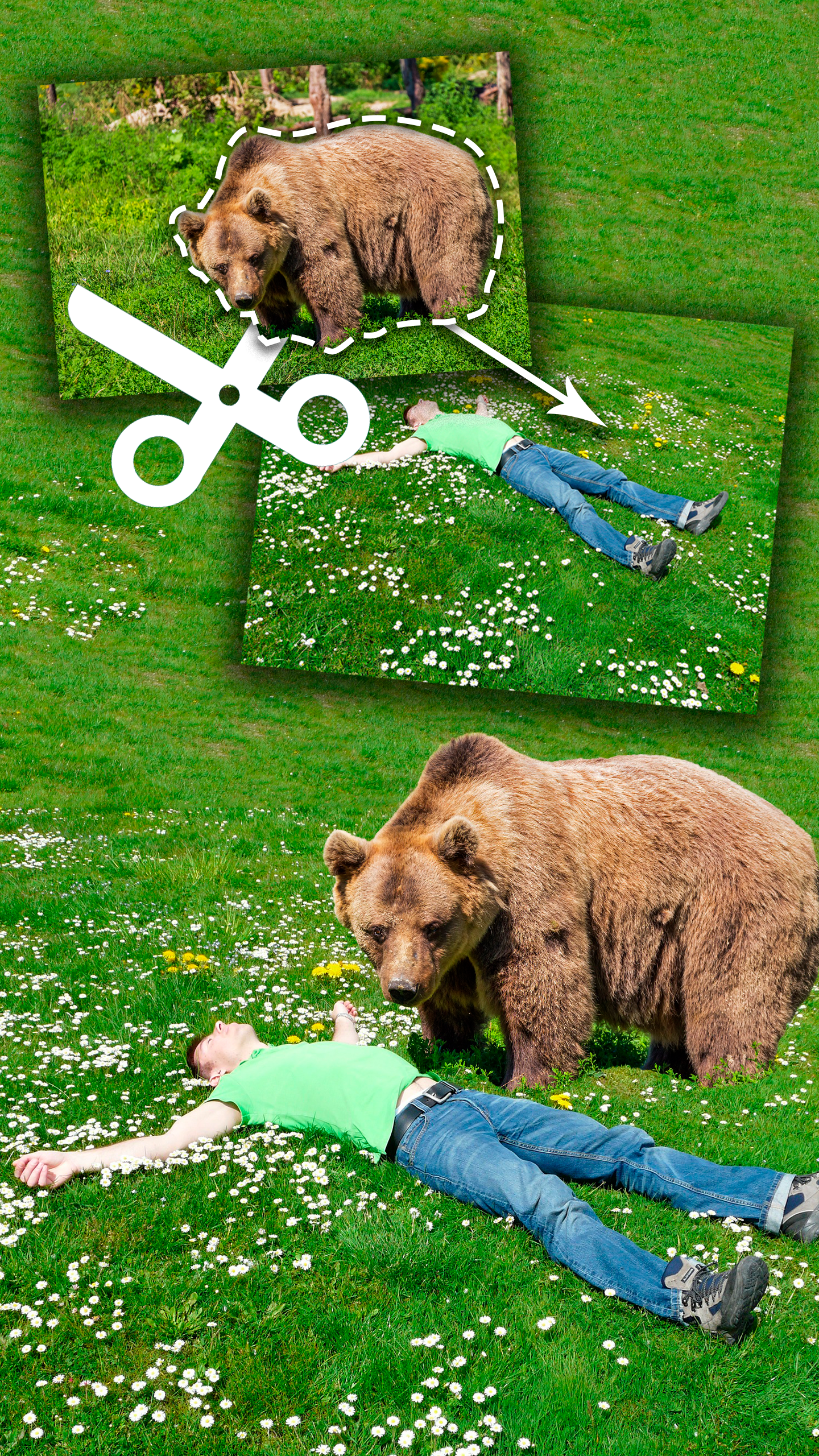
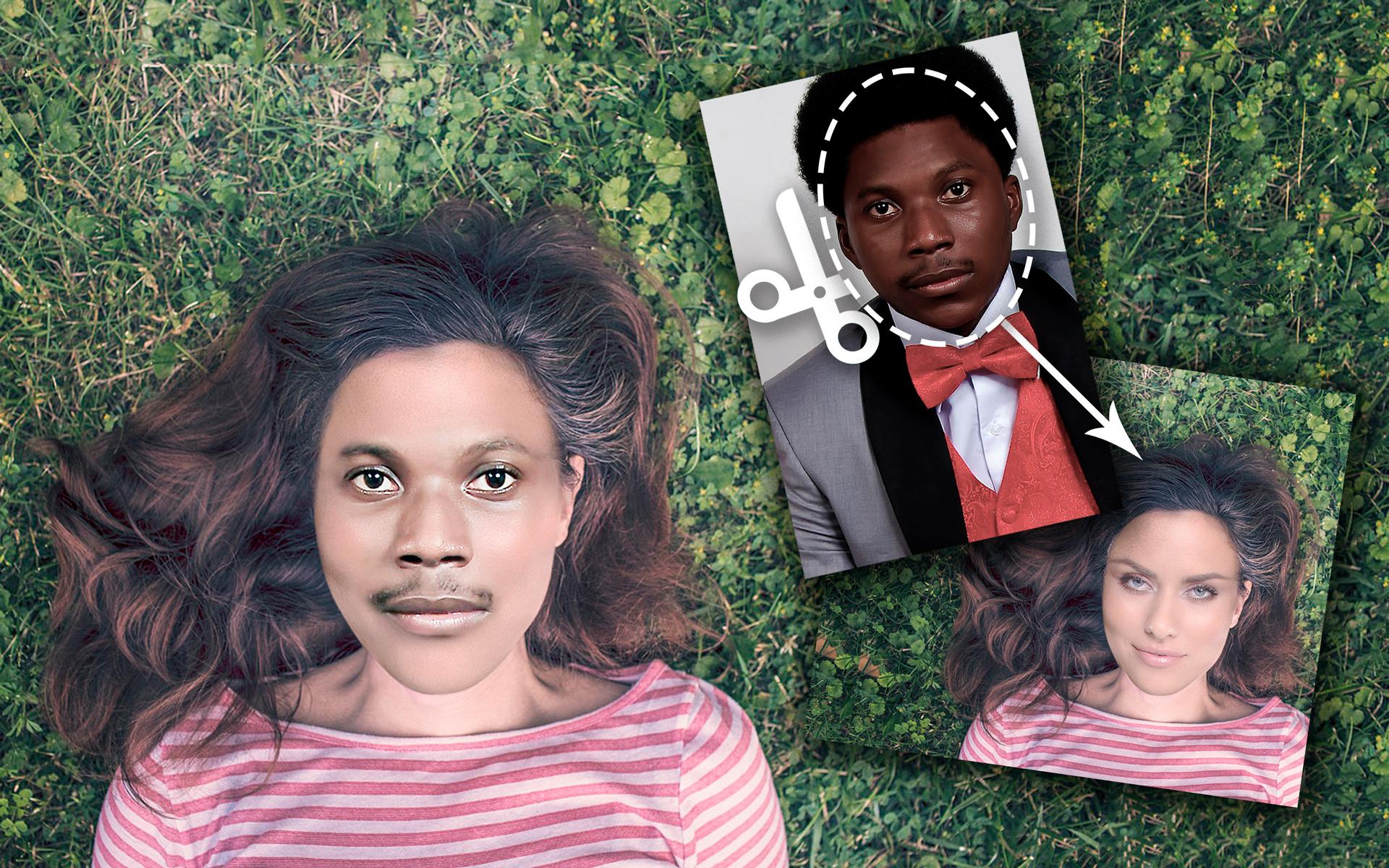
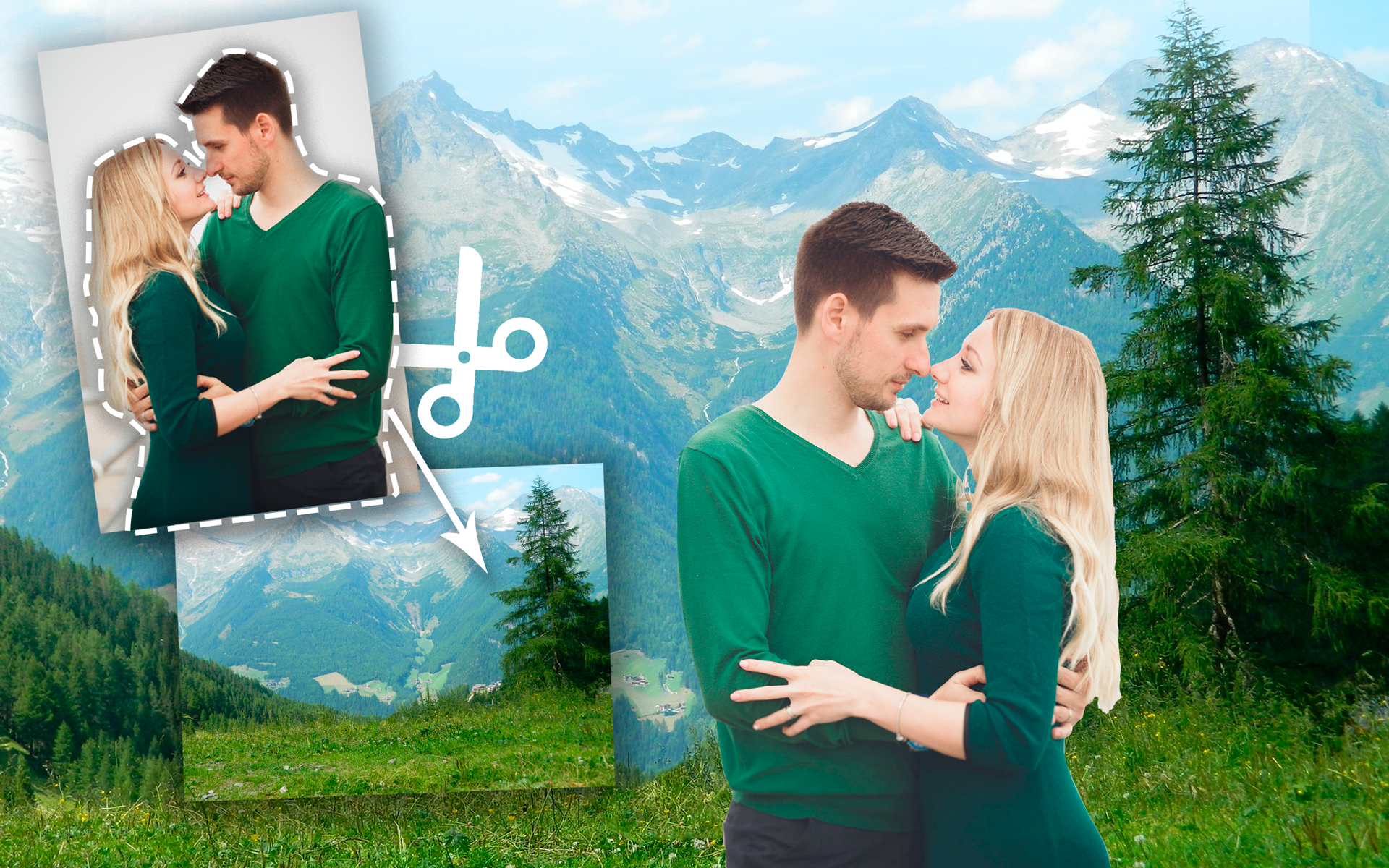
- Menggunakan foto dari Internet atau dari memori perangkat.
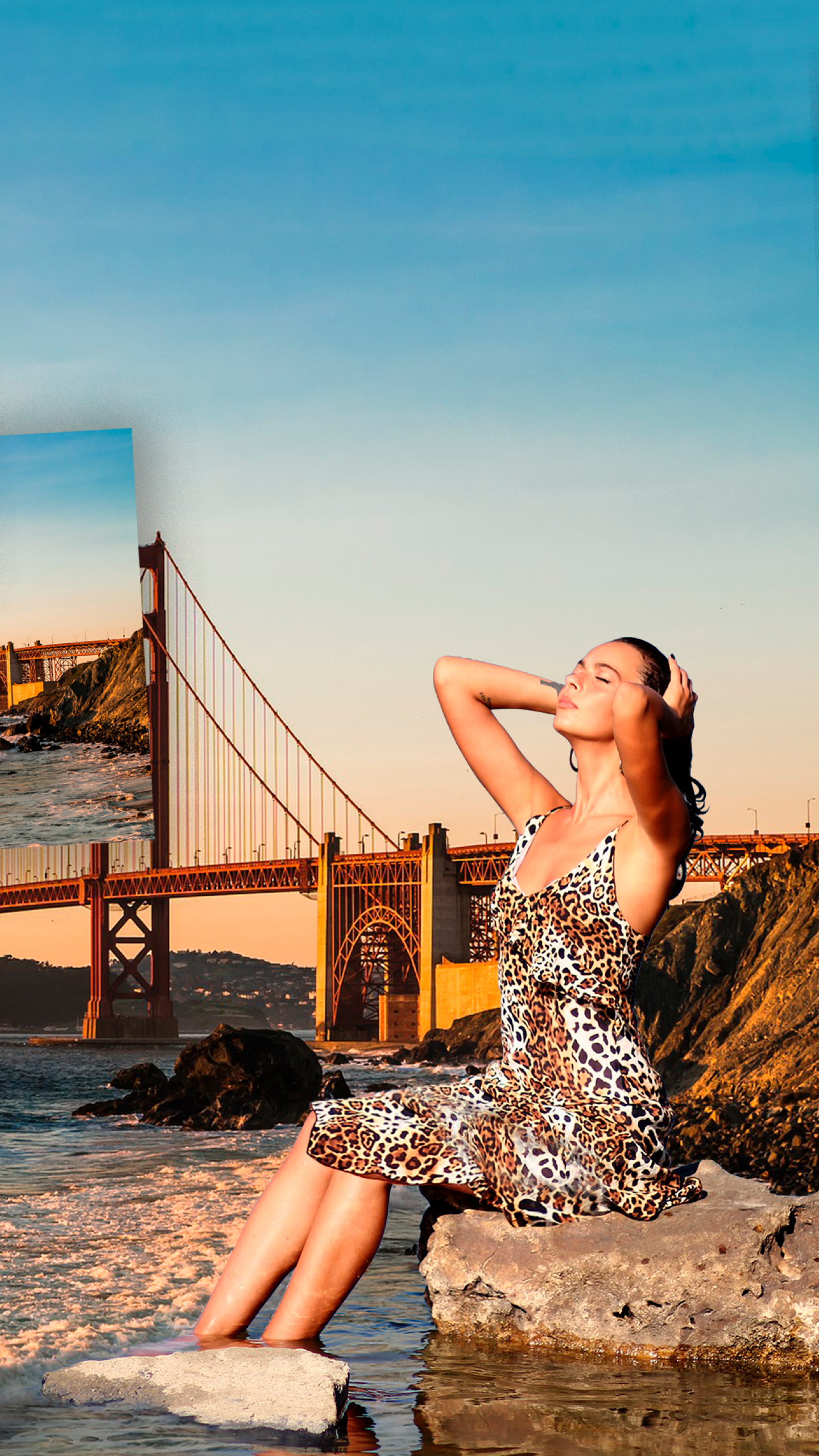
- Cara termudah dan tercepat untuk mengubah latar belakang gambar.
- Gambar yang dibuat dapat langsung dibagikan dengan teman melalui jejaring sosial.
- Program ini gratis untuk digunakan.
Deskripsi
Aplikasi Cut Paste Photo Seamless Edit diperiksa oleh antivirus VirusTotal. Sebagai hasil pemindaian, tidak ada infeksi file yang terdeteksi oleh semua tanda tangan terbaru.
Cara memasang Cut Paste Photo Seamless Edit
- Unduh file APK aplikasi dari apkshki.com.
- Temukan file yang diunduh. Anda dapat menemukannya di baki sistem atau di folder 'Download' menggunakan manajer file apa pun.
- Jika file yang diunduh berekstensi .bin (bug WebView di Android 11), ubah namanya menjadi .apk menggunakan pengelola file apa pun atau coba unduh file dengan browser lain seperti Chrome.
- Mulai penginstalan. Klik pada file yang diunduh untuk memulai penginstalan
- Izinkan penginstalan dari sumber yang tidak dikenal. Jika Anda menginstal untuk pertama kalinya Cut Paste Photo Seamless Edit bukan dari Google Play, buka pengaturan keamanan perangkat Anda dan izinkan penginstalan dari sumber yang tidak dikenal.
- Lewati perlindungan Google Play. Jika proteksi Google Play memblokir penginstalan file, ketuk 'Info Lebih Lanjut' → 'Tetap instal' → 'OK' untuk melanjutkan..
- Selesaikan penginstalan: Ikuti petunjuk penginstal untuk menyelesaikan proses penginstalan.
Cara memperbarui Cut Paste Photo Seamless Edit
- Unduh versi baru aplikasi dari apkshki.com.
- Cari file yang diunduh dan klik file tersebut untuk memulai penginstalan.
- Instal di atas versi lama. Tidak perlu menghapus instalasi versi sebelumnya.
- Hindari konflik tanda tangan. Jika versi sebelumnya tidak diunduh dari apkshki.com, pesan 'Aplikasi tidak terinstal' mungkin muncul. Dalam kasus ini, hapus instalan versi lama dan instal versi baru.
- Mulai ulang lampiran Cut Paste Photo Seamless Edit setelah pembaruan.







Meminta pembaruan aplikasi
Ditambahkan Denis Rubinov
Versi: 35.2
Ukuran: 8.9 MB
Diperbarui: 02.02.2024
Developer: Photo2Photo
Batasan Usia: Everyone
Otorisasi:
Diunduh di Google Play: 67778830
Kategori: Foto















Ulasan untuk Cut Paste Photo Seamless Edit
hoping it's perfect for edithing, i want to try it.
Amazing editor
ভেরি গুড
Rubbish
good
nice
useless
I couldn't figure out how to cut and paste which is all it's supposed to do.
The best app in ever. ❤️❤️
I used to use this app for the past few years and I've always sticked with it because of the reliability, no matter the number of adds. But now, not only do I have to deal with the adds, you guys decided to add a HUGE watermark on it. I'm like, ok I'll get a $1-2/month subscription. $34!!!!!! You have to be freaking kidding me! I'm out, this is INSANE. You've just lost one of your faithful customers. Really disappointed.
For the price. I expected better. I used a free photo editor to create a collage and it worked way better with better cutting tools and better backgrounds and there was no subscription fee. I used this for like 10 minutes trying to make it work. Tried a different app and it was was easier to cut and create than this one and is free to use no matter how long I have the app. If I get charged for testing it for 10 minutes I will be highly upset and annoyed. I do not recommend this app for anyone.
This app has the potential to be a great cut Paste app. I t's missing filters to help with photos lighting before you cut the image and the ability to flip the photo would help. People like me who actually have mild ocd issues with face angles. It's strong features is that it's simply and does a pretty good job blending tones, that's awesome.
Gave a one star because the blending is pretty cool. There is no multiple cuts in one session. Like when cutting around a car we don't have the option to recut the windows. If you already have a transparent image it still makes you cut out the image. There should be be an option to go to straight to blending the images. Also we should be able to start out on a transparent background and pick our screen resolution then import our images to fit the resolution. One more thing instead of tracing around the cutout why not do a precise lasso like in Photoshop. You get better cuts.
Really simple format. The cut step features a zoomed image so that you can get a more precise closer cut- I liked that. Just cant do multiple cut sections tho- for getting gaps. The paste step is simple too but you cant crop it. The seamless feature is nice- lines arent over blurred. What sucked is the processing time-a minute and half on a plain white background. Ads- yes quite a few. I turned of personalized ads so tht cut it down. Even still in five minutes i got an average of an ad every 45 secs.
If you are loking for a lot of frustration, this app is for you. I finally made it through the gauntlet of ads and finished my simple editing project. Then, the assault of ads held my photo hostage. I kept up with the "x" until my arm and nerves were worn out. What a waste of time. Just hoping this helps someone avoid making the same mistake. Don't even open this one. Scroll on by. There are more reasonable options.
Kirimkan komentar
Untuk memberikan komentar, masuklah dengan jejaring sosial Anda:
Atau tinggalkan komentar anonim. Komentar Anda akan dikirim untuk dimoderasi.
Kirimkan komentar
Untuk memberikan komentar, masuklah dengan jejaring sosial Anda:
Atau tinggalkan komentar anonim. Komentar Anda akan dikirim untuk dimoderasi.