


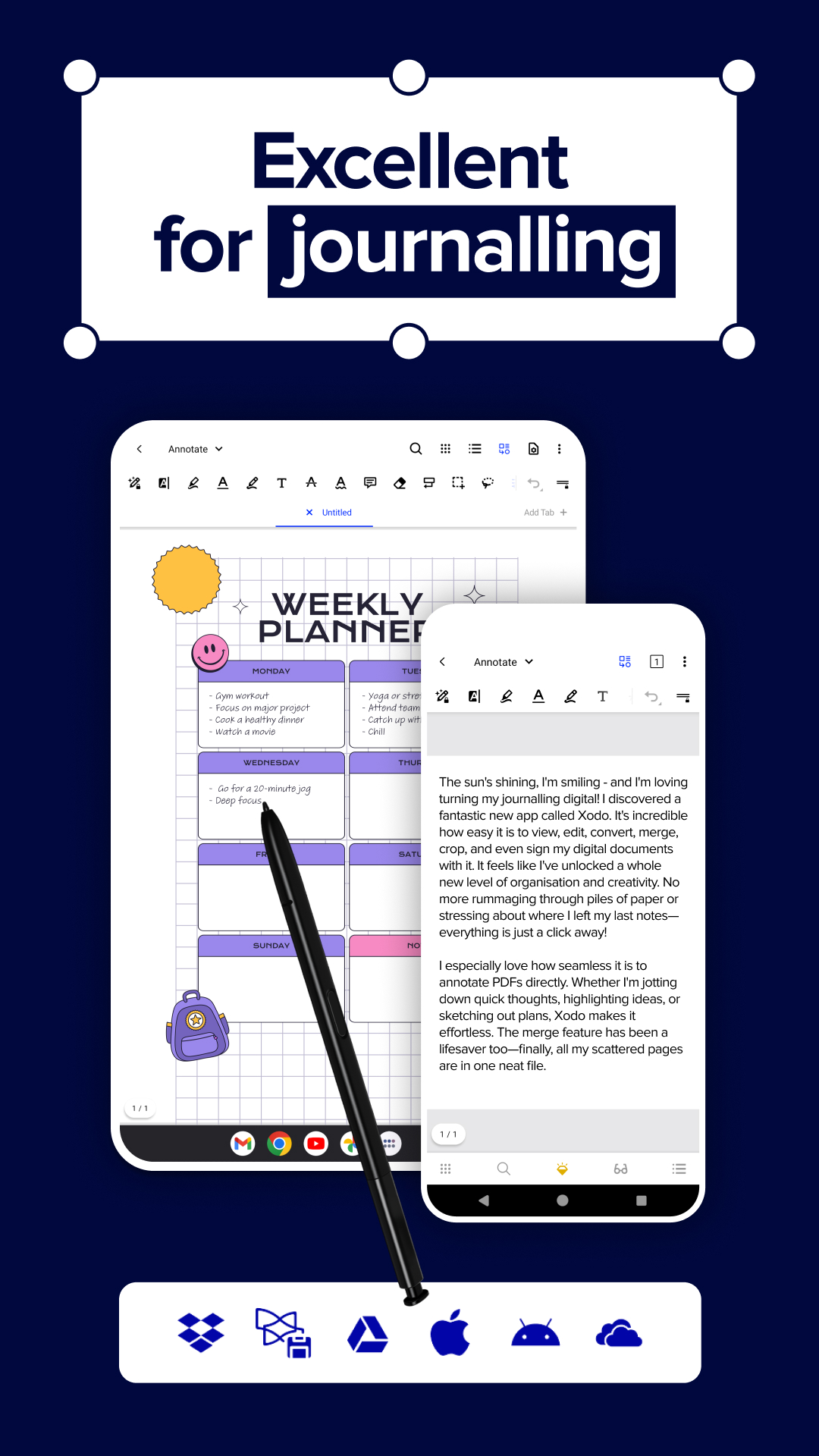
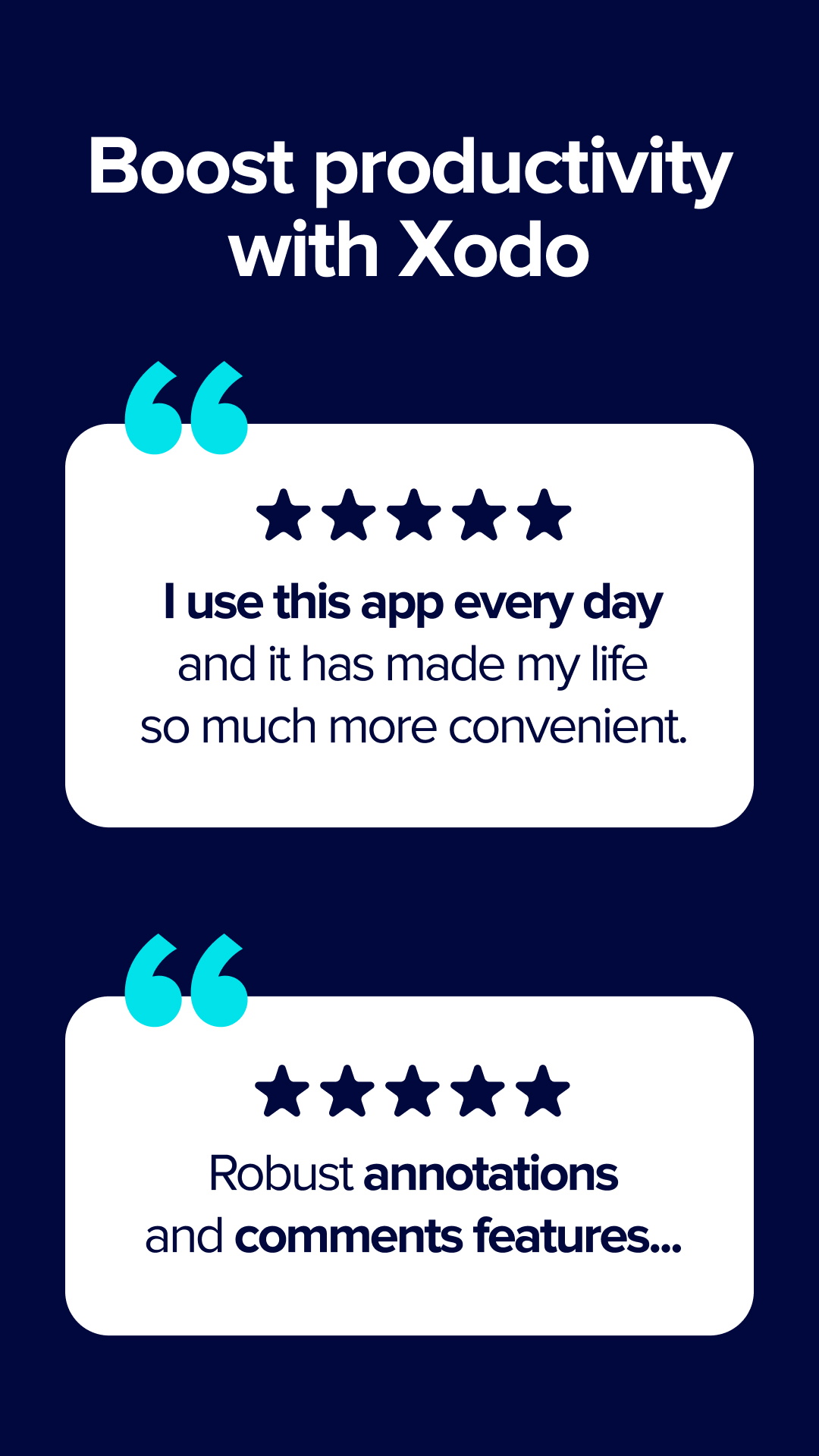
Xodo PDF | PDF Reader & Editor
25+
unduhan4.1+
versi Android
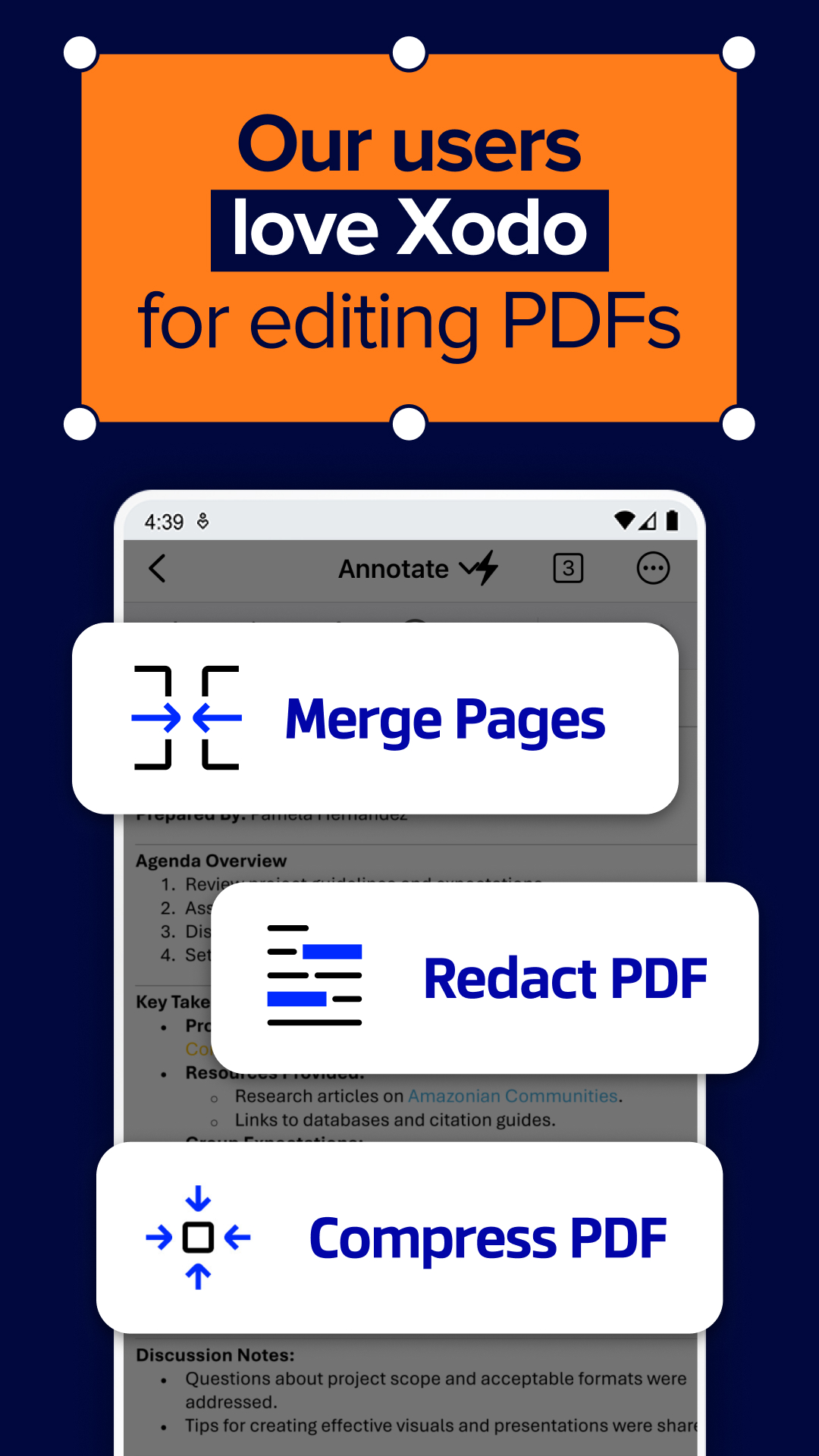
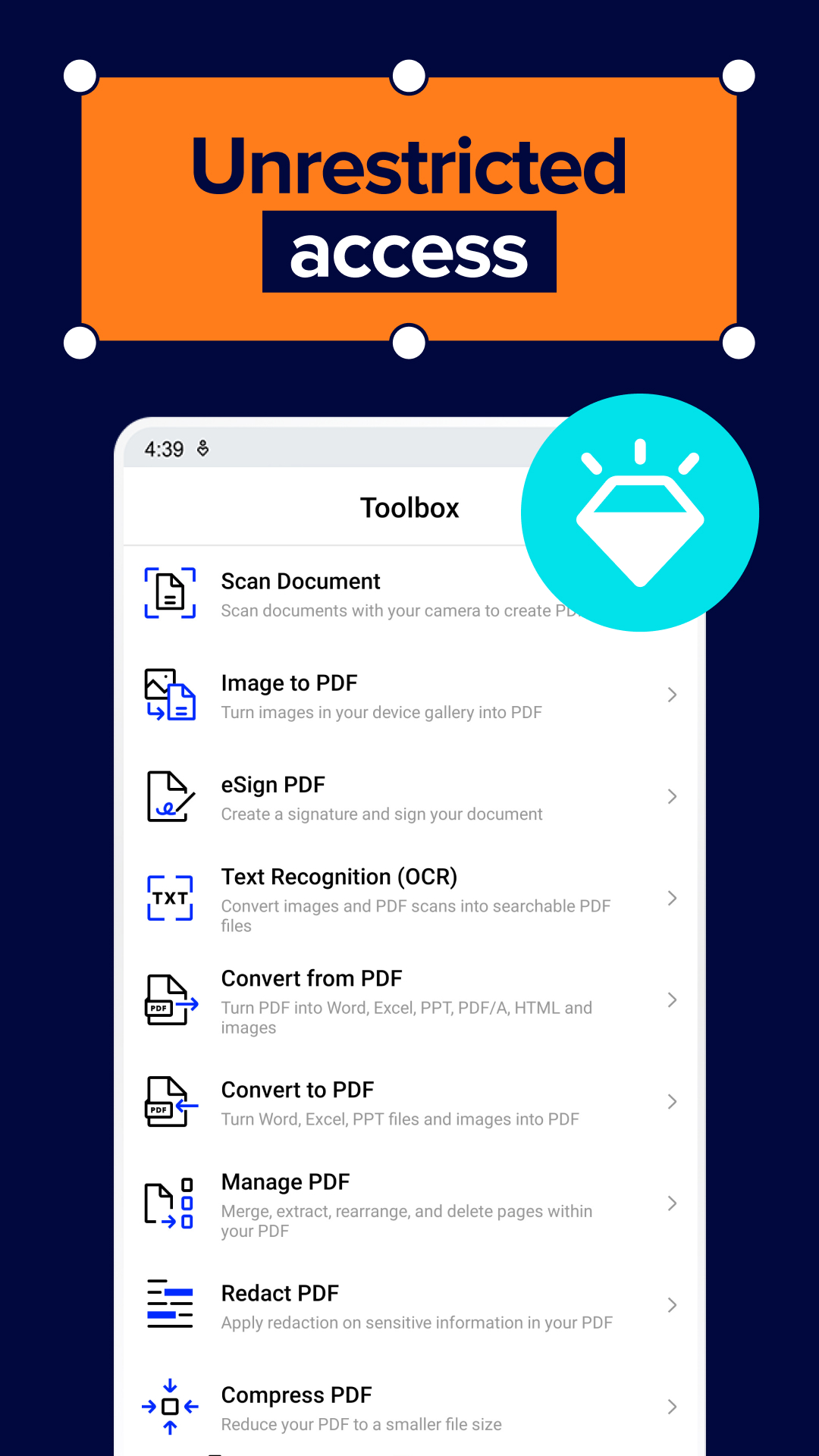
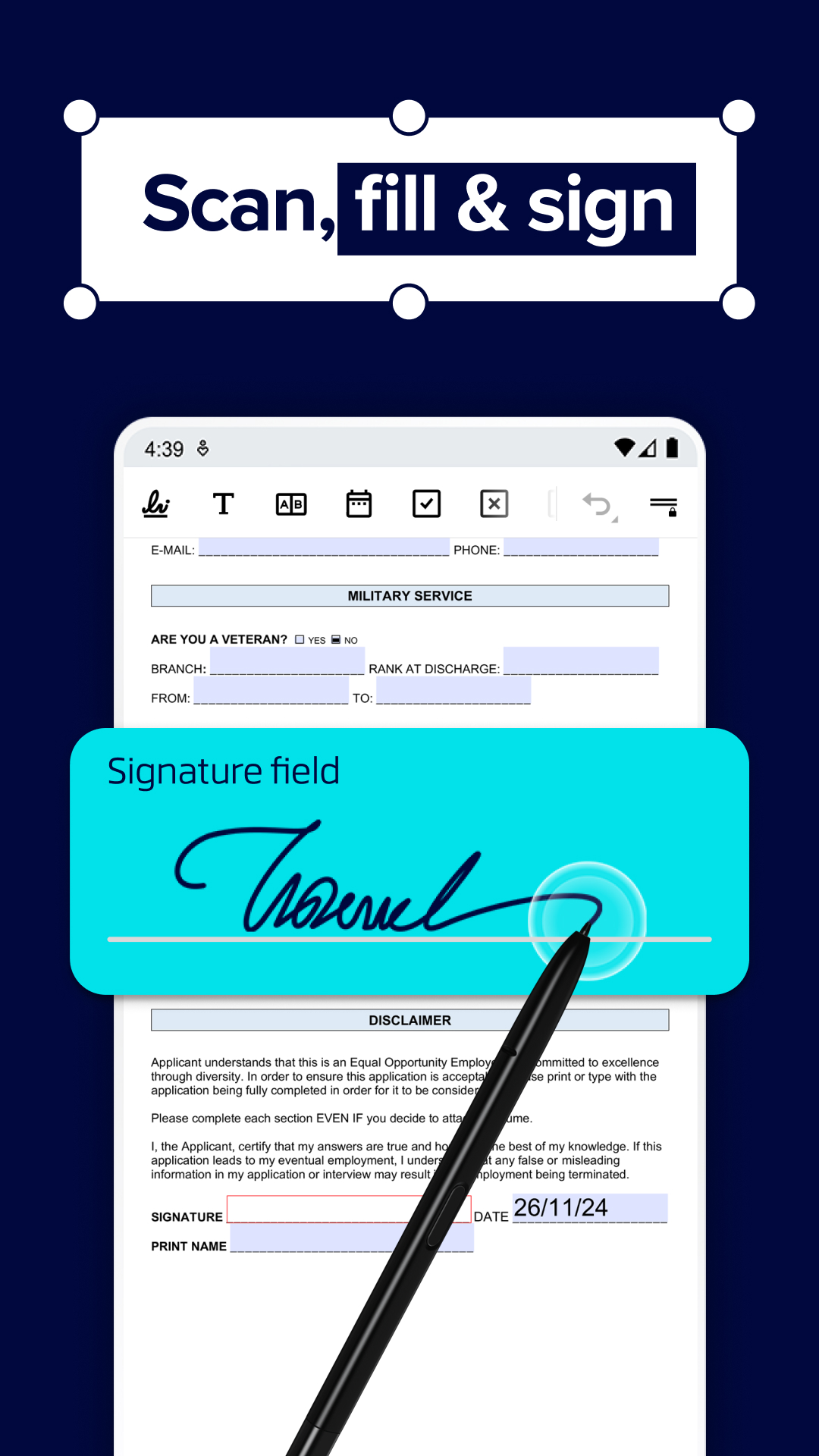
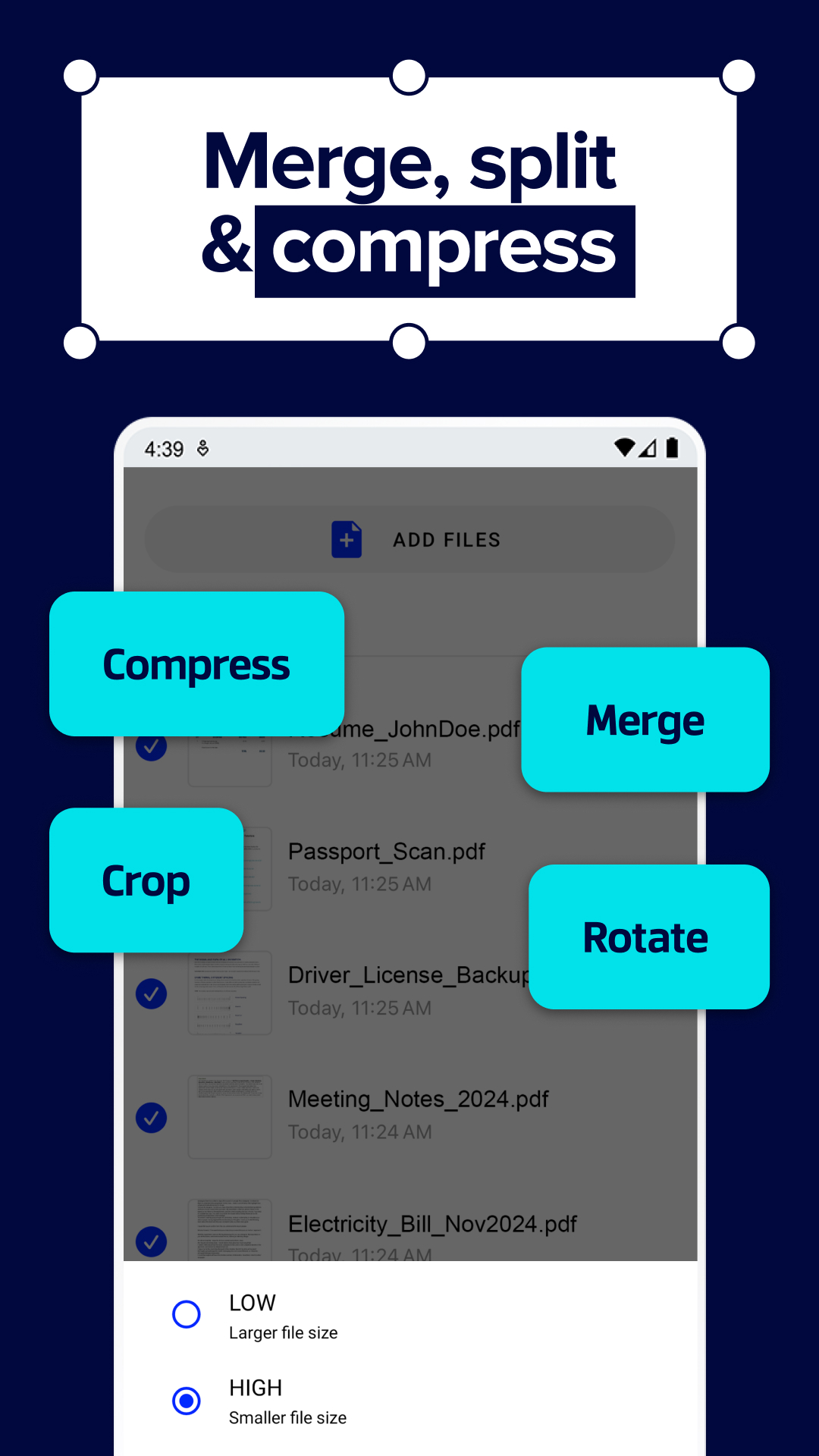
Ditambahkan: Denis Rubinov
Versi: 9.13.1
Ukuran: 42.2 MB
Diperbarui: 19.05.2025
Developer: Xodo Technologies Inc.
Batasan Usia: Everyone
Diunduh di Google Play: 25611996
Kategori: Kerja
Deskripsi
Aplikasi Xodo PDF | PDF Reader & Editor diperiksa oleh antivirus VirusTotal. Sebagai hasil pemindaian, tidak ada infeksi file yang terdeteksi oleh semua tanda tangan terbaru.
Cara memasang Xodo PDF | PDF Reader & Editor
- Unduh file APK aplikasi dari apkshki.com.
- Temukan file yang diunduh. Anda dapat menemukannya di baki sistem atau di folder 'Download' menggunakan manajer file apa pun.
- Jika file yang diunduh berekstensi .bin (bug WebView di Android 11), ubah namanya menjadi .apk menggunakan pengelola file apa pun atau coba unduh file dengan browser lain seperti Chrome.
- Mulai penginstalan. Klik pada file yang diunduh untuk memulai penginstalan
- Izinkan penginstalan dari sumber yang tidak dikenal. Jika Anda menginstal untuk pertama kalinya Xodo PDF | PDF Reader & Editor bukan dari Google Play, buka pengaturan keamanan perangkat Anda dan izinkan penginstalan dari sumber yang tidak dikenal.
- Lewati perlindungan Google Play. Jika proteksi Google Play memblokir penginstalan file, ketuk 'Info Lebih Lanjut' → 'Tetap instal' → 'OK' untuk melanjutkan..
- Selesaikan penginstalan: Ikuti petunjuk penginstal untuk menyelesaikan proses penginstalan.
Cara memperbarui Xodo PDF | PDF Reader & Editor
- Unduh versi baru aplikasi dari apkshki.com.
- Cari file yang diunduh dan klik file tersebut untuk memulai penginstalan.
- Instal di atas versi lama. Tidak perlu menghapus instalasi versi sebelumnya.
- Hindari konflik tanda tangan. Jika versi sebelumnya tidak diunduh dari apkshki.com, pesan 'Aplikasi tidak terinstal' mungkin muncul. Dalam kasus ini, hapus instalan versi lama dan instal versi baru.
- Mulai ulang lampiran Xodo PDF | PDF Reader & Editor setelah pembaruan.




Meminta pembaruan aplikasi
Ditambahkan Denis Rubinov
Versi: 9.13.1
Ukuran: 42.2 MB
Diperbarui: 19.05.2025
Developer: Xodo Technologies Inc.
Batasan Usia: Everyone
Diunduh di Google Play: 25611996
Kategori: Kerja















Ulasan untuk Xodo PDF | PDF Reader & Editor
A lot of benefits!
Very good app for pdf annotation.It offered variety of tools for annotation.😍
The app has too many bugs , i use with my tab and stylus, the app randomly stops working, or if eraser is used the writing is still not removed or the option to change pen doesn't come, sometimes even scrolling is not smooth have to change to something else for it to work. The experience is very bad, The eraser works with highlighter when use click an select it but does not work when is directly use s pen and many such problems.
The best pdf reader app the features which it provides no one
its not worth of updating this app, they mess up functions, which used to work fo free. cant share doc directly anymore.
excellent
best free pdf editer
Xodo is slowly becoming worse & worse. Now I cannot draw and then select text. Each time I want to draw & then highlight, I have to quit and restart. I cannot even erase/remove a scribble without restarting. I'm sorry to say that an excellent tool has become worse than mediocre. Now I have discovered that the a file that is locked against annotation, cannot be saved in an annotation-capable format. Xodo says that the file will be watermarked, but it does not save it. Nearly unusable.
Love the ability to access multiple documents at the same time
I recommend to other
Excellent. Have tried many pdf readers (but these are about 1 year + old versions so others may have caught up?) & none is able to handle switch of reading & actual view of pdf modes like Xodo. Has oodles of options (pro - all in one pdf editor e.g. pdf merge)) but free is good enough for most viewing needs with tabbed option. It sometimes has glitches (or is it due to low ram?) but functions well. Have free version but seems that pro version will handle about any pdf task one needs. Superb app!
This is one of the best e-book reader applications I have ever seen, especially I liked the tabs feature which helps you open many files simultaneously which really helped while doing homework, assignments.It helped to do my tasks without having to go through opening and closing many files.Has also other amazing features and I totally recommend it
The best pdf app I have ever seen!😊
File size reduction tool doesn't work at all. It doesn't reduce size. If reduced it is by 1 or 2 Mb
The problem is solved! It was my bad. The "nomedia" file was the problem in the folder where my books present which prevented the app to read them. I removed the file elsewhere and the app is now works brilliantly again! Thanks for the developers for such excellent tool.
Kirimkan komentar
Untuk memberikan komentar, masuklah dengan jejaring sosial Anda:
Atau tinggalkan komentar anonim. Komentar Anda akan dikirim untuk dimoderasi.
Kirimkan komentar
Untuk memberikan komentar, masuklah dengan jejaring sosial Anda:
Atau tinggalkan komentar anonim. Komentar Anda akan dikirim untuk dimoderasi.