


XOS Launcher 2023-Cool Stylish
131+
unduhan5.0+
versi Android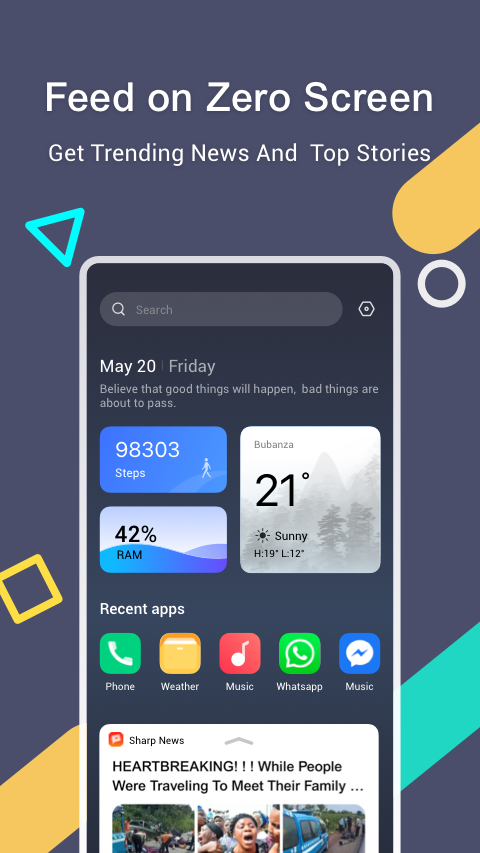

Ditambahkan: Denis Rubinov
Versi: 4.9.0.51
Ukuran: 29.5 MB
Diperbarui: 23.01.2022
Developer: Shalltry Group
Batasan Usia: Everyone
Otorisasi: 37
Diunduh di Google Play: 382173465
Kategori: Personalisasi
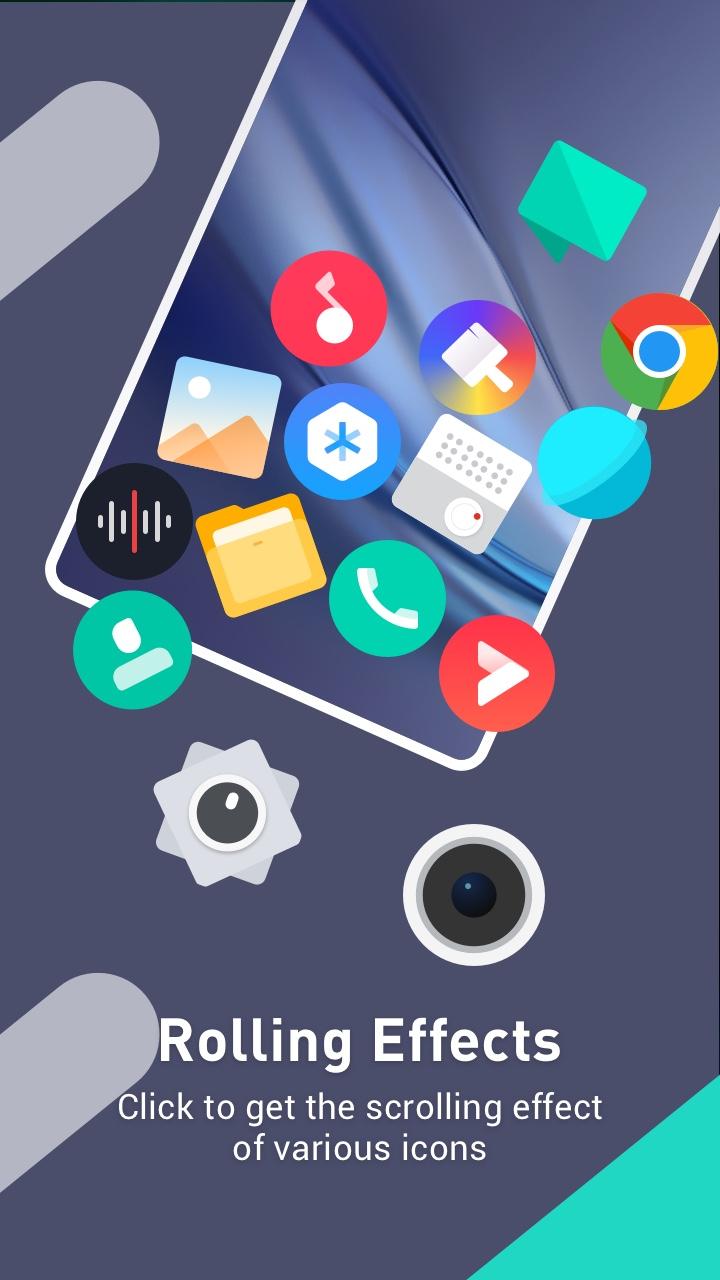
- Desain yang bagus.
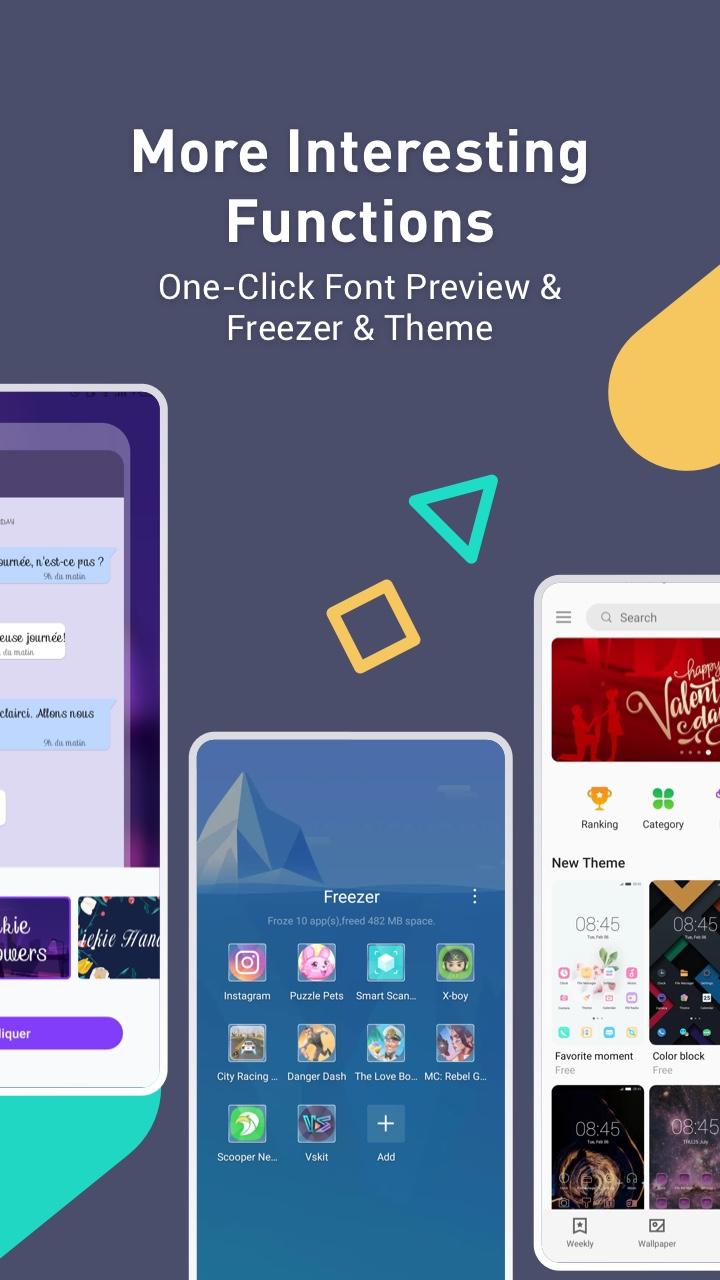
- Opsi penyesuaian yang kaya.
- Akses cepat ke berita terbaru.
- Animasi yang bagus.
- Tidak meningkatkan konsumsi daya perangkat.
Deskripsi
Aplikasi XOS Launcher 2023-Cool Stylish diperiksa oleh antivirus VirusTotal. Sebagai hasil pemindaian, tidak ada infeksi file yang terdeteksi oleh semua tanda tangan terbaru.
Cara memasang XOS Launcher 2023-Cool Stylish
- Unduh file APK aplikasi dari apkshki.com.
- Temukan file yang diunduh. Anda dapat menemukannya di baki sistem atau di folder 'Download' menggunakan manajer file apa pun.
- Jika file yang diunduh berekstensi .bin (bug WebView di Android 11), ubah namanya menjadi .apk menggunakan pengelola file apa pun atau coba unduh file dengan browser lain seperti Chrome.
- Mulai penginstalan. Klik pada file yang diunduh untuk memulai penginstalan
- Izinkan penginstalan dari sumber yang tidak dikenal. Jika Anda menginstal untuk pertama kalinya XOS Launcher 2023-Cool Stylish bukan dari Google Play, buka pengaturan keamanan perangkat Anda dan izinkan penginstalan dari sumber yang tidak dikenal.
- Lewati perlindungan Google Play. Jika proteksi Google Play memblokir penginstalan file, ketuk 'Info Lebih Lanjut' → 'Tetap instal' → 'OK' untuk melanjutkan..
- Selesaikan penginstalan: Ikuti petunjuk penginstal untuk menyelesaikan proses penginstalan.
Cara memperbarui XOS Launcher 2023-Cool Stylish
- Unduh versi baru aplikasi dari apkshki.com.
- Cari file yang diunduh dan klik file tersebut untuk memulai penginstalan.
- Instal di atas versi lama. Tidak perlu menghapus instalasi versi sebelumnya.
- Hindari konflik tanda tangan. Jika versi sebelumnya tidak diunduh dari apkshki.com, pesan 'Aplikasi tidak terinstal' mungkin muncul. Dalam kasus ini, hapus instalan versi lama dan instal versi baru.
- Mulai ulang lampiran XOS Launcher 2023-Cool Stylish setelah pembaruan.








Meminta pembaruan aplikasi
Ditambahkan Denis Rubinov
Versi: 4.9.0.51
Ukuran: 29.5 MB
Diperbarui: 23.01.2022
Developer: Shalltry Group
Batasan Usia: Everyone
Otorisasi:
Diunduh di Google Play: 382173465
Kategori: Personalisasi















Ulasan untuk XOS Launcher 2023-Cool Stylish
👍
first
please why is the launcher tripping my phone, please how do I stop it from doing so
𝙀𝙢𝙤𝙟𝙞
update system
wzaS
somehow my notification is not opening with down swipe, navigation is not working only one button is visible other two are just gone. pathetic.
juda ajoyib 🤯
nice
good
Great launcher with snappy responses and a polished finish. My only real complaint is that none of the articles in the news feed actually work for me. As in, they simply don't open. I can't interact with them at all, in fact. Bummer but maybe it'll be fixed with future updates? Keeping it installed for now.
is good launcher and it has game mode and freezer so you can freeze ur app and a lot settings edited: do not enable recommended apps, but there is glitch is so weird that I can't know how it happened so when I updated the device it glitch a little bit but there is no problem but glitch is spam a lot a thing trying break phone but only sulation is to turn it off and it will be normal again Edit: I have a glitch with the freezer that when I have google pay it always go in the freezer
I am looking for quick access. This launcher gives me that.. I can get to my apps with a few taps. There are some things that need to be resolved. I don't want the addon memory cleanup. It pops up all the time asking me to clean memory.. Please give me a way to turn that off!. A setting to allow to place the search bar at the bottom, just above the bottom bar would be extremely nice. The search bar is the most used item on my home screen. When holding the phone in one hand, I struggle to reach the top of the display. This is the biggest annoyance. I am now getting ads in the notification area. There isn't a way to get another version or anything that doesnt contain these ads. Why would I continue to use an app that is going to put ads in the notifications. Uninstalling.
I don't know what's wrong with this app.. this app came with my phone but ive been unable to register.. it keeps saying "no response from server" despite the fact that I'm always updating the app.. I'm seriously upset with you guys After updating the app, my preferred fonts is gone, X theme no longer has the fonts options and fonts have defaulted to normal which I find very plain
After the recent updates the app is displaying some bug. The launcher icon will just increase itself to 100 when it as been set to 80%, then I will have to change it back to 80 in settings. It keeps happening like that like some hours interval, it very frustrating. I like my icon to be at 80 Please see to this.
Kirimkan komentar
Untuk memberikan komentar, masuklah dengan jejaring sosial Anda:
Atau tinggalkan komentar anonim. Komentar Anda akan dikirim untuk dimoderasi.
Kirimkan komentar
Untuk memberikan komentar, masuklah dengan jejaring sosial Anda:
Atau tinggalkan komentar anonim. Komentar Anda akan dikirim untuk dimoderasi.