


Ditambahkan: Denis Rubinov
Versi: 4.1
Ukuran: 0.4 MB
Diperbarui: 06.09.2020
Developer: Alexey Rogulin
Batasan Usia: Everyone
Otorisasi: 1
Diunduh di Google Play: 1448852
Kategori: Alat
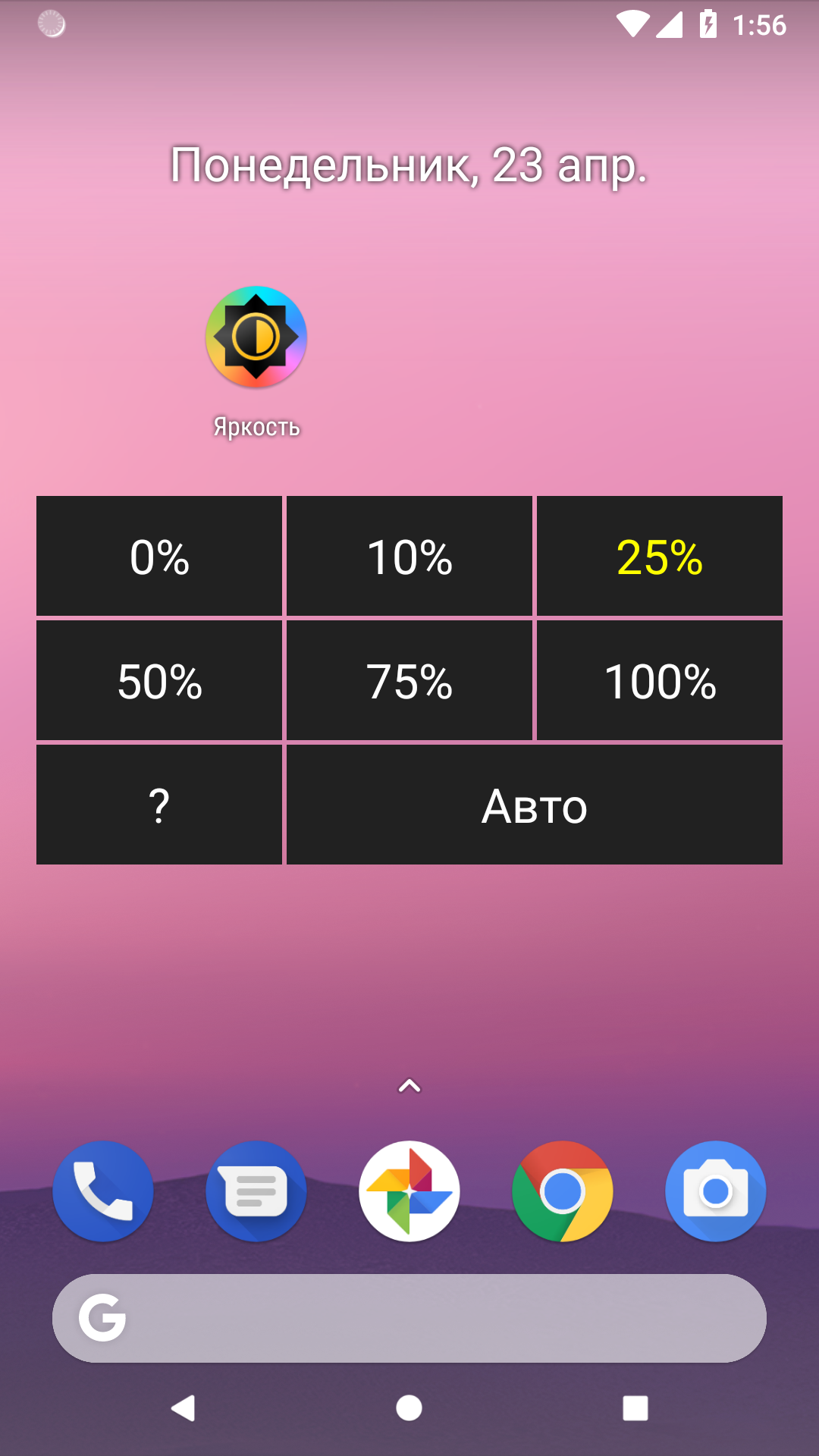
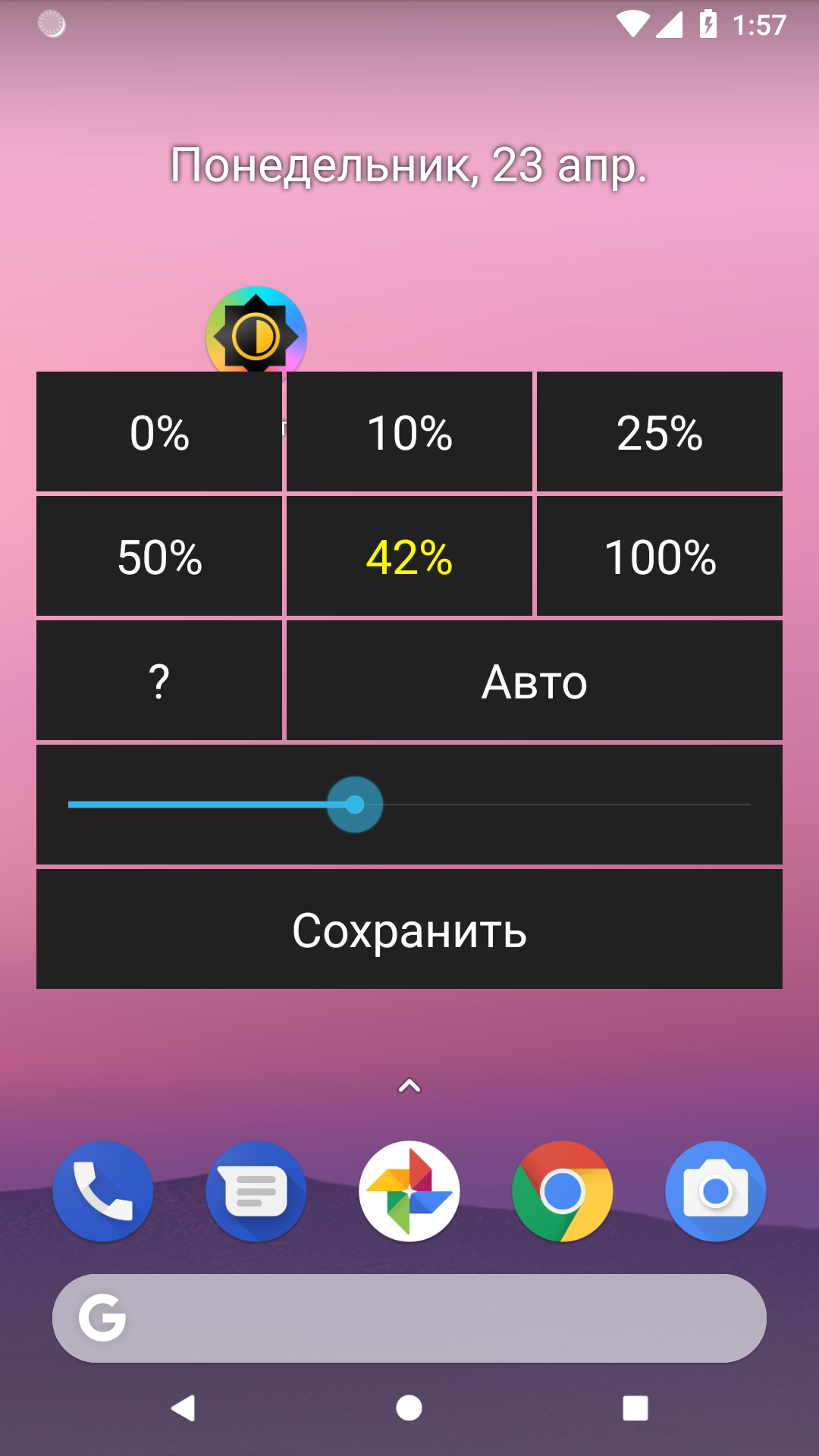
- Kontrol kecerahan dalam mode otomatis dan manual.
- Gratis untuk digunakan.
- Tidak memakan banyak tempat.
- Anda dapat mengubah nilai kecerahan prasetel.
- Tidak ada iklan.
- Ada terjemahan ke dalam bahasa Rusia.
Deskripsi
Aplikasi Brightness diperiksa oleh antivirus VirusTotal. Sebagai hasil pemindaian, tidak ada infeksi file yang terdeteksi oleh semua tanda tangan terbaru.
Cara memasang Brightness
- Unduh file APK aplikasi dari apkshki.com.
- Temukan file yang diunduh. Anda dapat menemukannya di baki sistem atau di folder 'Download' menggunakan manajer file apa pun.
- Jika file yang diunduh berekstensi .bin (bug WebView di Android 11), ubah namanya menjadi .apk menggunakan pengelola file apa pun atau coba unduh file dengan browser lain seperti Chrome.
- Mulai penginstalan. Klik pada file yang diunduh untuk memulai penginstalan
- Izinkan penginstalan dari sumber yang tidak dikenal. Jika Anda menginstal untuk pertama kalinya Brightness bukan dari Google Play, buka pengaturan keamanan perangkat Anda dan izinkan penginstalan dari sumber yang tidak dikenal.
- Lewati perlindungan Google Play. Jika proteksi Google Play memblokir penginstalan file, ketuk 'Info Lebih Lanjut' → 'Tetap instal' → 'OK' untuk melanjutkan..
- Selesaikan penginstalan: Ikuti petunjuk penginstal untuk menyelesaikan proses penginstalan.
Cara memperbarui Brightness
- Unduh versi baru aplikasi dari apkshki.com.
- Cari file yang diunduh dan klik file tersebut untuk memulai penginstalan.
- Instal di atas versi lama. Tidak perlu menghapus instalasi versi sebelumnya.
- Hindari konflik tanda tangan. Jika versi sebelumnya tidak diunduh dari apkshki.com, pesan 'Aplikasi tidak terinstal' mungkin muncul. Dalam kasus ini, hapus instalan versi lama dan instal versi baru.
- Mulai ulang lampiran Brightness setelah pembaruan.








Meminta pembaruan aplikasi
Ditambahkan Denis Rubinov
Versi: 4.1
Ukuran: 0.4 MB
Diperbarui: 06.09.2020
Developer: Alexey Rogulin
Batasan Usia: Everyone
Otorisasi:
Diunduh di Google Play: 1448852
Kategori: Alat















Ulasan untuk Brightness
doesn't work of course
Wonderful App.
Very pleased with this app. I adjust my screen brightness several times a day and this makes it so quick, easy, and painless.
Very useful
Starting to work less well, less often on older devices, and that might be where it is most useful to and most needed. Un-installing/reinstalling helps sometimes.
Good and useful app.
this is very useful for me, please make one app like this for sound/volume also :)
this does not..increase brightness over factory setting, only allows controlling factory brightness
Good, but brightness percentage given by the app doesn't correspond to brightness percentage given by the system. The former is always way lower than the latter. Plus, I wish there were nine presets instead of six.
I just discovered Brightness by Alexey Rogulin is the answer to my prayers for a simple app that does all of the necessary basics without any complications. I have moved the brightness icon to the top right corner of my Android home screen, where it is easy to find if the home screen goes fully dark and you cannot even see what's on the screen meaning that you cannot use the regular methods for increasing screen brightness again. 5 stars, top score from me!
Best brightness app out of all the ones I've used.. very simple and the menu pops up right there and you can pick the brightness level. I really do like that you can also select the auto brightness option (also known as adaptive brightness) because the other apps didn't have this.
I tried many apps. This one actually works and I can adjust presets. However, it displays wrong percentage values and I can't have more than 6 presets.
Kirimkan komentar
Untuk memberikan komentar, masuklah dengan jejaring sosial Anda:
Atau tinggalkan komentar anonim. Komentar Anda akan dikirim untuk dimoderasi.
Kirimkan komentar
Untuk memberikan komentar, masuklah dengan jejaring sosial Anda:
Atau tinggalkan komentar anonim. Komentar Anda akan dikirim untuk dimoderasi.