



YouTube for Android TV
325+
unduhan5.0+
versi Android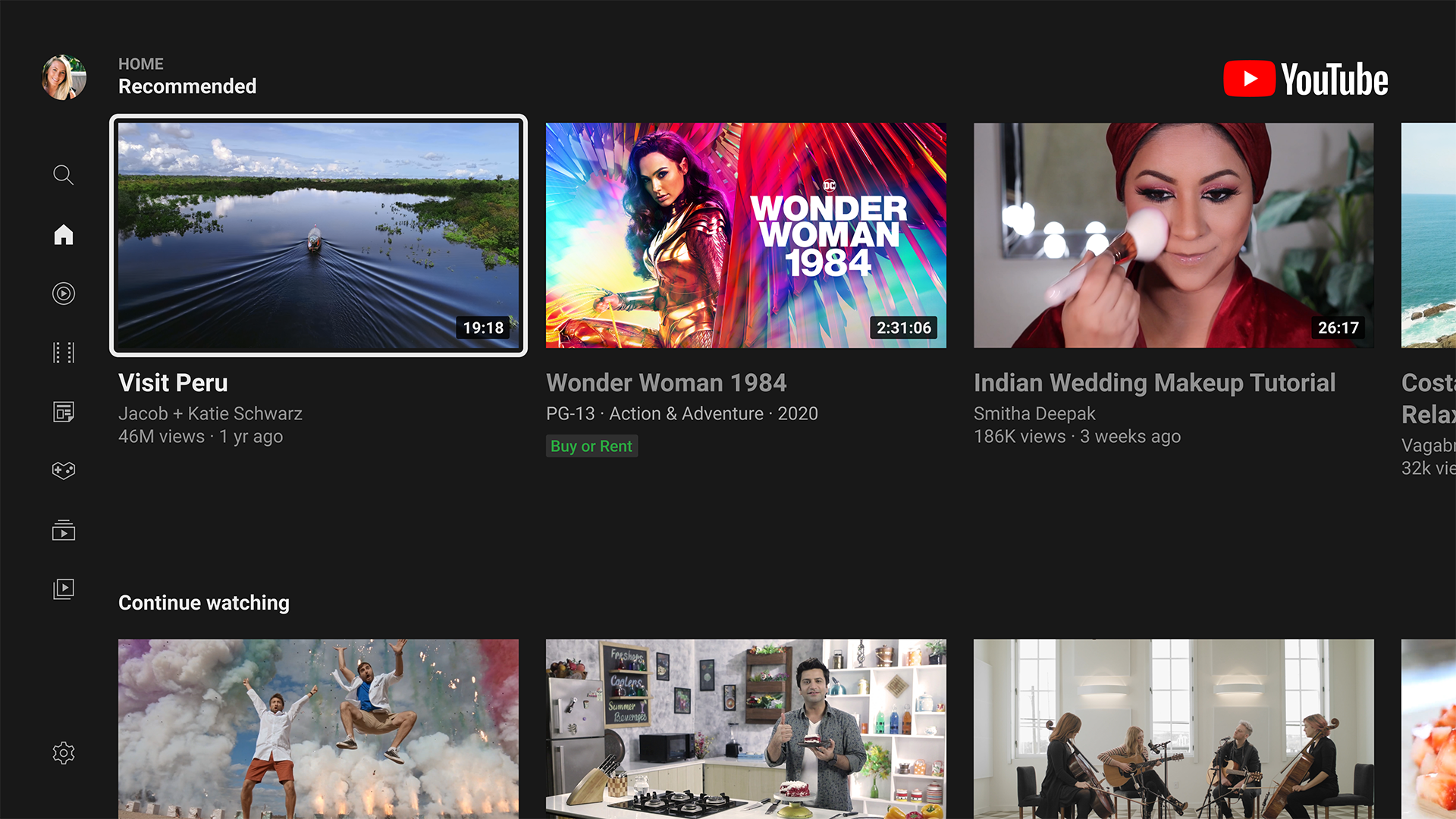
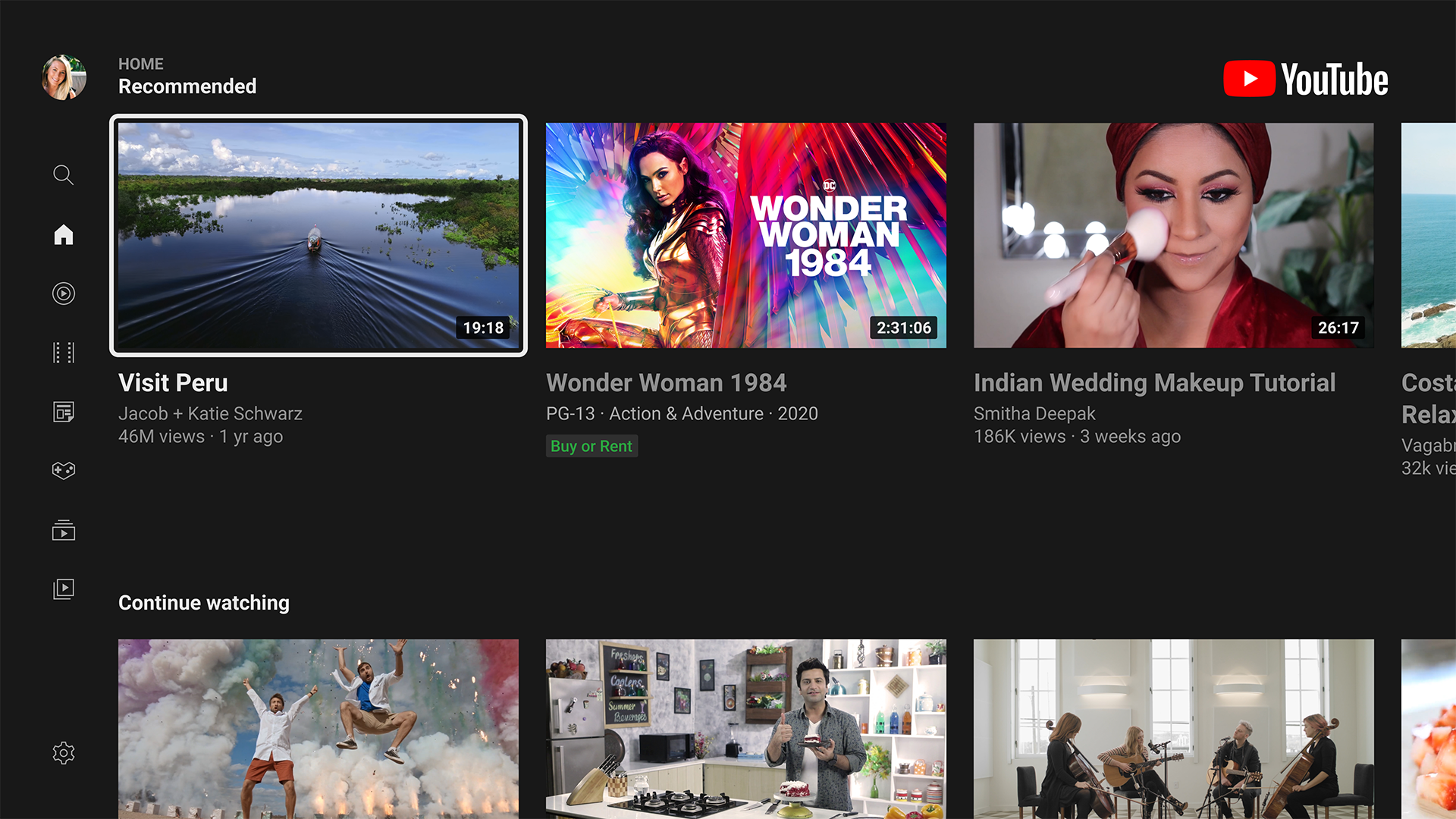
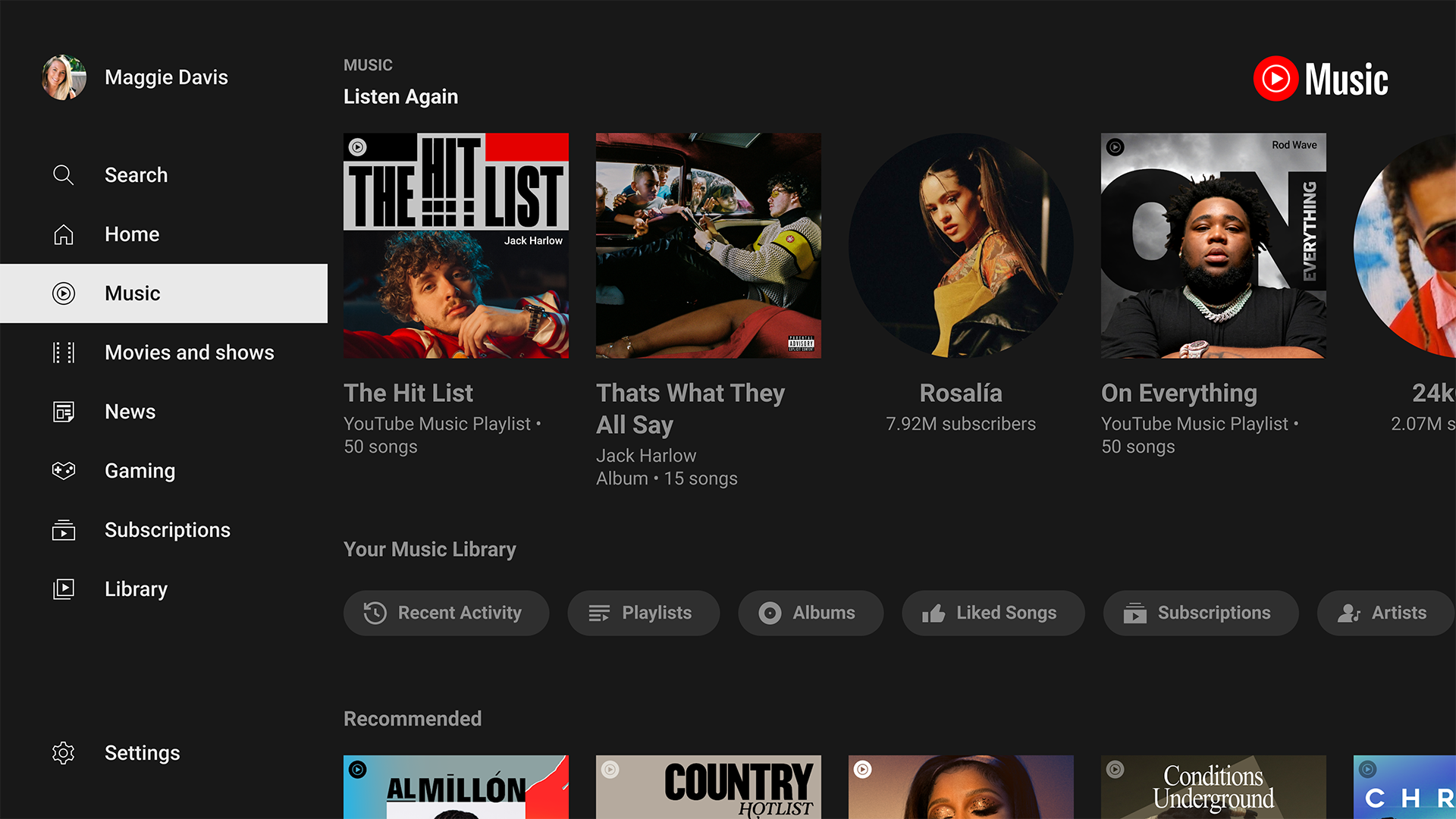
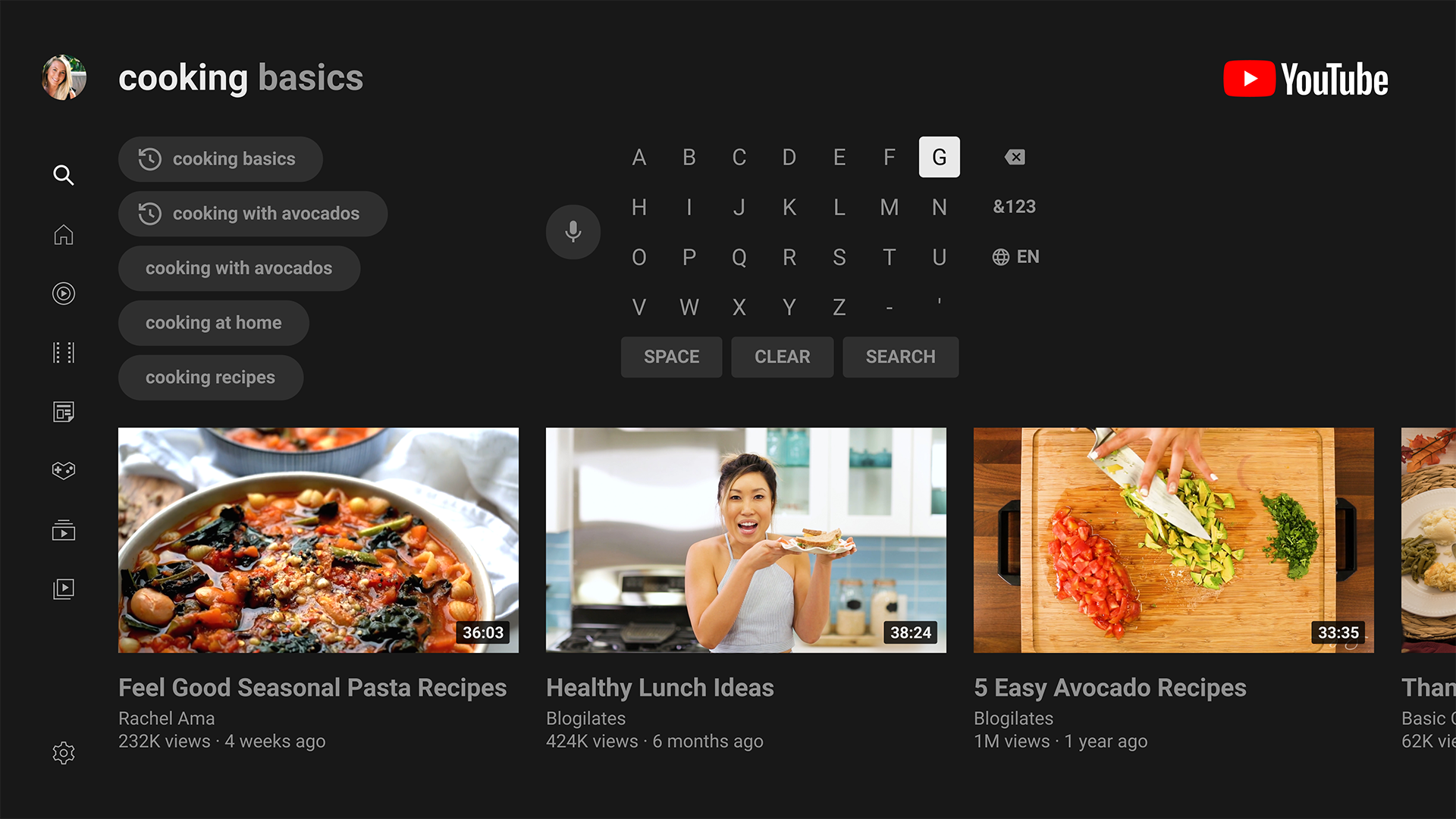
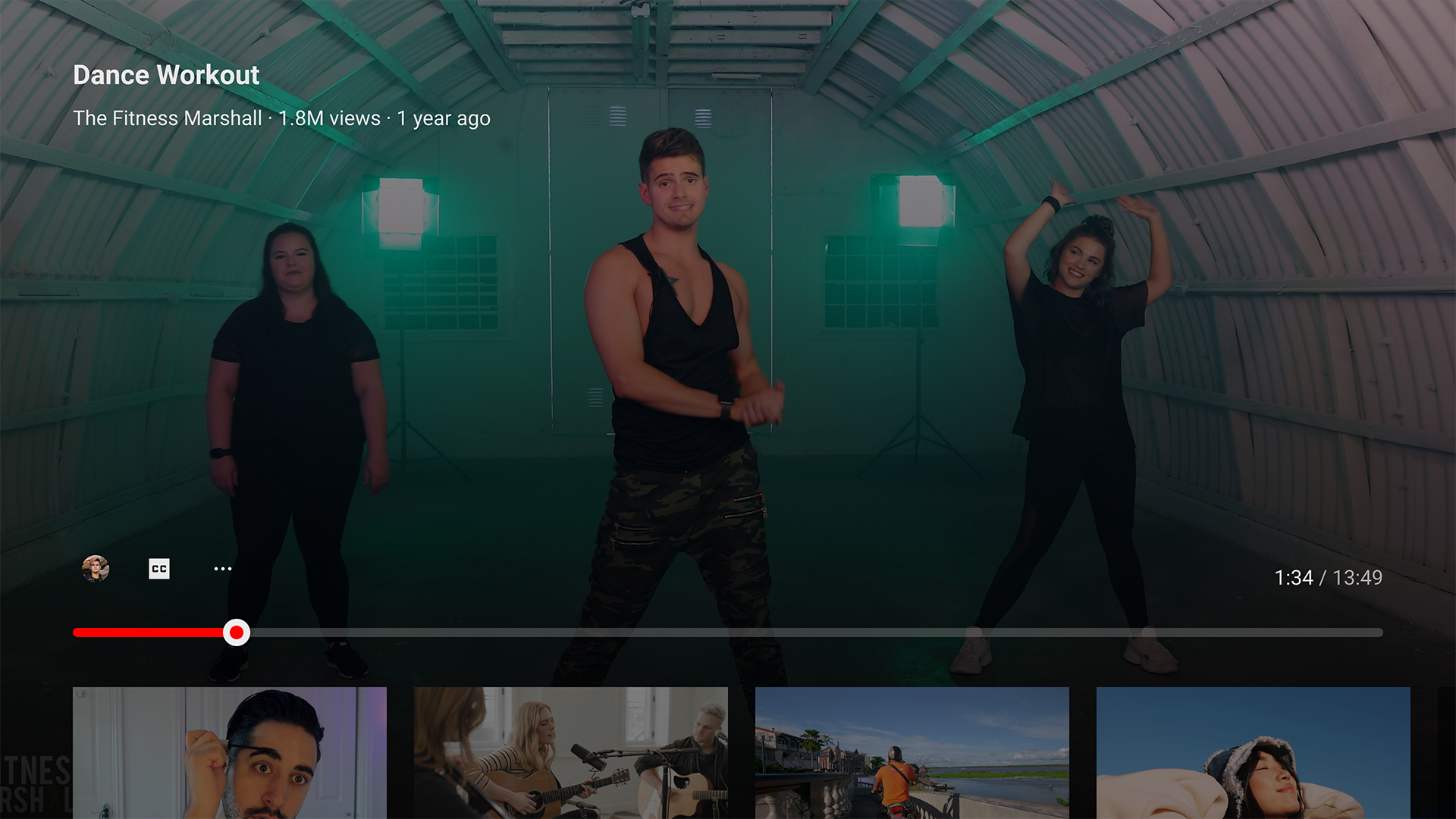
Ditambahkan: Denis Rubinov
Versi: 5.30.301
Ukuran: 45.5 MB
Diperbarui: 19.05.2025
Developer: Google LLC
Batasan Usia: Teen
Otorisasi: 10
Diunduh di Google Play: 279032302
Kategori: Hiburan
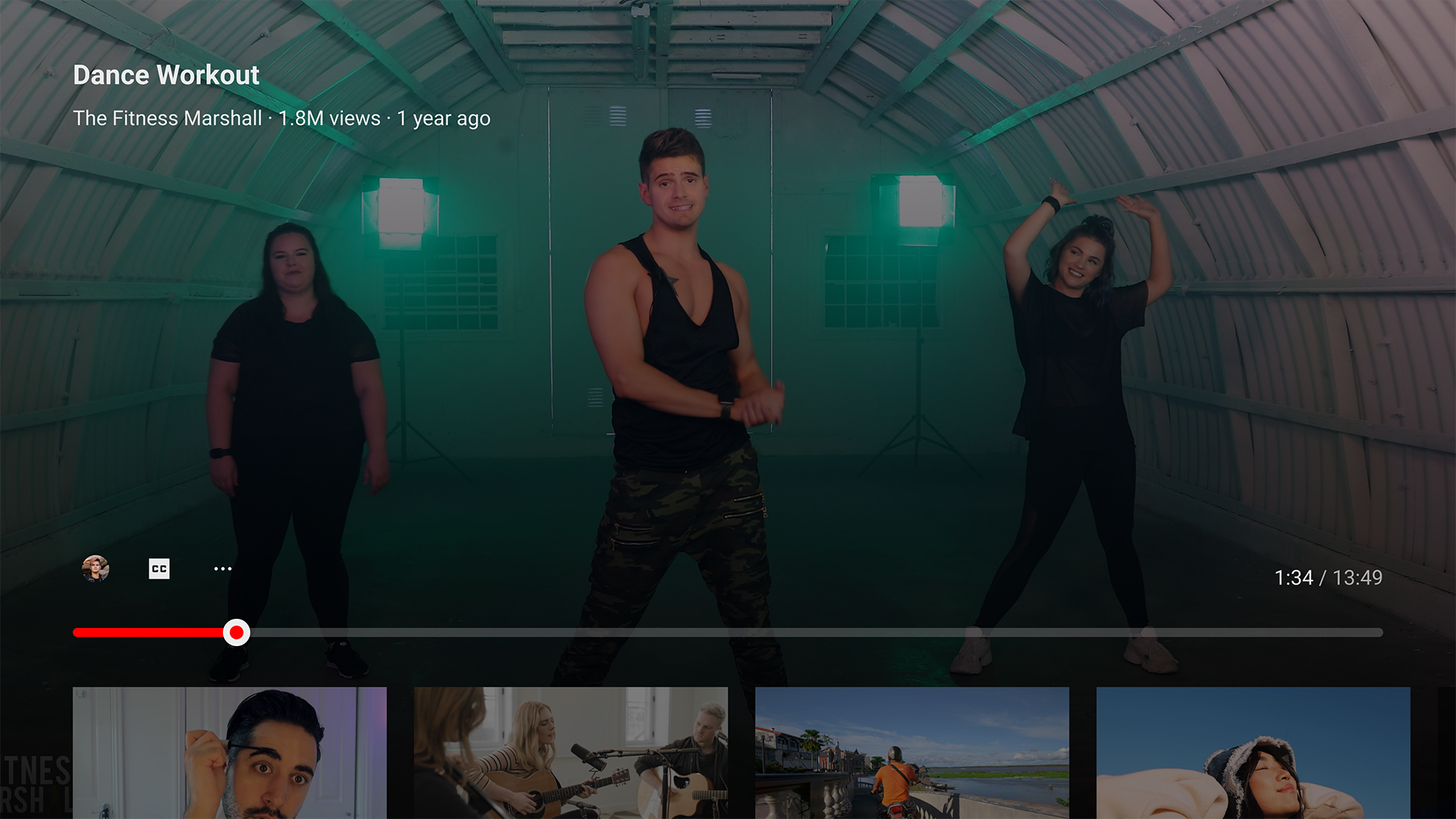
- Mendukung resolusi hingga 4K.
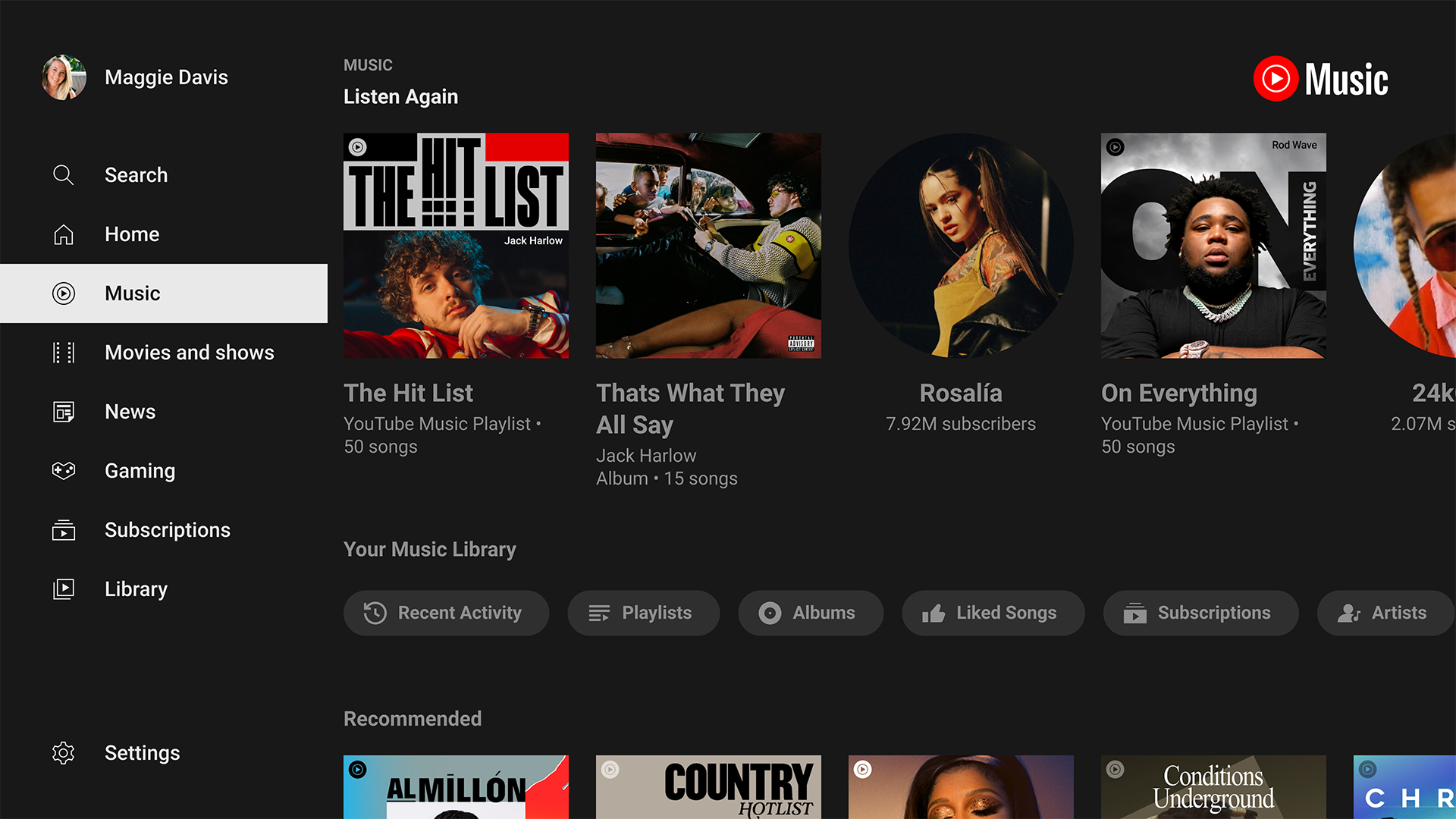
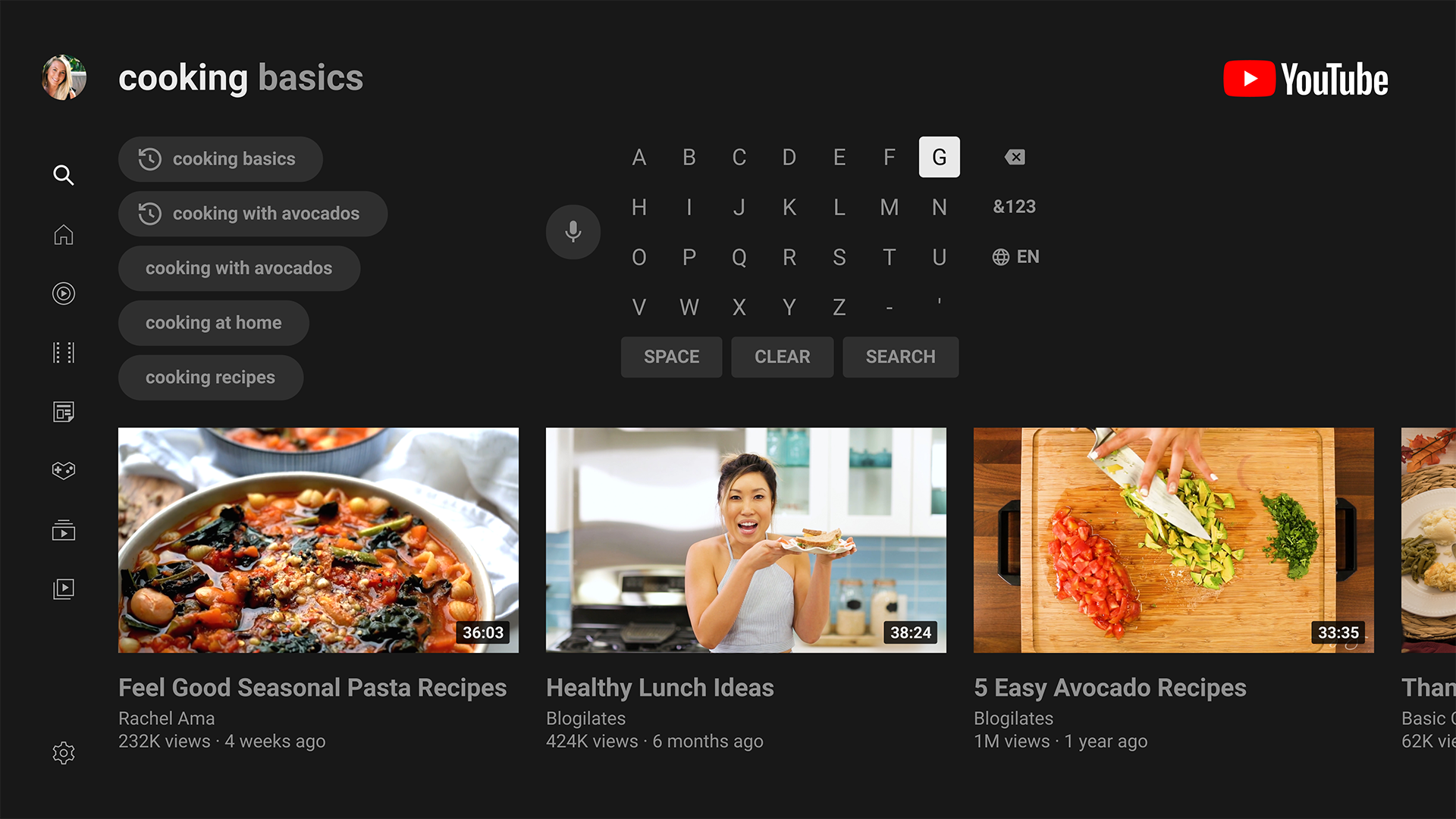
- Antarmuka yang mudah digunakan disesuaikan untuk Android TV dan dekoder.
- Menyesuaikan kualitas gambar.
- Pilihan video unggulan.
Deskripsi
Aplikasi YouTube for Android TV diperiksa oleh antivirus VirusTotal. Sebagai hasil pemindaian, tidak ada infeksi file yang terdeteksi oleh semua tanda tangan terbaru.
Cara memasang YouTube for Android TV
- Unduh file APK aplikasi dari apkshki.com.
- Temukan file yang diunduh. Anda dapat menemukannya di baki sistem atau di folder 'Download' menggunakan manajer file apa pun.
- Jika file yang diunduh berekstensi .bin (bug WebView di Android 11), ubah namanya menjadi .apk menggunakan pengelola file apa pun atau coba unduh file dengan browser lain seperti Chrome.
- Mulai penginstalan. Klik pada file yang diunduh untuk memulai penginstalan
- Izinkan penginstalan dari sumber yang tidak dikenal. Jika Anda menginstal untuk pertama kalinya YouTube for Android TV bukan dari Google Play, buka pengaturan keamanan perangkat Anda dan izinkan penginstalan dari sumber yang tidak dikenal.
- Lewati perlindungan Google Play. Jika proteksi Google Play memblokir penginstalan file, ketuk 'Info Lebih Lanjut' → 'Tetap instal' → 'OK' untuk melanjutkan..
- Selesaikan penginstalan: Ikuti petunjuk penginstal untuk menyelesaikan proses penginstalan.
Cara memperbarui YouTube for Android TV
- Unduh versi baru aplikasi dari apkshki.com.
- Cari file yang diunduh dan klik file tersebut untuk memulai penginstalan.
- Instal di atas versi lama. Tidak perlu menghapus instalasi versi sebelumnya.
- Hindari konflik tanda tangan. Jika versi sebelumnya tidak diunduh dari apkshki.com, pesan 'Aplikasi tidak terinstal' mungkin muncul. Dalam kasus ini, hapus instalan versi lama dan instal versi baru.
- Mulai ulang lampiran YouTube for Android TV setelah pembaruan.
















Meminta pembaruan aplikasi
Ditambahkan Denis Rubinov
Versi: 5.30.301
Ukuran: 45.5 MB
Diperbarui: 19.05.2025
Developer: Google LLC
Batasan Usia: Teen
Otorisasi:
Diunduh di Google Play: 279032302
Kategori: Hiburan















Ulasan untuk YouTube for Android TV
Les sous-titres apparaissent tout le temps même si j'ai désactivé.
good
fui. kcng. helll you can't even skip those annoying ads and they are keep coming in a single ten minute video
all I see is brainrot and people promoting onlyfans to children
I would love to have the option to sort my subscriptions by genre. Most news channels fload my feed with 20i videos a day which makes finding videos from other channels I subscribed to much harder. Also the option to just 'play' your feed to watch the newest videos is useless. A option to sort channels by genre would be nice. Then I can choose a 'channel playlist' to watch new content. It is a bit like what is already possible by choosing 'music, games or movies' right now, but made more personal and tailored.
hello YouTube your Google TV service when you're watching A long the video or just regular video it's like 60 seconds worth of ads like on mobile you get at least 10 seconds of ads I don't get what's happening here
It's freezing at the start of all vids. Please fix this. I tried uninstalling and installed again, nothing.
nerfed on TV. too many ads
i love it YouTube!
excellent app for video
golden
sangat bagus
I let 1 star because of the genius idea of removing the playback speed control option from the android tv version.
Playback speed option is not showing up. Youtube please bring it back. Thanks
The new update is problematic. First off, the menu on the left has vanished. Plus, I can't log on to it so I can't use YouTube Premium on it. I dislike ads! YouTube, please fix this.
1.8 stars average as of this writing... woof... Came here to just poste about the frustration in simply going back to previous video (Shield). The politics over this UI must be insane. Needs better leadership? Separate the basics from the fancy and stop screwing up the basics...
Kirimkan komentar
Untuk memberikan komentar, masuklah dengan jejaring sosial Anda:
Atau tinggalkan komentar anonim. Komentar Anda akan dikirim untuk dimoderasi.
Kirimkan komentar
Untuk memberikan komentar, masuklah dengan jejaring sosial Anda:
Atau tinggalkan komentar anonim. Komentar Anda akan dikirim untuk dimoderasi.