



zFile - Simple File Manager
32+
unduhan4.2
versi Android
Ditambahkan: Denis Rubinov
Versi: 1.0.6
Ukuran: 0.6 MB
Diperbarui: 21.05.2025
Developer: Khun Htetz Naing
Batasan Usia: Everyone
Otorisasi: 2
Diunduh di Google Play: 3617664
Kategori: Alat
Deskripsi
Aplikasi zFile - Simple File Manager diperiksa oleh antivirus VirusTotal. Sebagai hasil pemindaian, tidak ada infeksi file yang terdeteksi oleh semua tanda tangan terbaru.
Cara memasang zFile - Simple File Manager
- Unduh file APK aplikasi dari apkshki.com.
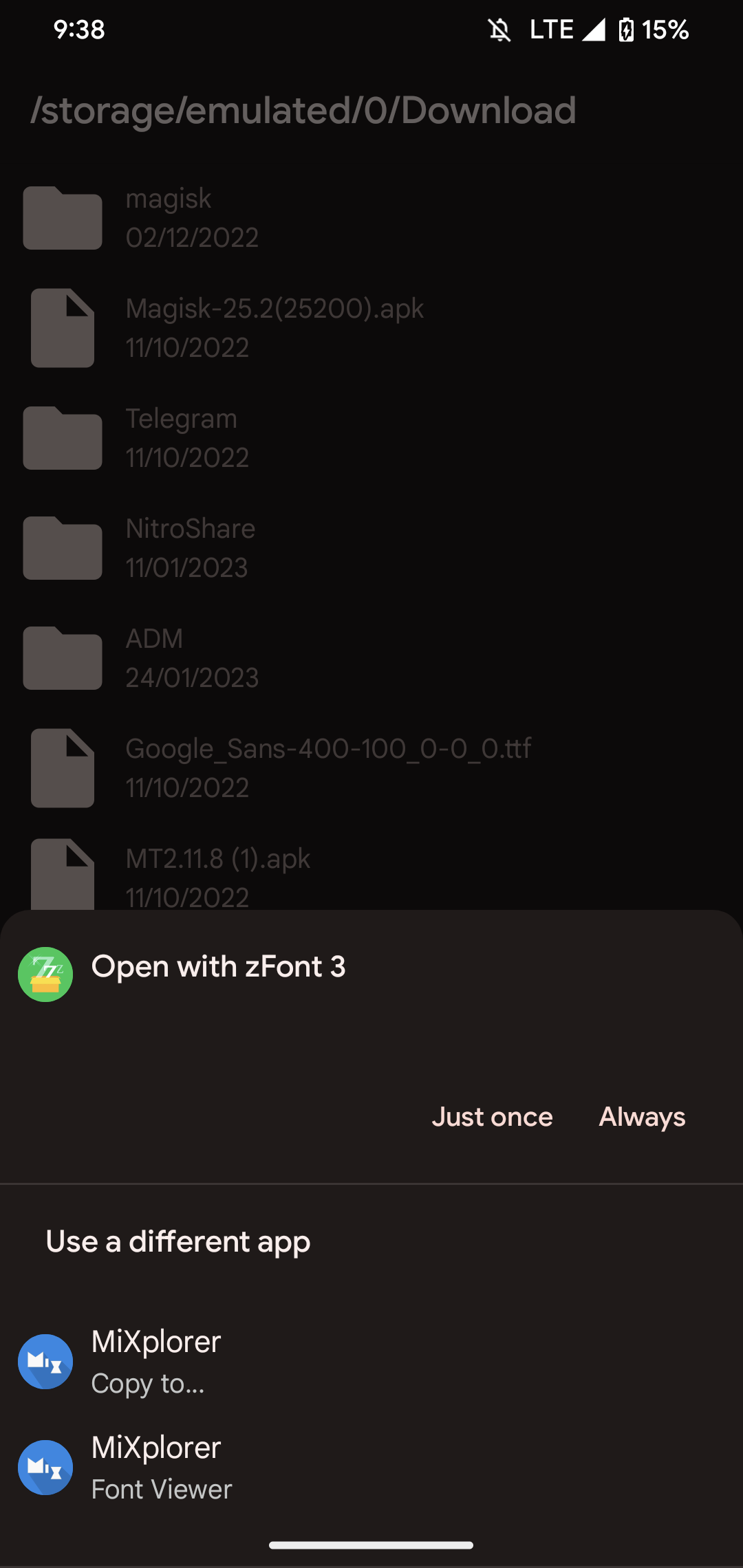
- Temukan file yang diunduh. Anda dapat menemukannya di baki sistem atau di folder 'Download' menggunakan manajer file apa pun.
- Jika file yang diunduh berekstensi .bin (bug WebView di Android 11), ubah namanya menjadi .apk menggunakan pengelola file apa pun atau coba unduh file dengan browser lain seperti Chrome.
- Mulai penginstalan. Klik pada file yang diunduh untuk memulai penginstalan
- Izinkan penginstalan dari sumber yang tidak dikenal. Jika Anda menginstal untuk pertama kalinya zFile - Simple File Manager bukan dari Google Play, buka pengaturan keamanan perangkat Anda dan izinkan penginstalan dari sumber yang tidak dikenal.
- Lewati perlindungan Google Play. Jika proteksi Google Play memblokir penginstalan file, ketuk 'Info Lebih Lanjut' → 'Tetap instal' → 'OK' untuk melanjutkan..
- Selesaikan penginstalan: Ikuti petunjuk penginstal untuk menyelesaikan proses penginstalan.
Cara memperbarui zFile - Simple File Manager
- Unduh versi baru aplikasi dari apkshki.com.
- Cari file yang diunduh dan klik file tersebut untuk memulai penginstalan.
- Instal di atas versi lama. Tidak perlu menghapus instalasi versi sebelumnya.
- Hindari konflik tanda tangan. Jika versi sebelumnya tidak diunduh dari apkshki.com, pesan 'Aplikasi tidak terinstal' mungkin muncul. Dalam kasus ini, hapus instalan versi lama dan instal versi baru.
- Mulai ulang lampiran zFile - Simple File Manager setelah pembaruan.








Meminta pembaruan aplikasi
Ditambahkan Denis Rubinov
Versi: 1.0.6
Ukuran: 0.6 MB
Diperbarui: 21.05.2025
Developer: Khun Htetz Naing
Batasan Usia: Everyone
Otorisasi:
Diunduh di Google Play: 3617664
Kategori: Alat















Ulasan untuk zFile - Simple File Manager
Because when I remove it, it still remains.
Hi I'm from the original zFont 3 app, the app is 100% factual!
its to bad🤬
it didn't work on vivo y11
didn't work, I was told I needed this app to install custom fonts and I followed the instructions about five times, restarted my phone but absolutely nothing works. I get the error "font not supported" I have a Samsung a14 (one ui 6.1) and the phone does NOT come with bicby built in so I do not understand why this won't work. I've wanted to use my own made custom font, one that a drew with my own finger for Five years but nothing had worked for me :(
Bug in the latest update! Can't able to install new fonts!
amazing
i used to praise this creator but since the latest update that requires multiple apps for one app—i don't don't think i will be able to praise you
5 stars because app zfont 3 always been working perfectly untill I had to install this file thing
Ok niis
This app is useless, I don't know why they added it to ZFONT, another useless app that doesn't work either.
Cool
Good
Great app
Worst app 😭😭😭
Kirimkan komentar
Untuk memberikan komentar, masuklah dengan jejaring sosial Anda:
Atau tinggalkan komentar anonim. Komentar Anda akan dikirim untuk dimoderasi.
Kirimkan komentar
Untuk memberikan komentar, masuklah dengan jejaring sosial Anda:
Atau tinggalkan komentar anonim. Komentar Anda akan dikirim untuk dimoderasi.