



AirBrush: Photo/Video Editor
37+
unduhan4.1+
versi Android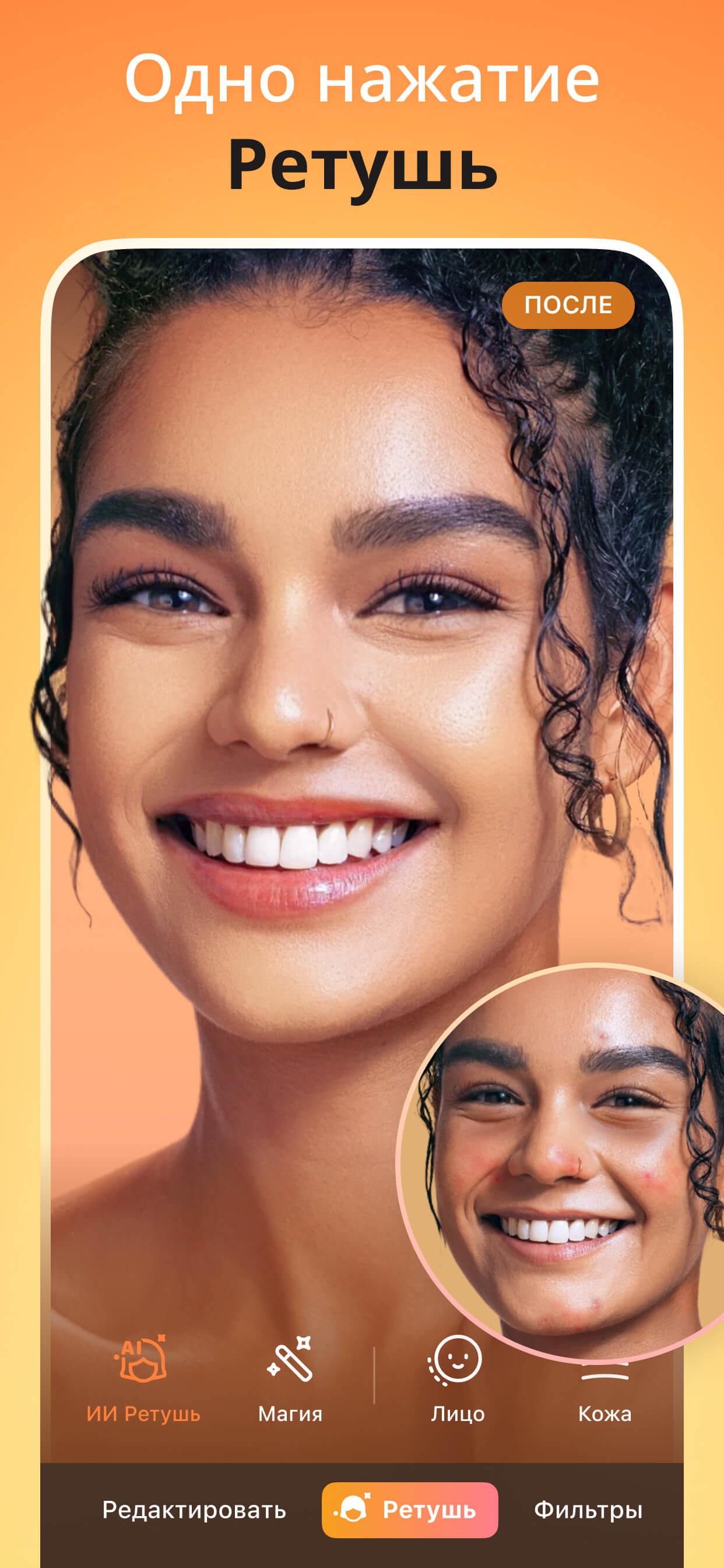
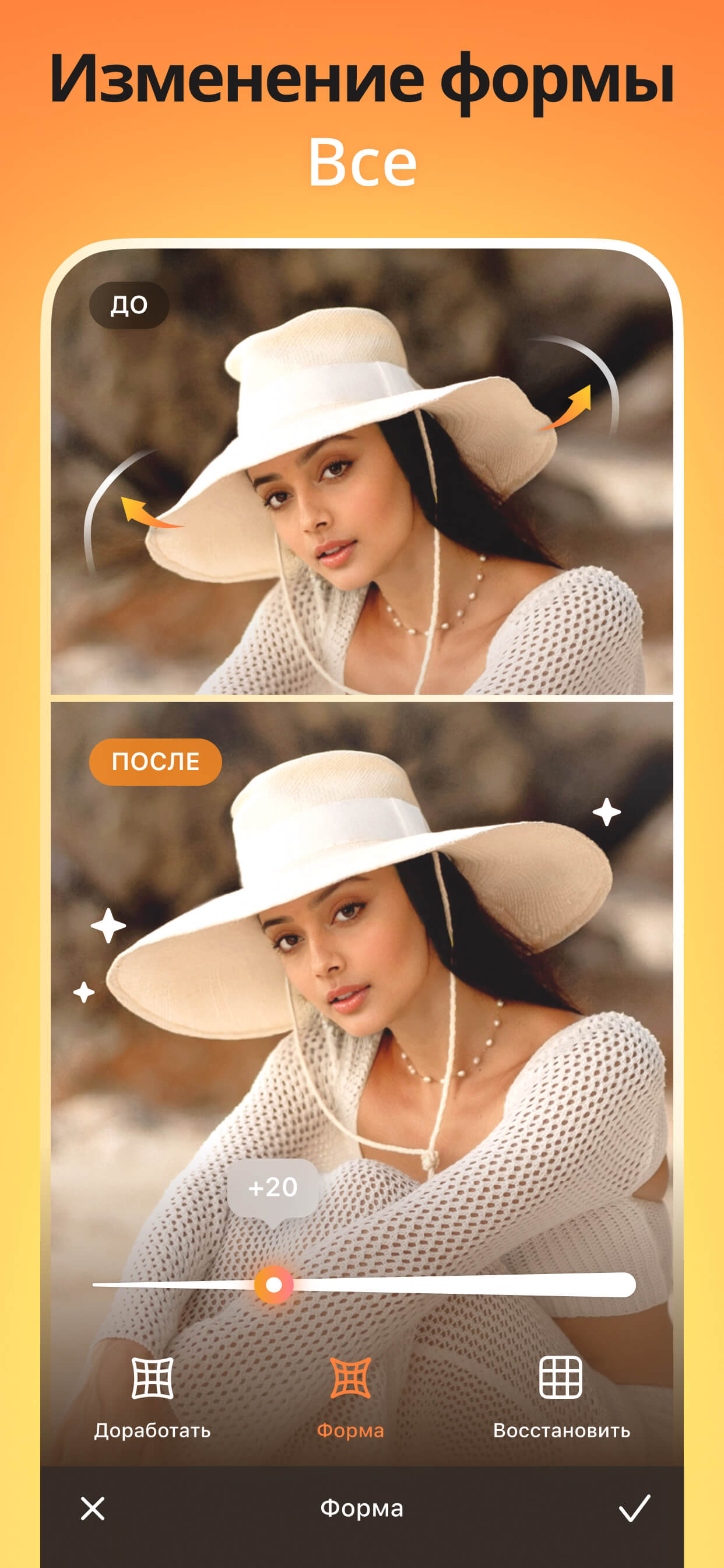
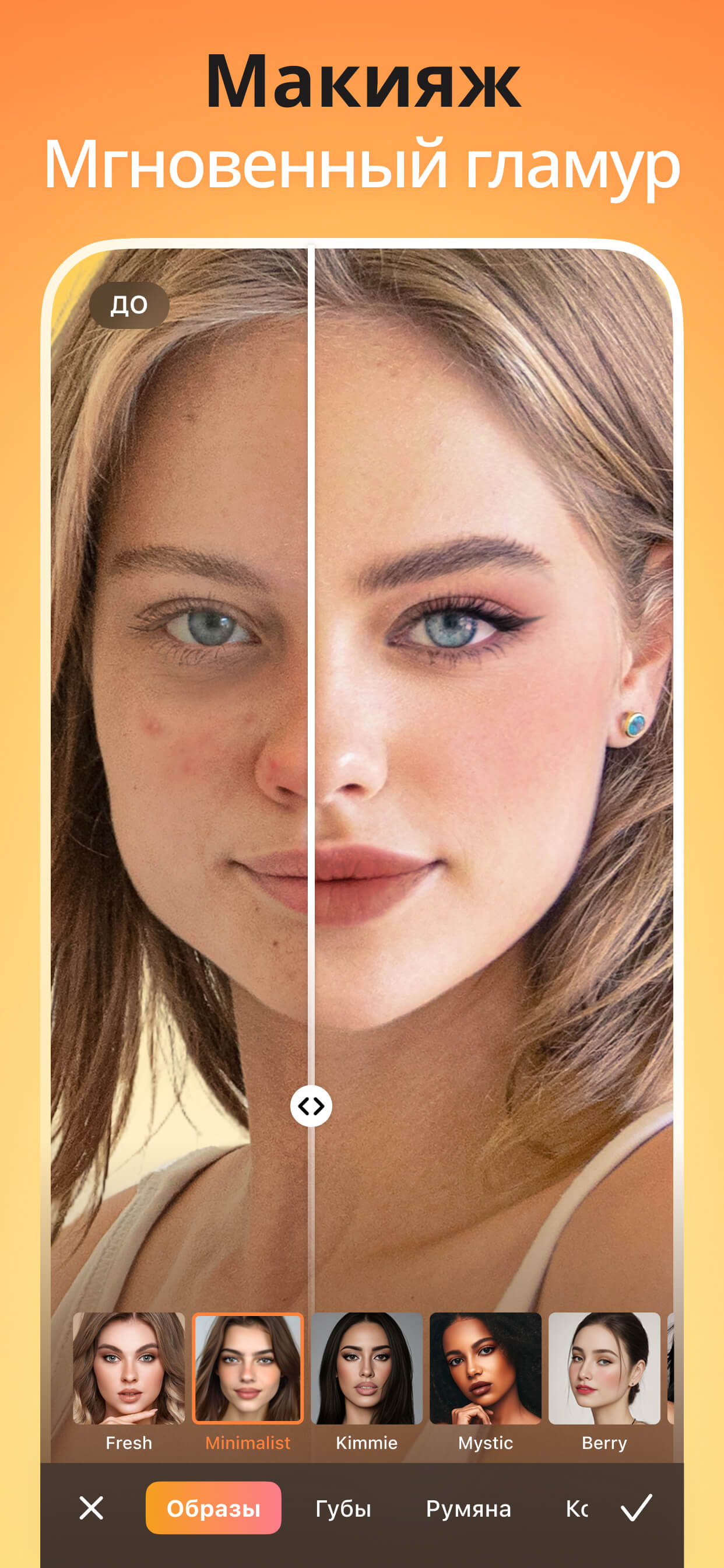
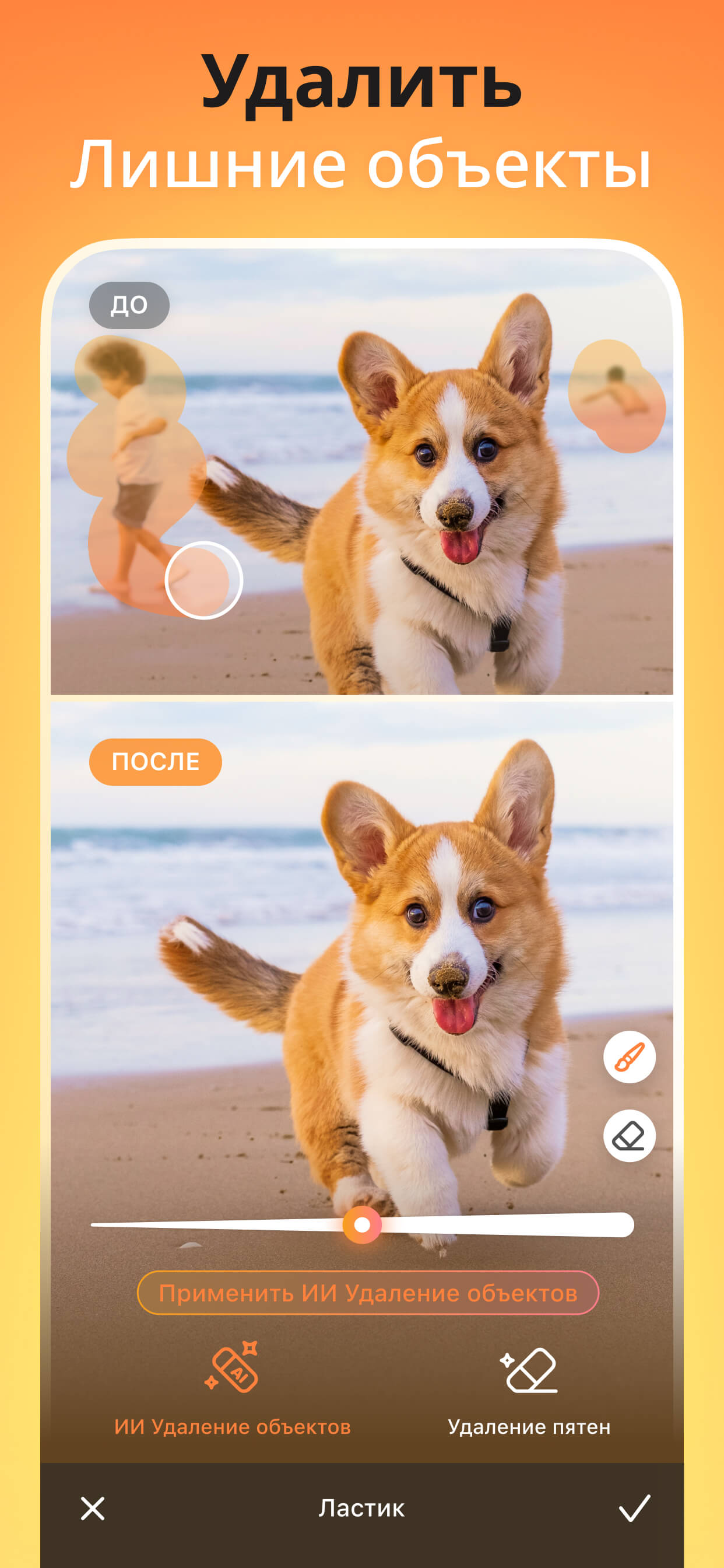
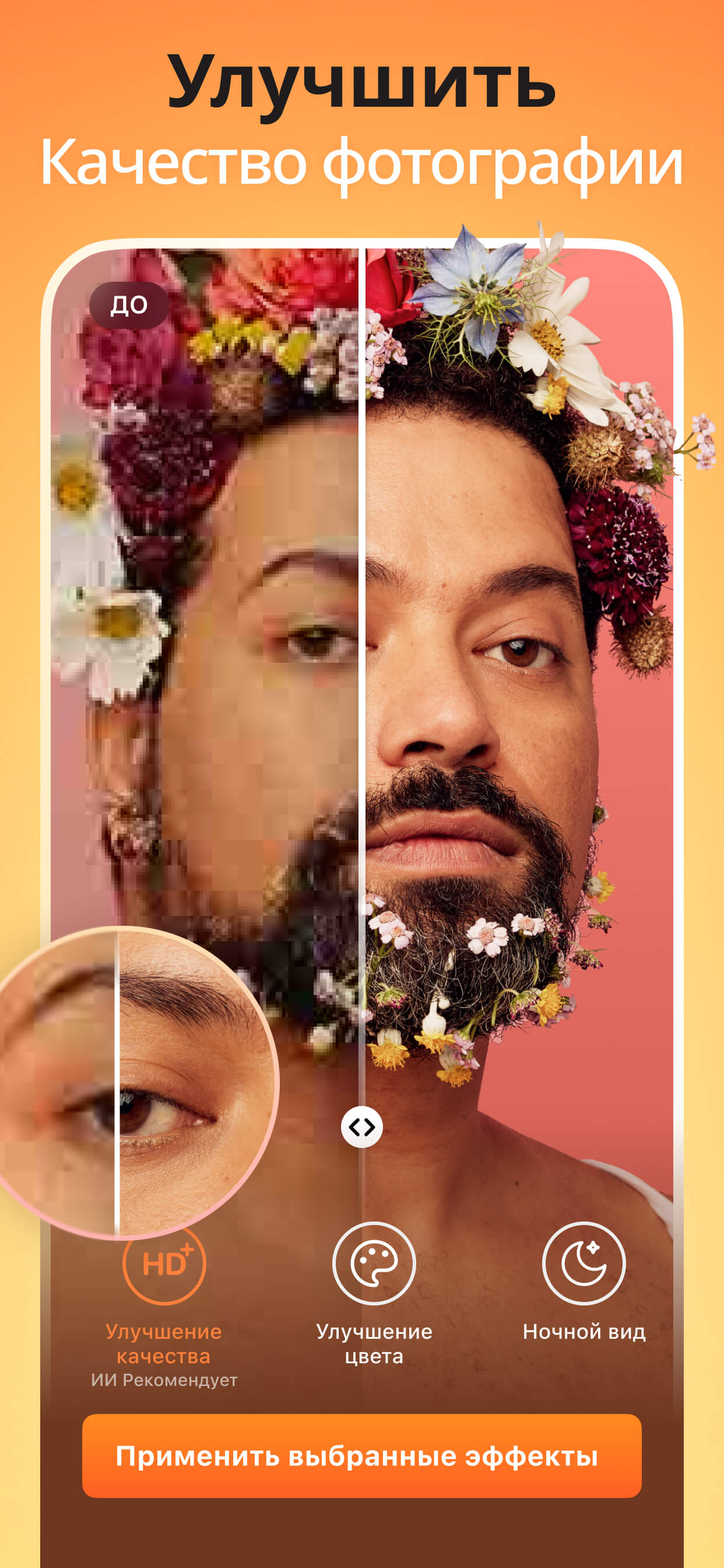
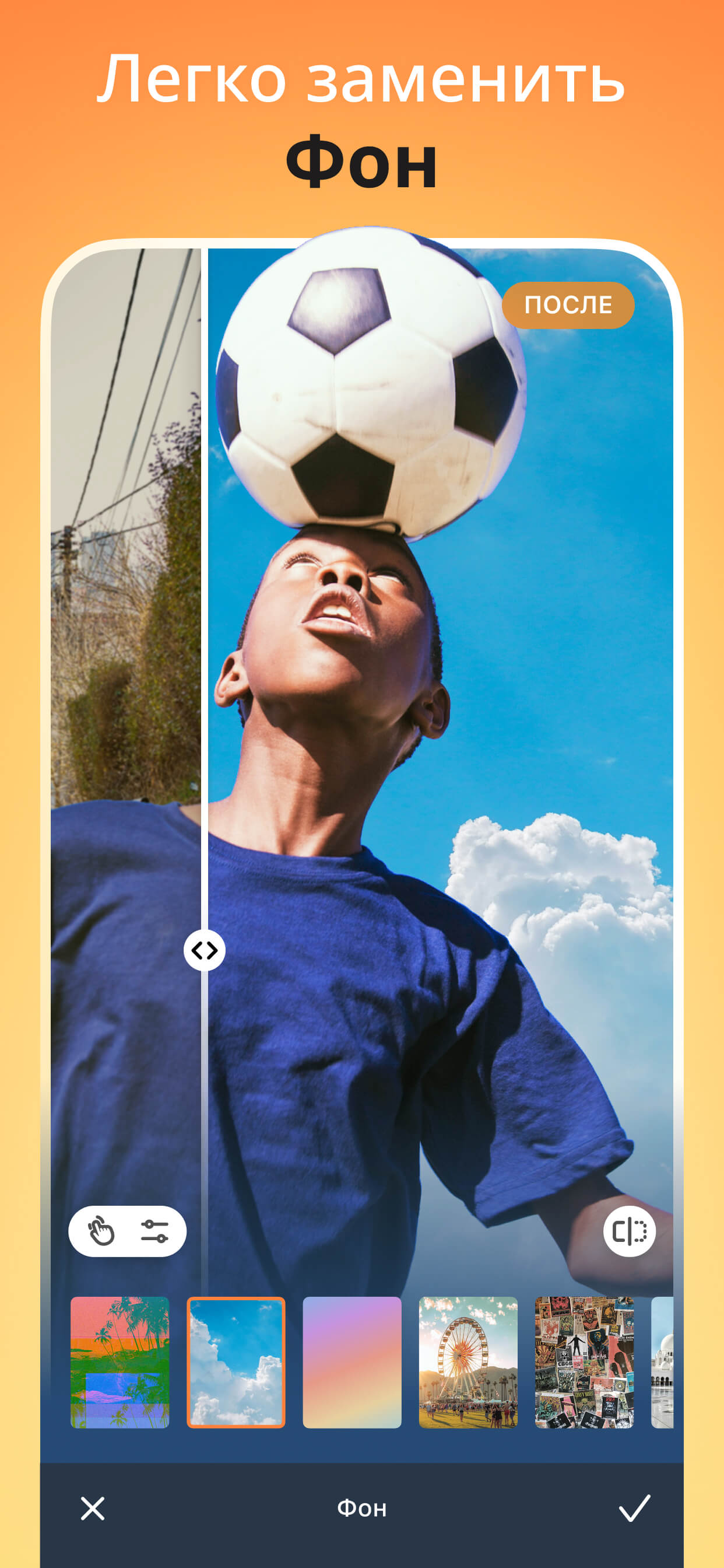
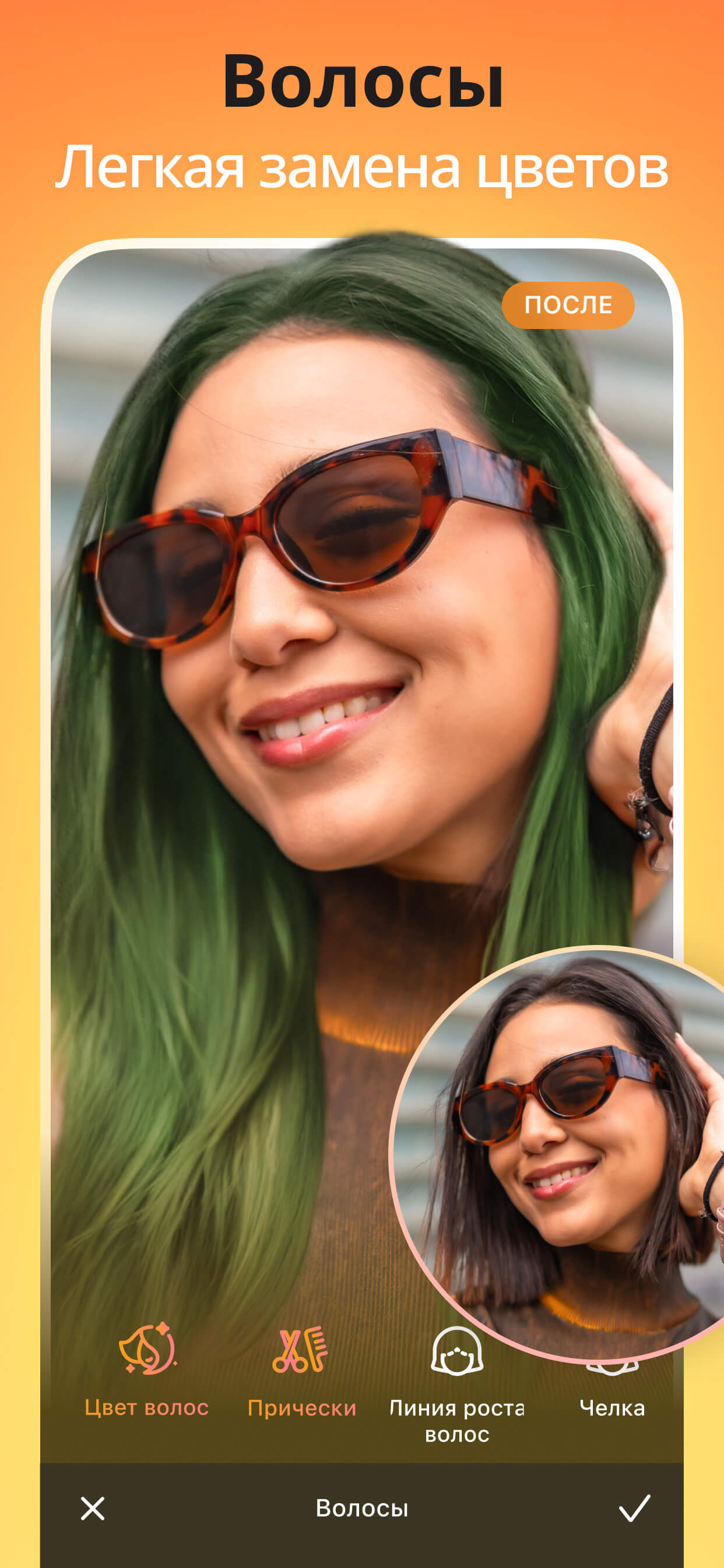

Ditambahkan: Denis Rubinov
Versi: 7.9.1
Ukuran: 333.5 MB
Diperbarui: 24.06.2025
Developer: Meitu (China) Limited
Batasan Usia: Everyone
Otorisasi: 14
Diunduh di Google Play: 76442680
Kategori: Foto
Deskripsi
Aplikasi AirBrush: Photo/Video Editor diperiksa oleh antivirus VirusTotal. Sebagai hasil pemindaian, tidak ada infeksi file yang terdeteksi oleh semua tanda tangan terbaru.
Cara memasang AirBrush: Photo/Video Editor
- Unduh file APK aplikasi dari apkshki.com.
- Temukan file yang diunduh. Anda dapat menemukannya di baki sistem atau di folder 'Download' menggunakan manajer file apa pun.
- Jika file yang diunduh berekstensi .bin (bug WebView di Android 11), ubah namanya menjadi .apk menggunakan pengelola file apa pun atau coba unduh file dengan browser lain seperti Chrome.
- Mulai penginstalan. Klik pada file yang diunduh untuk memulai penginstalan
- Izinkan penginstalan dari sumber yang tidak dikenal. Jika Anda menginstal untuk pertama kalinya AirBrush: Photo/Video Editor bukan dari Google Play, buka pengaturan keamanan perangkat Anda dan izinkan penginstalan dari sumber yang tidak dikenal.
- Lewati perlindungan Google Play. Jika proteksi Google Play memblokir penginstalan file, ketuk 'Info Lebih Lanjut' → 'Tetap instal' → 'OK' untuk melanjutkan..
- Selesaikan penginstalan: Ikuti petunjuk penginstal untuk menyelesaikan proses penginstalan.
Cara memperbarui AirBrush: Photo/Video Editor
- Unduh versi baru aplikasi dari apkshki.com.
- Cari file yang diunduh dan klik file tersebut untuk memulai penginstalan.
- Instal di atas versi lama. Tidak perlu menghapus instalasi versi sebelumnya.
- Hindari konflik tanda tangan. Jika versi sebelumnya tidak diunduh dari apkshki.com, pesan 'Aplikasi tidak terinstal' mungkin muncul. Dalam kasus ini, hapus instalan versi lama dan instal versi baru.
- Mulai ulang lampiran AirBrush: Photo/Video Editor setelah pembaruan.





Google Photos
Foto

Funimate Video Editor & Maker
Pemutar & Editor Video

Scribbl - Photo & Video Effect
Seni dan Desain

Slideshow Maker, Video Editor
Pemutar & Editor Video

Pixel Camera
Foto

DOUPAI - DOUPAI Face
Foto

Face Live Camera: Face Filters
Foto

PowerDirector - Video Editor
Pemutar & Editor Video
Meminta pembaruan aplikasi
Ditambahkan Denis Rubinov
Versi: 7.9.1
Ukuran: 333.5 MB
Diperbarui: 24.06.2025
Developer: Meitu (China) Limited
Batasan Usia: Everyone
Otorisasi:
Diunduh di Google Play: 76442680
Kategori: Foto















Ulasan untuk AirBrush: Photo/Video Editor
best app
I used to use this app all the time. now I apparently have to watch videos to use previously free features? nah. uninstalled.
Love this app
Outstanding Editor
i love it.easy to use♥️
excellent
I wish I'd never updated it, can't manually remove dark circles anymore and now it costs money. *Update: you can manually remove dark circles again and it doesn't cost anything.
I absolutely have no idea how I ended up paying money and getting subscribed to this app. I have never even heard of this app before. I am so devastated. Without knowing, I paid money for the one-year subscription. I am speechless now.
best primium app
this app is magical otherwise is one of best of the best👏👏🇺🇬
Used this app for my pictures for years. I can share my posts to any app on my phone. There are a couple small things that could use improvement like, when changing skin color the "paint brush" colors off from where I brush on the color, etc. But it's possible this problem is only on my phone because my old phone I didn't have this problem. I also wish it was also for editing videos along with pictures. But I love this app and it is easy and simple to use. Good job!
Seems to work and there's a lot of features without altering the photo too much I like just subtle smoothing but no major changes because then of course everybody knows you've doctored your photo but if you just change lighting and contrasting smoothing just a bit then it looks like a real authentic photo which this app gives you. I would like to have some type of background eraser to remove unwanted objects but it looks like I'm going to have to get another app to do that.
Honestly, one of the best photo editing app out there. It's almost perfect and has almost everything I could ever want or need in one single app. Never had a complaint before and it's well worth the money for a year of usage. It's my #1 go to. It could use a few added features to make it even better. But overall, its certainly in my #1 to edit pics for one reason or another.
While this is one of the better photo apps out there, the developers have yet to address and fix the bug in the "adjust" feature which immediately grids your image at 45 degrees and stays fixed there with no way to correct, rendering the crop and perspective feature useless. I've notified them twice informing them that the uninstall/reinstall didn't fix it. I'm on the latest version of Android On Samsubg Galaxy Tab 7. If they fix this issue, my review will be 5 stars.
Very disappointing app. I loaded some large, high resolution images into the app, and as soon as they load, they are reduced in size to extremely pixelated, blurry shots. I'm using a Galaxy Note 20 Ultra, so space and power aren't an issue. Even worse, when saving, you have no choice but to save as low rez Jpegs, that are completely unsuitable for anything except social media. I really regret buying the *premium* version. And yes, I'll keep reposting this every time you delete it.
Kirimkan komentar
Untuk memberikan komentar, masuklah dengan jejaring sosial Anda:
Atau tinggalkan komentar anonim. Komentar Anda akan dikirim untuk dimoderasi.
Kirimkan komentar
Untuk memberikan komentar, masuklah dengan jejaring sosial Anda:
Atau tinggalkan komentar anonim. Komentar Anda akan dikirim untuk dimoderasi.