



Ditambahkan: Denis Rubinov
Versi: 6.50
Ukuran: 35.1 MB
Diperbarui: 20.05.2025
Developer: lithiumS
Batasan Usia: Everyone
Otorisasi: 10
Diunduh di Google Play: 3492055
Kategori: Komunikasi
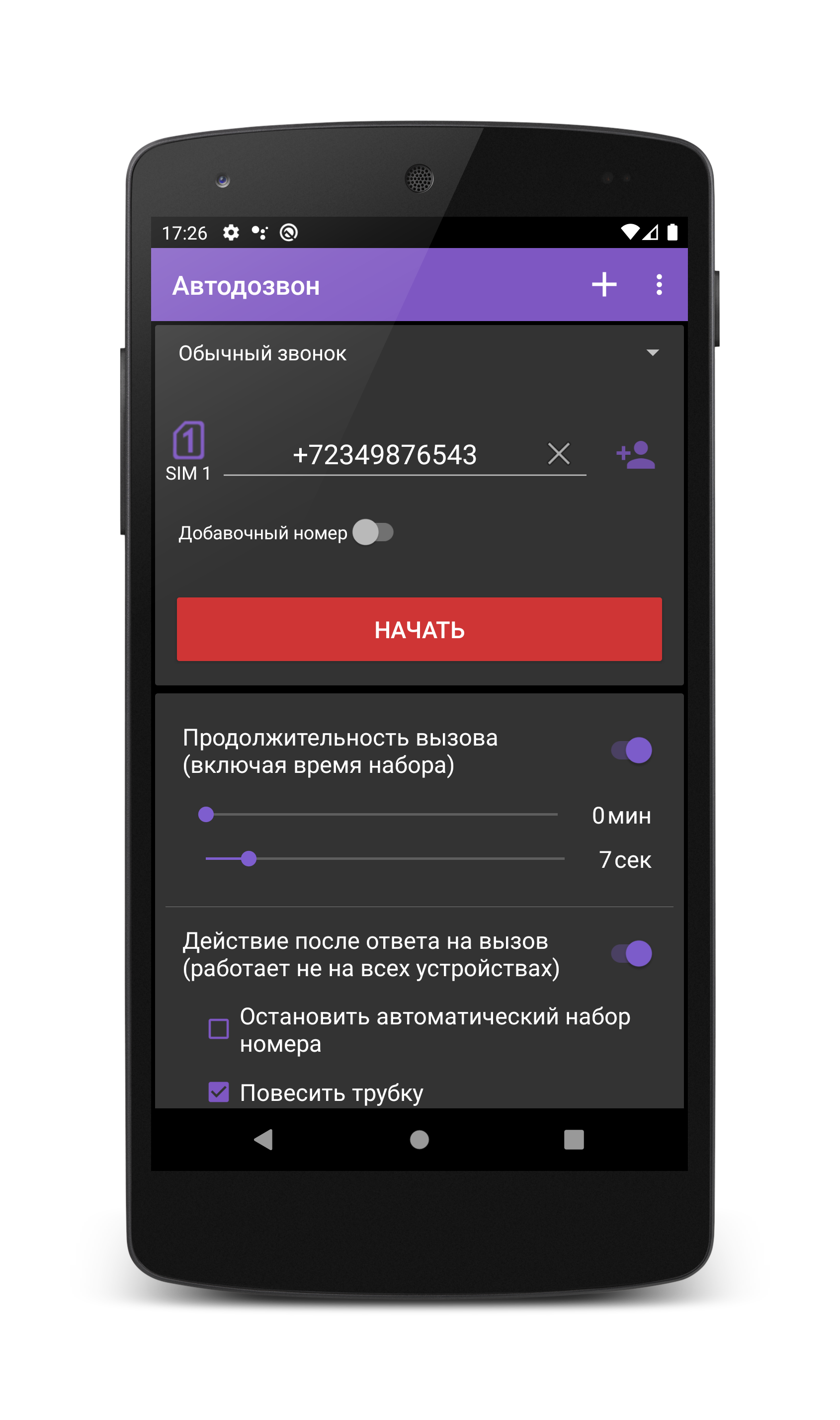
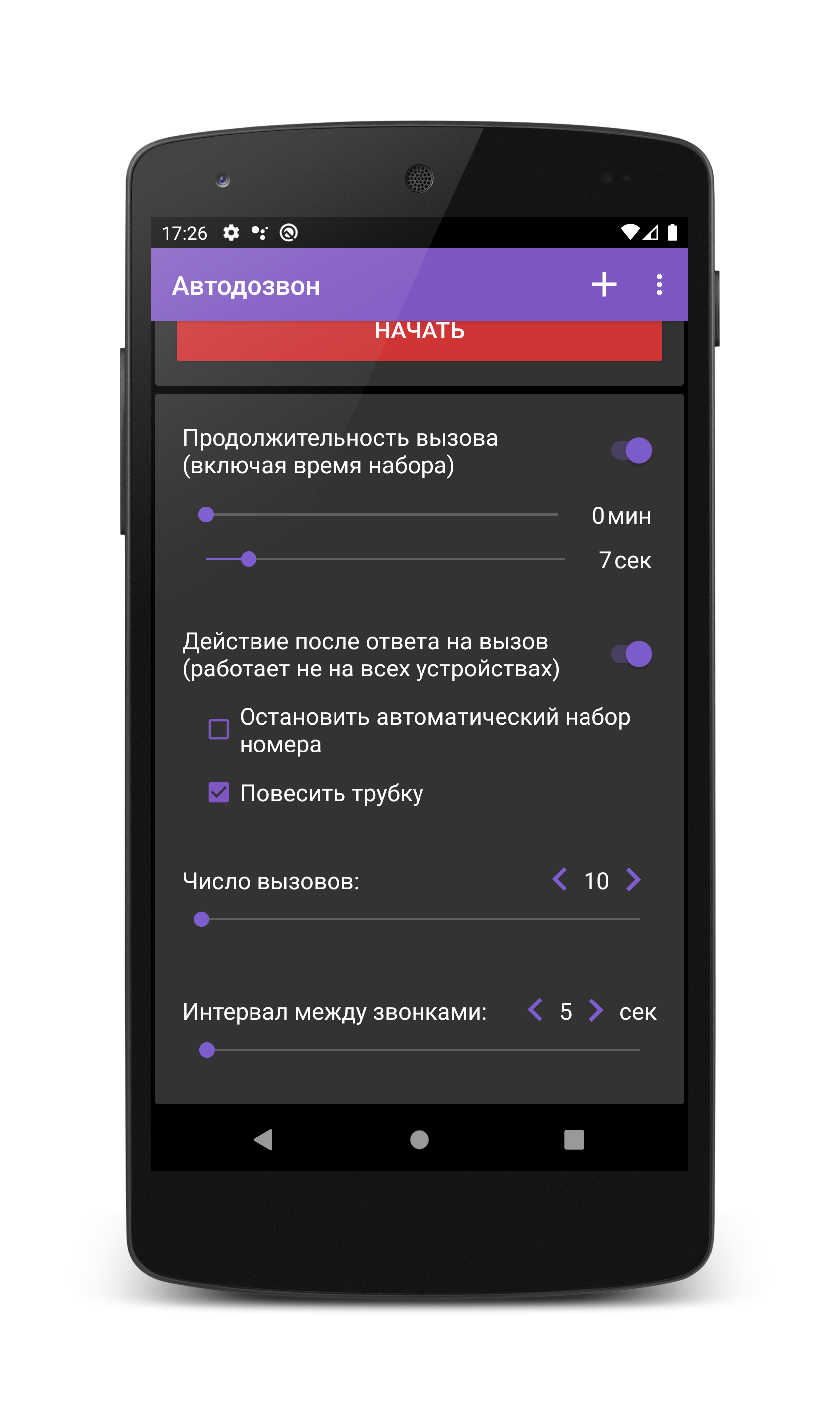
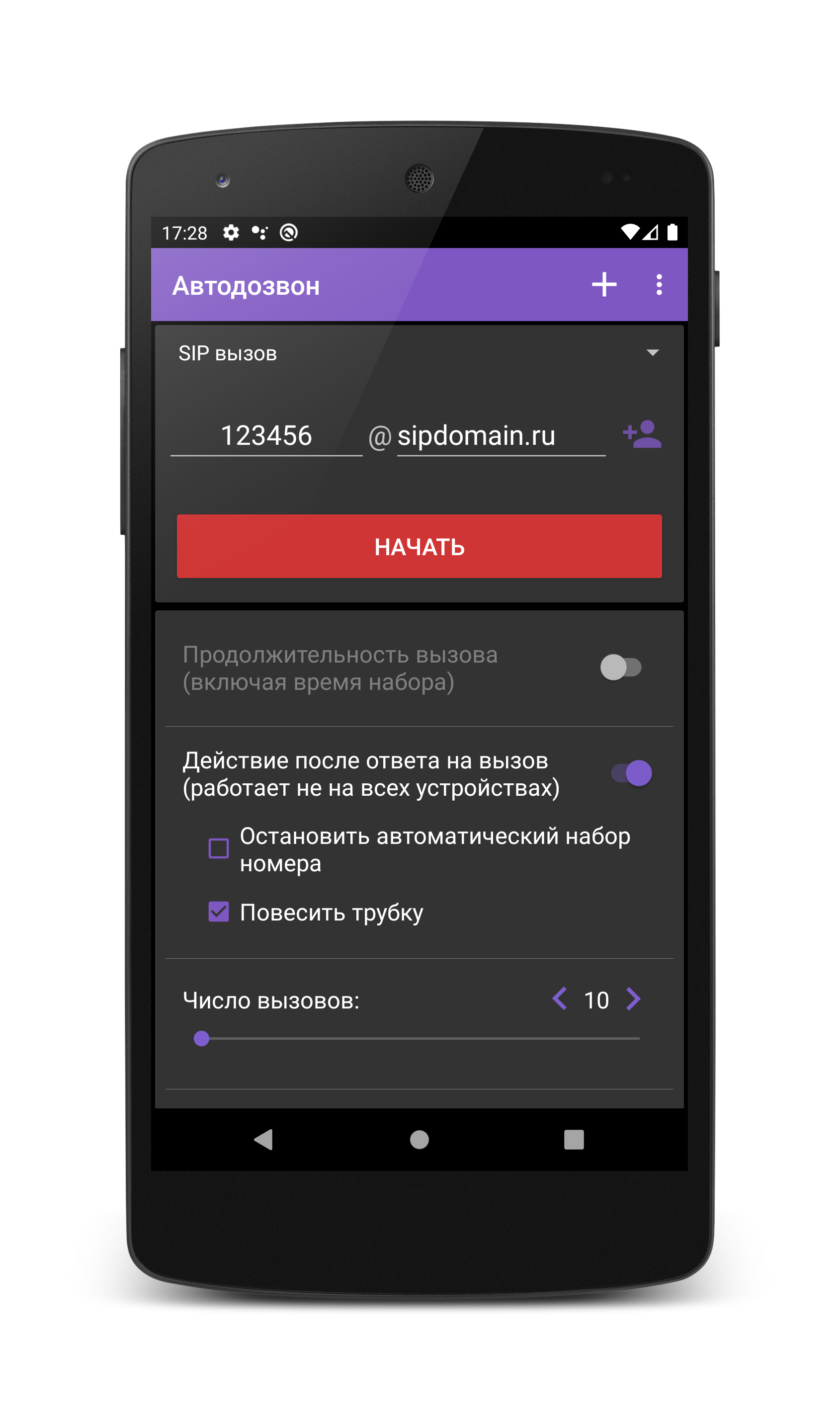
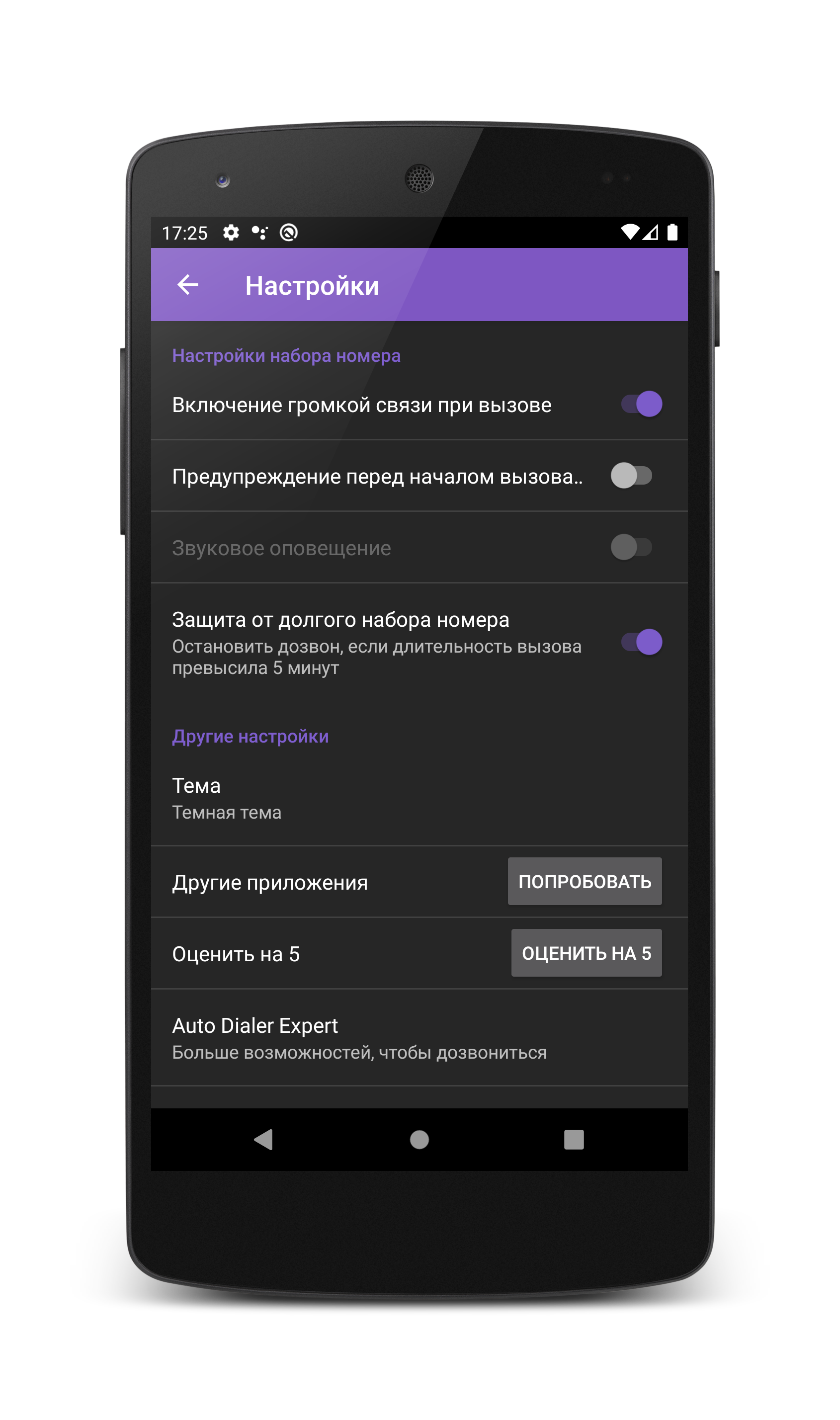
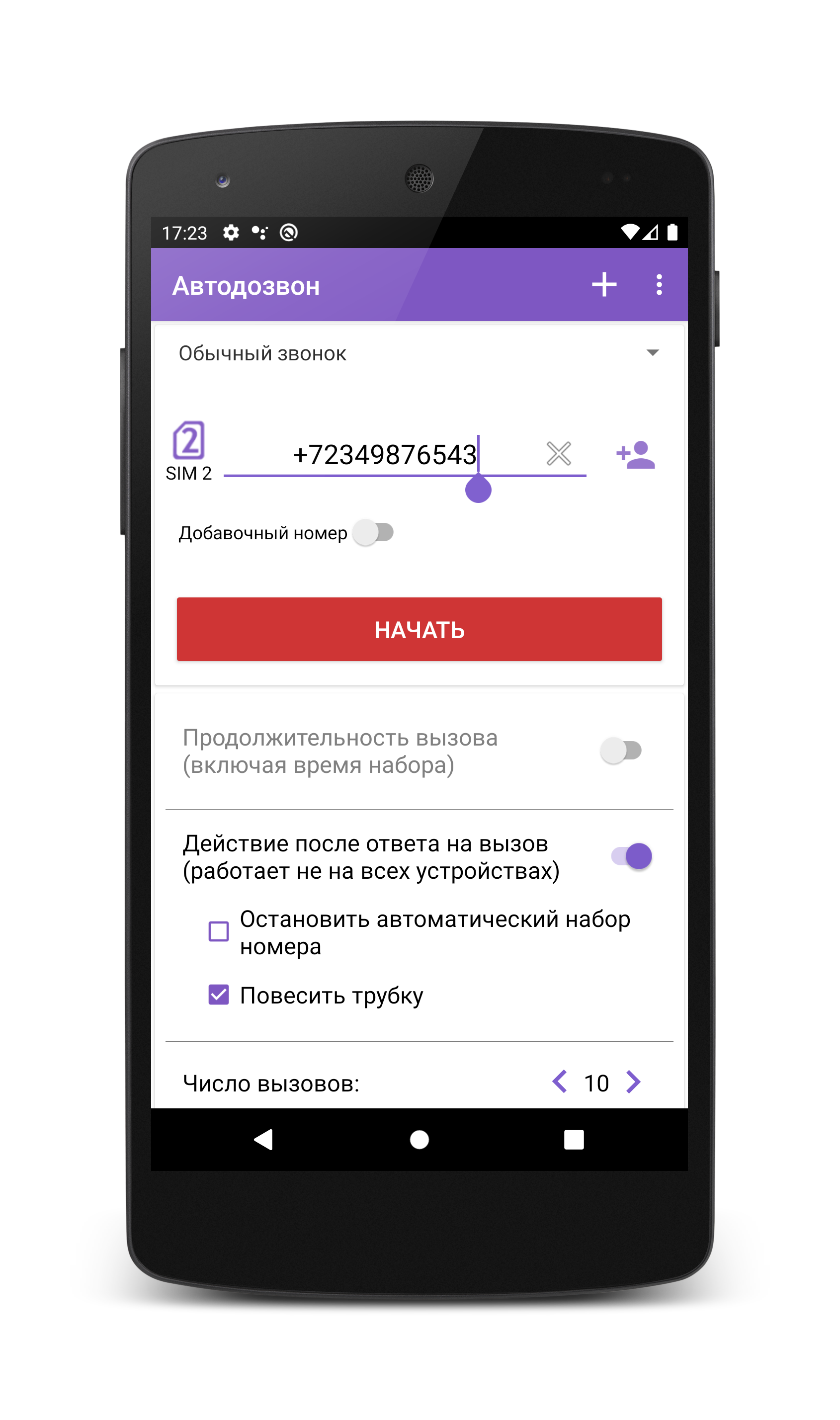
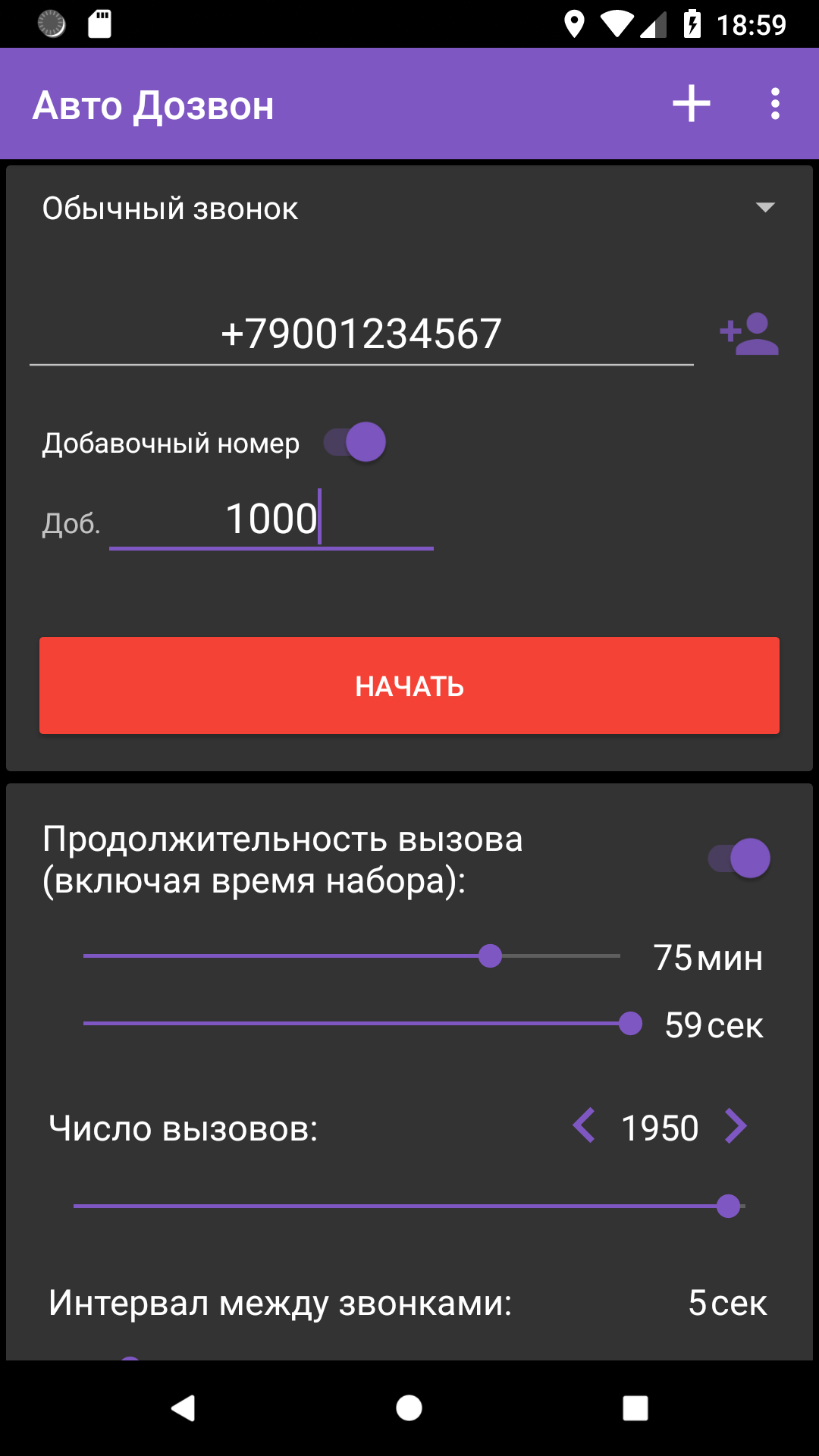
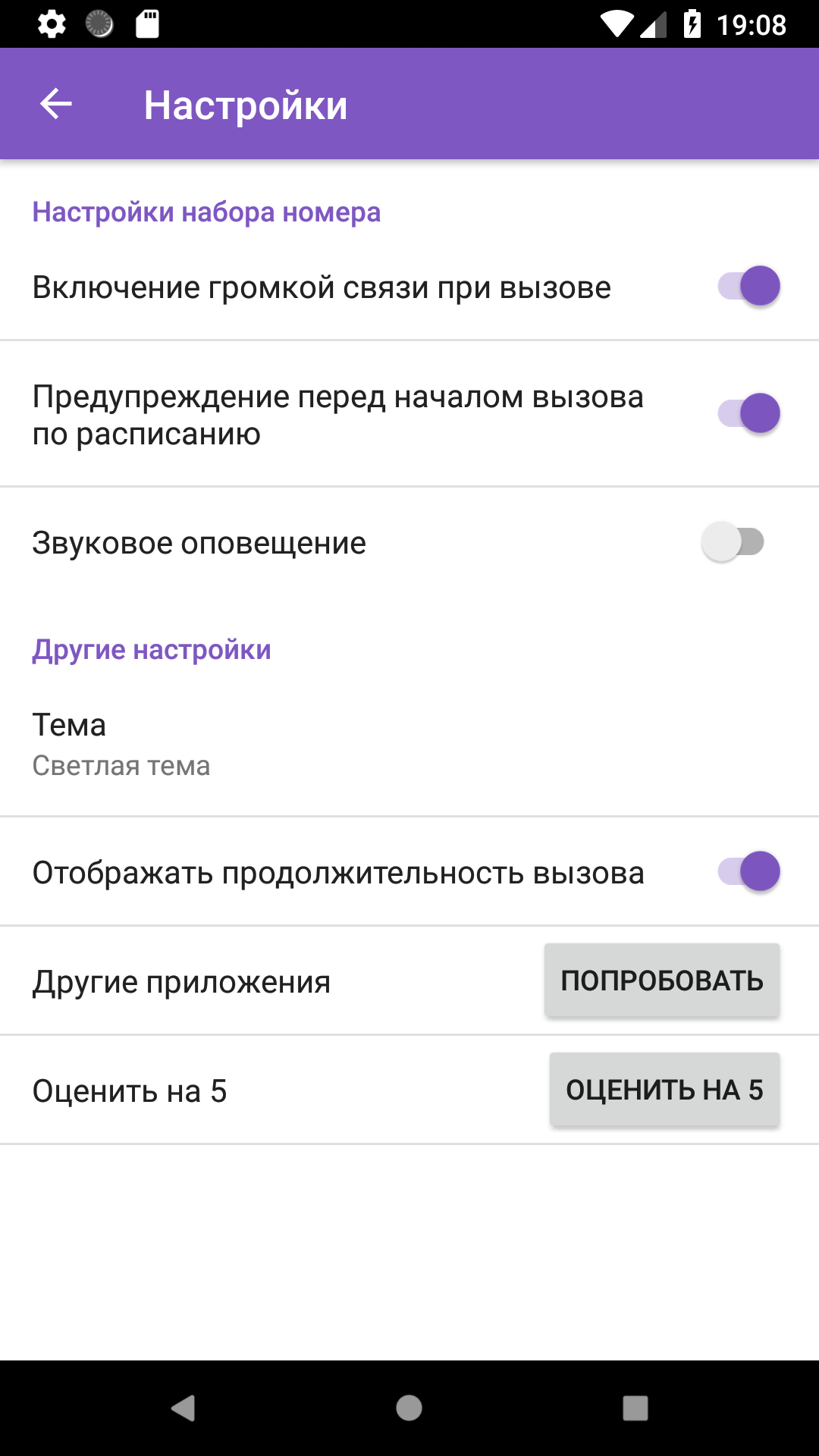
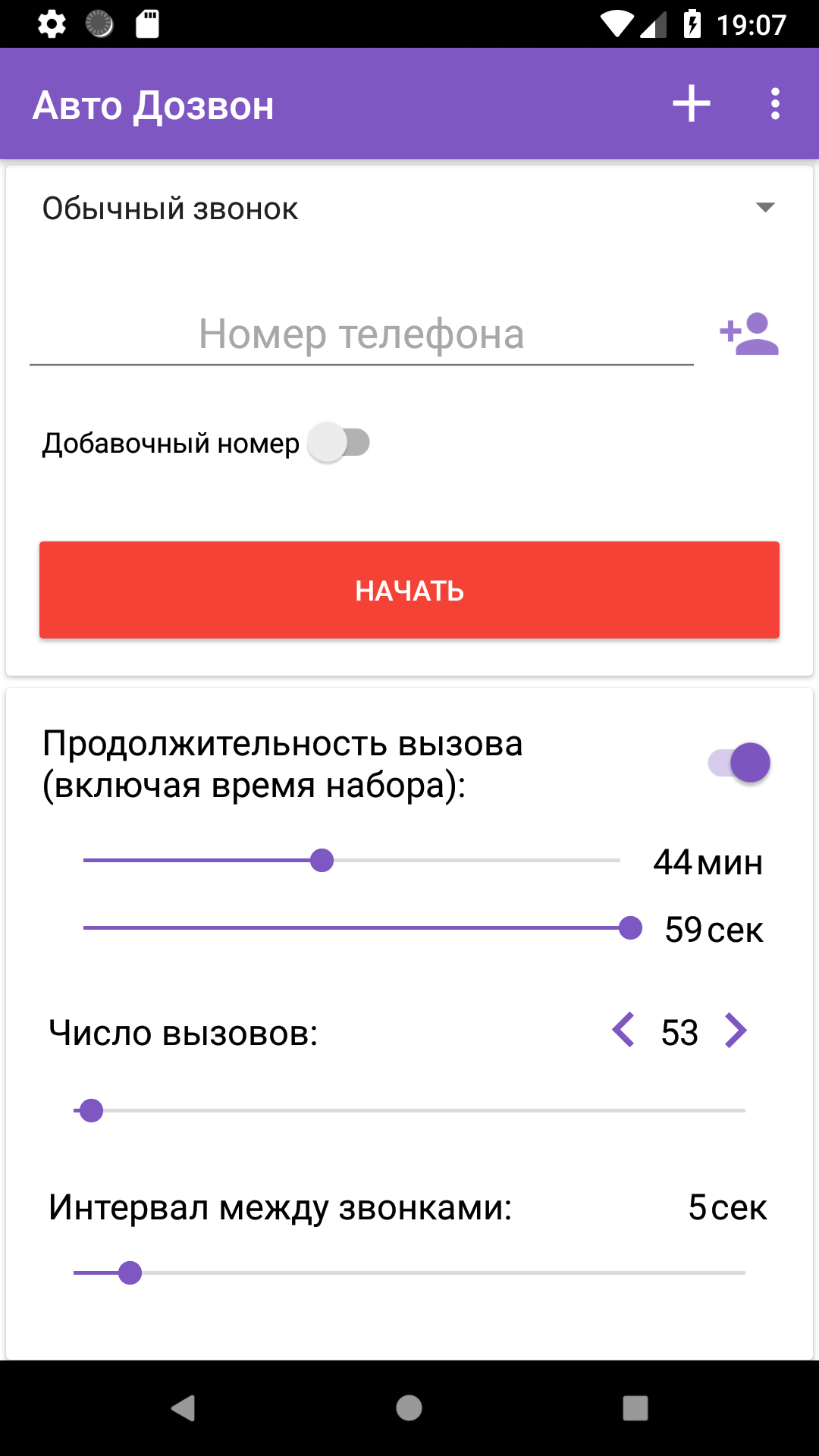
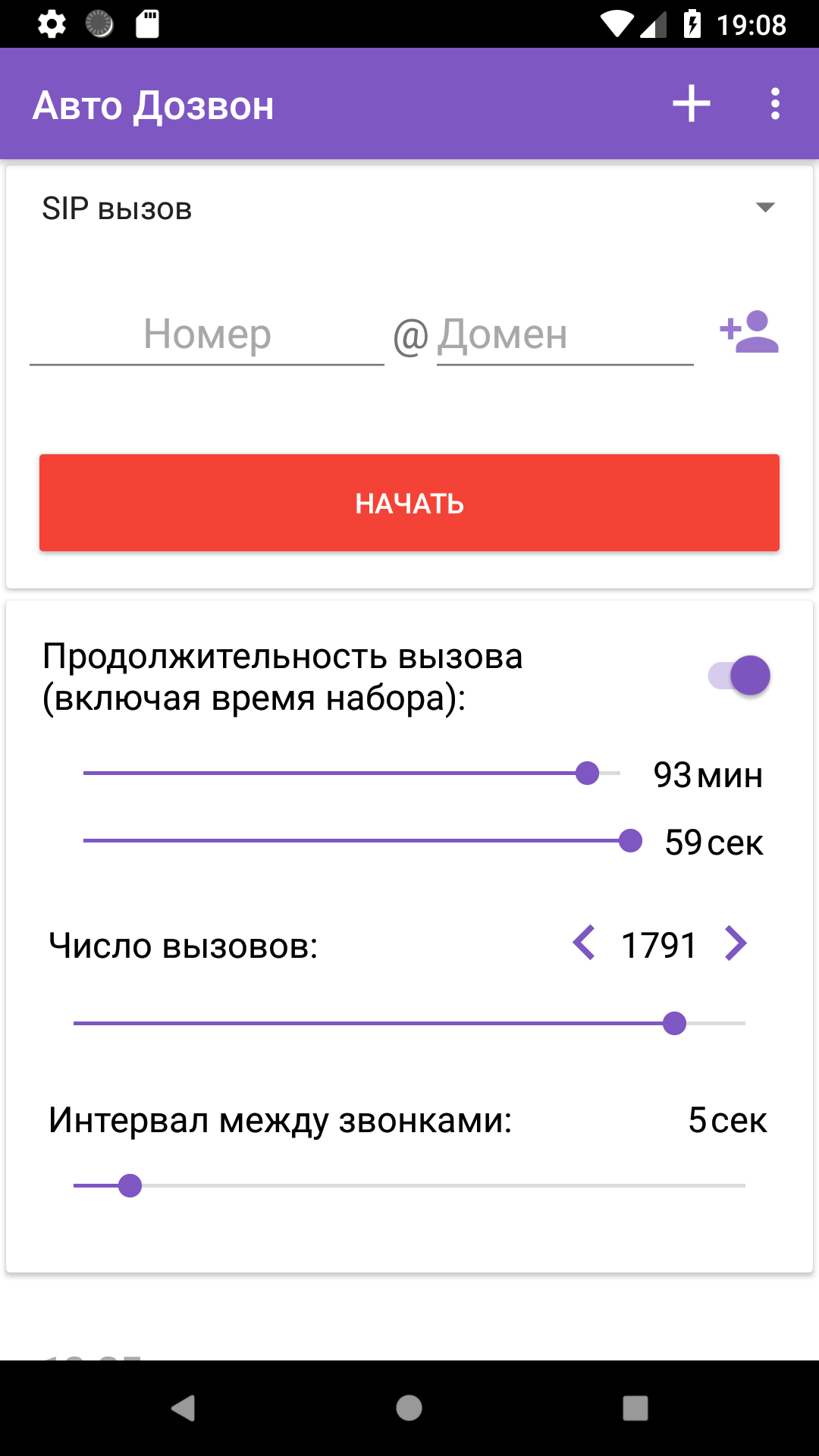
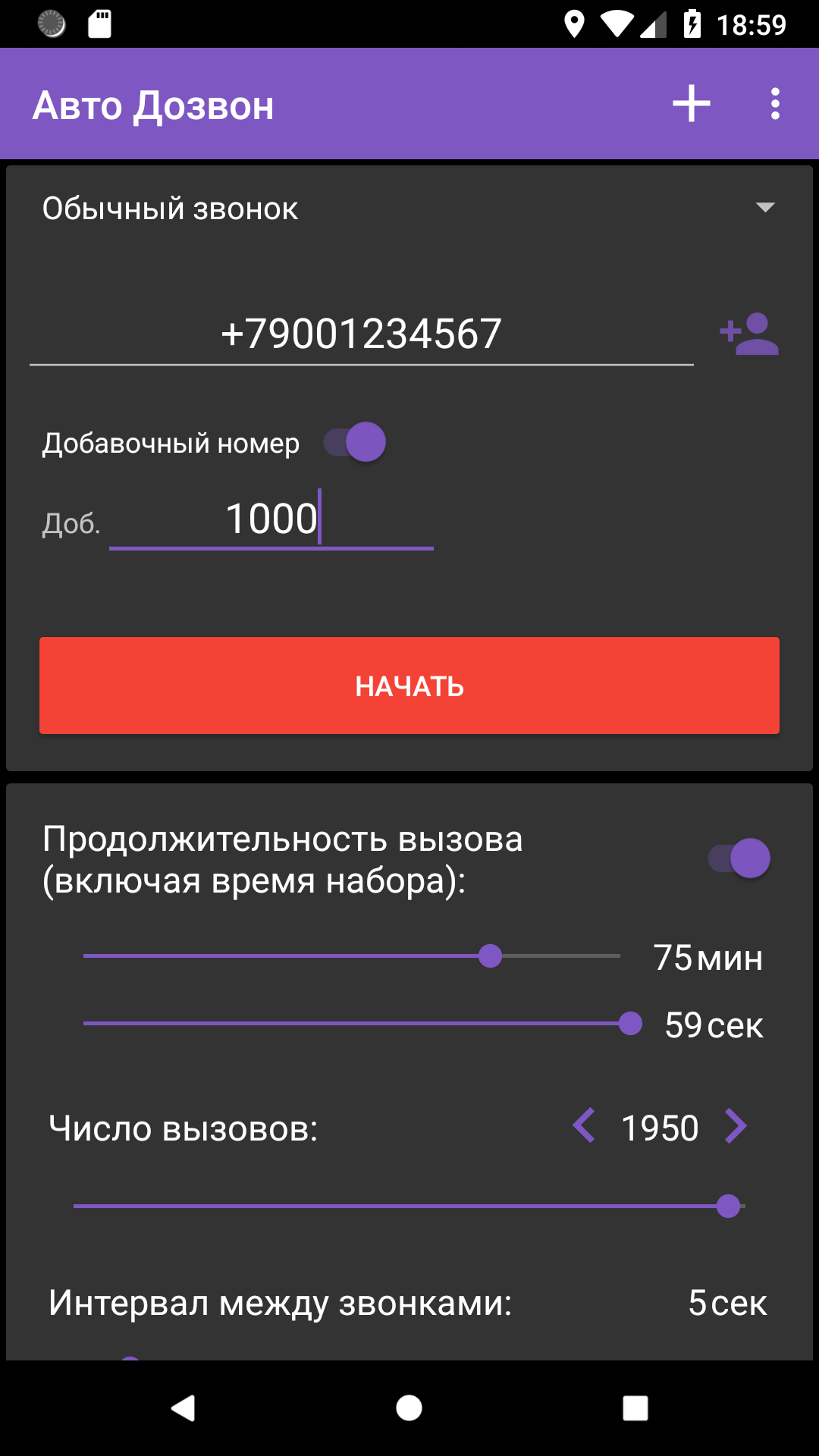
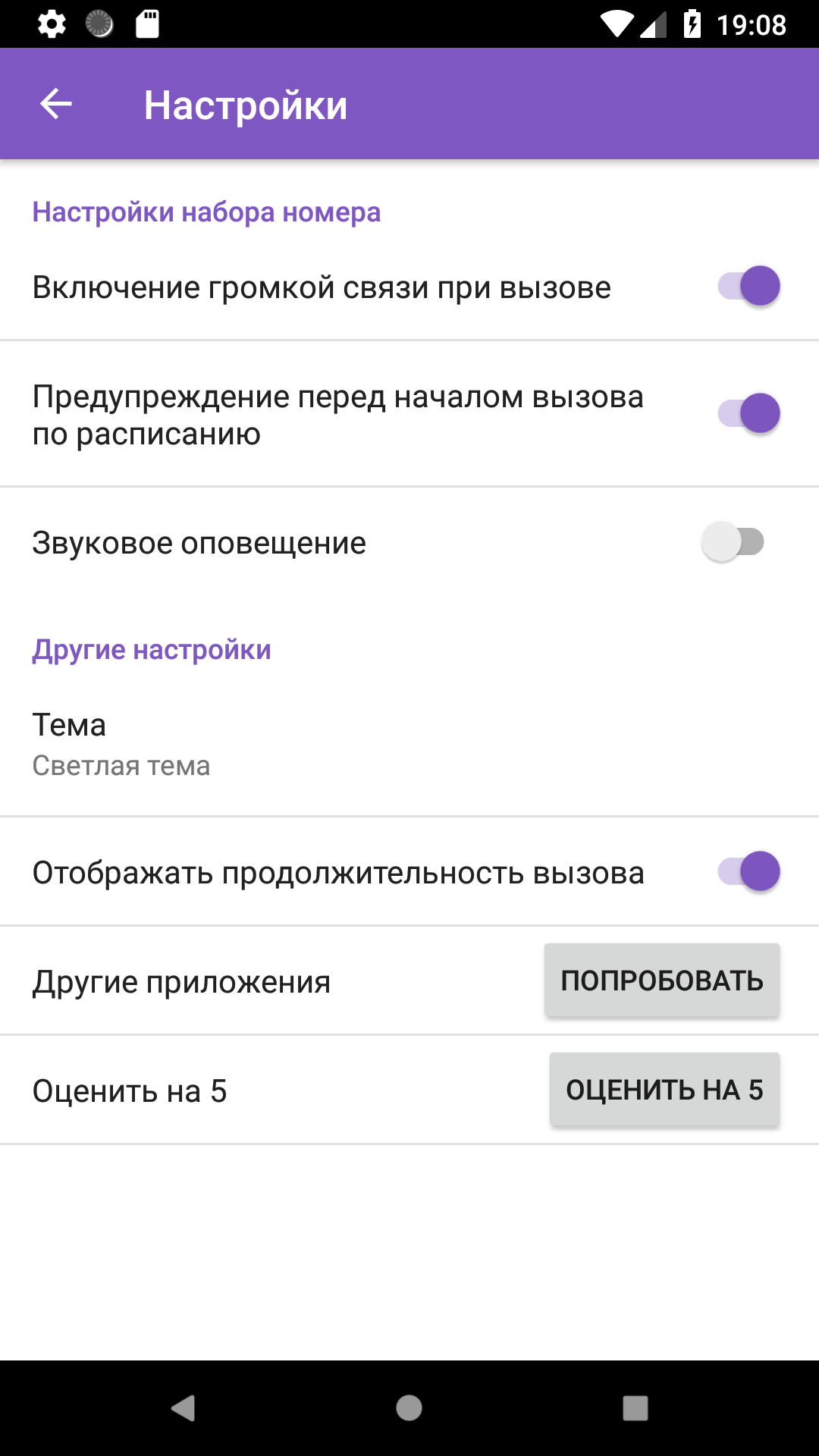
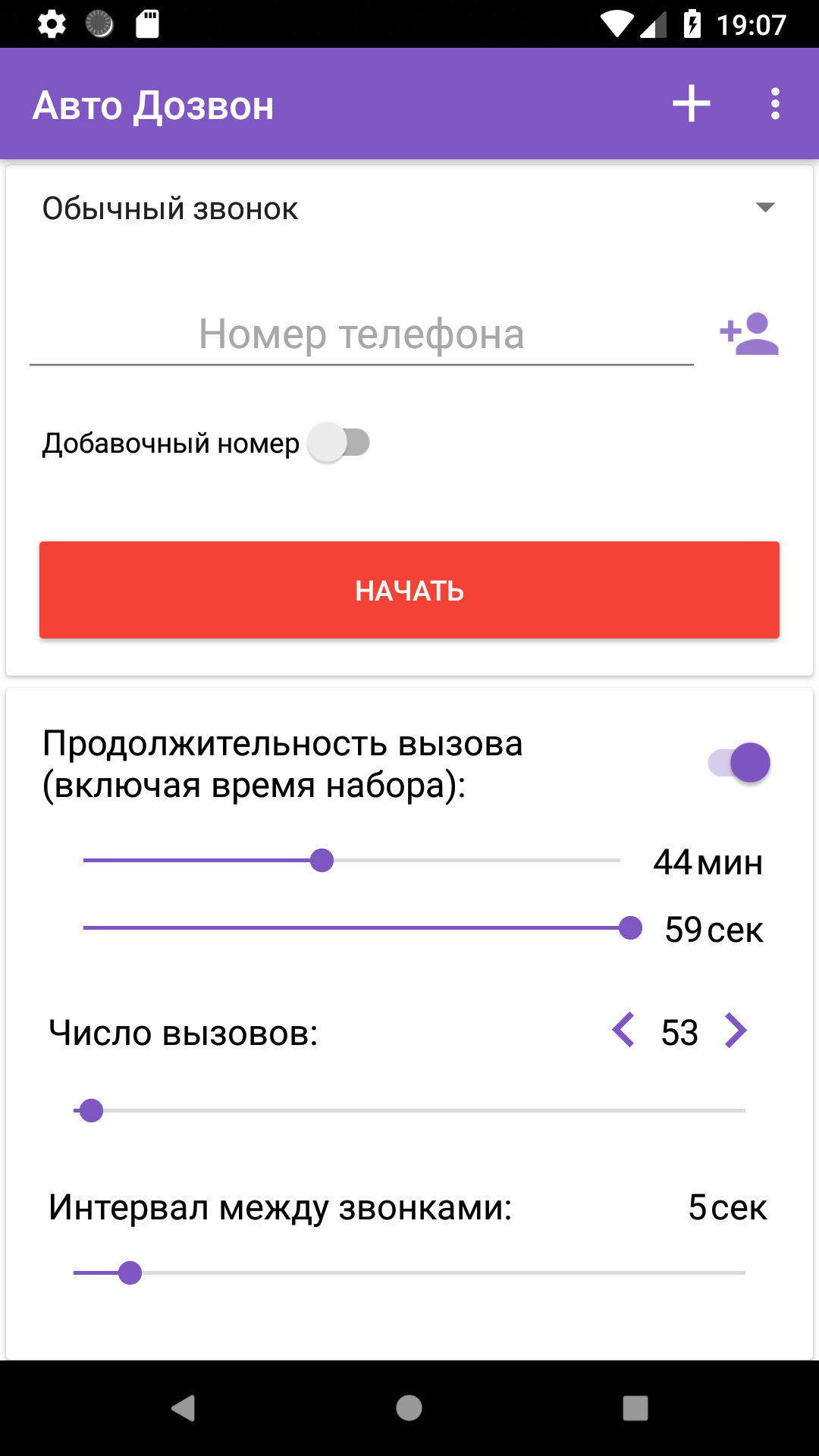
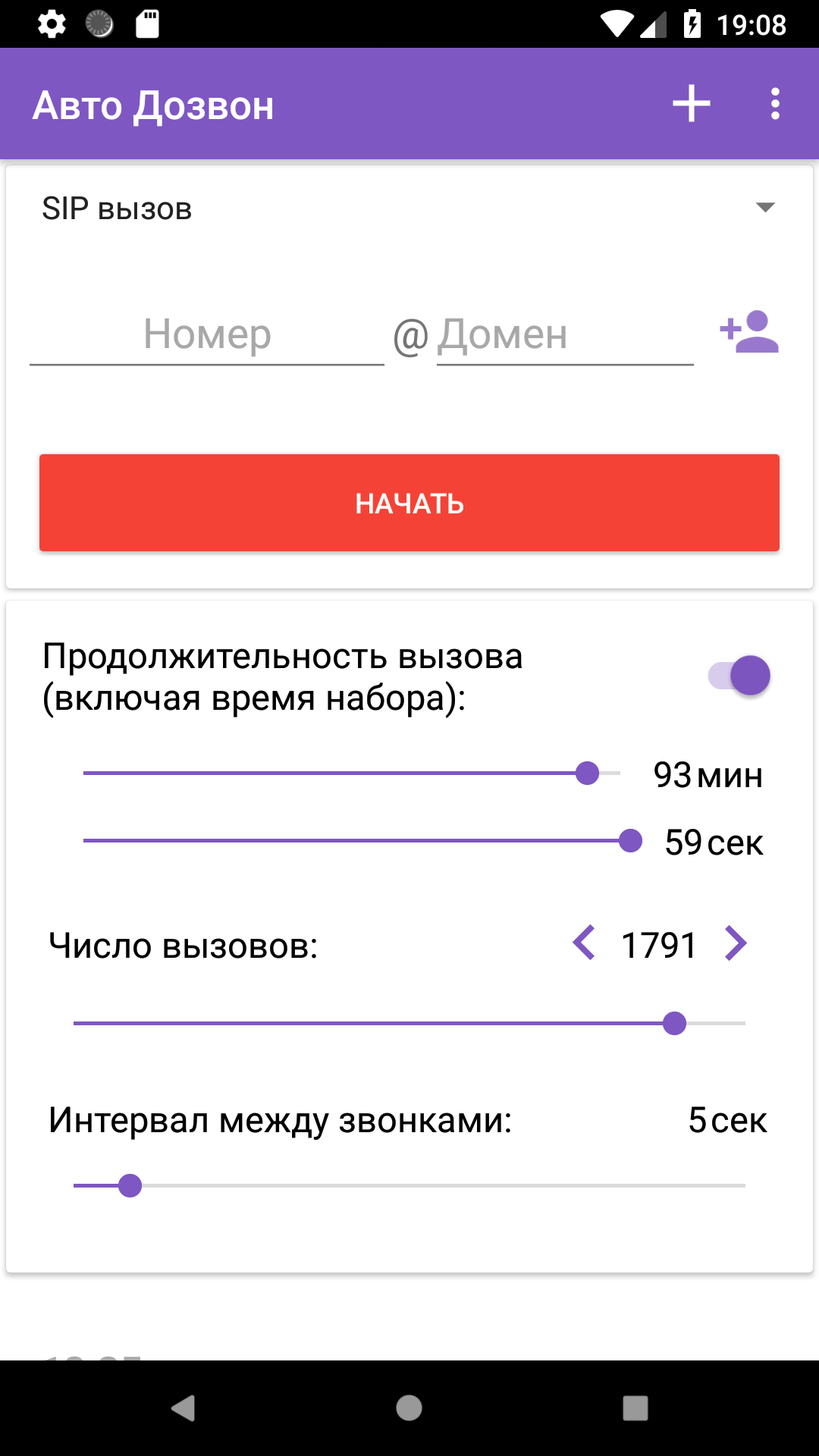
- Panggil ulang otomatis ke nomor yang ditentukan.
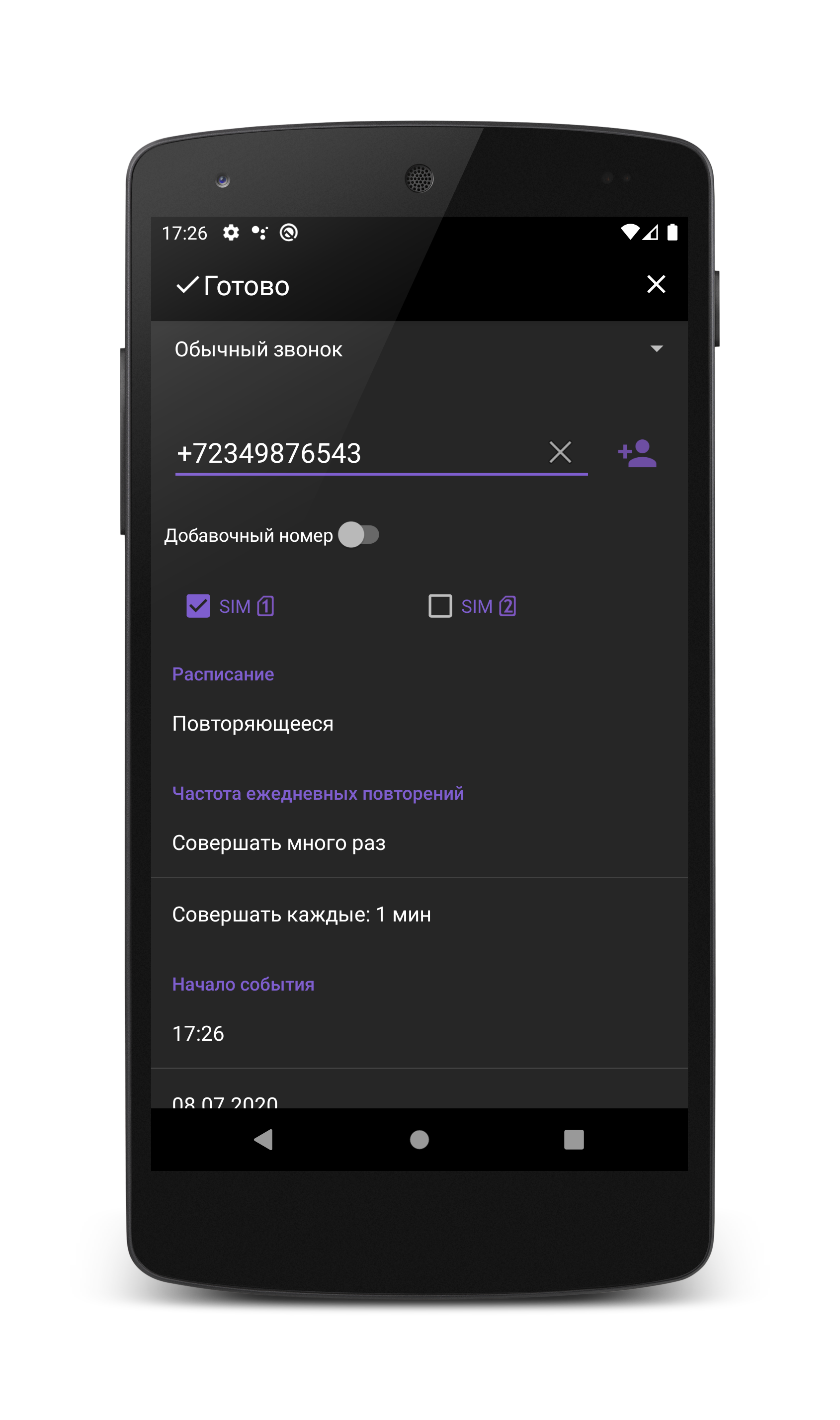
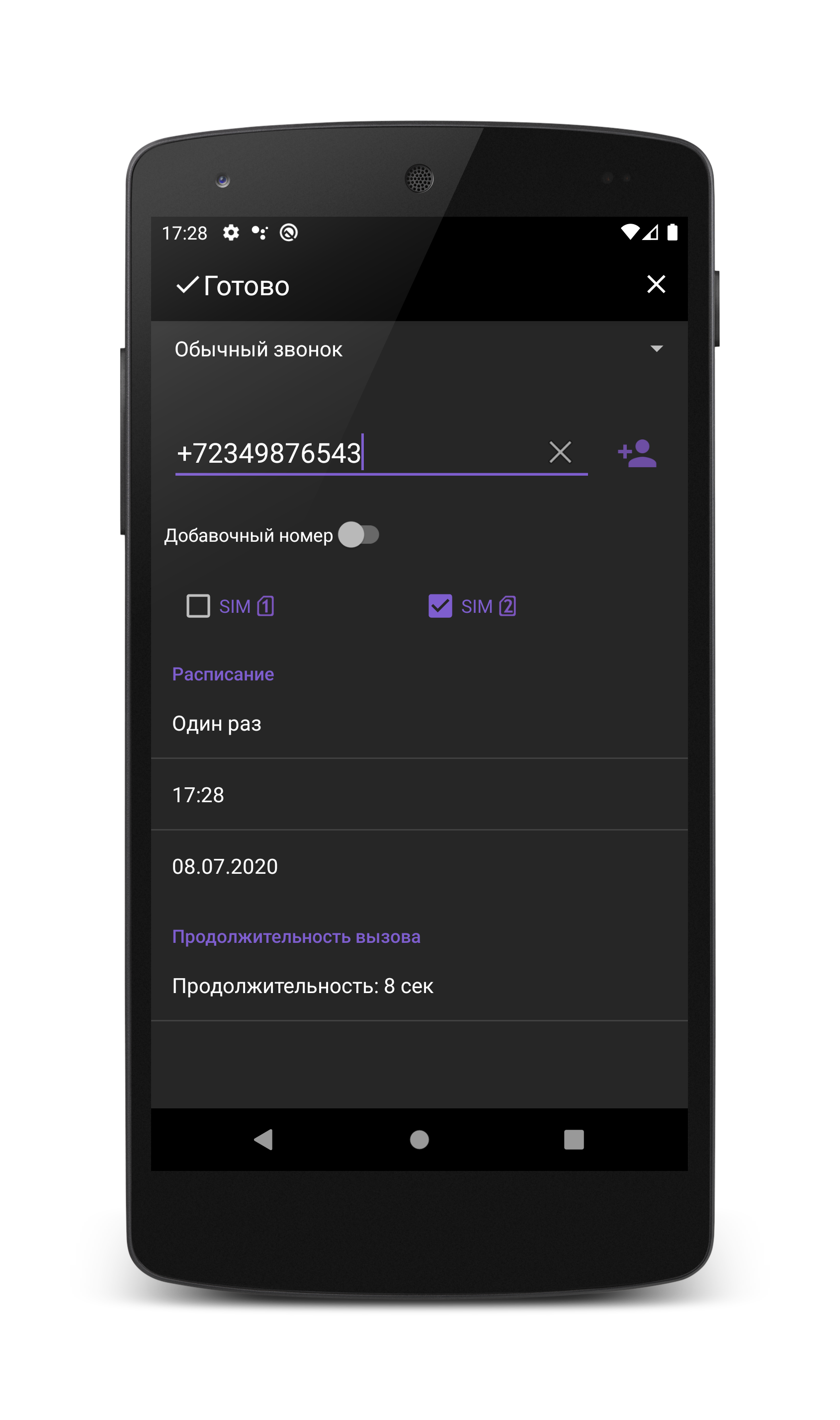
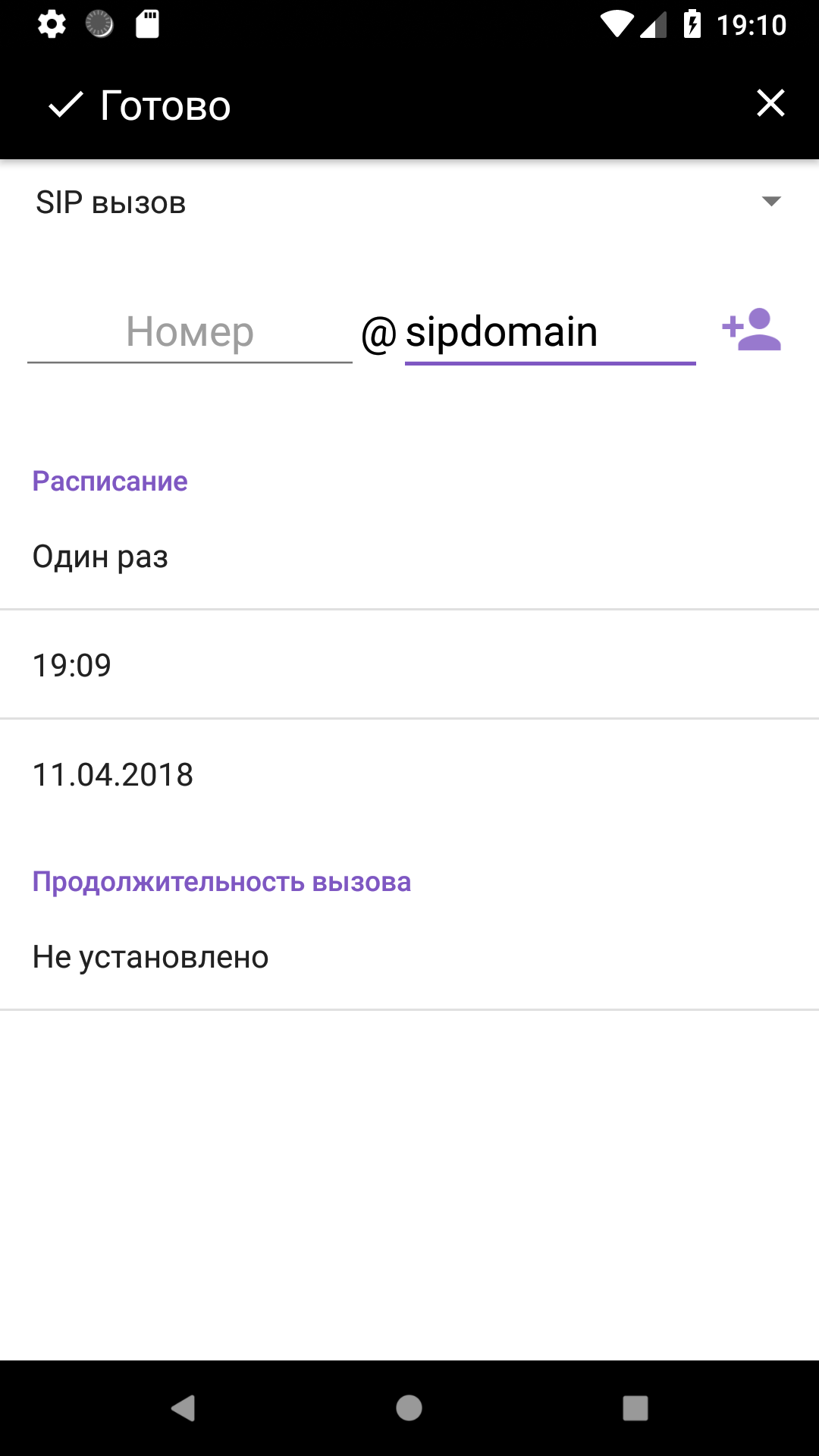
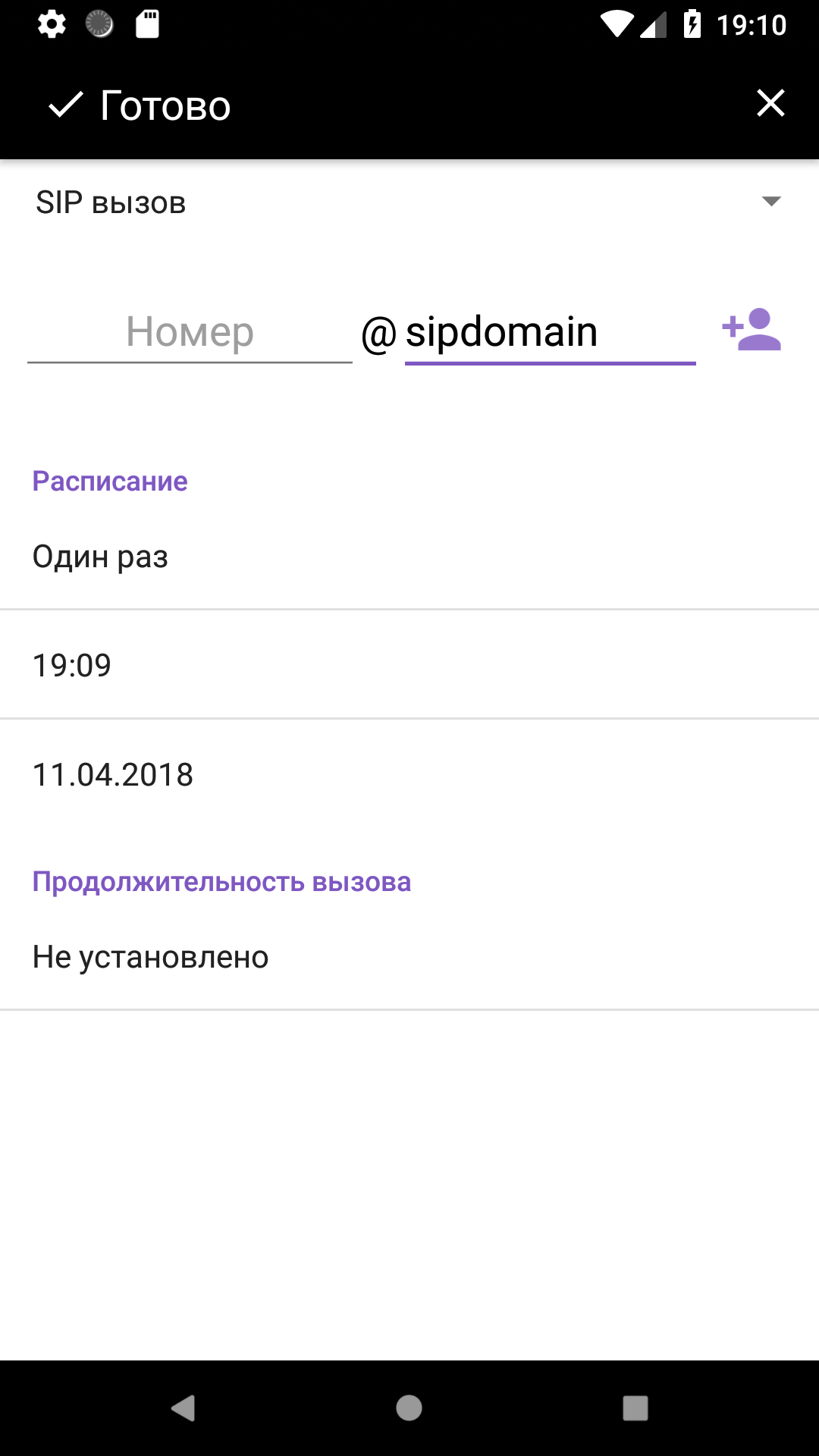
- Mendukung 2 perangkat SIM.
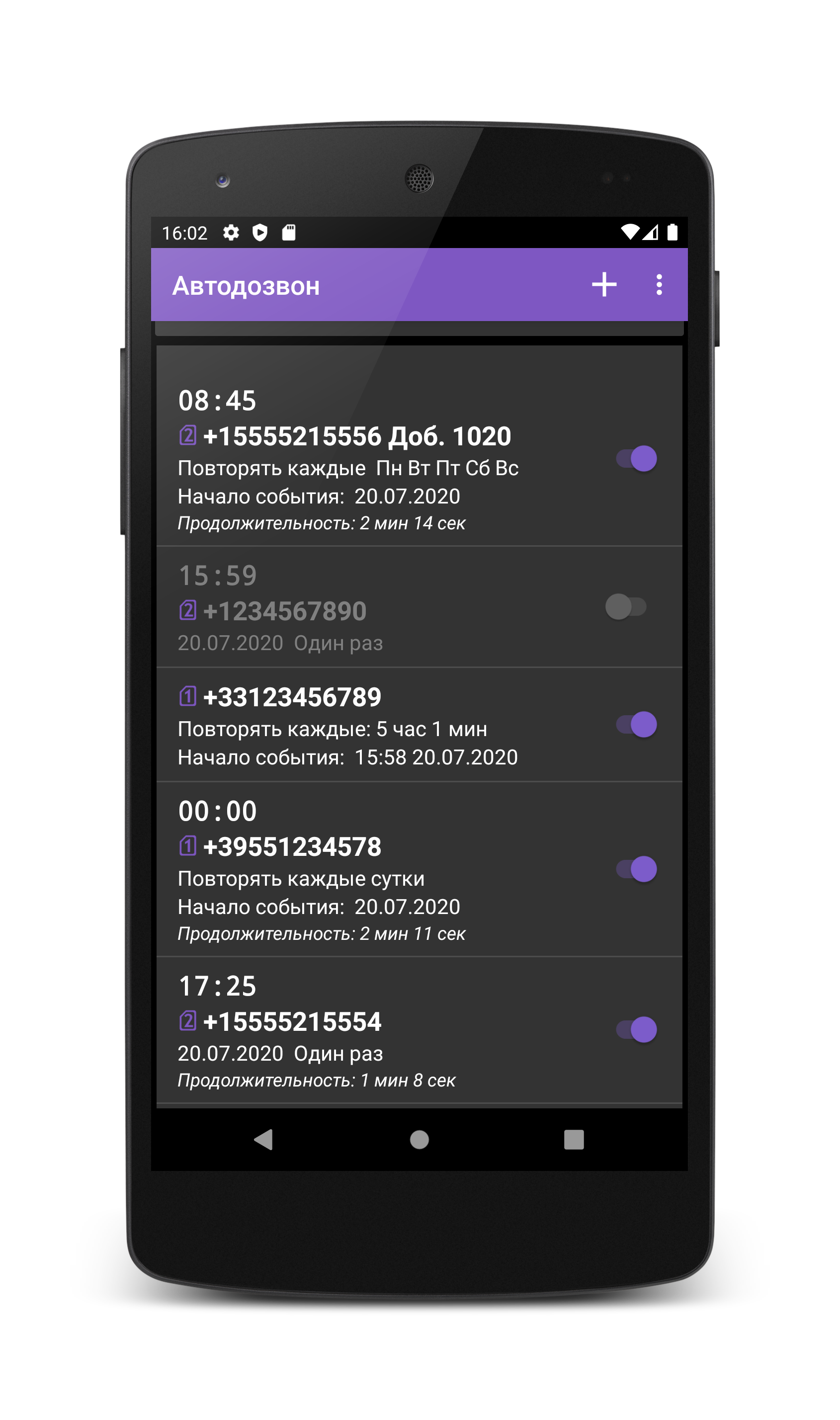
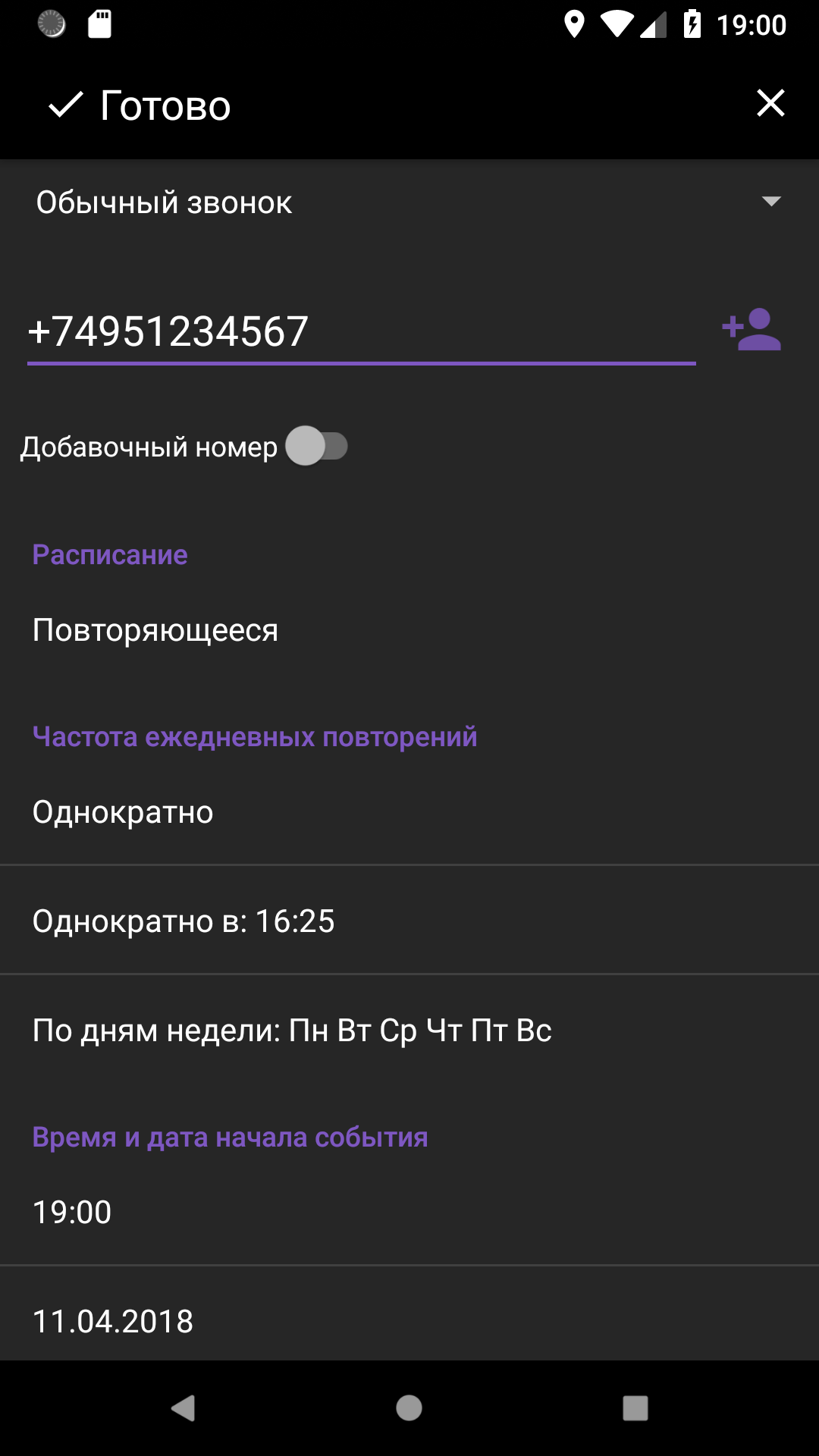
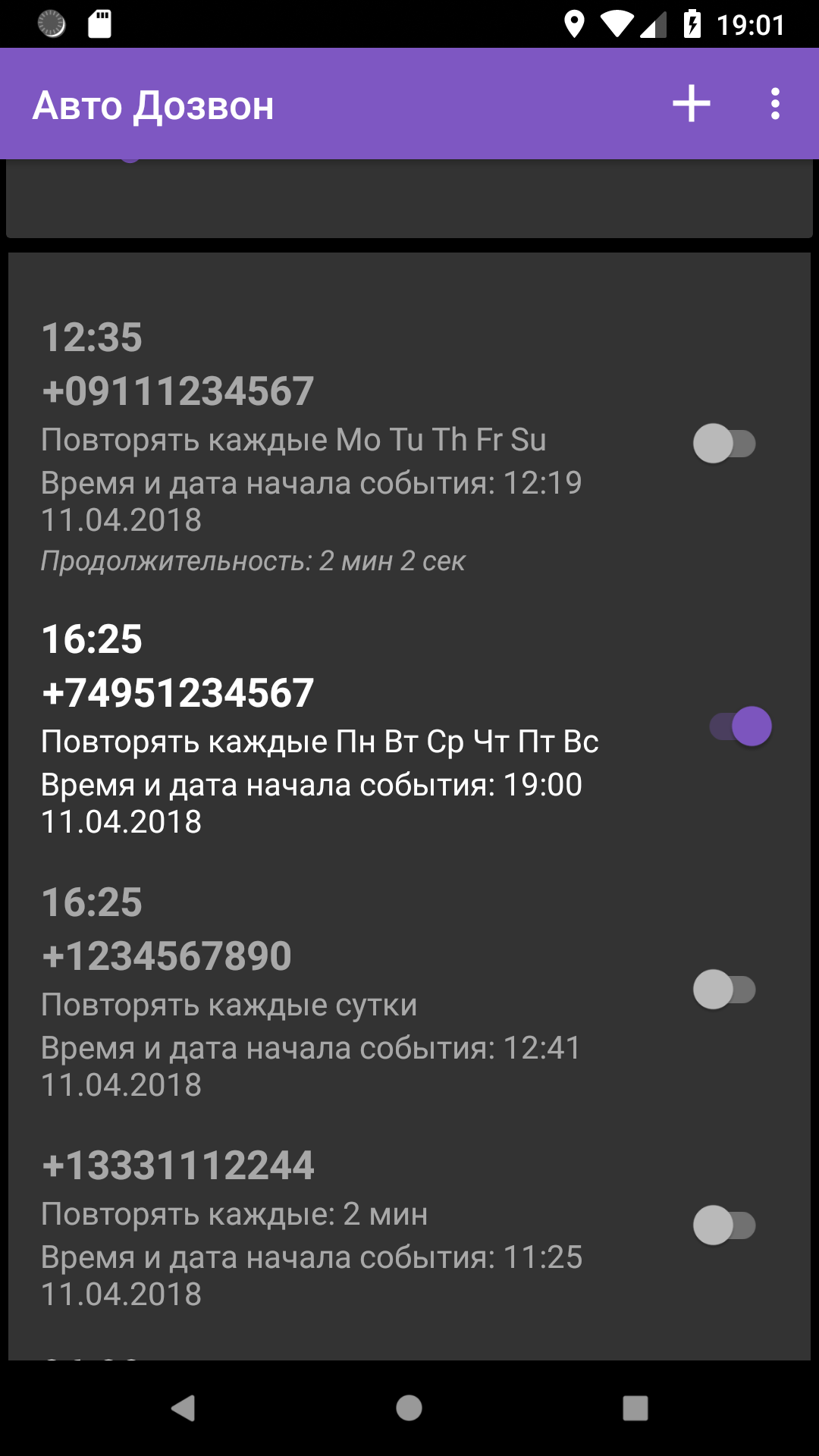
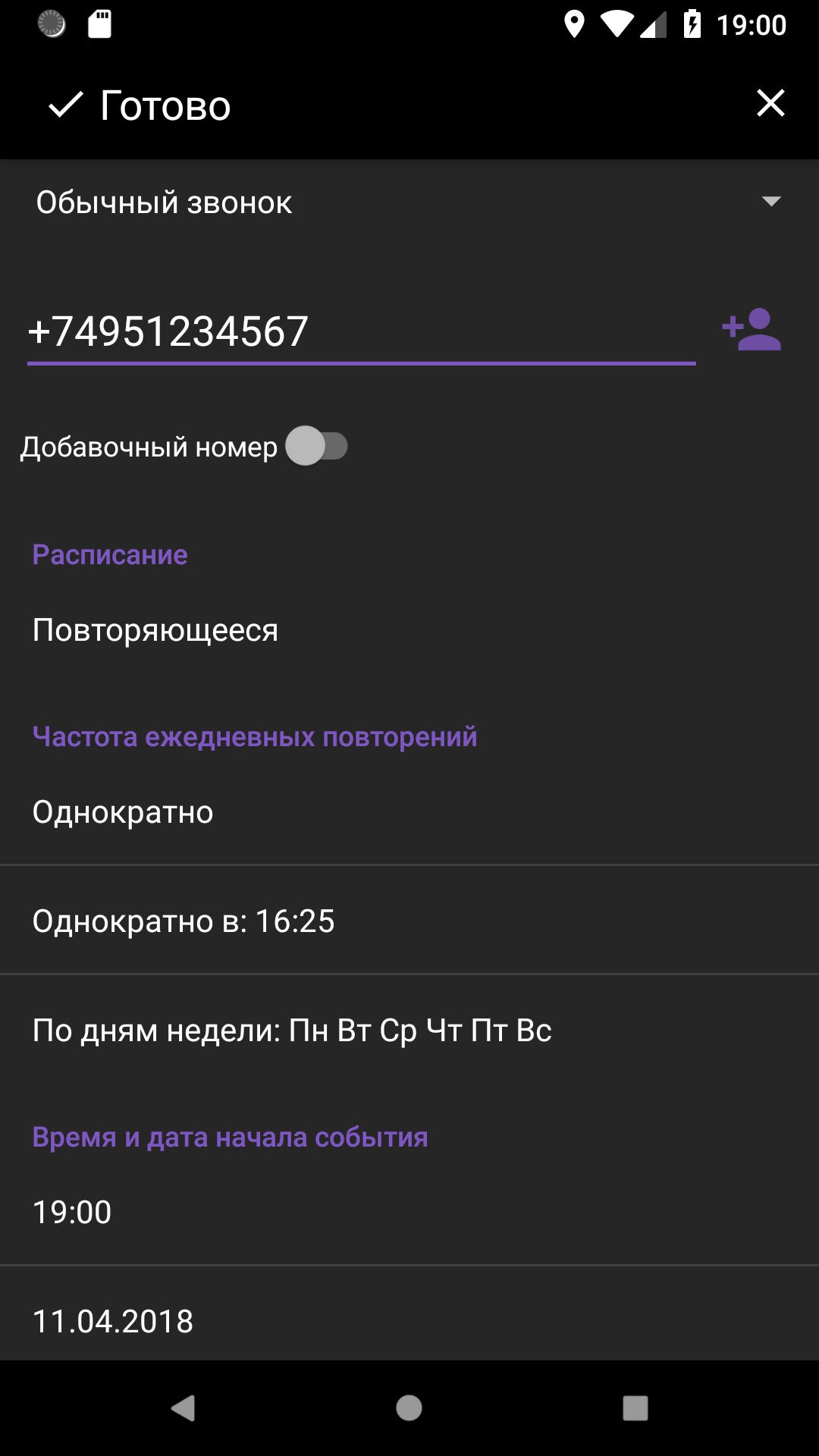
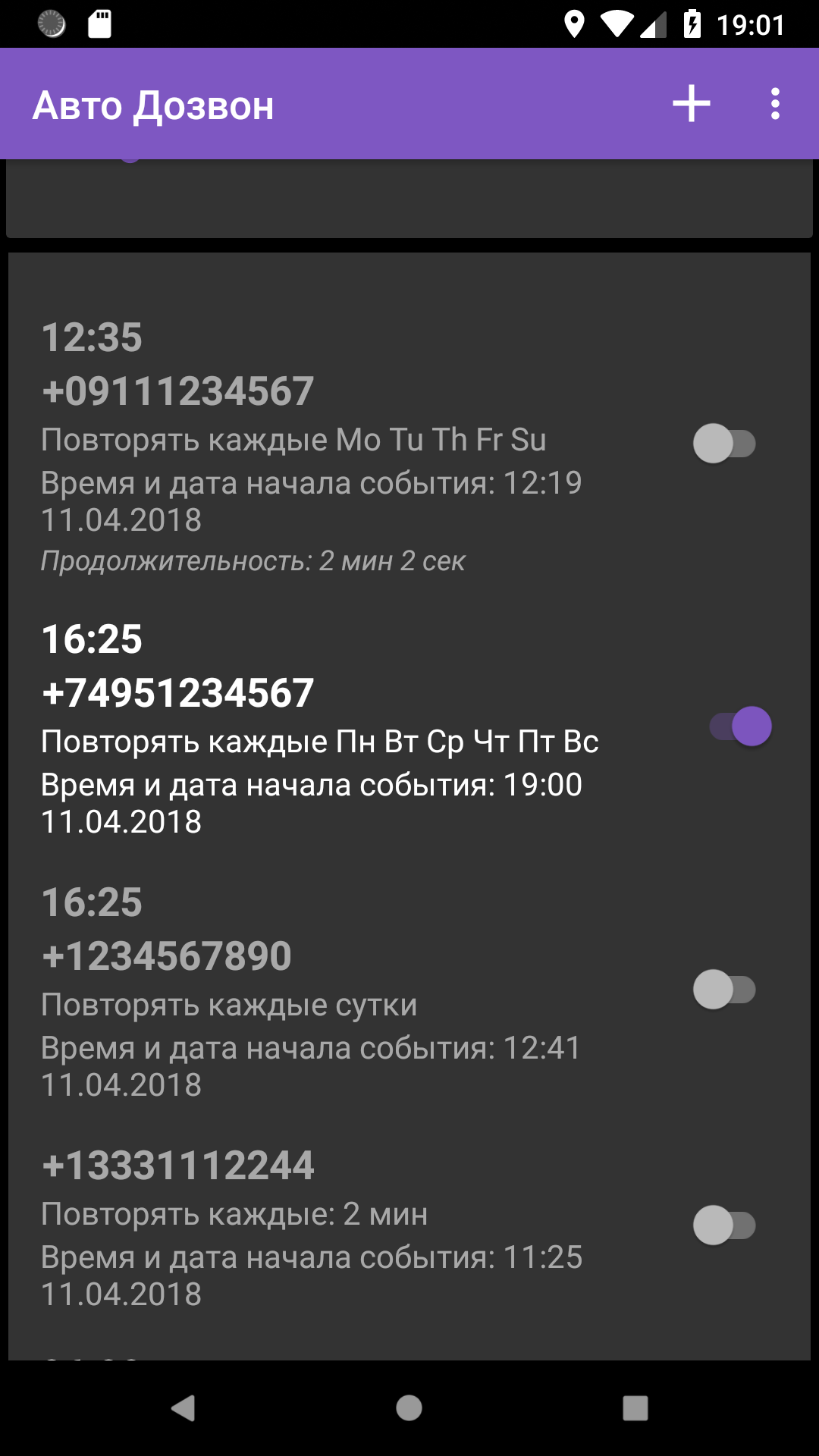
- Panggilan dijadwalkan.
- Pilih tindakan yang akan diambil setelah menjawab panggilan.
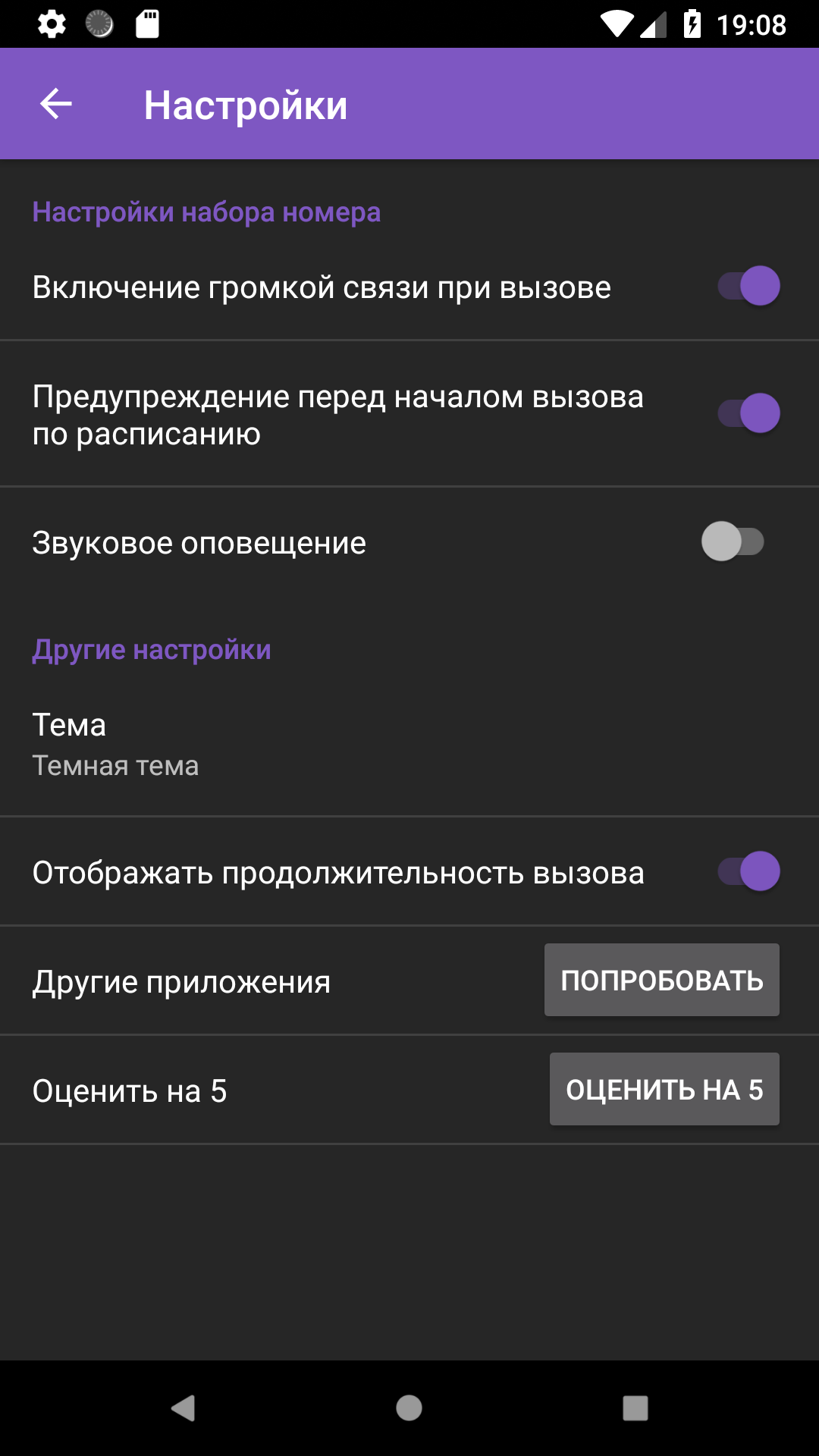
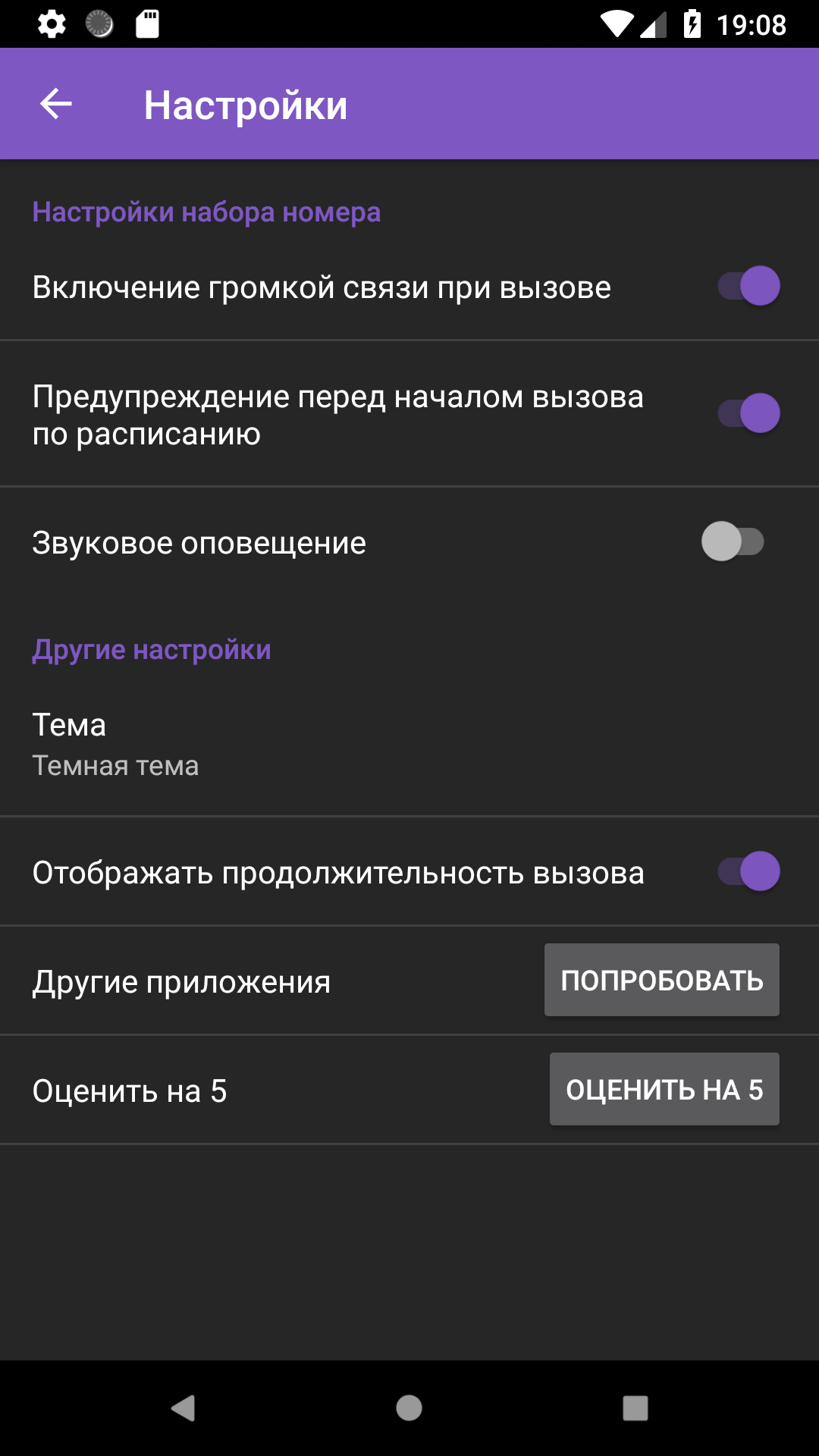
- Antarmuka dalam bahasa Rusia.
- Gratis untuk digunakan.
Deskripsi
Aplikasi Auto Redial diperiksa oleh antivirus VirusTotal. Sebagai hasil pemindaian, tidak ada infeksi file yang terdeteksi oleh semua tanda tangan terbaru.
Cara memasang Auto Redial
- Unduh file APK aplikasi dari apkshki.com.
- Temukan file yang diunduh. Anda dapat menemukannya di baki sistem atau di folder 'Download' menggunakan manajer file apa pun.
- Jika file yang diunduh berekstensi .bin (bug WebView di Android 11), ubah namanya menjadi .apk menggunakan pengelola file apa pun atau coba unduh file dengan browser lain seperti Chrome.
- Mulai penginstalan. Klik pada file yang diunduh untuk memulai penginstalan
- Izinkan penginstalan dari sumber yang tidak dikenal. Jika Anda menginstal untuk pertama kalinya Auto Redial bukan dari Google Play, buka pengaturan keamanan perangkat Anda dan izinkan penginstalan dari sumber yang tidak dikenal.
- Lewati perlindungan Google Play. Jika proteksi Google Play memblokir penginstalan file, ketuk 'Info Lebih Lanjut' → 'Tetap instal' → 'OK' untuk melanjutkan..
- Selesaikan penginstalan: Ikuti petunjuk penginstal untuk menyelesaikan proses penginstalan.
Cara memperbarui Auto Redial
- Unduh versi baru aplikasi dari apkshki.com.
- Cari file yang diunduh dan klik file tersebut untuk memulai penginstalan.
- Instal di atas versi lama. Tidak perlu menghapus instalasi versi sebelumnya.
- Hindari konflik tanda tangan. Jika versi sebelumnya tidak diunduh dari apkshki.com, pesan 'Aplikasi tidak terinstal' mungkin muncul. Dalam kasus ini, hapus instalan versi lama dan instal versi baru.
- Mulai ulang lampiran Auto Redial setelah pembaruan.








Meminta pembaruan aplikasi
Ditambahkan Denis Rubinov
Versi: 6.50
Ukuran: 35.1 MB
Diperbarui: 20.05.2025
Developer: lithiumS
Batasan Usia: Everyone
Otorisasi:
Diunduh di Google Play: 3492055
Kategori: Komunikasi















Ulasan untuk Auto Redial
mind blowing 😎
very good
op app
very nice app it save time and also it dials faster
awesome app easy to use
not bad
perfect
good
good app😂🤣🤣😂
I like this useful app. When dialing on a new Moto G Play, there were full screen ads that halted the dialer from continuing. I did not experience this on LG or Samsung devices. I paid to remove ads, expecting it to remove ads from all 3 installs, however it did not on the other 2. I uninstalled and reinstalled it, but no change. Interestingly, a fresh install on yet another device did have ads removed. Dialer apps fail to end the calls on some of the newest phones, and this app is no exception.
After days of busy signals, I used this to get ahold of a state office during the pandemic and after 2 hours of auto-dialing every 15 seconds, it finally got through. If you can't beat the auto-dialing spam bots, join them! I did have an experience where it stopped dialing after an hour but I reset the parameters and it was off and running again. Small inconvenience but the end result is what I needed. Thank you!
This app works just fine on my phone. I have a LG V60. Since my phone automatically hangs up on a busy signal i don't have the same experience others may have of the app not automactically redialing on a busy signal. The only feature I wish it had is the ability to habe voicemail detection. When a voicemail box answers I have to manually hang up then it automatically redials. Overall it works great for what I need it for.
Got what I needed done! I used this to call my state's unemployment office, which has been overloaded due to the coronavirus crisis. Originally I tried to use the scheduled call function, but I couldn't get it to call more than once. So, I set up the phone number with a 3 second interval and pressed Start on the main landing page. Over the next 3 hours the app placed 330 calls on my behalf until I was able to get through, while I was free to do other tasks. A life saver!! Highly recommend for UI
Worked good. Used it twice. It hung up the phone on me after waiting two hours of redials and 5 minutes on the call. Didn't realize that was in the settings and the didn't seem to be a way to turn it off. Then it wouldn't redial automatically anymore. Had to hang up manually between calls. Not worth the hasstle. I may have lost an opportunity today because of it. Beyond pissed off.
This app is wonderful. Sometimes it freezes and a couple times even restarted my phone randomly. None of that matters because I got through to where i was dialing after 600 calls. Either the app recognized the busy signal, or the busy signal was short and disconnected in time for the app to redial. Whichever it was, it worked! I got through. Now if we can just come up with an app to minimize my hold time that'd be great ; )
Kirimkan komentar
Untuk memberikan komentar, masuklah dengan jejaring sosial Anda:
Atau tinggalkan komentar anonim. Komentar Anda akan dikirim untuk dimoderasi.
Kirimkan komentar
Untuk memberikan komentar, masuklah dengan jejaring sosial Anda:
Atau tinggalkan komentar anonim. Komentar Anda akan dikirim untuk dimoderasi.