


Controller-PC Remote & Gamepad
79+
unduhan4.0+
versi Android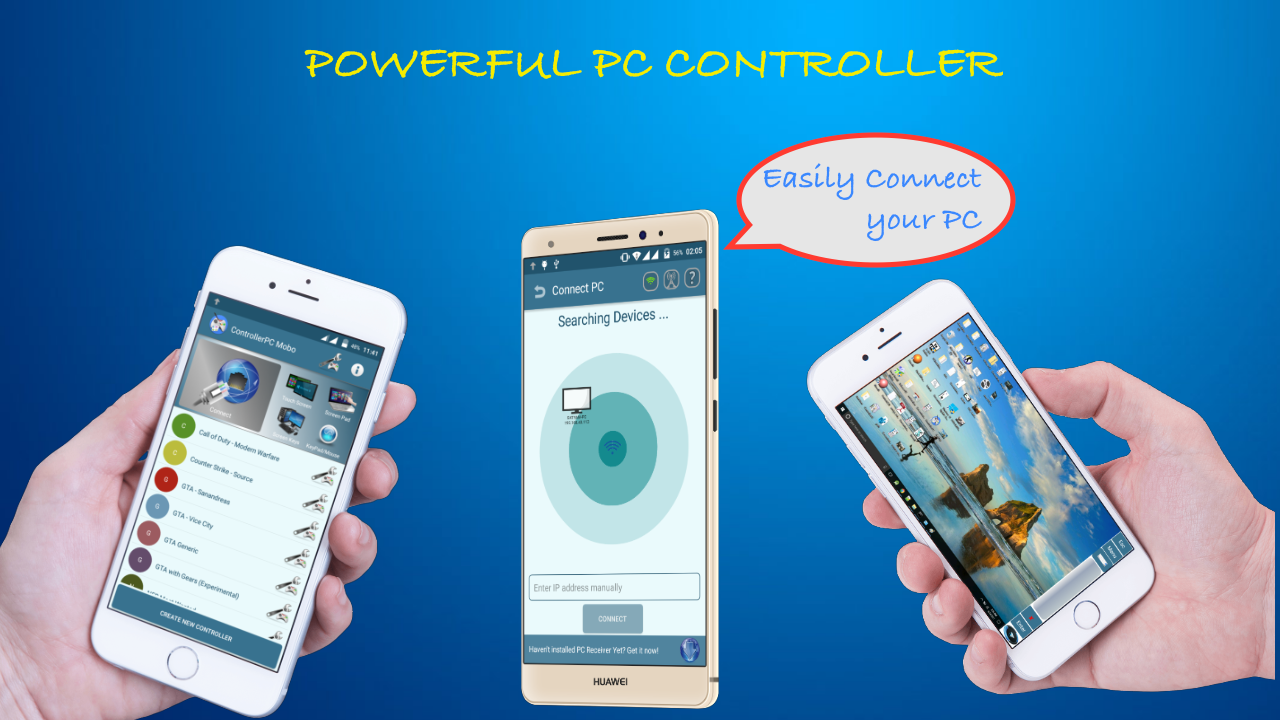
Ditambahkan: Denis Rubinov
Versi: 4.4
Ukuran: 7.4 MB
Diperbarui: 24.06.2025
Developer: MoboAlien
Batasan Usia: Everyone
Otorisasi: 11
Diunduh di Google Play: 1353885
Kategori: Alat
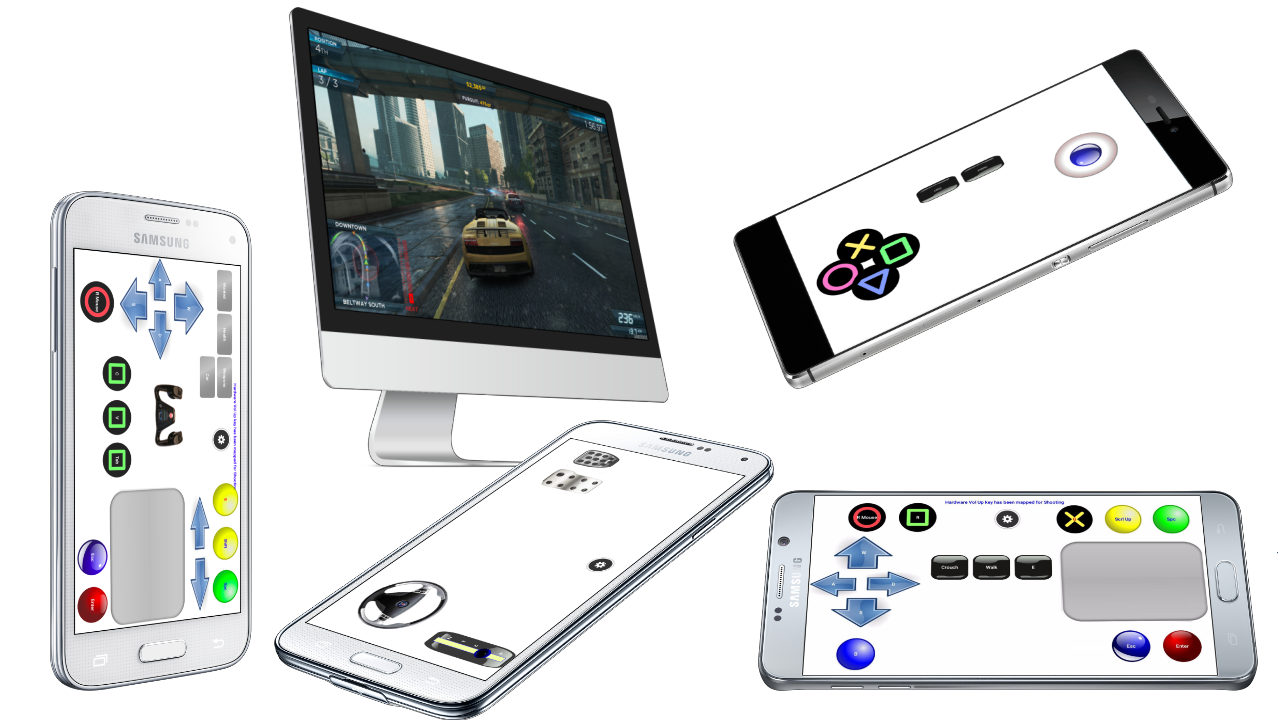
- Terhubung melalui kabel, Bluetooth, atau Wi-Fi.
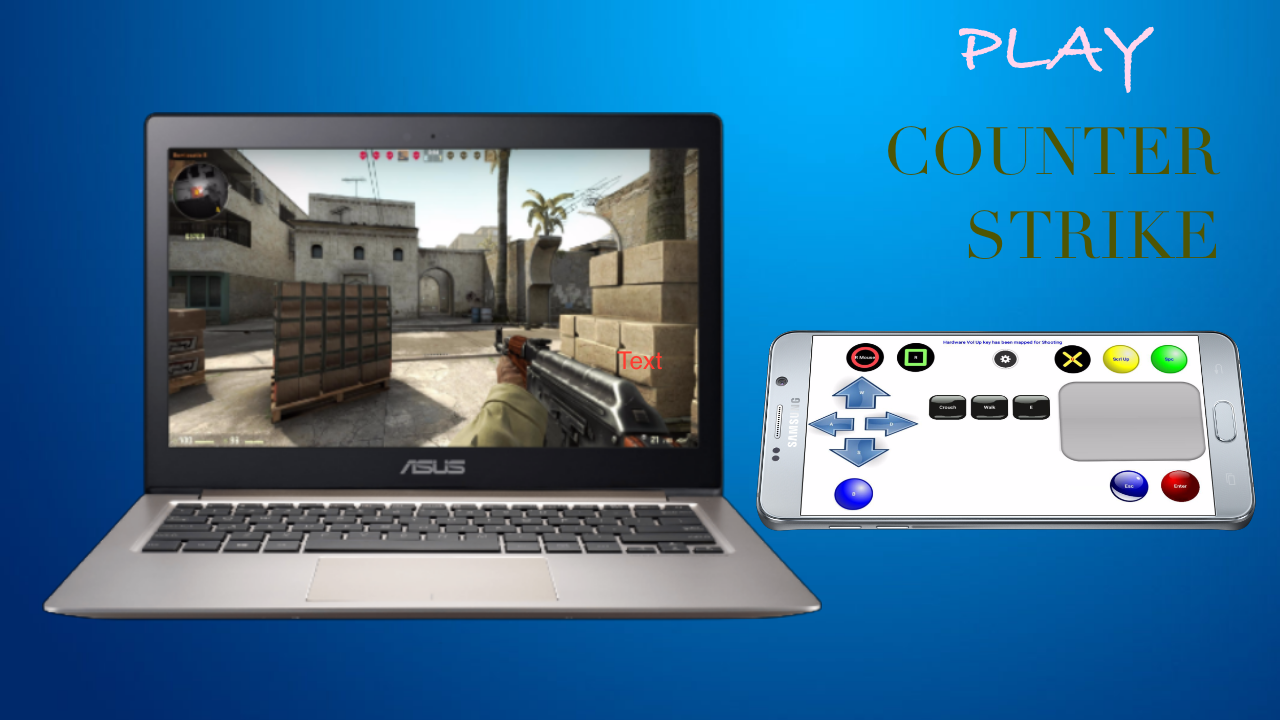
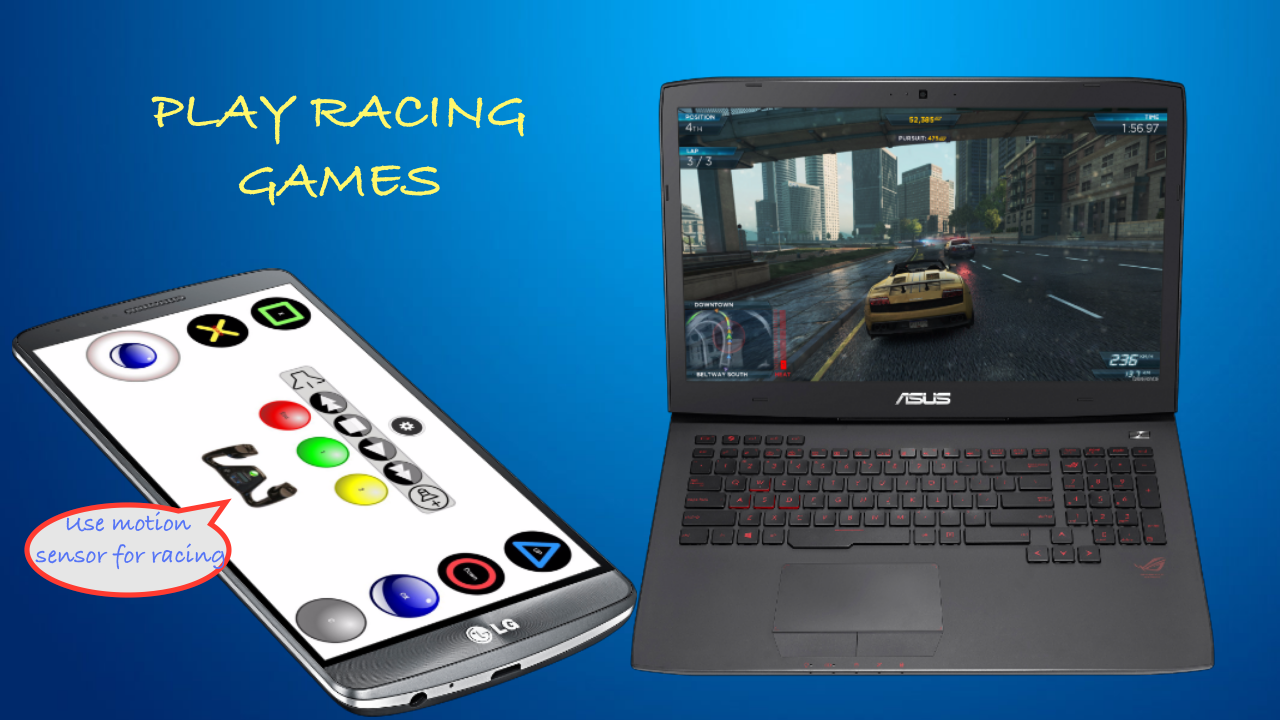
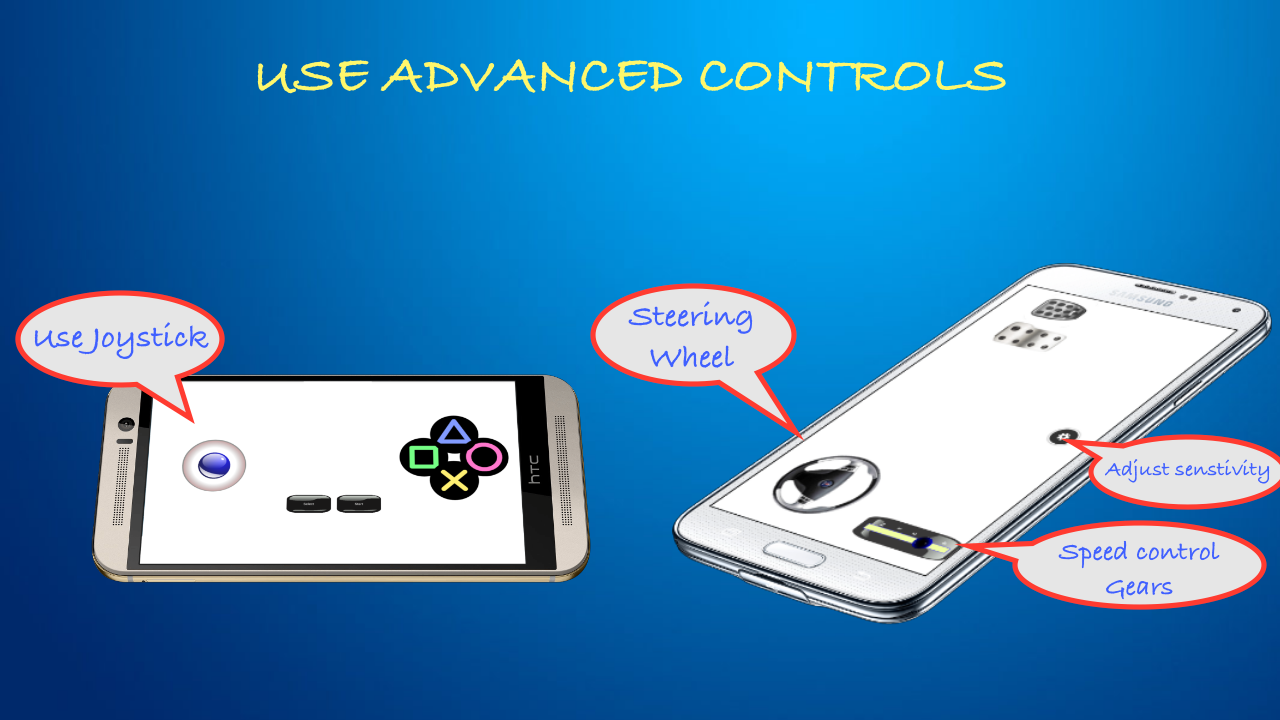
- Menggunakan ponsel cerdas Anda sebagai gamepad PC.
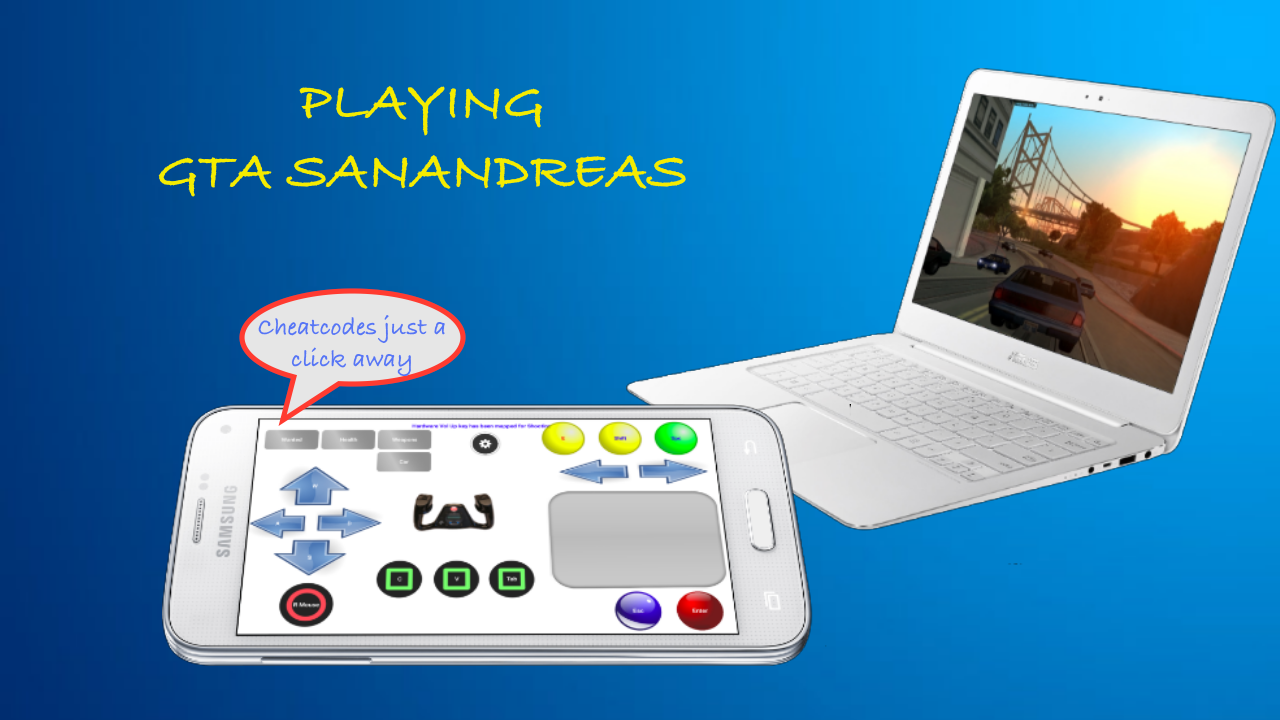
- Masukkan kode cheat dalam satu ketukan.
- Penyiapan yang sangat cepat.
- Gratis untuk digunakan.
Deskripsi
Aplikasi Controller-PC Remote & Gamepad diperiksa oleh antivirus VirusTotal. Sebagai hasil pemindaian, tidak ada infeksi file yang terdeteksi oleh semua tanda tangan terbaru.
Cara memasang Controller-PC Remote & Gamepad
- Unduh file APK aplikasi dari apkshki.com.
- Temukan file yang diunduh. Anda dapat menemukannya di baki sistem atau di folder 'Download' menggunakan manajer file apa pun.
- Jika file yang diunduh berekstensi .bin (bug WebView di Android 11), ubah namanya menjadi .apk menggunakan pengelola file apa pun atau coba unduh file dengan browser lain seperti Chrome.
- Mulai penginstalan. Klik pada file yang diunduh untuk memulai penginstalan
- Izinkan penginstalan dari sumber yang tidak dikenal. Jika Anda menginstal untuk pertama kalinya Controller-PC Remote & Gamepad bukan dari Google Play, buka pengaturan keamanan perangkat Anda dan izinkan penginstalan dari sumber yang tidak dikenal.
- Lewati perlindungan Google Play. Jika proteksi Google Play memblokir penginstalan file, ketuk 'Info Lebih Lanjut' → 'Tetap instal' → 'OK' untuk melanjutkan..
- Selesaikan penginstalan: Ikuti petunjuk penginstal untuk menyelesaikan proses penginstalan.
Cara memperbarui Controller-PC Remote & Gamepad
- Unduh versi baru aplikasi dari apkshki.com.
- Cari file yang diunduh dan klik file tersebut untuk memulai penginstalan.
- Instal di atas versi lama. Tidak perlu menghapus instalasi versi sebelumnya.
- Hindari konflik tanda tangan. Jika versi sebelumnya tidak diunduh dari apkshki.com, pesan 'Aplikasi tidak terinstal' mungkin muncul. Dalam kasus ini, hapus instalan versi lama dan instal versi baru.
- Mulai ulang lampiran Controller-PC Remote & Gamepad setelah pembaruan.





Meminta pembaruan aplikasi
Ditambahkan Denis Rubinov
Versi: 4.4
Ukuran: 7.4 MB
Diperbarui: 24.06.2025
Developer: MoboAlien
Batasan Usia: Everyone
Otorisasi:
Diunduh di Google Play: 1353885
Kategori: Alat















Ulasan untuk Controller-PC Remote & Gamepad
Best!
Doesn't connect at all useless app
Virus
O App é bom mas pararam de dar assistência e o programa do computador não se pode instalar mais
The best and the only working controller, the customizable feature took it to the next level
This app is Nice I want a steering wheel but it was not of my budget so I installed a app named 900° Steering Wheel but when I was ready to play it didn't work so then I recommend this app but I installed many year ago i finded this app so thanks,MoboAlien
This is the best pc controller app period. I have been using this app for nearly 4 years now and have recommended it to many of my friends who love it, but i don't think many people are aware of its multi purpose usability. Devs need better recognitions for their excellent hard work. Great job MoboAlien team.
The app doesn't work on windows 11
Using it for like 6 years yeah I think it's a good app
Great app
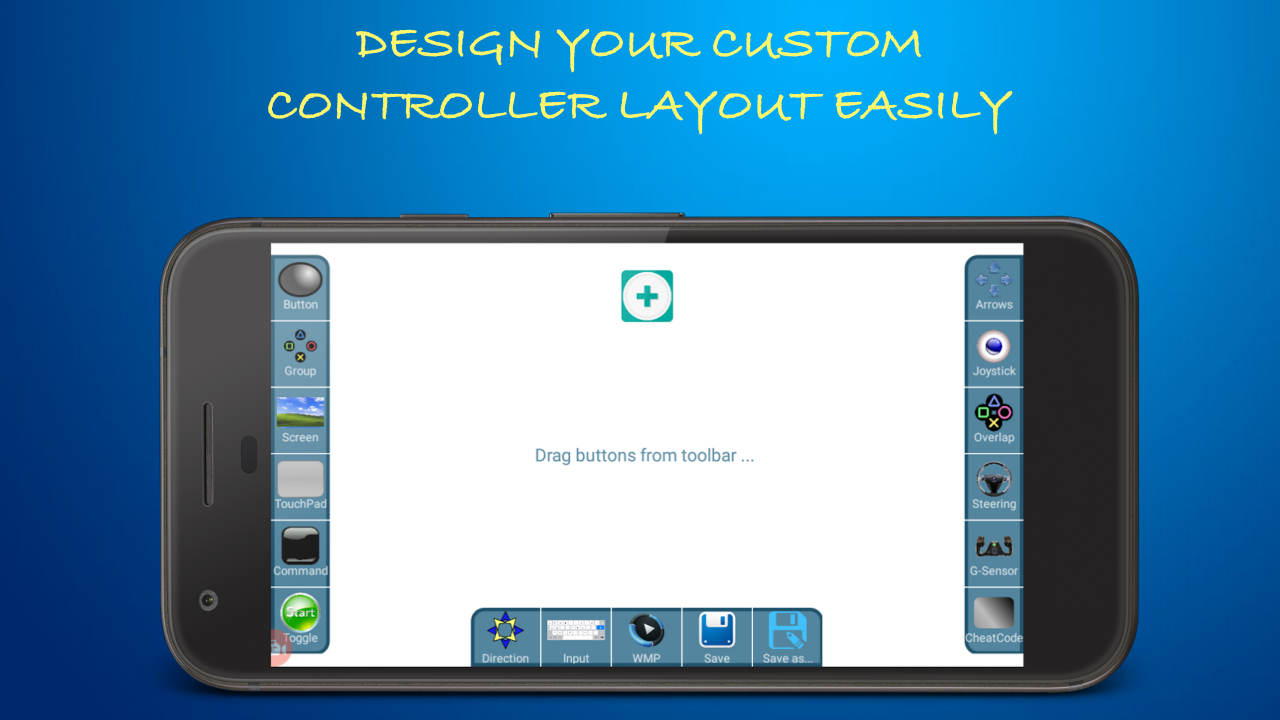
This app is PERFECT!!! My custom controller setup eliminates the fatigue of a traditional mouse and keyboard setup I use with my laptop's modeling software. I just add a button in the app, select the desired shortcut key from a dropdown menu, place the button on my phone's screen wherever feels the most comfortable, and that's it. No more pain!!! I just wish they had a pay-for version. They deserve money for this.
This is the best app in the world a few years later you will get 7billion downloads but i have a suggestion to you if we can switch our gamepad to a new gamepad in just one tap, that will be amazing And if it had this feature that by pressing a button once, it would measure some key and by pressing twice it would map another key, then it would be very good.
It's so good that it's hard to believe it's free. Had no issues at all. Installing needed software is quick, almost no configuration needed and everything works perfectly fine. And ability to create custom layouts with custom buttons etc.... It's amazing!
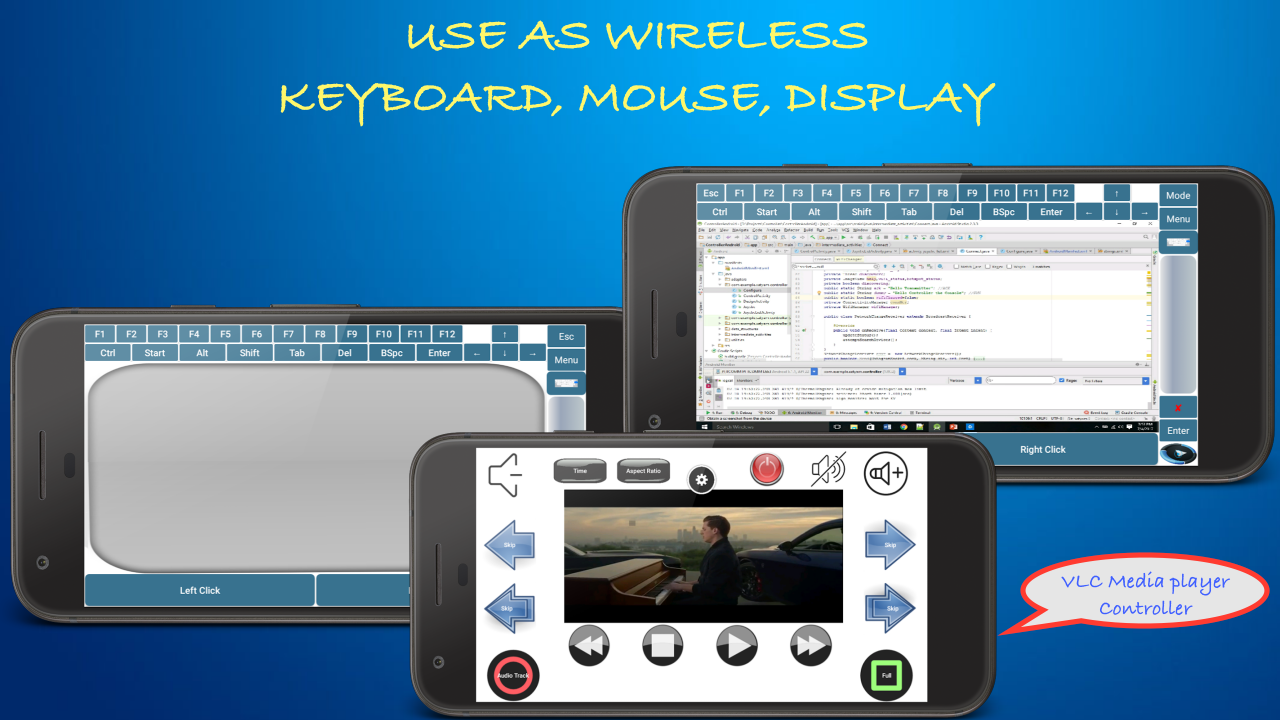
It has been great so far I enjoy the many features that it has for example: it lets you use your phone as a mouse, a keyboard and of coure a controller. I like that it not only gives you a Verity of preset controllers to choose from but that it even alow you to make your own, it also cast the screen off the computer and even tho there are ads they are few and the controllers are very responsive even thou its over wifi.
I can see that this works, however it is tedious to try to setup. There are some presets for certain games, but I think a ore comprehensive preset list would be helpful (perhaps a forum where users could share/upload/download presets). Also maybe a more standard preset like "X-box controller" or "playstation controller" would be helpful. I am trying to play human fall flat, but cannot figure out how to setup all the controls. Overall, amazing app.
Kirimkan komentar
Untuk memberikan komentar, masuklah dengan jejaring sosial Anda:
Atau tinggalkan komentar anonim. Komentar Anda akan dikirim untuk dimoderasi.
Kirimkan komentar
Untuk memberikan komentar, masuklah dengan jejaring sosial Anda:
Atau tinggalkan komentar anonim. Komentar Anda akan dikirim untuk dimoderasi.