



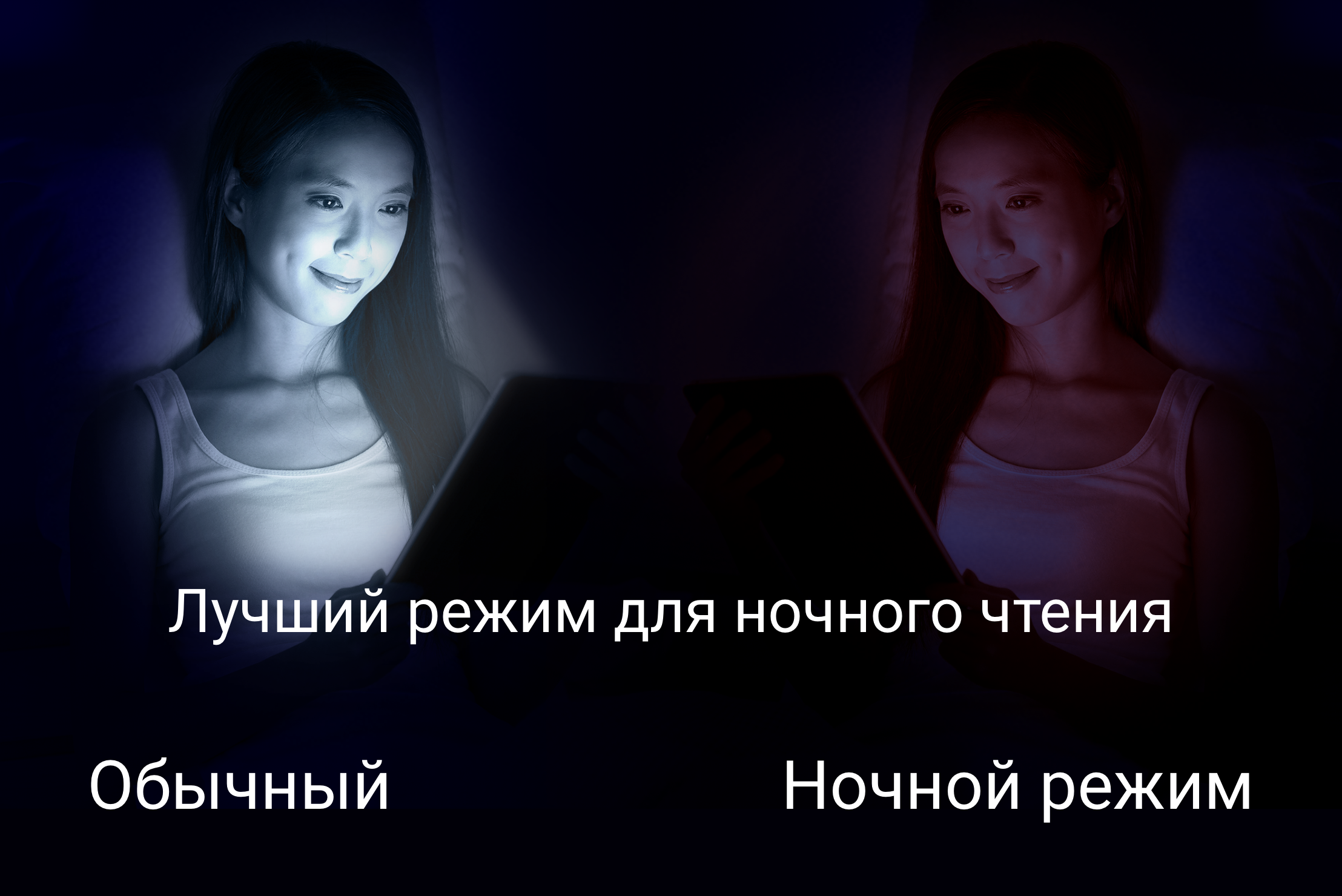
Blue Light Filter - Night Mode
10+
unduhan1.0+
versi Android
Ditambahkan: Denis Rubinov
Versi: 1.5.8
Ukuran: 7.4 MB
Diperbarui: 13.11.2023
Developer: Leap Fitness Group
Batasan Usia: Everyone
Otorisasi: 11
Diunduh di Google Play: 31846260
Kategori: Kesehatan & Kebugaran
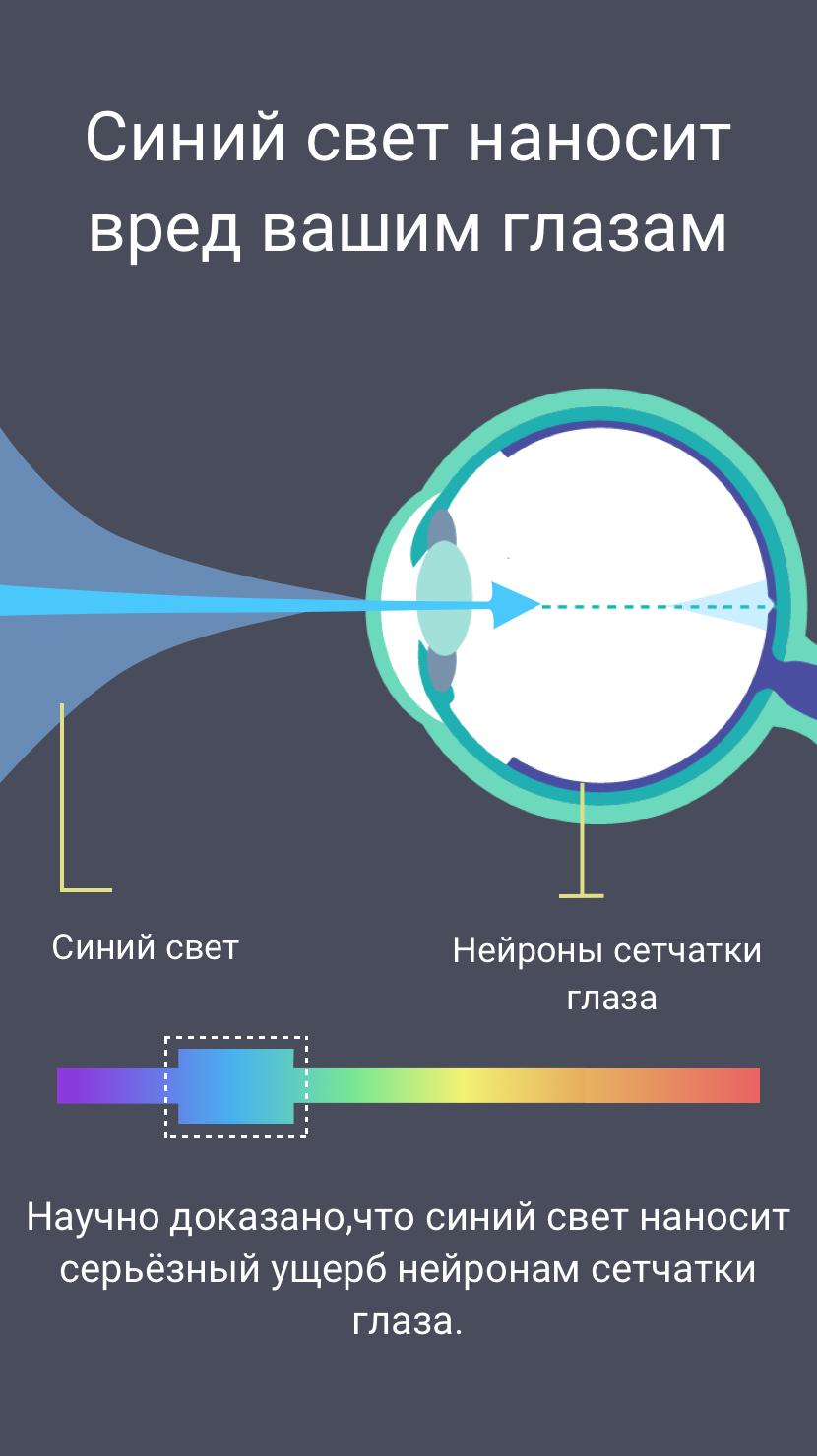
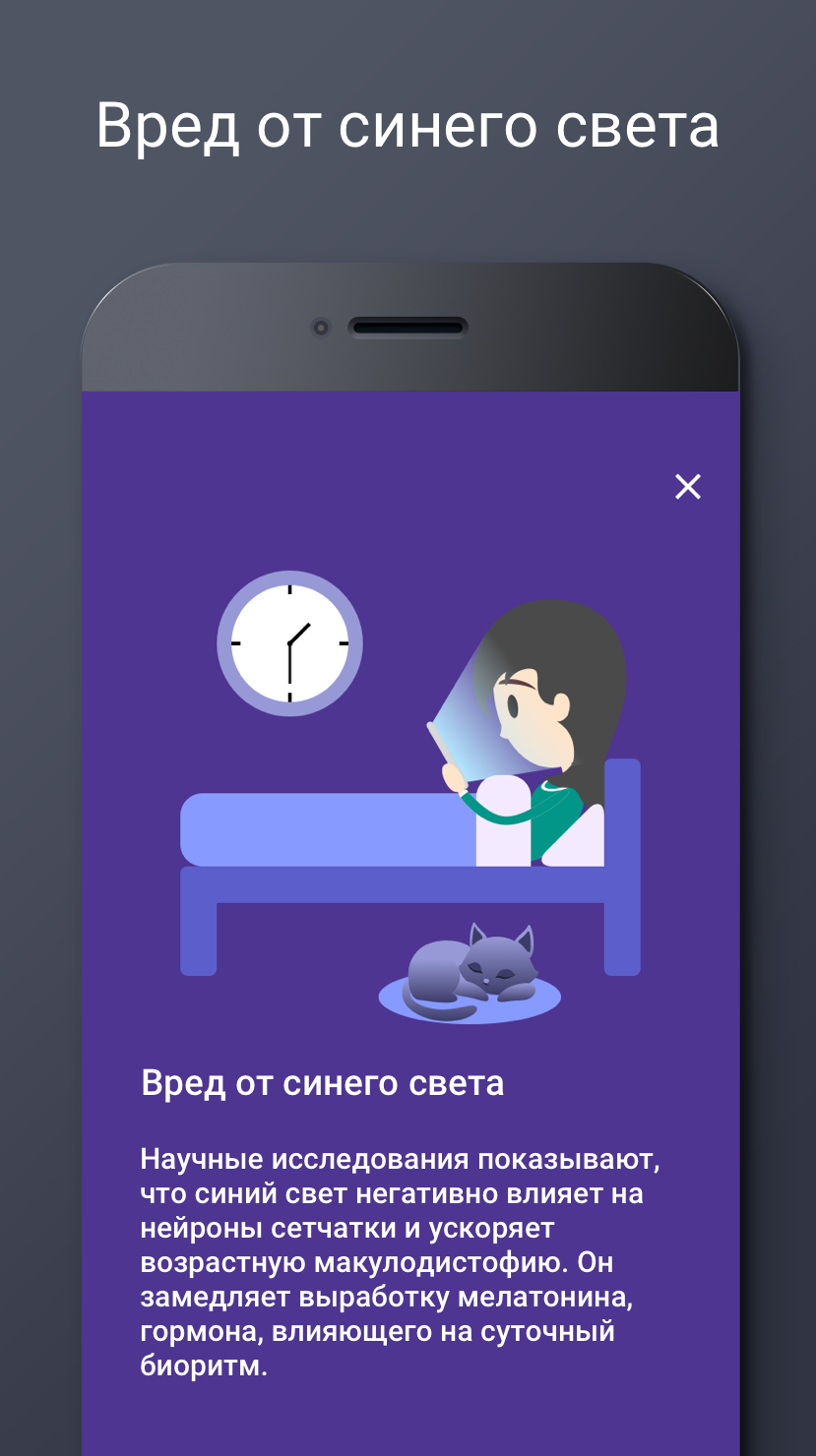
- Mengurangi kerusakan mata.
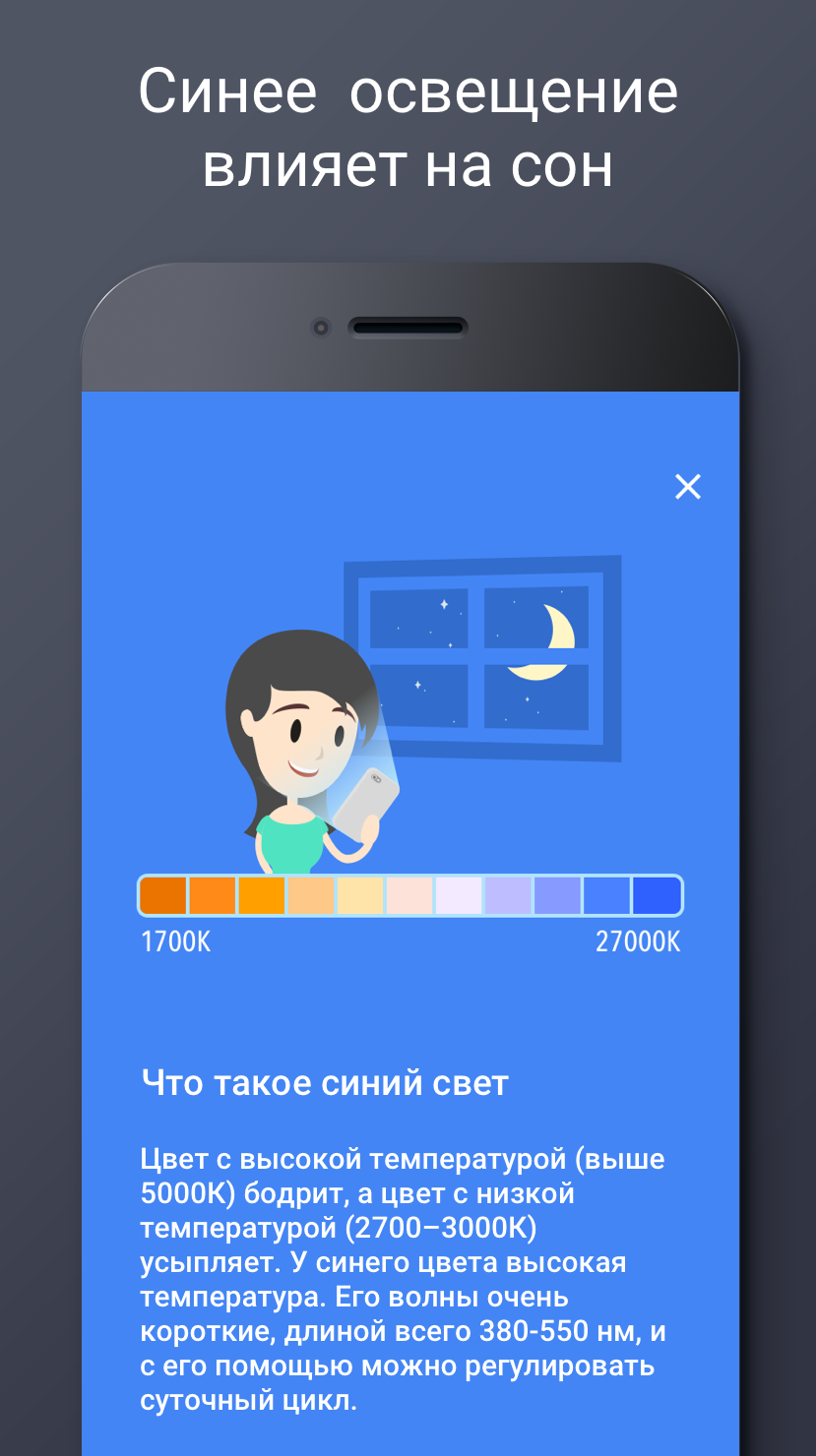
- Membantu untuk lebih mudah tertidur.
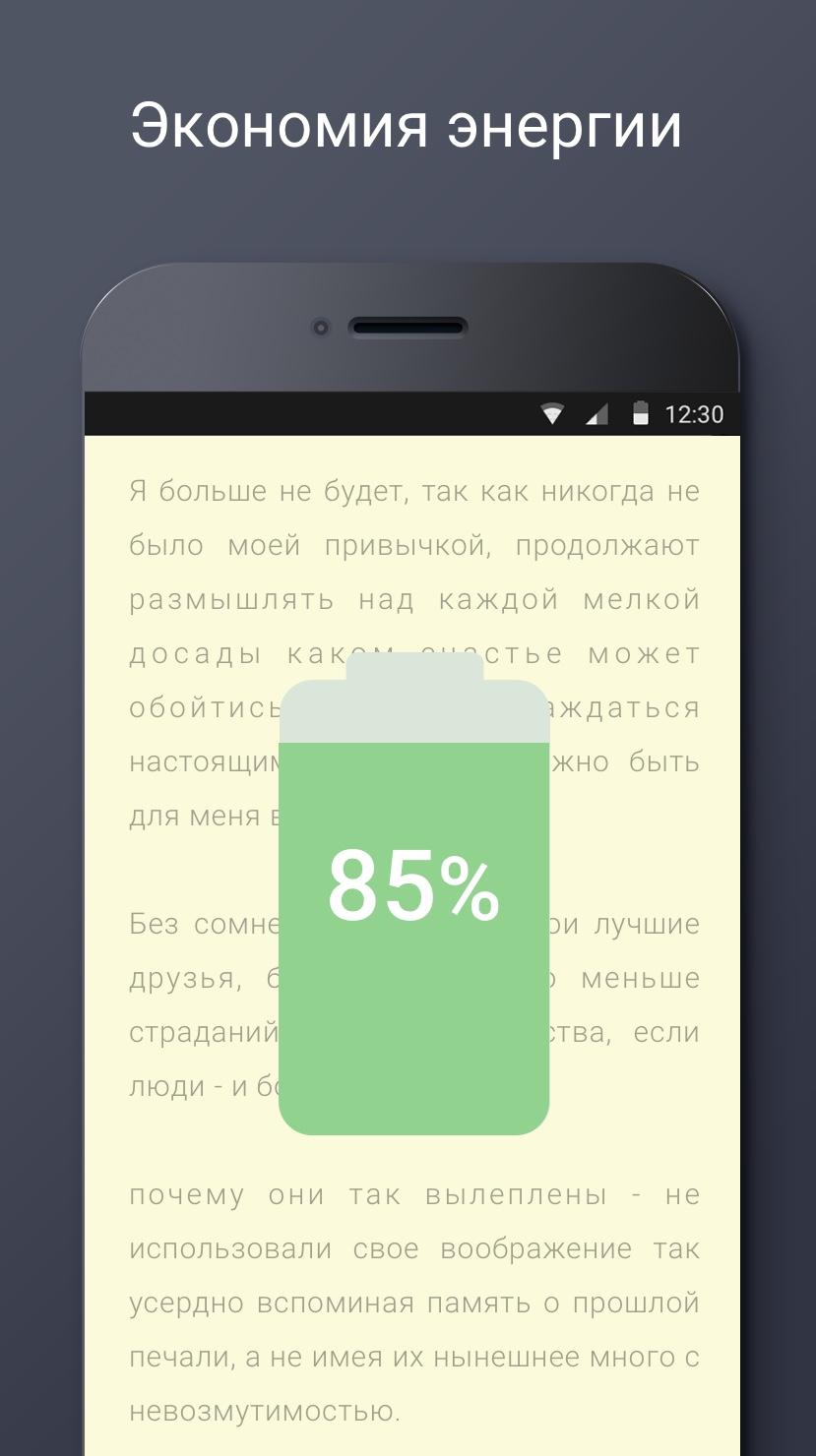
- Mengurangi konsumsi daya gadget.
- Beberapa opsi filter.
- Sesuaikan intensitasnya.
- Program ini sangat mudah digunakan.
Deskripsi
Aplikasi Blue Light Filter - Night Mode diperiksa oleh antivirus VirusTotal. Sebagai hasil pemindaian, tidak ada infeksi file yang terdeteksi oleh semua tanda tangan terbaru.
Cara memasang Blue Light Filter - Night Mode
- Unduh file APK aplikasi dari apkshki.com.
- Temukan file yang diunduh. Anda dapat menemukannya di baki sistem atau di folder 'Download' menggunakan manajer file apa pun.
- Jika file yang diunduh berekstensi .bin (bug WebView di Android 11), ubah namanya menjadi .apk menggunakan pengelola file apa pun atau coba unduh file dengan browser lain seperti Chrome.
- Mulai penginstalan. Klik pada file yang diunduh untuk memulai penginstalan
- Izinkan penginstalan dari sumber yang tidak dikenal. Jika Anda menginstal untuk pertama kalinya Blue Light Filter - Night Mode bukan dari Google Play, buka pengaturan keamanan perangkat Anda dan izinkan penginstalan dari sumber yang tidak dikenal.
- Lewati perlindungan Google Play. Jika proteksi Google Play memblokir penginstalan file, ketuk 'Info Lebih Lanjut' → 'Tetap instal' → 'OK' untuk melanjutkan..
- Selesaikan penginstalan: Ikuti petunjuk penginstal untuk menyelesaikan proses penginstalan.
Cara memperbarui Blue Light Filter - Night Mode
- Unduh versi baru aplikasi dari apkshki.com.
- Cari file yang diunduh dan klik file tersebut untuk memulai penginstalan.
- Instal di atas versi lama. Tidak perlu menghapus instalasi versi sebelumnya.
- Hindari konflik tanda tangan. Jika versi sebelumnya tidak diunduh dari apkshki.com, pesan 'Aplikasi tidak terinstal' mungkin muncul. Dalam kasus ini, hapus instalan versi lama dan instal versi baru.
- Mulai ulang lampiran Blue Light Filter - Night Mode setelah pembaruan.
Six Pack in 30 Days
Kesehatan & Kebugaran
Workout for Women: Fit at Home
Kesehatan & Kebugaran
Home Workout - No Equipment
Kesehatan & Kebugaran

Ovulation & Period Tracker
Kesehatan & Kebugaran
Arm Workout - Biceps Exercise
Kesehatan & Kebugaran

Step Counter - Pedometer
Kesehatan & Kebugaran
Lose Belly Fat - Abs Workout
Kesehatan & Kebugaran
Water Drink Reminder
Kesehatan & Kebugaran

Yoho Sports
Kesehatan & Kebugaran

Lefun Health
Kesehatan & Kebugaran
Peaceful Sounds
Kesehatan & Kebugaran
Six Pack in 30 Days
Kesehatan & Kebugaran
Sleeptic
Kesehatan & Kebugaran
Lose Weight at Home in 30 Days
Kesehatan & Kebugaran

Wearfit
Kesehatan & Kebugaran
Workout for Women: Fit at Home
Kesehatan & Kebugaran
Meminta pembaruan aplikasi
Ditambahkan Denis Rubinov
Versi: 1.5.8
Ukuran: 7.4 MB
Diperbarui: 13.11.2023
Developer: Leap Fitness Group
Batasan Usia: Everyone
Otorisasi:
Diunduh di Google Play: 31846260
Kategori: Kesehatan & Kebugaran















Ulasan untuk Blue Light Filter - Night Mode
Great help with Blue light filter at night good sleep
Best
Would suggest adding configuration and have the option for when are those configuration are gonna turn on.
very good
best app ever
Good
if u know how it works...it is the best app for u 🙂 really
reduces the harmful rays
amazing app 🤩
azimg for eyes comfotness who wear glasses lights irritates those persons it's really helpfull thanks for this application
I love this. I've been having blue light headaches and this completely stops them. I recommend doing the screen dim in the app as well. The one problem (and the reason I only gave it 4/5 stars) is that the filter only works on the home screen, not the lock screen. I'd like it to work on everything while it's on. Otherwise, great app. Update: It has started turning off randomly when I have it set on. A little annoying and kind of painful. If I could just have it on 24/7, that would be great.
The app keeps turning itself back off every time my screen locks. I have the settings to allow it to use background data, and it still does it. I keep having to go back in and turn it on way too often. And sometimes it interferes with my other apps working properly. Please fix this or I will find a different app. My eyes are too sensitive to the blue light and it sometimes causes migraines and seizures, and I need the filter on all the time.
Um, so I hate to be a complainer, but the filter doesn't cover my lock screen or notification bar on my Samsung S7. Not sure if it's an actual bug or just something I'm doing wrong, though. Otherwise love the app! Even with the parts of my screen that aren't covered it works well enough, and I'll change my rating to a full 5 stars if someone can help me out. I realize that this is a recurring problem (having looked through the other reviews), so it seems like it should be put on high priority.
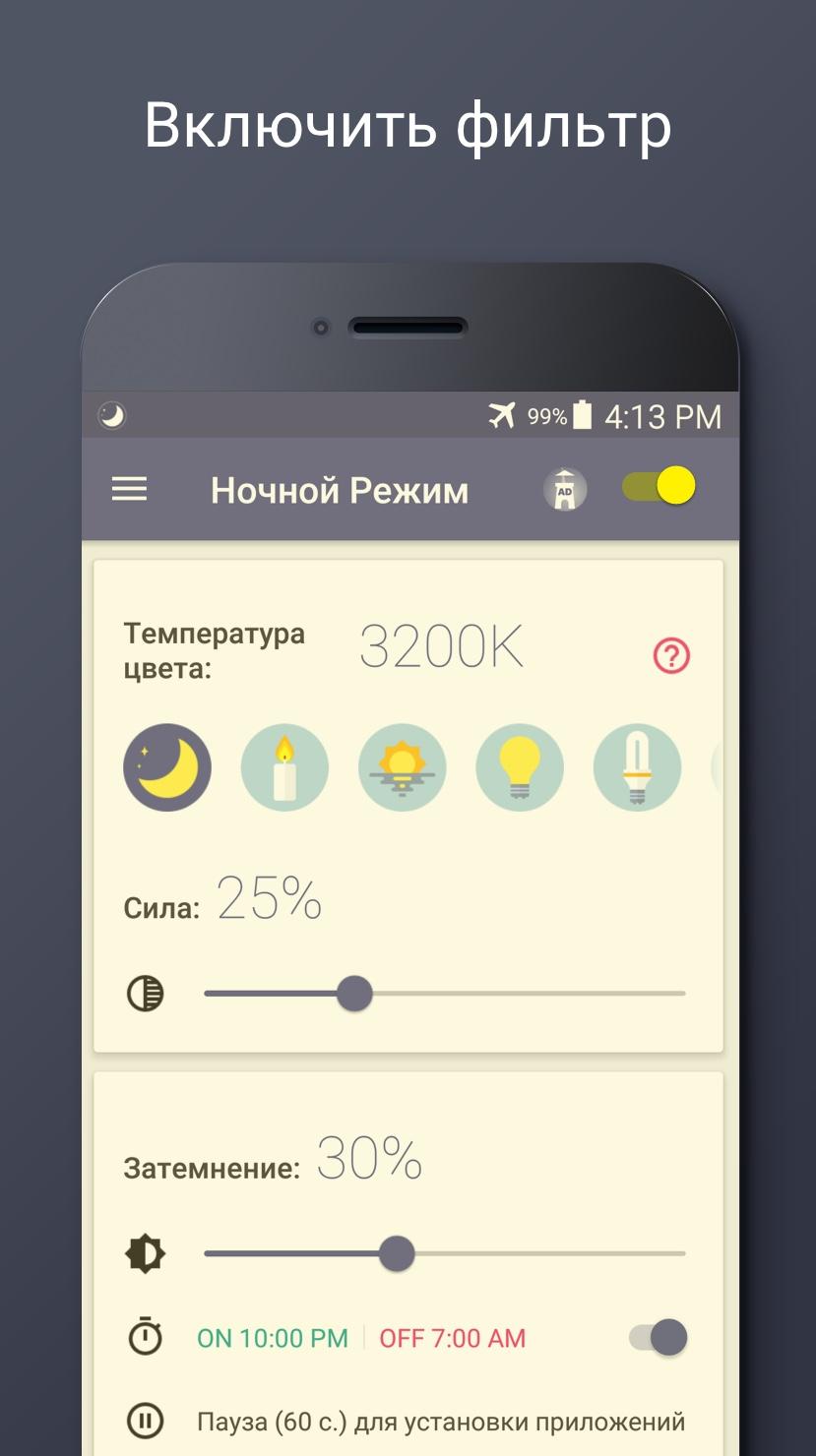
You can change the screen color temperature, screen brightness, when to turn on blue light filter but I wish there was easier to use than sliding a dot on a line. Also, sometimes shut off on its own and constant have ads. I recommend this app to anyone that want the basic blue light filter functions feature all should have.
I've been using this app for four years. It really dims the screen and keeps that blue light from keeping you awake. It has features to turn on and off automatically at the time of day you set, which is nice. Also settings for light frequency and brightness. It's a good app that I would install the first day if I got a new device.
Kirimkan komentar
Untuk memberikan komentar, masuklah dengan jejaring sosial Anda:
Atau tinggalkan komentar anonim. Komentar Anda akan dikirim untuk dimoderasi.
Kirimkan komentar
Untuk memberikan komentar, masuklah dengan jejaring sosial Anda:
Atau tinggalkan komentar anonim. Komentar Anda akan dikirim untuk dimoderasi.