


FX File Explorer
20+
unduhan4.1+
versi Android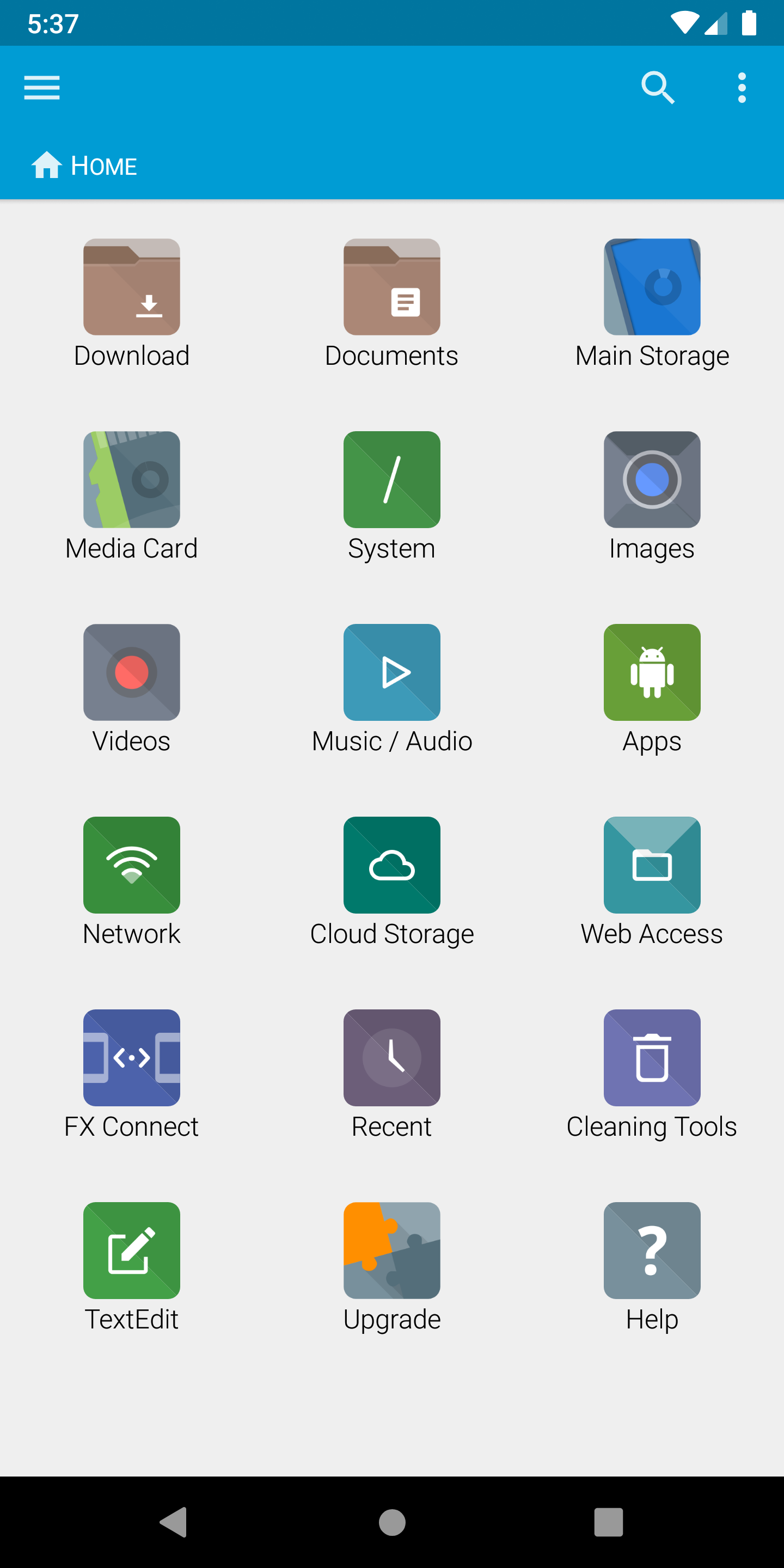
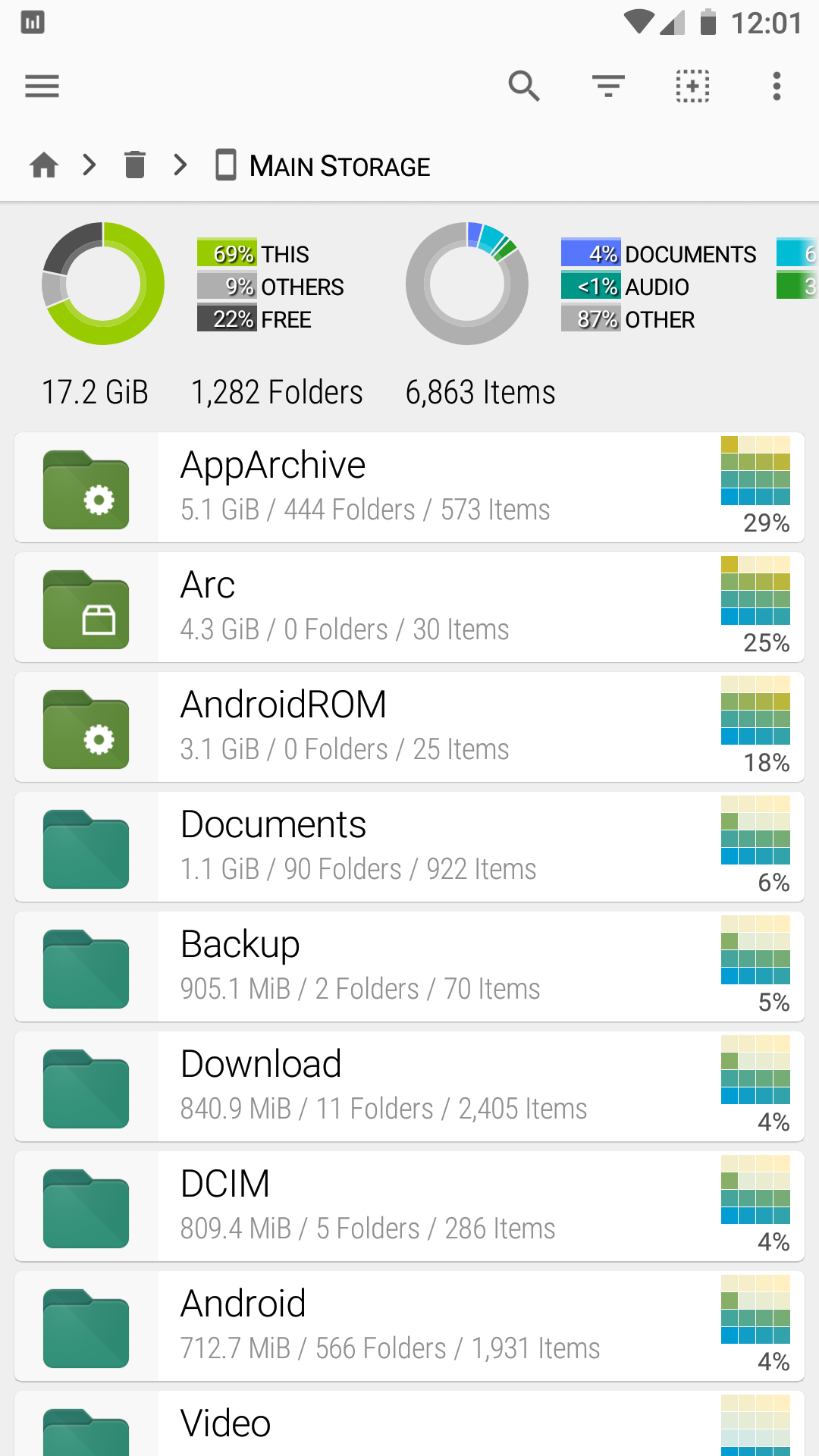
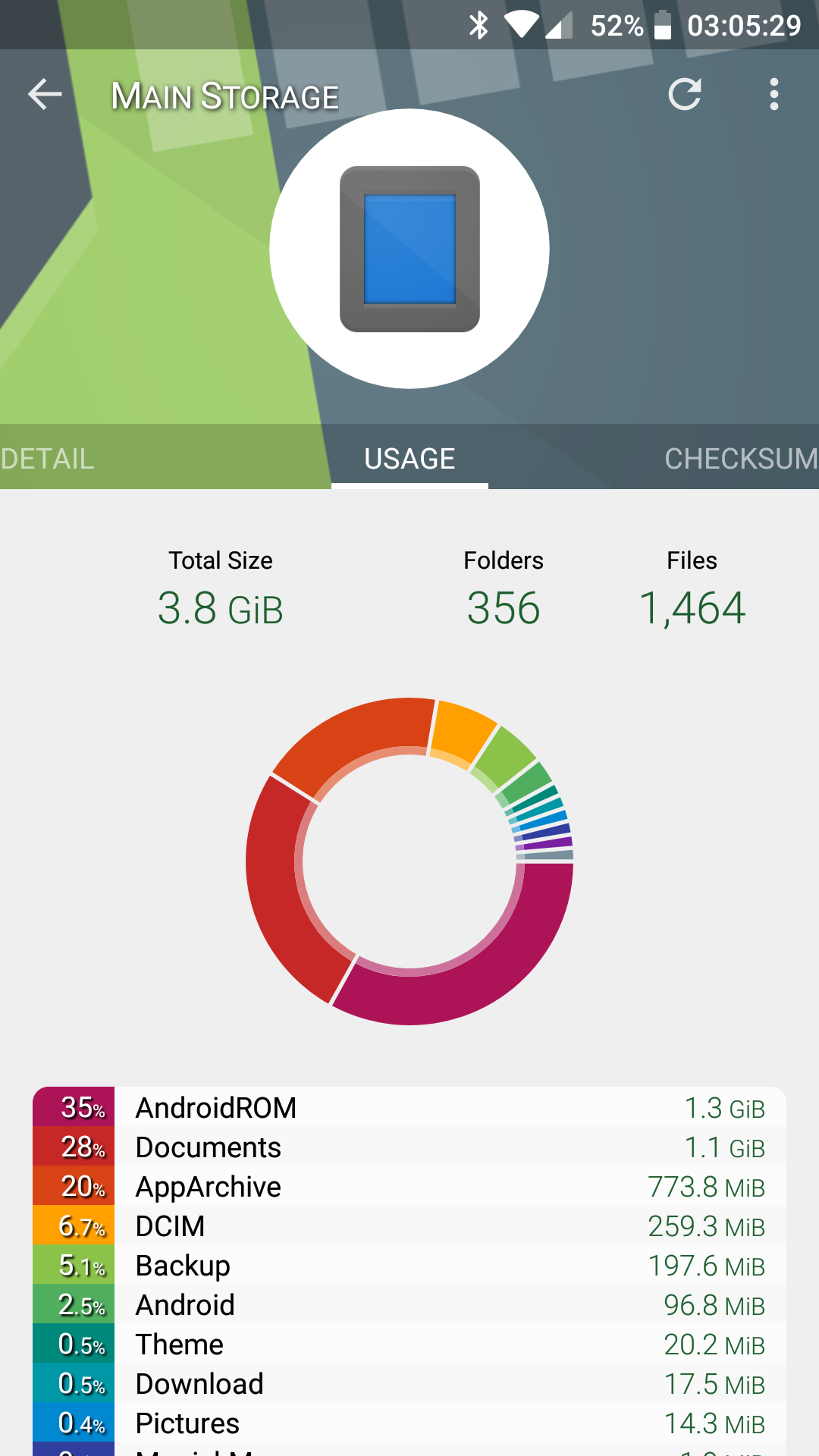
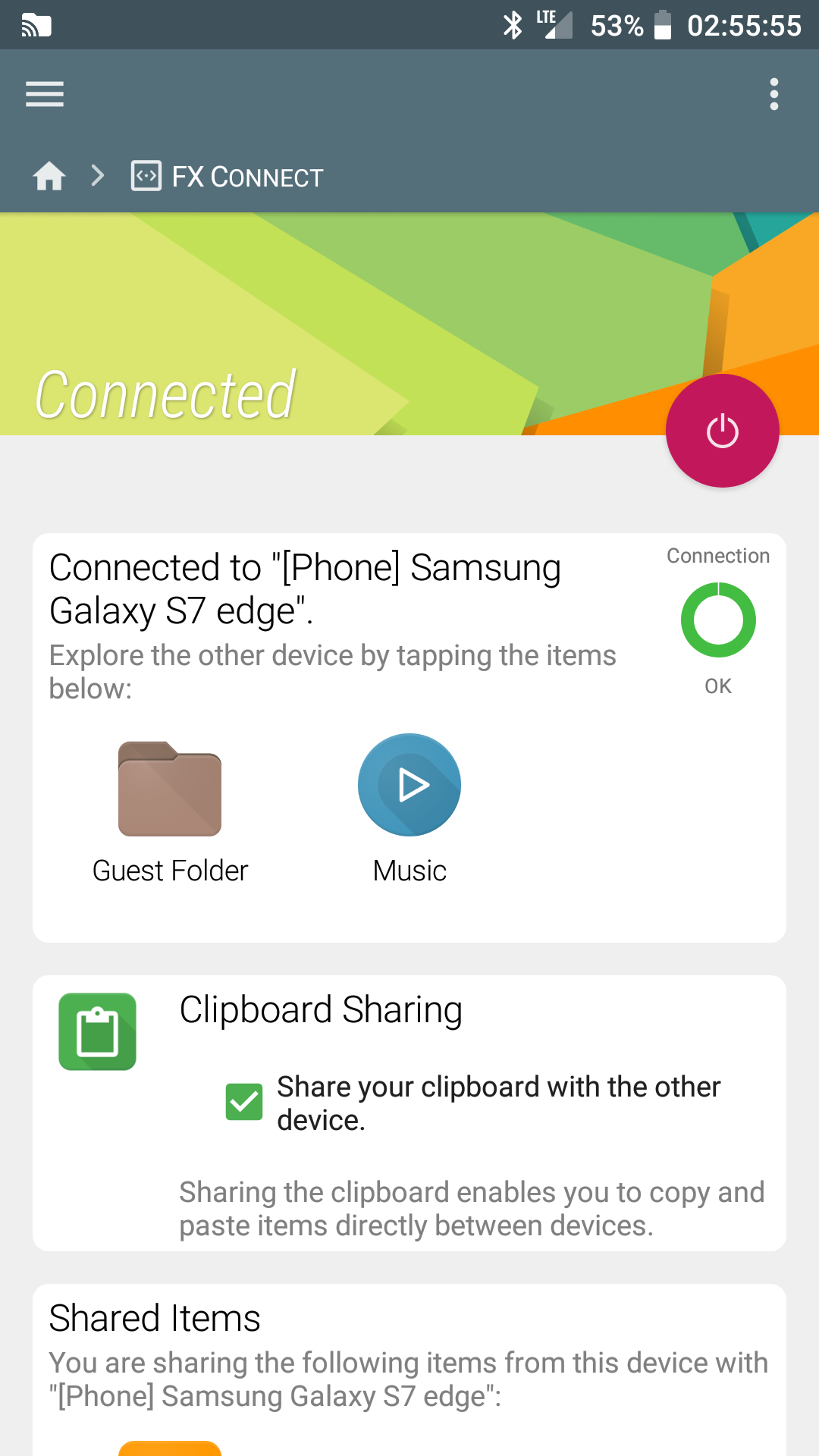
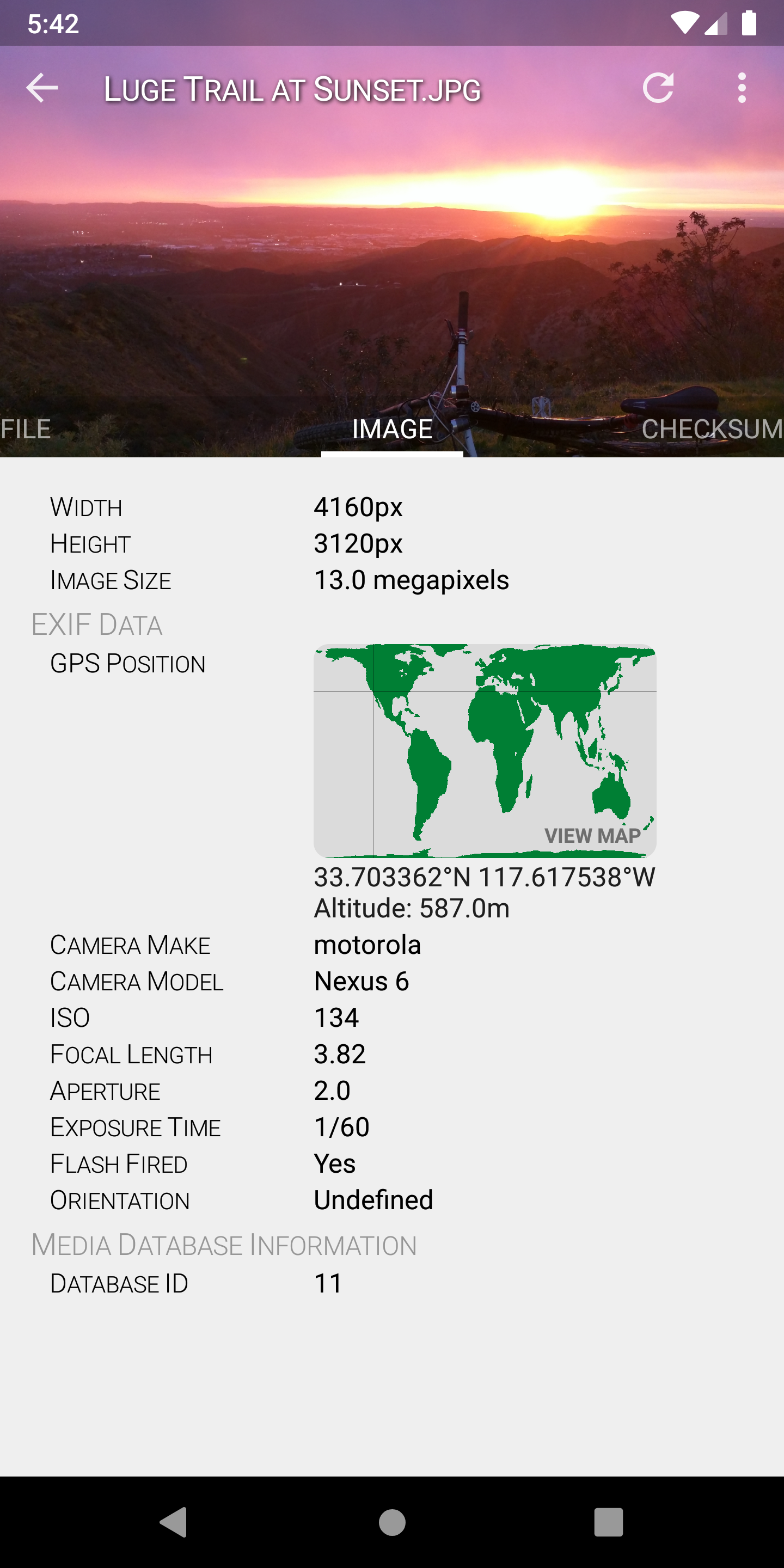
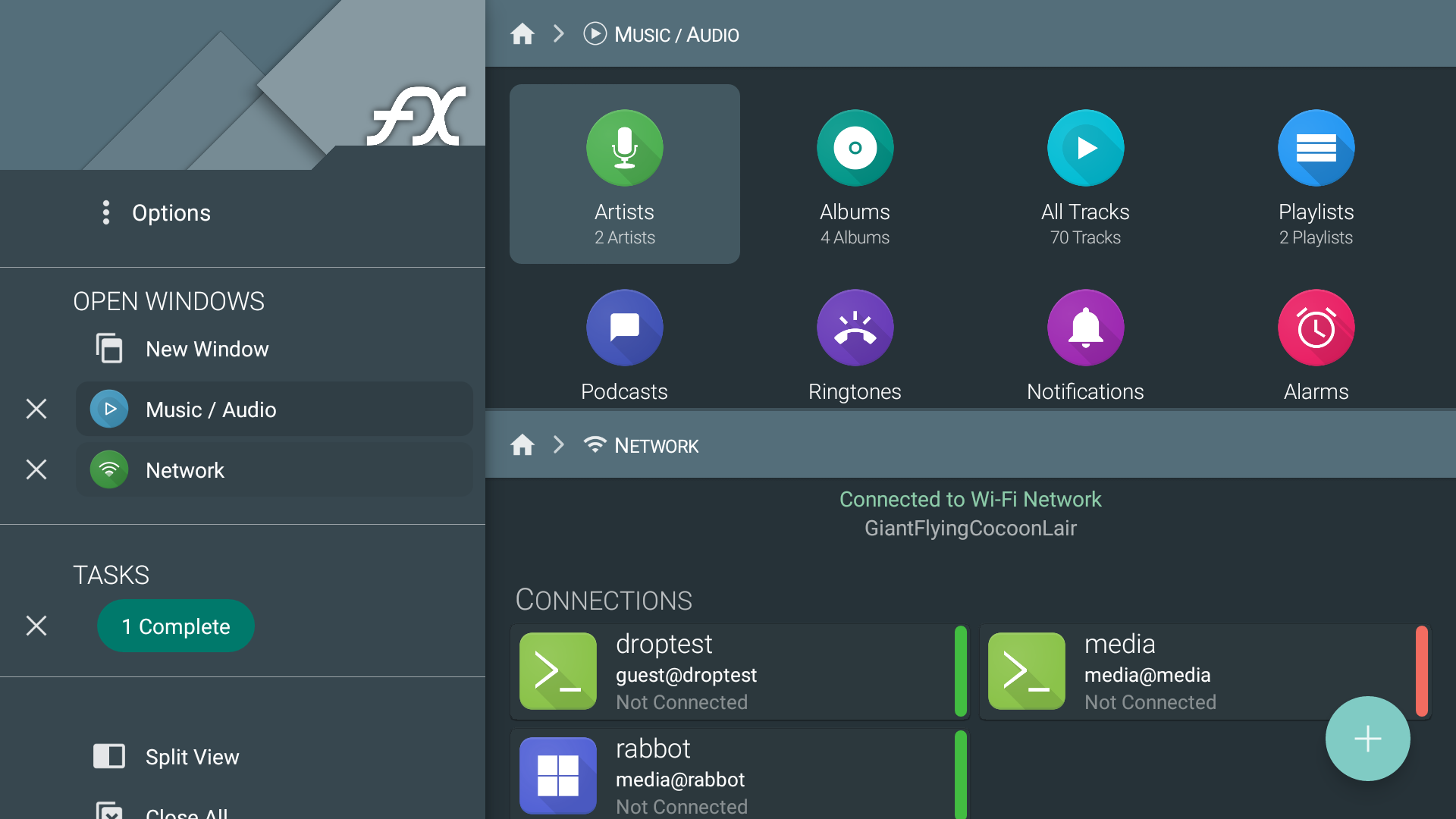
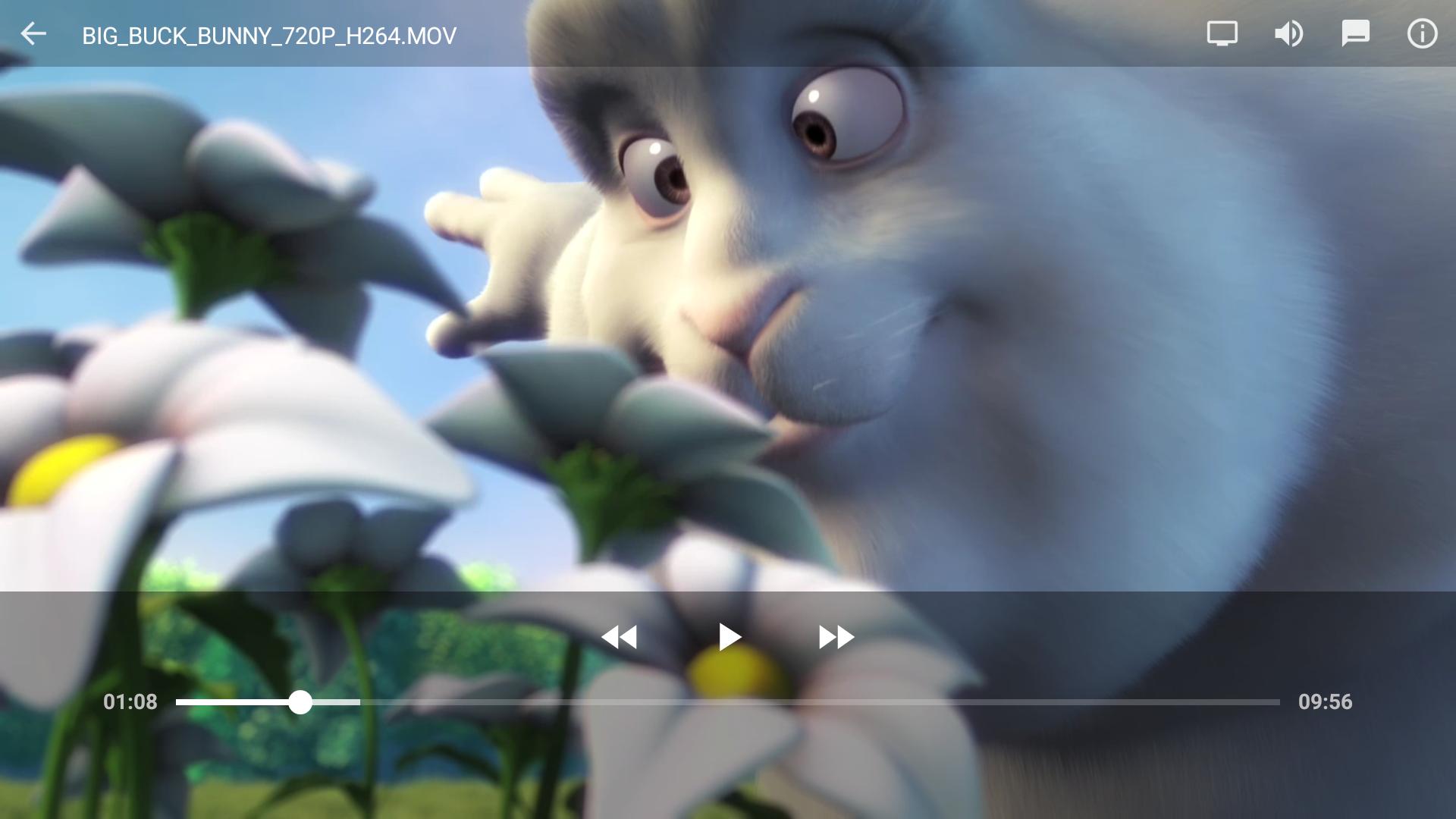

Ditambahkan: Denis Rubinov
Versi: 9.1.0.0
Ukuran: 12.6 MB
Diperbarui: 22.05.2025
Developer: NextApp, Inc.
Batasan Usia: Everyone
Otorisasi: 17
Diunduh di Google Play: 14942285
Kategori: Bisnis
Deskripsi
Aplikasi FX File Explorer diperiksa oleh antivirus VirusTotal. Sebagai hasil pemindaian, tidak ada infeksi file yang terdeteksi oleh semua tanda tangan terbaru.
Cara memasang FX File Explorer
- Unduh file APK aplikasi dari apkshki.com.
- Temukan file yang diunduh. Anda dapat menemukannya di baki sistem atau di folder 'Download' menggunakan manajer file apa pun.
- Jika file yang diunduh berekstensi .bin (bug WebView di Android 11), ubah namanya menjadi .apk menggunakan pengelola file apa pun atau coba unduh file dengan browser lain seperti Chrome.
- Mulai penginstalan. Klik pada file yang diunduh untuk memulai penginstalan
- Izinkan penginstalan dari sumber yang tidak dikenal. Jika Anda menginstal untuk pertama kalinya FX File Explorer bukan dari Google Play, buka pengaturan keamanan perangkat Anda dan izinkan penginstalan dari sumber yang tidak dikenal.
- Lewati perlindungan Google Play. Jika proteksi Google Play memblokir penginstalan file, ketuk 'Info Lebih Lanjut' → 'Tetap instal' → 'OK' untuk melanjutkan..
- Selesaikan penginstalan: Ikuti petunjuk penginstal untuk menyelesaikan proses penginstalan.
Cara memperbarui FX File Explorer
- Unduh versi baru aplikasi dari apkshki.com.
- Cari file yang diunduh dan klik file tersebut untuk memulai penginstalan.
- Instal di atas versi lama. Tidak perlu menghapus instalasi versi sebelumnya.
- Hindari konflik tanda tangan. Jika versi sebelumnya tidak diunduh dari apkshki.com, pesan 'Aplikasi tidak terinstal' mungkin muncul. Dalam kasus ini, hapus instalan versi lama dan instal versi baru.
- Mulai ulang lampiran FX File Explorer setelah pembaruan.








Meminta pembaruan aplikasi
Ditambahkan Denis Rubinov
Versi: 9.1.0.0
Ukuran: 12.6 MB
Diperbarui: 22.05.2025
Developer: NextApp, Inc.
Batasan Usia: Everyone
Otorisasi:
Diunduh di Google Play: 14942285
Kategori: Bisnis















Ulasan untuk FX File Explorer
best 👌
The best file explorer!
good 👍👍👍👍👍
can't showing folder size
One of the Best File Manager I've been Using.
how to change a default gallery app? This app ignores my system settings
App does not work with USB drives (OTG) on Android 13, which makes the app obsolete. This app has definitely been abandoned by the developer.
this new update is useless without d notepad
One Drive connection broken As of a few weeks ago, I am no longer able to copy/paste files from one drive to local storage.
I want to fix data folder not created
Used to be really good, but seems to be unsupported now. I had a problem with the FX Connect, which used to work fine, and I've sent two emails over the past month or so, and never received any response at all, not even an acknowledgement that they received it. I'll resubmit my review and rating if they ever respond. Well, many months later and not only no response to my last request, but I had some more problems with file transfers and again received no response at all. So, I just tried Solid File Explorer, and within minutes had it doing everything I needed, much easier than FX even though I've used FX for years. Transferred all my music files from my desktop to my phone with no problems, something I was unable to do with FX eiither wirelessly or via USB. Adios FX!
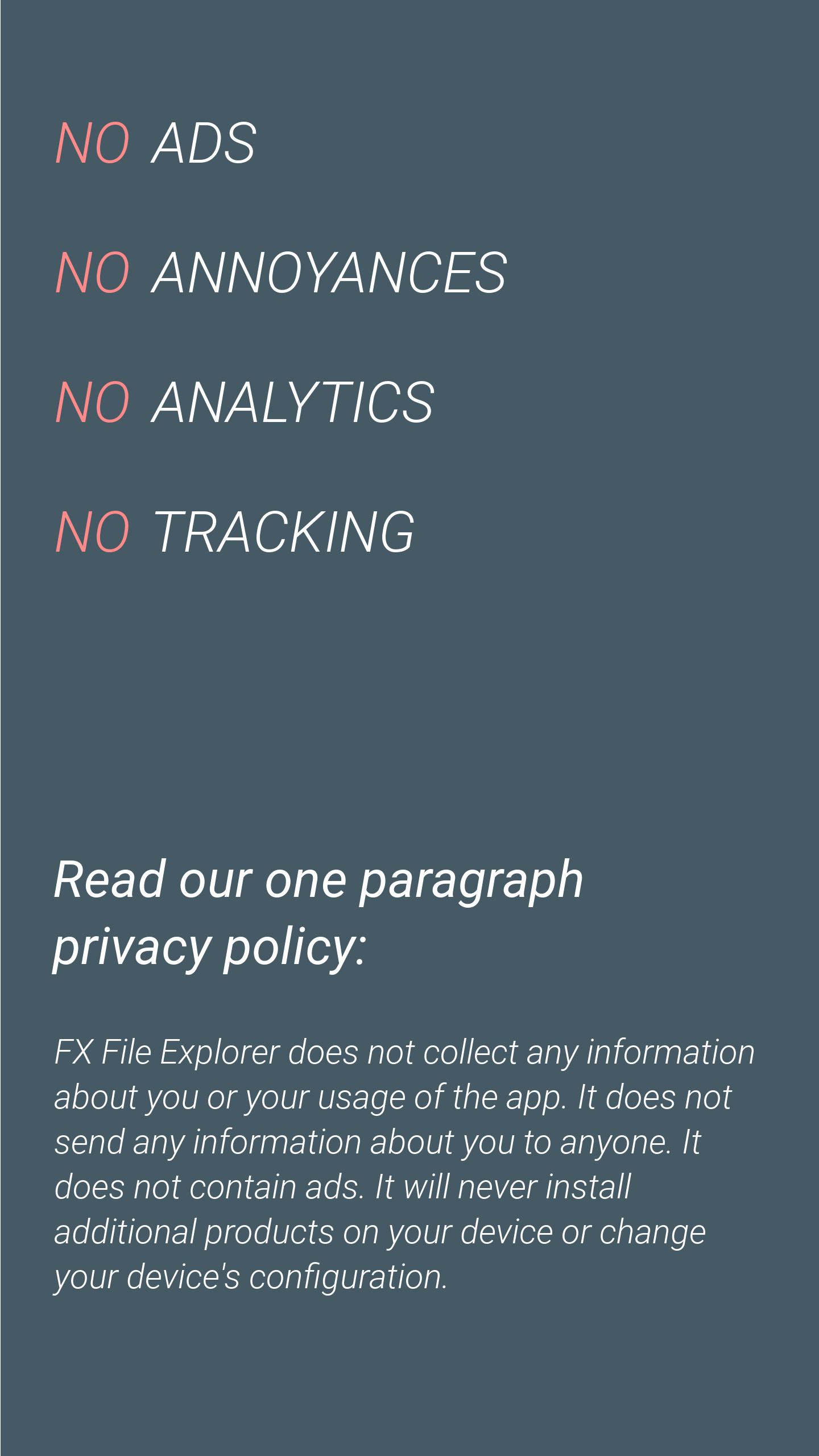
Absolutely amazing! Hands down, the best File Manager on Android. Great looking interface, without lacking in any functionality you would want from a File Manger. Works with Android TV as well, making it easy to transfer and manage files on my Nvidia Shield with it's great interface. And best of all, it's completely free, with no ads! If you get as much out of this app as I have, consider supporting the developers. 5 Stars, would recommend to everyone.
The networking to a share drive was what I was looking for most in a file manager, and this one was works great, with the best file transfer speed I've found so far. Only thing I've found it was lacking was in the clean up, it did not have any option to empty the trash can, but found when deleting files, that did instantly free up the space used by that file, so I guess that function really isn't needed.
This app was last updated about 1-1/2 years ago. Doesn't work properly on Android 12 and MIUI 13. The problem is the inability to get full write access to the SD Card. For example, I can't rename a folder. This has been my favorite file explorer by far due to the great GUI customization features. I've used it for at least 5 years. So I hope the developers update the app soon. Also, I wish Google would find a way to not keep breaking apps as they put out each new Android update. It's so annoying.
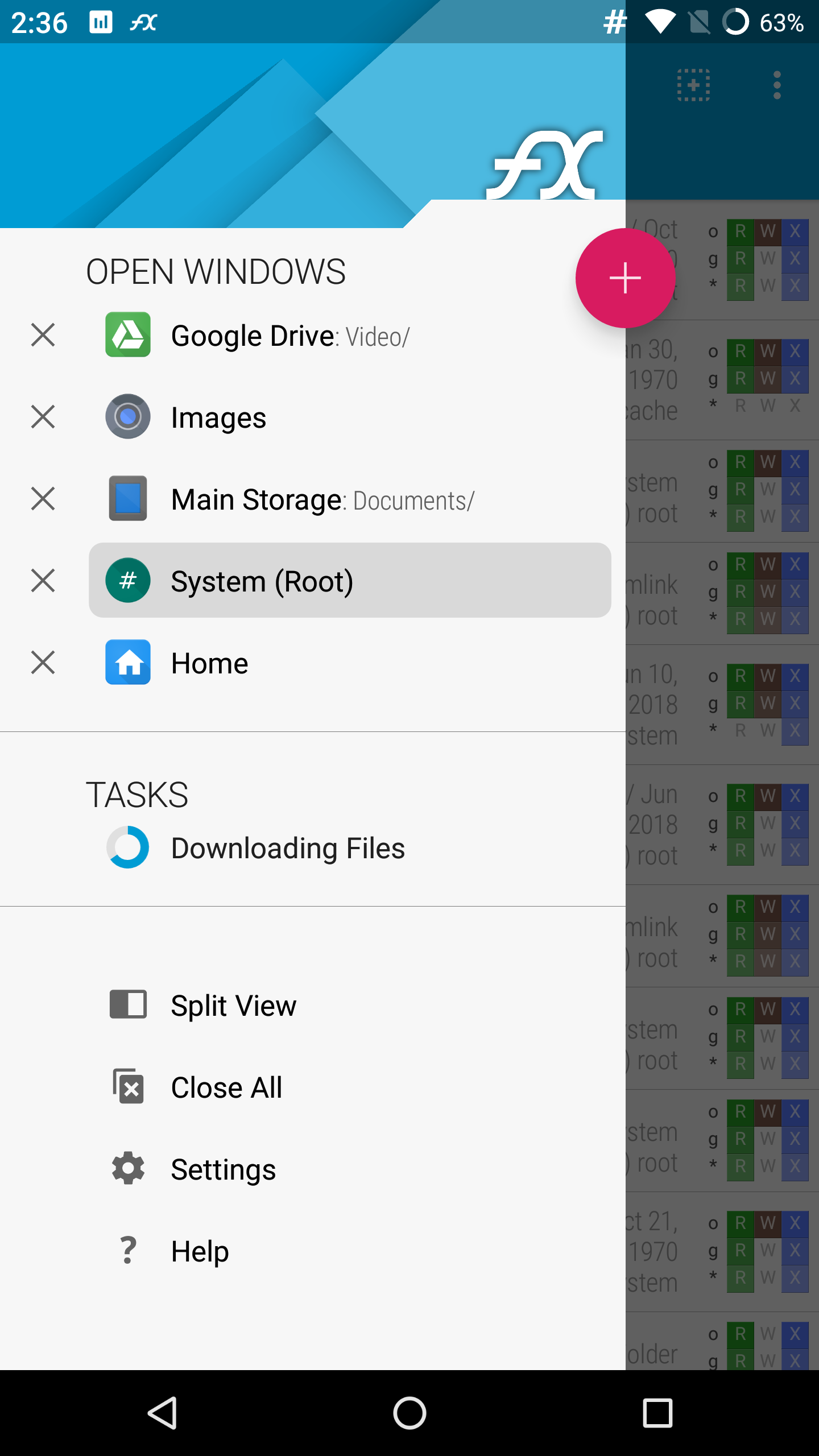
Well done! coming from ES File explorer pro, this is a fantastic replacement. the only thing that would be nice is to add gesture support to enable switching between open windows by swiping instead of choosing from a list. would also be nice to see transfer speed when copying network files. 5 stars all the way! if you are a former ES file explorer user, I think you will find this a perfect replacement.
Kirimkan komentar
Untuk memberikan komentar, masuklah dengan jejaring sosial Anda:
Atau tinggalkan komentar anonim. Komentar Anda akan dikirim untuk dimoderasi.
Kirimkan komentar
Untuk memberikan komentar, masuklah dengan jejaring sosial Anda:
Atau tinggalkan komentar anonim. Komentar Anda akan dikirim untuk dimoderasi.