



LightBlue® — Bluetooth LE
2+
unduhan5.0+
versi Android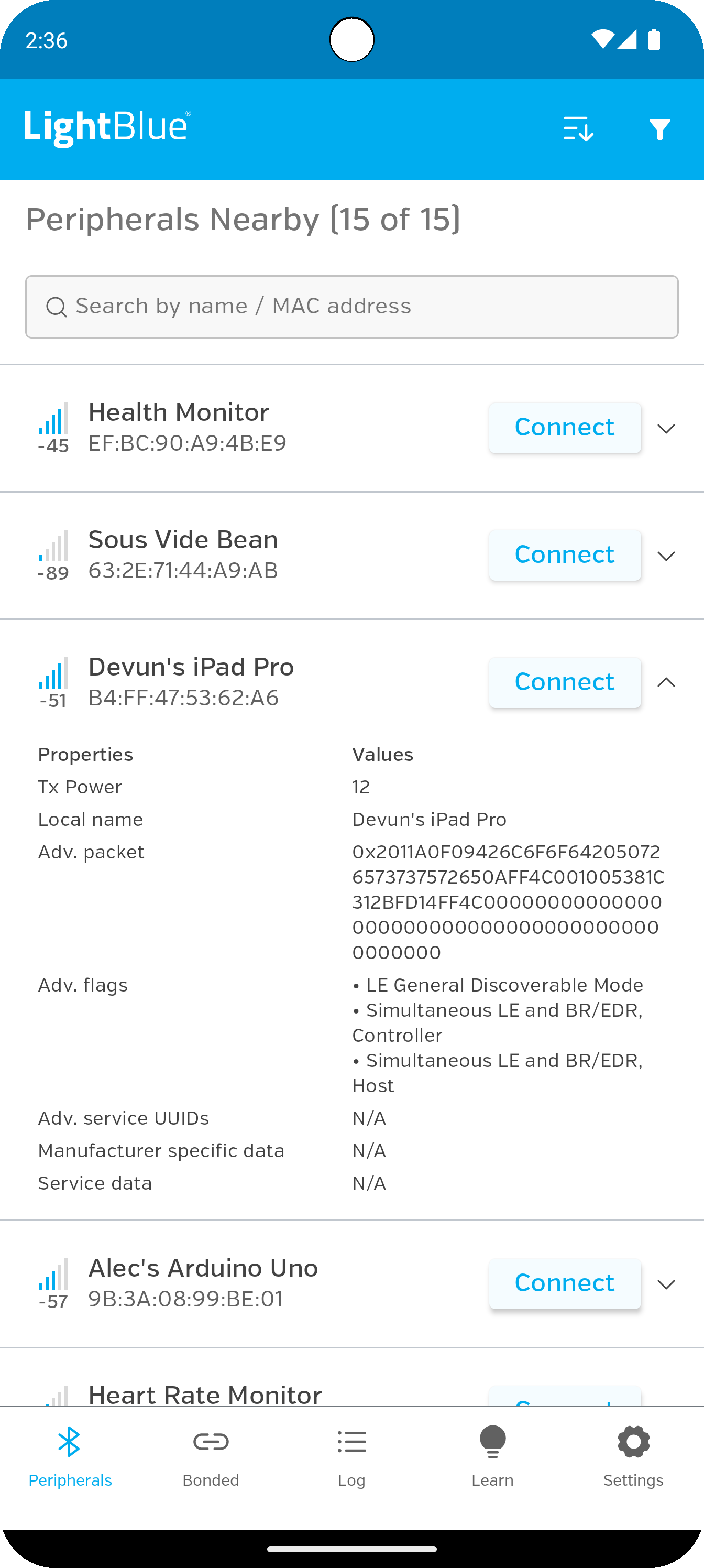
Ditambahkan: Denis Rubinov
Versi: 1.9.9
Ukuran: 5.7 MB
Diperbarui: 14.11.2023
Developer: Punch Through Design
Batasan Usia: Everyone
Diunduh di Google Play: 383500
Kategori: Alat
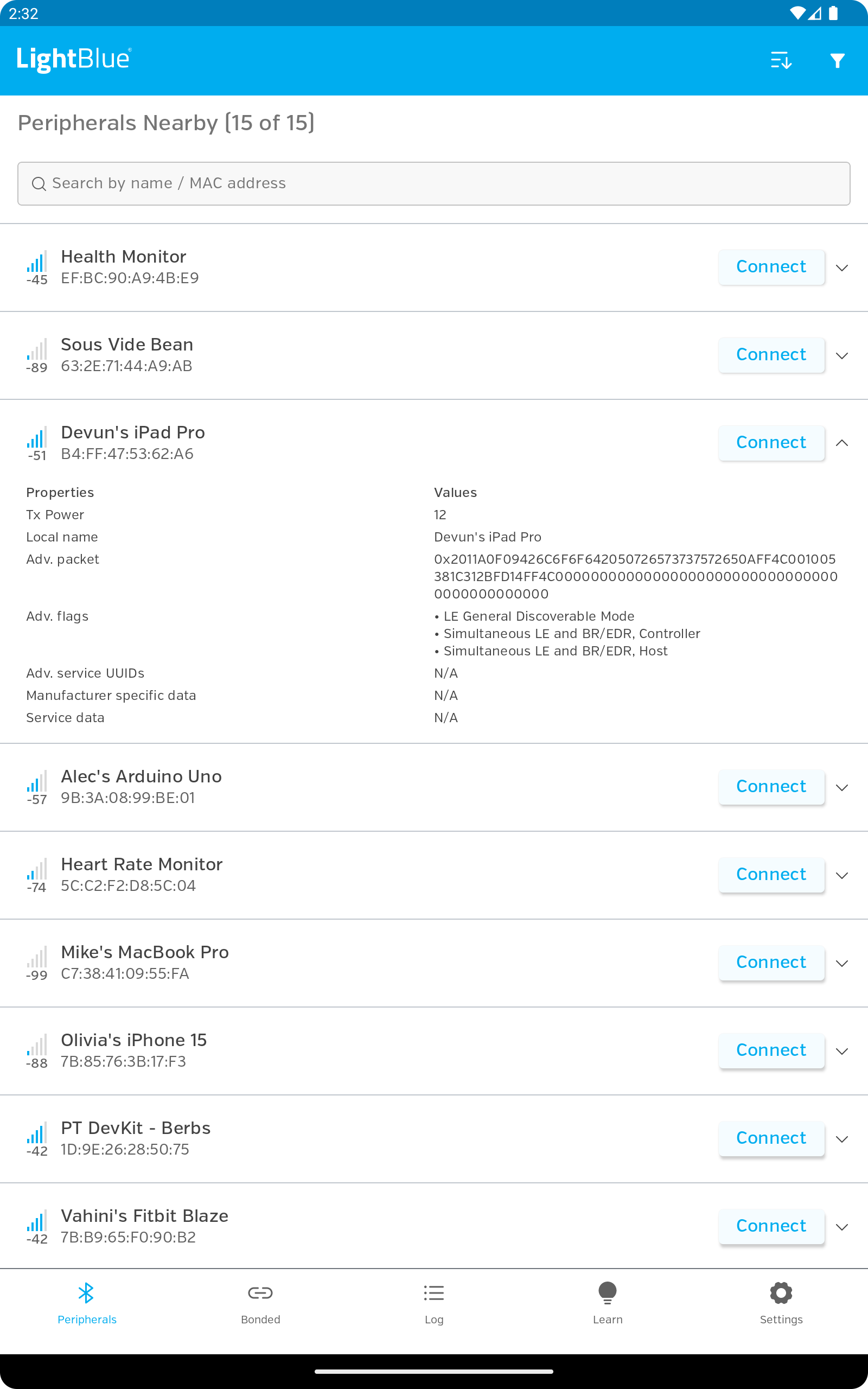
- Temukan perangkat yang mendukung BLE dengan cepat.
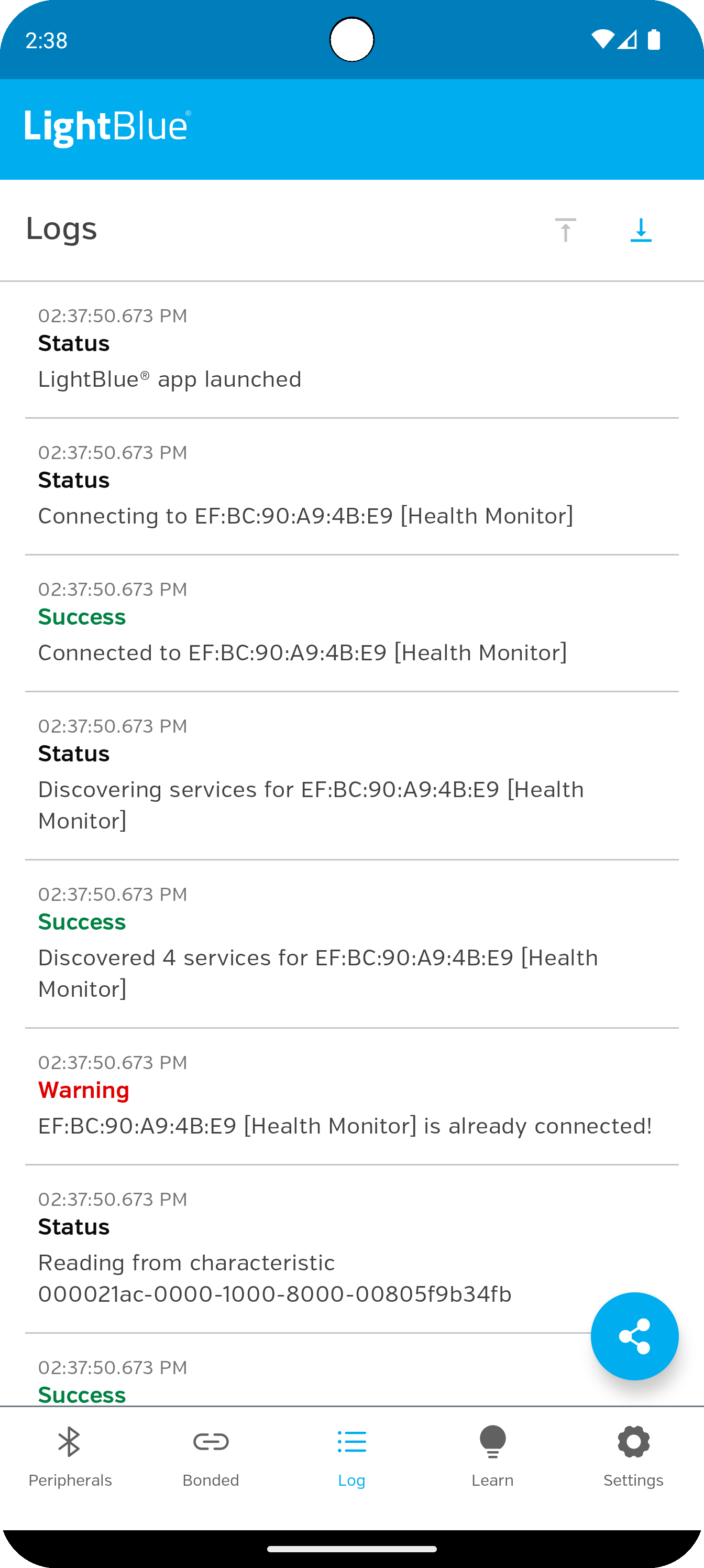
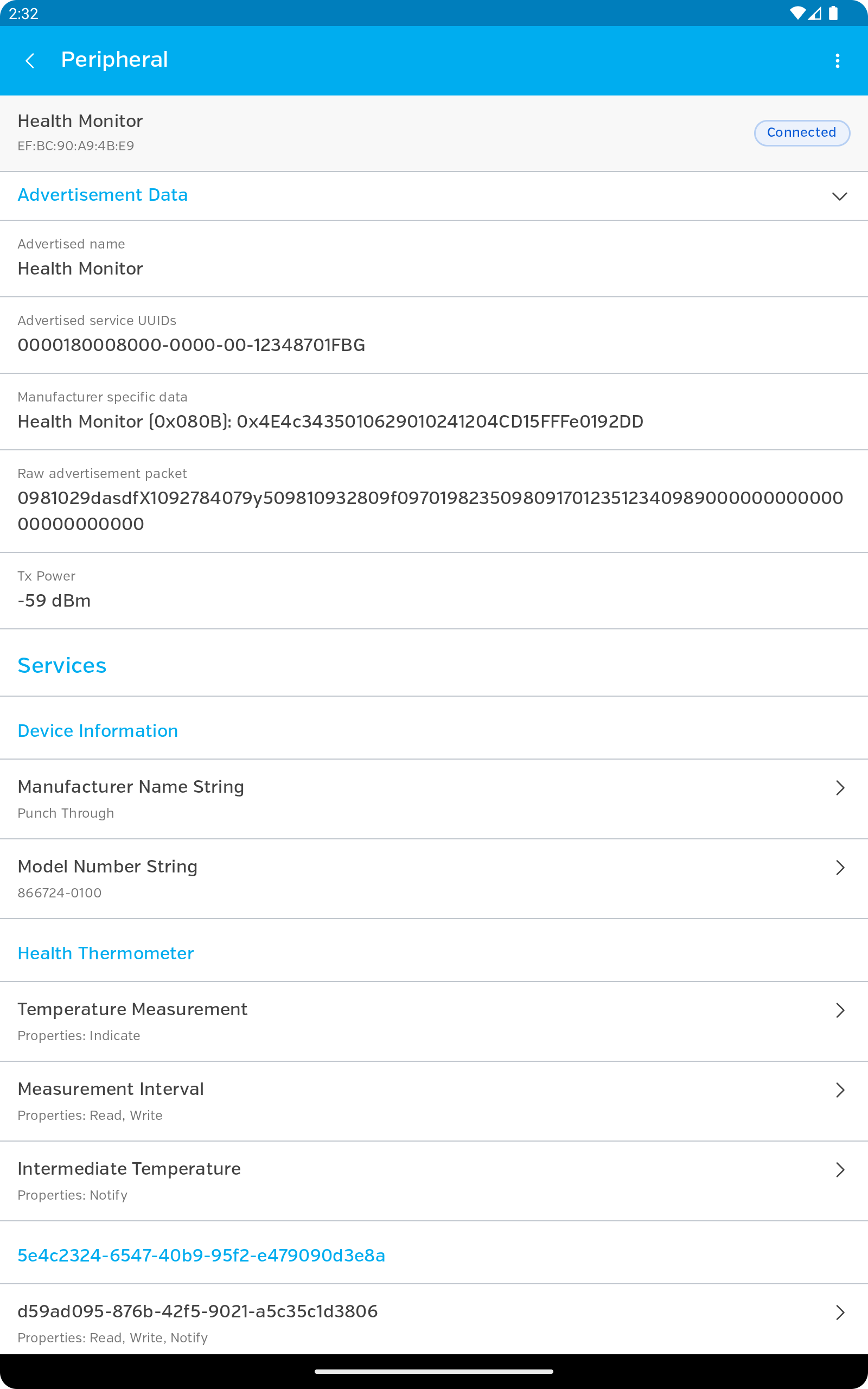
- Manajemen koneksi yang nyaman.
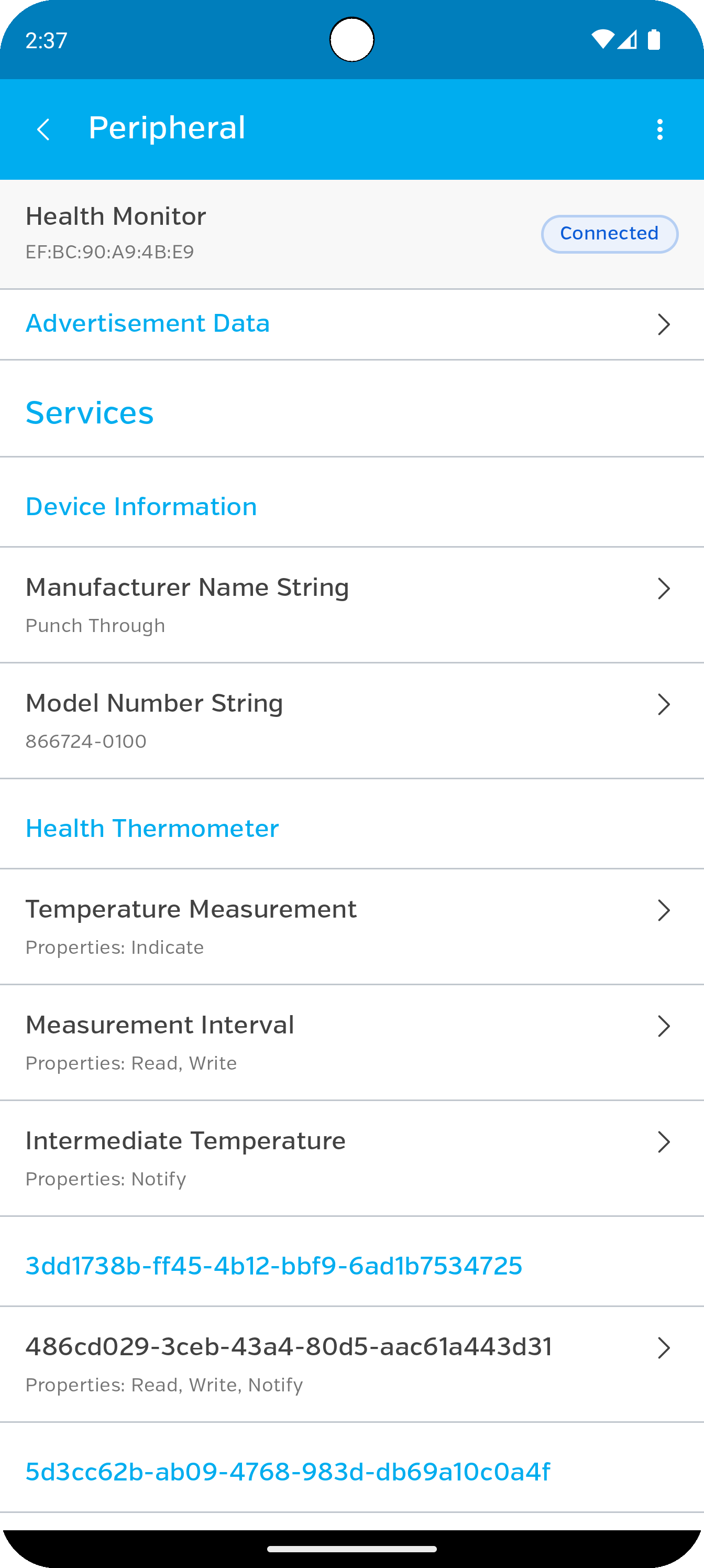
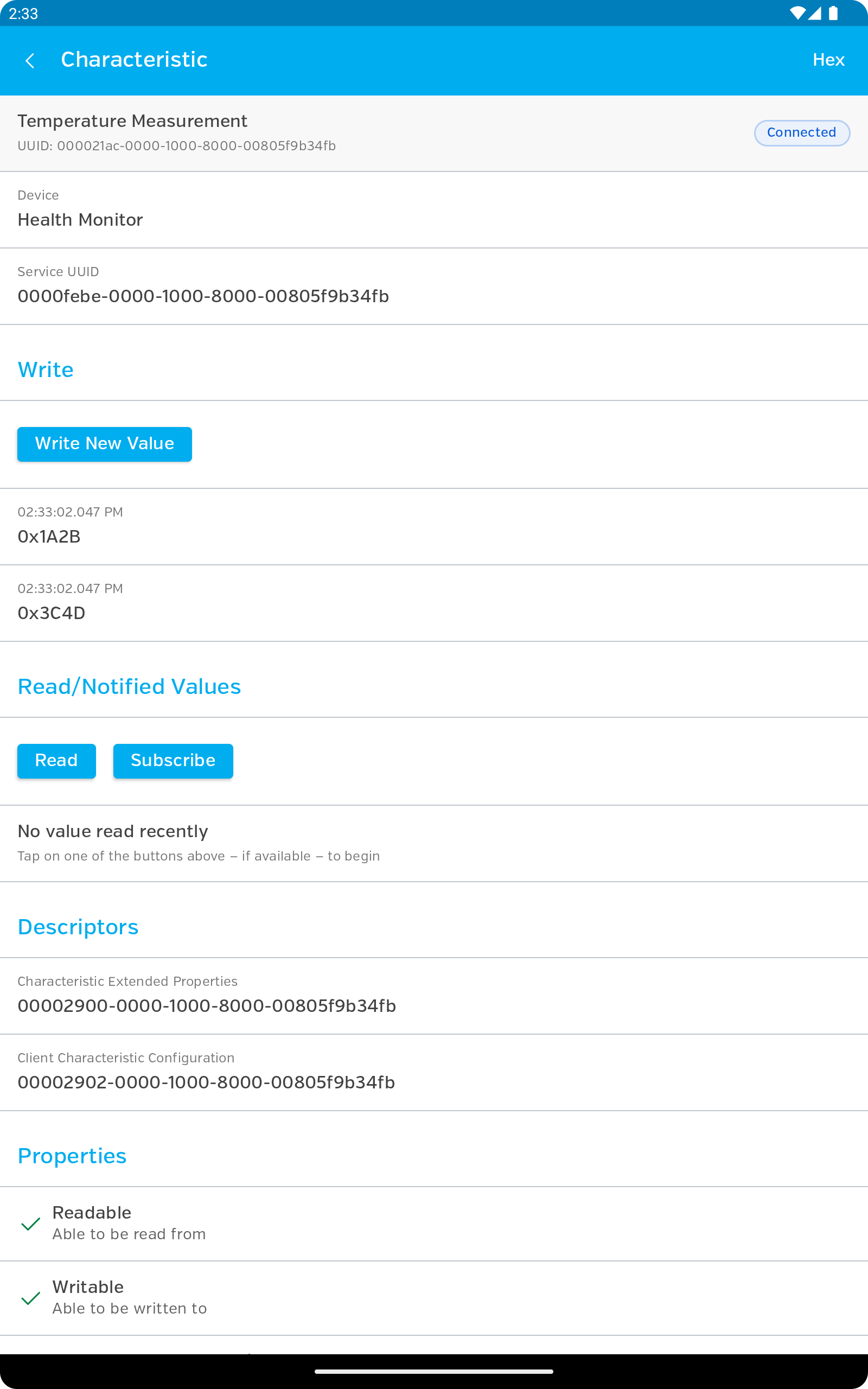
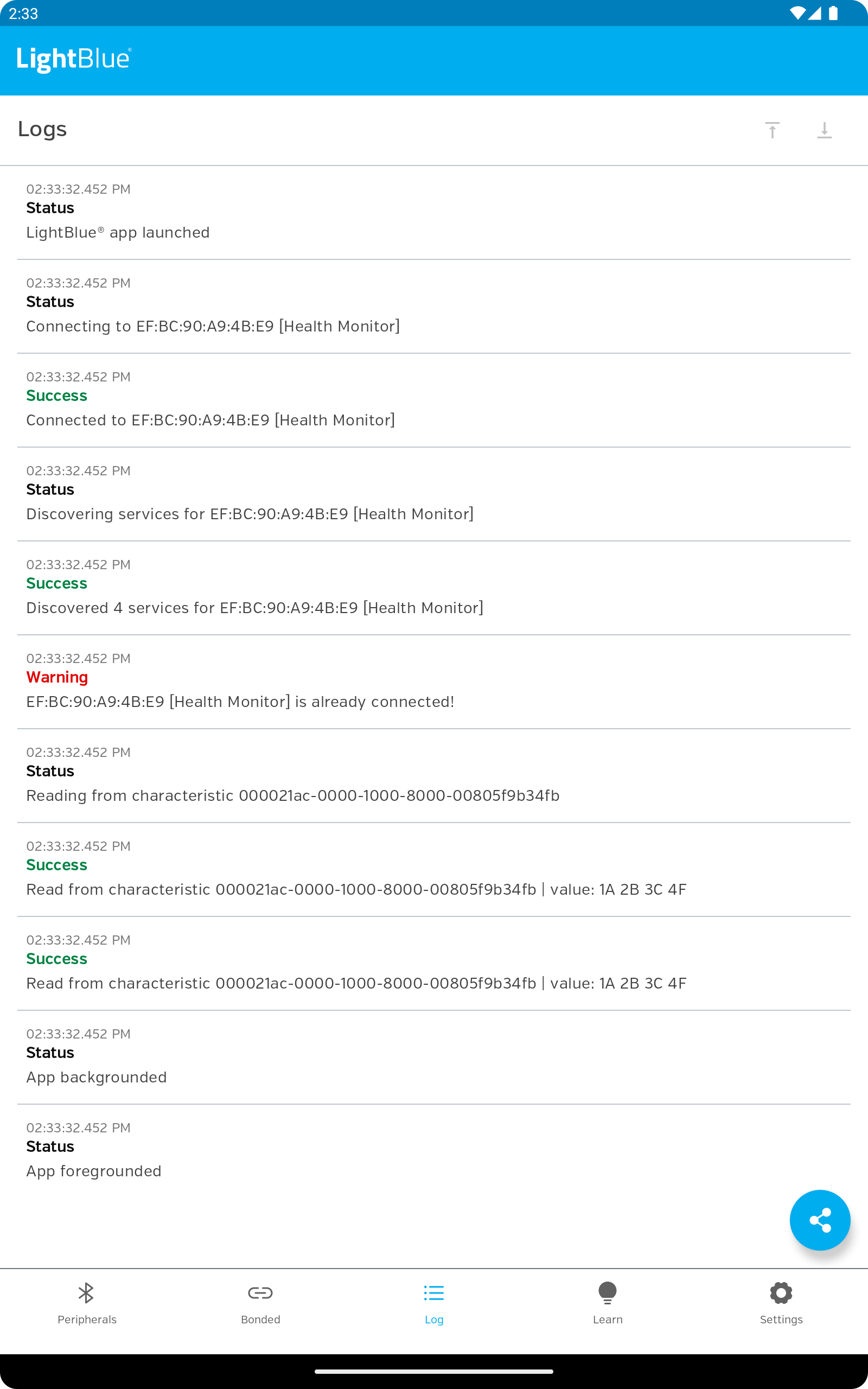
- Menampilkan detail informasi perangkat.
- Tidak ada fitur atau iklan berbayar.
Deskripsi
Aplikasi LightBlue® — Bluetooth LE diperiksa oleh antivirus VirusTotal. Sebagai hasil pemindaian, tidak ada infeksi file yang terdeteksi oleh semua tanda tangan terbaru.
Cara memasang LightBlue® — Bluetooth LE
- Unduh file APK aplikasi dari apkshki.com.
- Temukan file yang diunduh. Anda dapat menemukannya di baki sistem atau di folder 'Download' menggunakan manajer file apa pun.
- Jika file yang diunduh berekstensi .bin (bug WebView di Android 11), ubah namanya menjadi .apk menggunakan pengelola file apa pun atau coba unduh file dengan browser lain seperti Chrome.
- Mulai penginstalan. Klik pada file yang diunduh untuk memulai penginstalan
- Izinkan penginstalan dari sumber yang tidak dikenal. Jika Anda menginstal untuk pertama kalinya LightBlue® — Bluetooth LE bukan dari Google Play, buka pengaturan keamanan perangkat Anda dan izinkan penginstalan dari sumber yang tidak dikenal.
- Lewati perlindungan Google Play. Jika proteksi Google Play memblokir penginstalan file, ketuk 'Info Lebih Lanjut' → 'Tetap instal' → 'OK' untuk melanjutkan..
- Selesaikan penginstalan: Ikuti petunjuk penginstal untuk menyelesaikan proses penginstalan.
Cara memperbarui LightBlue® — Bluetooth LE
- Unduh versi baru aplikasi dari apkshki.com.
- Cari file yang diunduh dan klik file tersebut untuk memulai penginstalan.
- Instal di atas versi lama. Tidak perlu menghapus instalasi versi sebelumnya.
- Hindari konflik tanda tangan. Jika versi sebelumnya tidak diunduh dari apkshki.com, pesan 'Aplikasi tidak terinstal' mungkin muncul. Dalam kasus ini, hapus instalan versi lama dan instal versi baru.
- Mulai ulang lampiran LightBlue® — Bluetooth LE setelah pembaruan.





Meminta pembaruan aplikasi
Ditambahkan Denis Rubinov
Versi: 1.9.9
Ukuran: 5.7 MB
Diperbarui: 14.11.2023
Developer: Punch Through Design
Batasan Usia: Everyone
Diunduh di Google Play: 383500
Kategori: Alat















Ulasan untuk LightBlue® — Bluetooth LE
A small issue was introduced in the recent versions where filtering by rssi, it only grays out peripherals on the list instead of not showing them unless I refresh. it's a minor inconvenience for me and I'm not sure if it's intentional. Other than that it works great for my purposes.
Unable to write any value to characteristics
International
Long time supporter of this app, there is a bug when you try to paste a hex string and the write button stays grayed out, and you need to use key board to delete a character and then add it back it before the write button is enabled to press
Cool app I can see how it can be useful.
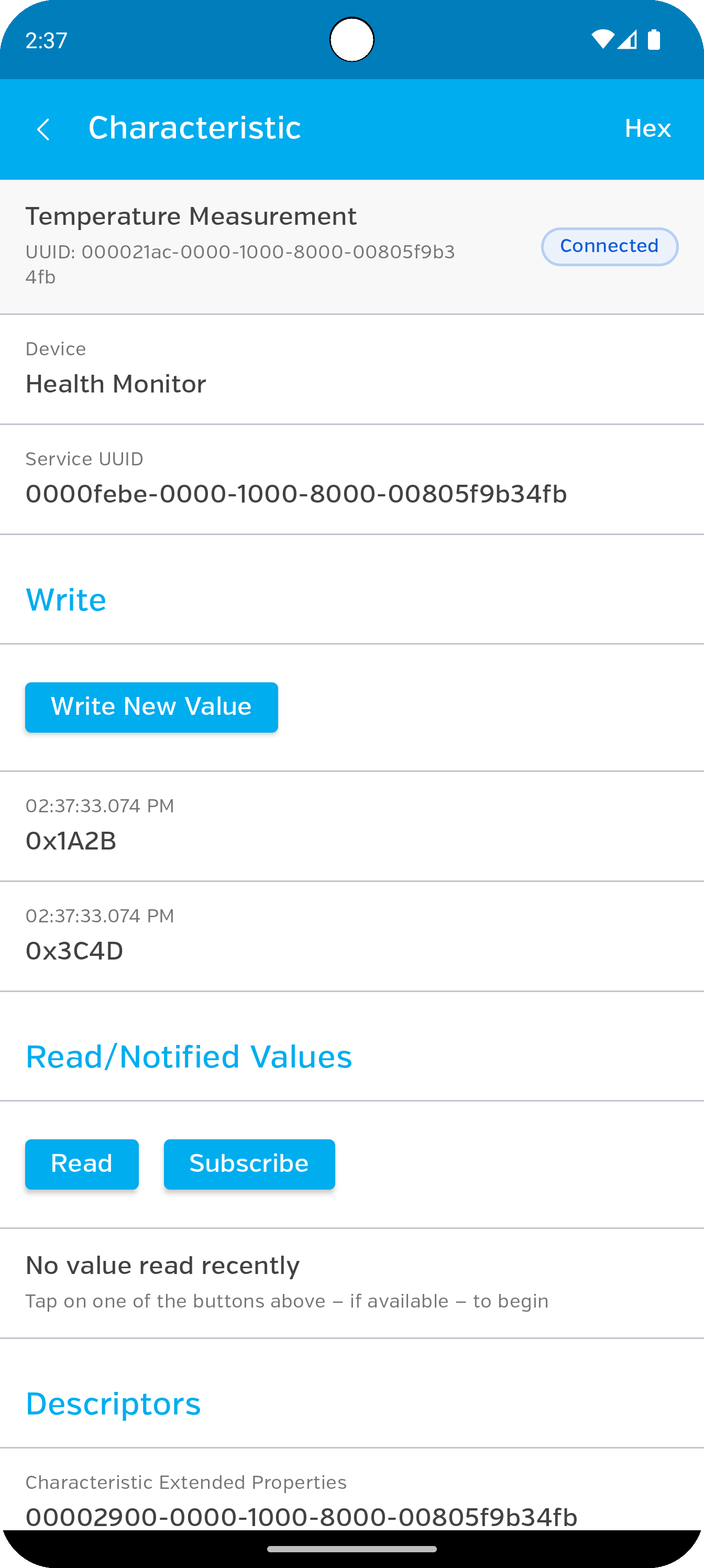
Good little app lets me examine and set gatt characteristics, which I need. Saved me having to mess with code. Thanks guys!
Great app. Very useful
Excellent for Bluetooth development, and learning! Not for clueless app tappers lol
love this app it's nice to have something to keep us safer and free a big huge thank you for all.
App is good for research of BLE devices. but no black theme. eyestrain...
It didn't show any bluetooth devices not even the devices listed by androids own app
Kirimkan komentar
Untuk memberikan komentar, masuklah dengan jejaring sosial Anda:
Atau tinggalkan komentar anonim. Komentar Anda akan dikirim untuk dimoderasi.
Kirimkan komentar
Untuk memberikan komentar, masuklah dengan jejaring sosial Anda:
Atau tinggalkan komentar anonim. Komentar Anda akan dikirim untuk dimoderasi.