


Bing: Chat with AI & GPT-4
92+
unduhan5.0+
versi Android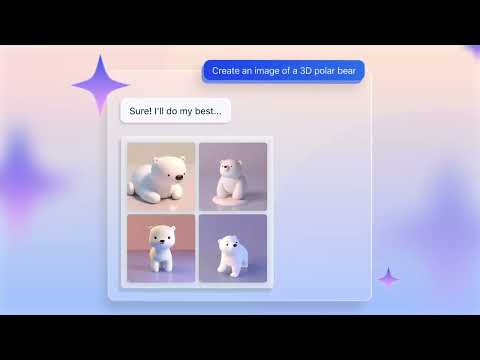
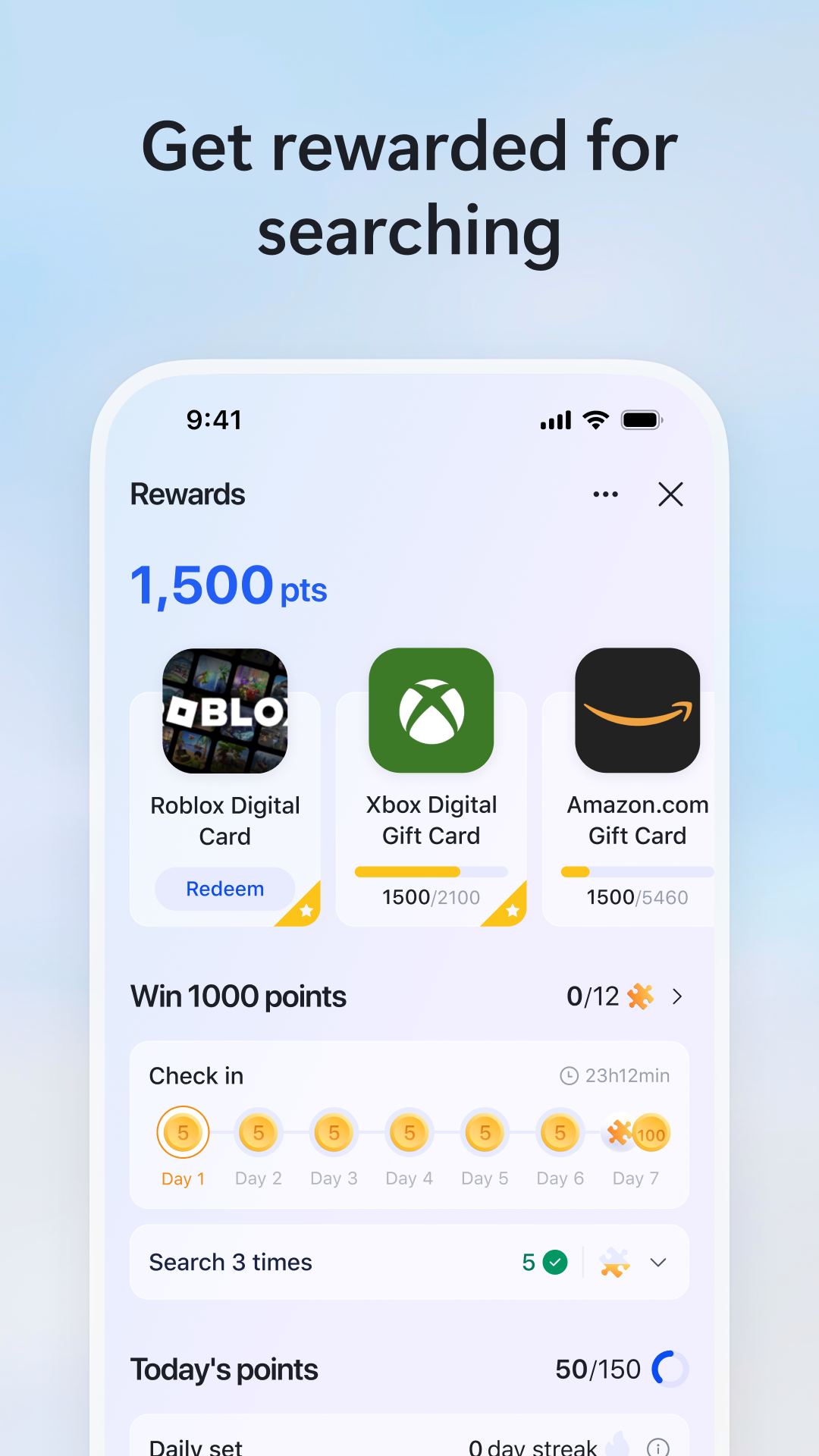
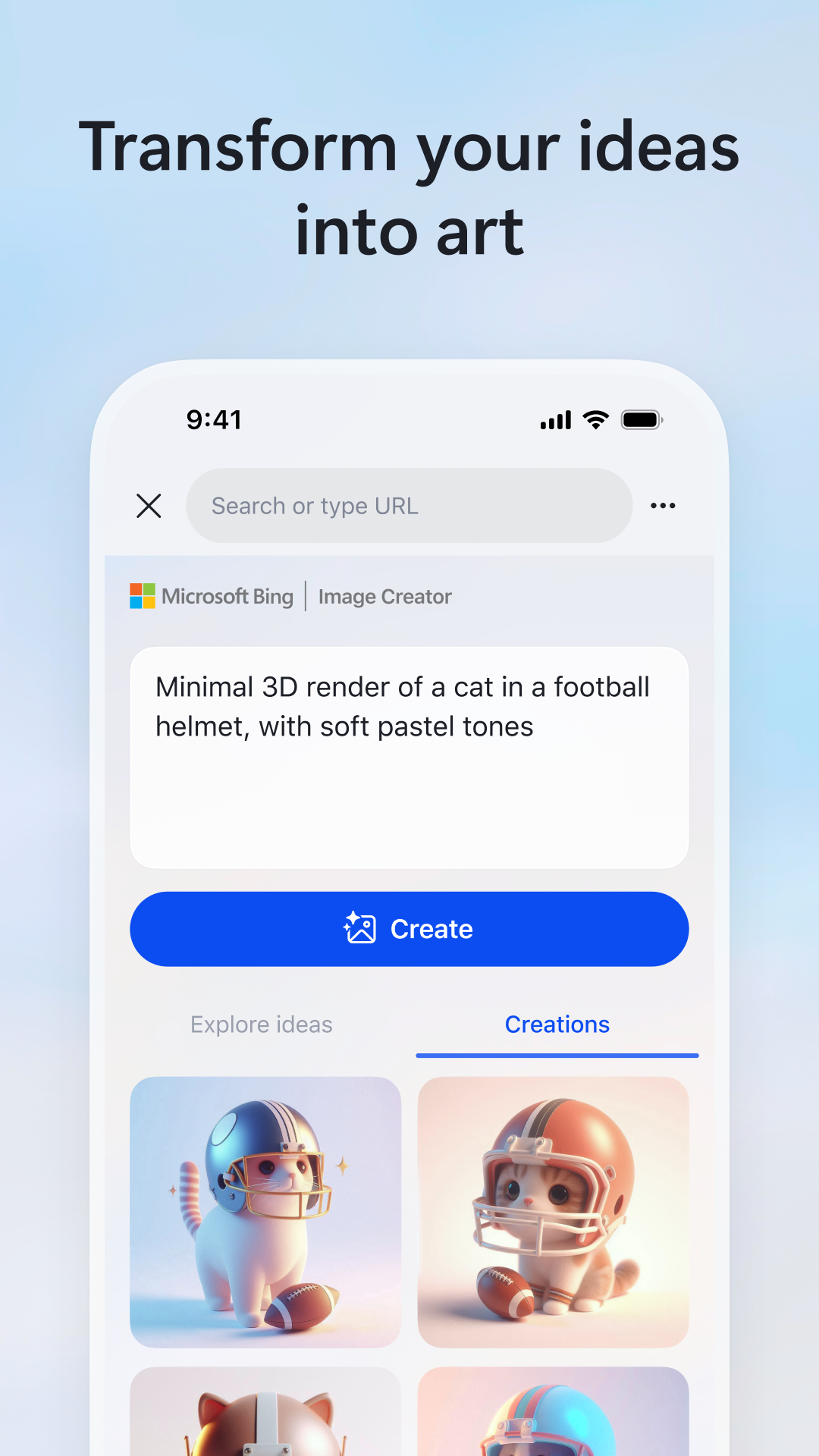
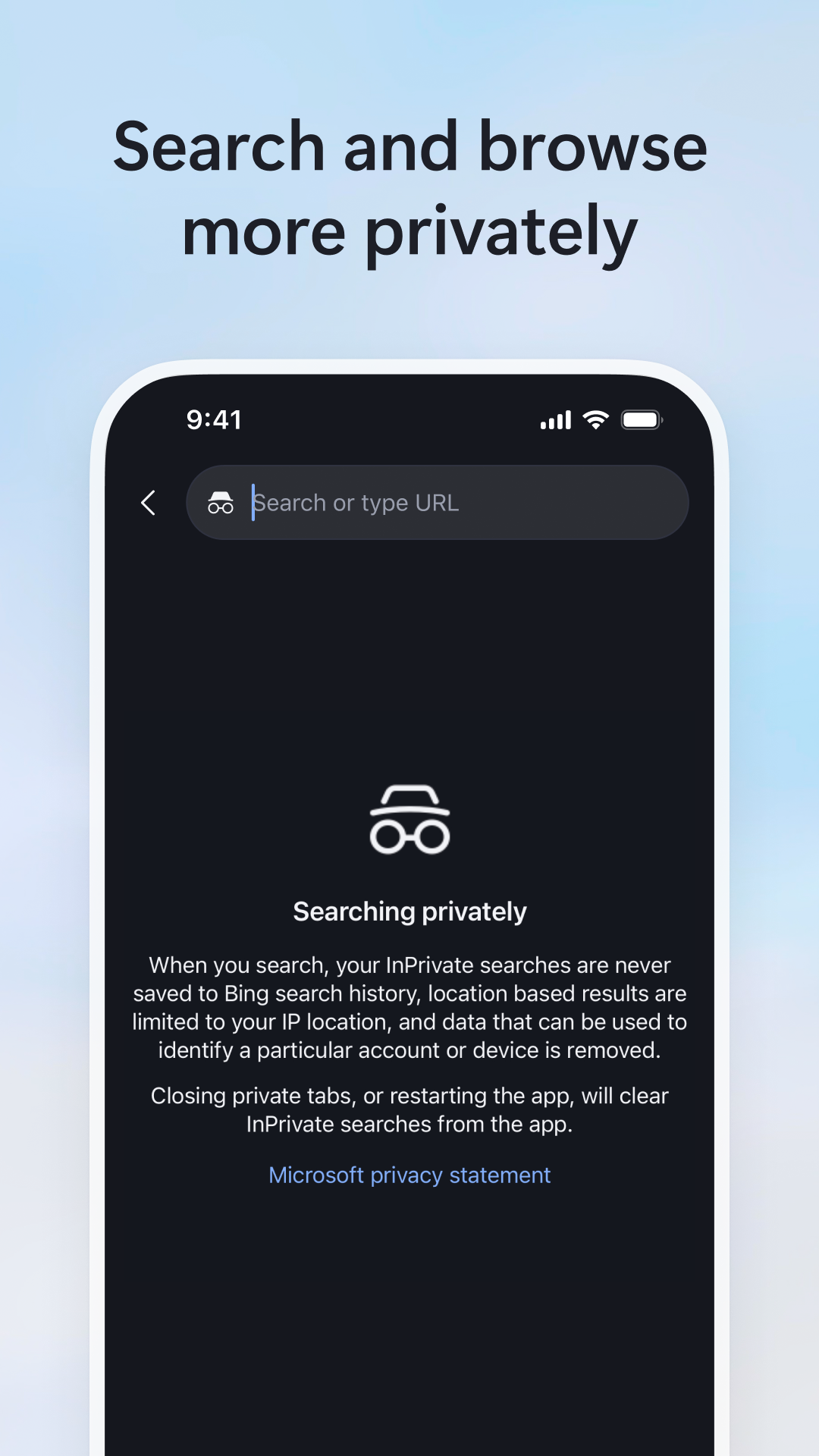
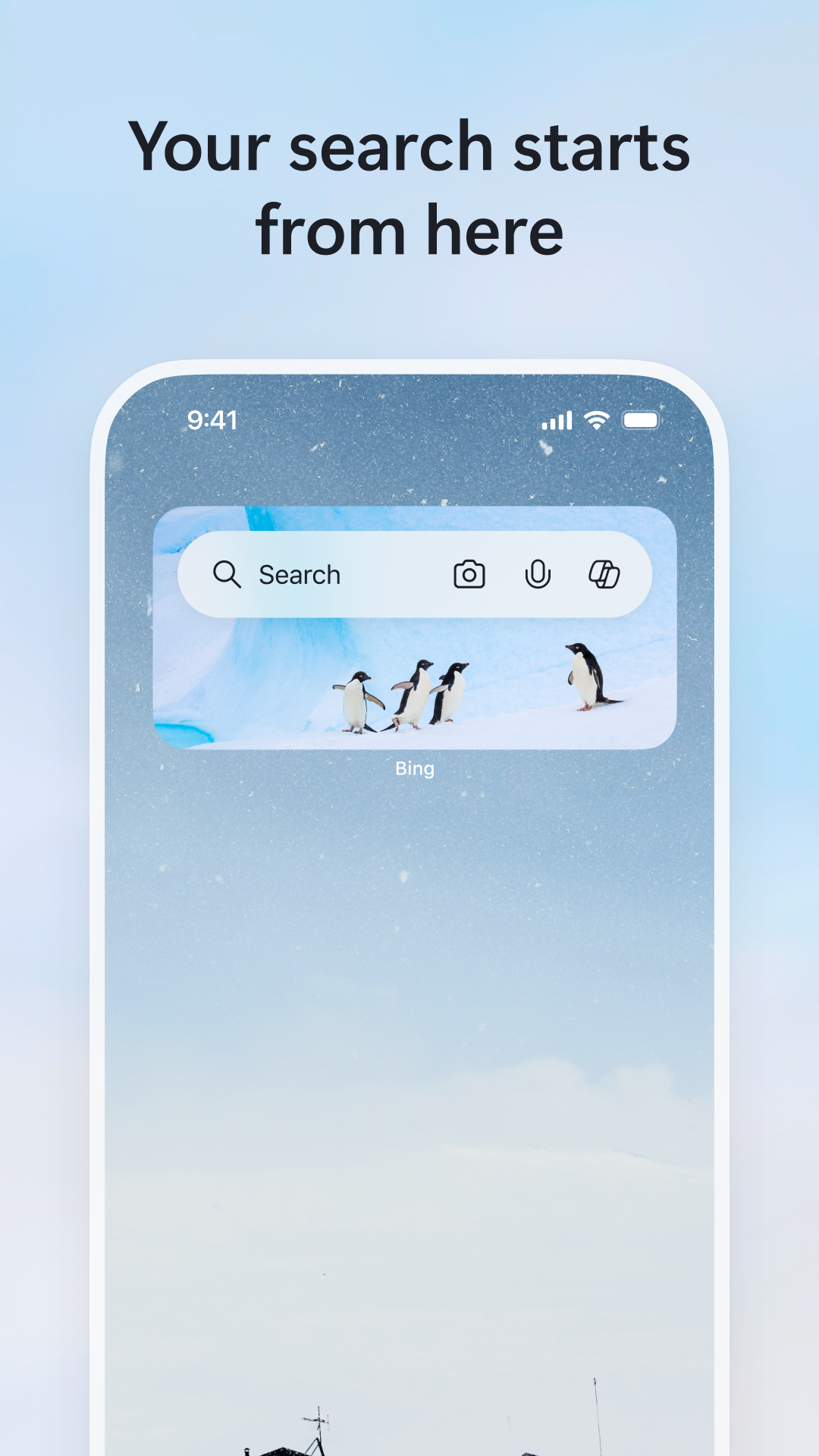
Ditambahkan: Denis Rubinov
Versi: 31.4.2110003555
Ukuran: 74.6 MB
Diperbarui: 21.05.2025
Developer: Microsoft Corporation
Batasan Usia: Everyone
Otorisasi: 23
Diunduh di Google Play: 55691765
Kategori: Alat
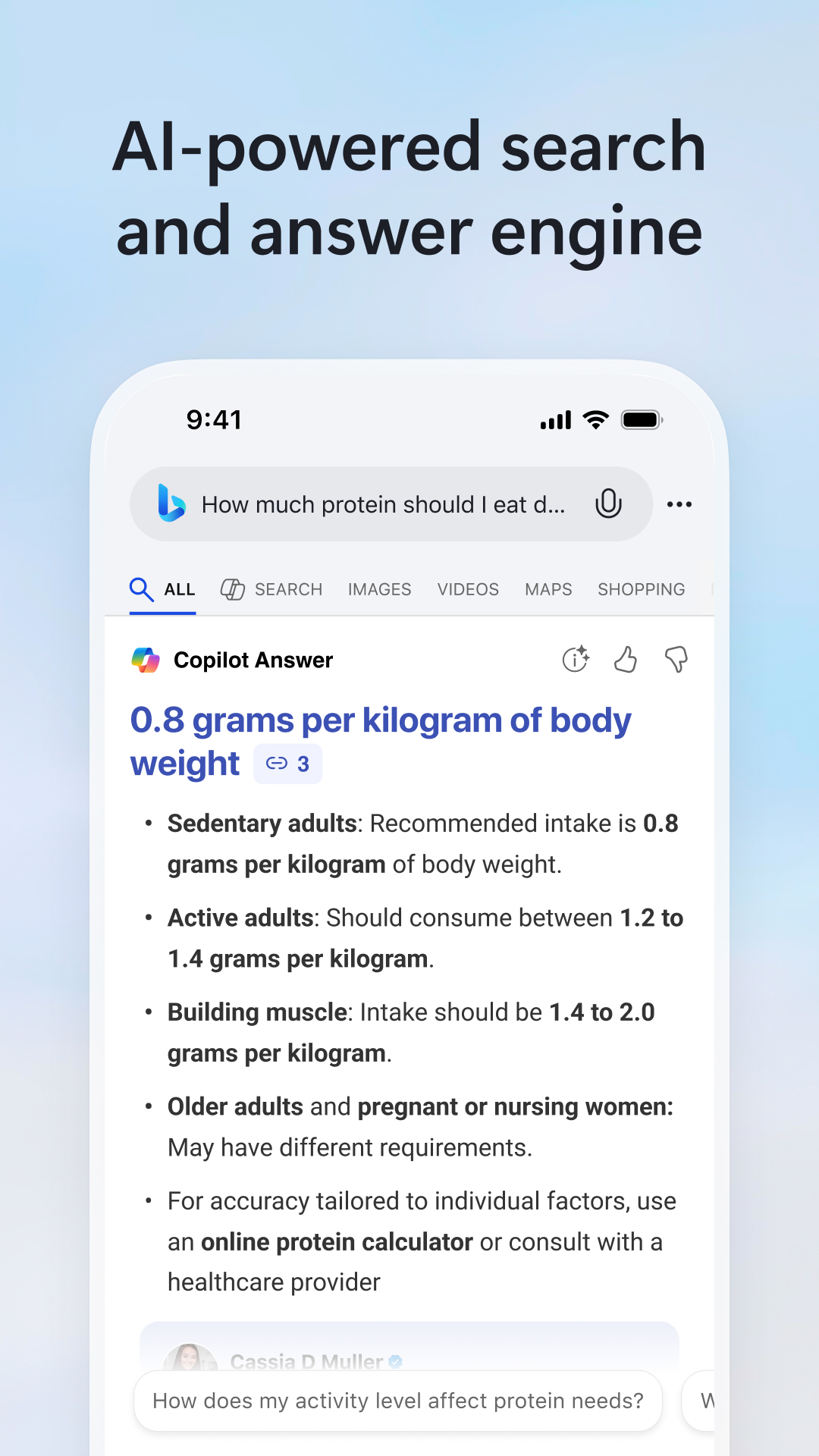
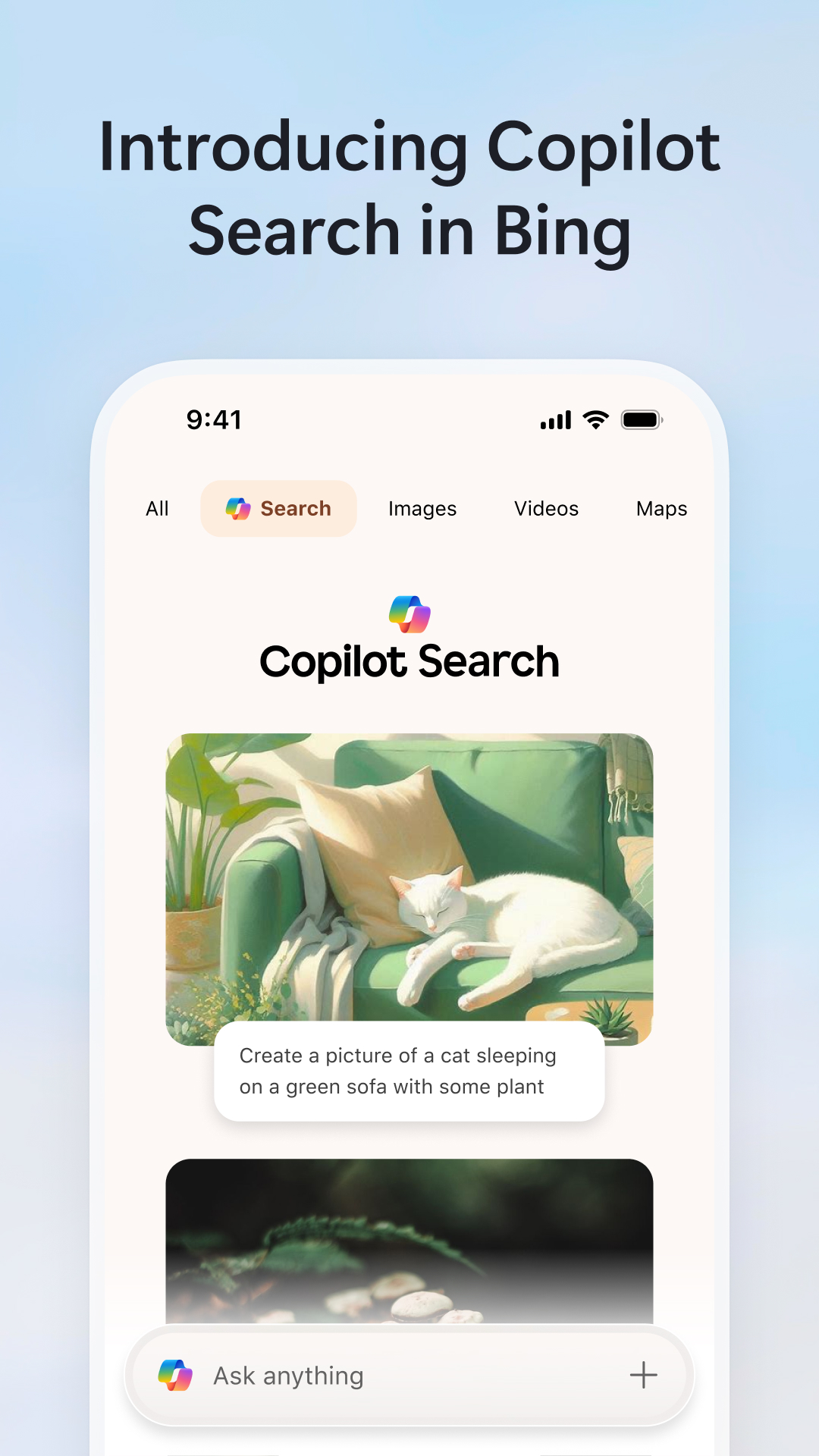
- Pencarian cepat dengan dukungan filter.
- Akses ke berita terbaru.
- Cari berdasarkan foto.
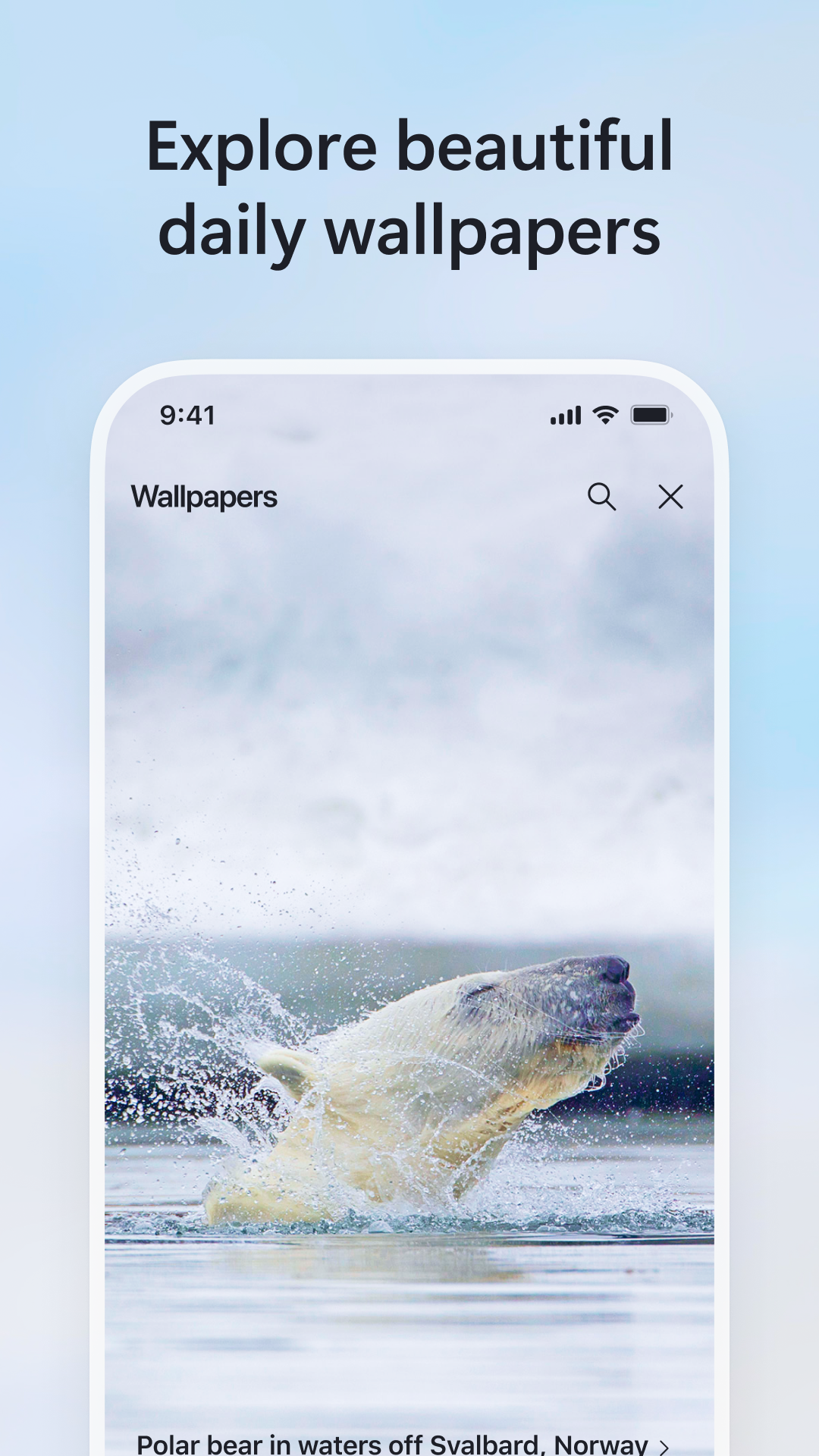
- Wallpaper yang dapat disesuaikan.
- Serangkaian game bawaan.
- Dukungan untuk masukan suara.
Deskripsi
Aplikasi Bing: Chat with AI & GPT-4 diperiksa oleh antivirus VirusTotal. Sebagai hasil pemindaian, tidak ada infeksi file yang terdeteksi oleh semua tanda tangan terbaru.
Cara memasang Bing: Chat with AI & GPT-4
- Unduh file APK aplikasi dari apkshki.com.
- Temukan file yang diunduh. Anda dapat menemukannya di baki sistem atau di folder 'Download' menggunakan manajer file apa pun.
- Jika file yang diunduh berekstensi .bin (bug WebView di Android 11), ubah namanya menjadi .apk menggunakan pengelola file apa pun atau coba unduh file dengan browser lain seperti Chrome.
- Mulai penginstalan. Klik pada file yang diunduh untuk memulai penginstalan
- Izinkan penginstalan dari sumber yang tidak dikenal. Jika Anda menginstal untuk pertama kalinya Bing: Chat with AI & GPT-4 bukan dari Google Play, buka pengaturan keamanan perangkat Anda dan izinkan penginstalan dari sumber yang tidak dikenal.
- Lewati perlindungan Google Play. Jika proteksi Google Play memblokir penginstalan file, ketuk 'Info Lebih Lanjut' → 'Tetap instal' → 'OK' untuk melanjutkan..
- Selesaikan penginstalan: Ikuti petunjuk penginstal untuk menyelesaikan proses penginstalan.
Cara memperbarui Bing: Chat with AI & GPT-4
- Unduh versi baru aplikasi dari apkshki.com.
- Cari file yang diunduh dan klik file tersebut untuk memulai penginstalan.
- Instal di atas versi lama. Tidak perlu menghapus instalasi versi sebelumnya.
- Hindari konflik tanda tangan. Jika versi sebelumnya tidak diunduh dari apkshki.com, pesan 'Aplikasi tidak terinstal' mungkin muncul. Dalam kasus ini, hapus instalan versi lama dan instal versi baru.
- Mulai ulang lampiran Bing: Chat with AI & GPT-4 setelah pembaruan.












Meminta pembaruan aplikasi
Ditambahkan Denis Rubinov
Versi: 31.4.2110003555
Ukuran: 74.6 MB
Diperbarui: 21.05.2025
Developer: Microsoft Corporation
Batasan Usia: Everyone
Otorisasi:
Diunduh di Google Play: 55691765
Kategori: Alat















Ulasan untuk Bing: Chat with AI & GPT-4
may I ask you to be my friend partner, Team and let's make Dreams 💋❤️ Rallity!!!
why you have removed read to earn points option and daily check in option in india
general search results are great. I.age search results are not
I'm happy with Microsoft
That s a good application
robux from roblox :) great but it takes long :/
since last 5 month I am trying to get amezon gift from reward program but when my point are completed for gc Microsoft removed it from my account where other user with same region they doesn't face any problem
it's really good
I bet everyone just came here for robux
it gret
This *used to be* a decent, easy-to-use browser. Since it's been overhauled, it's become bloated, laggy, and crashes often. Worse yet, the redesigned interface is so convoluted and counterintuitive that it's actually a frustrating experience to use. How many clicks does it take now to open Settings? Why remove the ability view a website in desktop version? They've managed to add features while making it less usable. It's as bloated as it is unintuitive.
This is a great app. Signing in for Microsoft Rewards points works with Microsoft account login. Although there is an issue with the settings where the sign in account does not appear after logging in to a Microsoft Account. The tabs feature on a search app was surprising for me but it is very useful for multiple searching. This is a very useful feature.
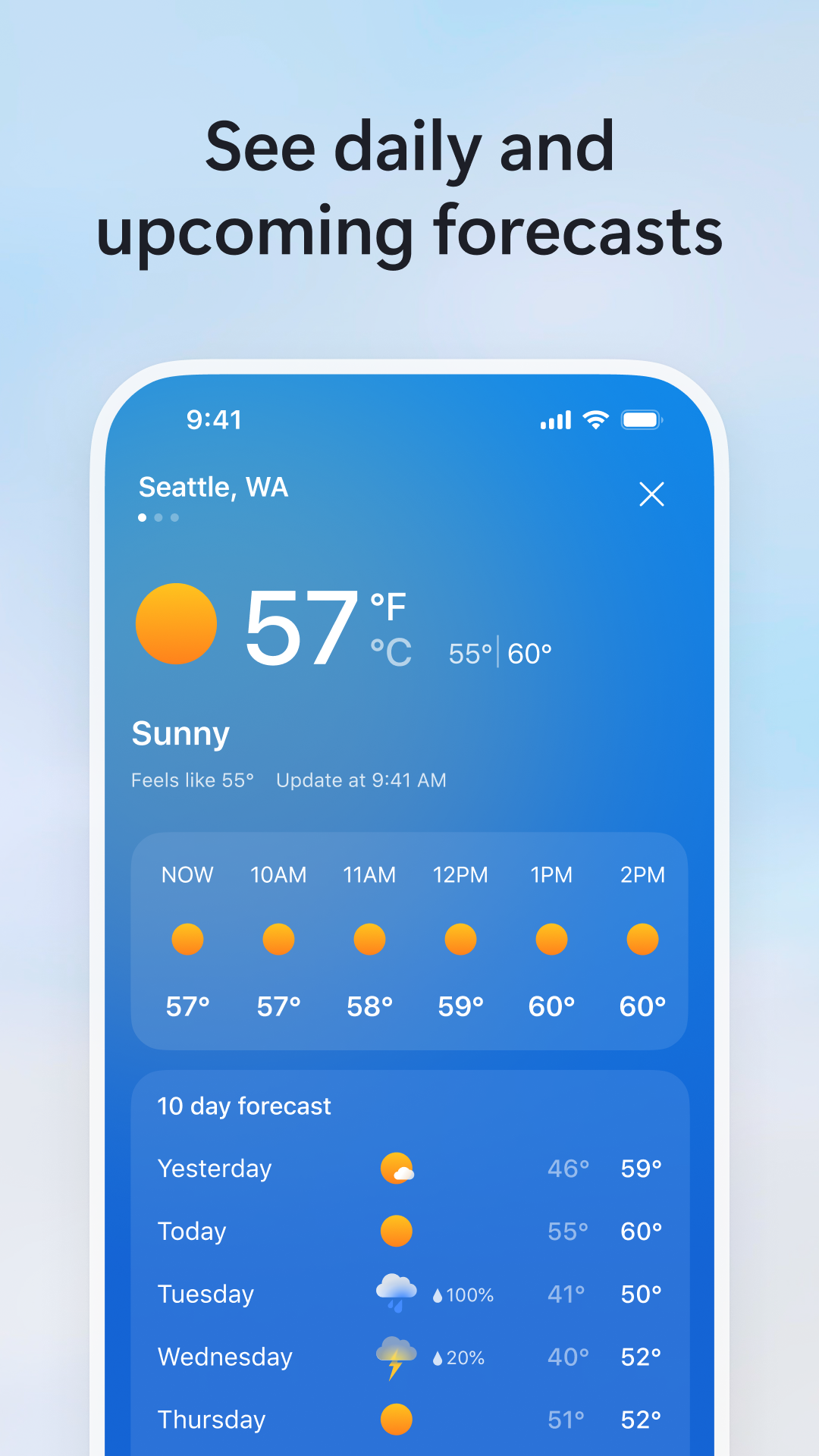
MS, if you want to compete with Google, you need to ACT like Google. Eg. Make your widgets smaller (5x2 combo is a GREAT idea but its more like 5x3), and a weather icon and notification on the device. I dont care how many Rewards points you offer, if it's not convenient, the app doesnt deserve my device's memory. And right now? Bing is most definitely NOT convenient. Time will tell whether or not this remains installed. 🤷♀️
Most of the app is pretty responsive and not too slow except for Microsoft Rewards. I always have the worst experience with Rewards not allowing me to click any of the options in many of the daily tasks, forcing me to either exit the app completely or click the Rewards tab over and over again before the option is clicked. Very unresponsive and annoying. The daily 100 search points doesn't always work as well, also forcing me to redo my searches again, which is extremely frustrating to deal with.
Everything works on Wifi but not though At&t cellular 4g Lte data. I can not log into my account on the app, the website, or make changes on my xbox. You can't ask for help because it requires you to log in. Uninstall, clearing cache data etc, doesn't help. When it requires a connection to Microsoft servers it gives an error or says another login is in effect. This is the 4th time then you lose all benefits to doing a streak for logins.
Kirimkan komentar
Untuk memberikan komentar, masuklah dengan jejaring sosial Anda:
Atau tinggalkan komentar anonim. Komentar Anda akan dikirim untuk dimoderasi.
Kirimkan komentar
Untuk memberikan komentar, masuklah dengan jejaring sosial Anda:
Atau tinggalkan komentar anonim. Komentar Anda akan dikirim untuk dimoderasi.