


Microsoft PowerPoint
13+
unduhan6.0+
versi Android
Ditambahkan: Denis Rubinov
Versi: 16.0.18827.20066
Ukuran: 115.1 MB
Diperbarui: 24.06.2025
Developer: Microsoft Corporation
Batasan Usia: Everyone
Otorisasi: 26
Diunduh di Google Play: 1985476165
Kategori: Kerja
Deskripsi
Aplikasi Microsoft PowerPoint diperiksa oleh antivirus VirusTotal. Sebagai hasil pemindaian, tidak ada infeksi file yang terdeteksi oleh semua tanda tangan terbaru.
Cara memasang Microsoft PowerPoint
- Unduh file APK aplikasi dari apkshki.com.
- Temukan file yang diunduh. Anda dapat menemukannya di baki sistem atau di folder 'Download' menggunakan manajer file apa pun.
- Jika file yang diunduh berekstensi .bin (bug WebView di Android 11), ubah namanya menjadi .apk menggunakan pengelola file apa pun atau coba unduh file dengan browser lain seperti Chrome.
- Mulai penginstalan. Klik pada file yang diunduh untuk memulai penginstalan
- Izinkan penginstalan dari sumber yang tidak dikenal. Jika Anda menginstal untuk pertama kalinya Microsoft PowerPoint bukan dari Google Play, buka pengaturan keamanan perangkat Anda dan izinkan penginstalan dari sumber yang tidak dikenal.
- Lewati perlindungan Google Play. Jika proteksi Google Play memblokir penginstalan file, ketuk 'Info Lebih Lanjut' → 'Tetap instal' → 'OK' untuk melanjutkan..
- Selesaikan penginstalan: Ikuti petunjuk penginstal untuk menyelesaikan proses penginstalan.
Cara memperbarui Microsoft PowerPoint
- Unduh versi baru aplikasi dari apkshki.com.
- Cari file yang diunduh dan klik file tersebut untuk memulai penginstalan.
- Instal di atas versi lama. Tidak perlu menghapus instalasi versi sebelumnya.
- Hindari konflik tanda tangan. Jika versi sebelumnya tidak diunduh dari apkshki.com, pesan 'Aplikasi tidak terinstal' mungkin muncul. Dalam kasus ini, hapus instalan versi lama dan instal versi baru.
- Mulai ulang lampiran Microsoft PowerPoint setelah pembaruan.














Meminta pembaruan aplikasi
Ditambahkan Denis Rubinov
Versi: 16.0.18827.20066
Ukuran: 115.1 MB
Diperbarui: 24.06.2025
Developer: Microsoft Corporation
Batasan Usia: Everyone
Otorisasi:
Diunduh di Google Play: 1985476165
Kategori: Kerja















Ulasan untuk Microsoft PowerPoint
Nice
good
I really enjoyed to use this app it helps me very much
perfect 🥰
great
PowerPoint is very good and so easy to use for every presentation
easy to use
it take over space in mobile
but when using japanese conversions somtimes lags out unchanged and require restart
sick
I thought maybe the PowerPoint app would be better than the one in Office, but it's not. Transparent pngs have a black background added for some odd reason, rendering them useless, won't import images half the time, can't edit slides- it acts like it will let you, but it won't. Its barely functional, on the slides I'm editing it doesn't actually show what has been added, just a blank slide, so I can't remove it. Idk if it's incompatible with my phone or what but I can't get this to function.
I LOVE Powerpoint on my laptop, but the mobile version seems very difficult to use. When I clicked on "blank presentation", I expected it to be, well, you know, BLANK--not to have designs automatically assigned to my project. I wanted to work completely from scratch, and the mobile app gives me no options to do so. Very disappointed.
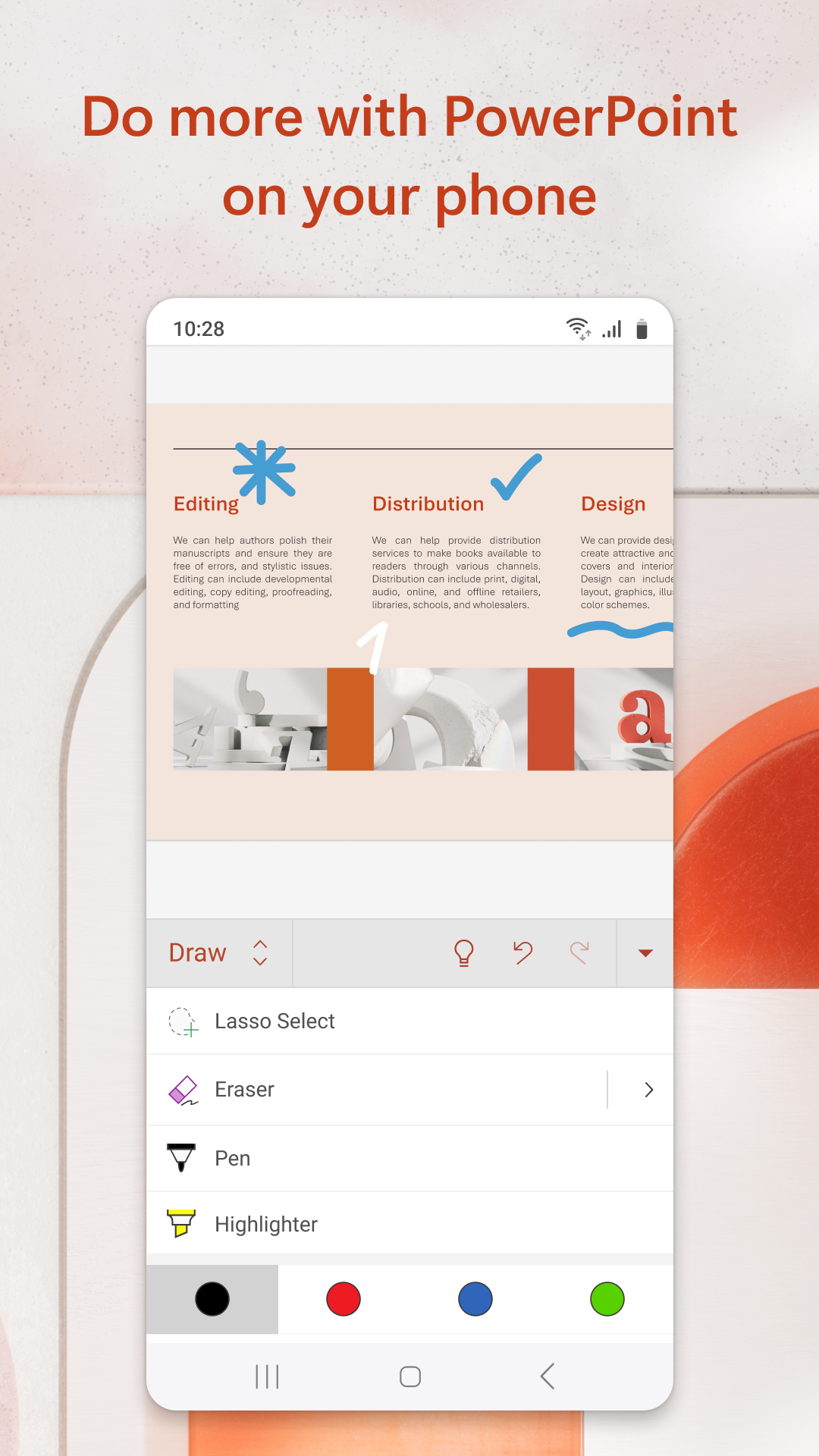
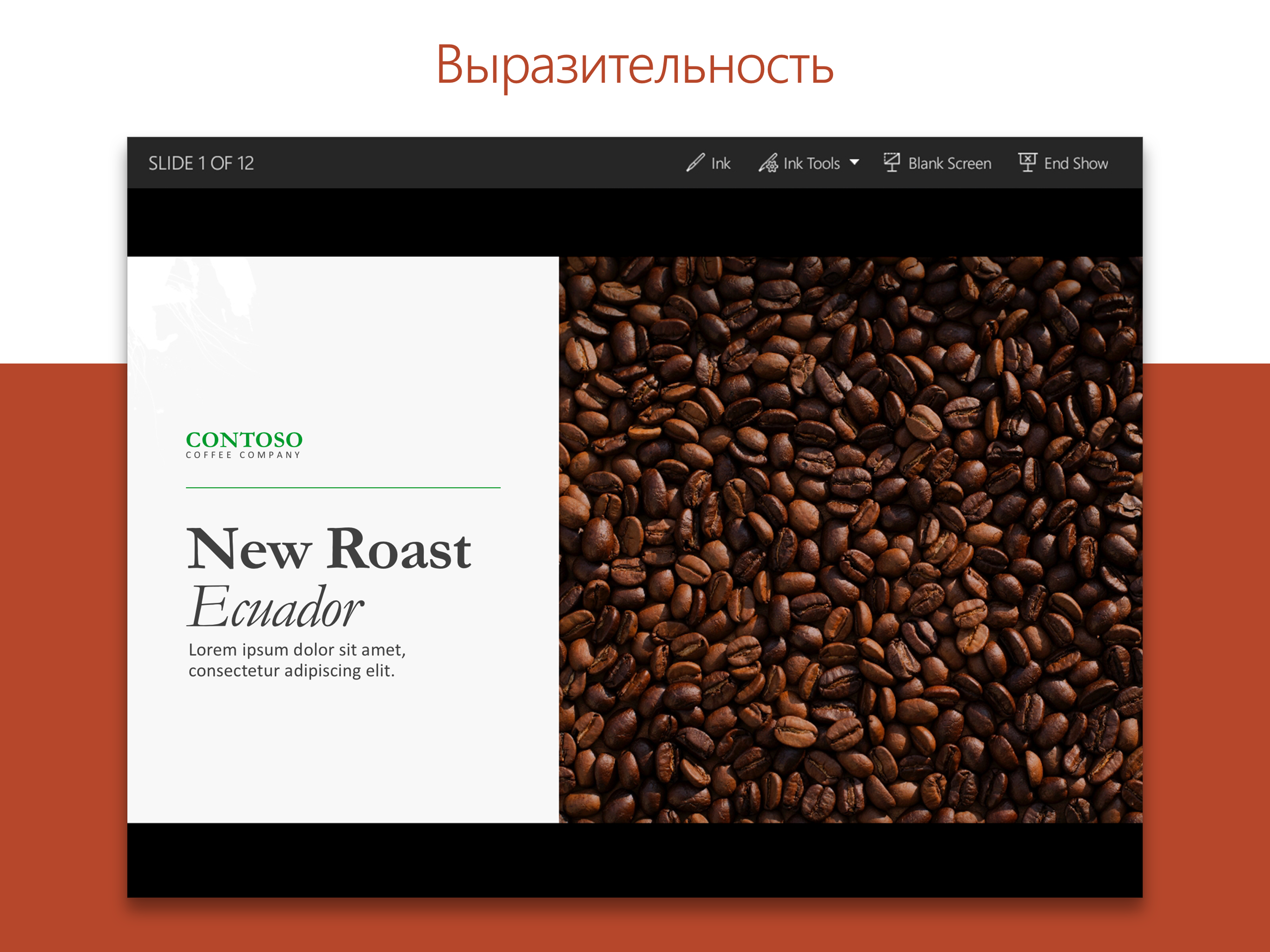
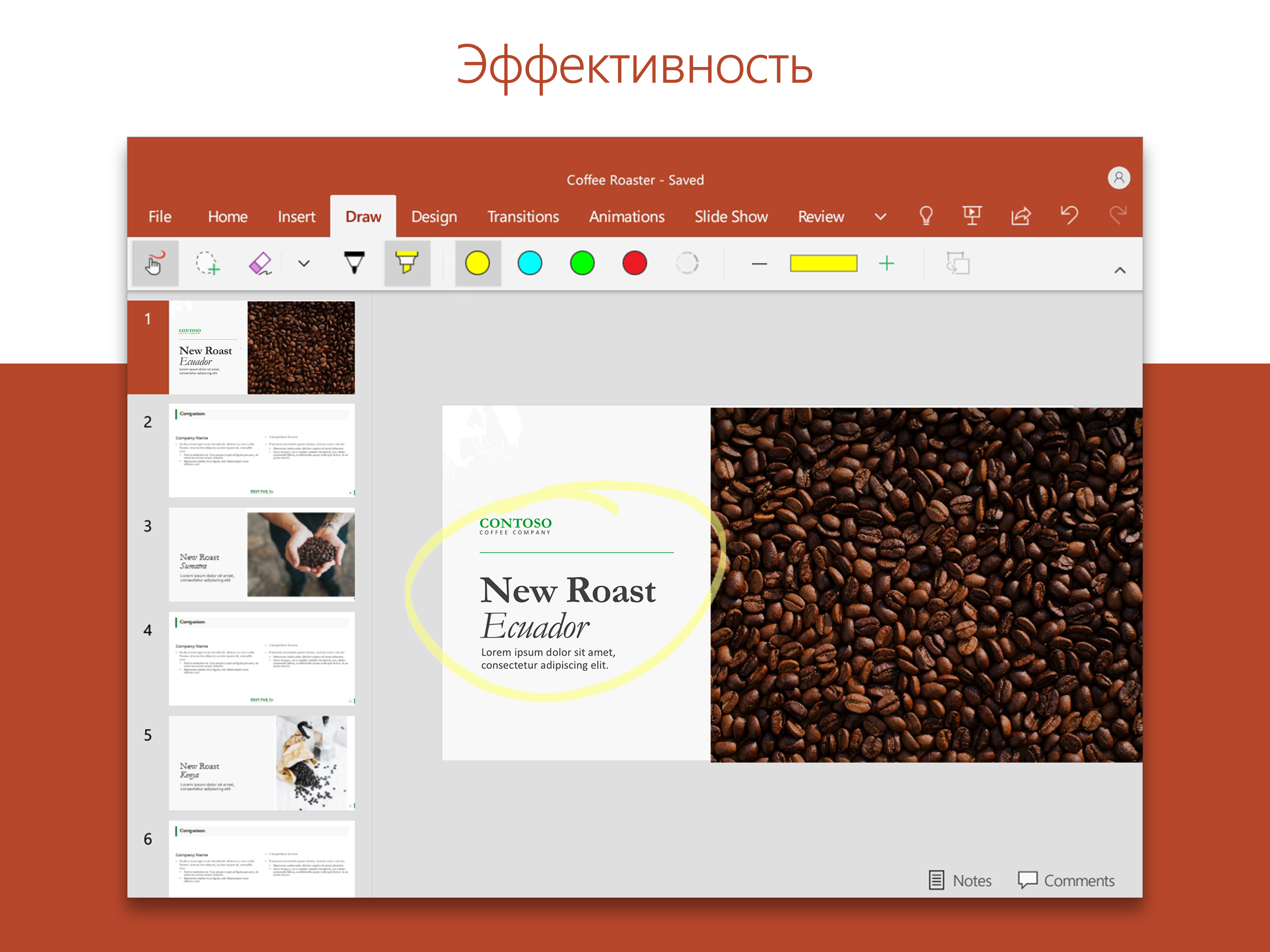
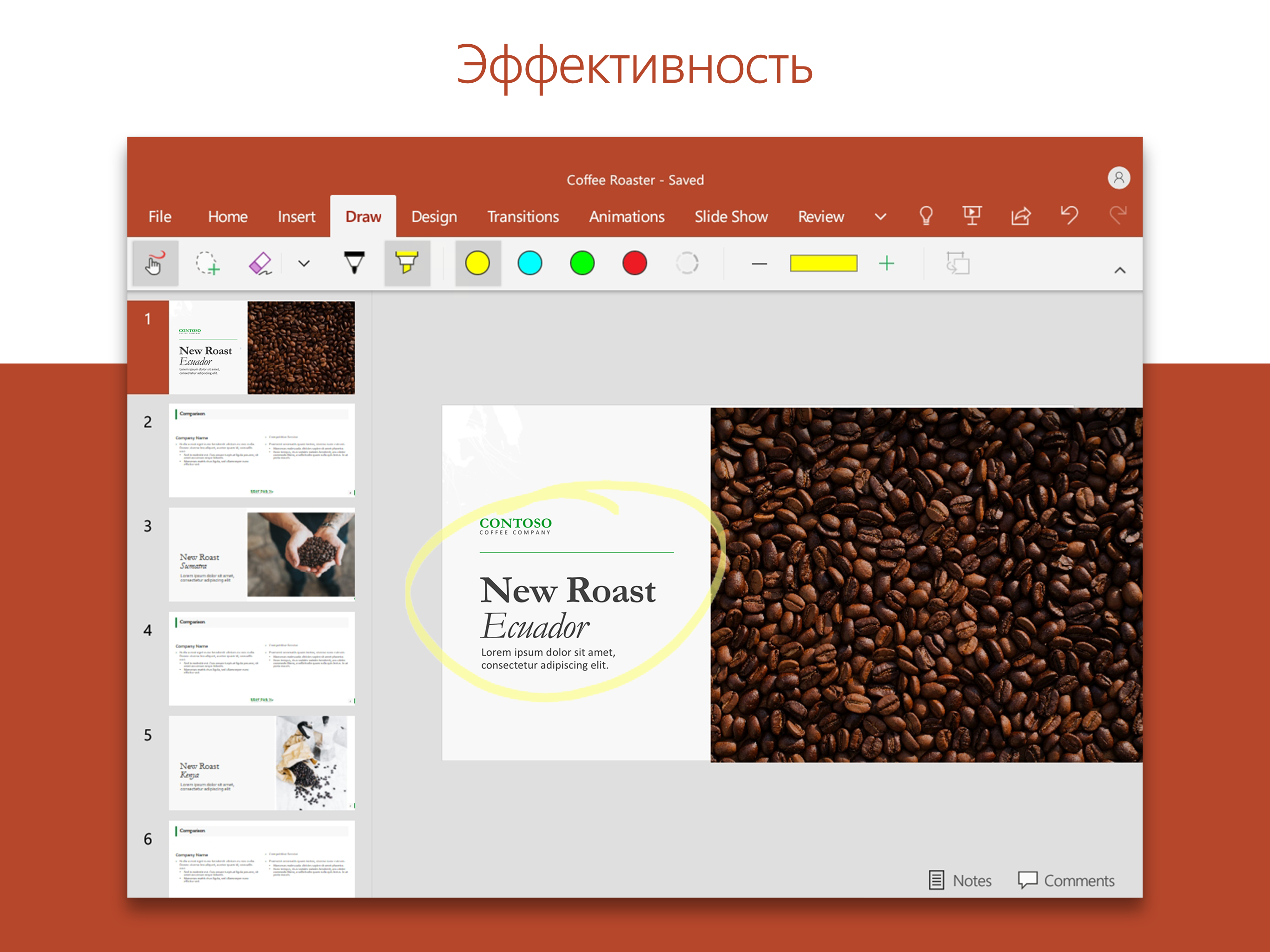
Using the Galaxy Tab S8 and the drawing features do not work well AT ALL. When drawing notes without it being in slide show mode, it reads the palm and moves stuff around. When drawing in slide show mode, the ink tools are very limited and I hate that you have to keep draging down for them to show up. You also have to hit "ink" everytime you change tools. You cant change the size of the stroke and you only have 5 colors. It glitches out A LOT, no promt to keep, and my written NOTES DONT SAVE.
I was under the impression that paying for a full subscription would allow me to use all the features, on a Chromebook. That is not accurate. The animations are much more difficult to manage. The "insert photo" function malfunctions regularly requiring to close the application and reopen it to insert photos. Probably get the same functionality out of Google slides.
This app is alright. I'd give it 5 stars because it's super convenient and easy to use, BUT it glitches a lot. My husband and I use this app for mandatory projects. We've used it on several different phones. It's a bit glitchy, especially if it's been open for a long period of time. It becomes less responsive and starts to delete random words and letters, move your cursor about, etc. I close. It and restart and it works fine again for a bit.
Kirimkan komentar
Untuk memberikan komentar, masuklah dengan jejaring sosial Anda:
Atau tinggalkan komentar anonim. Komentar Anda akan dikirim untuk dimoderasi.
Kirimkan komentar
Untuk memberikan komentar, masuklah dengan jejaring sosial Anda:
Atau tinggalkan komentar anonim. Komentar Anda akan dikirim untuk dimoderasi.