



Microsoft Teams
2+
unduhan4.4+
versi Android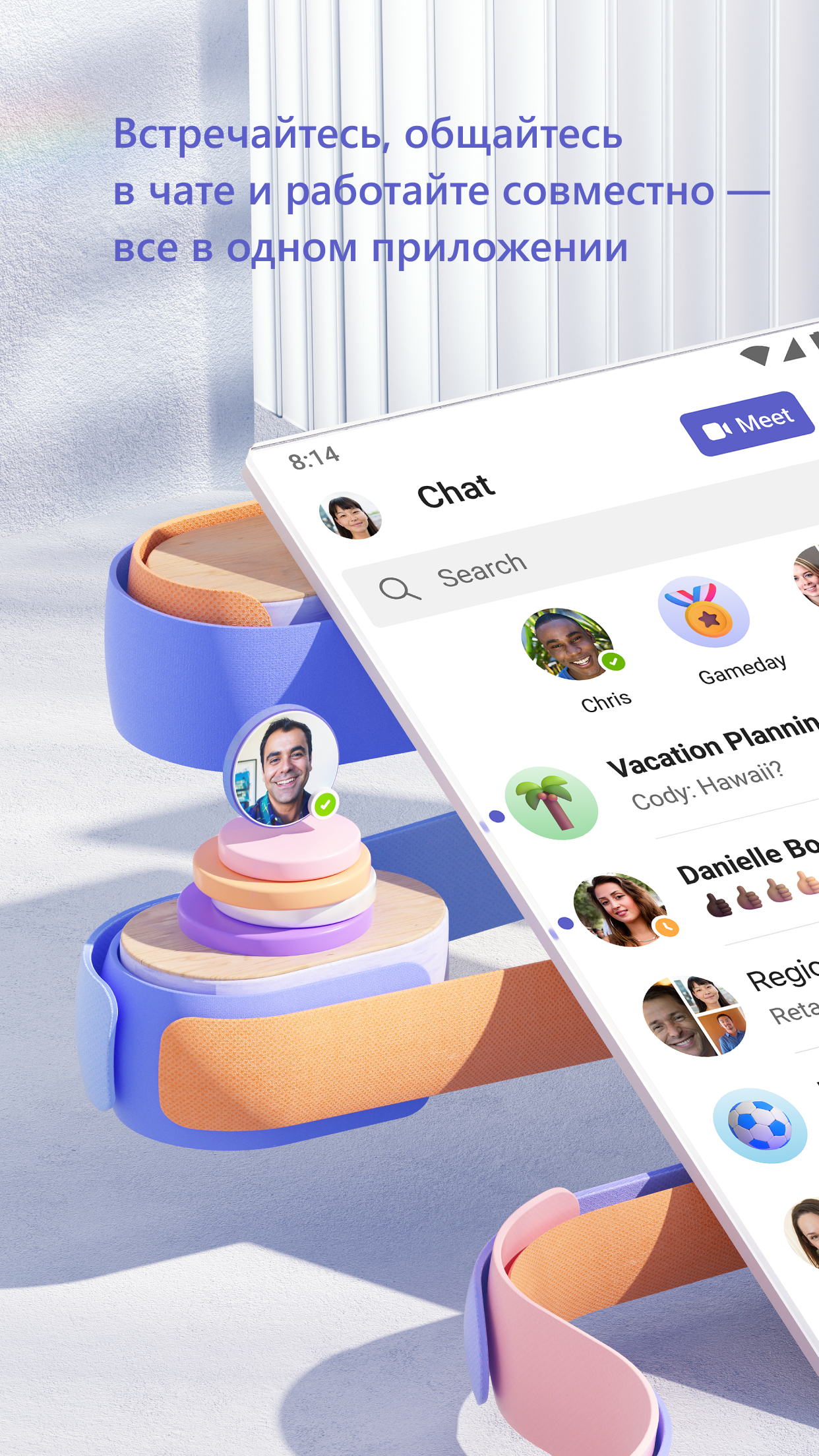
Ditambahkan: Denis Rubinov
Versi: 1.0.0.2025063004
Ukuran: 362.1 MB
Diperbarui: 19.05.2025
Developer: Microsoft Corporation
Batasan Usia: Everyone
Otorisasi: 28
Diunduh di Google Play: 404940074
Kategori: Bisnis
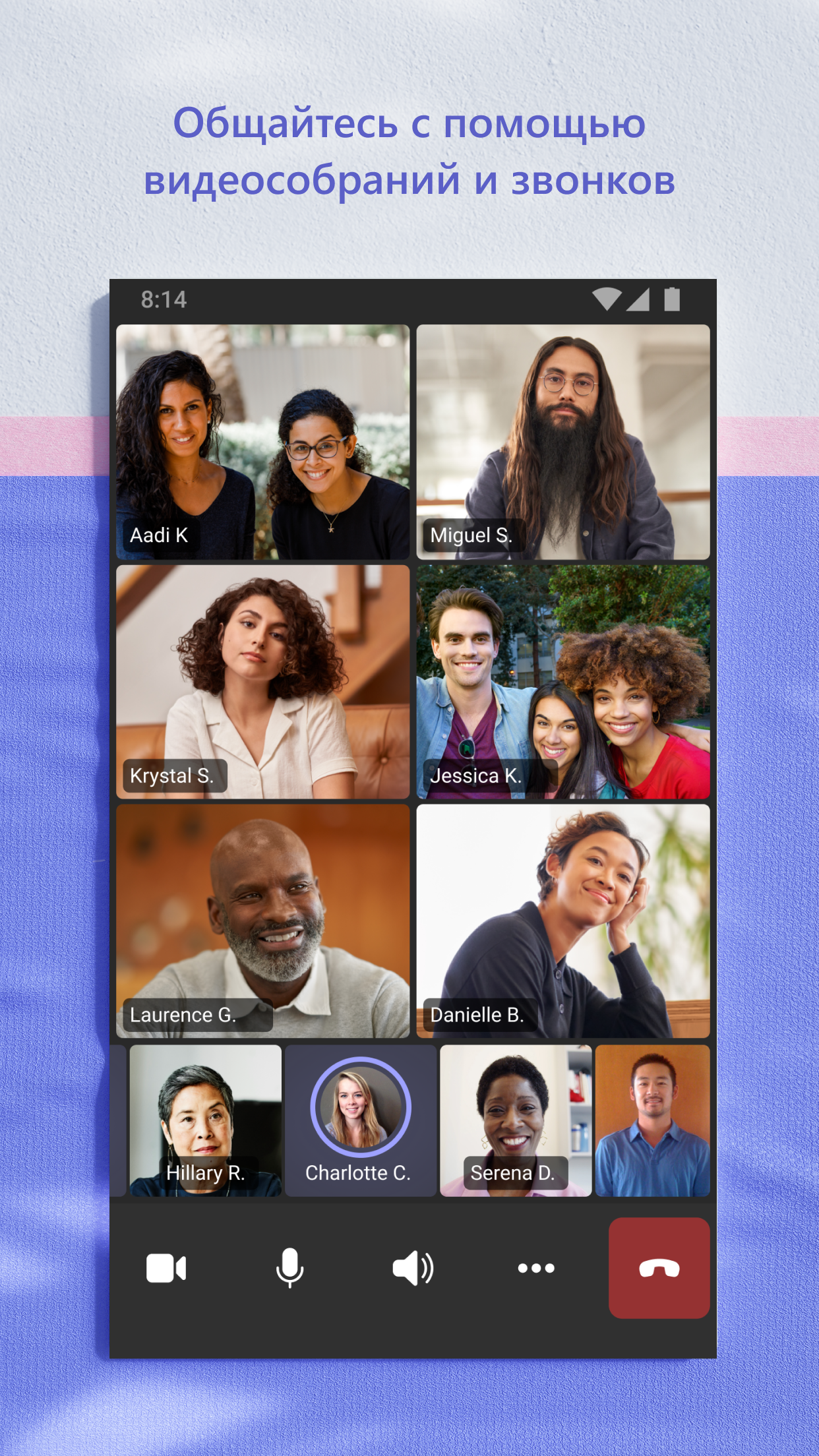
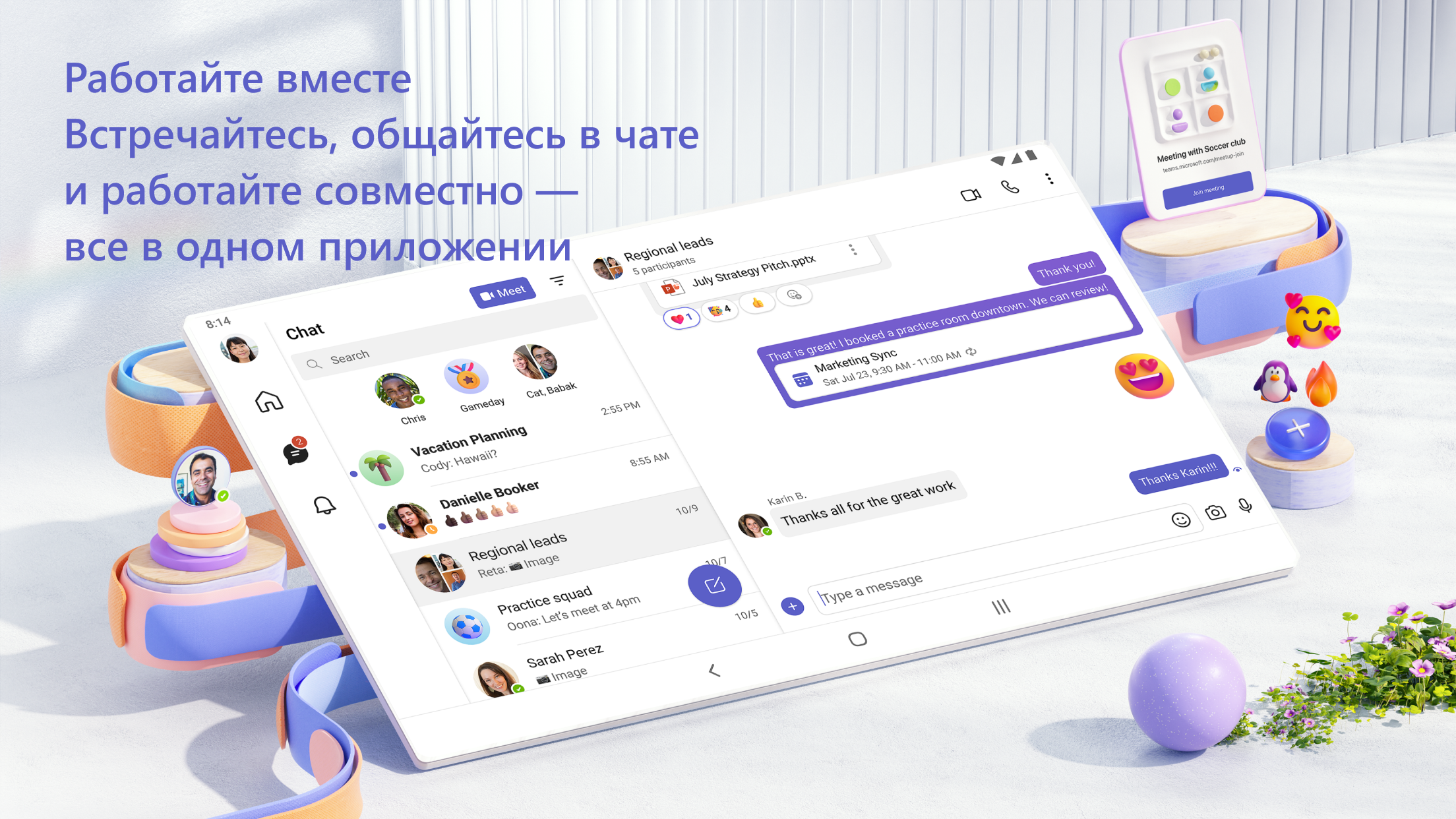
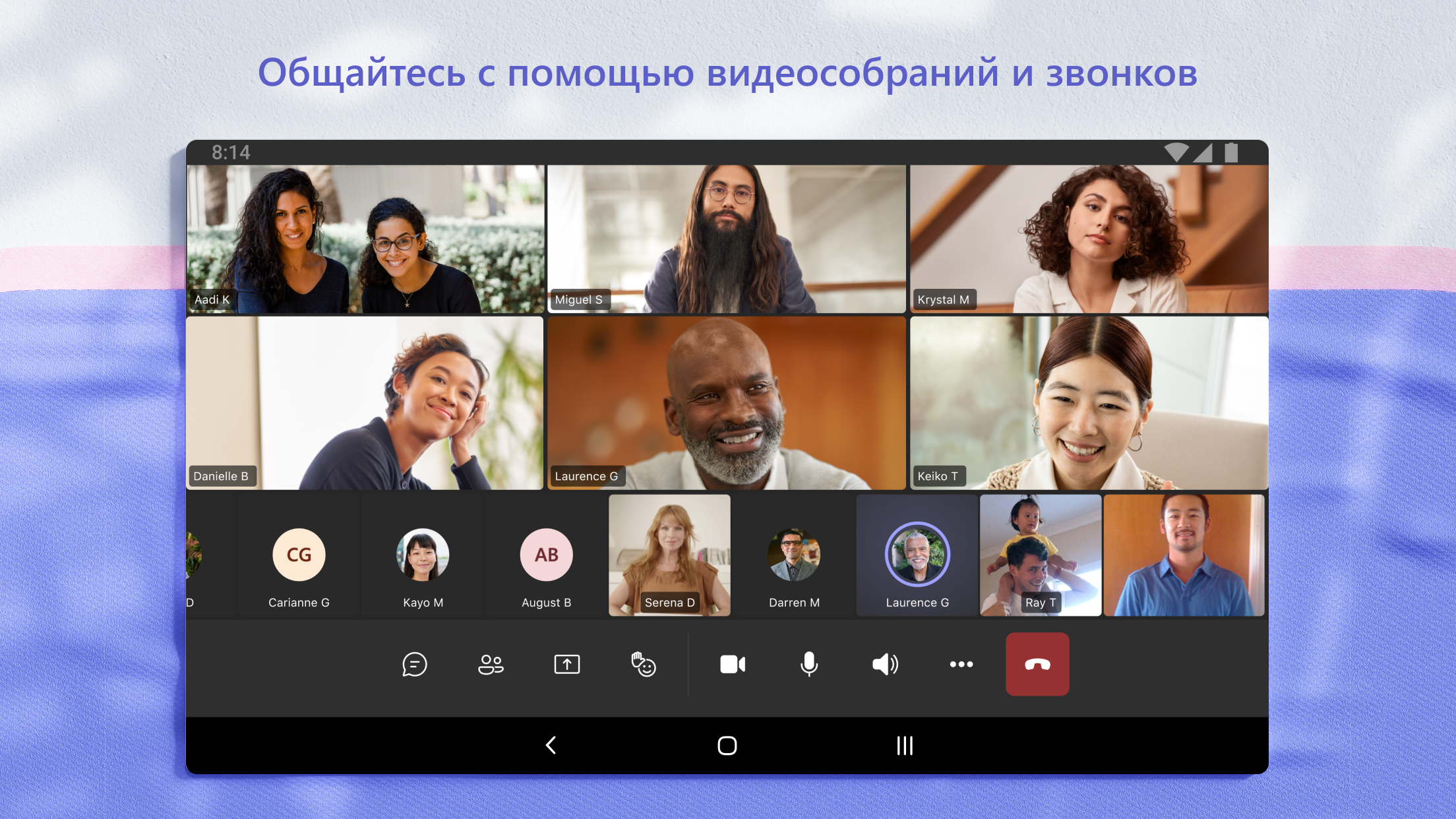
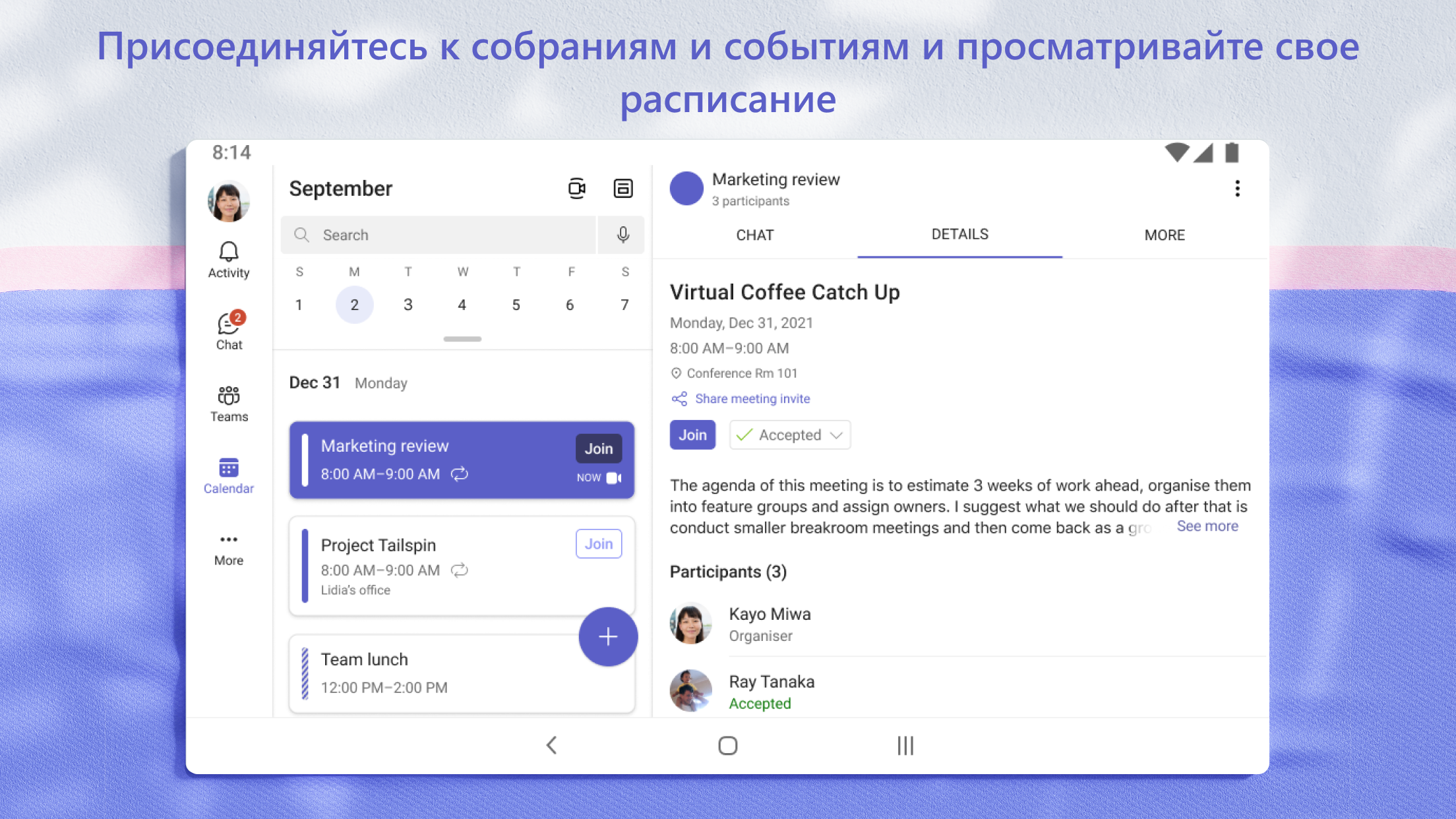
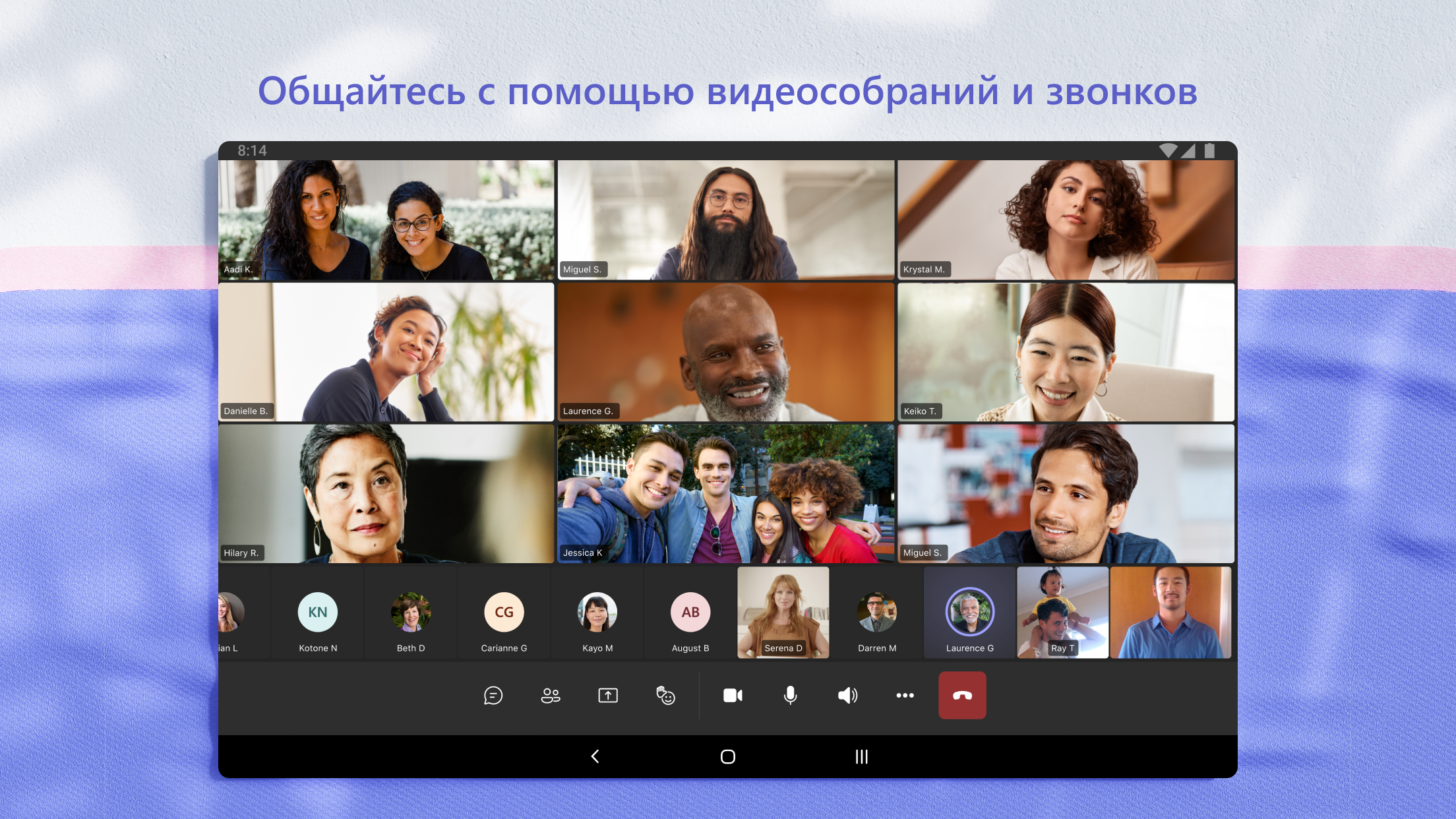
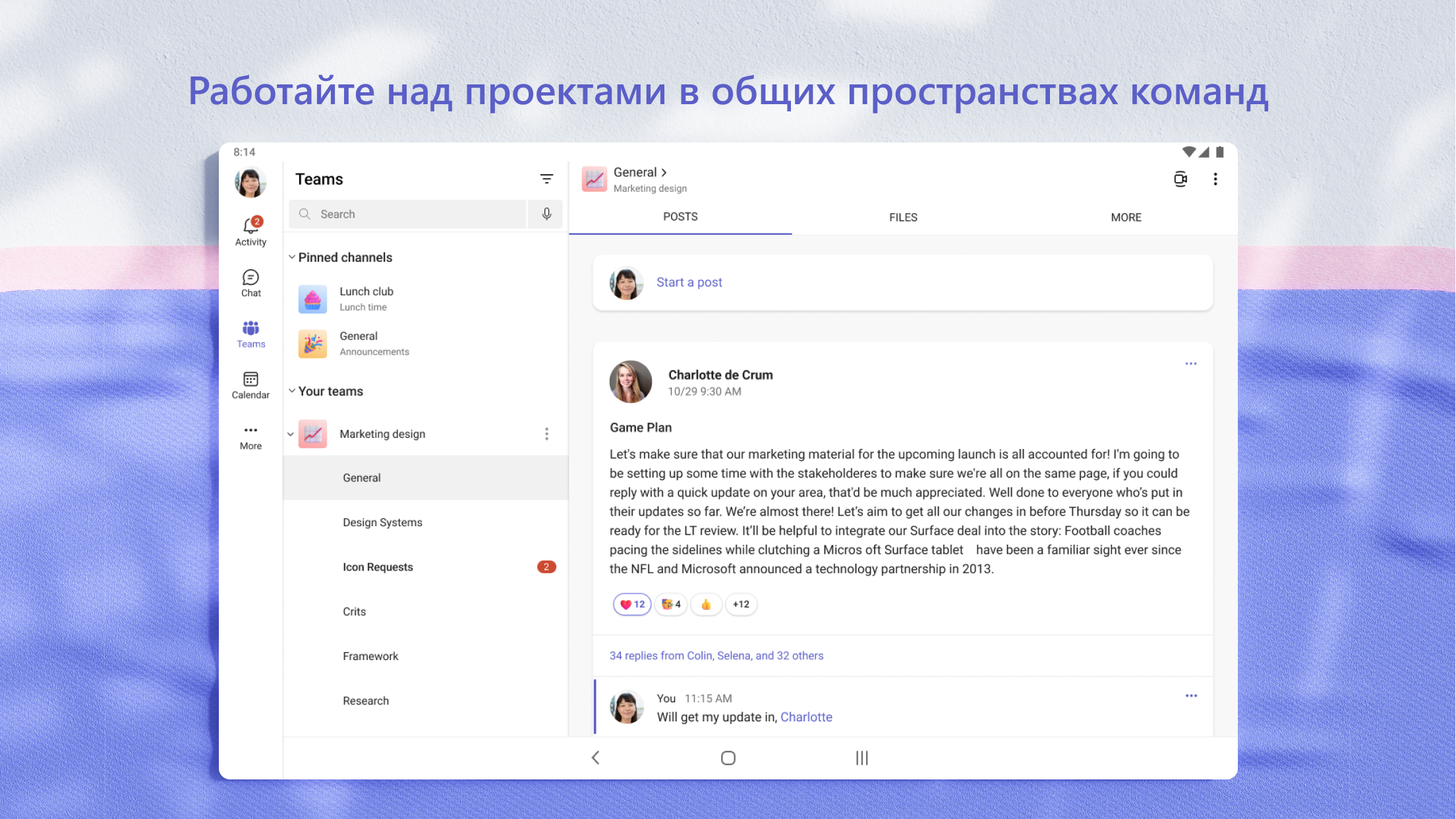
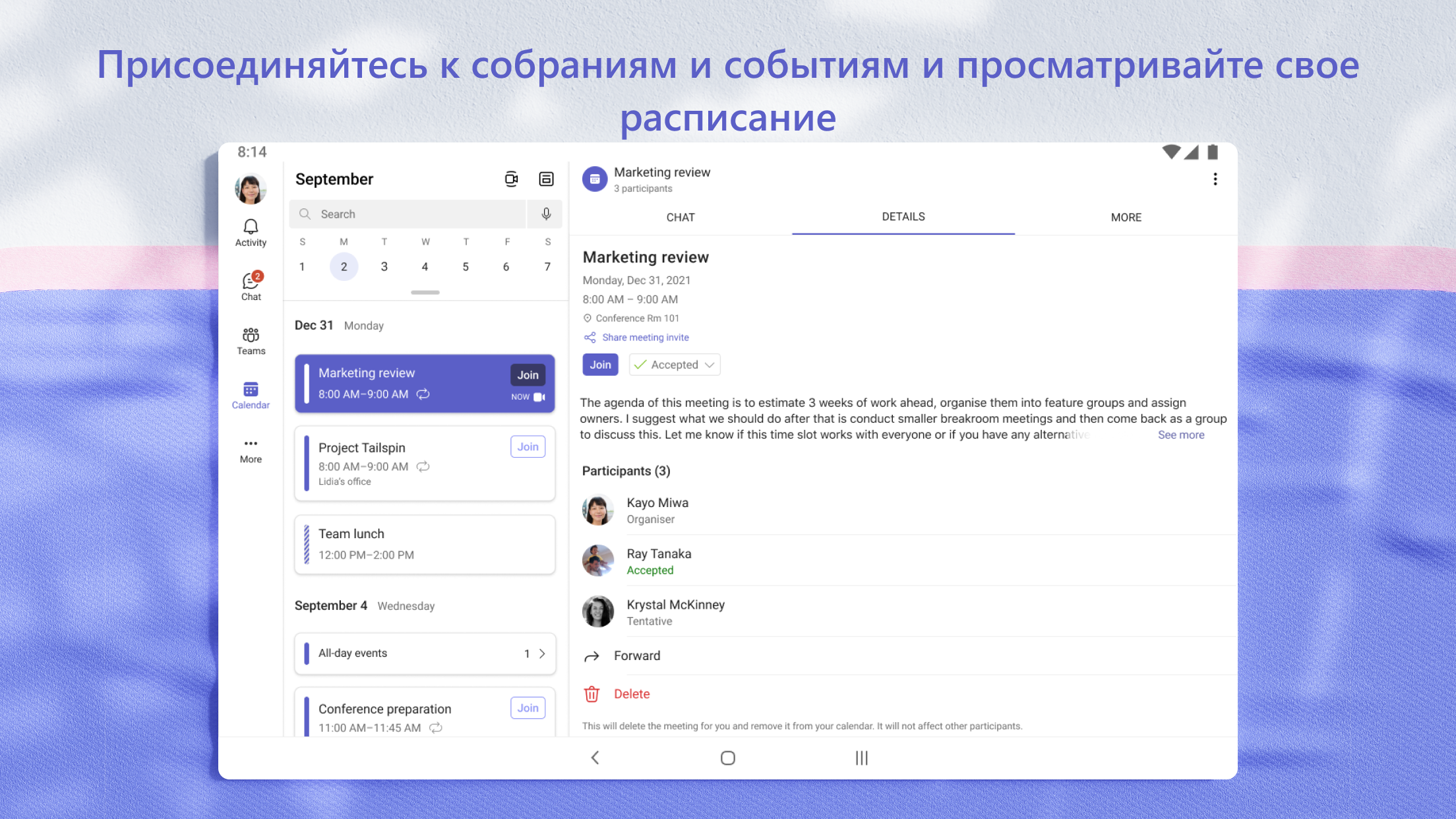
- Komunikasi audio dan video berkualitas tinggi.
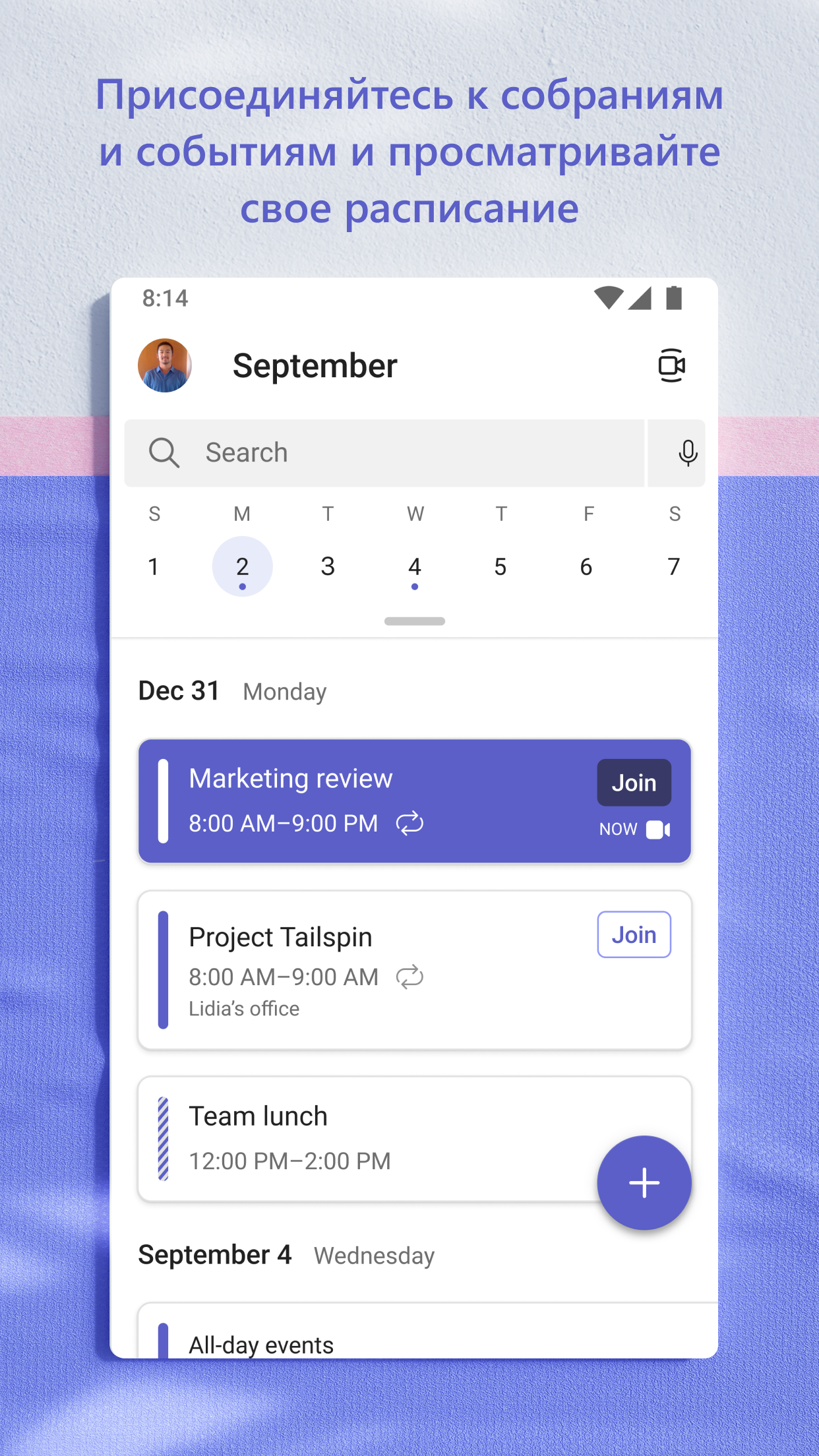
- Notifikasi Push yang Dapat Disesuaikan.
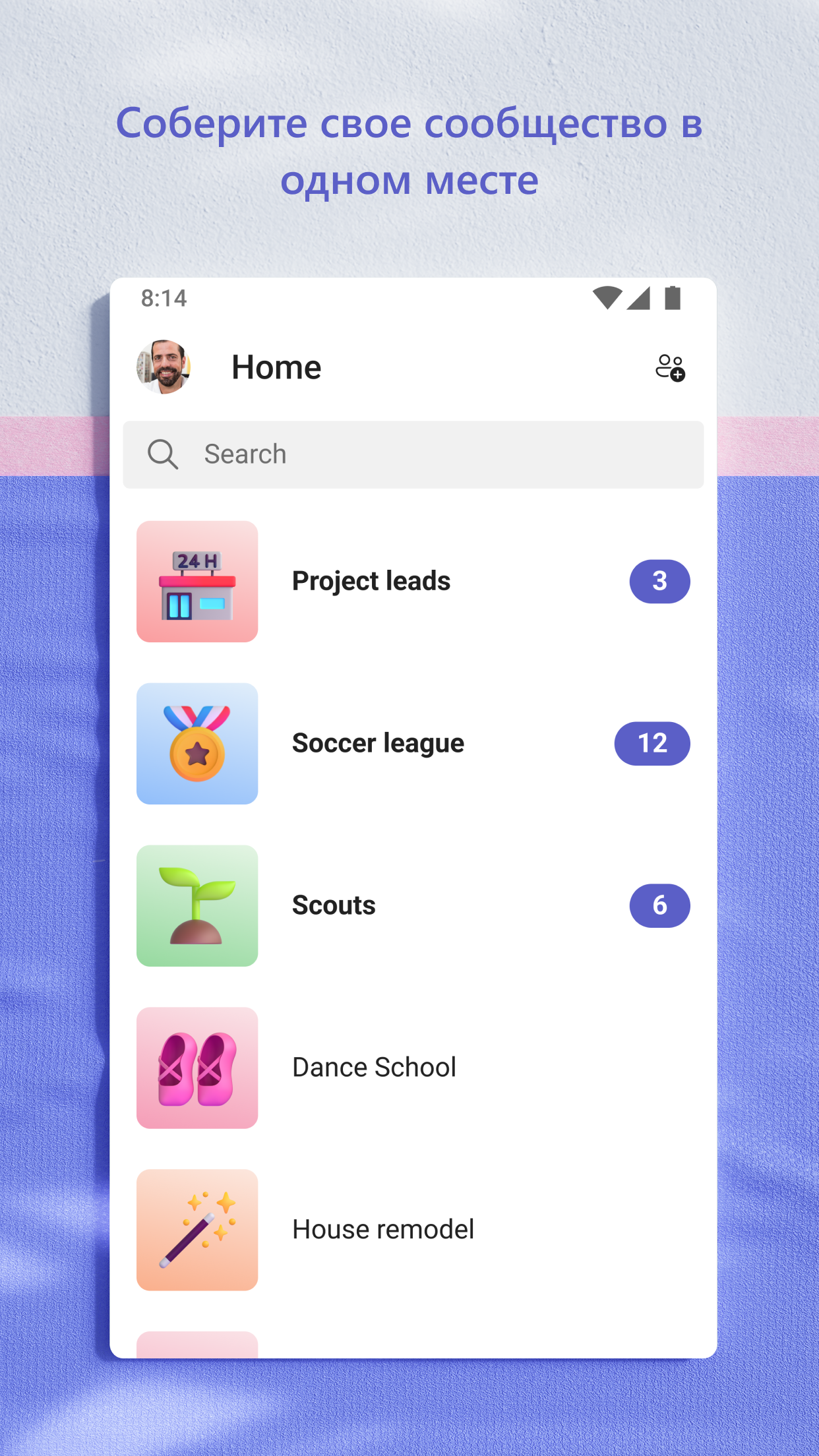
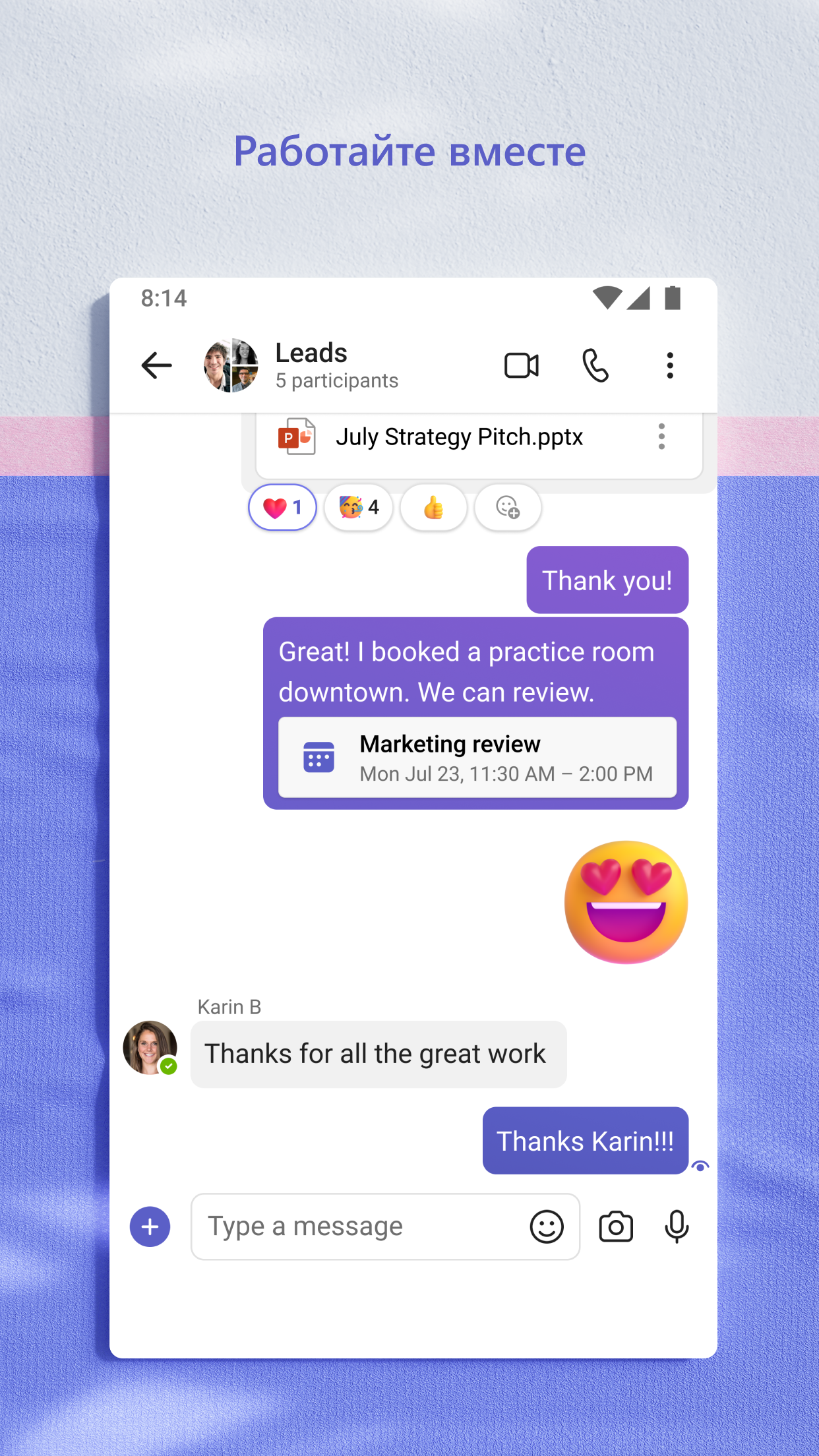
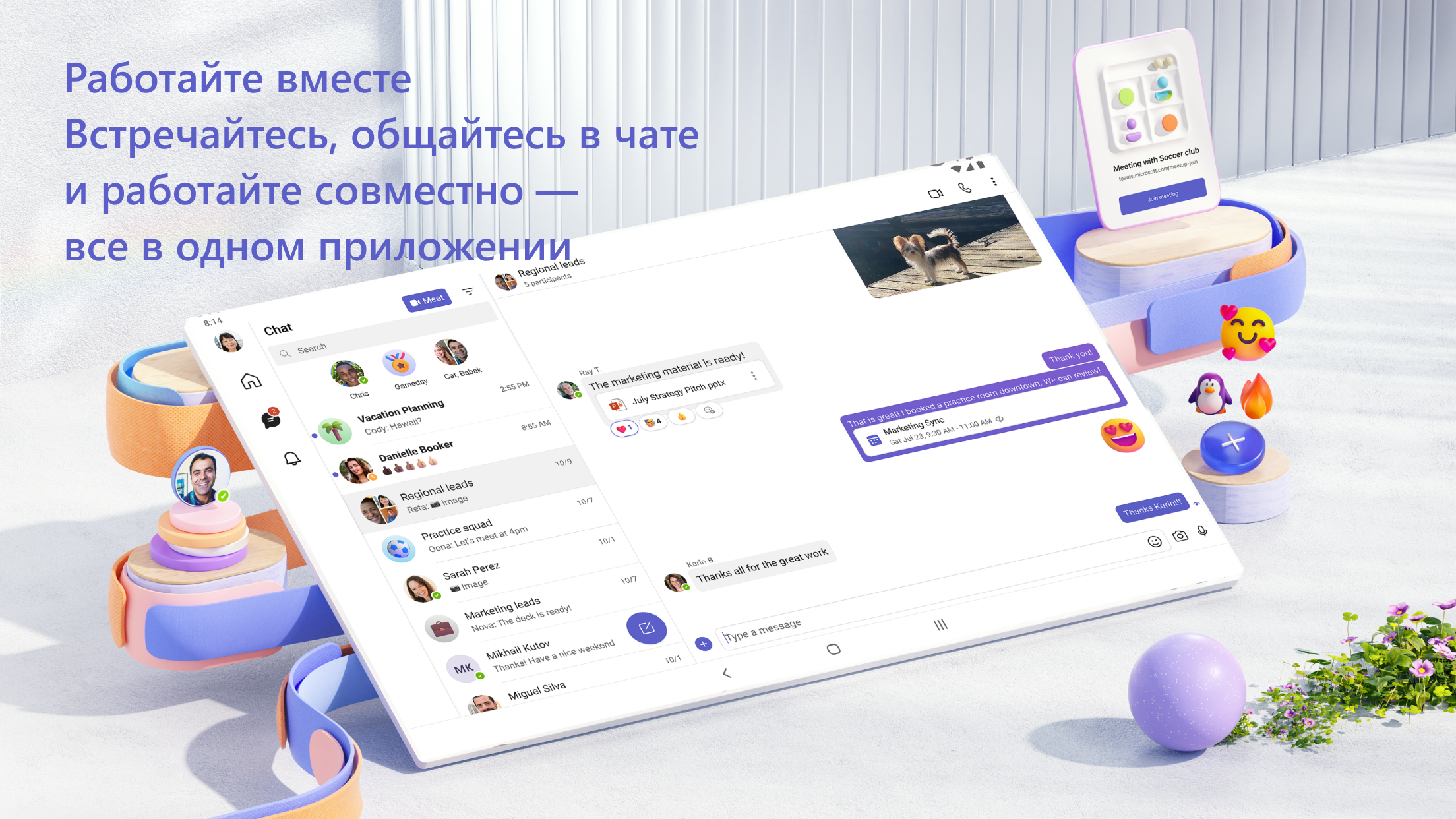
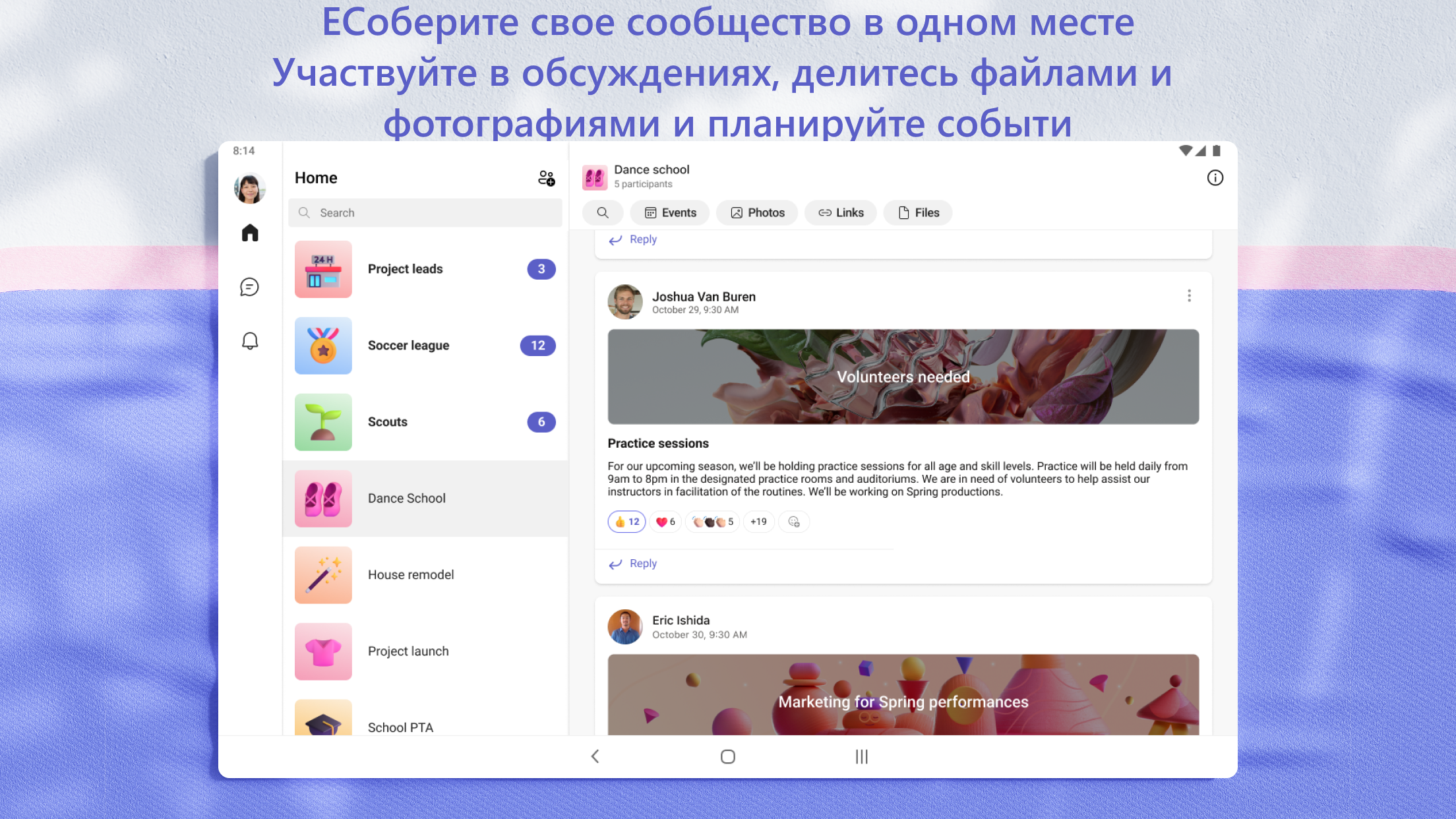
- Komunikasi dalam obrolan pribadi, serta dalam grup.
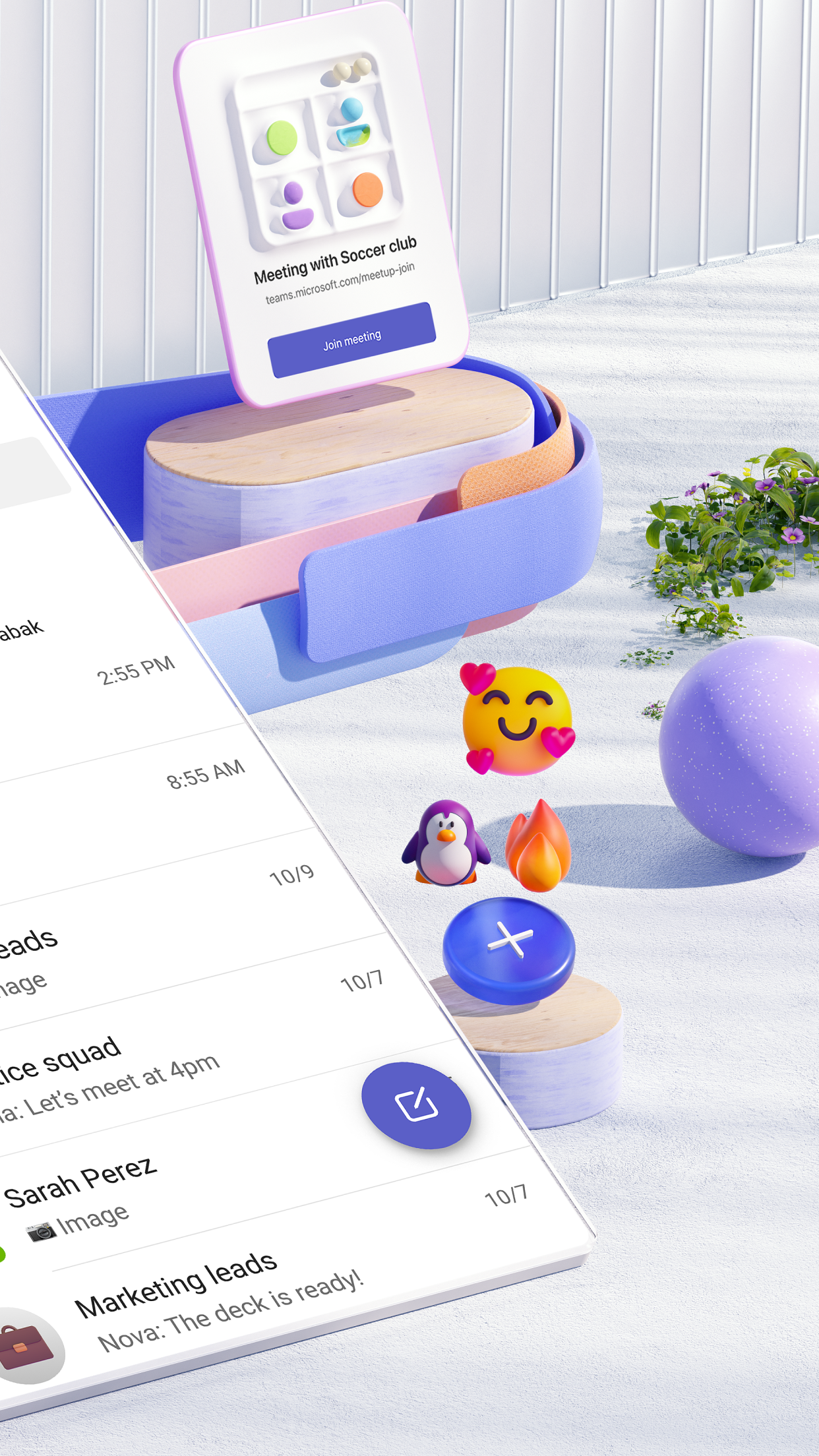
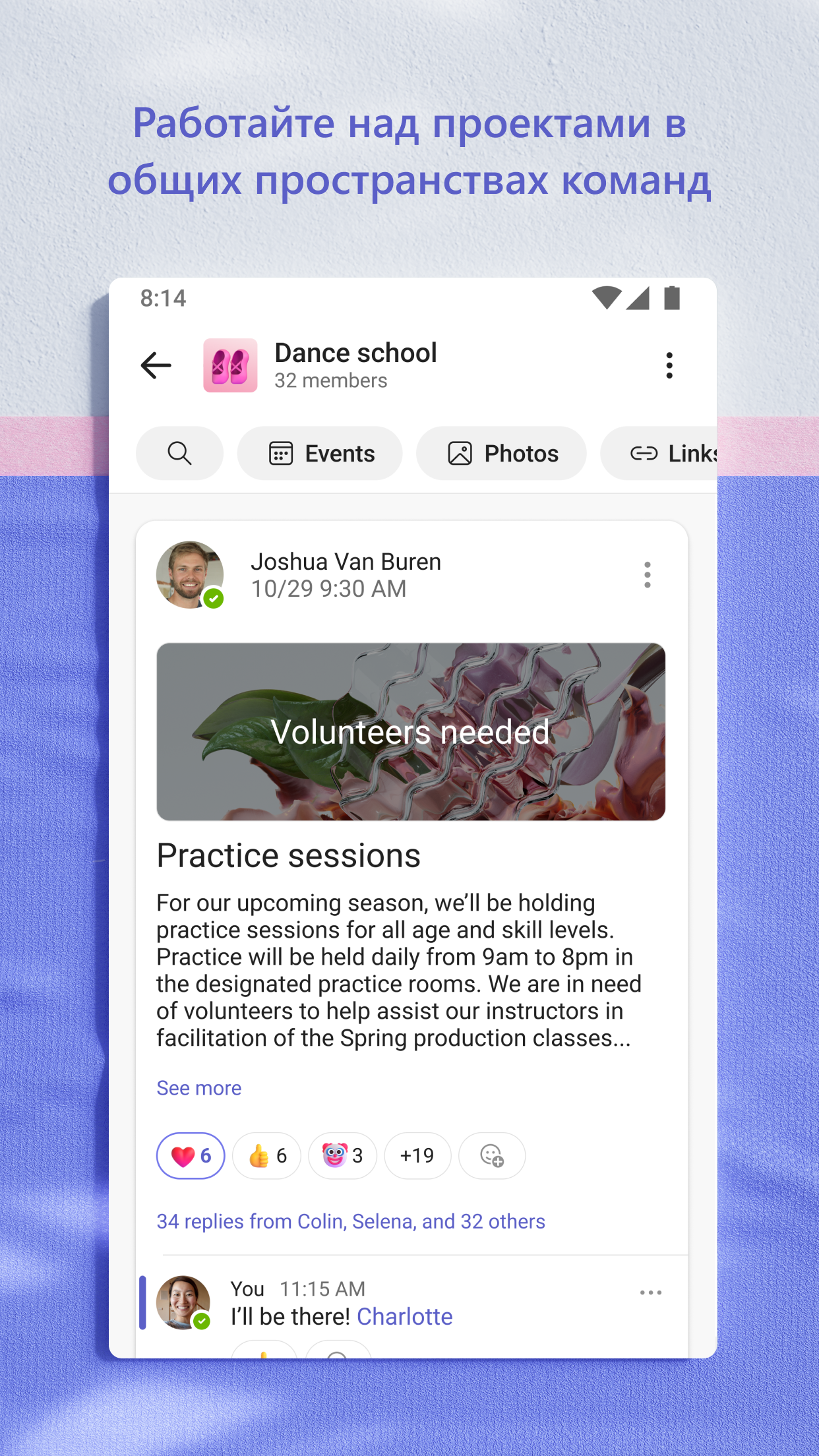
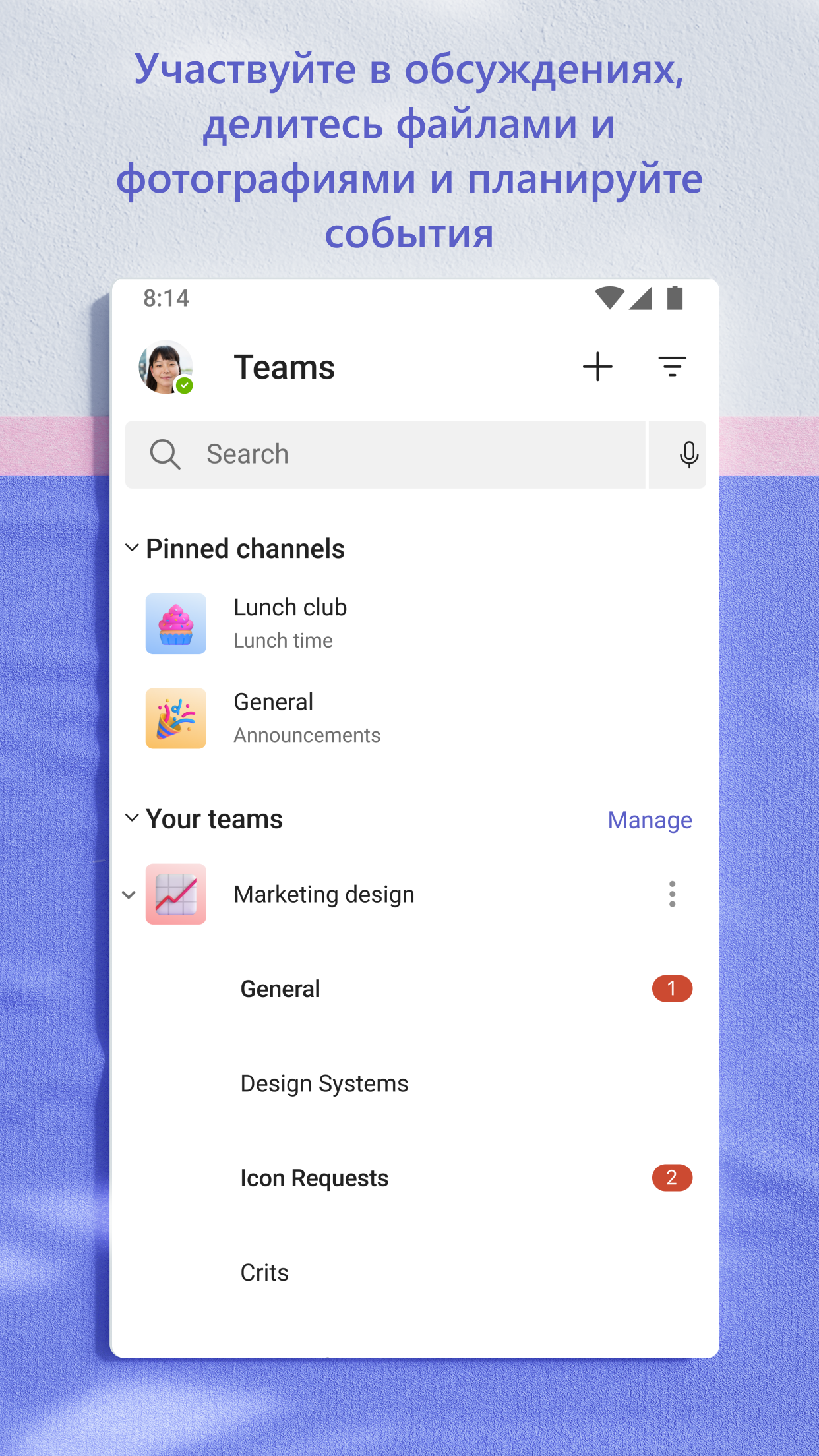
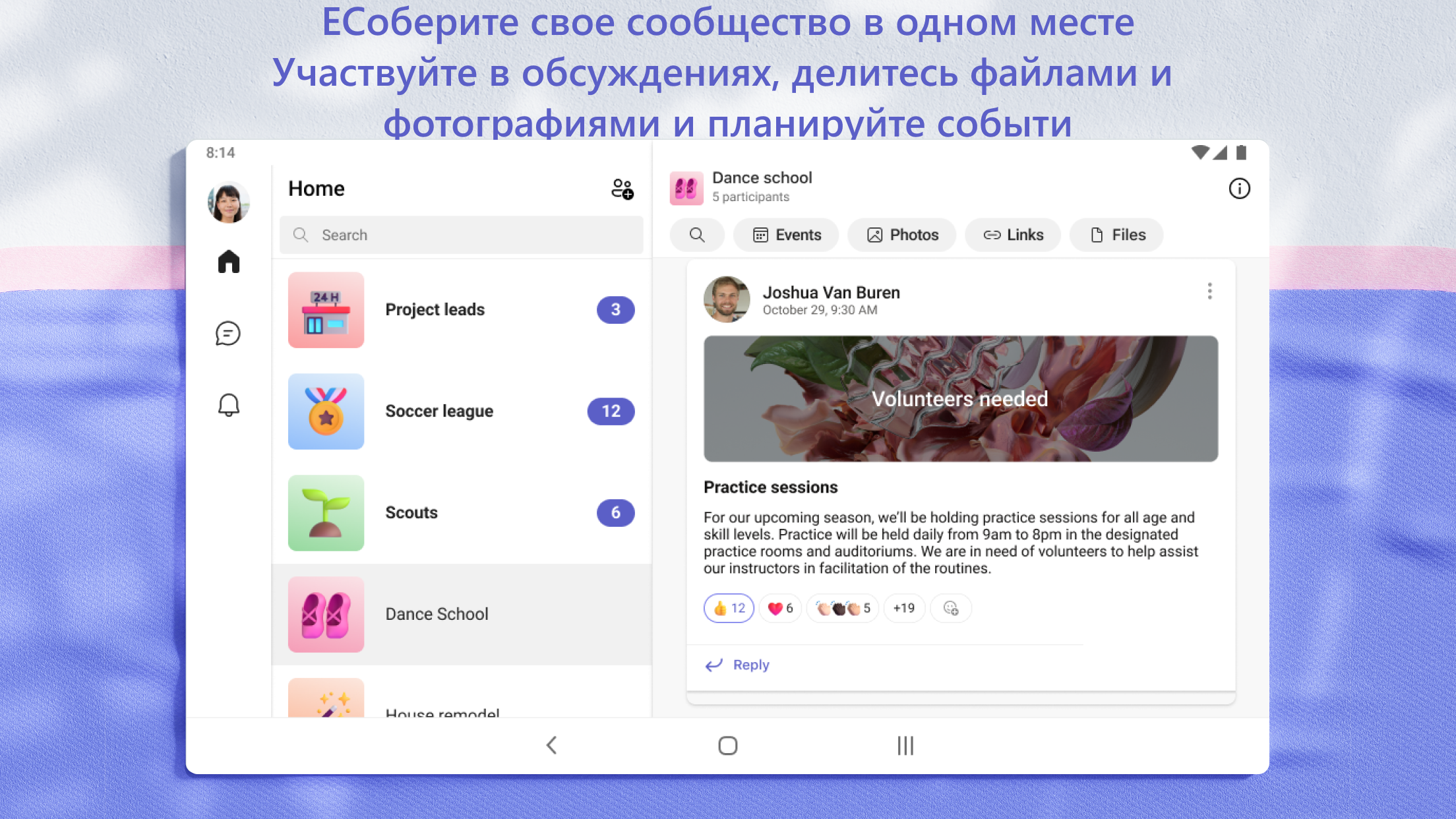
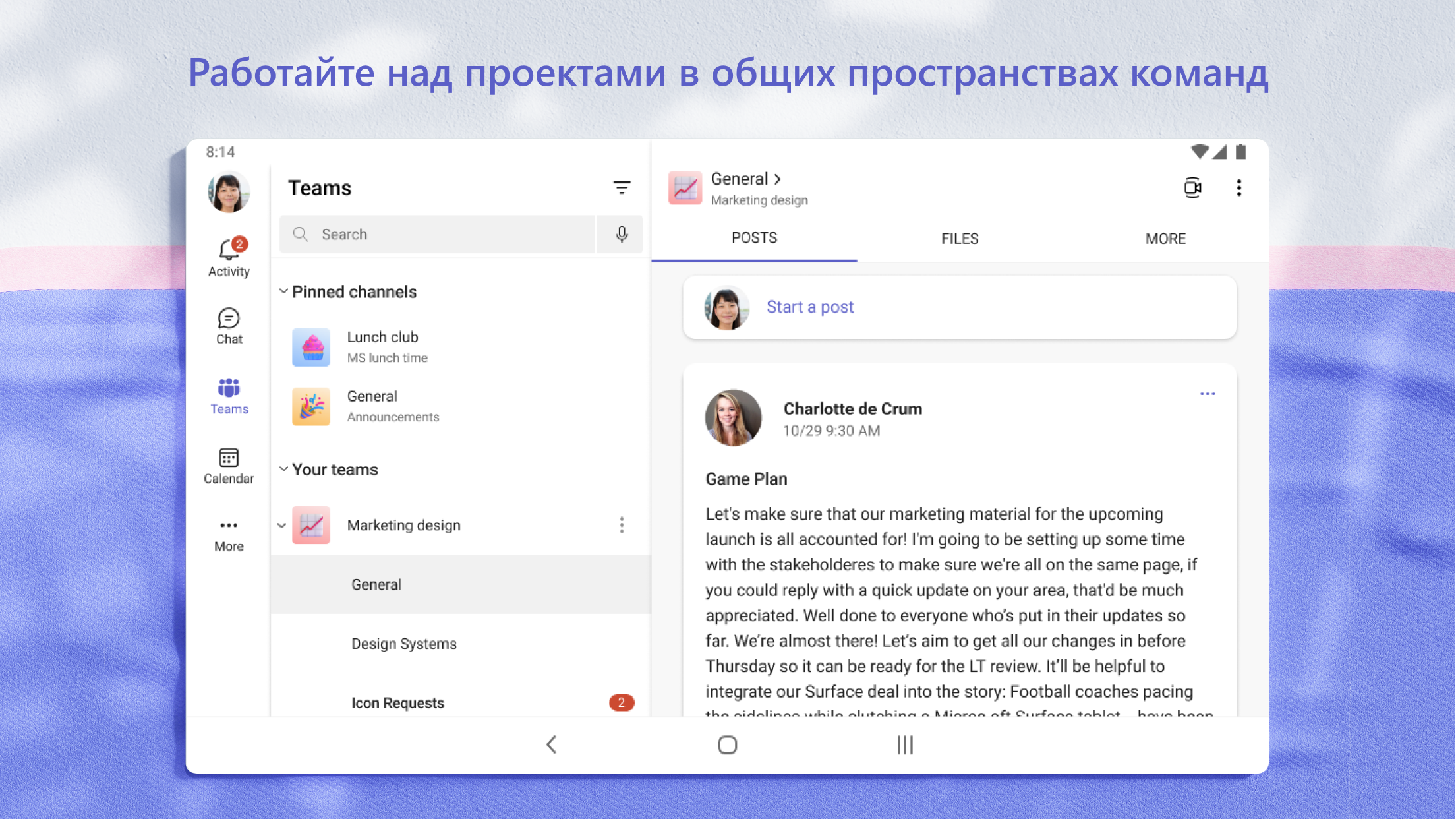
- Lihat file bersama dan berkolaborasi pada dokumen.
- Desain yang bagus.
Deskripsi
Aplikasi Microsoft Teams diperiksa oleh antivirus VirusTotal. Sebagai hasil pemindaian, tidak ada infeksi file yang terdeteksi oleh semua tanda tangan terbaru.
Cara memasang Microsoft Teams
- Unduh file APK aplikasi dari apkshki.com.
- Temukan file yang diunduh. Anda dapat menemukannya di baki sistem atau di folder 'Download' menggunakan manajer file apa pun.
- Jika file yang diunduh berekstensi .bin (bug WebView di Android 11), ubah namanya menjadi .apk menggunakan pengelola file apa pun atau coba unduh file dengan browser lain seperti Chrome.
- Mulai penginstalan. Klik pada file yang diunduh untuk memulai penginstalan
- Izinkan penginstalan dari sumber yang tidak dikenal. Jika Anda menginstal untuk pertama kalinya Microsoft Teams bukan dari Google Play, buka pengaturan keamanan perangkat Anda dan izinkan penginstalan dari sumber yang tidak dikenal.
- Lewati perlindungan Google Play. Jika proteksi Google Play memblokir penginstalan file, ketuk 'Info Lebih Lanjut' → 'Tetap instal' → 'OK' untuk melanjutkan..
- Selesaikan penginstalan: Ikuti petunjuk penginstal untuk menyelesaikan proses penginstalan.
Cara memperbarui Microsoft Teams
- Unduh versi baru aplikasi dari apkshki.com.
- Cari file yang diunduh dan klik file tersebut untuk memulai penginstalan.
- Instal di atas versi lama. Tidak perlu menghapus instalasi versi sebelumnya.
- Hindari konflik tanda tangan. Jika versi sebelumnya tidak diunduh dari apkshki.com, pesan 'Aplikasi tidak terinstal' mungkin muncul. Dalam kasus ini, hapus instalan versi lama dan instal versi baru.
- Mulai ulang lampiran Microsoft Teams setelah pembaruan.













Meminta pembaruan aplikasi
Ditambahkan Denis Rubinov
Versi: 1.0.0.2025063004
Ukuran: 362.1 MB
Diperbarui: 19.05.2025
Developer: Microsoft Corporation
Batasan Usia: Everyone
Otorisasi:
Diunduh di Google Play: 404940074
Kategori: Bisnis















Ulasan untuk Microsoft Teams
Very laggy, very buggy. overall problems are frequent: can't see others online, messages disappear, the copy/paste is problematic at best
great
it's a Microsoft product, what more do you need to know? it's designed by idiots with no understanding or experience of the real world so it's just annoying in so many ways.
it is very good with telling you when you need to get stuff done and remind you that it needs to be done because I am very forgetful
bring Skype back!!!
I keep blocking and then deleting unknown contacts. But they keep reappearing on my page. This is very frustrating.
teams isn't allowing me to make calls to phone numbers. How am I meant to use my Skype credits?! I demand a refund for the Skype credits.
good for chatting to school students and texting friends also it also works for work
cool
pretty poor go back to Skype does not notify me on time when messages come in my messages disappear off the screen I thought Microsoft was better than this of course Bill Gate does have problems my second opinion this app sucks how come you don't show the last time someone was seen on the app like Skype did I would like to see the last time my contact was on this app. this app sucks it won't notify you when somebody sends a message or if they're on the app will someone else or the last time 😡
I started using this app for my new job a couple months ago, and it has been a smooth ride. I'm honestly surprised as I was expecting a number of bugs or issues as with mqny Microsoft apps. It is almost easier to navigate than the desktop app, thus it is perfect for keeping online and up-to-date when I am away from my work-station. I even often use it as another way to receive notifications while I'm working. Since it's hard to miss when my phone vibrates.
Doesn't allow viewing or sharing of screen. The notifications need a major overhaul. Sometimes they come in, sometimes they don't, but the biggest problem is when they do work, they work too well. If a team is having a conversation I have to listen to my notification sound basically play constantly for the entire conversation which gets old very fast. If an active conversation is happening is shouldn't be notifying me for every single message.
I just recently got a new job and this is how we communicate. So, this app has completely failed to notify me when I get a message. Sometimes, I'll sit in the chat and nothing will happen, so I'll exit out the app entirely and reenter, only to find a message from 10+ minutes ago. Very frustrating. But overall, if it worked properly, this app would be a pretty solid idea. Definitely needs some tweaking and fixes.
Nice interface, but: 1. Often times it doesn't update a conversation unless I leave it and reenter it. 2. The timestamp does not appear with every message. 3. It does not allow to segregate audio and visual notifications, is either both or none. It is extremely annoying to continuously hear dings when people cannot write complex sentences, and keep sending small batches of words.
Loving it more and more each day. Suggest you (and fellow collaborators) have at least two monitors to experience awesome capabilities! I believe it will only get better with time. 05/28/22: continue to love it, but finding the inconsistencies across the integrated apps/fratures challenging. I'm concerned that Microsoft may not improve the consistency because I'm fairly certain very few M365 users use it like I am. MS uses telemetry to ensure they maximize their bottom line.
Kirimkan komentar
Untuk memberikan komentar, masuklah dengan jejaring sosial Anda:
Atau tinggalkan komentar anonim. Komentar Anda akan dikirim untuk dimoderasi.
Kirimkan komentar
Untuk memberikan komentar, masuklah dengan jejaring sosial Anda:
Atau tinggalkan komentar anonim. Komentar Anda akan dikirim untuk dimoderasi.