






Ditambahkan: Denis Rubinov
Versi: 7.1.5
Ukuran: 55.8 MB
Diperbarui: 21.05.2025
Developer: 302 Lock Screen
Batasan Usia: Everyone
Otorisasi: 9
Diunduh di Google Play: 12768257
Kategori: Musik dan audio
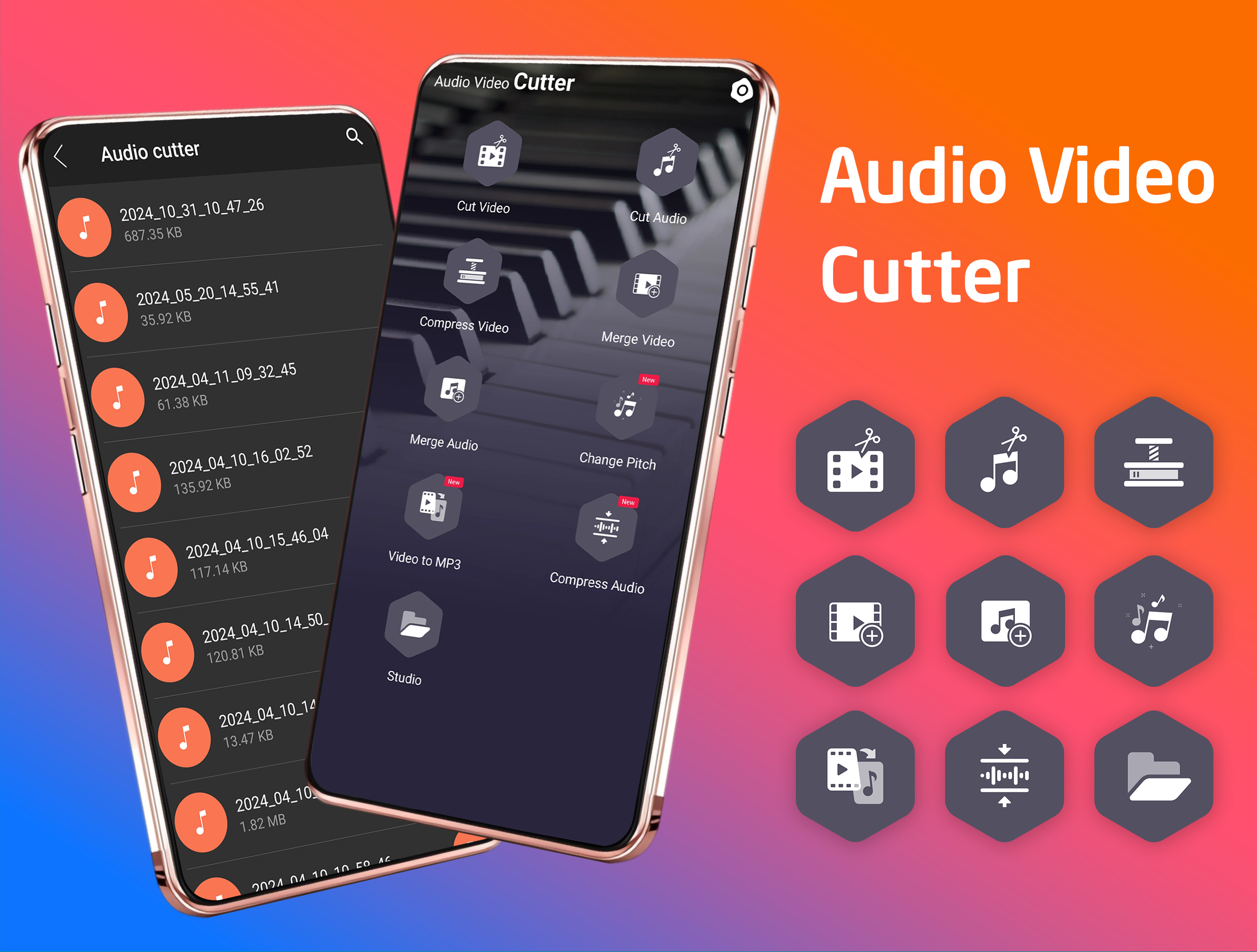
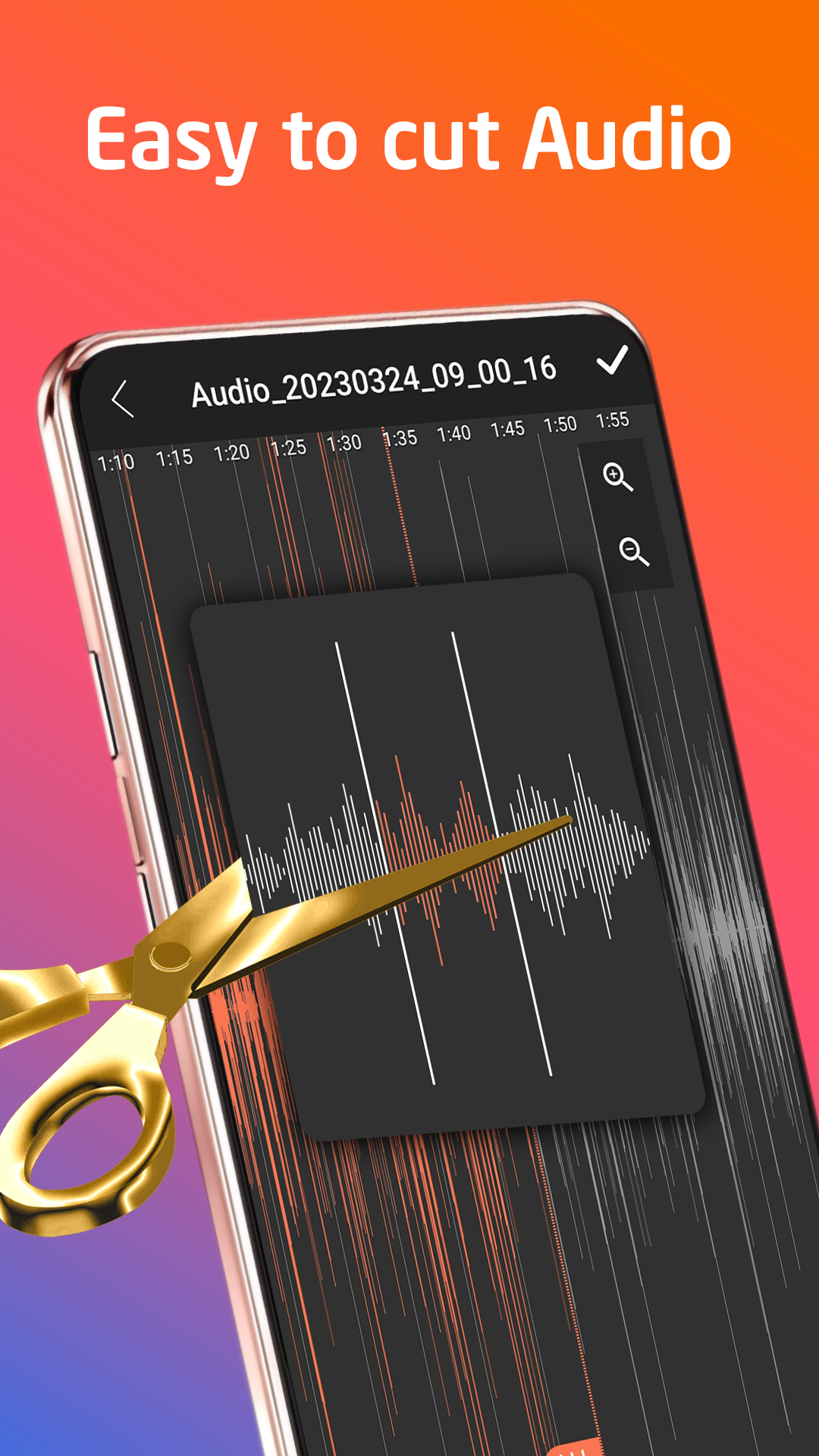
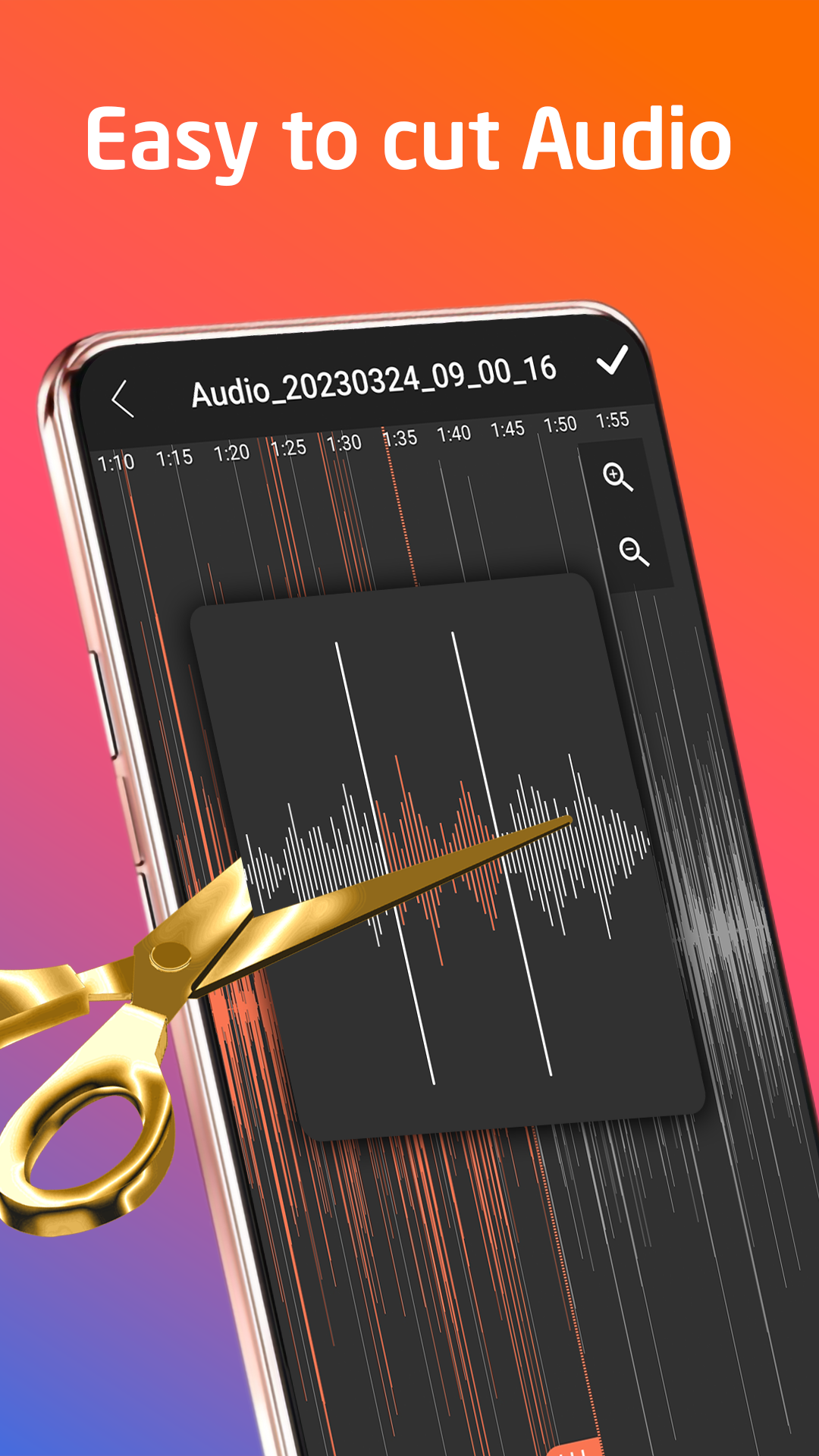
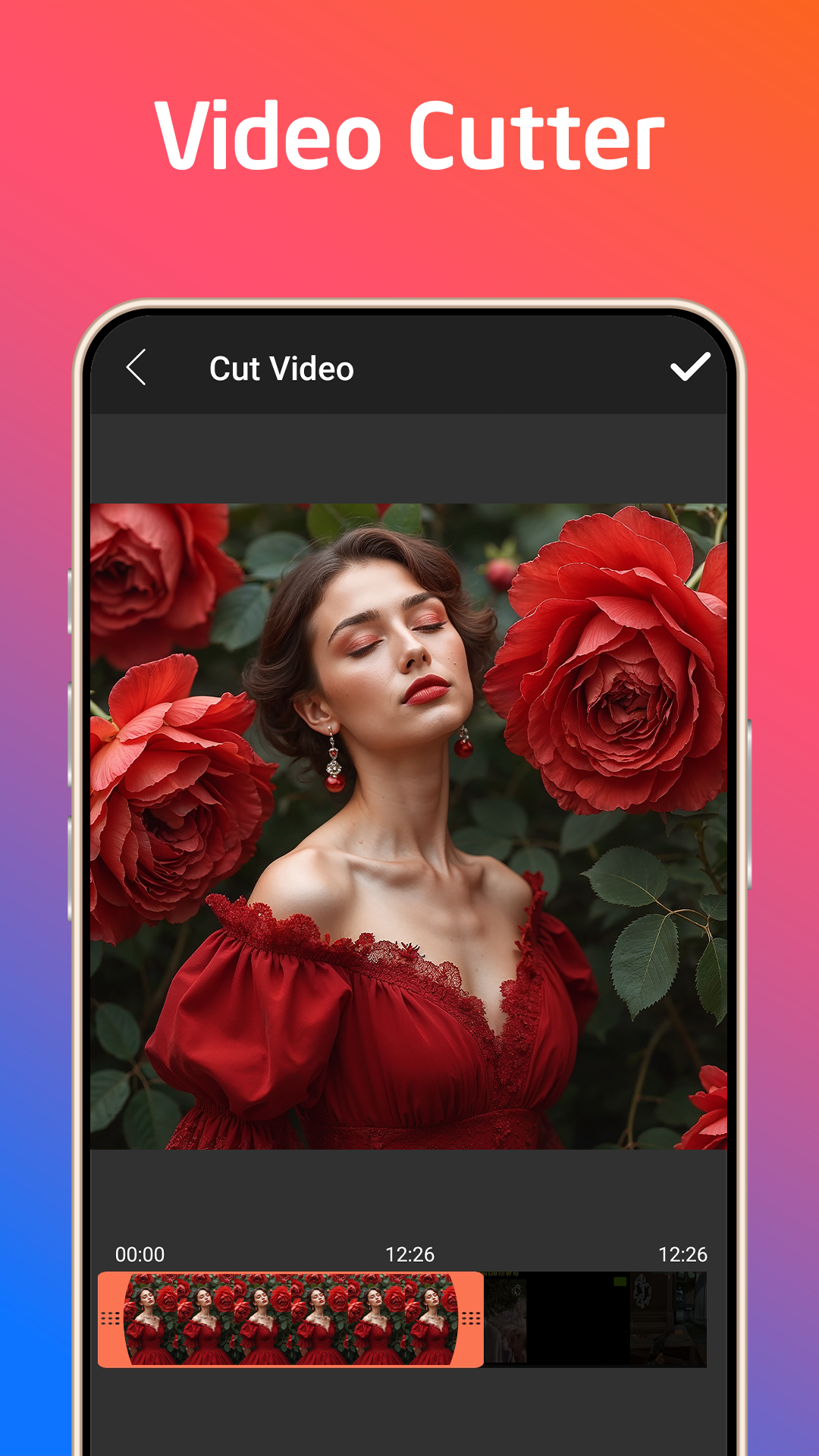
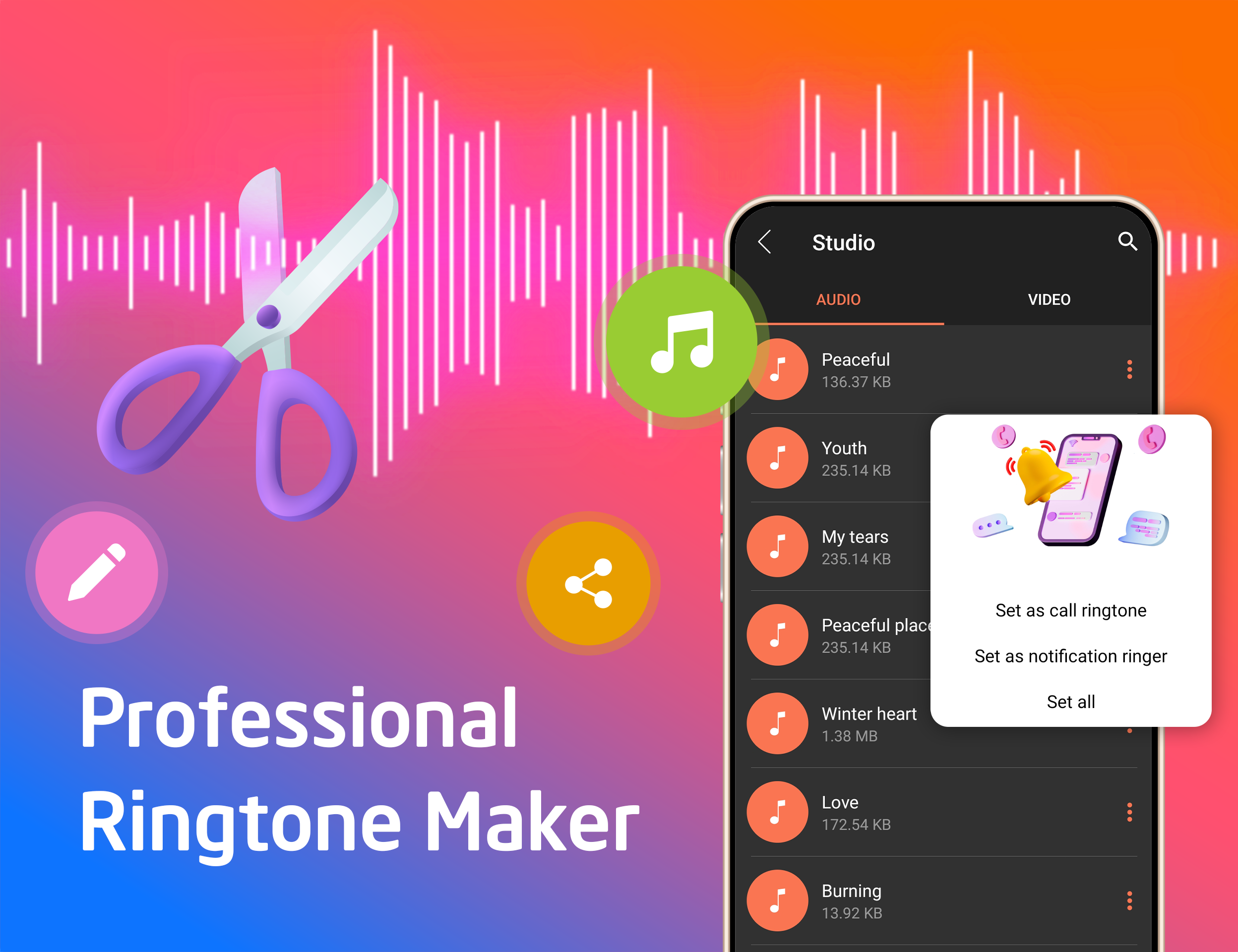
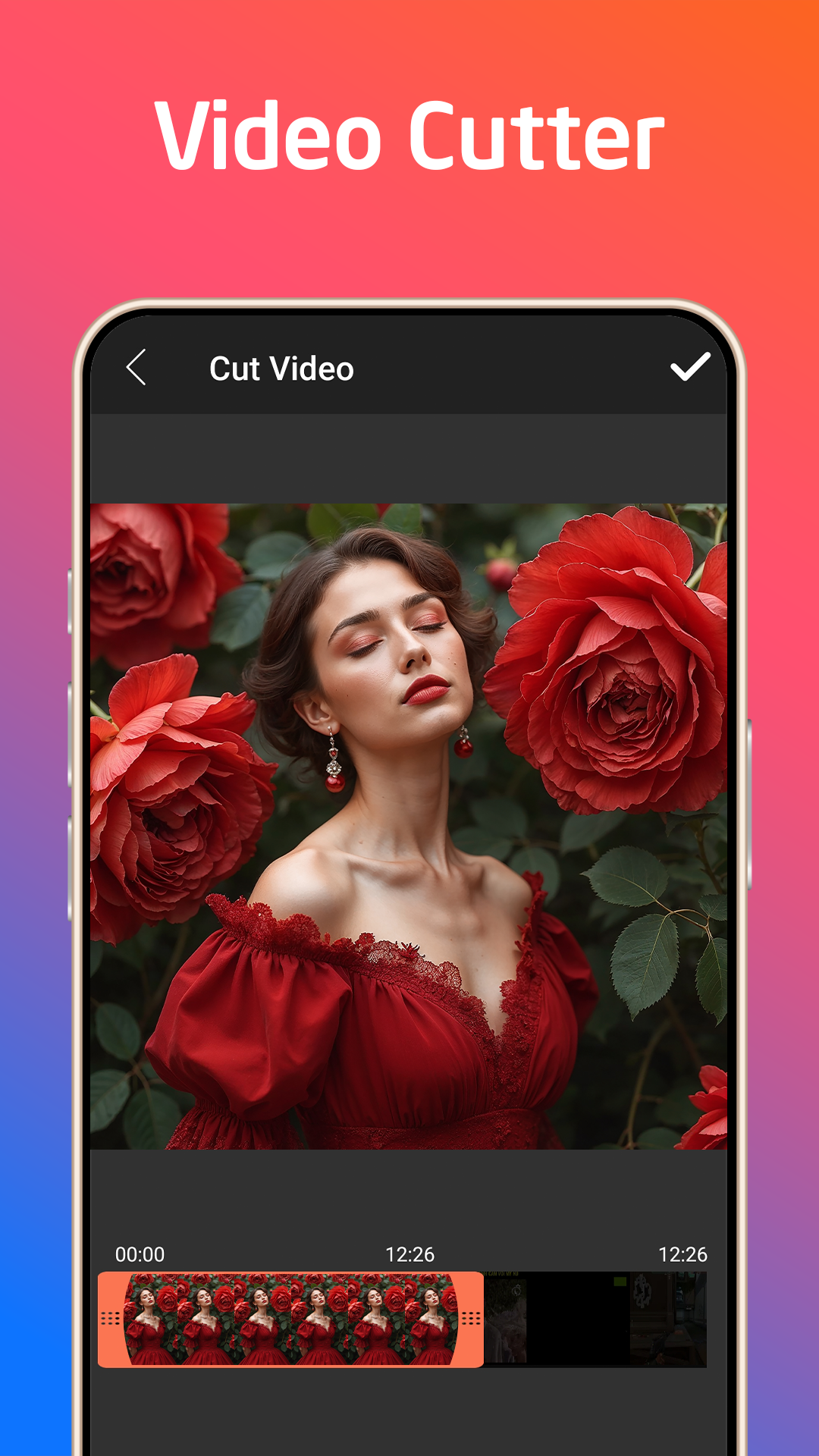
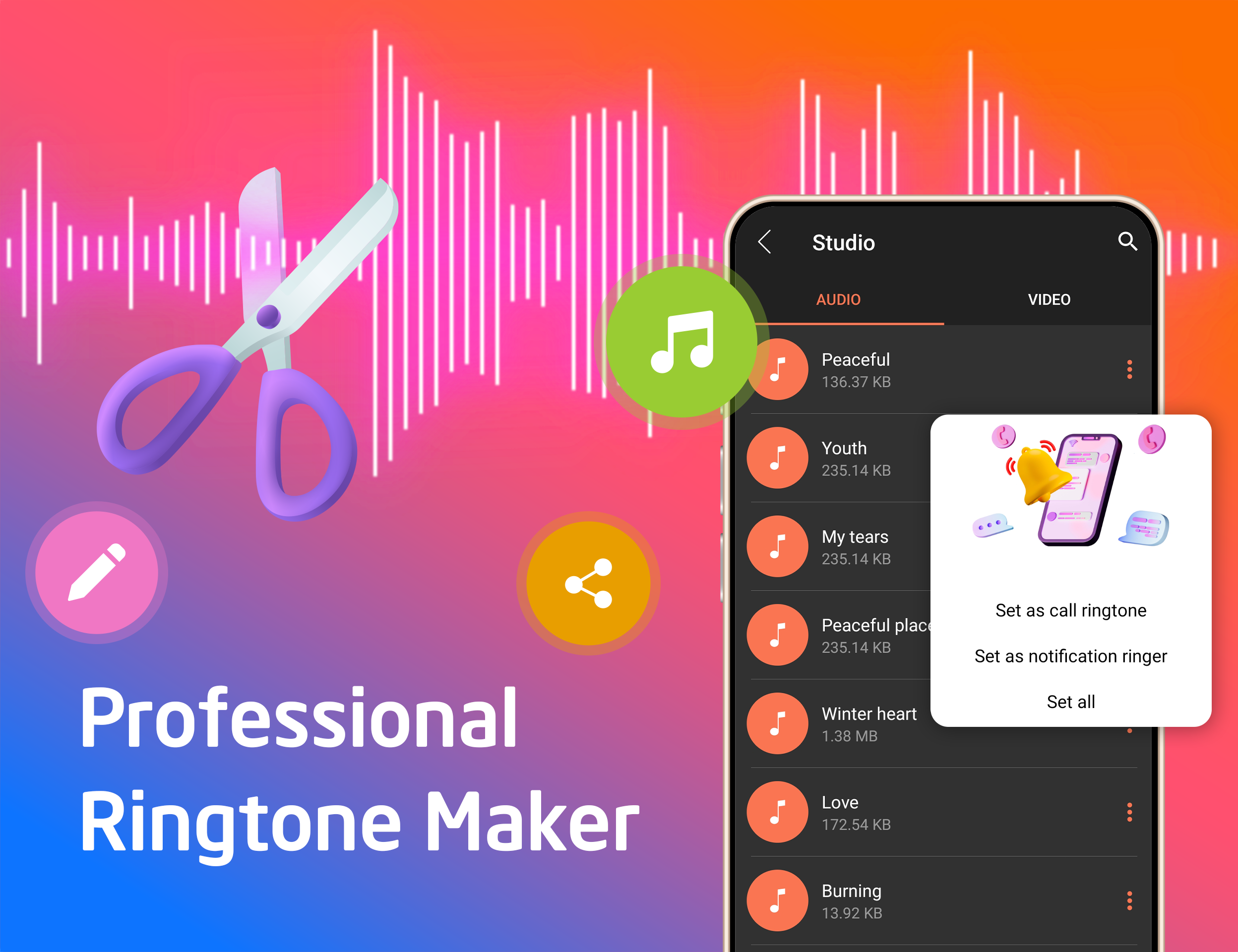
- Antarmuka yang intuitif.
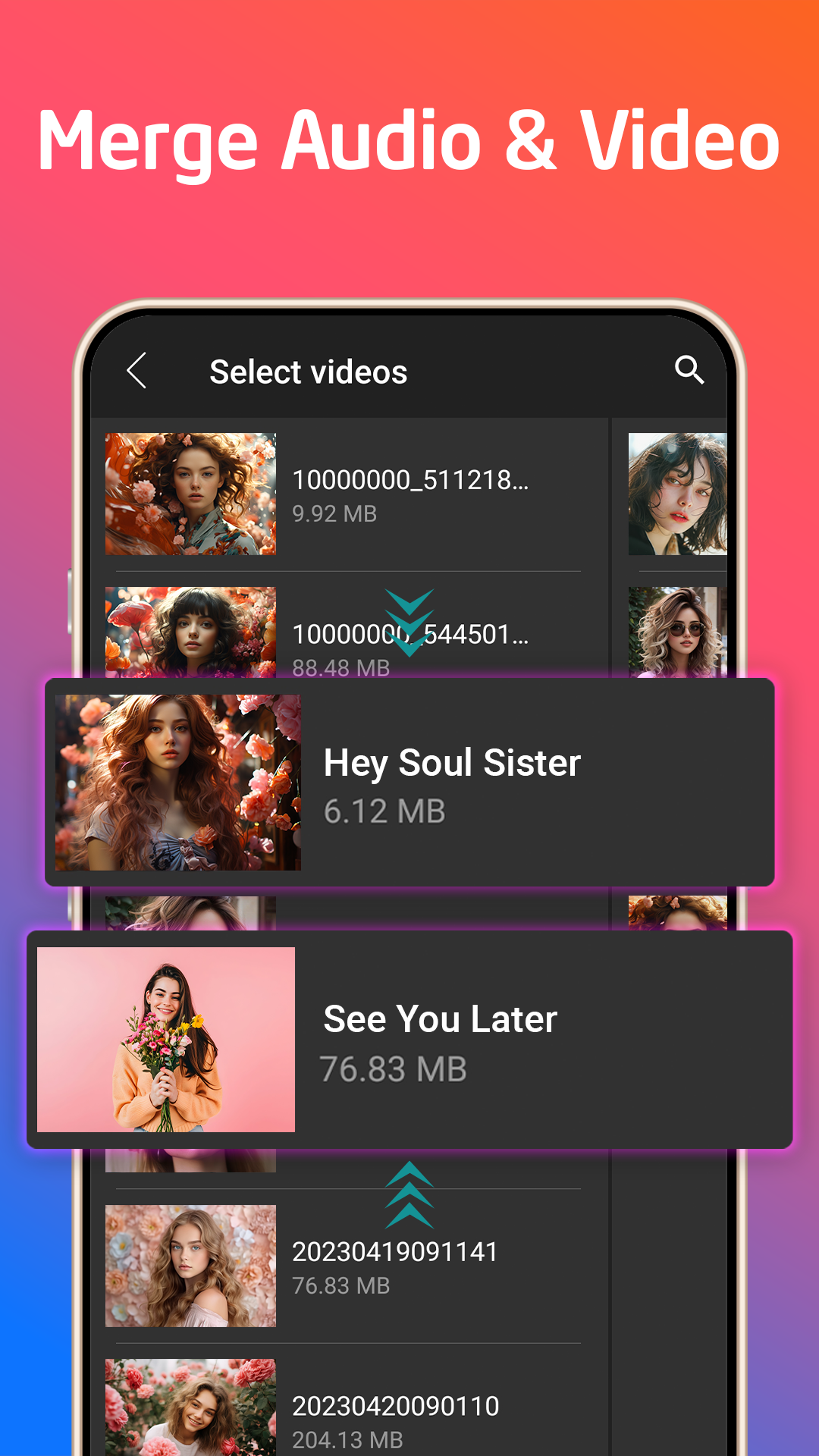
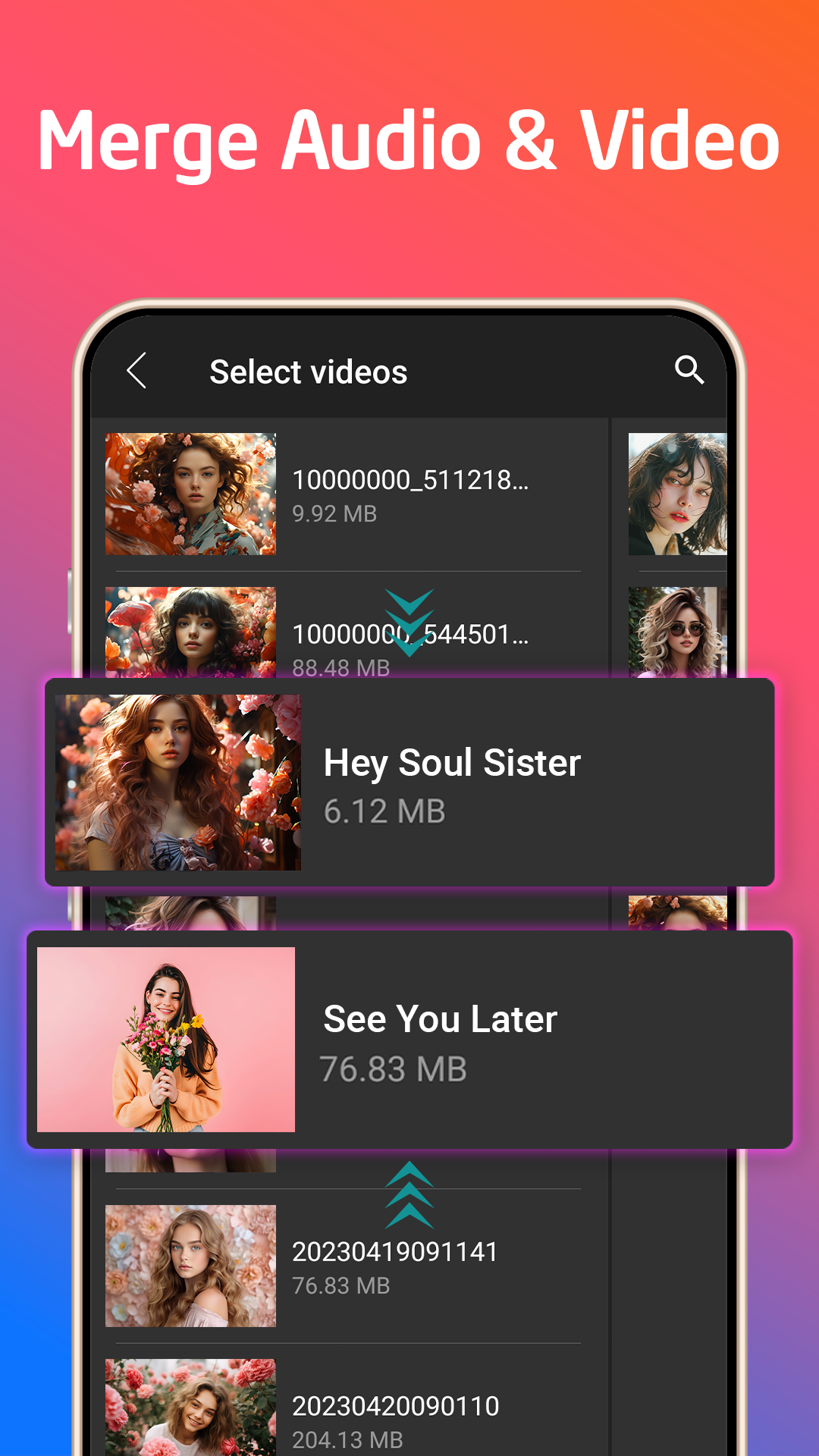
- Bekerja dengan file di memori telepon dan di kartu SD.
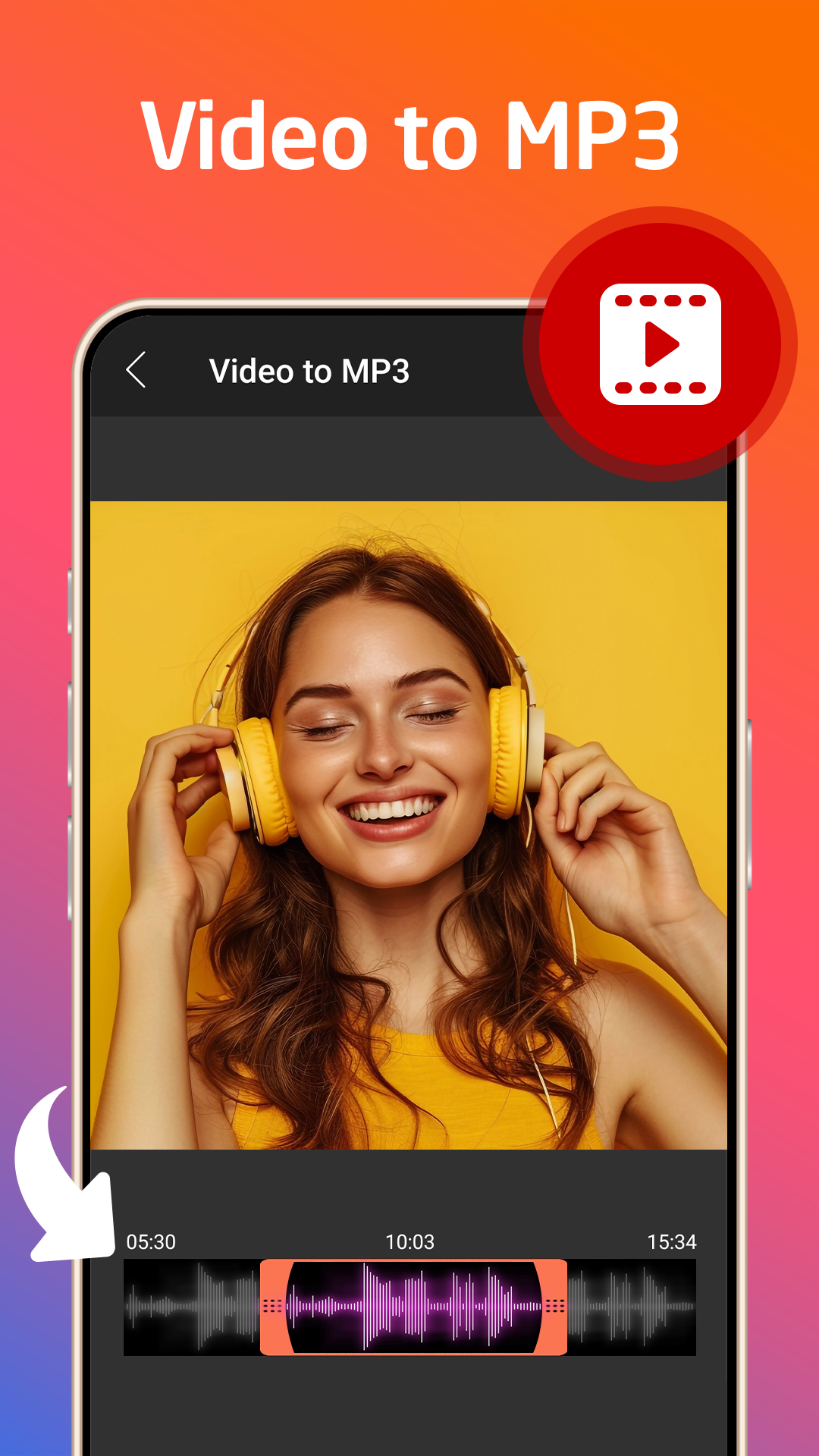
- Dukungan untuk format paling populer.
- Ada fungsi perekaman suara.
Deskripsi
Aplikasi MP3 Cutter diperiksa oleh antivirus VirusTotal. Sebagai hasil pemindaian, tidak ada infeksi file yang terdeteksi oleh semua tanda tangan terbaru.
Cara memasang MP3 Cutter
- Unduh file APK aplikasi dari apkshki.com.
- Temukan file yang diunduh. Anda dapat menemukannya di baki sistem atau di folder 'Download' menggunakan manajer file apa pun.
- Jika file yang diunduh berekstensi .bin (bug WebView di Android 11), ubah namanya menjadi .apk menggunakan pengelola file apa pun atau coba unduh file dengan browser lain seperti Chrome.
- Mulai penginstalan. Klik pada file yang diunduh untuk memulai penginstalan
- Izinkan penginstalan dari sumber yang tidak dikenal. Jika Anda menginstal untuk pertama kalinya MP3 Cutter bukan dari Google Play, buka pengaturan keamanan perangkat Anda dan izinkan penginstalan dari sumber yang tidak dikenal.
- Lewati perlindungan Google Play. Jika proteksi Google Play memblokir penginstalan file, ketuk 'Info Lebih Lanjut' → 'Tetap instal' → 'OK' untuk melanjutkan..
- Selesaikan penginstalan: Ikuti petunjuk penginstal untuk menyelesaikan proses penginstalan.
Cara memperbarui MP3 Cutter
- Unduh versi baru aplikasi dari apkshki.com.
- Cari file yang diunduh dan klik file tersebut untuk memulai penginstalan.
- Instal di atas versi lama. Tidak perlu menghapus instalasi versi sebelumnya.
- Hindari konflik tanda tangan. Jika versi sebelumnya tidak diunduh dari apkshki.com, pesan 'Aplikasi tidak terinstal' mungkin muncul. Dalam kasus ini, hapus instalan versi lama dan instal versi baru.
- Mulai ulang lampiran MP3 Cutter setelah pembaruan.

Yandex Music, Books & Podcasts
Musik dan audio

Zaycev.Net: music for everyone
Musik dan audio

Mp3Mp4U Download mp3
Musik dan audio

Spotify: Music and Podcasts
Musik dan audio
Music Equalizer - Bass Booster
Musik dan audio

Music Player - Mp3 Player
Musik dan audio

DJ Loop Pads
Musik dan audio

Просто Радио онлайн
Musik dan audio
Meminta pembaruan aplikasi
Ditambahkan Denis Rubinov
Versi: 7.1.5
Ukuran: 55.8 MB
Diperbarui: 21.05.2025
Developer: 302 Lock Screen
Batasan Usia: Everyone
Otorisasi:
Diunduh di Google Play: 12768257
Kategori: Musik dan audio















Ulasan untuk MP3 Cutter
it's great
WAYYY too many ads. Literally one ad a click. I used this to clip one audio and it took five minutes.
loved it
nice
good
rgood
ejeh
So INSANELY easy and fast to use. I can edit/create a file in 30 seconds and not even break a sweat. Great interface and design. I've never had any issues with it crashing or not doing anything I didn't ask it or expect it to do. Saves quickly. Even the ads are not irritating and can be skipped quit
Perfect cutting utility, does it's job quick and easy!
Very well done!! I have searched for an app that does what it says and finally I found it. I didnt give it full stars because there is anyways room for improvement. Like if you can show what folder it will be saved in for example. But most of all thank you for making an app that actually records where you want to start and stop when you TRIM mp3s. And the sound quality is great. Great Job !! And Thanks.
I like using the app. Able to decide where the song starts and ends. Would have given 5 stars but, on my note 9 it's not easy to get to the beginning of the song to choose where I want it to begin because the of the edge of the screen drops off. Not the programmers fault. would like to see an update...
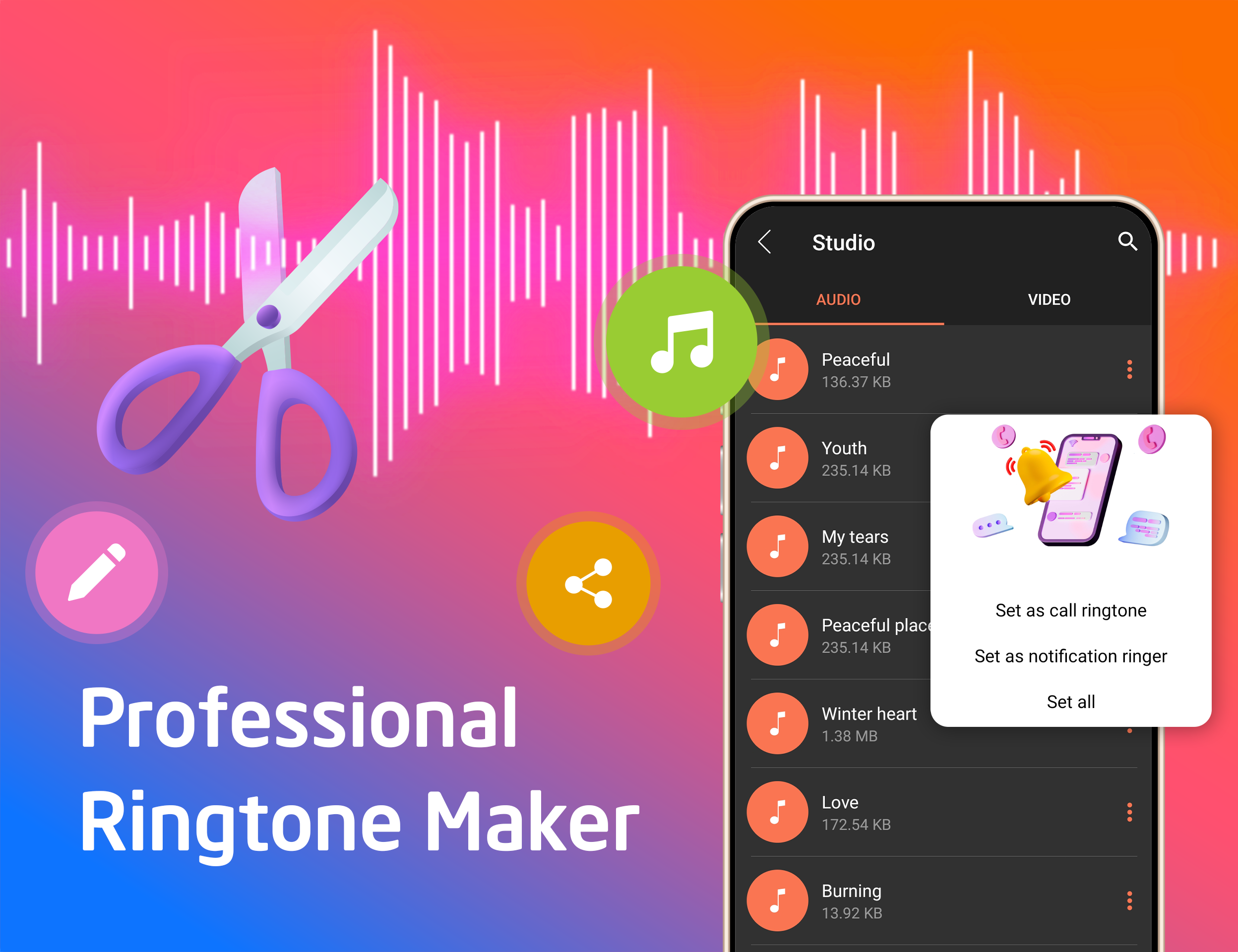
It's great and all, but accuracy is what it lacks like many others. When I'm turning a song into a ringtone, I can never get it to end on the right note. It need precision tool so you can choose how much further to increase/decrease it by instead of choosing set numbers like 0.5 and 2, etc.
I like using the app. Able to decide where the song starts and ends. Would have given 5 stars but, on my note 9 it's not easy to get to the beginning of the song to choose where I want it to begin because the of the edge of the screen drops off. Not the programmers fault. would like to see an update
I like using the app. Able to decide where the song starts and ends. Would have given 5 stars but, on my note 9 it's not easy to get to the beginning of the song to choose where I want it to begin because the of the edge of the screen drops off. Not the programmers fault. would like to see an update
Super easy to use. I love that I can listen to songs first with a timer so I can see where I want to splice. The only thing I would change is the location of the editing sliders. My finger is covering the seconds counter when I am sliding to set the desired start and cut-off, so that I need to try t
Kirimkan komentar
Untuk memberikan komentar, masuklah dengan jejaring sosial Anda:
Atau tinggalkan komentar anonim. Komentar Anda akan dikirim untuk dimoderasi.
Kirimkan komentar
Untuk memberikan komentar, masuklah dengan jejaring sosial Anda:
Atau tinggalkan komentar anonim. Komentar Anda akan dikirim untuk dimoderasi.