





Ditambahkan: Denis Rubinov
Versi: 1.2.07
Ukuran: 8.5 MB
Diperbarui: 14.11.2023
Developer: Recompiled LLC
Batasan Usia: Everyone
Otorisasi: 3
Diunduh di Google Play: 1203471
Kategori: Alat
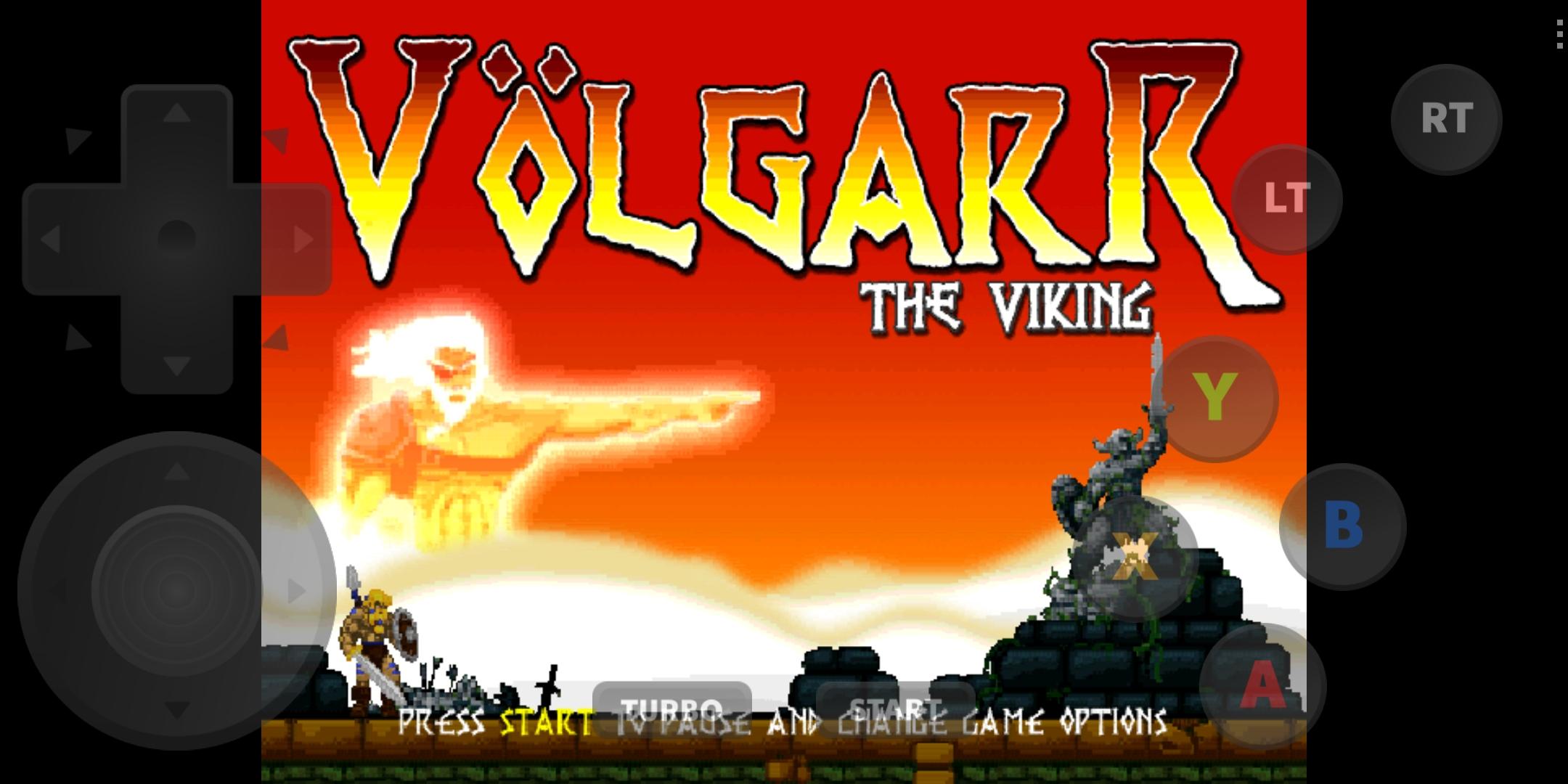
- Mendukung semua game Dreamcast.
- Pengontrol layar yang praktis.
- Program ini sangat mudah digunakan.
- Tidak mengandung iklan.
Deskripsi
Aplikasi redream diperiksa oleh antivirus VirusTotal. Sebagai hasil pemindaian, tidak ada infeksi file yang terdeteksi oleh semua tanda tangan terbaru.
Cara memasang redream
- Unduh file APK aplikasi dari apkshki.com.
- Temukan file yang diunduh. Anda dapat menemukannya di baki sistem atau di folder 'Download' menggunakan manajer file apa pun.
- Jika file yang diunduh berekstensi .bin (bug WebView di Android 11), ubah namanya menjadi .apk menggunakan pengelola file apa pun atau coba unduh file dengan browser lain seperti Chrome.
- Mulai penginstalan. Klik pada file yang diunduh untuk memulai penginstalan
- Izinkan penginstalan dari sumber yang tidak dikenal. Jika Anda menginstal untuk pertama kalinya redream bukan dari Google Play, buka pengaturan keamanan perangkat Anda dan izinkan penginstalan dari sumber yang tidak dikenal.
- Lewati perlindungan Google Play. Jika proteksi Google Play memblokir penginstalan file, ketuk 'Info Lebih Lanjut' → 'Tetap instal' → 'OK' untuk melanjutkan..
- Selesaikan penginstalan: Ikuti petunjuk penginstal untuk menyelesaikan proses penginstalan.
Cara memperbarui redream
- Unduh versi baru aplikasi dari apkshki.com.
- Cari file yang diunduh dan klik file tersebut untuk memulai penginstalan.
- Instal di atas versi lama. Tidak perlu menghapus instalasi versi sebelumnya.
- Hindari konflik tanda tangan. Jika versi sebelumnya tidak diunduh dari apkshki.com, pesan 'Aplikasi tidak terinstal' mungkin muncul. Dalam kasus ini, hapus instalan versi lama dan instal versi baru.
- Mulai ulang lampiran redream setelah pembaruan.





Meminta pembaruan aplikasi
Ditambahkan Denis Rubinov
Versi: 1.2.07
Ukuran: 8.5 MB
Diperbarui: 14.11.2023
Developer: Recompiled LLC
Batasan Usia: Everyone
Otorisasi:
Diunduh di Google Play: 1203471
Kategori: Alat















Ulasan untuk redream
Hey I Was Wondering if You can add an option to change the texture filtering to "nearest neighbor" and "linear" in lite mode thats all thank you!
Anyone who is having trouble loading game files to the library, please check developer options and see if the "Don't keep activities" option is selected. This being off may solve the problem.
I like this emulator game and I appreciate keep updating the game and improving it thanks again and God bless.
What happened?? It used to work fine. Now my games dissapeared from the library. I choose a folder with gdi and nothing pops up anymore. Did some update break it??
Difficult to enjoy an emulator that won't correctly find and display the rom library. Used to be 5 stars, now just broken.
Amazing emulator, no ads, no annoying loading time, games are smooth, even in low-end devices it works wonderfully well. Please keep it up to date. so that we can use it as long as we can.
crashes a lot ): cant get it to work... PLZ FIX D:
I load the app and then it immediately kicks me out.
doesnt show up on the home screen, doesnt even open in the settings.
works good on pc, wouldn't get this on phone if i were you because of weird graphic problems on samsung phones (slower framerates, dead pixels on both games like clancy, mvc2 etc...) get redream because its just easier to use on mobile.
I've used a lot of emulators for many different systems, and redream is one of the best. It's simple and somewhat customizable, but the performance is spectacular and smooth. I upgraded to the premium version, and the games look crystal clear in HD. Definitely one of the best emulator experiences I've ever had on Mobile.
Kirimkan komentar
Untuk memberikan komentar, masuklah dengan jejaring sosial Anda:
Atau tinggalkan komentar anonim. Komentar Anda akan dikirim untuk dimoderasi.
Kirimkan komentar
Untuk memberikan komentar, masuklah dengan jejaring sosial Anda:
Atau tinggalkan komentar anonim. Komentar Anda akan dikirim untuk dimoderasi.