


Ditambahkan: Denis Rubinov
Versi: 2506.1.1
Ukuran: 95.3 MB
Diperbarui: 24.06.2025
Developer: Microsoft Corporation
Batasan Usia: Teen
Otorisasi: 20
Diunduh di Google Play: 105443644
Kategori: Hiburan
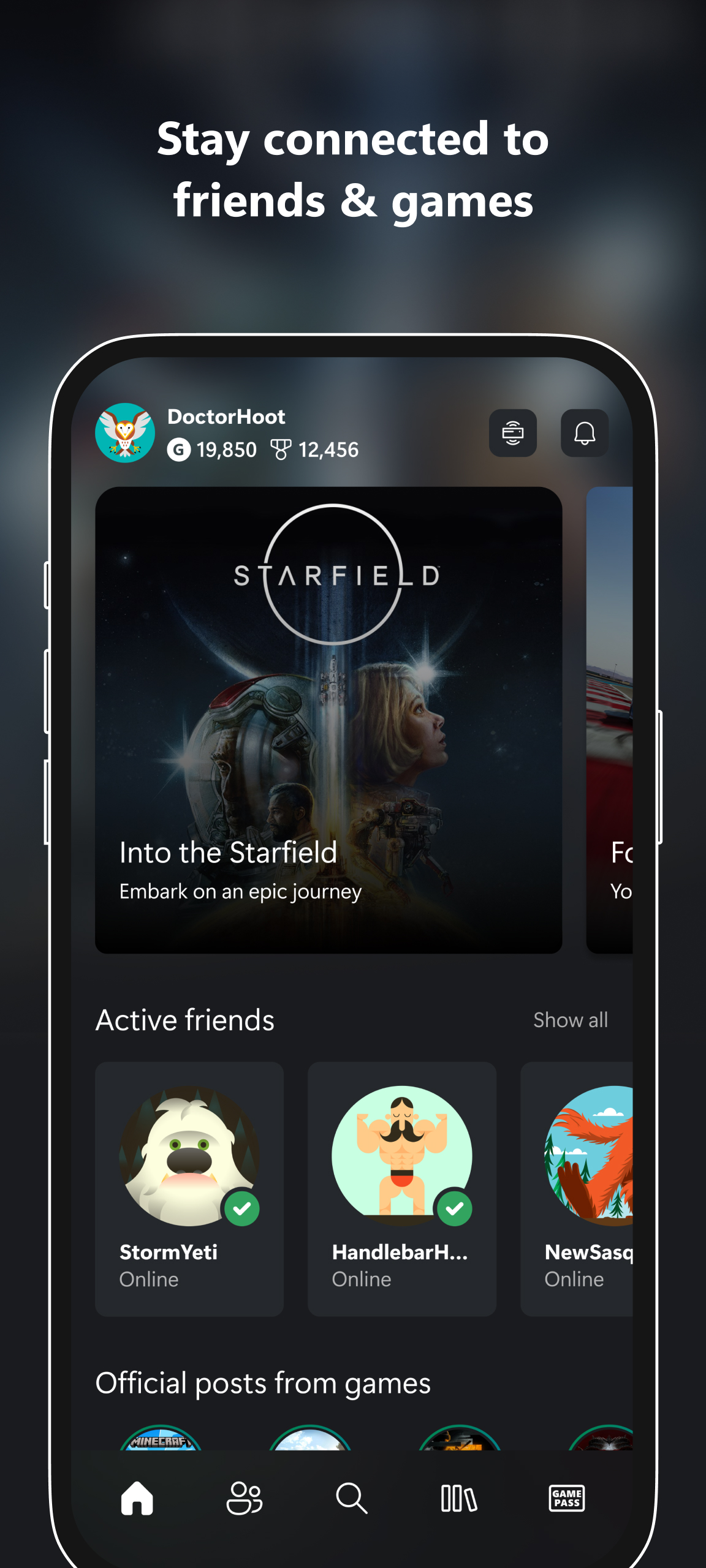
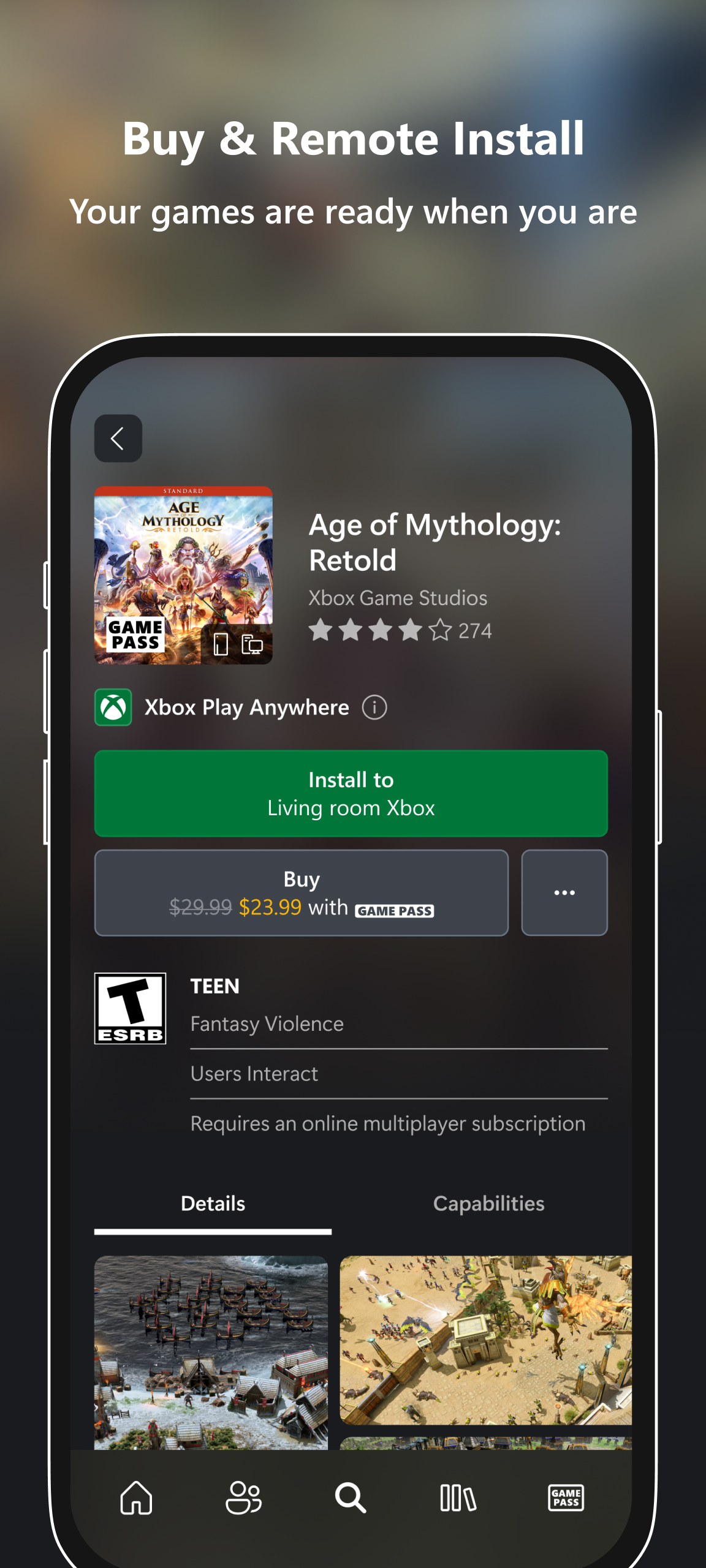
- Anda dapat memainkan game konsol favorit di ponsel.
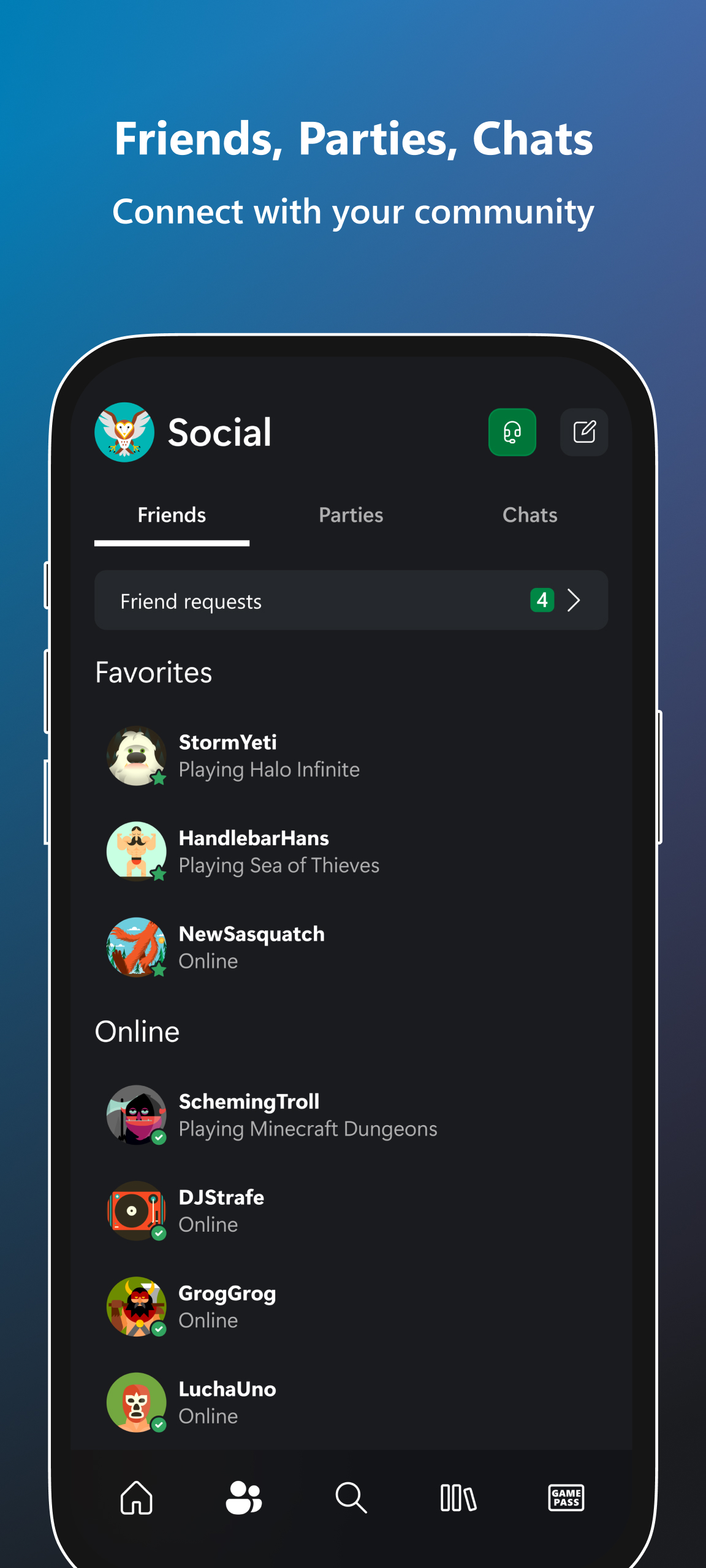
- Akses ke obrolan yang nyaman dengan teman-teman.
- Notifikasi instan untuk undangan game dan pesan baru.
- Tidak perlu berada di jaringan yang sama dengan konsol.
Deskripsi
Aplikasi Xbox diperiksa oleh antivirus VirusTotal. Sebagai hasil pemindaian, tidak ada infeksi file yang terdeteksi oleh semua tanda tangan terbaru.
Cara memasang Xbox
- Unduh file APK aplikasi dari apkshki.com.
- Temukan file yang diunduh. Anda dapat menemukannya di baki sistem atau di folder 'Download' menggunakan manajer file apa pun.
- Jika file yang diunduh berekstensi .bin (bug WebView di Android 11), ubah namanya menjadi .apk menggunakan pengelola file apa pun atau coba unduh file dengan browser lain seperti Chrome.
- Mulai penginstalan. Klik pada file yang diunduh untuk memulai penginstalan
- Izinkan penginstalan dari sumber yang tidak dikenal. Jika Anda menginstal untuk pertama kalinya Xbox bukan dari Google Play, buka pengaturan keamanan perangkat Anda dan izinkan penginstalan dari sumber yang tidak dikenal.
- Lewati perlindungan Google Play. Jika proteksi Google Play memblokir penginstalan file, ketuk 'Info Lebih Lanjut' → 'Tetap instal' → 'OK' untuk melanjutkan..
- Selesaikan penginstalan: Ikuti petunjuk penginstal untuk menyelesaikan proses penginstalan.
Cara memperbarui Xbox
- Unduh versi baru aplikasi dari apkshki.com.
- Cari file yang diunduh dan klik file tersebut untuk memulai penginstalan.
- Instal di atas versi lama. Tidak perlu menghapus instalasi versi sebelumnya.
- Hindari konflik tanda tangan. Jika versi sebelumnya tidak diunduh dari apkshki.com, pesan 'Aplikasi tidak terinstal' mungkin muncul. Dalam kasus ini, hapus instalan versi lama dan instal versi baru.
- Mulai ulang lampiran Xbox setelah pembaruan.













Meminta pembaruan aplikasi
Ditambahkan Denis Rubinov
Versi: 2506.1.1
Ukuran: 95.3 MB
Diperbarui: 24.06.2025
Developer: Microsoft Corporation
Batasan Usia: Teen
Otorisasi:
Diunduh di Google Play: 105443644
Kategori: Hiburan















Ulasan untuk Xbox
remote navigation won't work with Netflix.
revert the change to remote play, we used to be able to use the app to do it, and now we can't. It makes no sense to remove that feature, please revert this superfluous change.
I've been using this app for a while now it's pretty frikin handy
remote Play isn't working properly my phone won't let me remote Play
cloud could be better like offline games
Xbox is great. join parties and talk to your console and PC friends, message players, and find hot thicc thighed emo gamer girls oof 😅
With the removal of Remote Play this app is is now completely worthless. Uninstalling.
best app for xbox. must have if your a gamer.
Very nice App, but unfortunately I'll have to uninstall it now since Minecraft doesn't require it to log me in my Xbox account anymore.
XBOX LIVE
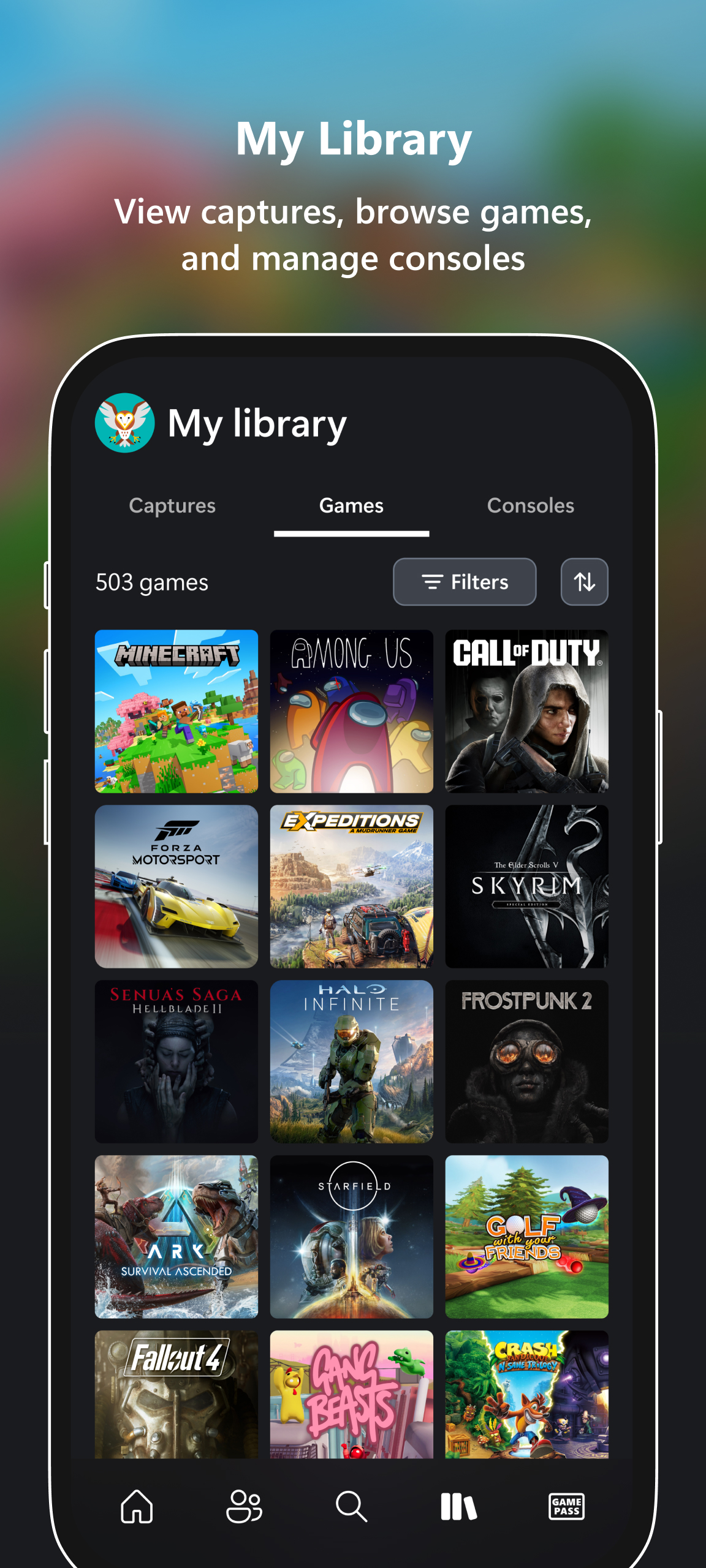
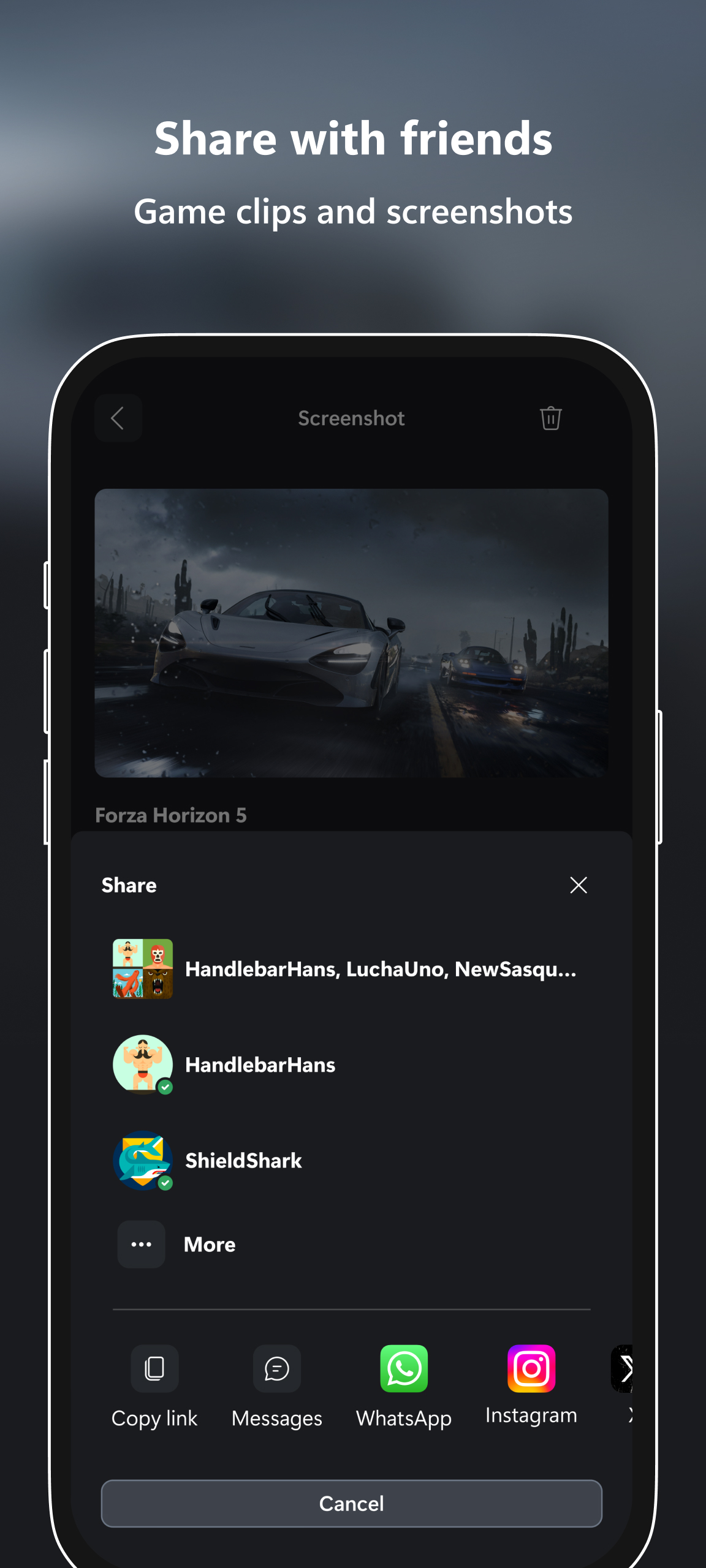
This app allows you to pull your video and screen captures onto your phone or tablet and share, save, edit away. This app also makes messaging through Xbox actually make sense since you can literally text your Xbox friends through here. So your friend's online while you're stuck working? Send them a message talking trash. Maybe the notification caused them to miss a jump and die in-game. Mission accomplished.
Please fix the performance issues. I understand that you're trying but it's gotten to the point where it's slower than internet explorer. I can't text or call on there because it lags so much. I've been using and buying Xbox products since the 360 and some things do get better but some just stay the same. Just please Microsoft fix the performance issues. I'll gladly change it to 5 stars when you do. And people reading these this is for you. They don't really care about a few people's reviews
This app works pretty well for me. The streaming was good and I could play the game at an optimal speed. Of course there was a bit of lag because it was on the phone, but that doesnt really bother me. One thing I would recomend is to include on screen touch controllers so that you can play without having to carry your controller everywhere you go. Hope that yall can take this in consideration, and as always, keep up the good work.=)
As of 4/11/21 The app runs better than when I had this rated at a two star, but I still won't put it back to the five star I had it at, as the download function still doesn't work properly. It gets to 90% complete, then fails to download. Screenshots from that point onward doesn't load in, unless I force close the app, and restart it after clearing the cashe. The only thing that works is if I send it to myself via the email option. It's better than nothing though. Five star upon a fix.
Kirimkan komentar
Untuk memberikan komentar, masuklah dengan jejaring sosial Anda:
Atau tinggalkan komentar anonim. Komentar Anda akan dikirim untuk dimoderasi.
Kirimkan komentar
Untuk memberikan komentar, masuklah dengan jejaring sosial Anda:
Atau tinggalkan komentar anonim. Komentar Anda akan dikirim untuk dimoderasi.