



Cupace - Cut Paste Face Photo
10+
unduhan4.1+
versi Android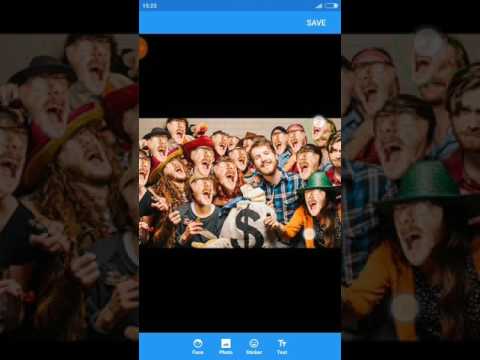

Ditambahkan: Denis Rubinov
Versi: 1.5.4
Ukuran: 44.3 MB
Diperbarui: 20.05.2025
Developer: Picmax
Batasan Usia: Everyone
Otorisasi: 6
Diunduh di Google Play: 9760505
Kategori: Foto
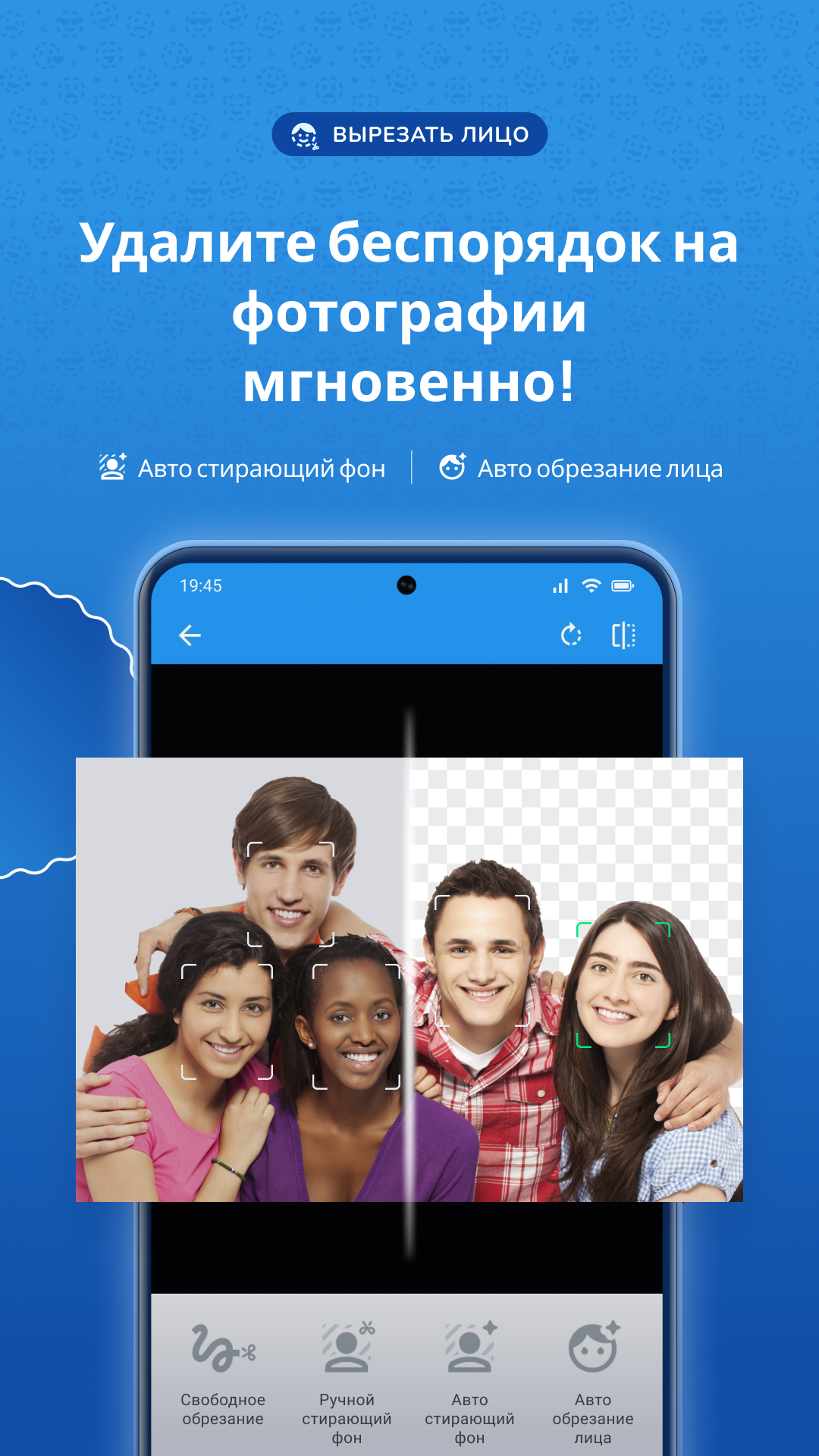
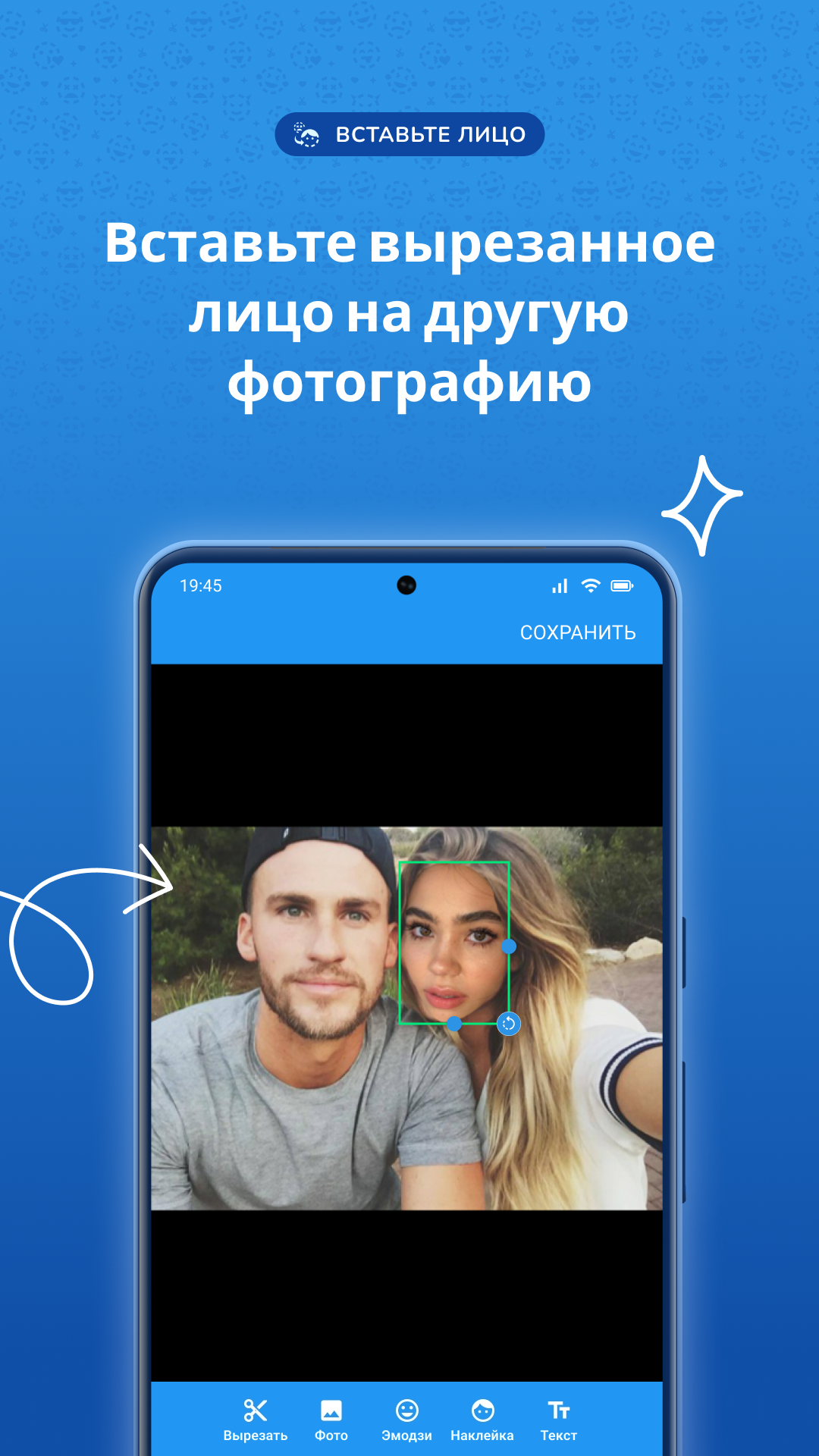
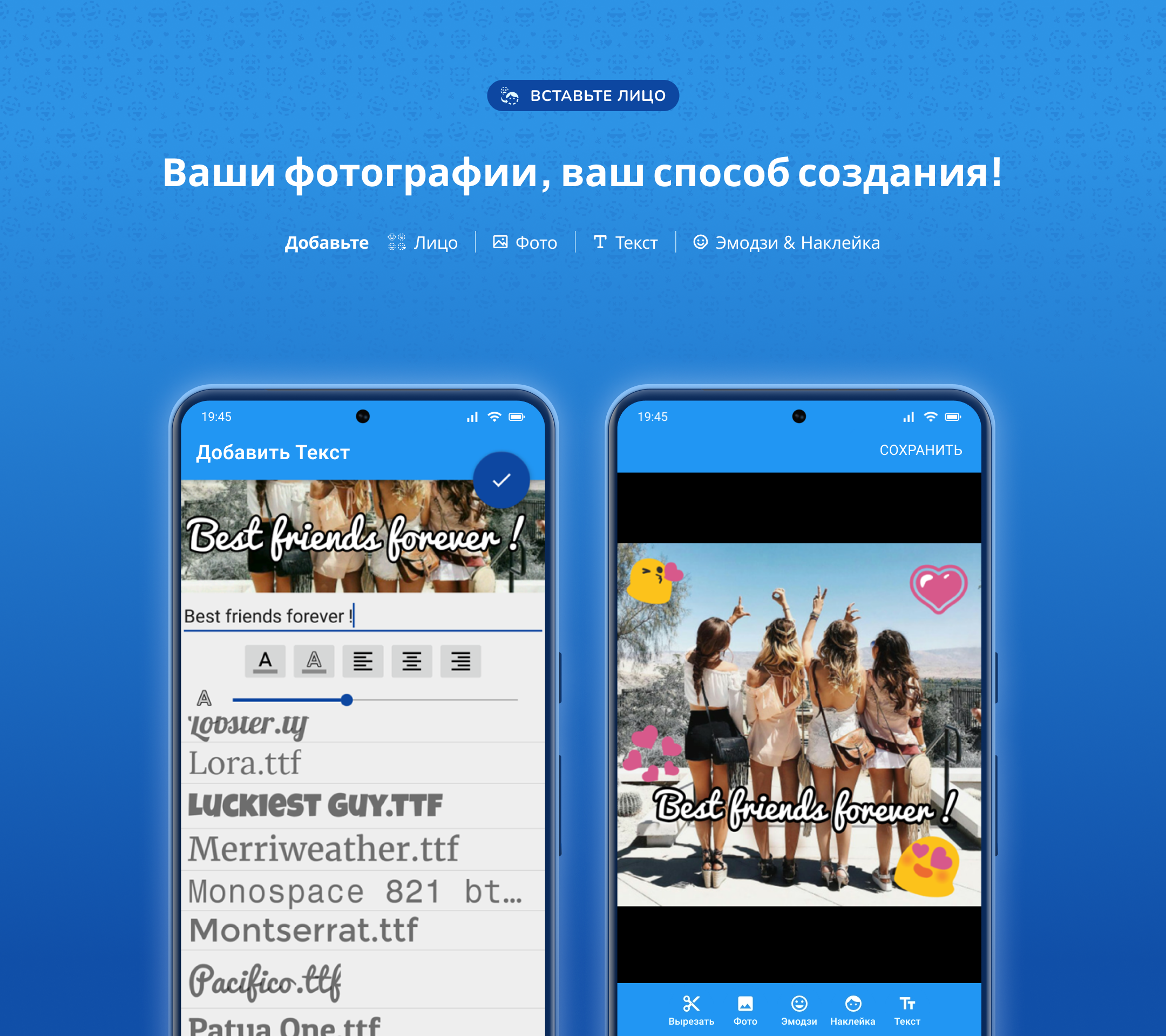
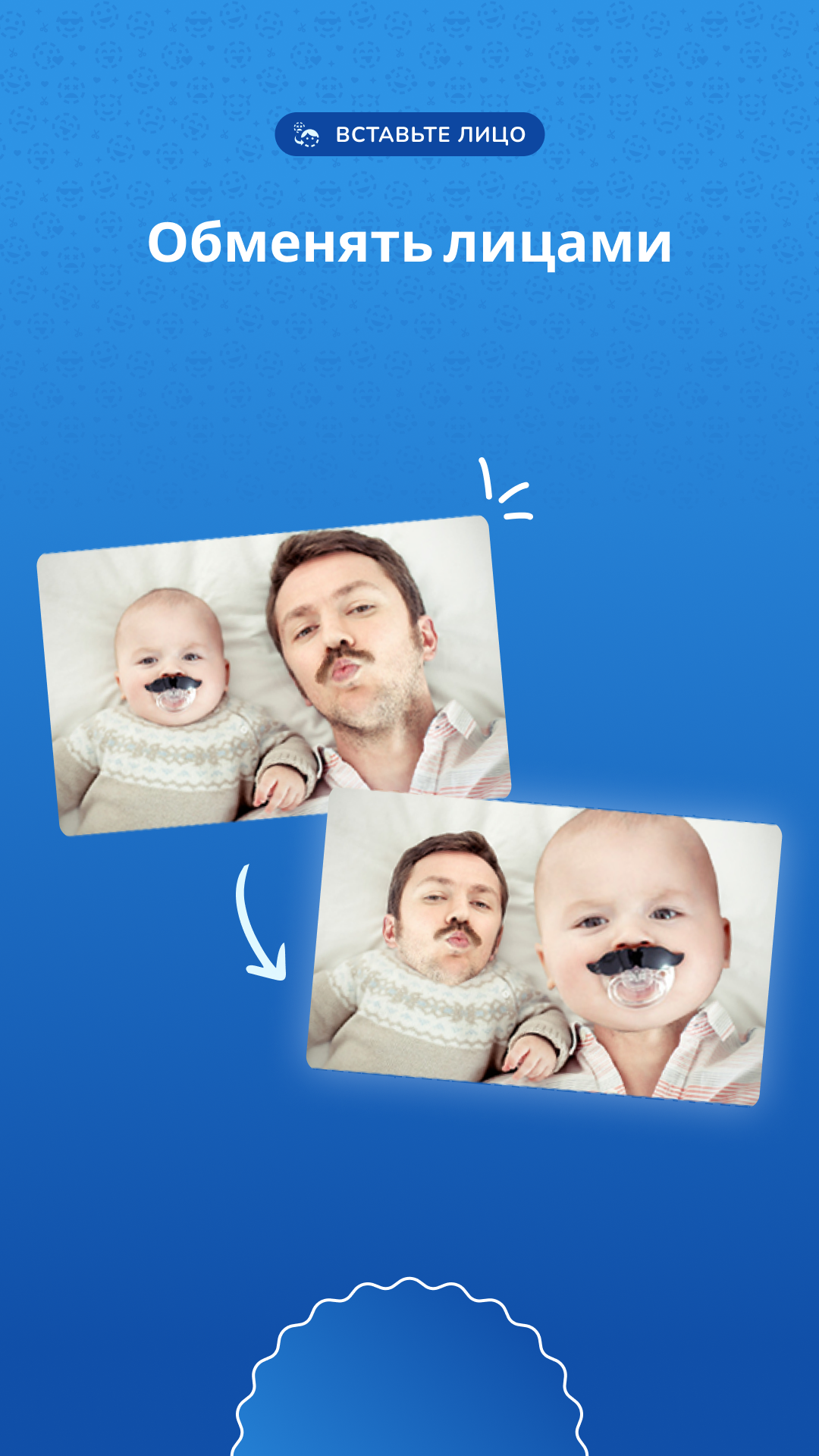
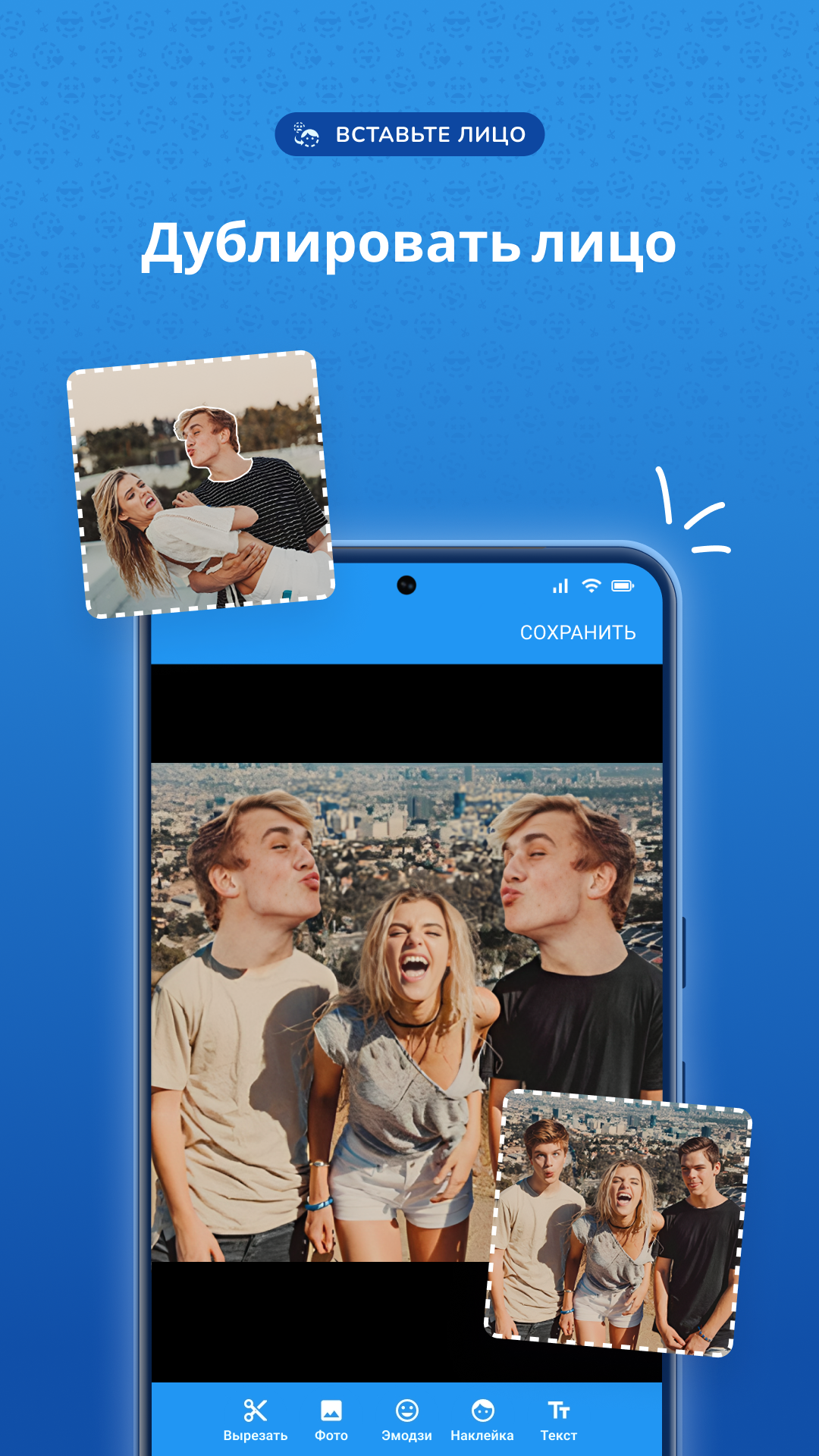
- Proses penggantian wajah yang sangat sederhana.
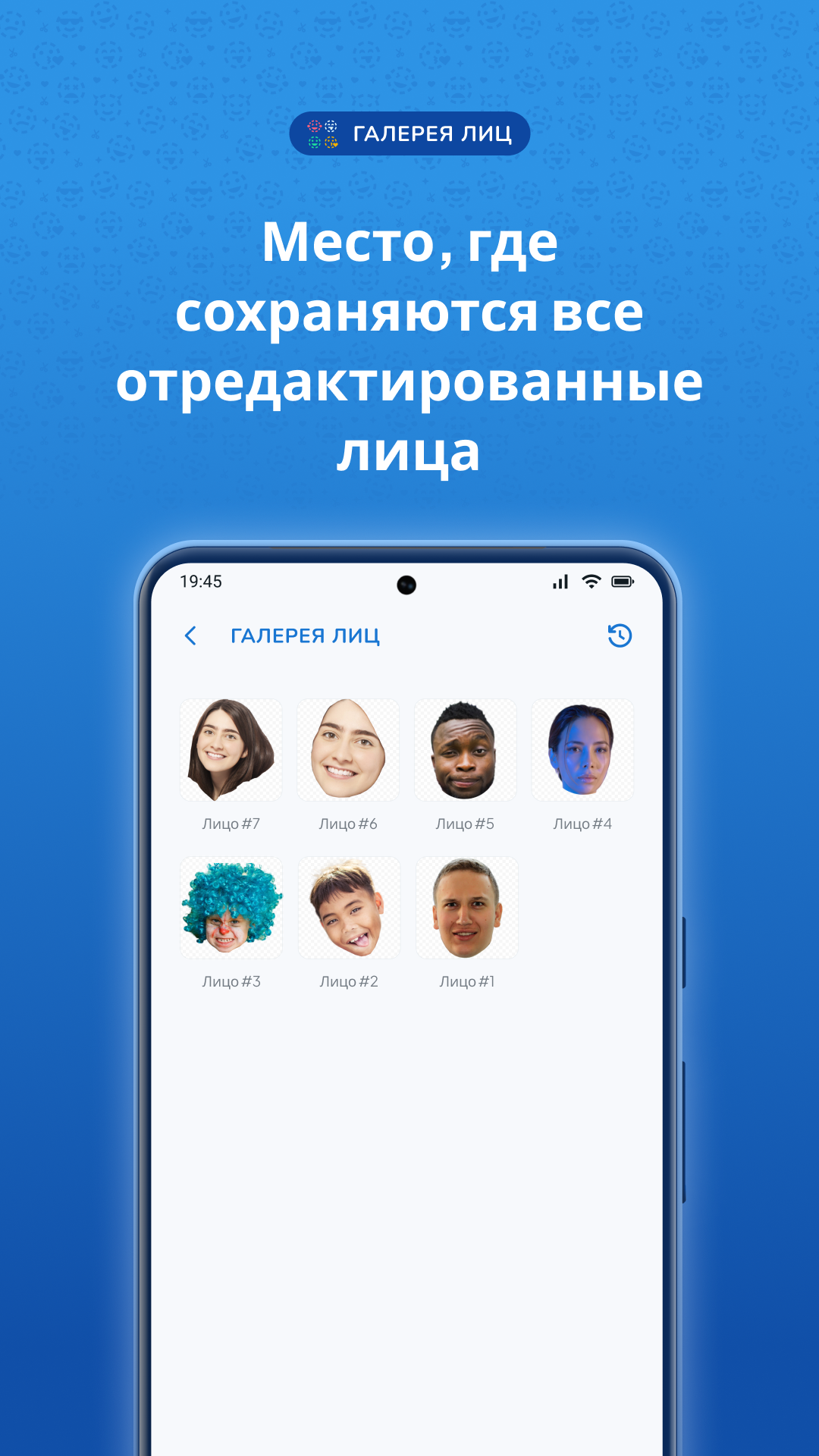
- Simpan galeri wajah.
- Program ini gratis untuk digunakan.
- Hamparkan sejumlah objek tambahan di foto.
Deskripsi
Aplikasi Cupace - Cut Paste Face Photo diperiksa oleh antivirus VirusTotal. Sebagai hasil pemindaian, tidak ada infeksi file yang terdeteksi oleh semua tanda tangan terbaru.
Cara memasang Cupace - Cut Paste Face Photo
- Unduh file APK aplikasi dari apkshki.com.
- Temukan file yang diunduh. Anda dapat menemukannya di baki sistem atau di folder 'Download' menggunakan manajer file apa pun.
- Jika file yang diunduh berekstensi .bin (bug WebView di Android 11), ubah namanya menjadi .apk menggunakan pengelola file apa pun atau coba unduh file dengan browser lain seperti Chrome.
- Mulai penginstalan. Klik pada file yang diunduh untuk memulai penginstalan
- Izinkan penginstalan dari sumber yang tidak dikenal. Jika Anda menginstal untuk pertama kalinya Cupace - Cut Paste Face Photo bukan dari Google Play, buka pengaturan keamanan perangkat Anda dan izinkan penginstalan dari sumber yang tidak dikenal.
- Lewati perlindungan Google Play. Jika proteksi Google Play memblokir penginstalan file, ketuk 'Info Lebih Lanjut' → 'Tetap instal' → 'OK' untuk melanjutkan..
- Selesaikan penginstalan: Ikuti petunjuk penginstal untuk menyelesaikan proses penginstalan.
Cara memperbarui Cupace - Cut Paste Face Photo
- Unduh versi baru aplikasi dari apkshki.com.
- Cari file yang diunduh dan klik file tersebut untuk memulai penginstalan.
- Instal di atas versi lama. Tidak perlu menghapus instalasi versi sebelumnya.
- Hindari konflik tanda tangan. Jika versi sebelumnya tidak diunduh dari apkshki.com, pesan 'Aplikasi tidak terinstal' mungkin muncul. Dalam kasus ini, hapus instalan versi lama dan instal versi baru.
- Mulai ulang lampiran Cupace - Cut Paste Face Photo setelah pembaruan.


Google Photos
Foto

Funimate Video Editor & Maker
Pemutar & Editor Video

Scribbl - Photo & Video Effect
Seni dan Desain

Slideshow Maker, Video Editor
Pemutar & Editor Video

Pixel Camera
Foto

DOUPAI - DOUPAI Face
Foto

Face Live Camera: Face Filters
Foto

PowerDirector - Video Editor
Pemutar & Editor Video
Meminta pembaruan aplikasi
Ditambahkan Denis Rubinov
Versi: 1.5.4
Ukuran: 44.3 MB
Diperbarui: 20.05.2025
Developer: Picmax
Batasan Usia: Everyone
Otorisasi:
Diunduh di Google Play: 9760505
Kategori: Foto















Ulasan untuk Cupace - Cut Paste Face Photo
great app
why can't you zoom in on the subject you're pasting something to? it makes it so hard to be accurate
good tool...
Great fun
I'm from Iran is really good
it's starting to glitch on me on ver.12 droid
superb 👌
Great for editing and cut outs
its very good
awsome apps and easy to use...
Easy way to crop photos, not just faces either. Allows you to add in pictures as well as what you cropped. Not a lot of editing options and you have to play around with the settings/features to figure them out, but otherwise a decent, if basic, app. There are ads that pop up when saving, but so far they have been short.
Somewhat clumsy interface. Very limited options. Cutting and pasting, which is pretty much the only thing this app does, can be done with so many other apps that offer more options. If there was a clone tool or an option to "paint" adjustments to specific parts to better integrate the face into the photo, I'd probably find this app more useful.
Wow... This was almost brilliant... But you can't select the files directly... You have to select an app, through which to select your photos. This all selects my cannon printer app, or a beauty app that can't view pictures. What a horrific fail. I downloaded two other face swap apps... And this was the best interface, but utterly unusable, for me.
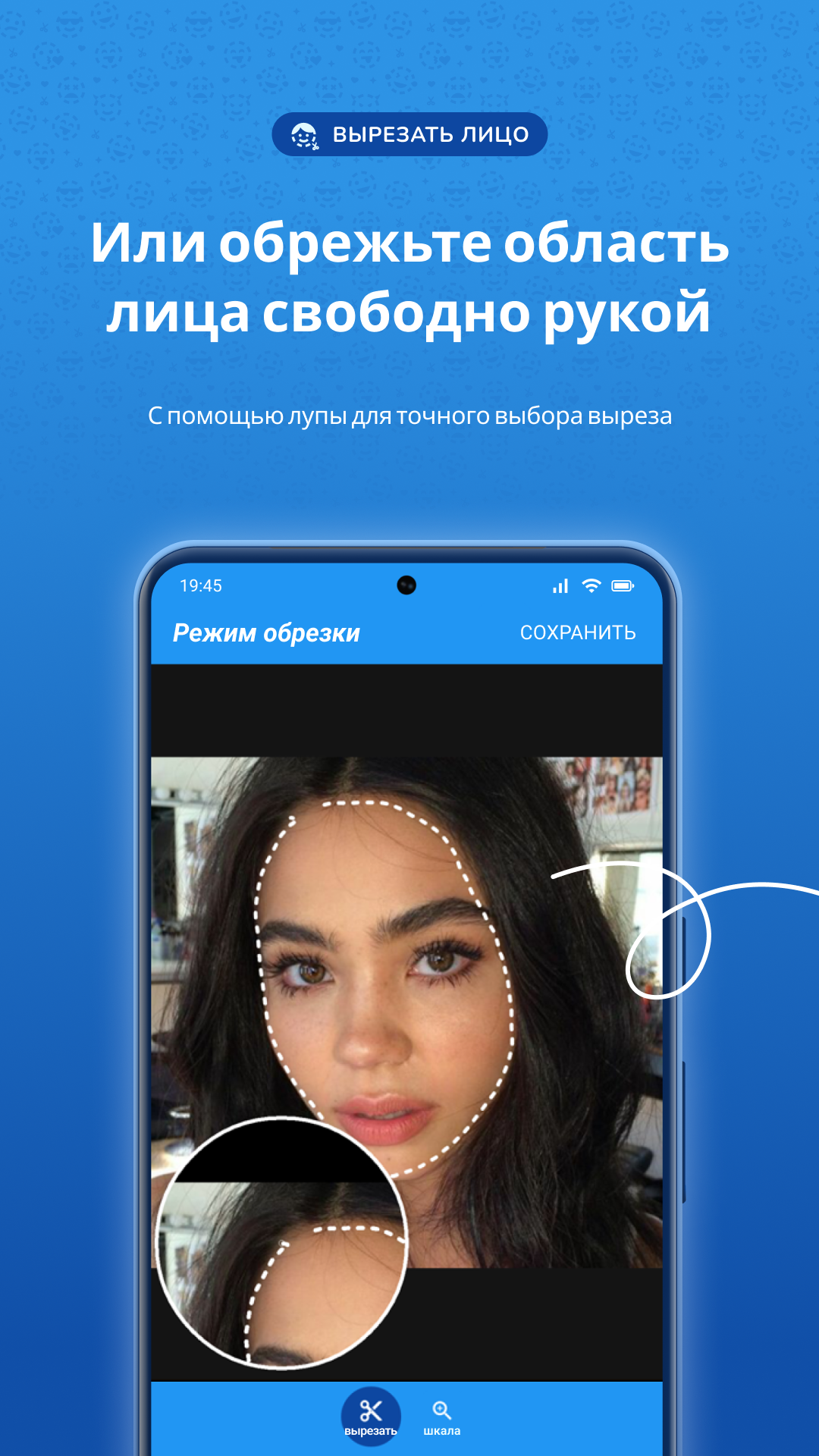
This app does what it says and is easy to learn. Within moments of installing, I had cut and pasted my first face; it merged seamlessly into the background. Wow! It will also do straight cuts (rectangles). Just touch each corner while in clipping mode. Ads are highly relevant and not too intrusive, but I wish they offered an ad-free paid version.
Not very good. The cutting part is okay, except that you can't erase, only undo. When pasting onto a new photo, there's no editing features at all, so you can't adjust brightness, contrast, color, etc. So there's no way to make the cut face blend better if the skin color isn't exactly the same.
Kirimkan komentar
Untuk memberikan komentar, masuklah dengan jejaring sosial Anda:
Atau tinggalkan komentar anonim. Komentar Anda akan dikirim untuk dimoderasi.
Kirimkan komentar
Untuk memberikan komentar, masuklah dengan jejaring sosial Anda:
Atau tinggalkan komentar anonim. Komentar Anda akan dikirim untuk dimoderasi.