



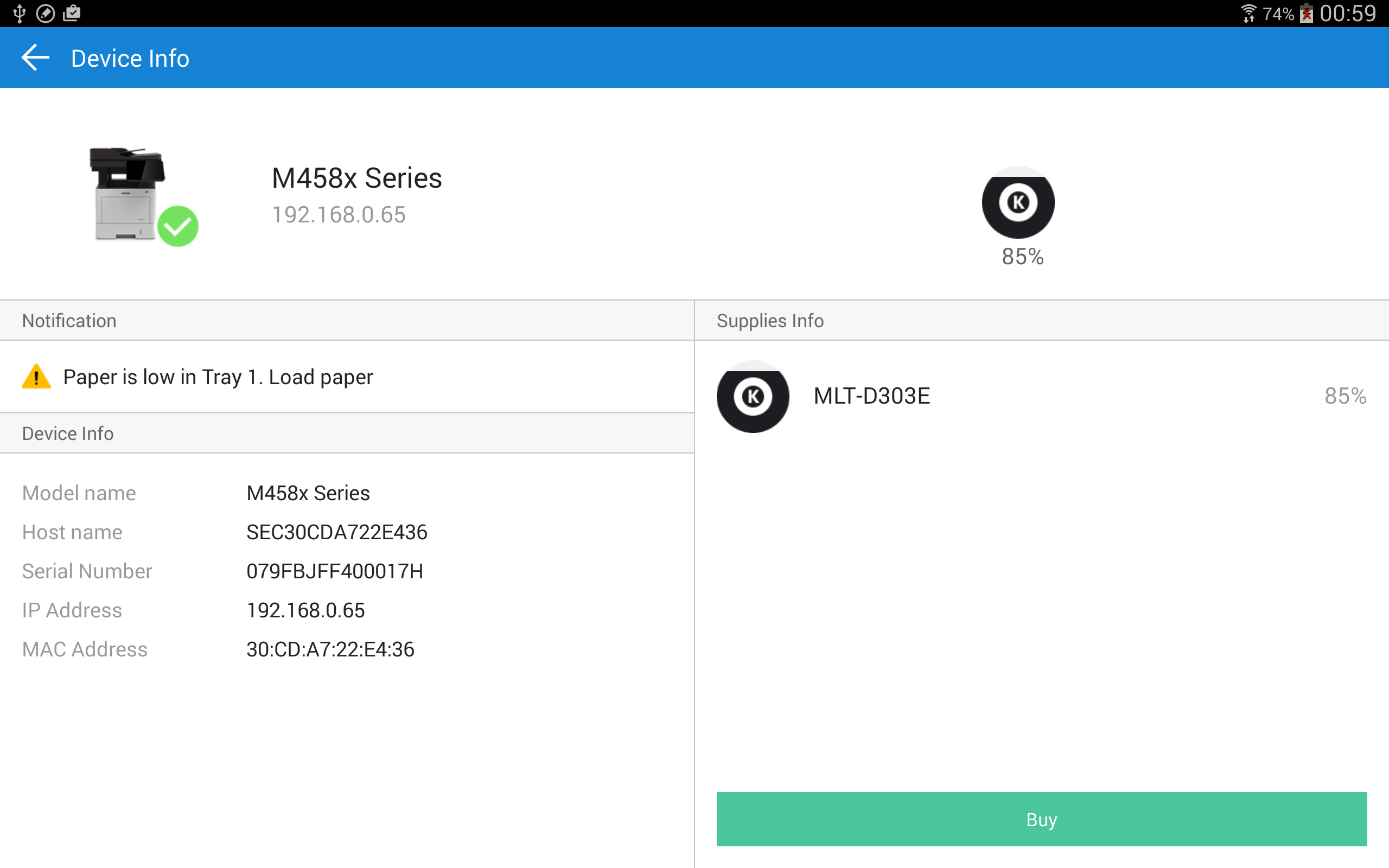
Samsung Mobile Print
8+
unduhan4.1+
versi Android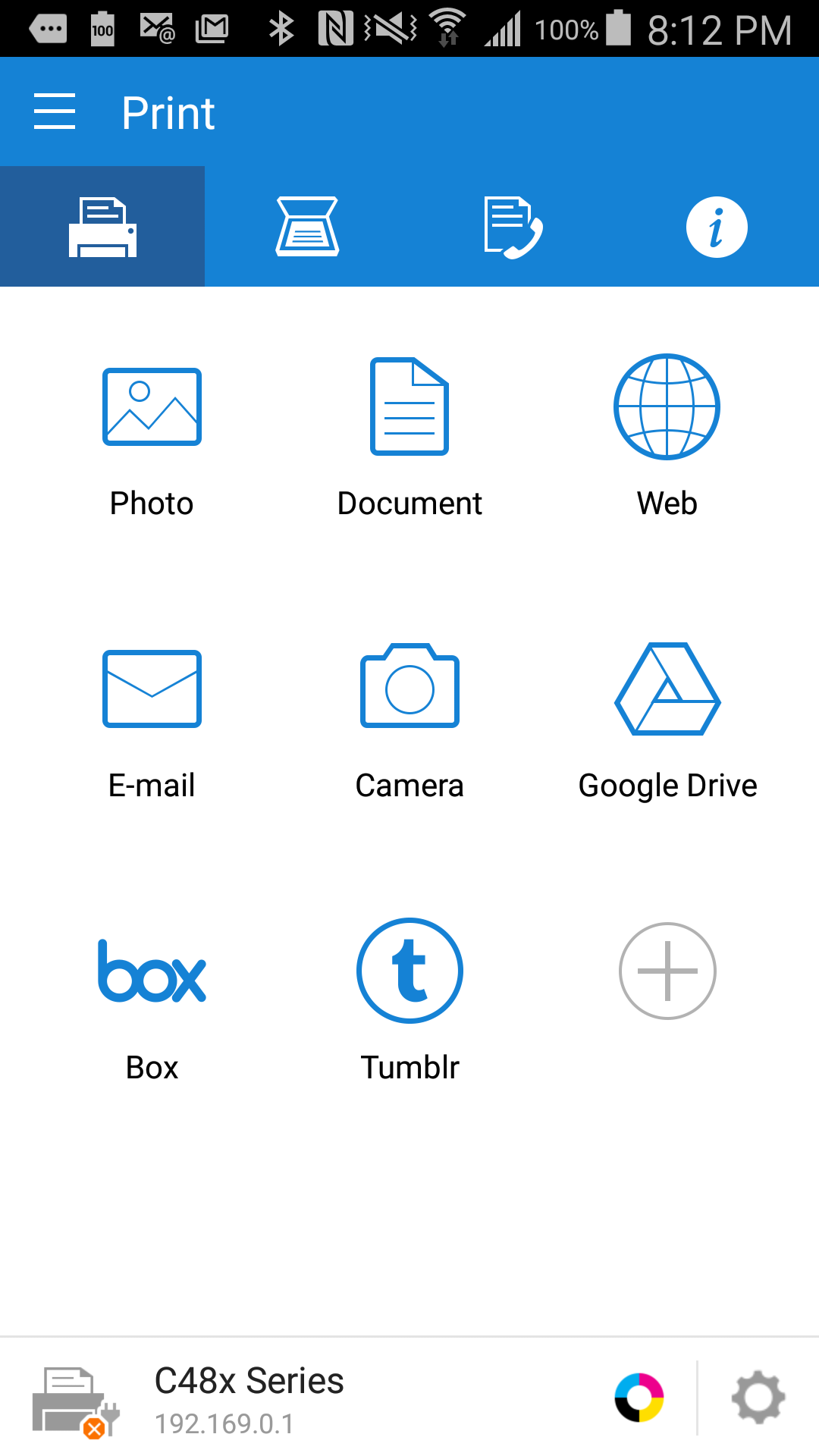
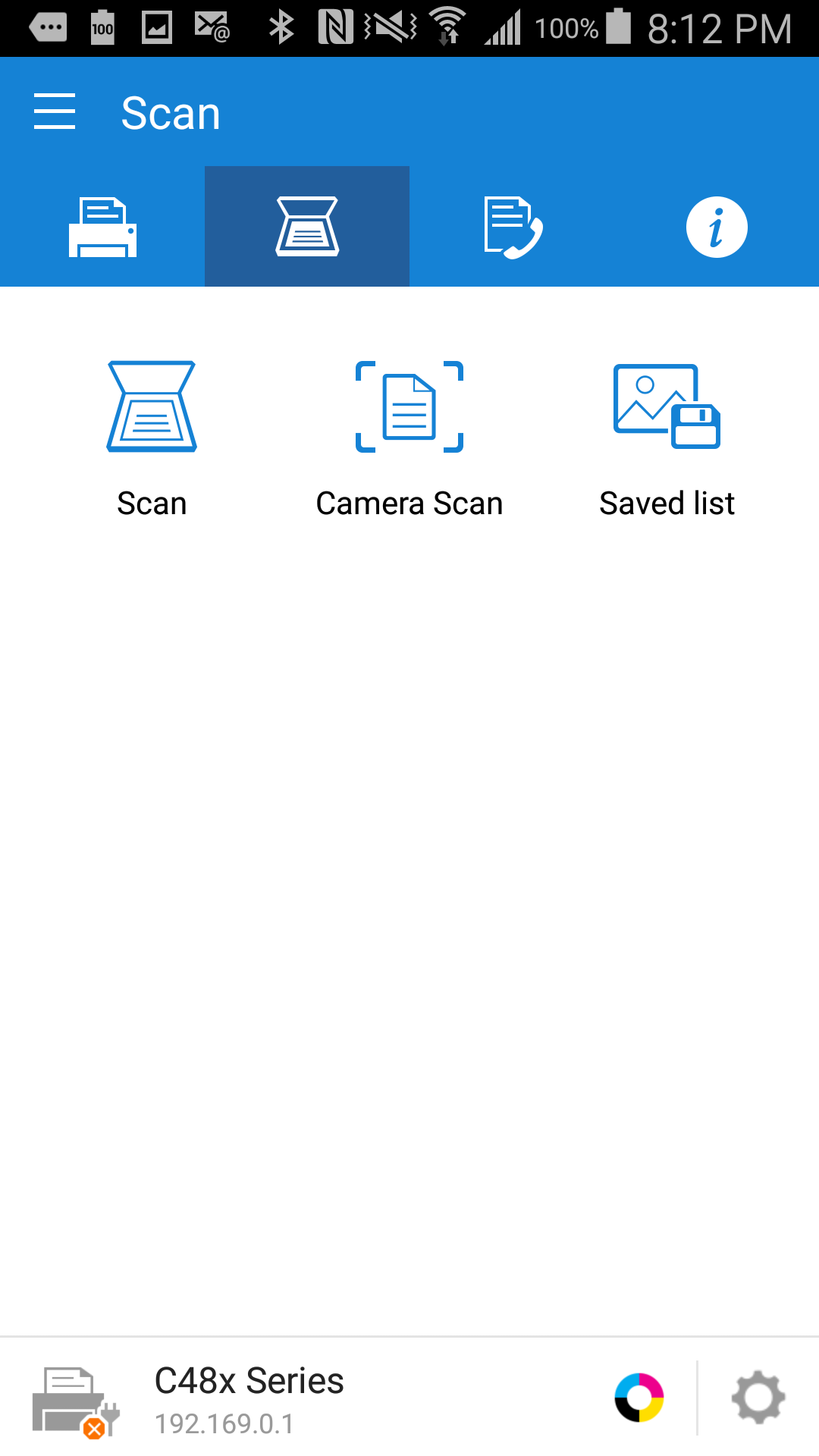
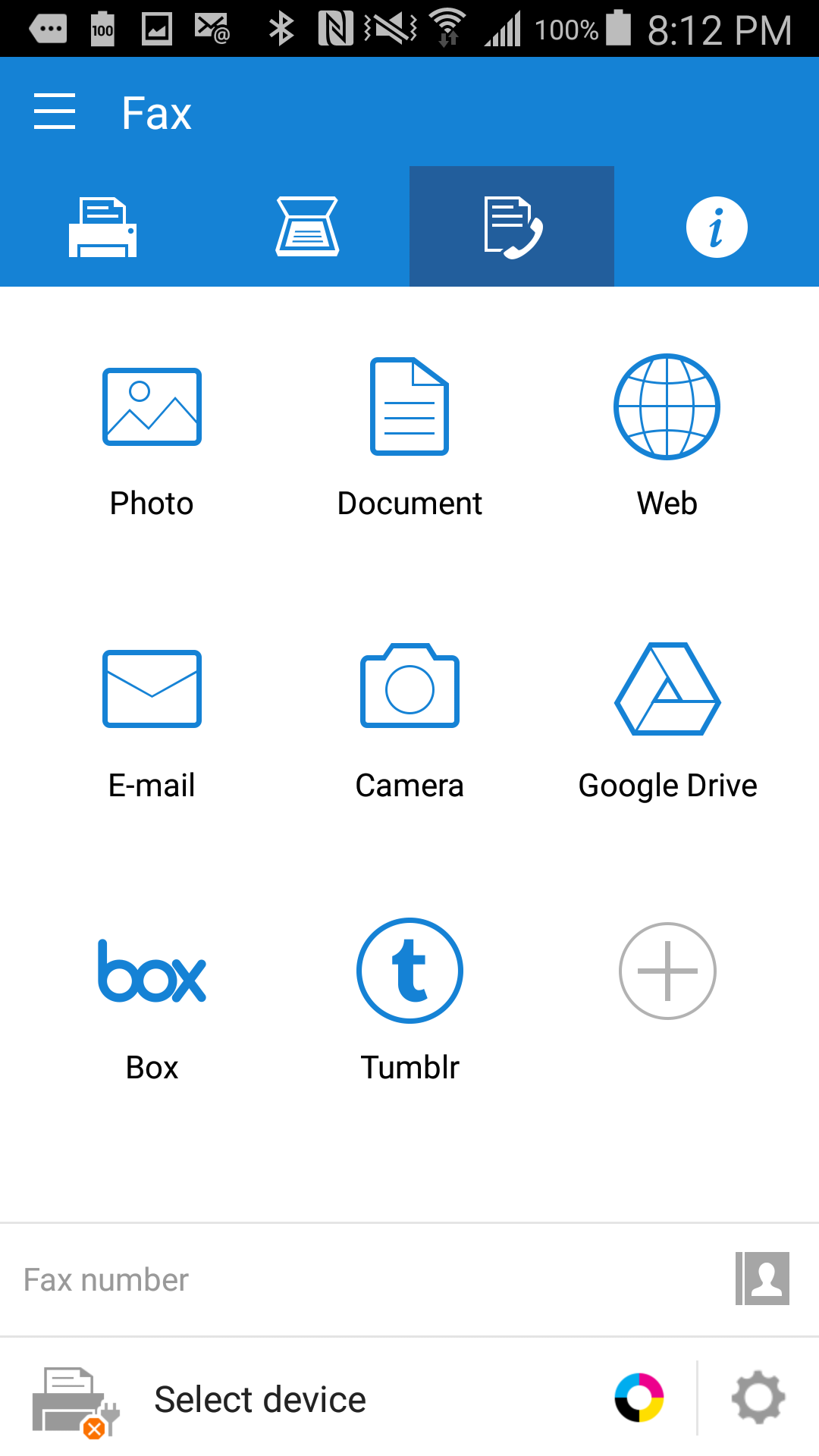
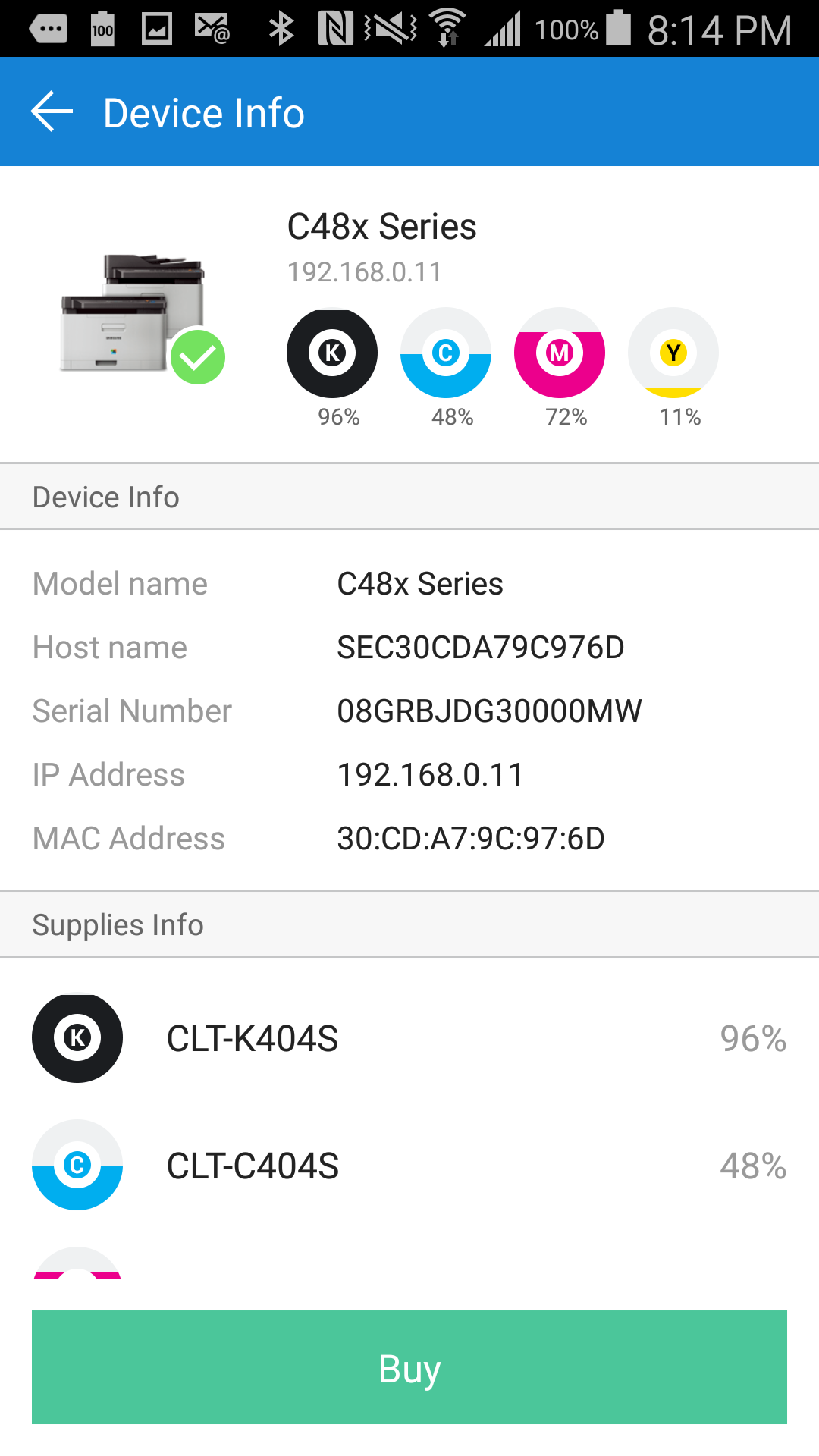
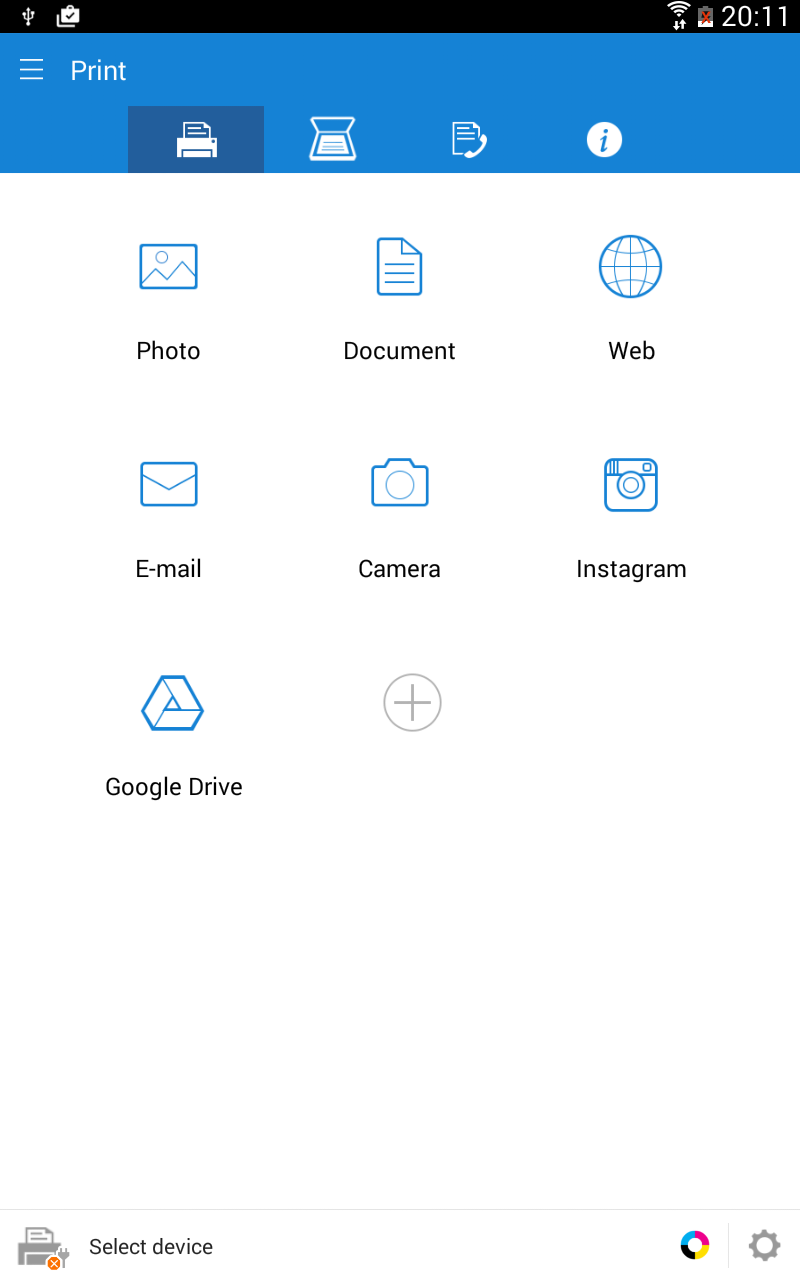
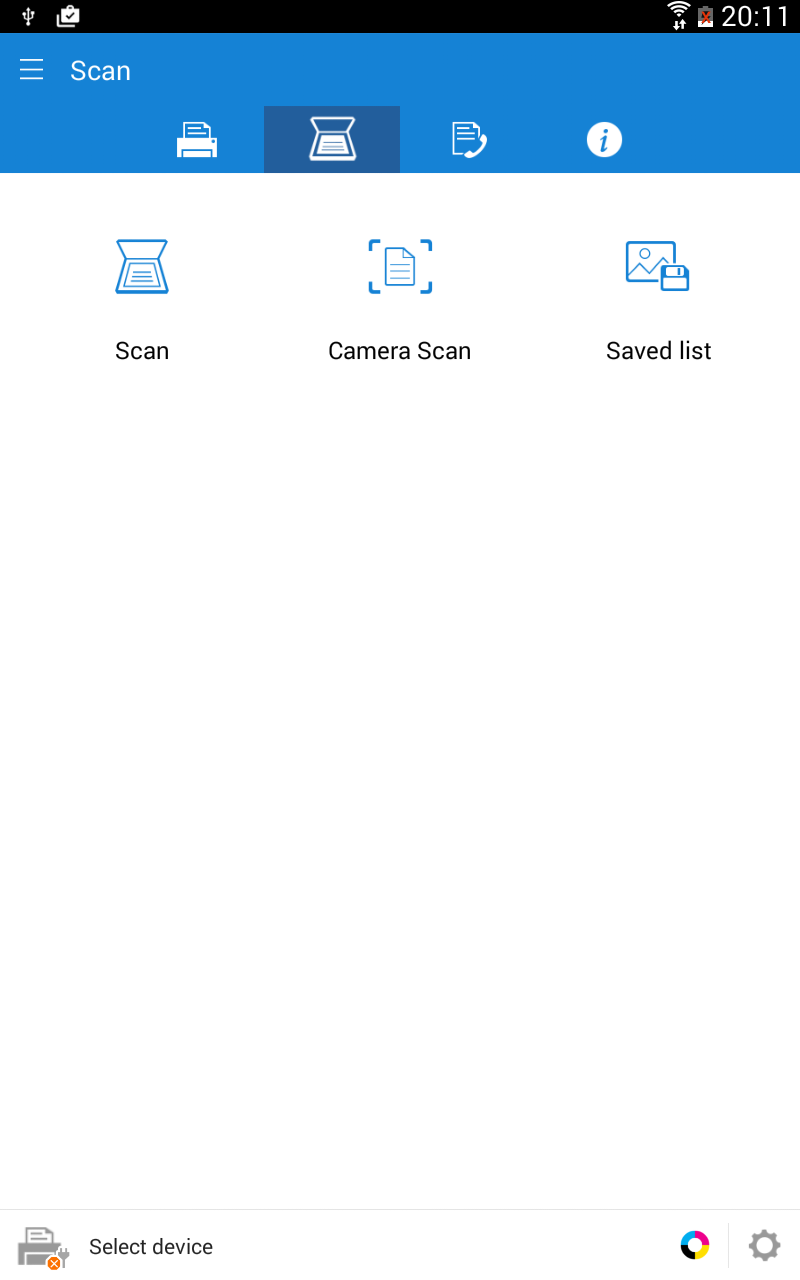
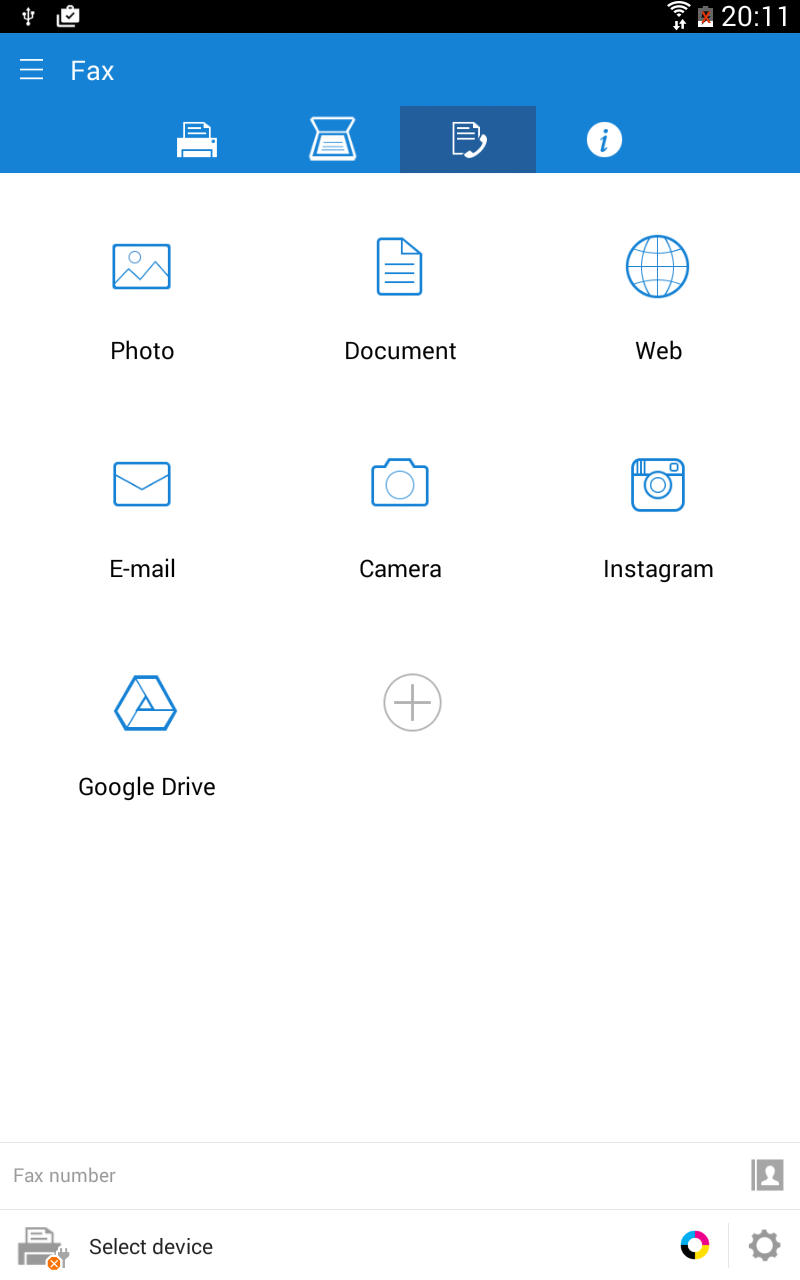
Ditambahkan: Denis Rubinov
Versi: 4.08.041
Ukuran: 30 MB
Diperbarui: 20.05.2025
Developer: HP Inc.
Batasan Usia: Everyone
Otorisasi: 17
Diunduh di Google Play: 16181435
Kategori: Kerja
Deskripsi
Aplikasi Samsung Mobile Print diperiksa oleh antivirus VirusTotal. Sebagai hasil pemindaian, tidak ada infeksi file yang terdeteksi oleh semua tanda tangan terbaru.
Cara memasang Samsung Mobile Print
- Unduh file APK aplikasi dari apkshki.com.
- Temukan file yang diunduh. Anda dapat menemukannya di baki sistem atau di folder 'Download' menggunakan manajer file apa pun.
- Jika file yang diunduh berekstensi .bin (bug WebView di Android 11), ubah namanya menjadi .apk menggunakan pengelola file apa pun atau coba unduh file dengan browser lain seperti Chrome.
- Mulai penginstalan. Klik pada file yang diunduh untuk memulai penginstalan
- Izinkan penginstalan dari sumber yang tidak dikenal. Jika Anda menginstal untuk pertama kalinya Samsung Mobile Print bukan dari Google Play, buka pengaturan keamanan perangkat Anda dan izinkan penginstalan dari sumber yang tidak dikenal.
- Lewati perlindungan Google Play. Jika proteksi Google Play memblokir penginstalan file, ketuk 'Info Lebih Lanjut' → 'Tetap instal' → 'OK' untuk melanjutkan..
- Selesaikan penginstalan: Ikuti petunjuk penginstal untuk menyelesaikan proses penginstalan.
Cara memperbarui Samsung Mobile Print
- Unduh versi baru aplikasi dari apkshki.com.
- Cari file yang diunduh dan klik file tersebut untuk memulai penginstalan.
- Instal di atas versi lama. Tidak perlu menghapus instalasi versi sebelumnya.
- Hindari konflik tanda tangan. Jika versi sebelumnya tidak diunduh dari apkshki.com, pesan 'Aplikasi tidak terinstal' mungkin muncul. Dalam kasus ini, hapus instalan versi lama dan instal versi baru.
- Mulai ulang lampiran Samsung Mobile Print setelah pembaruan.






Meminta pembaruan aplikasi
Ditambahkan Denis Rubinov
Versi: 4.08.041
Ukuran: 30 MB
Diperbarui: 20.05.2025
Developer: HP Inc.
Batasan Usia: Everyone
Otorisasi:
Diunduh di Google Play: 16181435
Kategori: Kerja















Ulasan untuk Samsung Mobile Print
I'm impressed.... excellent app..
always have trouble connecting to my printer
This App works very efficiently. Highly recommended!
ABSOLUTELY THE WORST PRINTER APP OUT THERE!!!
Trying to add my printer, it attempts to get information then displays a message for a split second. The printer is not added and I don't know why.
I have problems to connect the printer with my Samsung phone every single time when I need to print documents, photos etc.... so frustrated every single I tried to print something from my Samsung phone as it always a problem connections! 😒
nice
won't find printer
would have been great if I could have ever got it to work.
I've a Samsung Xpress m2070fw. I'm using a Huawei Prime Y7, running Android 7.0. Print and scanning used to work perfectly. Now, i just updated and scan files do not get saved, at least to the usual expected file location. However within the App i could see the scanned files but NOT in my card. One workaround which worked waz to Share the files to a dummy email account. From there, download the files ! Rather silly, but until the geniuses fixed the problem, life can go on !!!
WHAT THE H*LL SAMSUNG! Ever since the last update it is virtually impossible to connect my phone to the printer. Takes sometimes up to 40 attempts (no joke) or more to connect. It seems I always end up bringing out my laptop and connecting it with a printer cable in order to print a document. I don't understand whats going on. It use to work fairly decent before. I think its time to look into other printing options, because either the printer or the app really blow.
Samsung Galaxy S8+, a damn flagship phone and Samsung M2026W printer. Should work, right? Nope. Checked all router settings, disabled all security features on the phone, this app still won't see the printer, even though it's on the same network and I managed to get it connected to three editions of Windows and several Linuxes. So the printers is there, accepts jobs from PCs and laptops, just this app can't locate it on the network. NFC also doesn't want to work, same as direct connection. I can get the phone to connect directly, but the app will still not see the printer. Immensly iritating. And there are no solutions to be found on the web either and Samsung's site has no troubleshooting guide. :/
It really does work. I'm using my Samsung Galaxy s7plus 5g tablet and I don't know why its not working for some others but for me it's actually really very good. It has lots of functionality like scan, print, fax etc. I've used it many times and it's worked every single time! One other thing worth mentioning is that I have it connected to my lazer printer through a cable and not by the WiFi option. I don't know if that makes any difference to some of the other comments stated here?
Latest update is USELESS if you want to scan to PDF, and save the image on anything other than the app. I contacted them, and they say "can't write files in external storage, because it may be accessed by other applications". However, use the PREVIOUS VERSION, and you're OK. So, email them, give them hell, and maybe they will understand that this app has left thousands of users with scanner printers that are now pointless....
This app was working fine until recently. Now my scans are cropped and only a little part (like a thumbnail) is showing in the final output. This is extremely painful as I am not able to use the scanner. Can you please fix it...I mean it was working fine before, so it's probably one of your recent updates. (I tried using both Android 9 and 10 - same issue)
Kirimkan komentar
Untuk memberikan komentar, masuklah dengan jejaring sosial Anda:
Atau tinggalkan komentar anonim. Komentar Anda akan dikirim untuk dimoderasi.
Kirimkan komentar
Untuk memberikan komentar, masuklah dengan jejaring sosial Anda:
Atau tinggalkan komentar anonim. Komentar Anda akan dikirim untuk dimoderasi.