



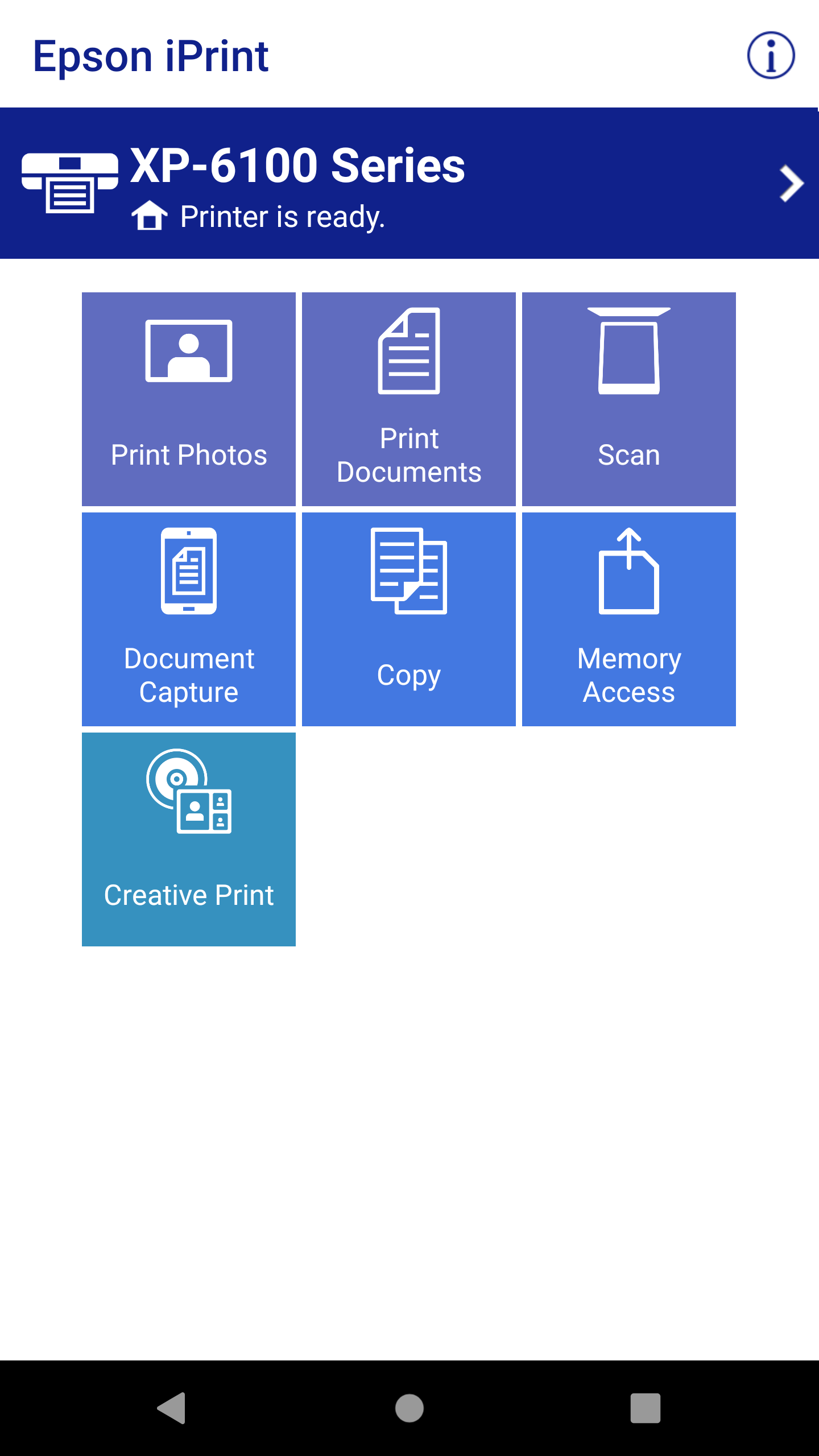
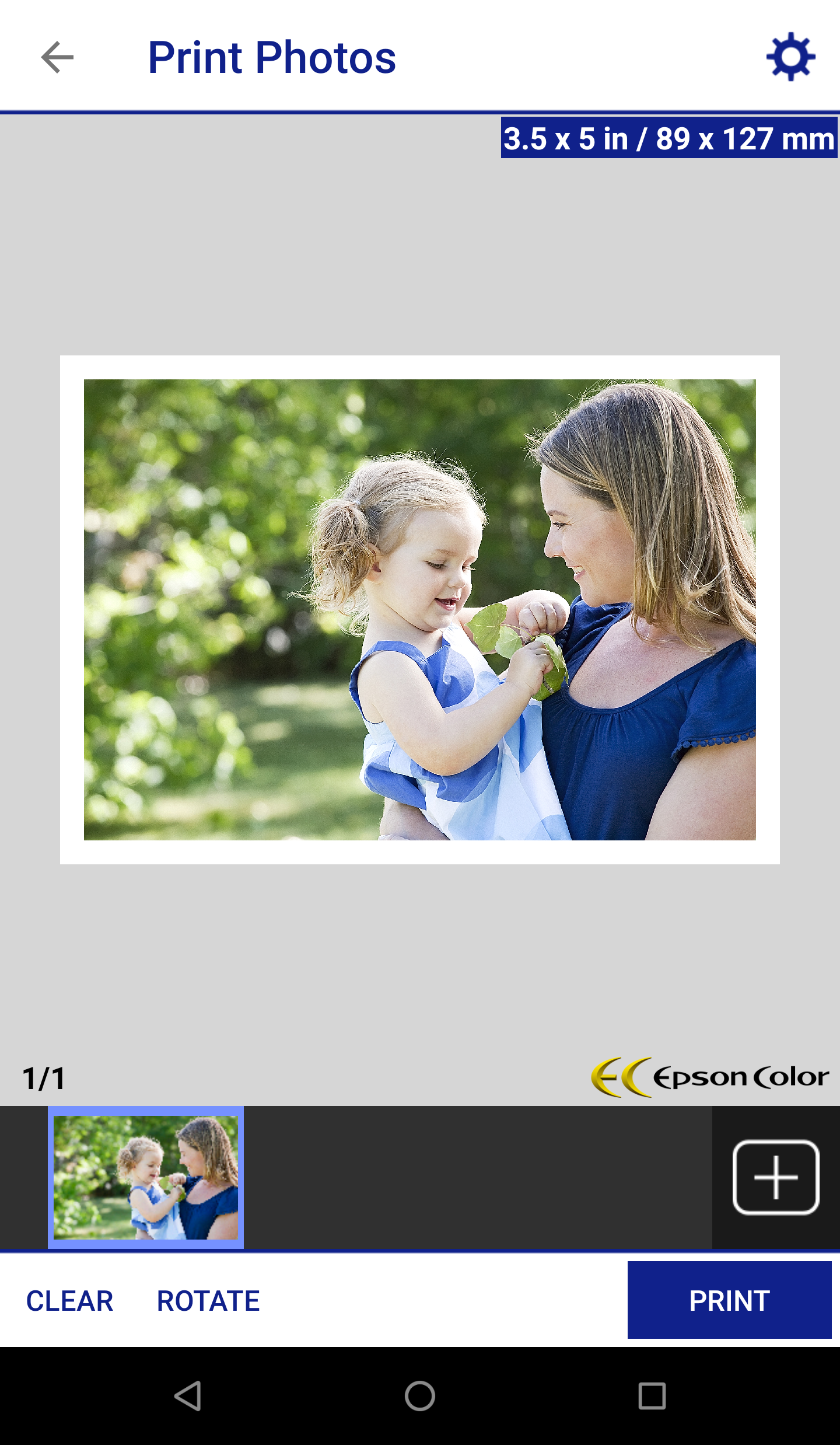
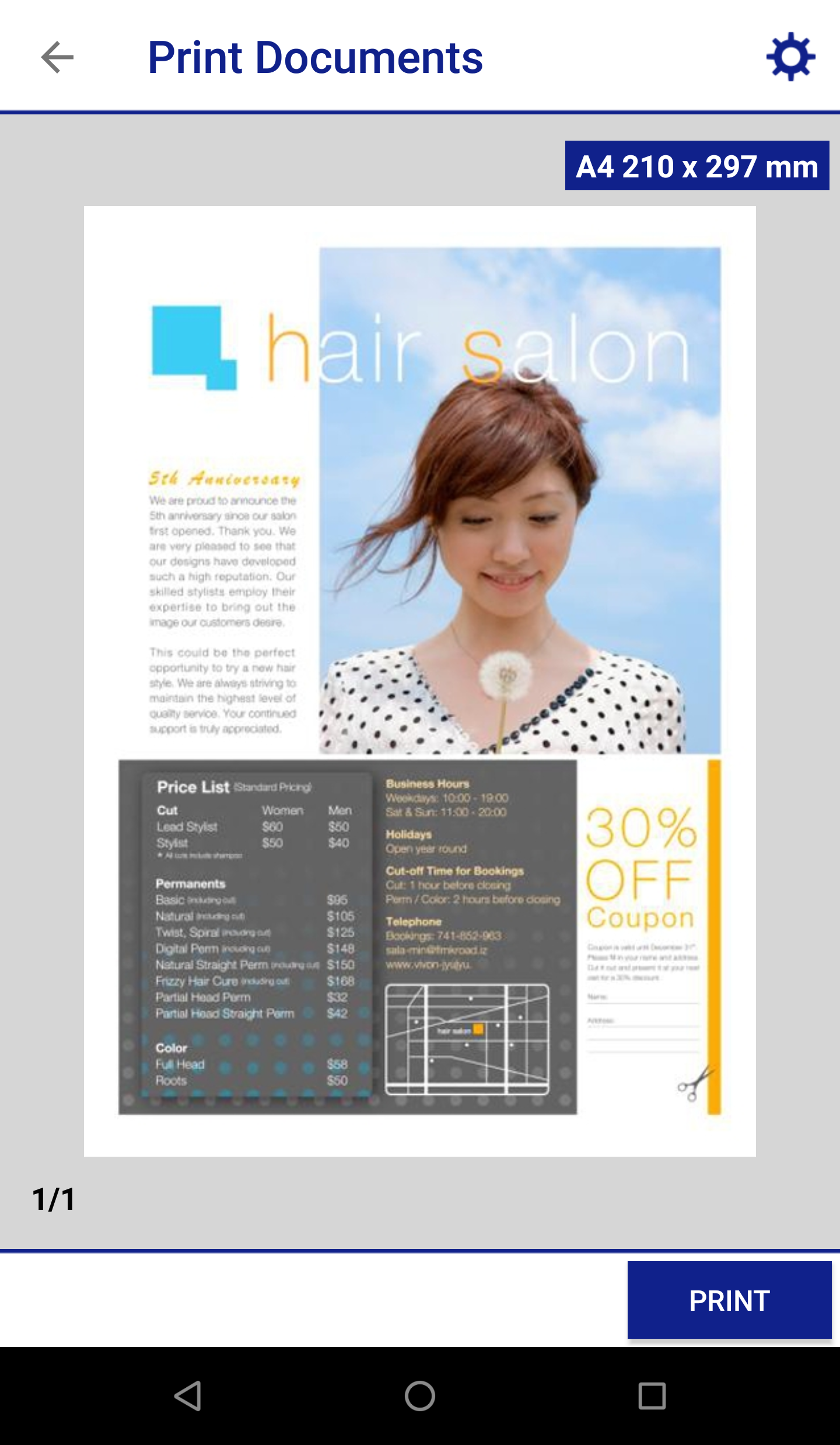
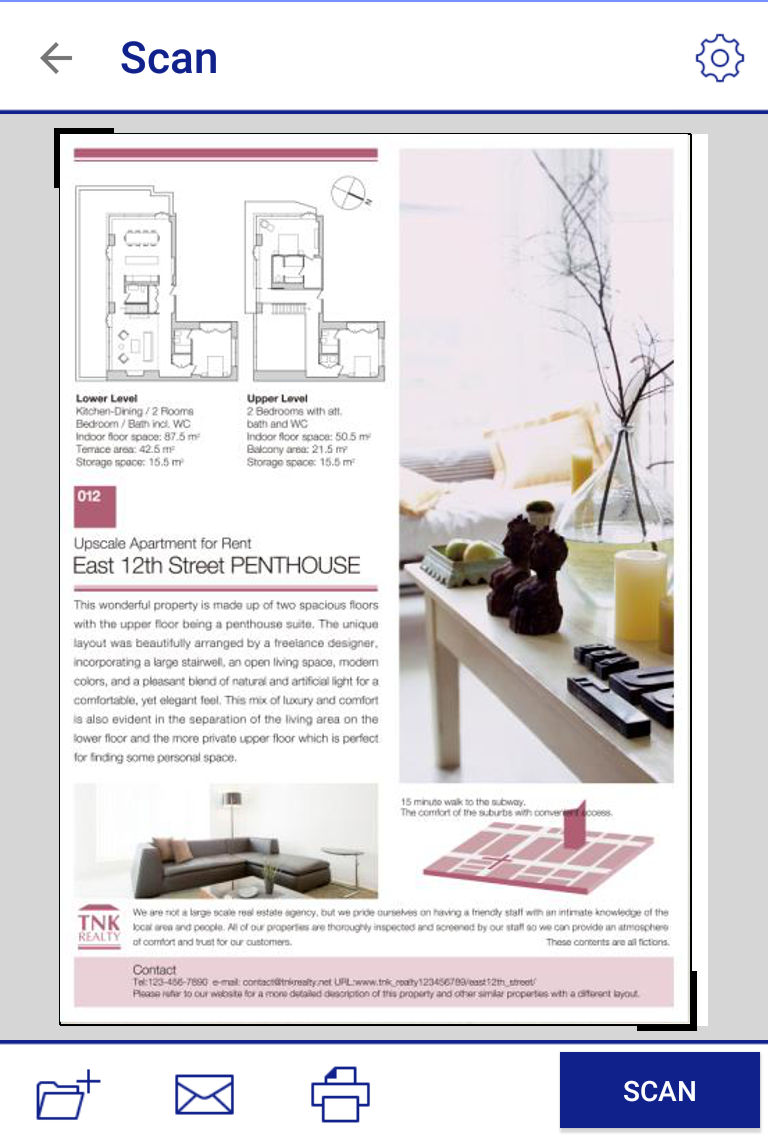
Ditambahkan: Denis Rubinov
Versi: 7.12.7
Ukuran: 73.5 MB
Diperbarui: 20.05.2025
Developer: Seiko Epson Corporation
Batasan Usia: Everyone
Diunduh di Google Play: 65339406
Kategori: Alat
Deskripsi
Aplikasi Epson iPrint diperiksa oleh antivirus VirusTotal. Sebagai hasil pemindaian, tidak ada infeksi file yang terdeteksi oleh semua tanda tangan terbaru.
Cara memasang Epson iPrint
- Unduh file APK aplikasi dari apkshki.com.
- Temukan file yang diunduh. Anda dapat menemukannya di baki sistem atau di folder 'Download' menggunakan manajer file apa pun.
- Jika file yang diunduh berekstensi .bin (bug WebView di Android 11), ubah namanya menjadi .apk menggunakan pengelola file apa pun atau coba unduh file dengan browser lain seperti Chrome.
- Mulai penginstalan. Klik pada file yang diunduh untuk memulai penginstalan
- Izinkan penginstalan dari sumber yang tidak dikenal. Jika Anda menginstal untuk pertama kalinya Epson iPrint bukan dari Google Play, buka pengaturan keamanan perangkat Anda dan izinkan penginstalan dari sumber yang tidak dikenal.
- Lewati perlindungan Google Play. Jika proteksi Google Play memblokir penginstalan file, ketuk 'Info Lebih Lanjut' → 'Tetap instal' → 'OK' untuk melanjutkan..
- Selesaikan penginstalan: Ikuti petunjuk penginstal untuk menyelesaikan proses penginstalan.
Cara memperbarui Epson iPrint
- Unduh versi baru aplikasi dari apkshki.com.
- Cari file yang diunduh dan klik file tersebut untuk memulai penginstalan.
- Instal di atas versi lama. Tidak perlu menghapus instalasi versi sebelumnya.
- Hindari konflik tanda tangan. Jika versi sebelumnya tidak diunduh dari apkshki.com, pesan 'Aplikasi tidak terinstal' mungkin muncul. Dalam kasus ini, hapus instalan versi lama dan instal versi baru.
- Mulai ulang lampiran Epson iPrint setelah pembaruan.





Meminta pembaruan aplikasi
Ditambahkan Denis Rubinov
Versi: 7.12.7
Ukuran: 73.5 MB
Diperbarui: 20.05.2025
Developer: Seiko Epson Corporation
Batasan Usia: Everyone
Diunduh di Google Play: 65339406
Kategori: Alat















Ulasan untuk Epson iPrint
best experience with Epson print. stuff I can't print with computer because of tons of unexpected issues as we all know with computers, with Epson print that problem has been resolved. only if computer apps could get that good.
always failing and doesn't show printer
buen funcionamiento
Epson value of money
worked great!
napaka helpful Lalo na kung Wala Kang laptop or desktop pravo
Continues to worked fine for me, no issues. 5/18/25
finally got to work.
ET 2400 IS AWFUL DONT BUY
good one
As a college student, I need to be able to print from every device that I work from (phone, computer, tablet, etc.), at any given time. I frequently need to multitask, researching different sources, from multiple devices, simultaneously. This app is easy to use, is consistent and dependable, and rarely has any issues with connectivity, etc. The only reason I am rating it 4/5 is due to the very occasional times that require a forced reset, but honestly can't imagine not having this app. Thanks!
So far so good. Can't say that with every app. I'm able to print with my phone to the printer over wifi with like a 5+ year old printer and I'm at least half lit. Under five minutes once i had the right software being opened the right way. And yes i did some of the heavy lifting earlier, but i did take it home drunk. Very impressive to me I'd say that it is still supported, but it is a great printer.
This app needs to be reconnected every time I have not used it for a few days. I leave the printer in standby but still does not matter. Going through the setup process to connect WiFi Direct every time I want to print is ridiculous. What I really expect from any print app is that when I press print from my phone no matter what the source is the printer will wake up and print. IS THAT SO HARD?
Excellent App. No lag. No disconnects. Compatible with all my devices. I think the reliability depends on the printer not just the app. My old epson had reliability issues that made me switch to a competitor, but with the new cartridge-less printer, the app works very well. I hope it continues to be worry free for some years.
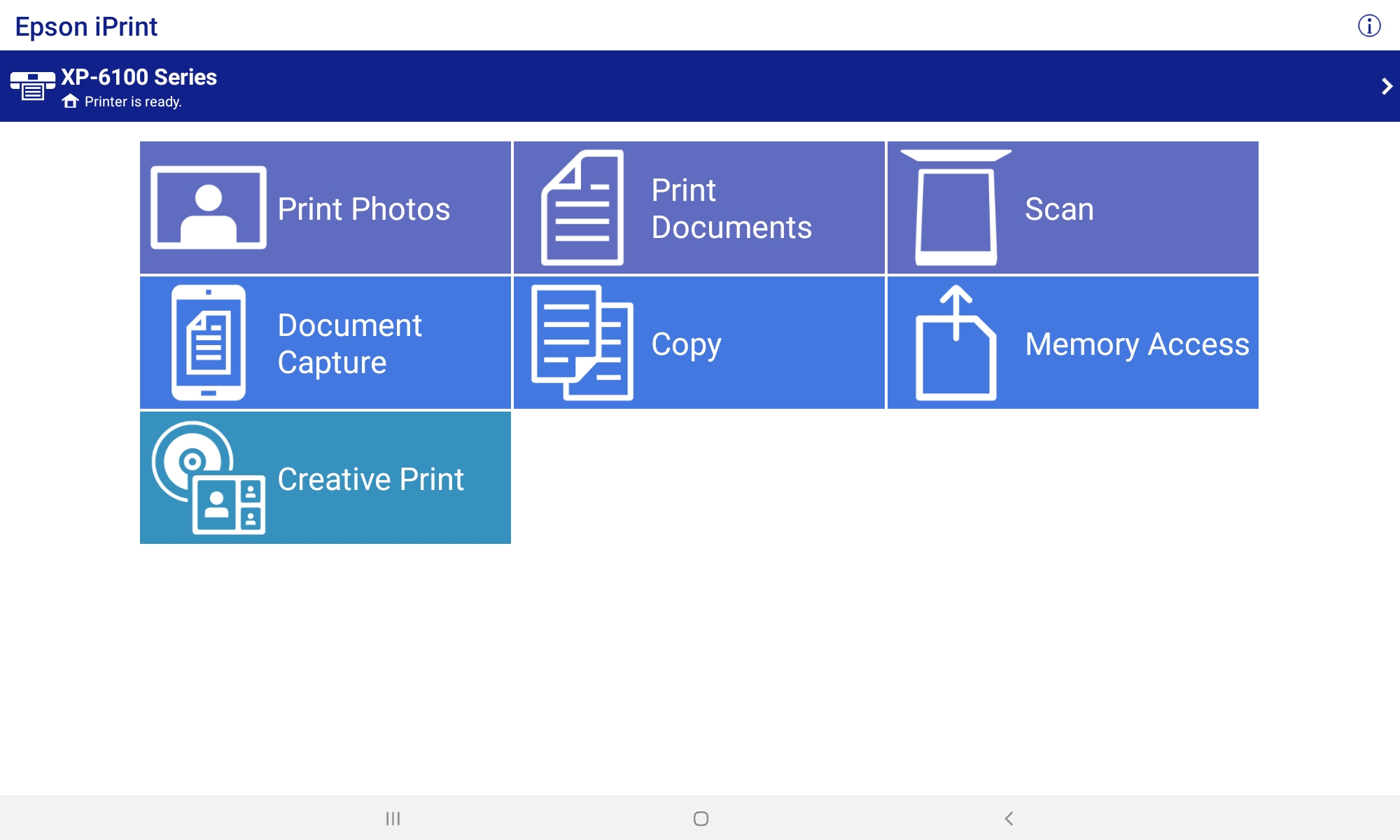
PROS: This is the only printer app that works with my tablet & my Epson printers. You have the option to select portrait/landscape, double sided, or save to PDF, etc. CONS: When my wireless printers are in sleep mode, the app says they are unavailable. Even when I wake them up, it still doesn't find them. The solution is to save the file to PDF then open it and print.
Kirimkan komentar
Untuk memberikan komentar, masuklah dengan jejaring sosial Anda:
Atau tinggalkan komentar anonim. Komentar Anda akan dikirim untuk dimoderasi.
Kirimkan komentar
Untuk memberikan komentar, masuklah dengan jejaring sosial Anda:
Atau tinggalkan komentar anonim. Komentar Anda akan dikirim untuk dimoderasi.