


Epson Smart Panel
13+
unduhan5.0+
versi Android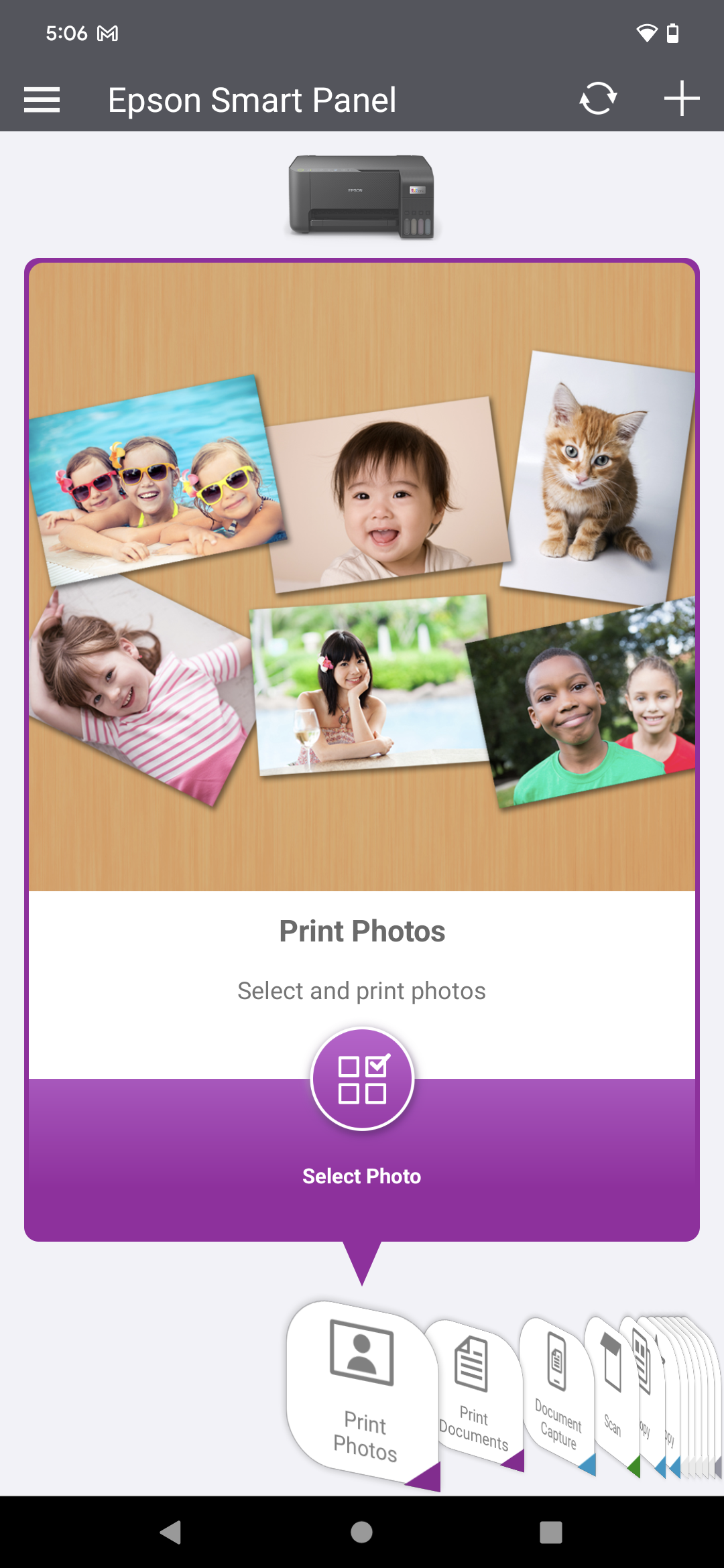
Ditambahkan: Denis Rubinov
Versi: 5.0.1
Ukuran: 101.4 MB
Diperbarui: 20.05.2025
Developer: Seiko Epson Corporation
Batasan Usia: Everyone
Diunduh di Google Play: 10812216
Kategori: Alat
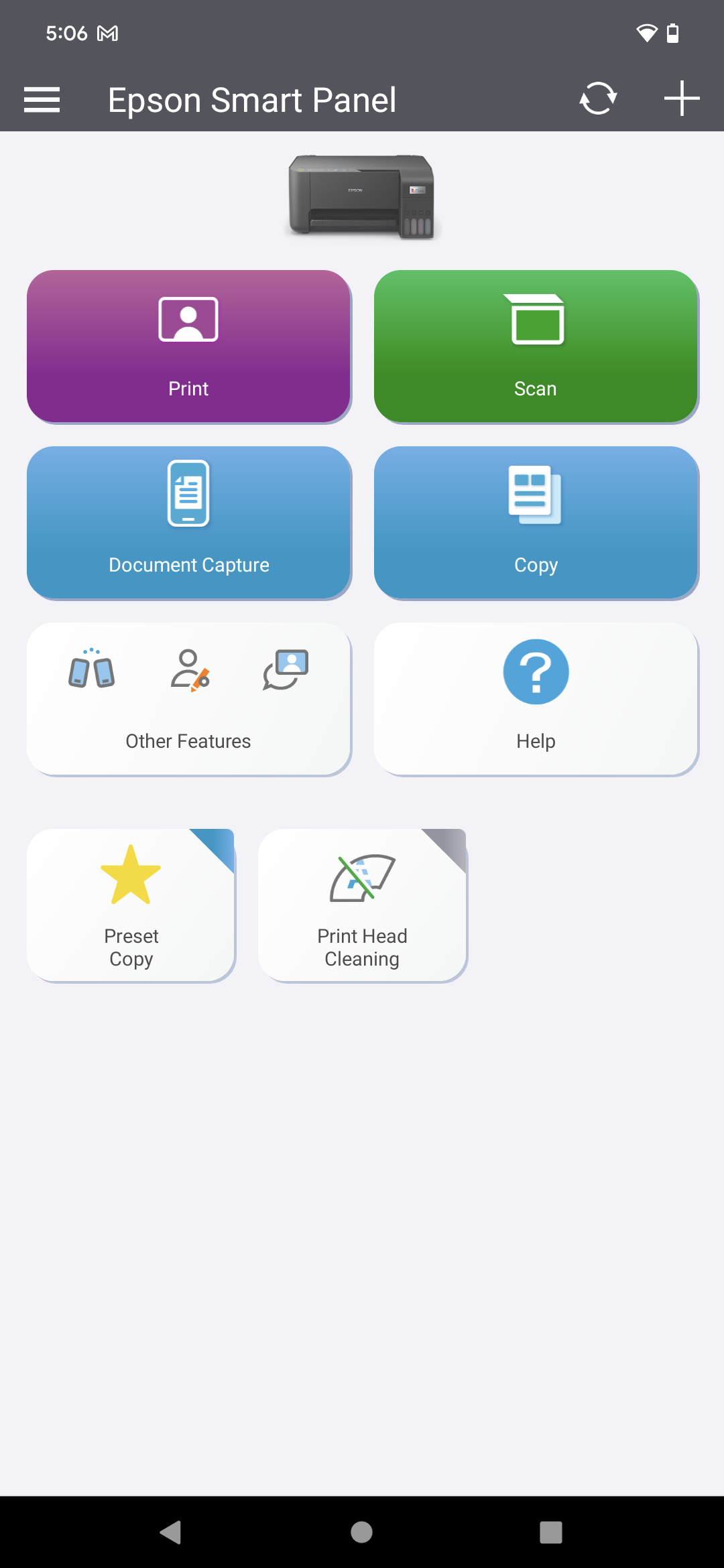
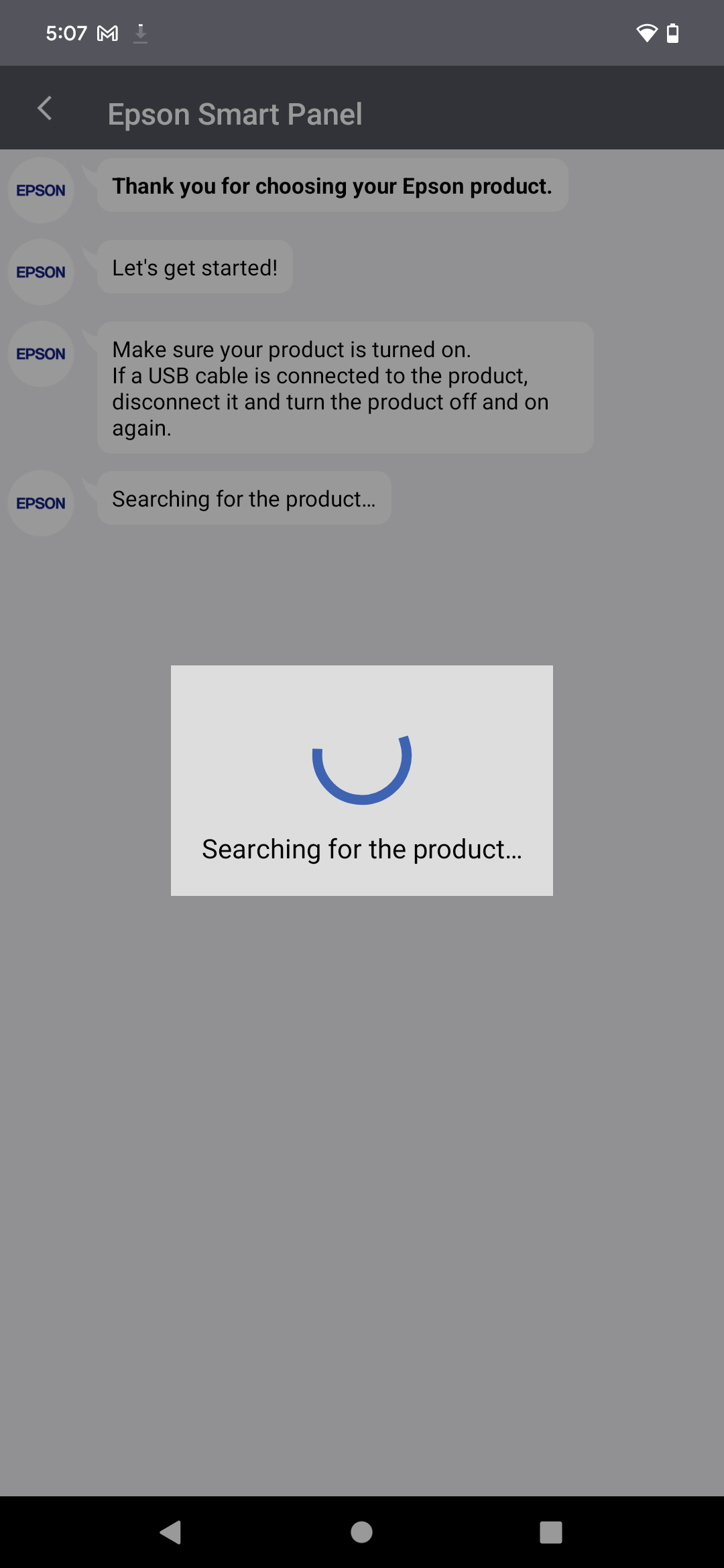
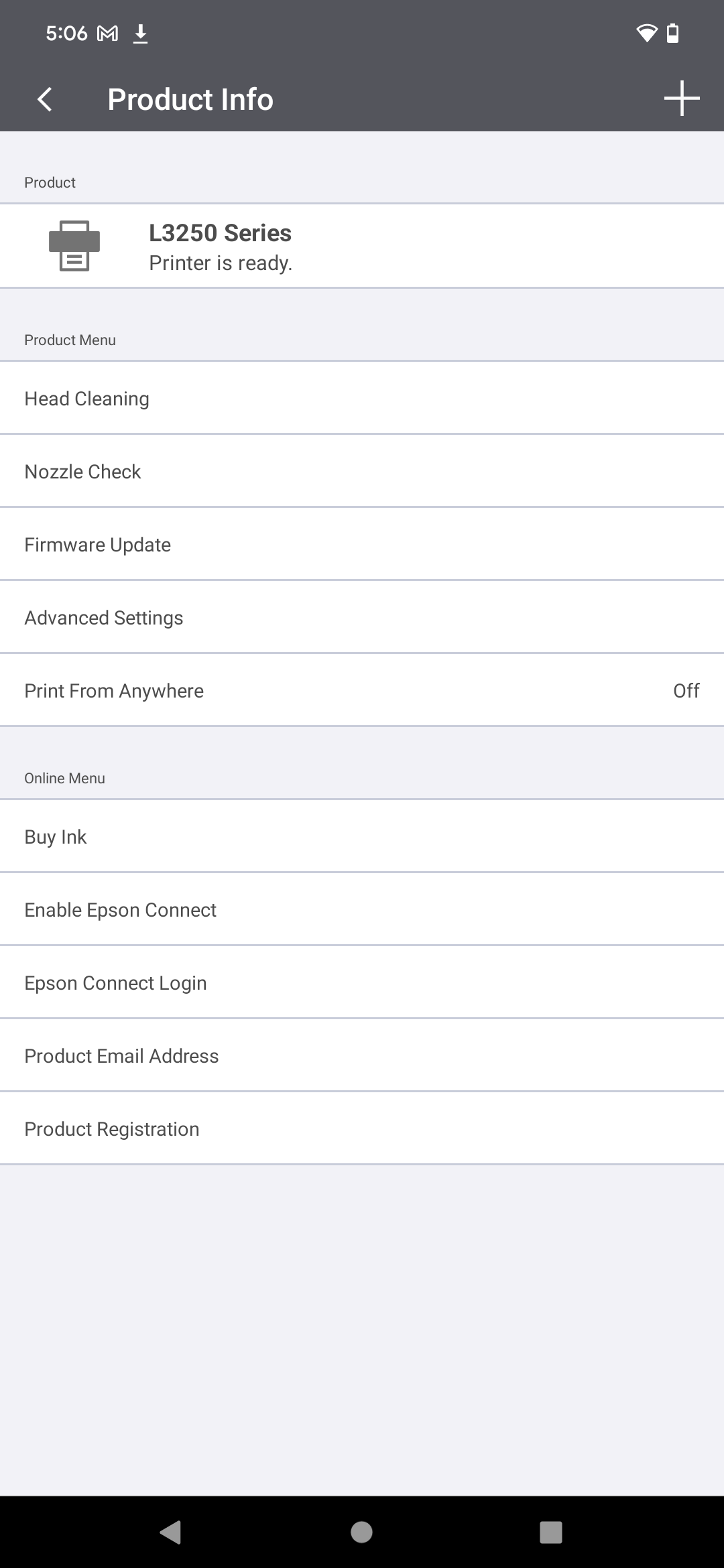
- Koneksi cepat ke printer dan pemindai yang kompatibel.
- Konfigurasi dalam mode otomatis dan manual.
- Kontrol sisa tinta dalam kartrid.
- Antarmuka yang intuitif.
- Tidak ada iklan atau fitur berbayar.
Deskripsi
Aplikasi Epson Smart Panel diperiksa oleh antivirus VirusTotal. Sebagai hasil pemindaian, tidak ada infeksi file yang terdeteksi oleh semua tanda tangan terbaru.
Cara memasang Epson Smart Panel
- Unduh file APK aplikasi dari apkshki.com.
- Temukan file yang diunduh. Anda dapat menemukannya di baki sistem atau di folder 'Download' menggunakan manajer file apa pun.
- Jika file yang diunduh berekstensi .bin (bug WebView di Android 11), ubah namanya menjadi .apk menggunakan pengelola file apa pun atau coba unduh file dengan browser lain seperti Chrome.
- Mulai penginstalan. Klik pada file yang diunduh untuk memulai penginstalan
- Izinkan penginstalan dari sumber yang tidak dikenal. Jika Anda menginstal untuk pertama kalinya Epson Smart Panel bukan dari Google Play, buka pengaturan keamanan perangkat Anda dan izinkan penginstalan dari sumber yang tidak dikenal.
- Lewati perlindungan Google Play. Jika proteksi Google Play memblokir penginstalan file, ketuk 'Info Lebih Lanjut' → 'Tetap instal' → 'OK' untuk melanjutkan..
- Selesaikan penginstalan: Ikuti petunjuk penginstal untuk menyelesaikan proses penginstalan.
Cara memperbarui Epson Smart Panel
- Unduh versi baru aplikasi dari apkshki.com.
- Cari file yang diunduh dan klik file tersebut untuk memulai penginstalan.
- Instal di atas versi lama. Tidak perlu menghapus instalasi versi sebelumnya.
- Hindari konflik tanda tangan. Jika versi sebelumnya tidak diunduh dari apkshki.com, pesan 'Aplikasi tidak terinstal' mungkin muncul. Dalam kasus ini, hapus instalan versi lama dan instal versi baru.
- Mulai ulang lampiran Epson Smart Panel setelah pembaruan.







Meminta pembaruan aplikasi
Ditambahkan Denis Rubinov
Versi: 5.0.1
Ukuran: 101.4 MB
Diperbarui: 20.05.2025
Developer: Seiko Epson Corporation
Batasan Usia: Everyone
Diunduh di Google Play: 10812216
Kategori: Alat















Ulasan untuk Epson Smart Panel
I'm not a technical person. But once it finally connects to wifi, it works great 👍
easy peasy
love it
Great to connect to a Epson Printer
Too little installation information. What is available is confusing and the info on the printer is not easily readable or fun to type onto keyboard. Save a buck, make it small, must be popular. No information on how to change paper size. The screen size is ridiculously tiny.
works well. no issues.
it ruins my day every time I try to print! 😡😡
unable to connect to printer friendly user unable connect my cell to this piece of *******.
crashing all the tim
Can't download
Slow and not smart: When printing a 16: 9 image on 8 1/2 x 11 paper, I would expect that it would resize as necessary to get the whole width, with unprinted letterboxing top and bottom. Instead, it clipped the width to get the whole height. This would have been a fine example of the power of the computer working for the user, instead of the user having to figure out how to get this whole document printed. On top of that, I waited over 7 minutes for it to print out.
Not super intuitive, but if you have far-reaching experience with legacy software and early 90s era computer experience for sure you should be able to figure out how to print a document you receieved electronically. That much I can say with authority from my experience. Good luck, you might need it to supplement your skills.
I like the app, only issue is, I wish the images I print would automatically resize to fit the paper size selected. Instead it's cutting out part of the image, than I have to make the image smaller to fit correctly or split the image in half and do 2 separate prints. Pls change that? Overall, a good app for printing.
Surprisingly, it just, works like it is supposed to?! Simple UI, automatic setup, effortless printing. Now let's see if it will stay that way thru the next update. 4 out of 5 bc I've only needed to use this app once so far and I might've just got lucky. If it continues working perfectly, I'll give that 5th star no problem.
Takes some getting use to, but it works. Had search for and turn on duplex printing. For the money spent, it should not be as challenging. But it works. Had to remove a star. When go to print I constantly have to reconnect to the printer. I have to have my location active on my phone, why? I'm on the same wifi as the printer. Why does my location have to be on? For what I paid for this machine, the software is less than desired.
Kirimkan komentar
Untuk memberikan komentar, masuklah dengan jejaring sosial Anda:
Atau tinggalkan komentar anonim. Komentar Anda akan dikirim untuk dimoderasi.
Kirimkan komentar
Untuk memberikan komentar, masuklah dengan jejaring sosial Anda:
Atau tinggalkan komentar anonim. Komentar Anda akan dikirim untuk dimoderasi.