


Storage Analyzer & Disk Usage
37+
unduhan4.1+
versi Android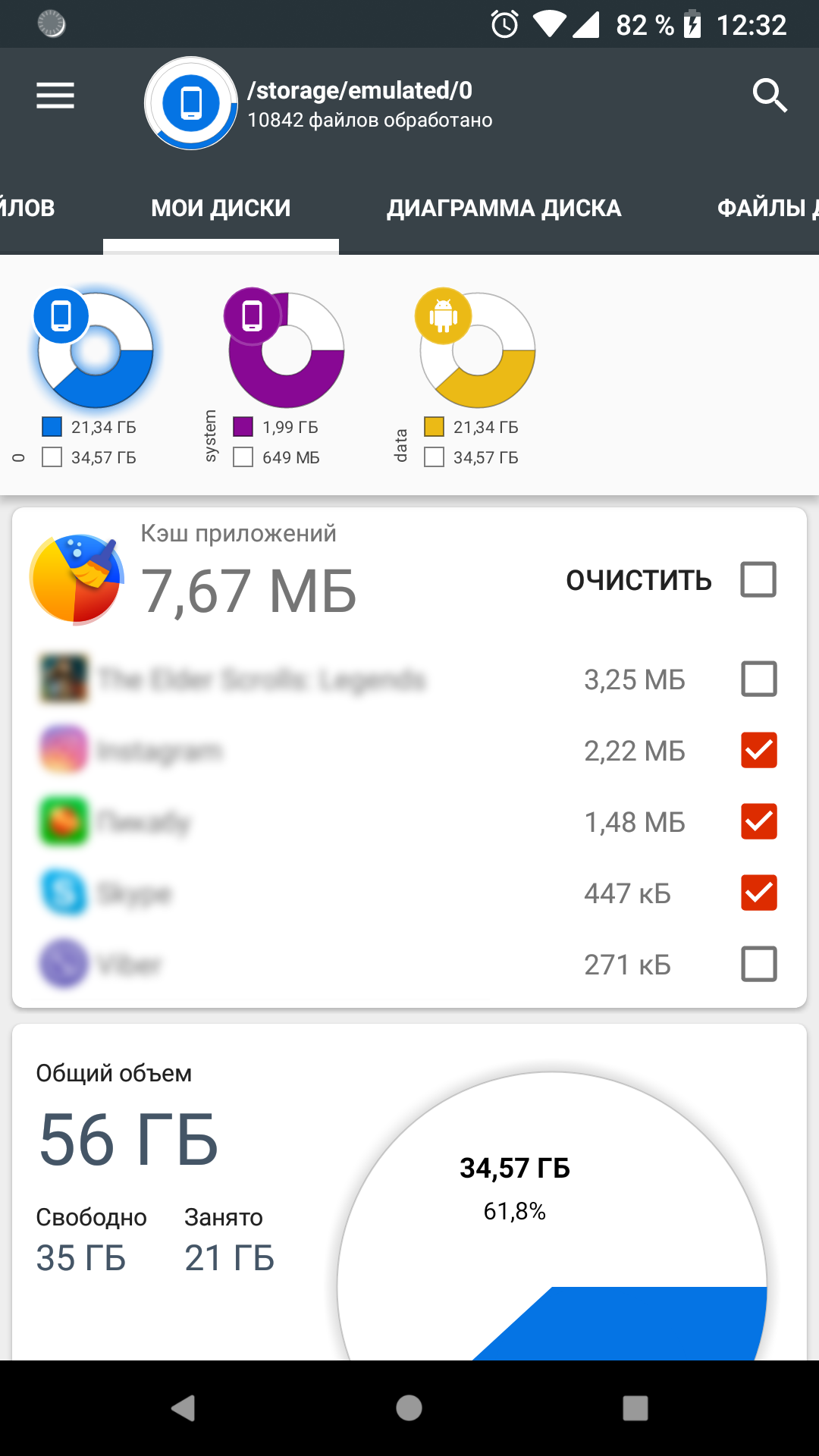
Ditambahkan: Denis Rubinov
Versi: 4.1.7.39.free.release
Ukuran: 9.9 MB
Diperbarui: 04.02.2024
Developer: Anton Patapovich
Batasan Usia: Everyone
Otorisasi: 11
Diunduh di Google Play: 11586347
Kategori: Kerja
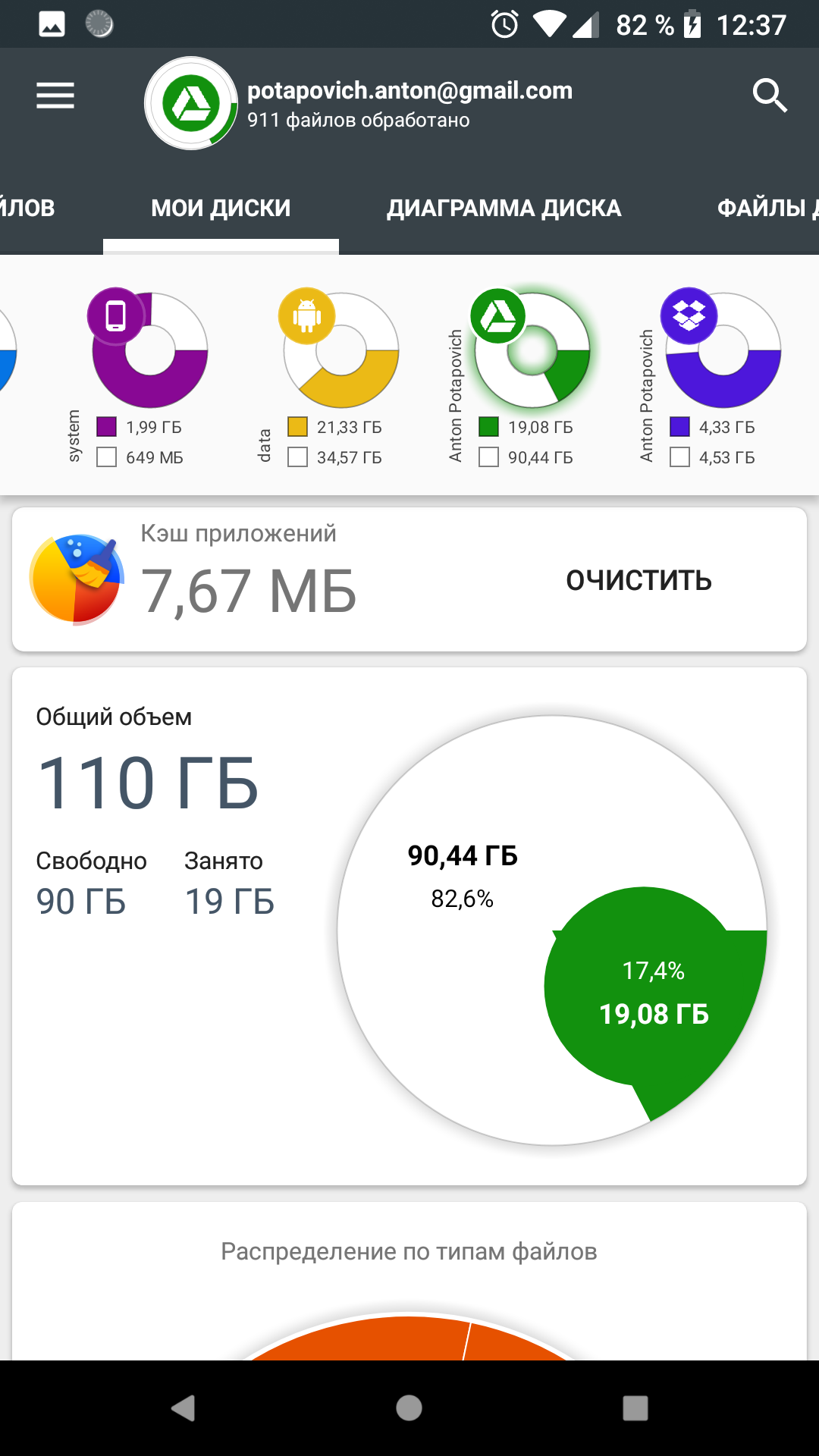
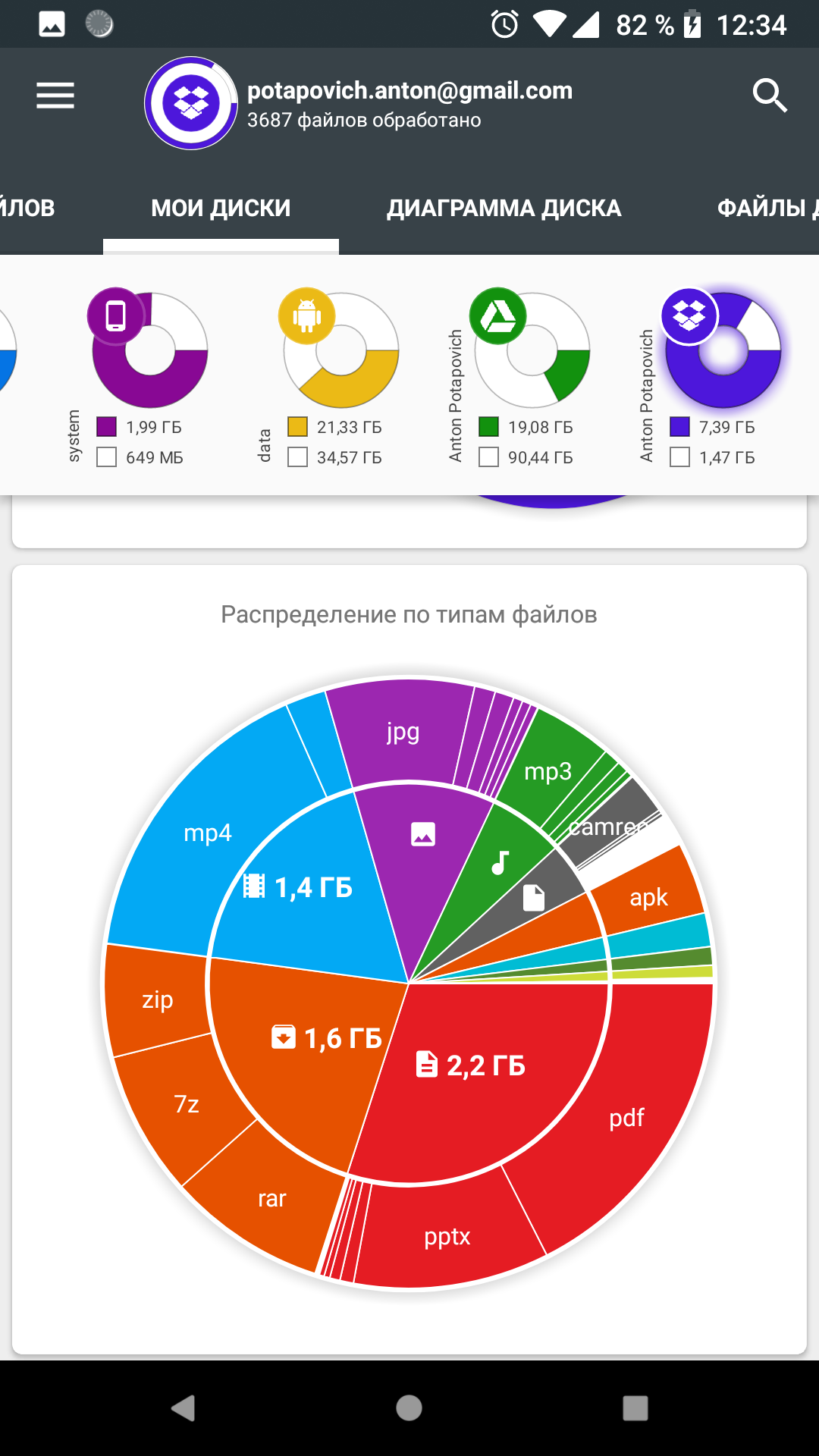
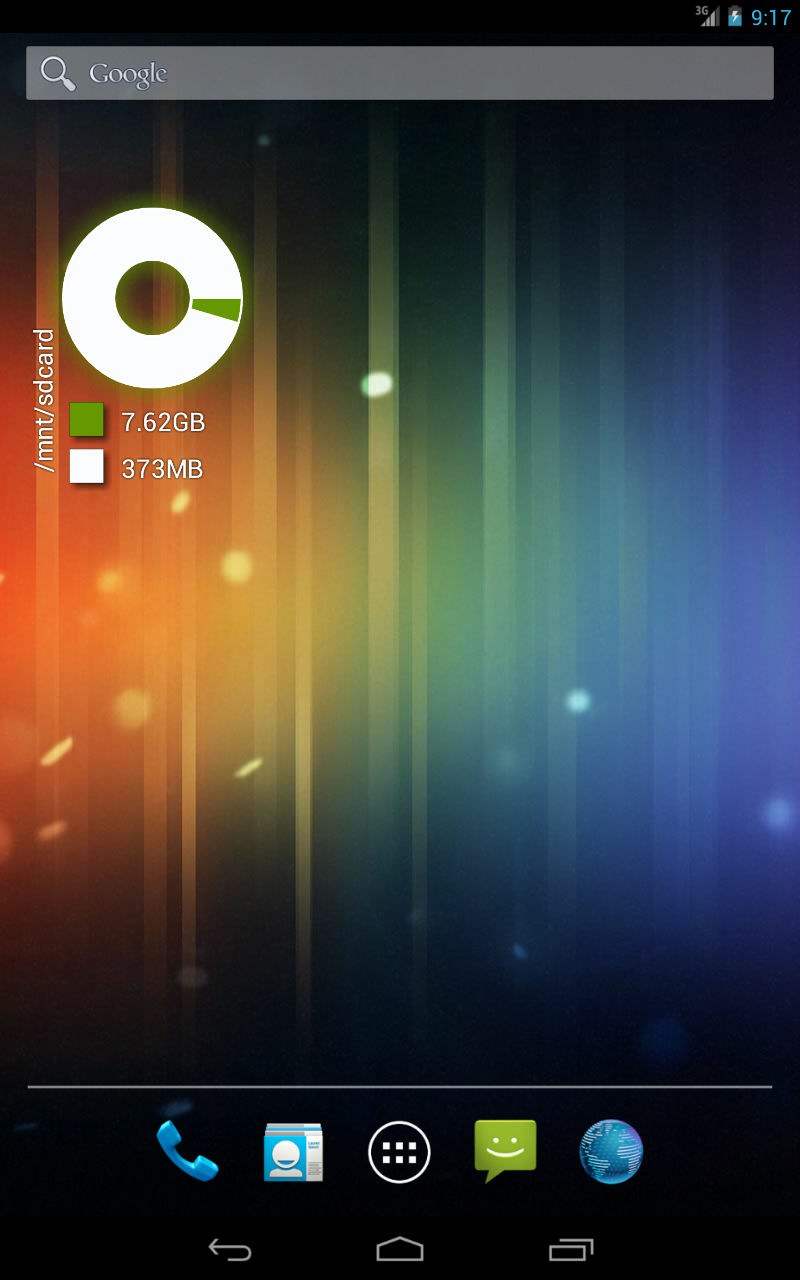
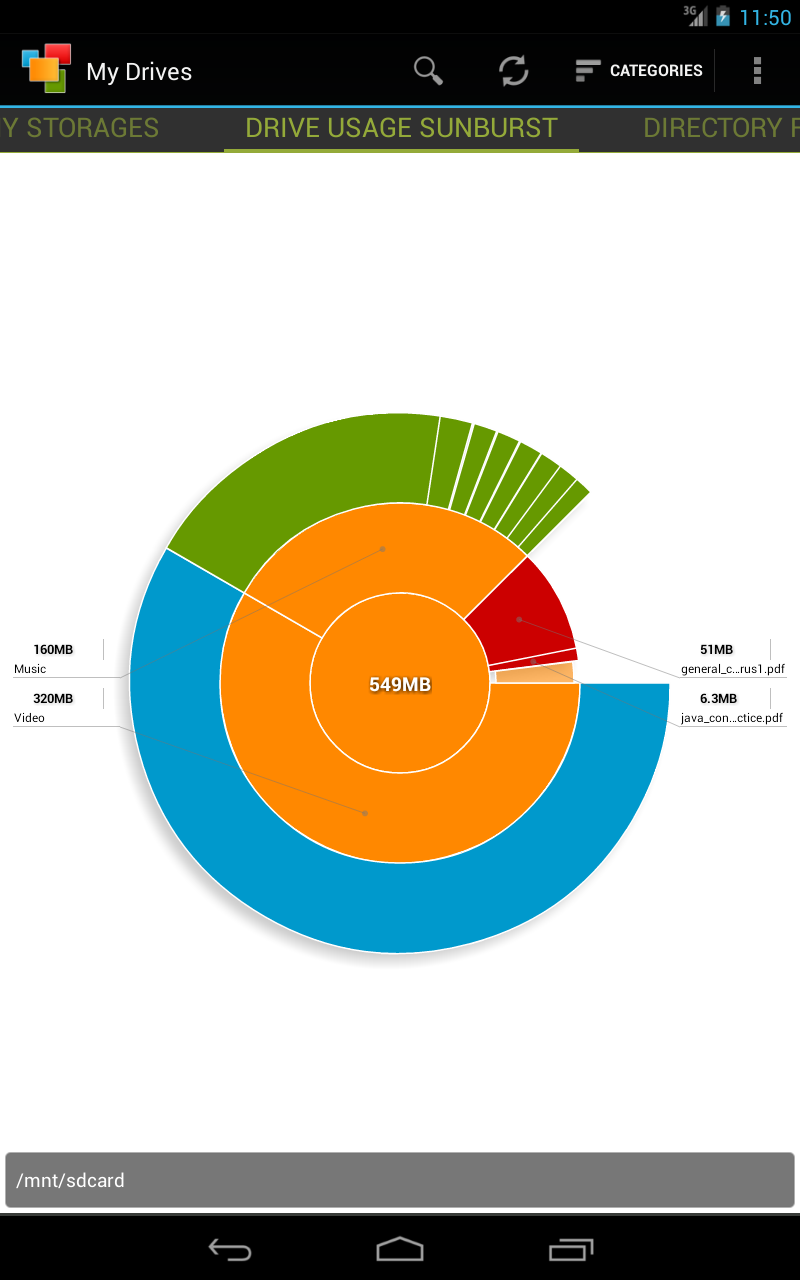
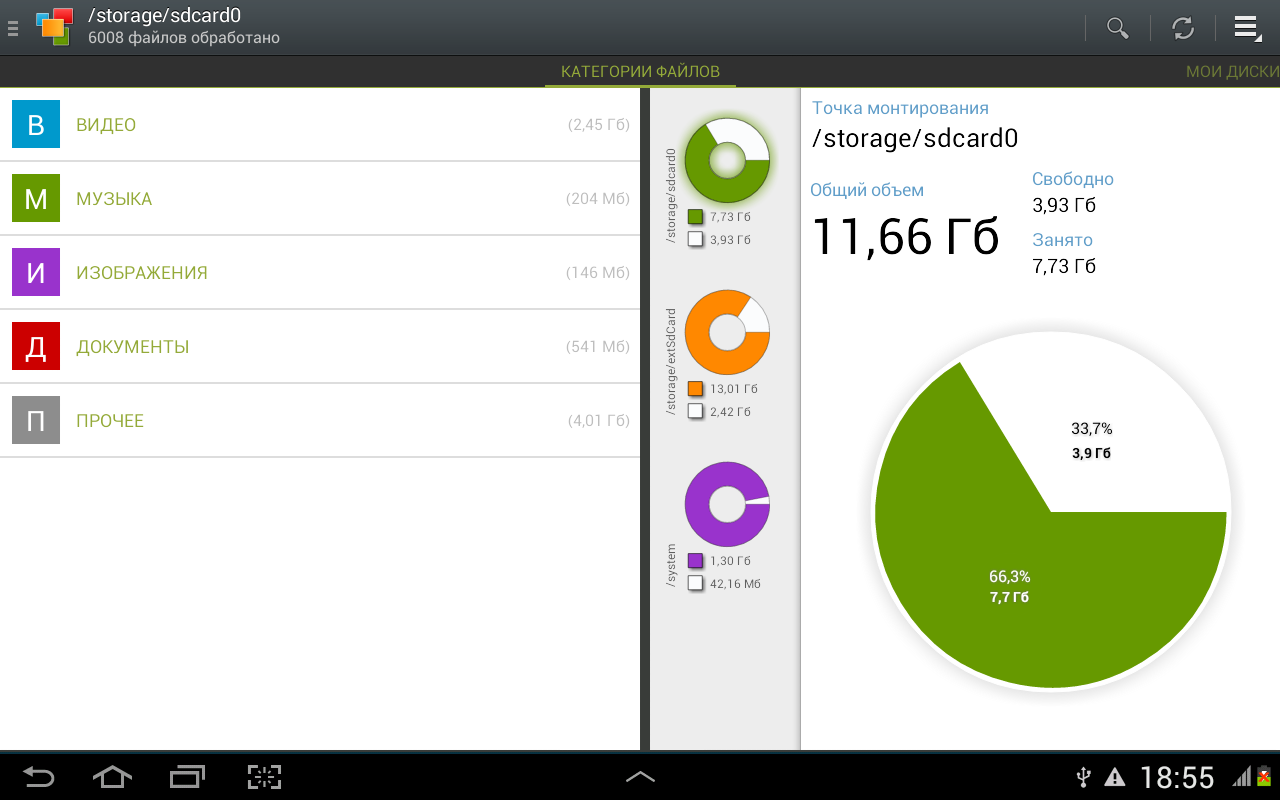
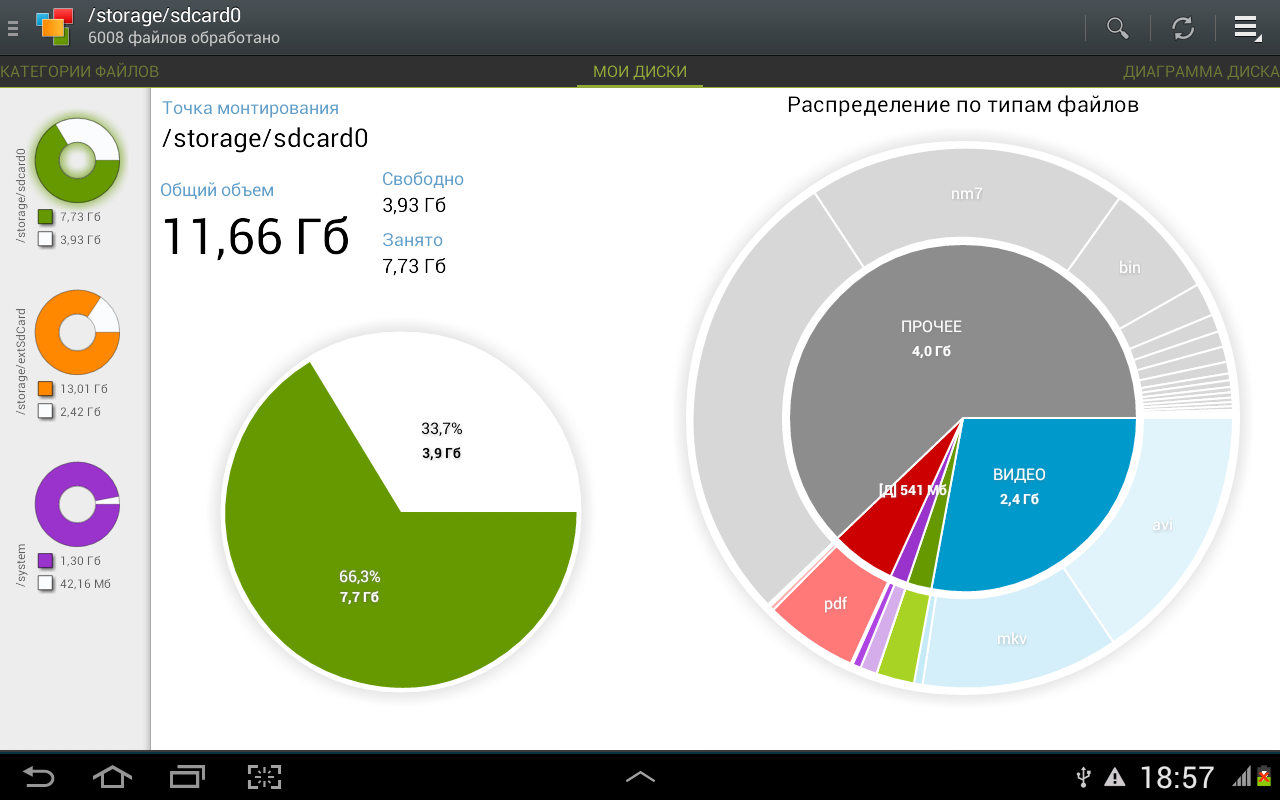
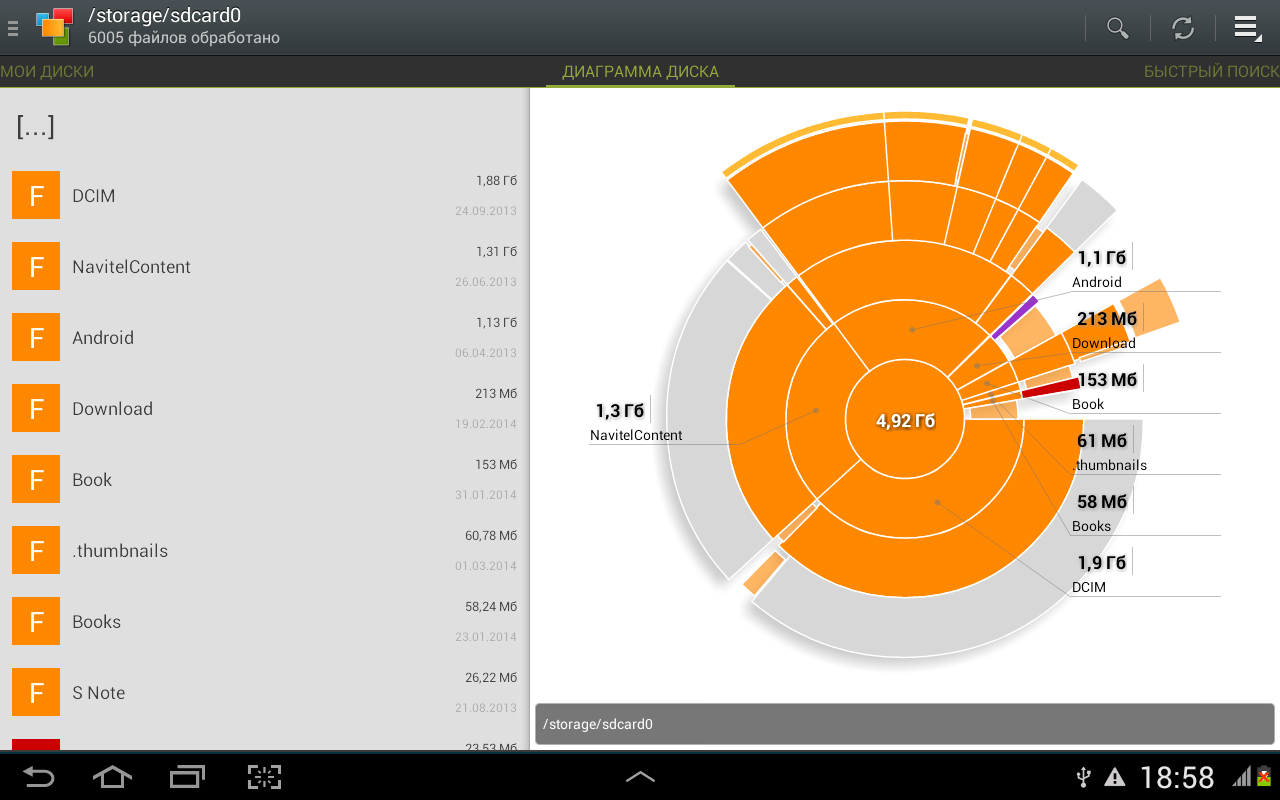
- Analisis media dengan cepat.
- Berfungsi untuk mengosongkan memori gadget.
- Kemudahan penggunaan maksimal.
- Desain yang bagus.
- Gratis untuk digunakan.
Deskripsi
Aplikasi Storage Analyzer & Disk Usage diperiksa oleh antivirus VirusTotal. Sebagai hasil pemindaian, tidak ada infeksi file yang terdeteksi oleh semua tanda tangan terbaru.
Cara memasang Storage Analyzer & Disk Usage
- Unduh file APK aplikasi dari apkshki.com.
- Temukan file yang diunduh. Anda dapat menemukannya di baki sistem atau di folder 'Download' menggunakan manajer file apa pun.
- Jika file yang diunduh berekstensi .bin (bug WebView di Android 11), ubah namanya menjadi .apk menggunakan pengelola file apa pun atau coba unduh file dengan browser lain seperti Chrome.
- Mulai penginstalan. Klik pada file yang diunduh untuk memulai penginstalan
- Izinkan penginstalan dari sumber yang tidak dikenal. Jika Anda menginstal untuk pertama kalinya Storage Analyzer & Disk Usage bukan dari Google Play, buka pengaturan keamanan perangkat Anda dan izinkan penginstalan dari sumber yang tidak dikenal.
- Lewati perlindungan Google Play. Jika proteksi Google Play memblokir penginstalan file, ketuk 'Info Lebih Lanjut' → 'Tetap instal' → 'OK' untuk melanjutkan..
- Selesaikan penginstalan: Ikuti petunjuk penginstal untuk menyelesaikan proses penginstalan.
Cara memperbarui Storage Analyzer & Disk Usage
- Unduh versi baru aplikasi dari apkshki.com.
- Cari file yang diunduh dan klik file tersebut untuk memulai penginstalan.
- Instal di atas versi lama. Tidak perlu menghapus instalasi versi sebelumnya.
- Hindari konflik tanda tangan. Jika versi sebelumnya tidak diunduh dari apkshki.com, pesan 'Aplikasi tidak terinstal' mungkin muncul. Dalam kasus ini, hapus instalan versi lama dan instal versi baru.
- Mulai ulang lampiran Storage Analyzer & Disk Usage setelah pembaruan.








Meminta pembaruan aplikasi
Ditambahkan Denis Rubinov
Versi: 4.1.7.39.free.release
Ukuran: 9.9 MB
Diperbarui: 04.02.2024
Developer: Anton Patapovich
Batasan Usia: Everyone
Otorisasi:
Diunduh di Google Play: 11586347
Kategori: Kerja















Ulasan untuk Storage Analyzer & Disk Usage
what's the difference between this and the paid?
I am a use for 3 yours a very useful aap ☺️ i like it
it resolve hiden files n can able to go through unauthorized space
nice
is perfect and helping to free the space
Much better than other apps I tested tonight. This does not force full screen ads but one at bottom. Also it does not trick you into something but gives you the time and choice to go to the app or it's cache on your own or let this app clear all caches with it. The only problem ! It is not able to get permission to an OBB folder in the SD card and there is no such folder there. Tried several times but still has the problem with Red sign asking for Grant Permission. Took s reenshot for developer
👍
Download now ro delete not important files
rwast application
use less app
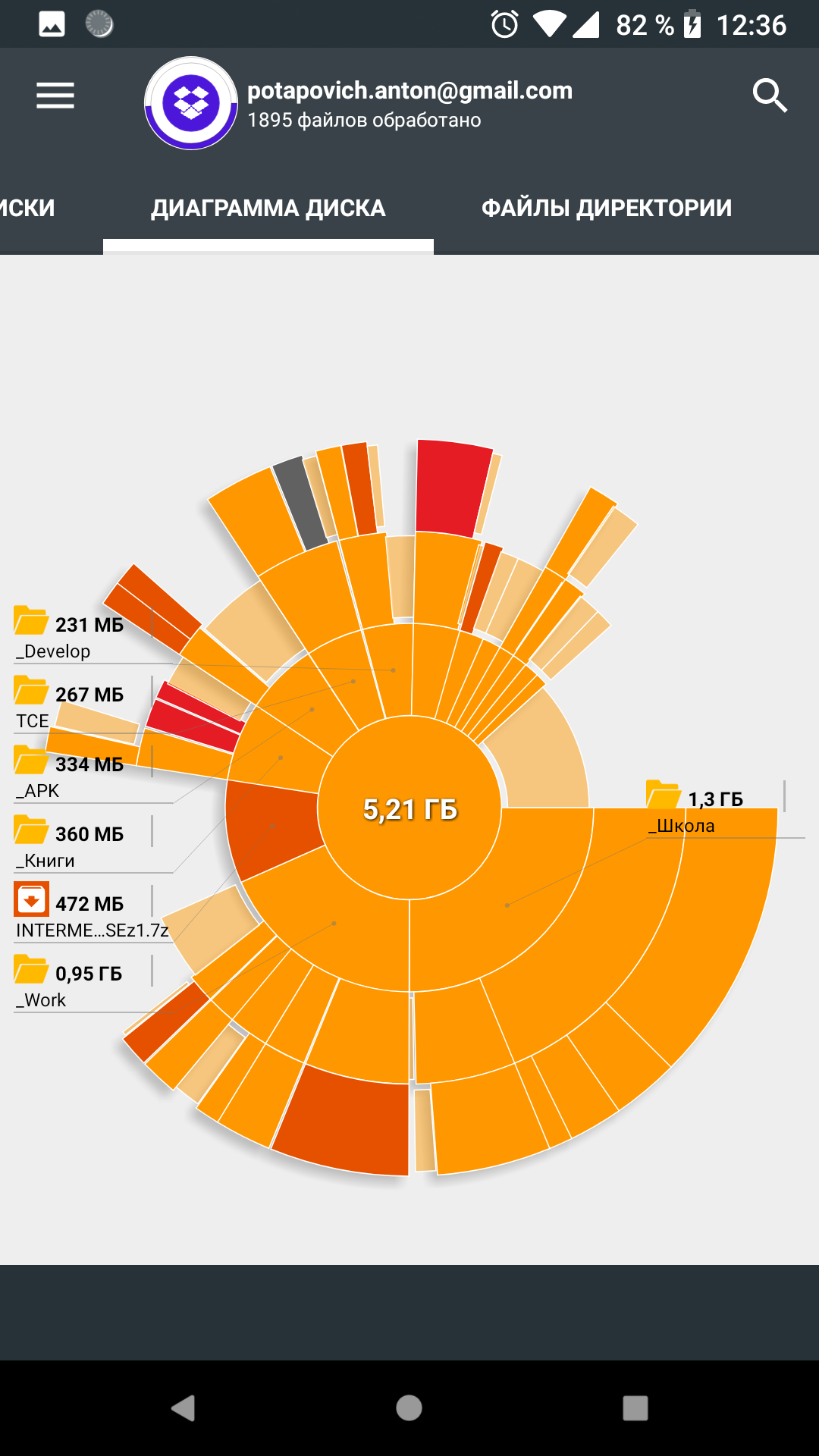
Detailed multi-level view of the folder structure by size, with the option to list the contents of a folder, including other folders within it, sorted by size. Almost the perfect app, certainly the best I could find, for identifying which apps or files occupy too much storage, yet navigation could be slightly better in some areas. For example it's quite hard to select smaller folders from the "pie" view on smaller displays, even if the associated folder name is still displayed clearly.
This is a great tool to see that you have rogue files or large files taking up space but I cannot find any possible way to delete or move files which makes this app pretty much useless. I don't know if it's hidden or if I need to root my phone or if it's just not a part of the function of the app.
It really helped with telling me how much cache data each had and stuff like that, but what made this app a 3 star was that it didn't have the correct percentage of each area of storage like other, system, and etc. I hope this bug gets fixed.
Kirimkan komentar
Untuk memberikan komentar, masuklah dengan jejaring sosial Anda:
Atau tinggalkan komentar anonim. Komentar Anda akan dikirim untuk dimoderasi.
Kirimkan komentar
Untuk memberikan komentar, masuklah dengan jejaring sosial Anda:
Atau tinggalkan komentar anonim. Komentar Anda akan dikirim untuk dimoderasi.