



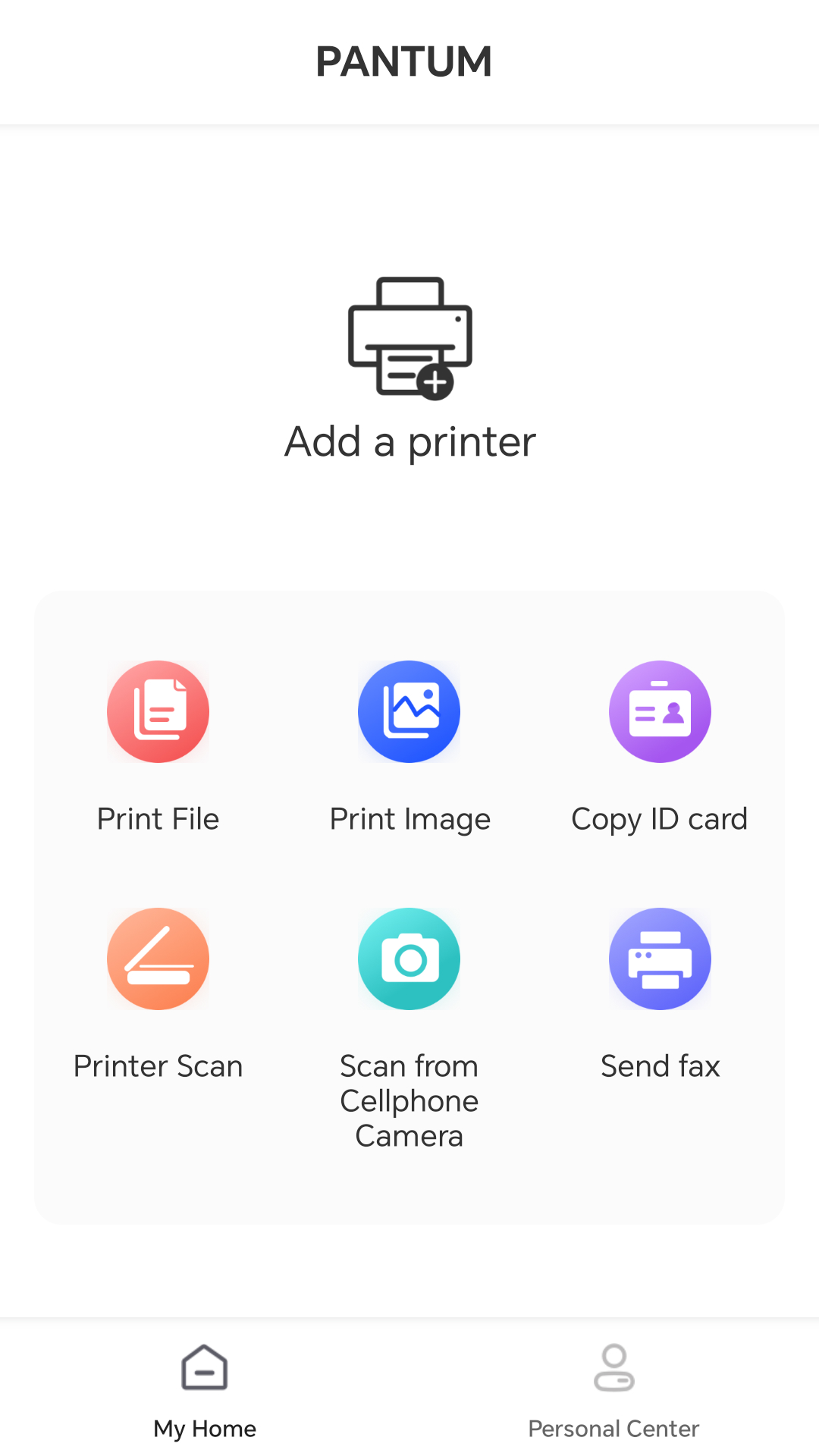
Pantum Mobile Print & Scan
3+
unduhan4.4+
versi Android
Ditambahkan: Denis Rubinov
Versi: 2.0.201
Ukuran: 328 MB
Diperbarui: 19.05.2025
Developer: Pantum International
Batasan Usia: Everyone
Diunduh di Google Play: 1037461
Kategori: Alat
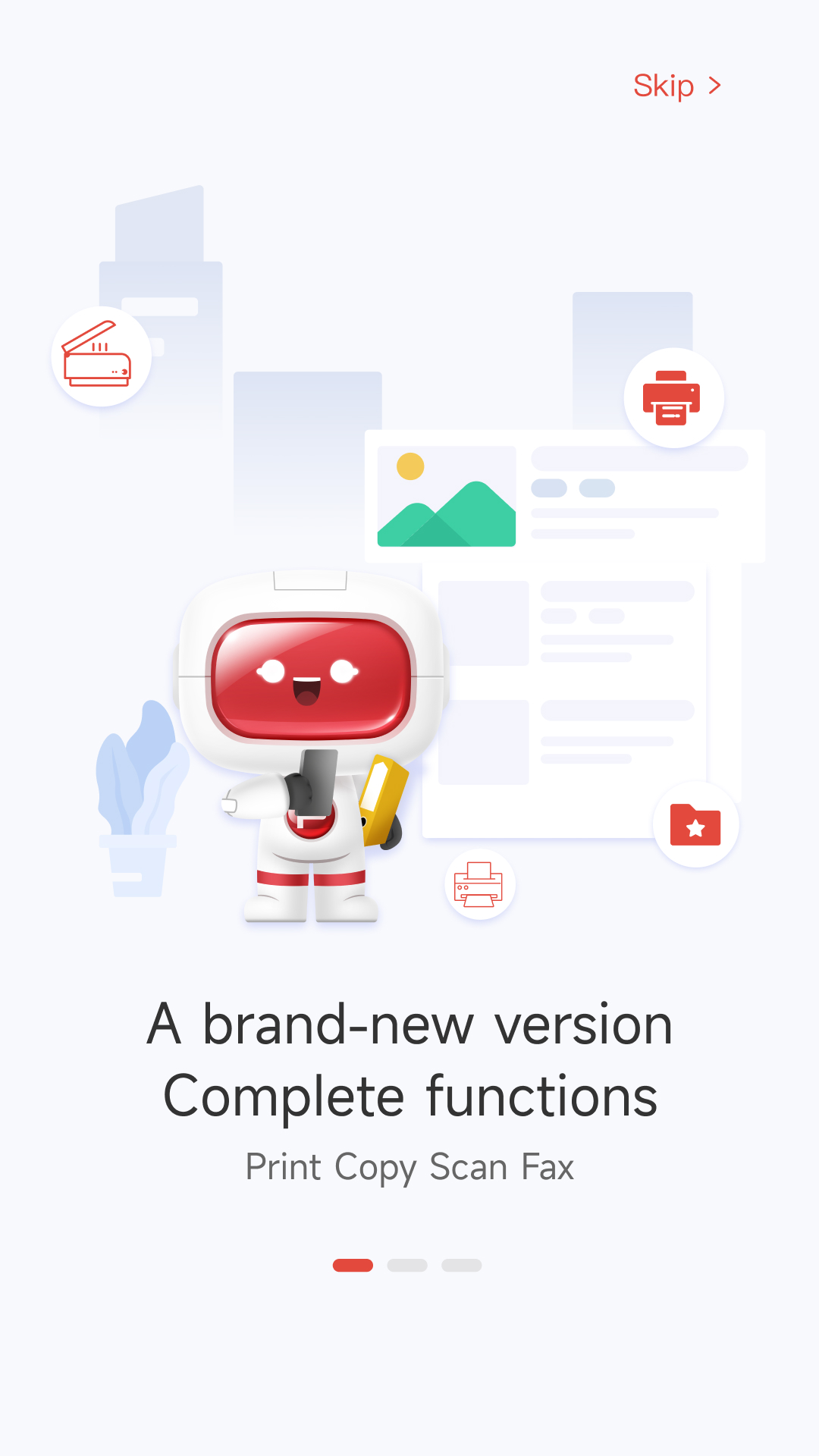
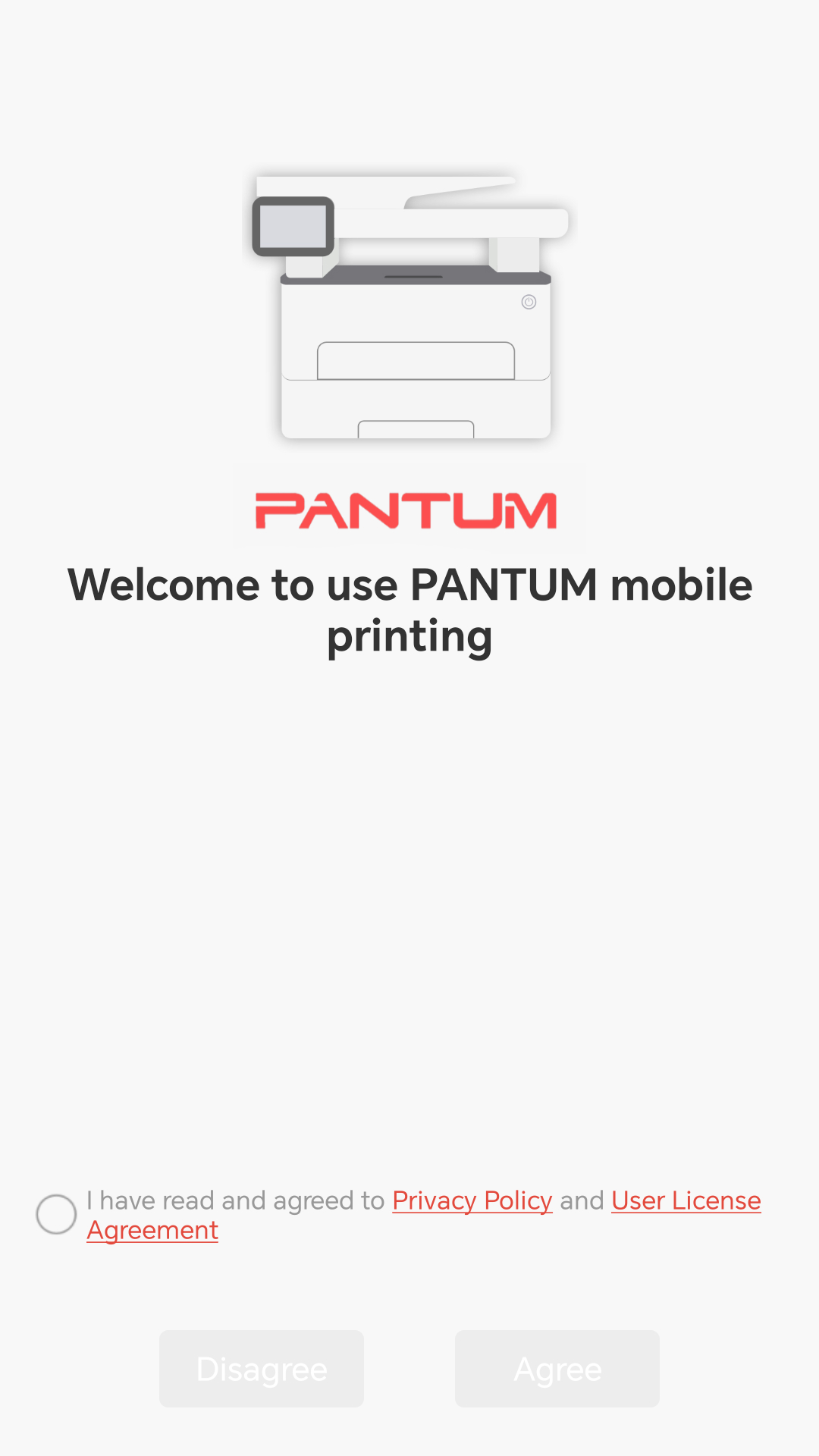
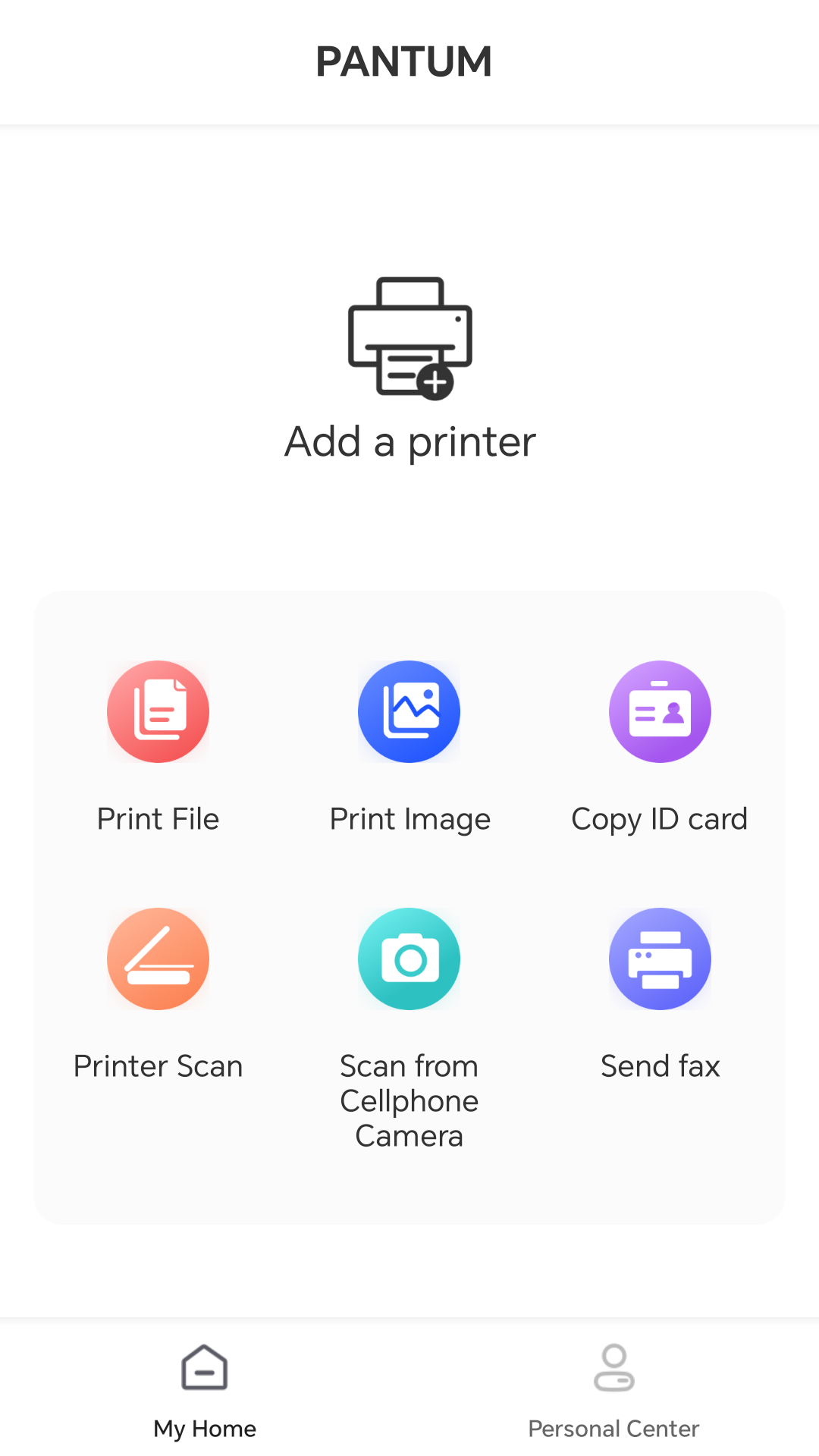
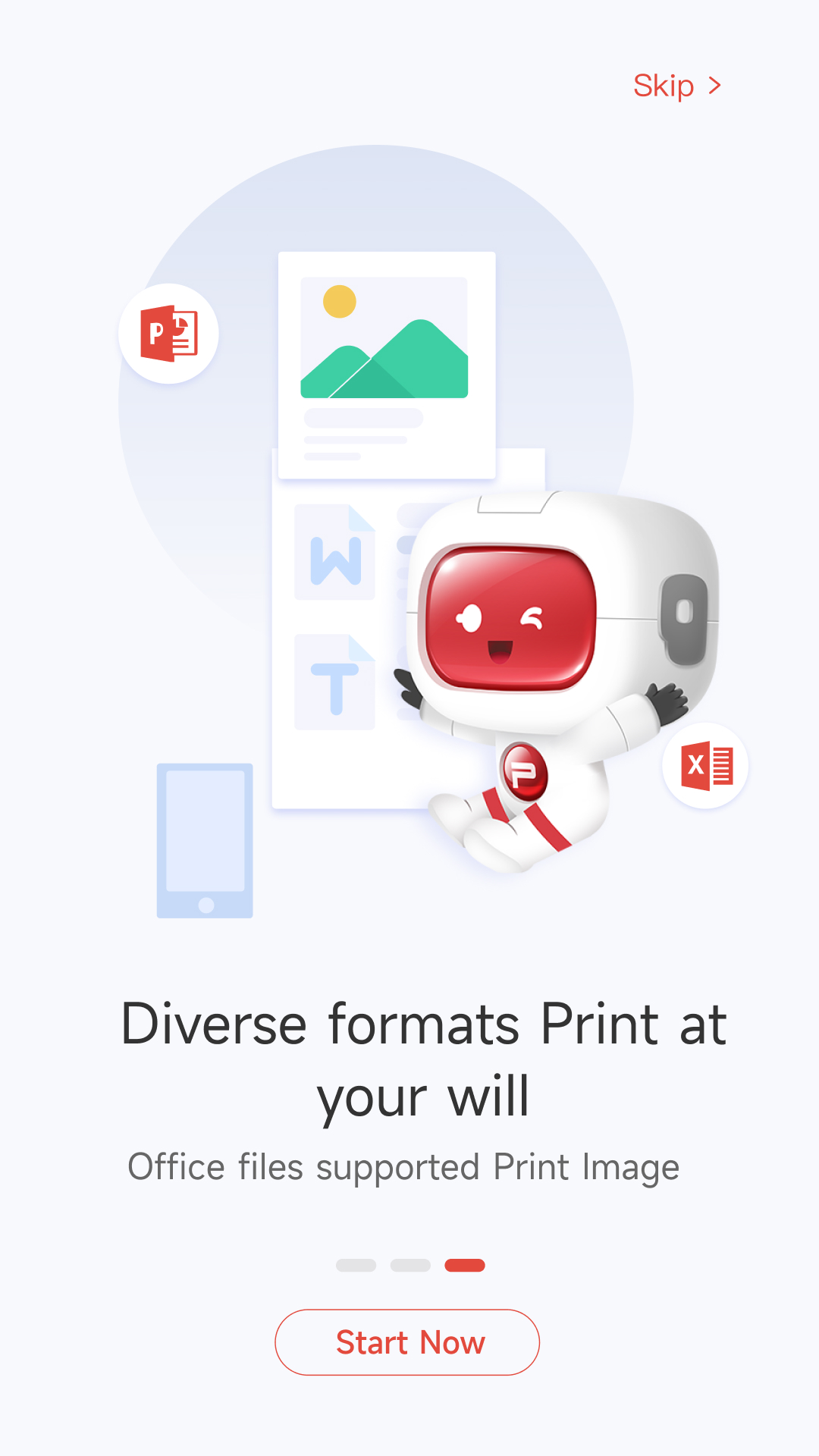
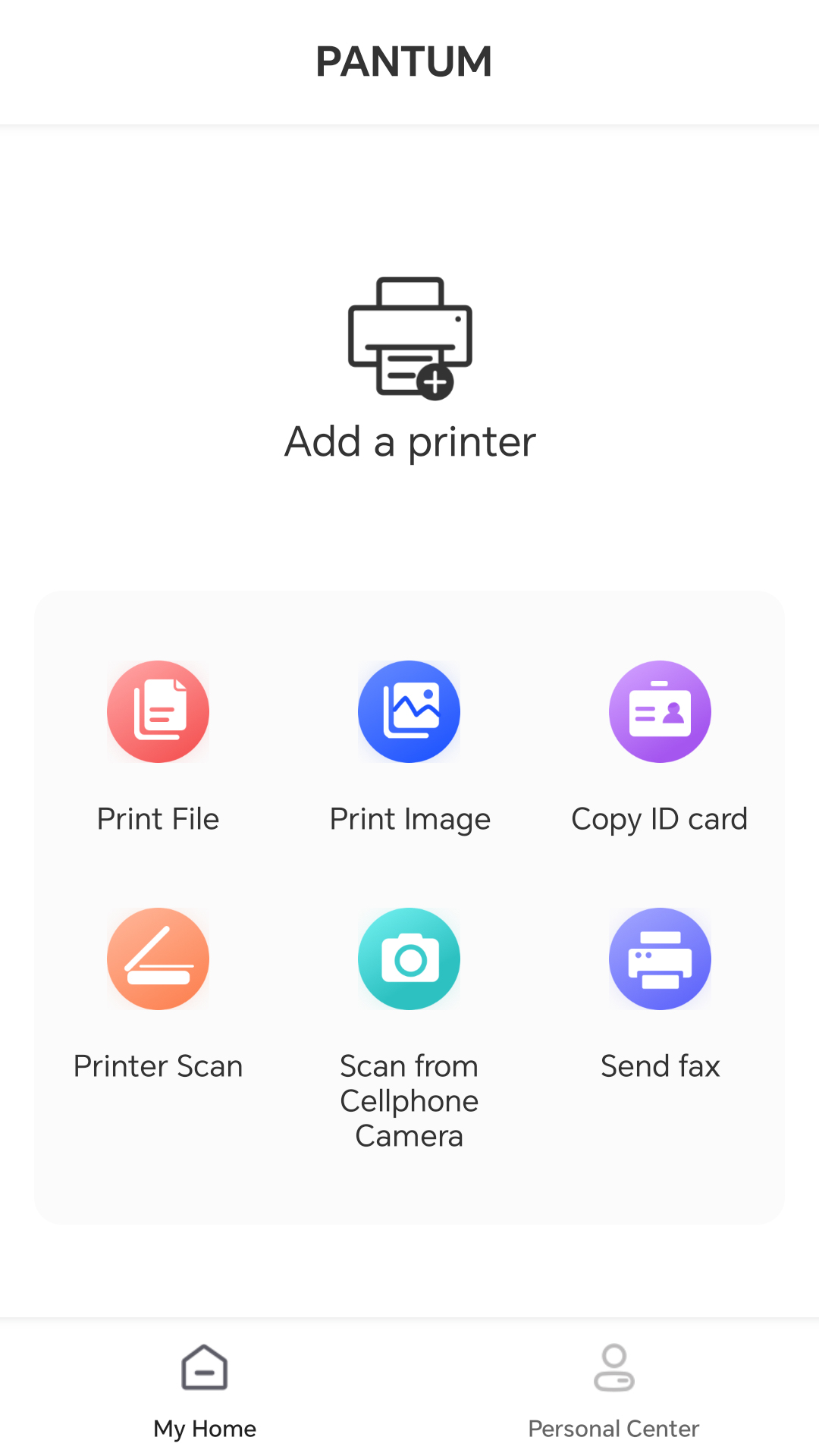
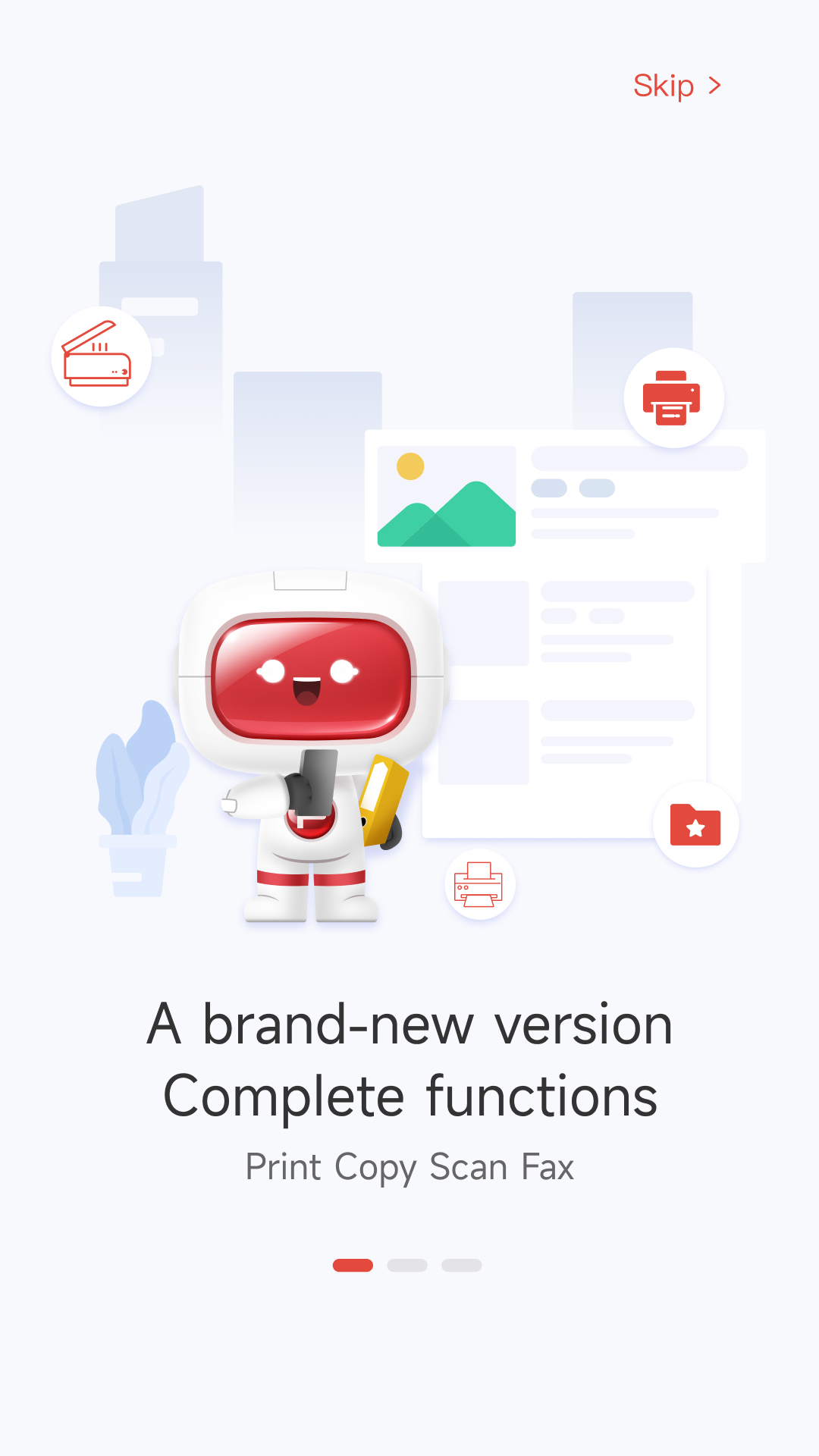
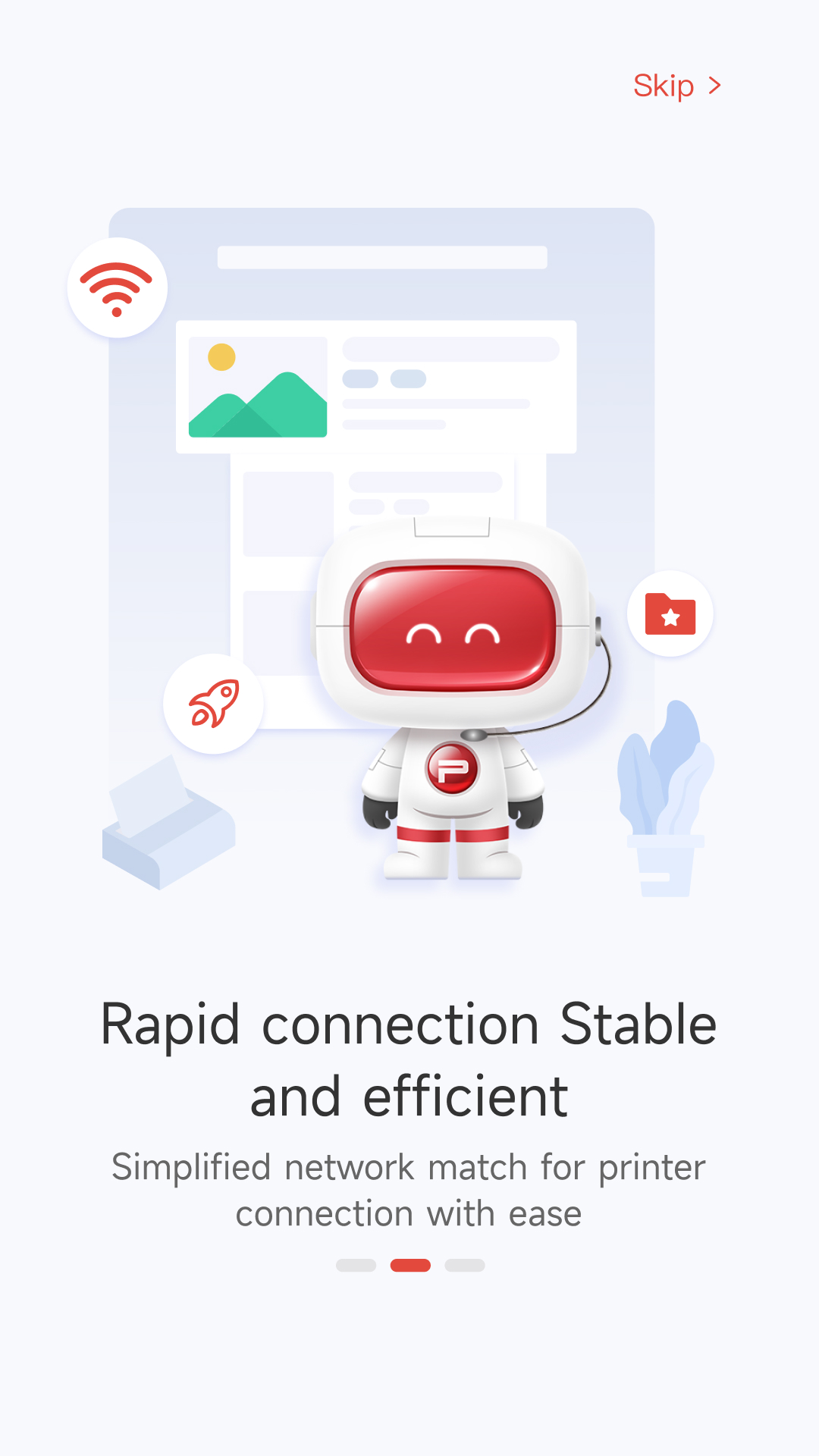
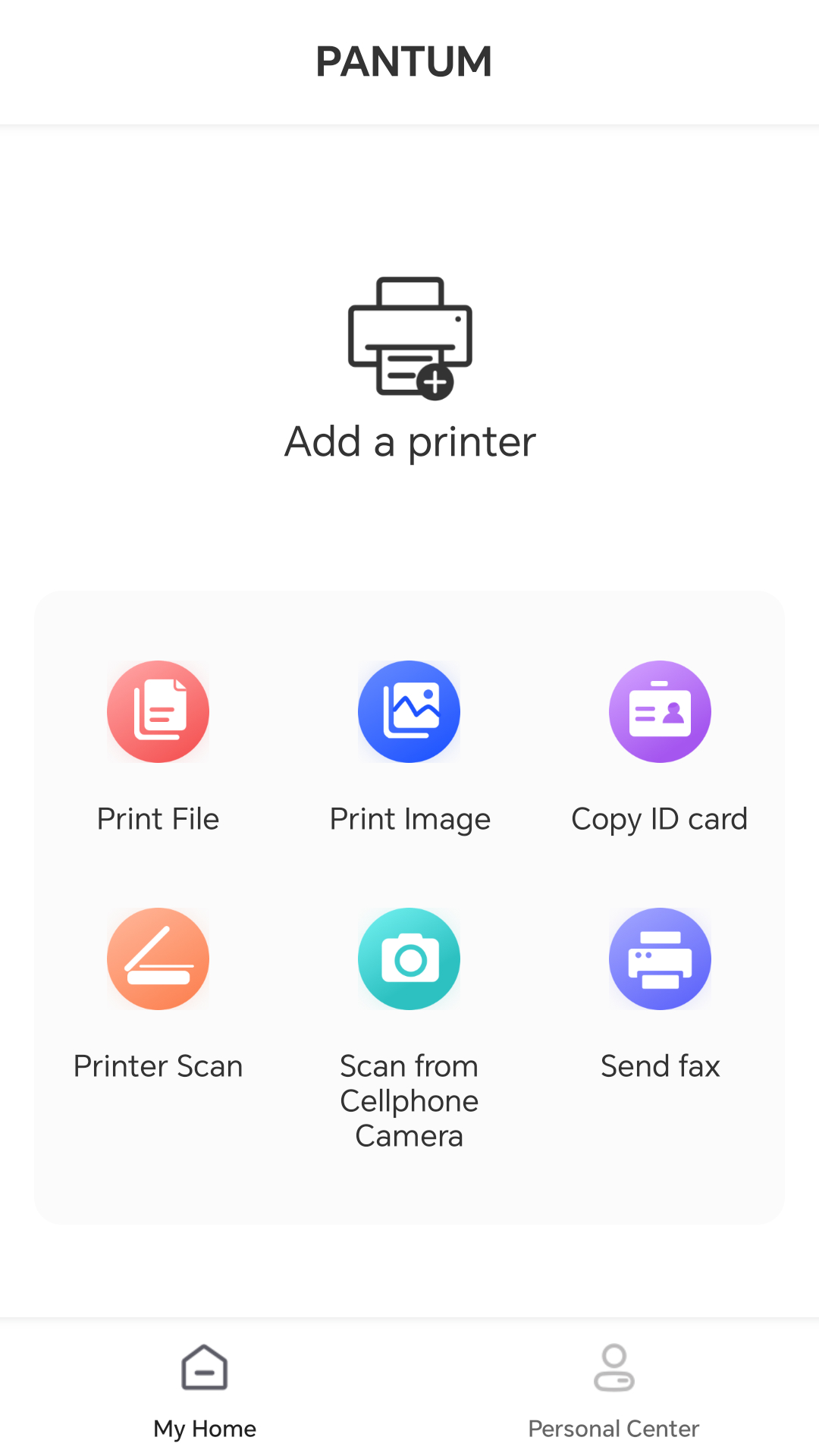
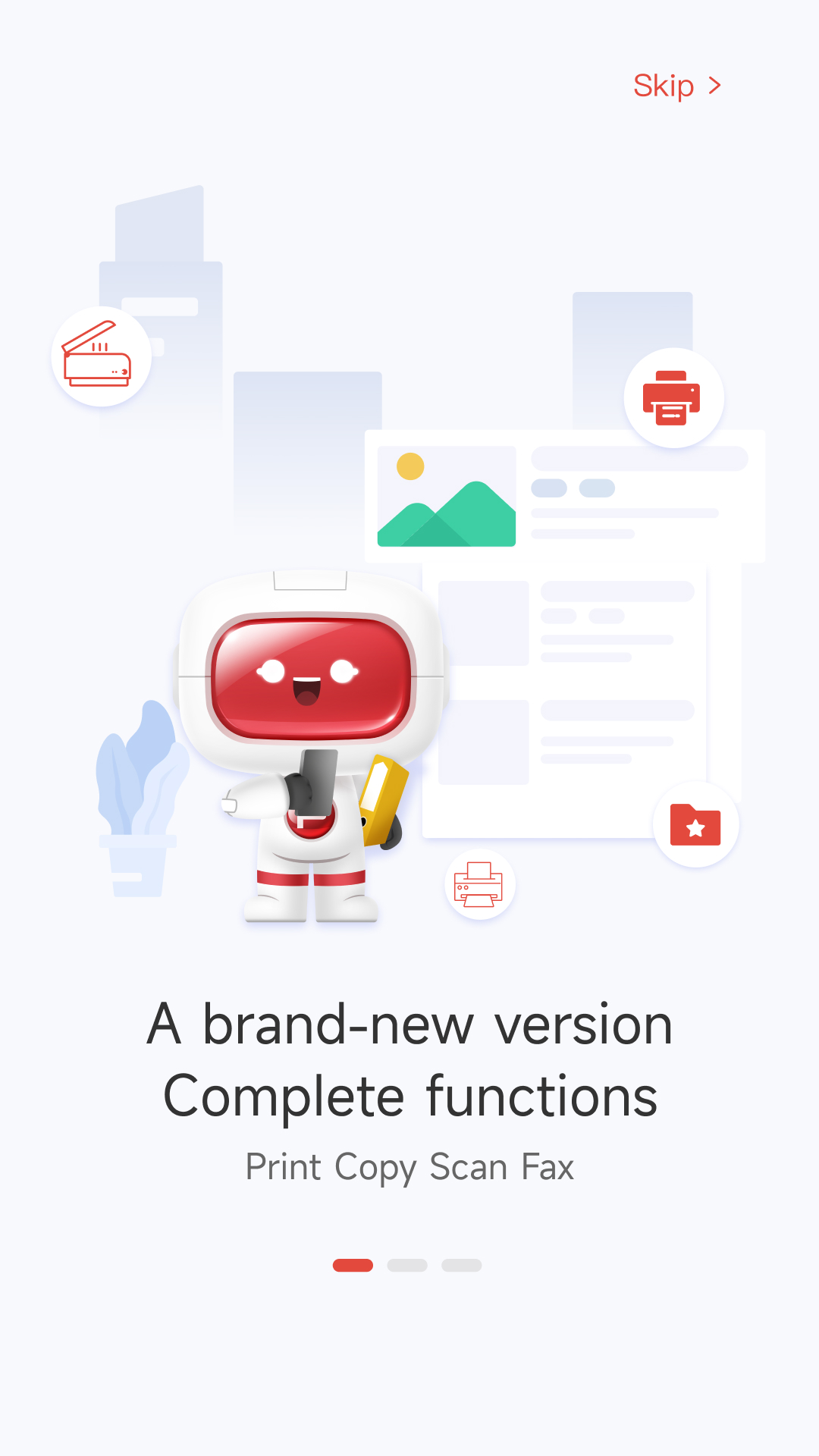
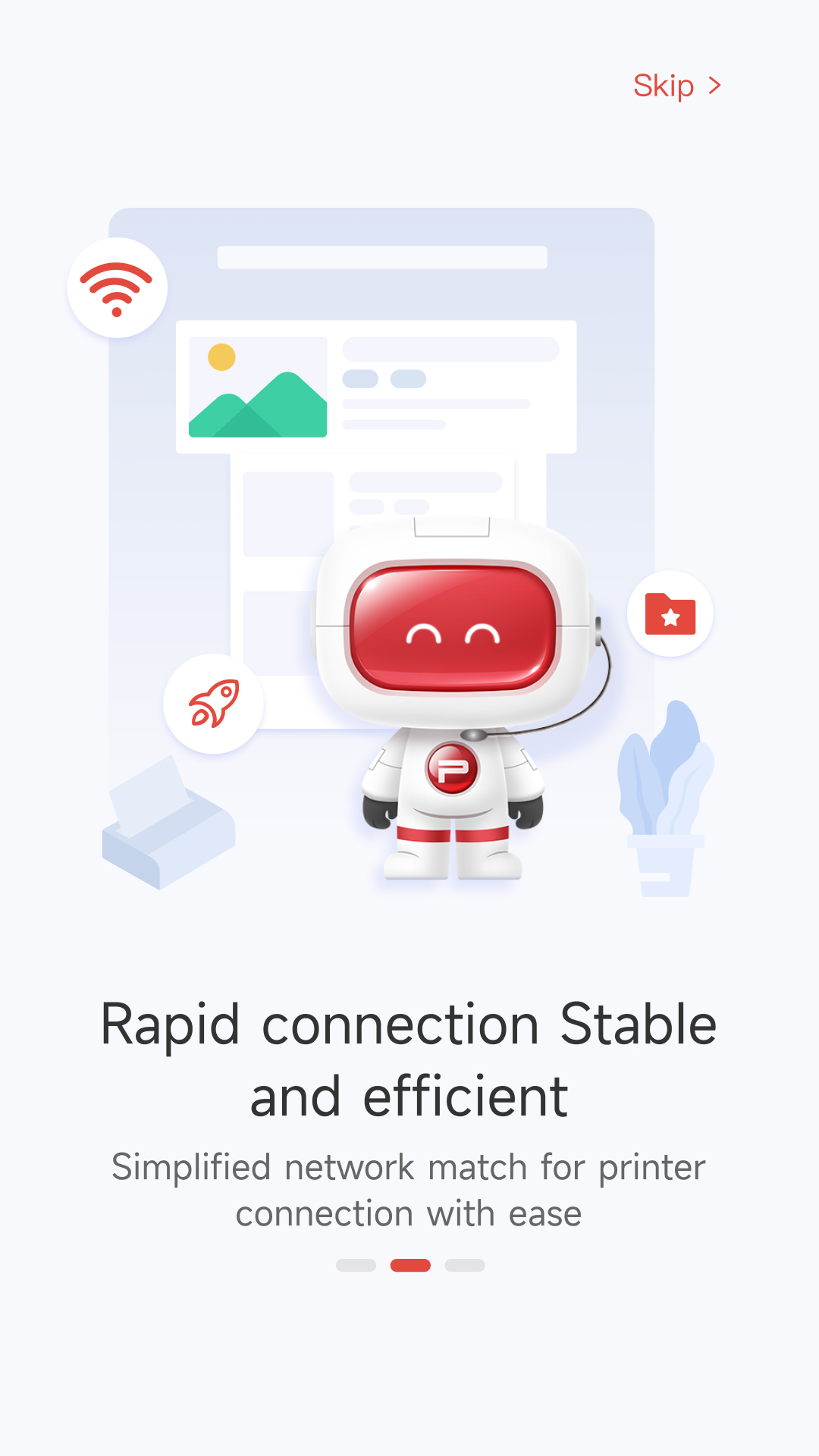
- Bekerja dengan printer Pantum berkemampuan Wi-Fi.
- Koneksi paling sederhana.
- Remote control gadget.
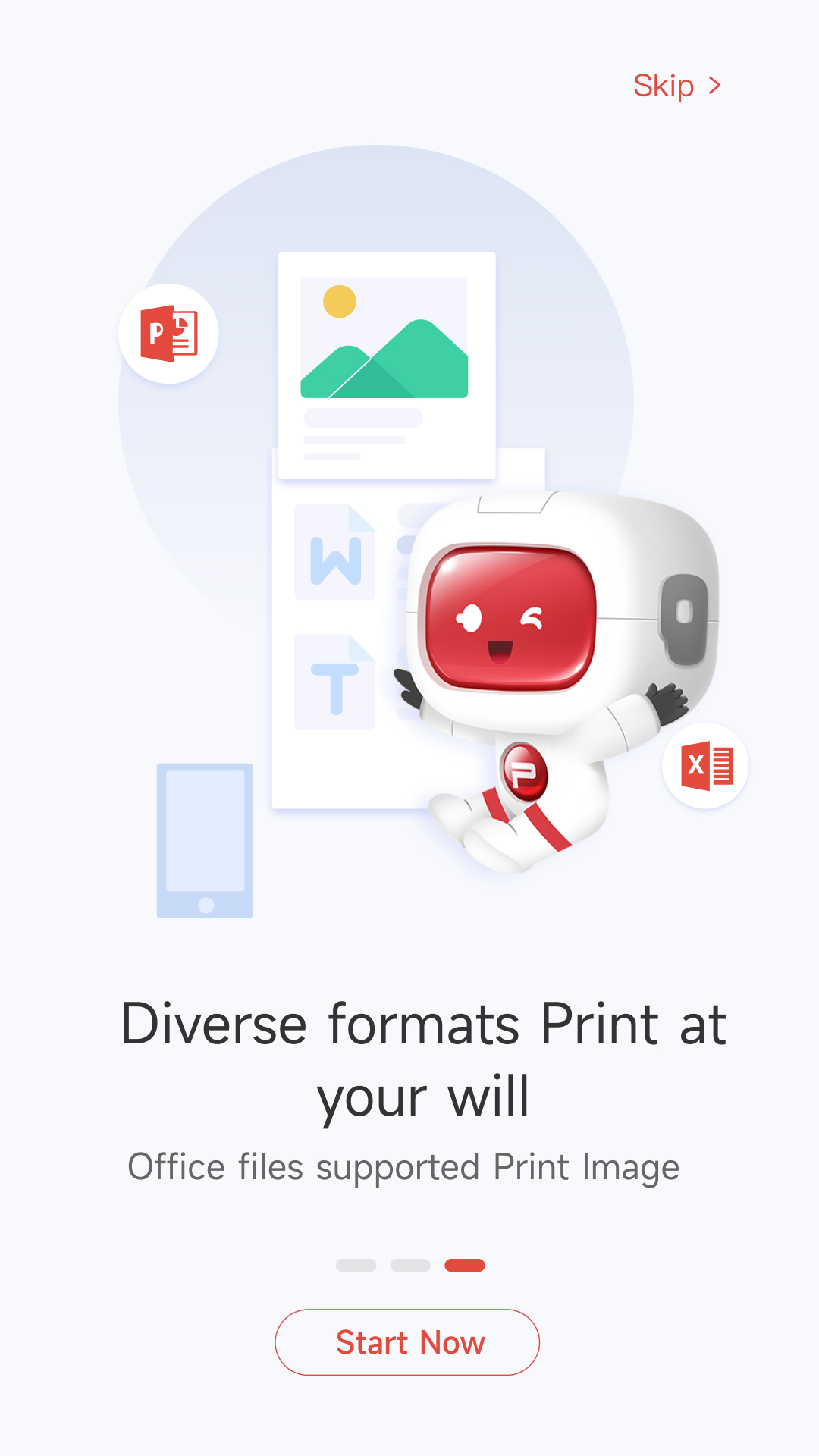
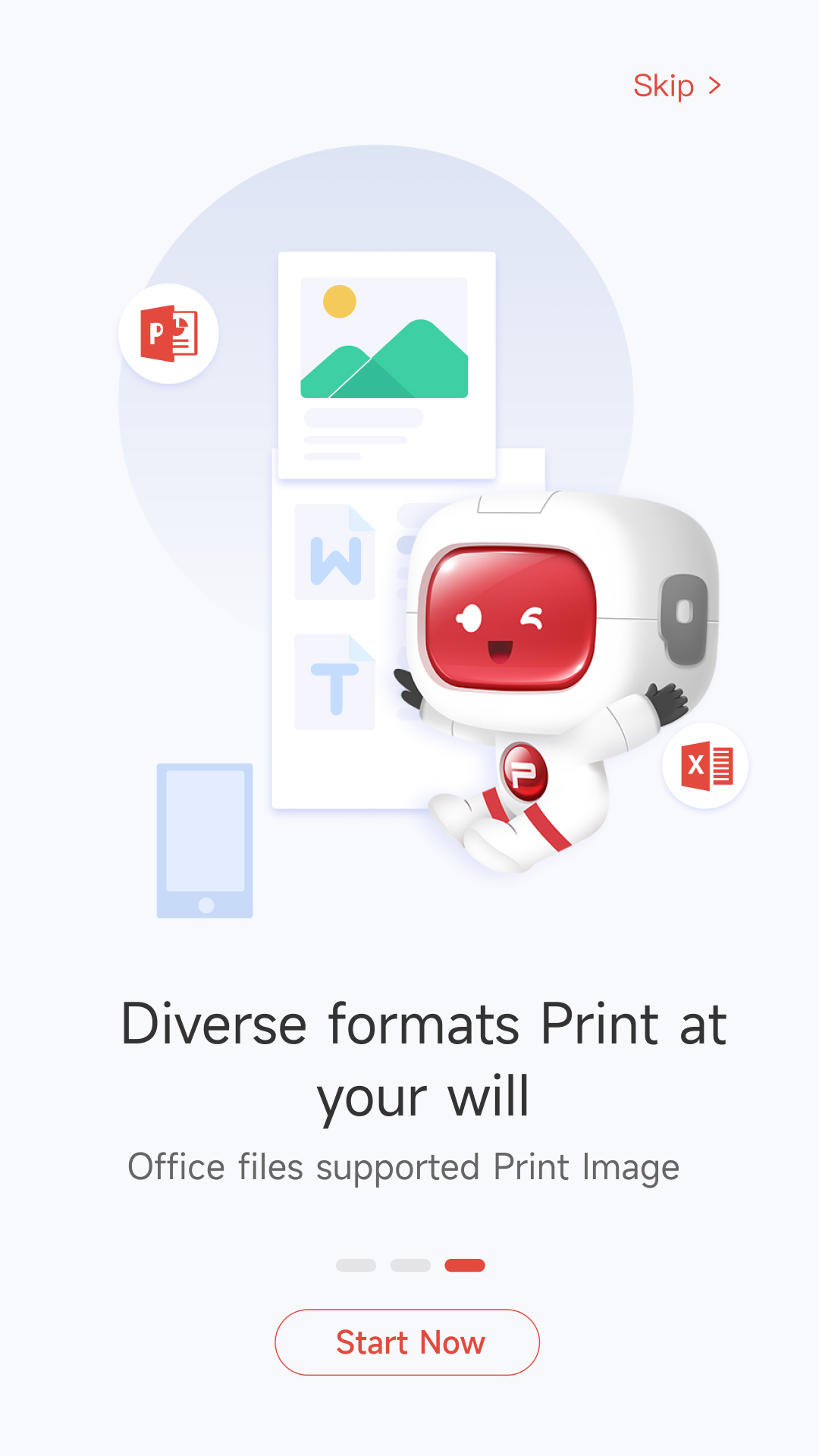
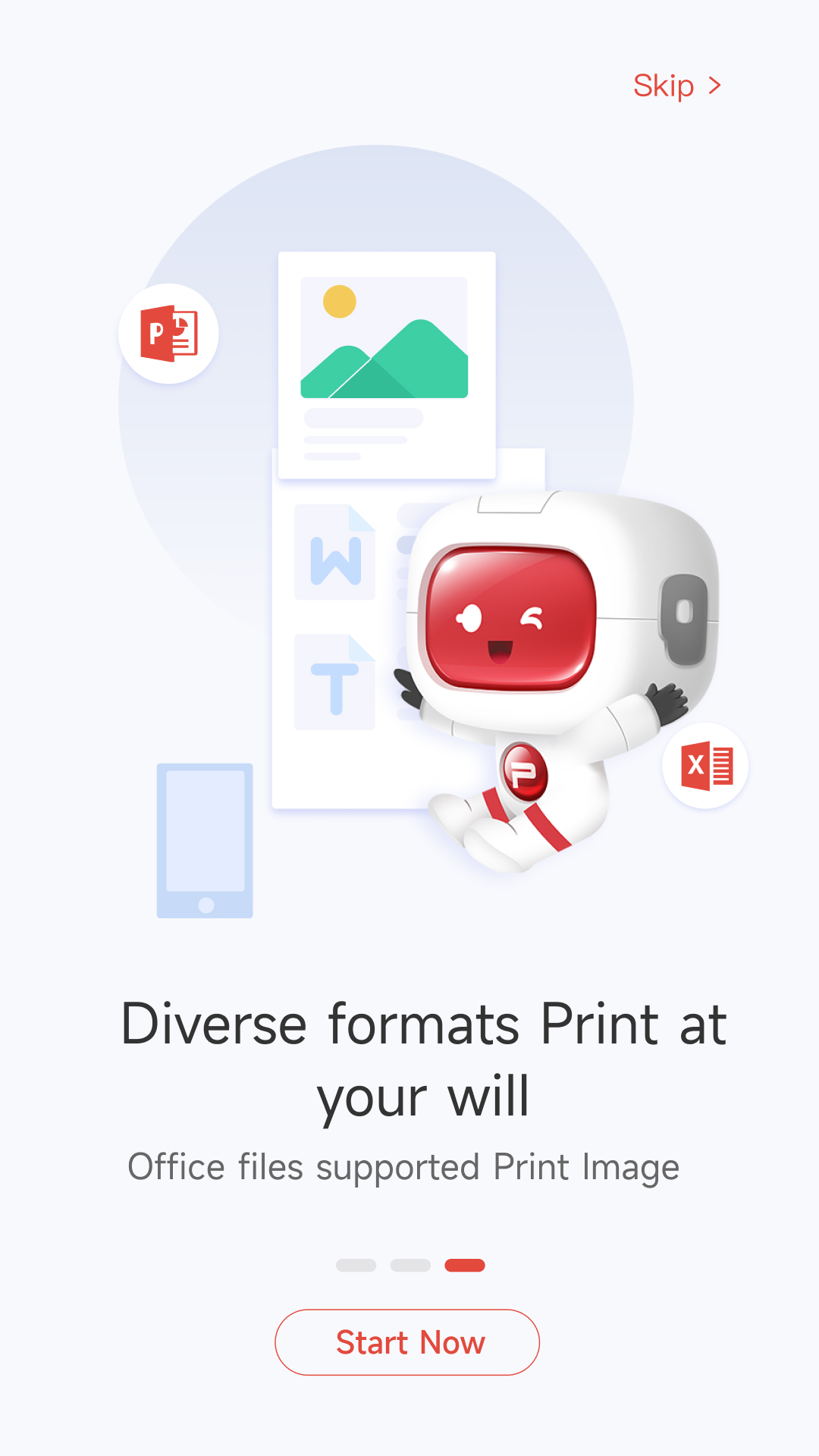
- Mencetak dokumen dari memori ponsel cerdas.
- Mengunduh driver secara otomatis.
- Ada terjemahan ke dalam bahasa Rusia.
Deskripsi
Aplikasi Pantum Mobile Print & Scan diperiksa oleh antivirus VirusTotal. Sebagai hasil pemindaian, tidak ada infeksi file yang terdeteksi oleh semua tanda tangan terbaru.
Cara memasang Pantum Mobile Print & Scan
- Unduh file APK aplikasi dari apkshki.com.
- Temukan file yang diunduh. Anda dapat menemukannya di baki sistem atau di folder 'Download' menggunakan manajer file apa pun.
- Jika file yang diunduh berekstensi .bin (bug WebView di Android 11), ubah namanya menjadi .apk menggunakan pengelola file apa pun atau coba unduh file dengan browser lain seperti Chrome.
- Mulai penginstalan. Klik pada file yang diunduh untuk memulai penginstalan
- Izinkan penginstalan dari sumber yang tidak dikenal. Jika Anda menginstal untuk pertama kalinya Pantum Mobile Print & Scan bukan dari Google Play, buka pengaturan keamanan perangkat Anda dan izinkan penginstalan dari sumber yang tidak dikenal.
- Lewati perlindungan Google Play. Jika proteksi Google Play memblokir penginstalan file, ketuk 'Info Lebih Lanjut' → 'Tetap instal' → 'OK' untuk melanjutkan..
- Selesaikan penginstalan: Ikuti petunjuk penginstal untuk menyelesaikan proses penginstalan.
Cara memperbarui Pantum Mobile Print & Scan
- Unduh versi baru aplikasi dari apkshki.com.
- Cari file yang diunduh dan klik file tersebut untuk memulai penginstalan.
- Instal di atas versi lama. Tidak perlu menghapus instalasi versi sebelumnya.
- Hindari konflik tanda tangan. Jika versi sebelumnya tidak diunduh dari apkshki.com, pesan 'Aplikasi tidak terinstal' mungkin muncul. Dalam kasus ini, hapus instalan versi lama dan instal versi baru.
- Mulai ulang lampiran Pantum Mobile Print & Scan setelah pembaruan.







Meminta pembaruan aplikasi
Ditambahkan Denis Rubinov
Versi: 2.0.201
Ukuran: 328 MB
Diperbarui: 19.05.2025
Developer: Pantum International
Batasan Usia: Everyone
Diunduh di Google Play: 1037461
Kategori: Alat















Ulasan untuk Pantum Mobile Print & Scan
working perfectly
Printing over wifi doesn't work after the latest app update
terrible useless app!
Updated software as of March 2025 is confusing. It expands use to cloud printing & camera scanning, but you need to jump thru hoops to connect each time, including changing WIFI setting to the printer itself, & then back when finished. To get a password for the printer WIFI you need to print it out using a specific sequence. Drove me crazy until I found independent online tutorials. Once it's all figured out, I guess that it's functional & the printer is reliable.
I appreciate the need to keep an App updated, but please test it before you release it. I see others are also having issues. I can still connect to my printer and print,but the document scanning function in the App is "broken".
I cant seem to print anymore after the update
nice
If I scan a file with my phone where on earth does it go to? it's frustrating to find it.
won't work
🥰🥰🥰
Great printer, absolute HORRIBLE mobile app. To use the mobile app you have to scan a QR code to connect to the printer, which totally defeats the purpose of mobile printing. The printer from a PC is fast, crisp and efficient. This app would make printing and faxing easier if it worked properly. This app needs bug fixes and updates immediately. Otherwise it's useless.
No joke, the reviews don't lie. I bought the printer because it was an expensive and small. Quality was an immediate concern since it's a Chinese company. From a software perspective, namely this app, my concerns were realized. The app looks friendly, but after 2 hours of trying to coerce the app to connect to the printer I stopped. Clearly I don't know how to trick the app into doing it. And when I say I stopped, I mean the app killed all Wi-Fi functionality on my phone. So I had to stop.
Useless. It doesn't even include my printer model from a year or two ago and even when I try to add a printer manually, there seems to be no option to simply type its IP address. This is a basic, BASIC printer setup process I can't seem to find. There's some option for "USB" or "one key setup" or something when I try to add via home network. I have a 3225DN. It was the cheapest printer I could find on Amazon and I imagine lots of people bought it for the same reason. Just get a Brother instead.
Worthless app, I bought this printer for the sole purpose to print off my mobile device. The App does not connect constantly restarts the functionality doesn't work you click on something in the app restarts. The printer is great quality if you have a laptop or PC too. Another worthless paperweight in my opinion.
The printer its self is great. The moble app is so horrible to use. Be prepared to spend countless time trying to find your document, then once it is found good luck keeping you printer connected. This would be so much better if you could just creat a print plug in like HP Print. Be nice to just choose from a menu to print instead of having to save and then try to find in your app. I wouldnt recommend this app to anyone.
Kirimkan komentar
Untuk memberikan komentar, masuklah dengan jejaring sosial Anda:
Atau tinggalkan komentar anonim. Komentar Anda akan dikirim untuk dimoderasi.
Kirimkan komentar
Untuk memberikan komentar, masuklah dengan jejaring sosial Anda:
Atau tinggalkan komentar anonim. Komentar Anda akan dikirim untuk dimoderasi.