



Samsung Email
36+
unduhan8.0+
versi Android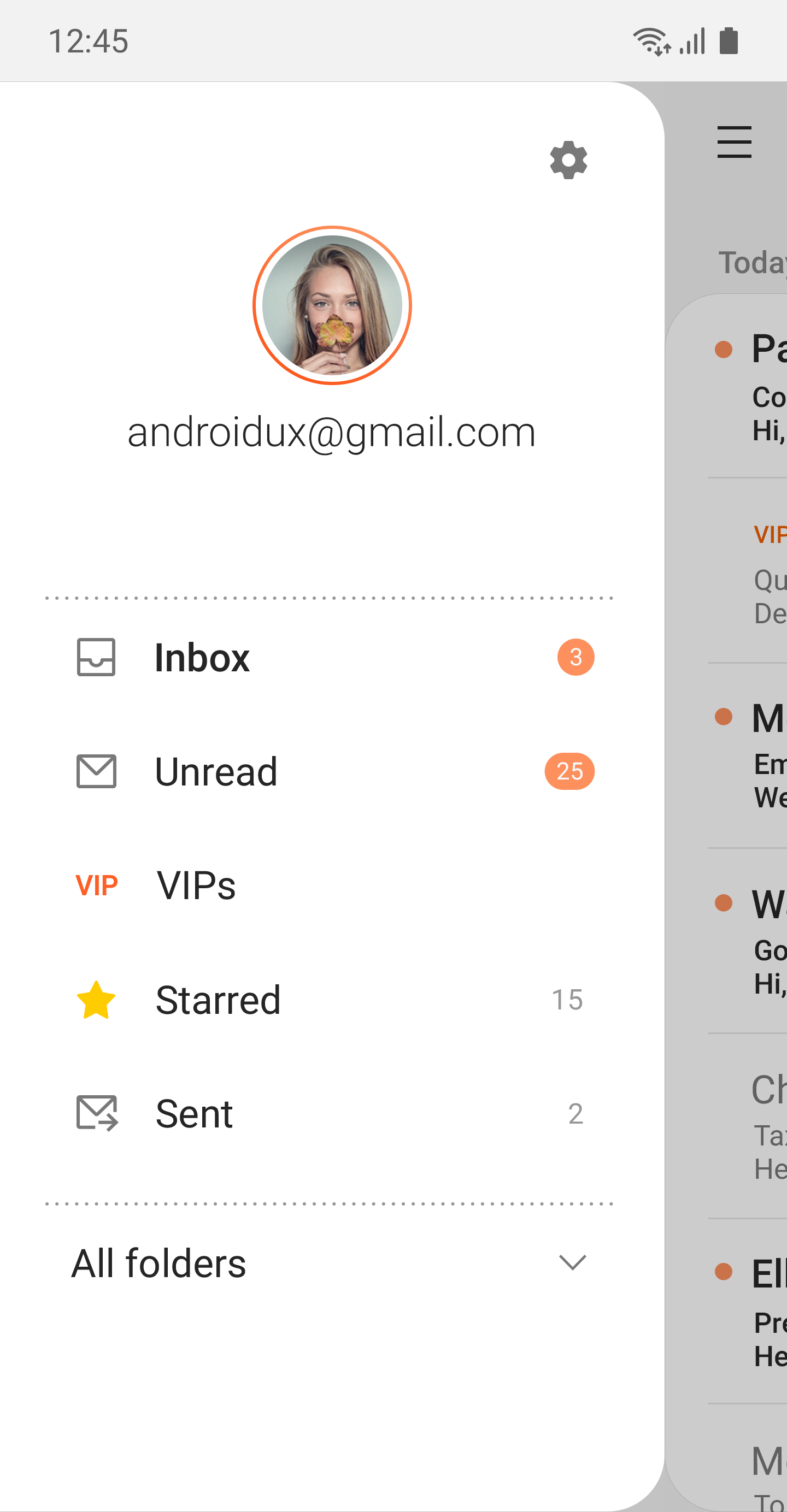
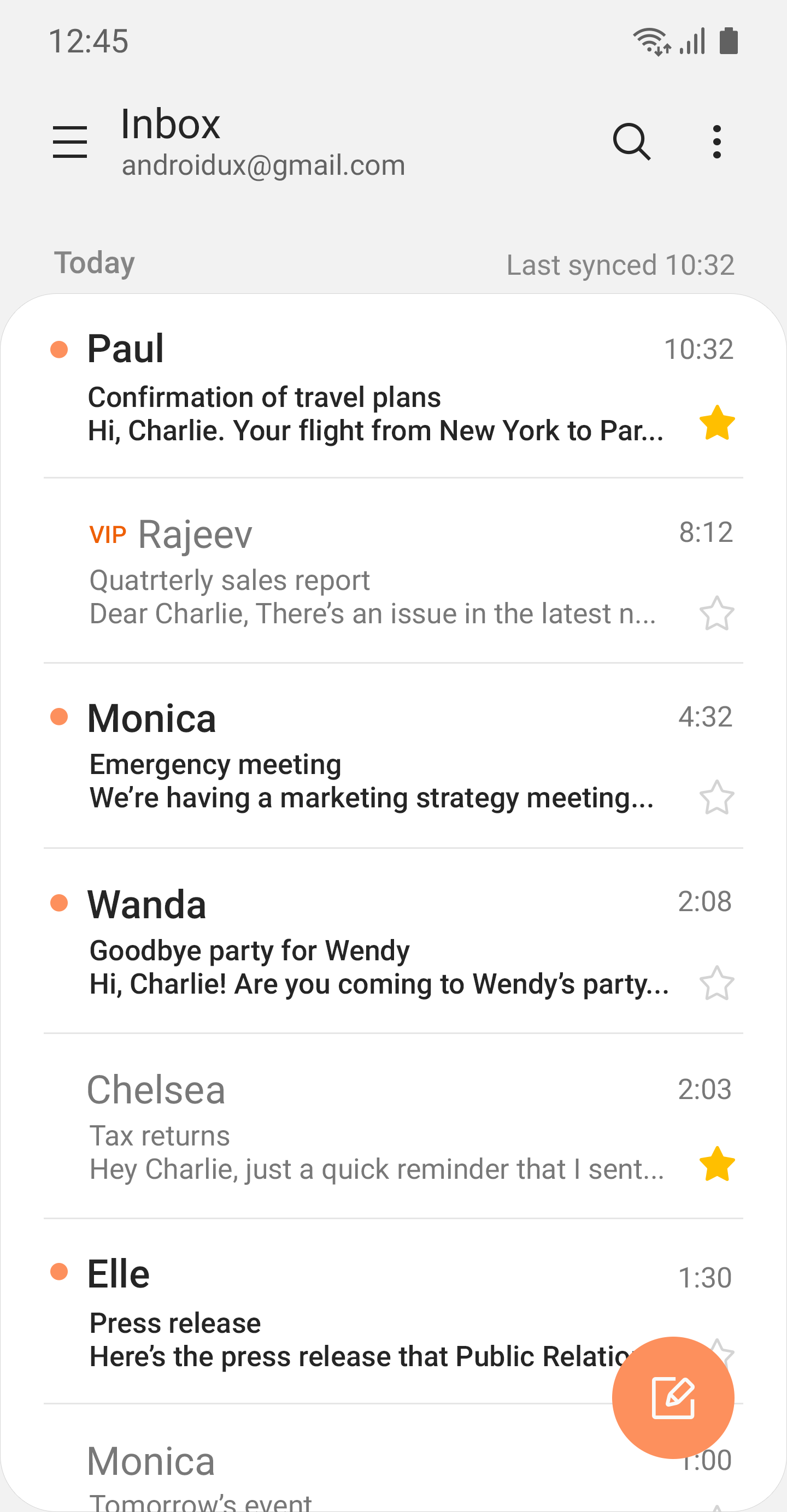
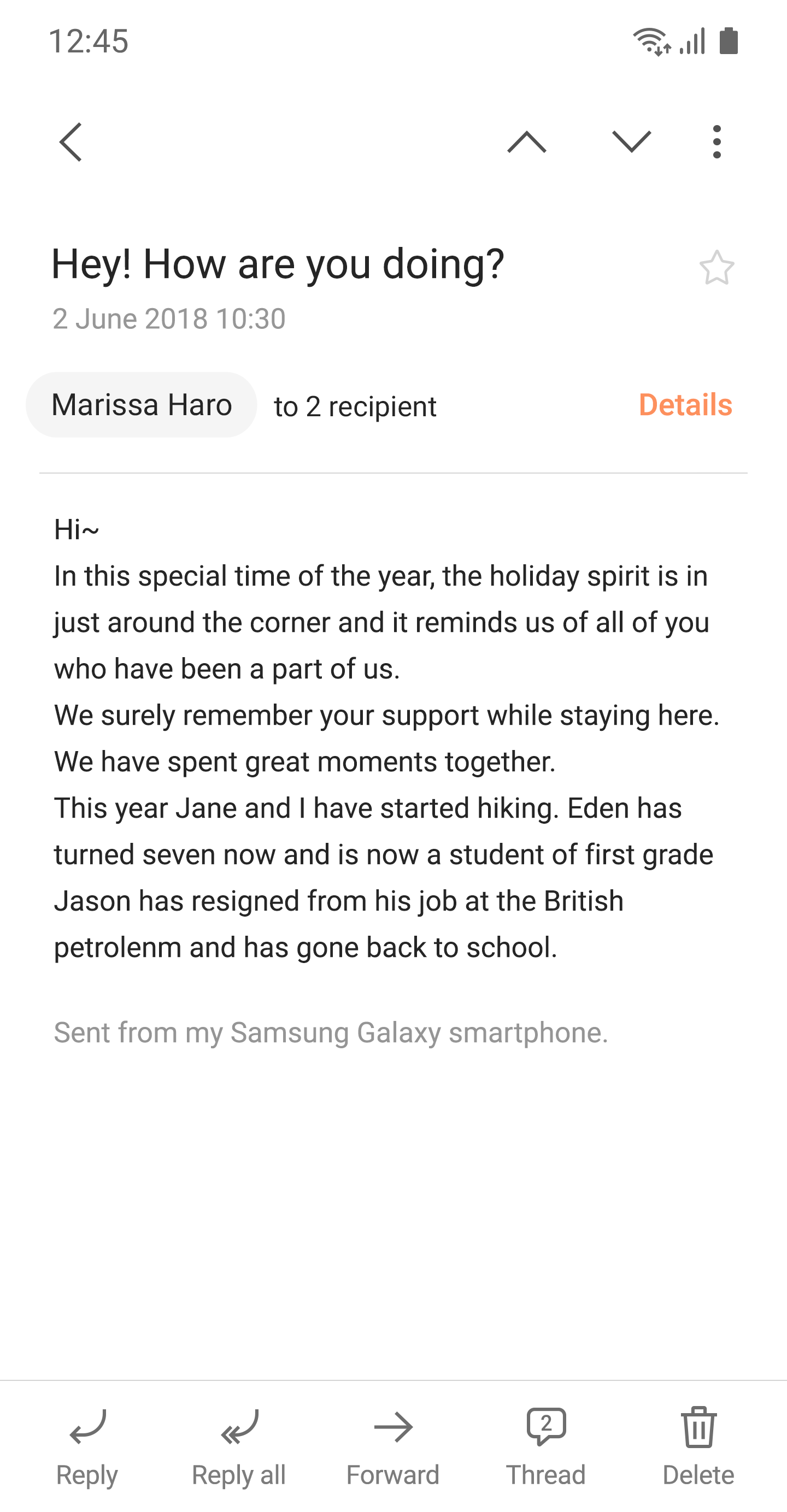
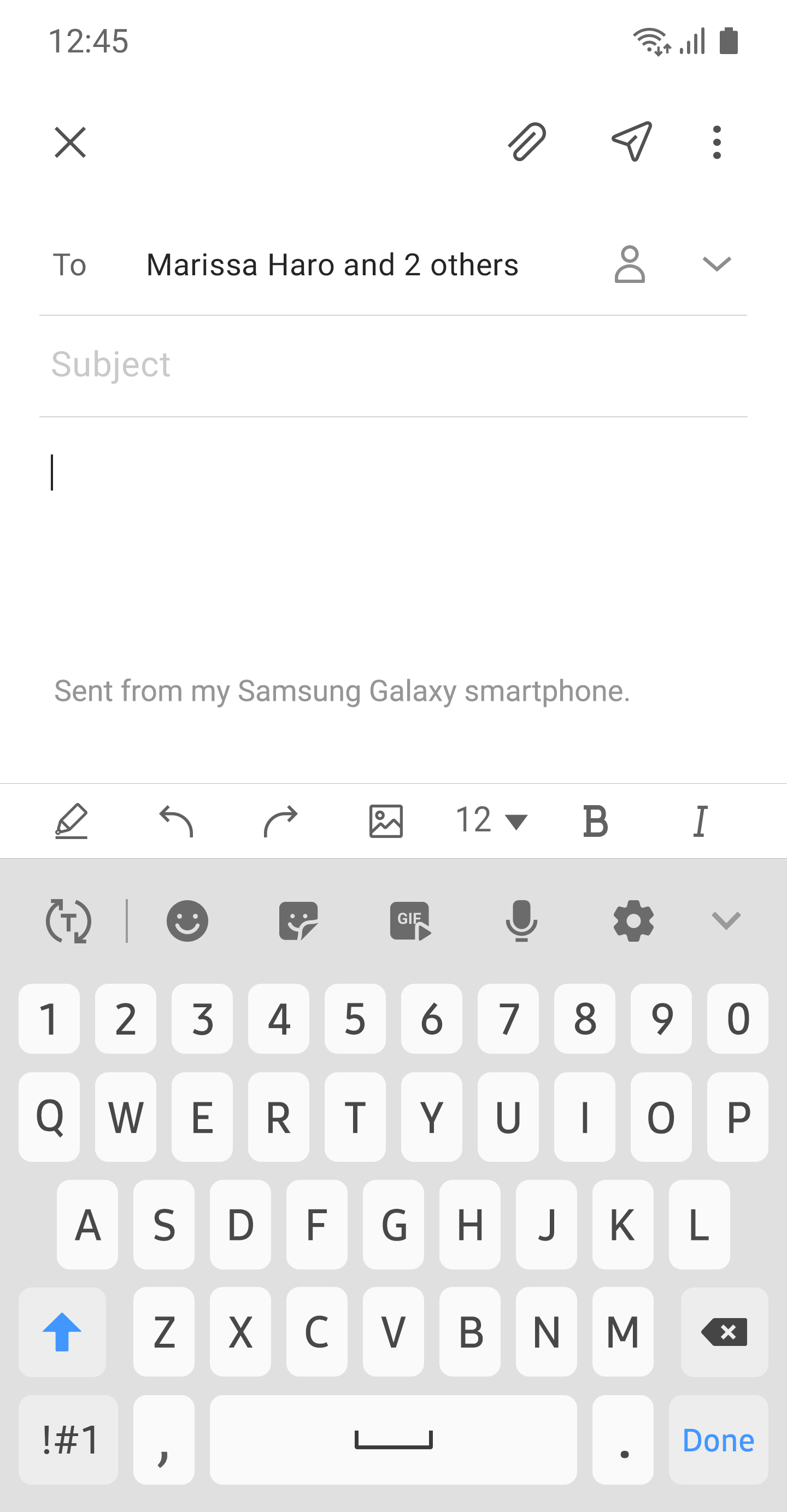
Ditambahkan: Denis Rubinov
Versi: Dev.3946189
Ukuran: 0.5 MB
Diperbarui: 22.05.2025
Developer: Samsung Electronics Co., Ltd.
Batasan Usia: Everyone
Otorisasi: 53
Diunduh di Google Play: 2170896909
Kategori: Kerja
- Antarmuka yang intuitif.
- Pemberitahuan tepat waktu tentang email baru.
- Memakan sedikit ruang di perangkat.
- Dukungan POP3 dan IMAP.
- Enkripsi data yang kuat.
- Tidak ada iklan atau fitur berbayar.
Deskripsi
Aplikasi Samsung Email diperiksa oleh antivirus VirusTotal. Sebagai hasil pemindaian, tidak ada infeksi file yang terdeteksi oleh semua tanda tangan terbaru.
Cara memasang Samsung Email
- Unduh file APK aplikasi dari apkshki.com.
- Temukan file yang diunduh. Anda dapat menemukannya di baki sistem atau di folder 'Download' menggunakan manajer file apa pun.
- Jika file yang diunduh berekstensi .bin (bug WebView di Android 11), ubah namanya menjadi .apk menggunakan pengelola file apa pun atau coba unduh file dengan browser lain seperti Chrome.
- Mulai penginstalan. Klik pada file yang diunduh untuk memulai penginstalan
- Izinkan penginstalan dari sumber yang tidak dikenal. Jika Anda menginstal untuk pertama kalinya Samsung Email bukan dari Google Play, buka pengaturan keamanan perangkat Anda dan izinkan penginstalan dari sumber yang tidak dikenal.
- Lewati perlindungan Google Play. Jika proteksi Google Play memblokir penginstalan file, ketuk 'Info Lebih Lanjut' → 'Tetap instal' → 'OK' untuk melanjutkan..
- Selesaikan penginstalan: Ikuti petunjuk penginstal untuk menyelesaikan proses penginstalan.
Cara memperbarui Samsung Email
- Unduh versi baru aplikasi dari apkshki.com.
- Cari file yang diunduh dan klik file tersebut untuk memulai penginstalan.
- Instal di atas versi lama. Tidak perlu menghapus instalasi versi sebelumnya.
- Hindari konflik tanda tangan. Jika versi sebelumnya tidak diunduh dari apkshki.com, pesan 'Aplikasi tidak terinstal' mungkin muncul. Dalam kasus ini, hapus instalan versi lama dan instal versi baru.
- Mulai ulang lampiran Samsung Email setelah pembaruan.














Meminta pembaruan aplikasi
Ditambahkan Denis Rubinov
Versi: Dev.3946189
Ukuran: 0.5 MB
Diperbarui: 22.05.2025
Developer: Samsung Electronics Co., Ltd.
Batasan Usia: Everyone
Otorisasi:
Diunduh di Google Play: 2170896909
Kategori: Kerja















Ulasan untuk Samsung Email
Brilliant app, syncs nicely
great and reliable
even better than the last update. smooth, sleek, and most importantly, does the job well. 16032025: still impressed with the lean footprint and effectiveness. Edit (20.5.2025): this version of the app freezes everytime I open it. I have just 5 email accounts set up on it. I've recently updated my device to Android16, but the issue persists.
Superb and magnificent Maureen Poncelet Delsole
easy to use
😎 cool
why are my emails all mixed up? they are not in order of sent and received. they are separate. how do I fix this t
Excellent, but I would like to hear update for the widget, I love widget with transparent background, and please make option to choose specific account (not only all accounts) to show on the widget, likes Gmail widget
tbd can't install
beta
I've attempted to use it since Google changed the style of gMail which I just didn't like with each message appearing in what appears to be it's own widget. Anyway there's no access to mail headers and the search doesn't work unless it happens to be a loaded message. It gives you the options to search back further, on the server, but it doesn't work.
Samsung's applications have very poor backups. There is no reliable backup and all data may be incomplete or deleted at any time. If the backup should be automatic like Google's applications and work automatically, and by deleting the applications or resetting everything at any time, everything will be available for the user again. That is not the case with Samsung. For this reason, I do not use Samsung applications and only Google is reliable and trustworthy for me because it keeps all my.
This app used to work flawlessly. Now with 2022 update my saved emails have disappeared: not listed in the app, not present in my files or in trash. I recommend not to trust this app to keep your important emails. It also has the tendency to change your server settings to delete files on the server when you delete from your device. Not a good situation if you access your account from another device.
if there was a no stars option, I'd give it no stars. it was fine until the recent update. Now it freezes up after you look at an email or two. It takes forever to display new emails. This fix for this problem last a short while, but now its back. I've submitted information to the developer many times but it just keeps happening. Very frustrating to say the least. Does anyone have a suggestion for a better email app?
Great app. I have 2 criticisms. 1) When you save a draft and go back to it later to make edits, the screen flashes repeatedly and will not let you make any changes. You have to start the email all over again. 2) the only way the app recognizes an email address that you've used in the past is to have it saved under your contacts. The app must not be searching through past emails to find the contact you need. Any fixes to these issues?
Kirimkan komentar
Untuk memberikan komentar, masuklah dengan jejaring sosial Anda:
Atau tinggalkan komentar anonim. Komentar Anda akan dikirim untuk dimoderasi.
Kirimkan komentar
Untuk memberikan komentar, masuklah dengan jejaring sosial Anda:
Atau tinggalkan komentar anonim. Komentar Anda akan dikirim untuk dimoderasi.