



Samsung Internet Browser
140+
unduhan1.0+
versi Android
Ditambahkan: Denis Rubinov
Versi: 28.0.0.59
Ukuran: 138.1 MB
Diperbarui: 19.05.2025
Developer: Samsung Electronics Co., Ltd.
Batasan Usia: Everyone
Otorisasi: 38
Diunduh di Google Play: 3085113948
Kategori: Komunikasi
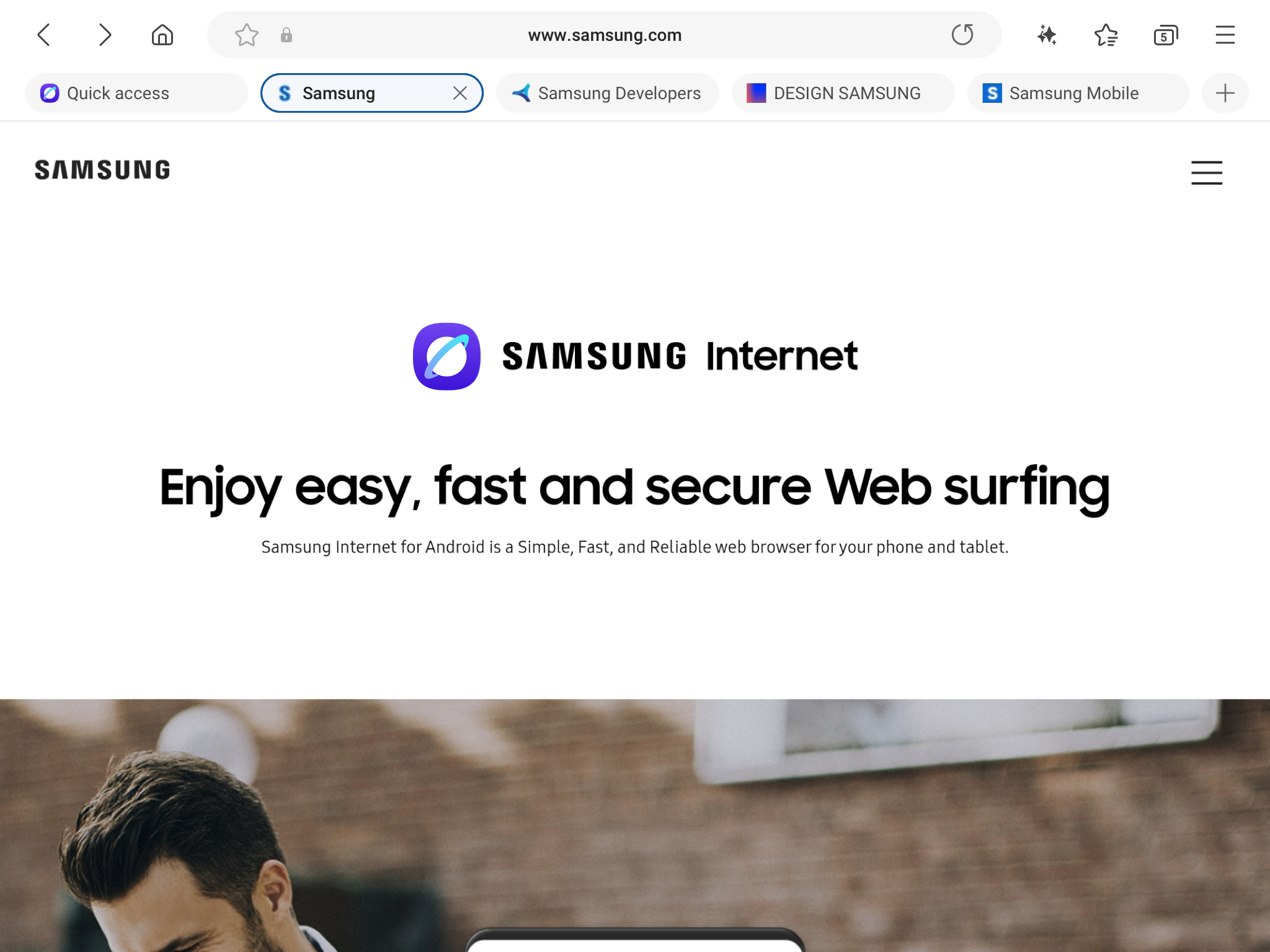
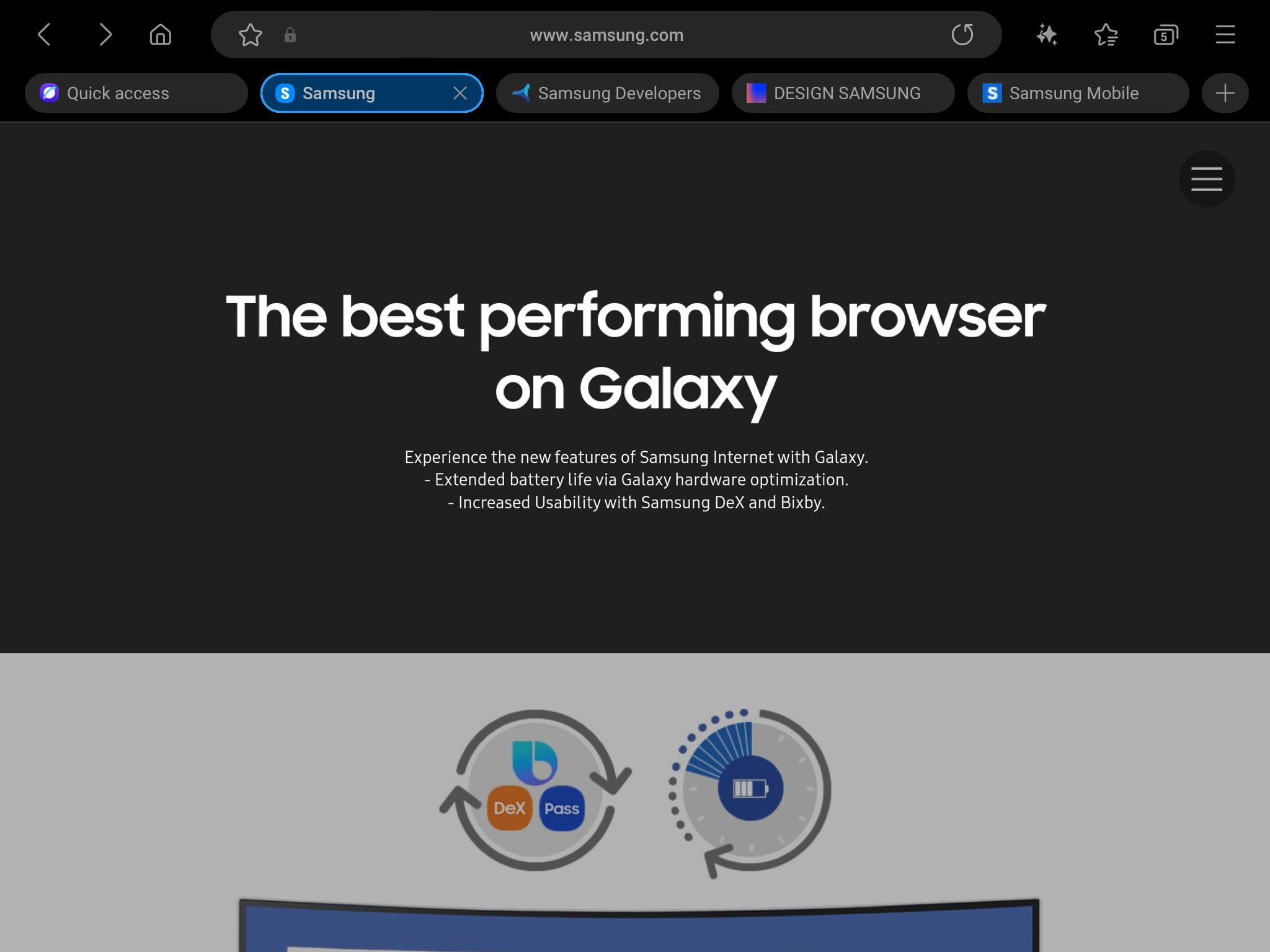
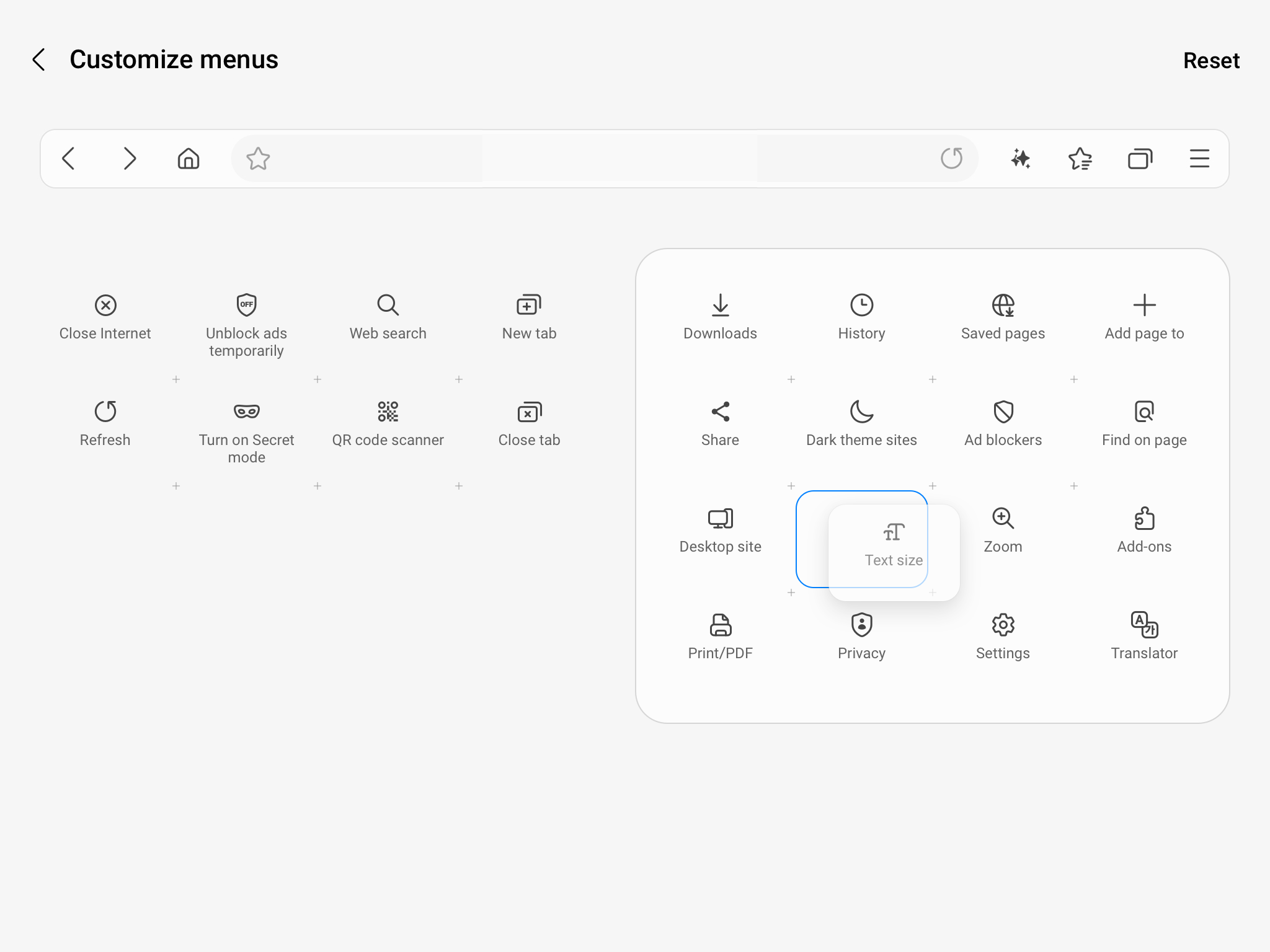
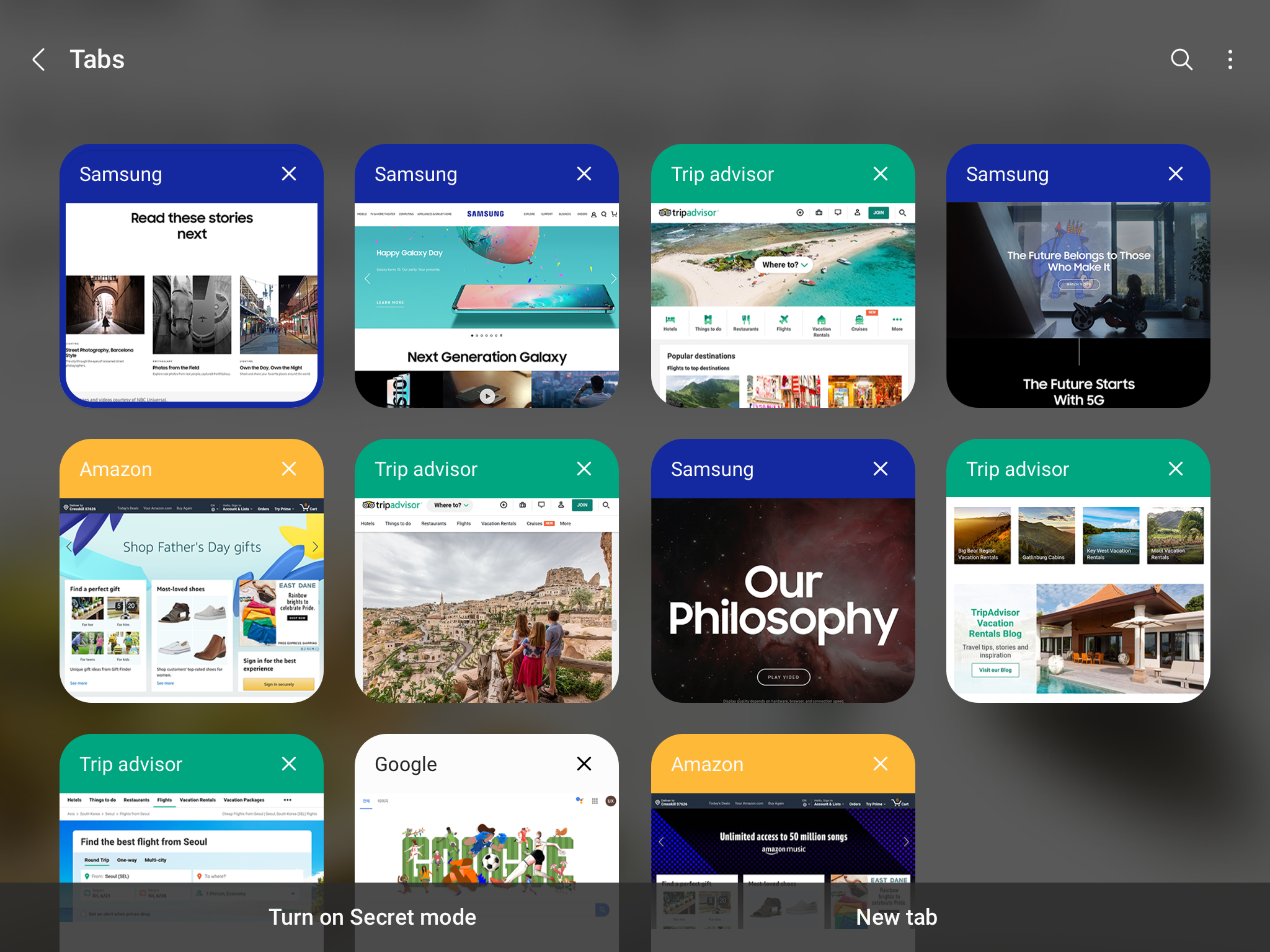
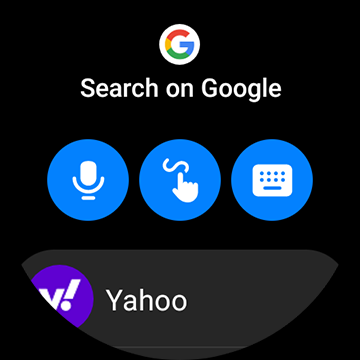
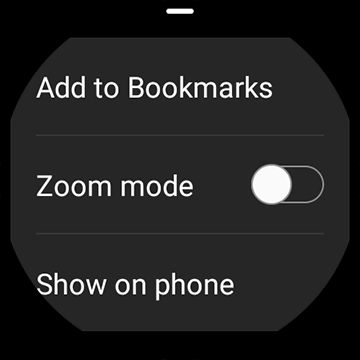
- Desain yang bagus dan bersih.
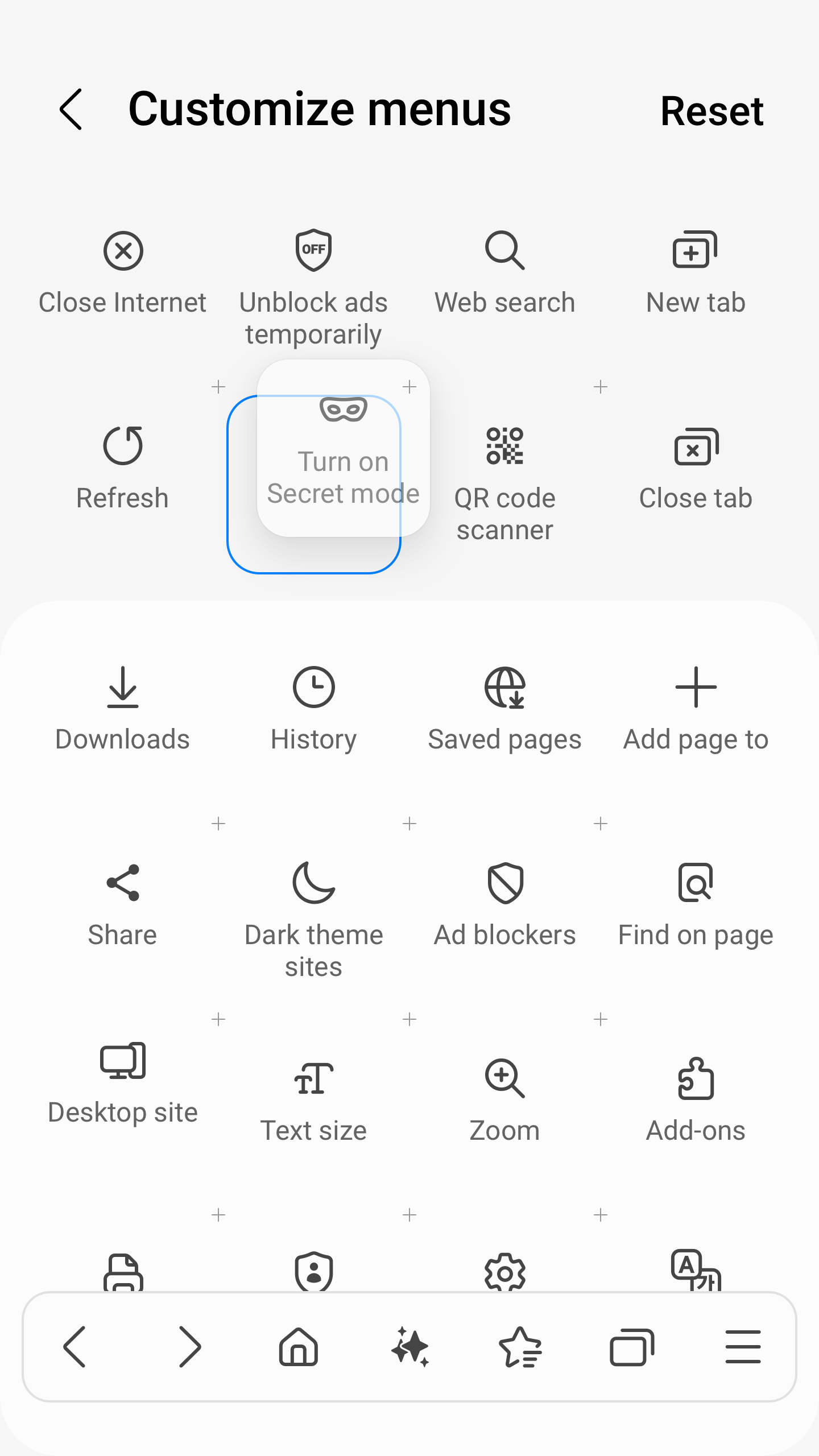
- Dukungan untuk mode rahasia.
- Ketersediaan mode hemat daya.
- Tambahkan situs ke layar beranda Anda.
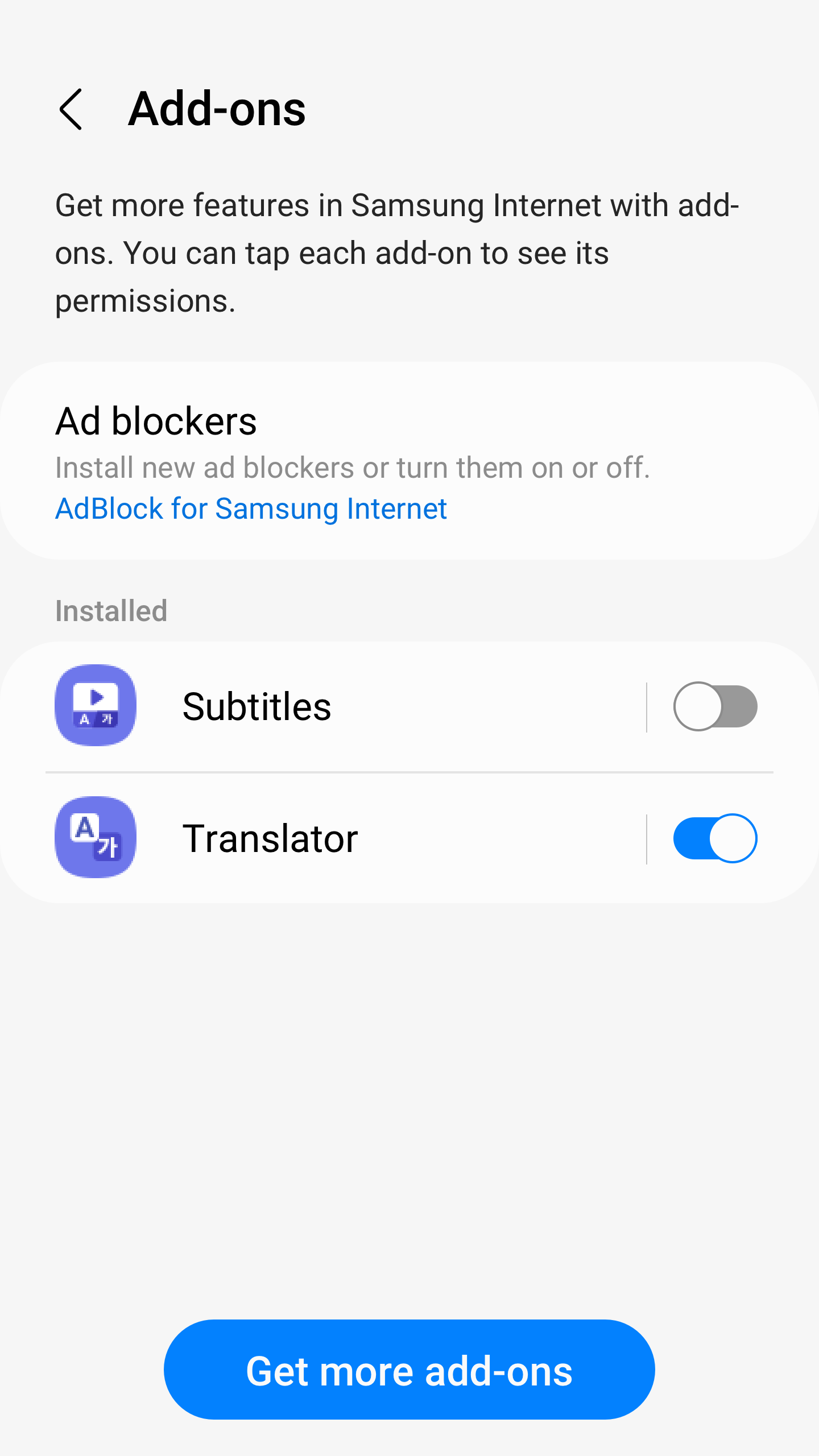
- Dukungan ekstensi.
Deskripsi
Aplikasi Samsung Internet Browser diperiksa oleh antivirus VirusTotal. Sebagai hasil pemindaian, tidak ada infeksi file yang terdeteksi oleh semua tanda tangan terbaru.
Cara memasang Samsung Internet Browser
- Unduh file APK aplikasi dari apkshki.com.
- Temukan file yang diunduh. Anda dapat menemukannya di baki sistem atau di folder 'Download' menggunakan manajer file apa pun.
- Jika file yang diunduh berekstensi .bin (bug WebView di Android 11), ubah namanya menjadi .apk menggunakan pengelola file apa pun atau coba unduh file dengan browser lain seperti Chrome.
- Mulai penginstalan. Klik pada file yang diunduh untuk memulai penginstalan
- Izinkan penginstalan dari sumber yang tidak dikenal. Jika Anda menginstal untuk pertama kalinya Samsung Internet Browser bukan dari Google Play, buka pengaturan keamanan perangkat Anda dan izinkan penginstalan dari sumber yang tidak dikenal.
- Lewati perlindungan Google Play. Jika proteksi Google Play memblokir penginstalan file, ketuk 'Info Lebih Lanjut' → 'Tetap instal' → 'OK' untuk melanjutkan..
- Selesaikan penginstalan: Ikuti petunjuk penginstal untuk menyelesaikan proses penginstalan.
Cara memperbarui Samsung Internet Browser
- Unduh versi baru aplikasi dari apkshki.com.
- Cari file yang diunduh dan klik file tersebut untuk memulai penginstalan.
- Instal di atas versi lama. Tidak perlu menghapus instalasi versi sebelumnya.
- Hindari konflik tanda tangan. Jika versi sebelumnya tidak diunduh dari apkshki.com, pesan 'Aplikasi tidak terinstal' mungkin muncul. Dalam kasus ini, hapus instalan versi lama dan instal versi baru.
- Mulai ulang lampiran Samsung Internet Browser setelah pembaruan.
















Meminta pembaruan aplikasi
Ditambahkan Denis Rubinov
Versi: 28.0.0.59
Ukuran: 138.1 MB
Diperbarui: 19.05.2025
Developer: Samsung Electronics Co., Ltd.
Batasan Usia: Everyone
Otorisasi:
Diunduh di Google Play: 3085113948
Kategori: Komunikasi















Ulasan untuk Samsung Internet Browser
I never use this browser even though I use Samsung devices. I'll stick with Google chrome
Good app
good
i don't want this one my phone & I can't remove it. . I disabled it
Nice
a trustable internet browser.
Things broke with update. Facebook won't let me post comments now saying that my browser is out of date and needs to be updated which is hilarious considering that I just updated it. It was working fine before the update. update may 2025 - still an issue
Sucks up the battery a little
Gonna
I don't know what is going on, but for the last few days I randomly cannot click pictures, highlight words, click links, and more unless I close the app, clear the cache, and then reload the page; and even then it's not necessarily going to work. This needs to be fixed ASAP. I'm having the same error with Internet Beta as well.
Love this browser. Been my Goto browser for many years. However, after a recent update, visited sites no longer populate in the address bar when I start typing. This is a very useful feature, and appears to be gone. I contacted support, but they were unable to help. Can this feature be returned? If it is I would give App 5 Stars!
I hope this update fixes the problems that the update from about a month ago started. Freezing, apps won't open, keyboard not working, the only way to get online is to turn the phone off, wait & turn it back on, hoping it will work, but no. Updates once or twice a week that cause more problems. I loved my 1st Samsung phone for 18 months, until new models came out. Nothing but trouble ever since, 😮💨 & I can't afford another new phone.
Not a good one. Everything I change my privacy features, Samsung changes them back to default. Then, I look back and my privacy features were on, yet the information I am blocking is still in my history on many apps. This happens even when I make changes on the app itself. Such as Firefox, Outlook especially, I keep getting texts from info that can only be found in personal email. Even when sync is disabled, I still get trash calls, texts, and emails. Samsung is apparently selling my info.
This has become increasingly frustrating. I copy and paste a lot of data/text from a variety of sources. Recently the copy/paste tool has become unstable, in that I used to be able to use it pretty easily. Now I'll grab text, and it stops responding before I've reached the end of the text I'm grabbing. It was working great several months ago, but now it's not working as before.
This browser is junk. I'm constantly being told no matter what sight I'm on that it's outdated. If I click on something where it takes me to another page from something like Indeed it tells me it's unsupported. Then I have to switch over to my Chrome app that I can't stand but it does work. So that tells me your browser is outdated junk and you need to fix it. No reason in 2022 your browser being out of date when you constantly update it already.
Kirimkan komentar
Untuk memberikan komentar, masuklah dengan jejaring sosial Anda:
Atau tinggalkan komentar anonim. Komentar Anda akan dikirim untuk dimoderasi.
Kirimkan komentar
Untuk memberikan komentar, masuklah dengan jejaring sosial Anda:
Atau tinggalkan komentar anonim. Komentar Anda akan dikirim untuk dimoderasi.