



Ditambahkan: Denis Rubinov
Versi: 1.8.33.25
Ukuran: 132.6 MB
Diperbarui: 24.06.2025
Developer: Samsung Electronics Co., Ltd.
Batasan Usia: Everyone
Otorisasi: 48
Diunduh di Google Play: 906270951
Kategori: Gaya hidup
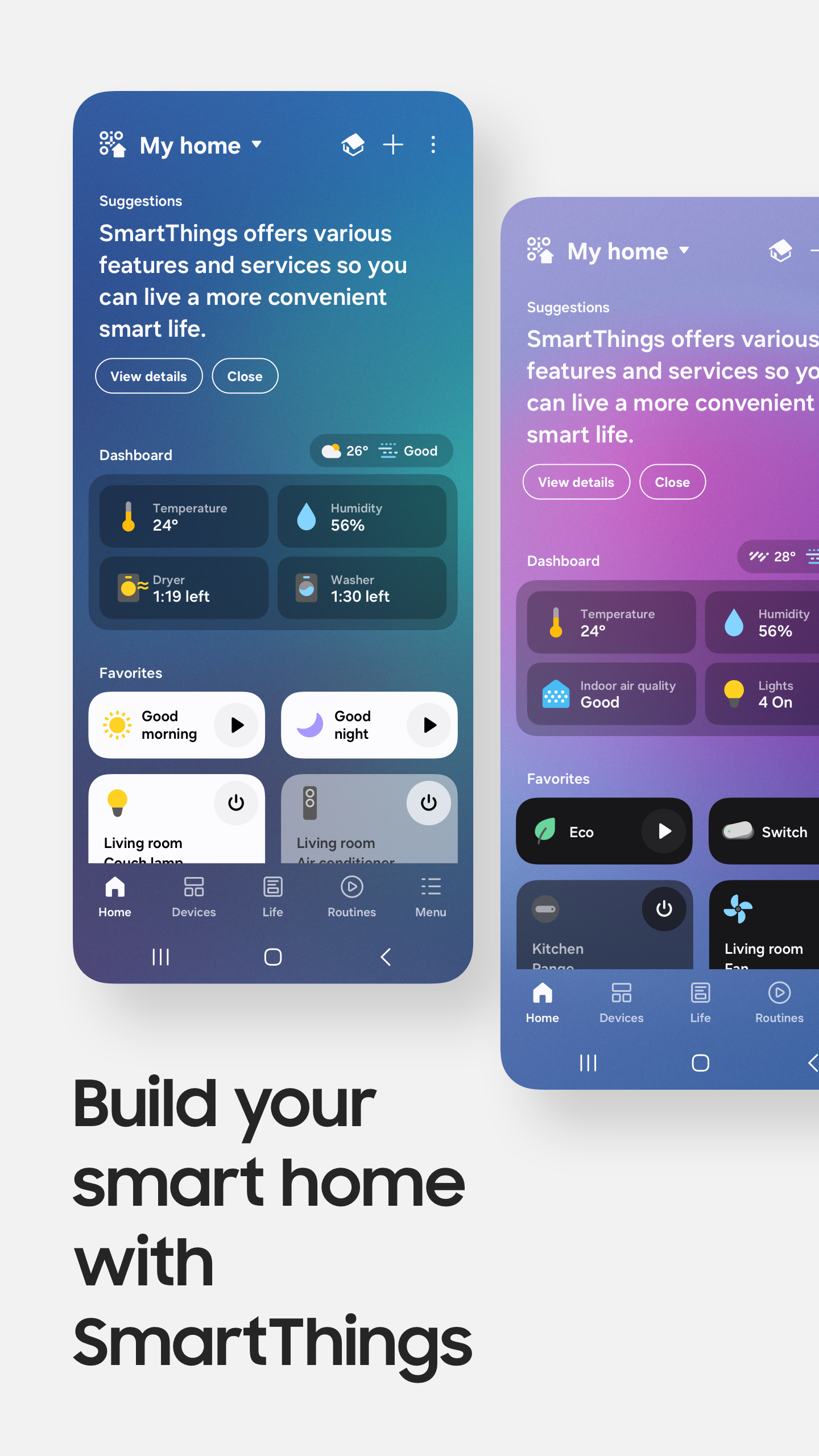
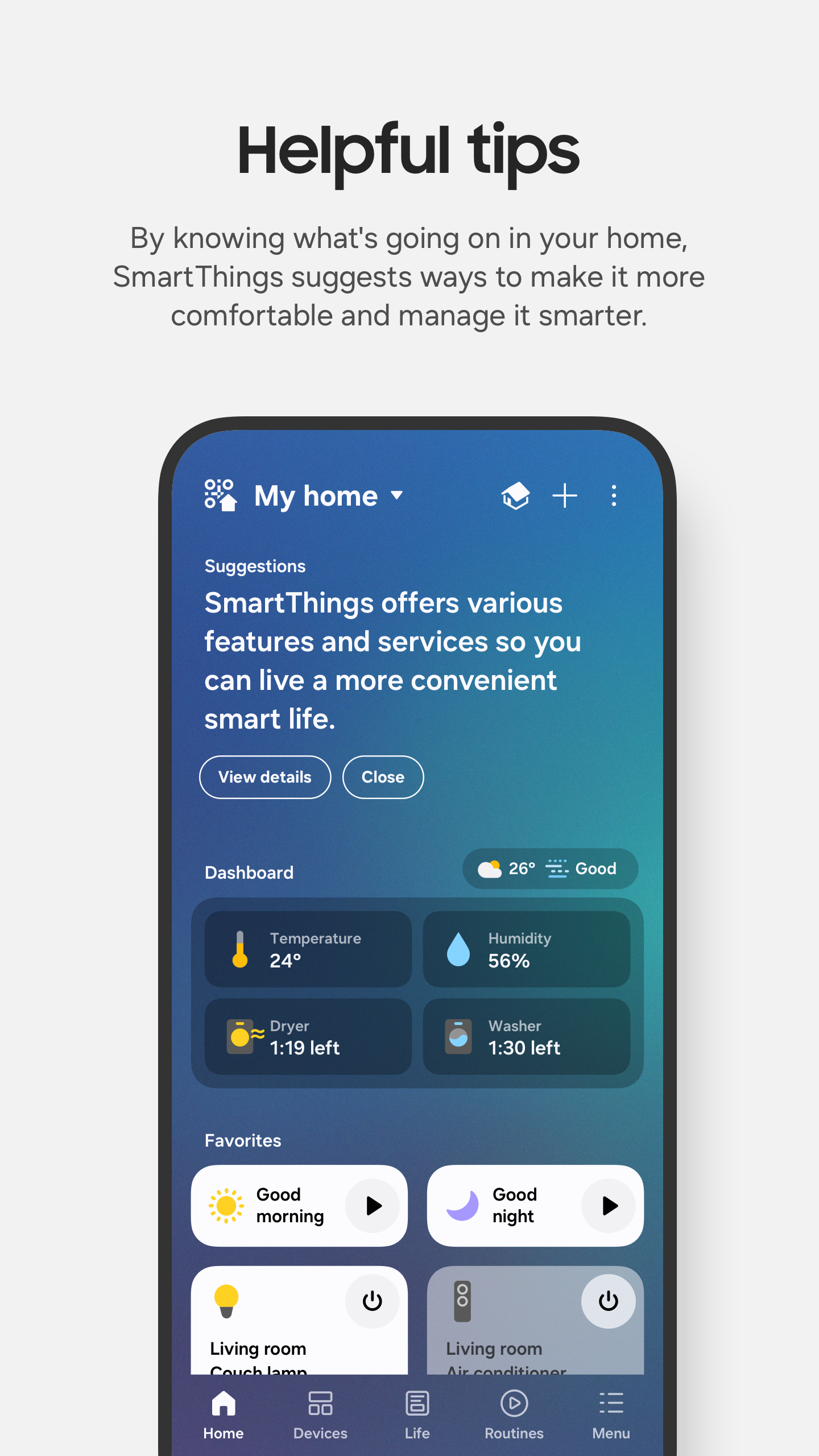
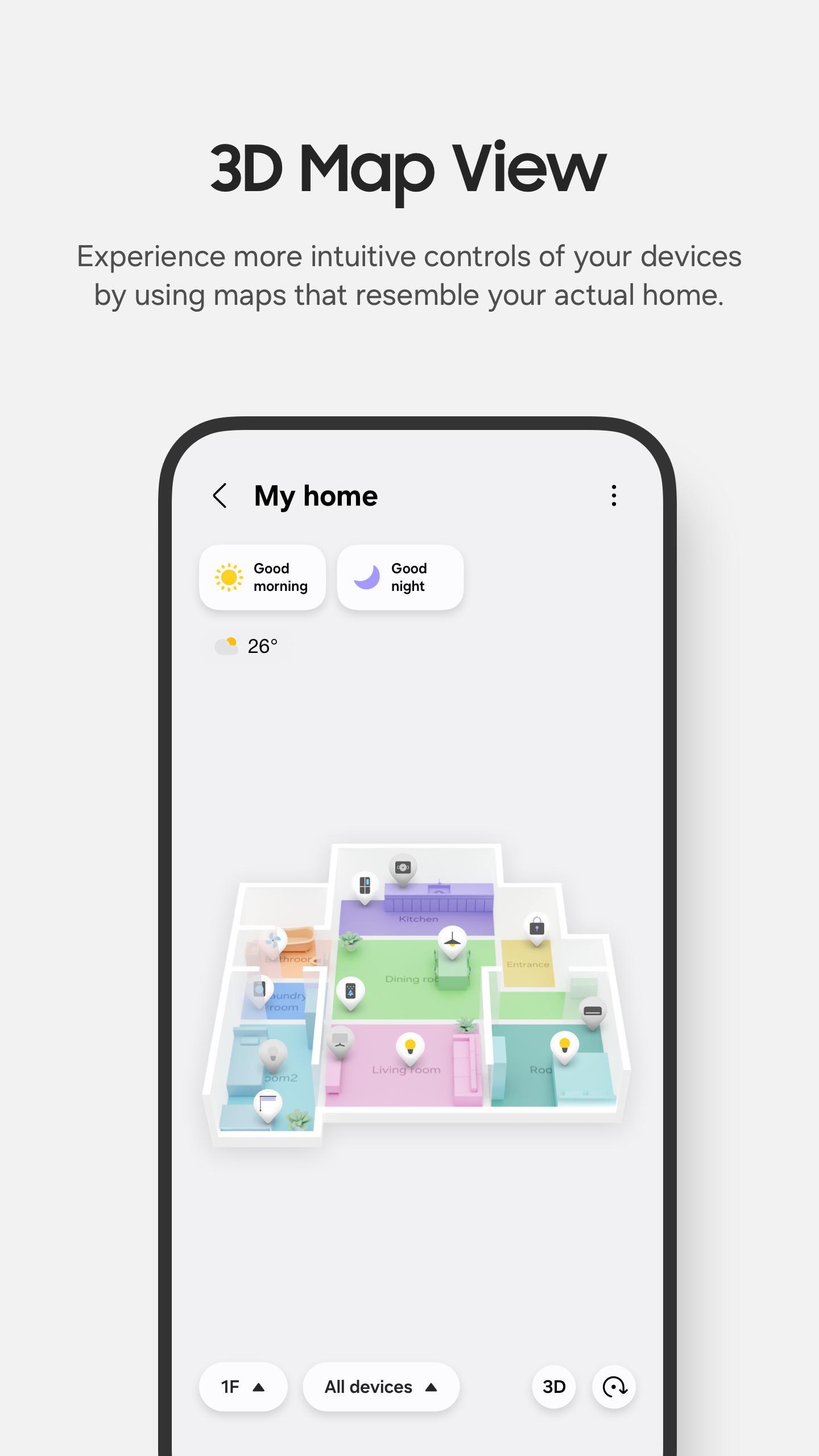
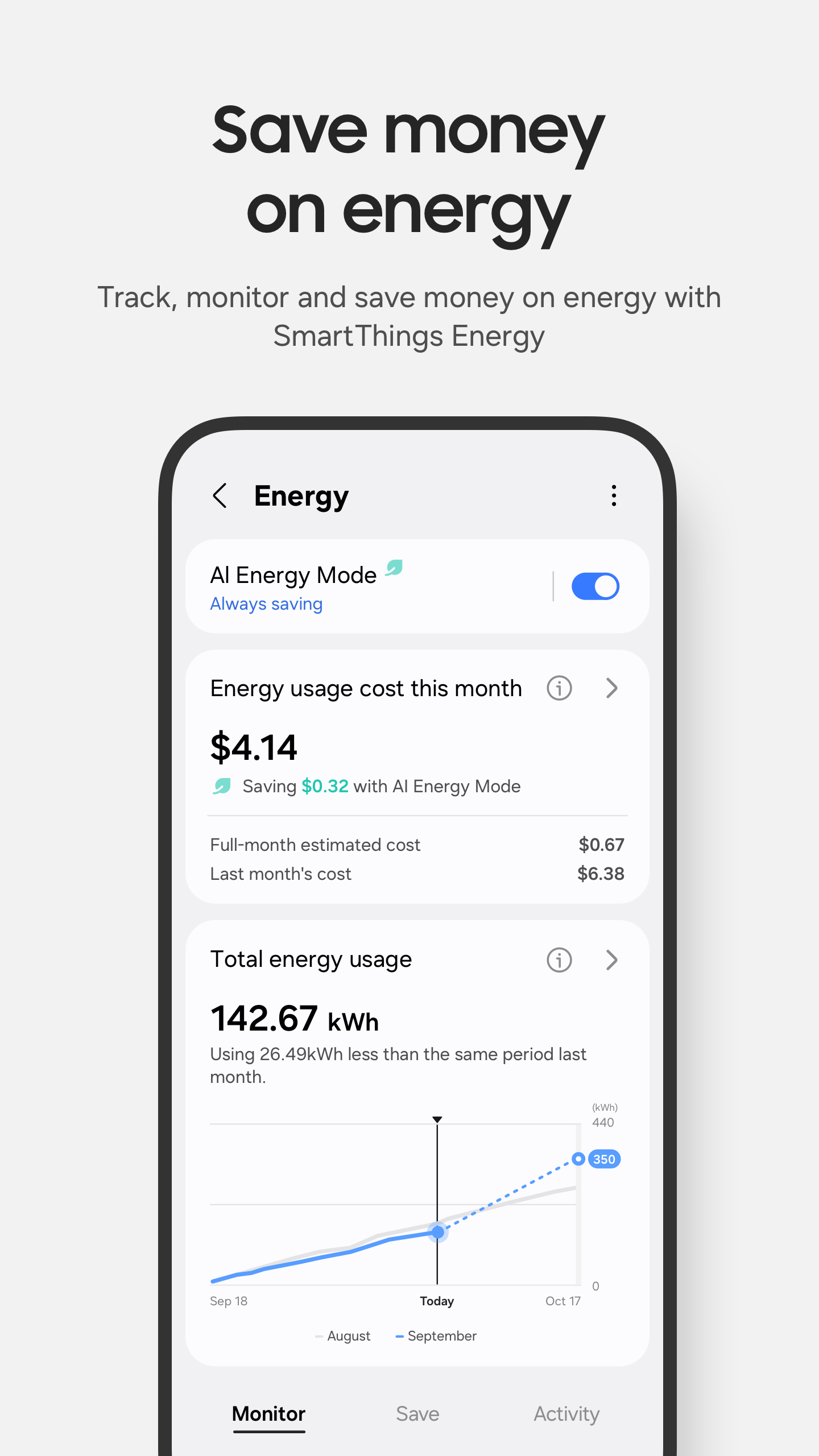
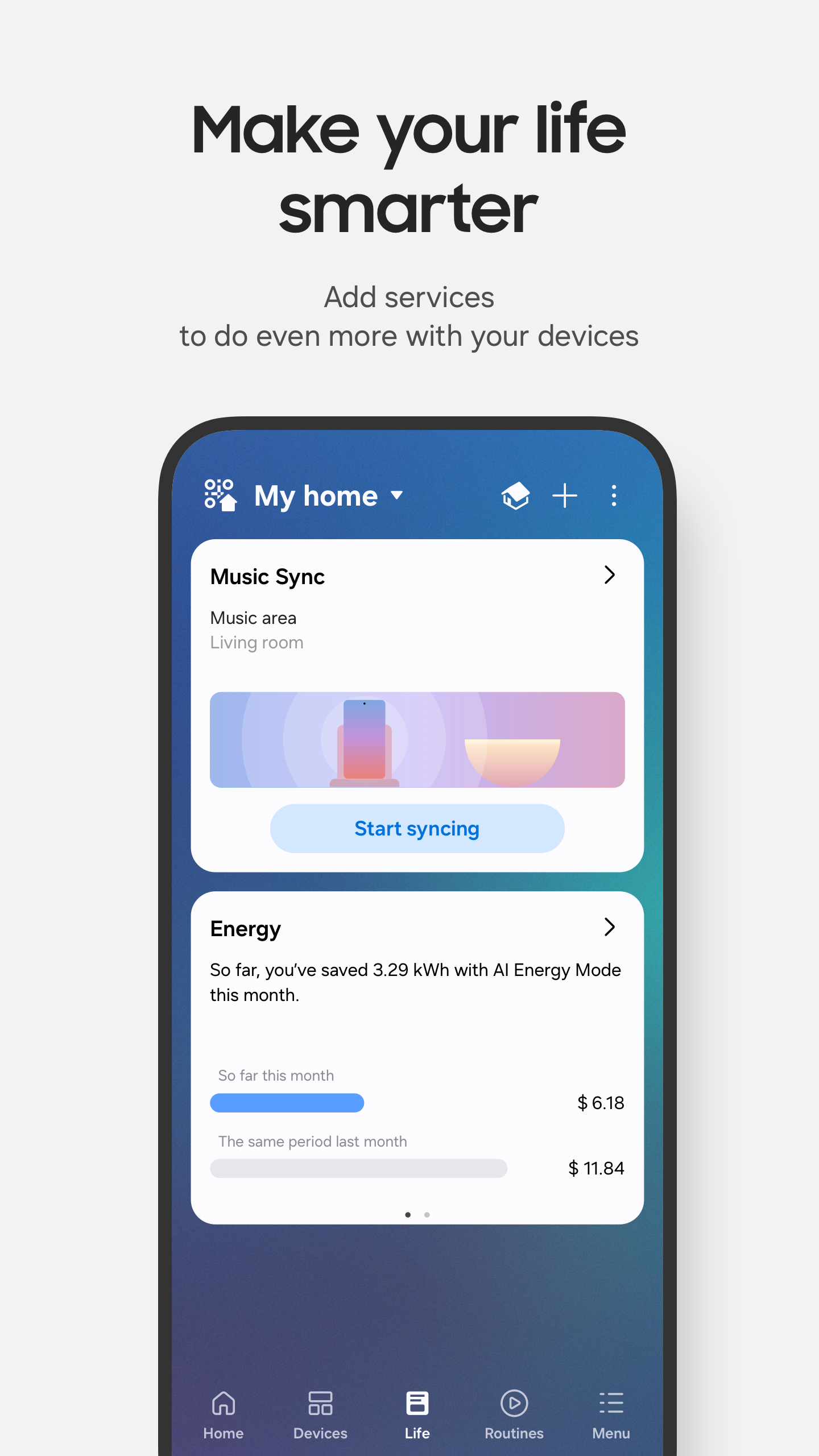
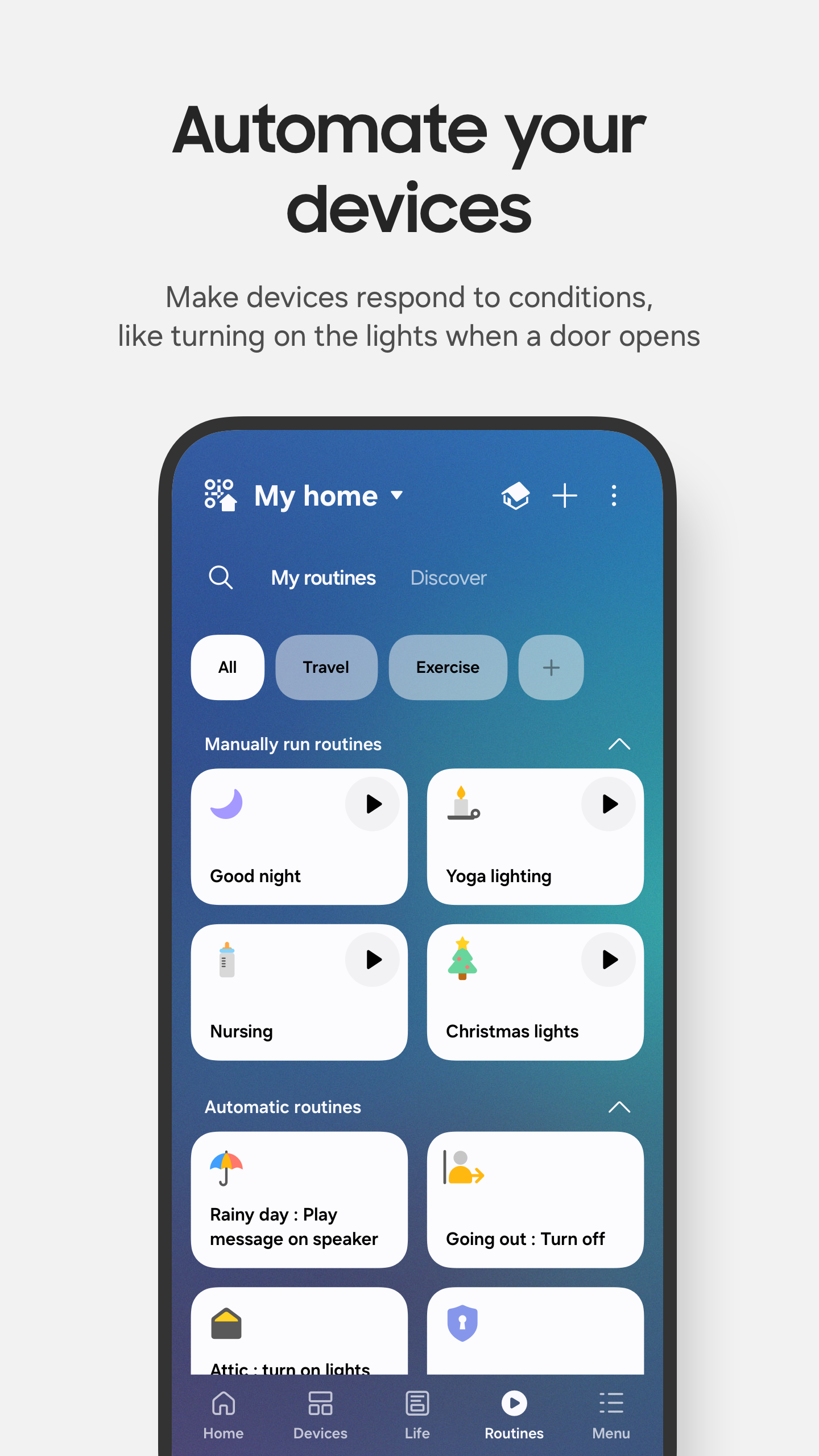
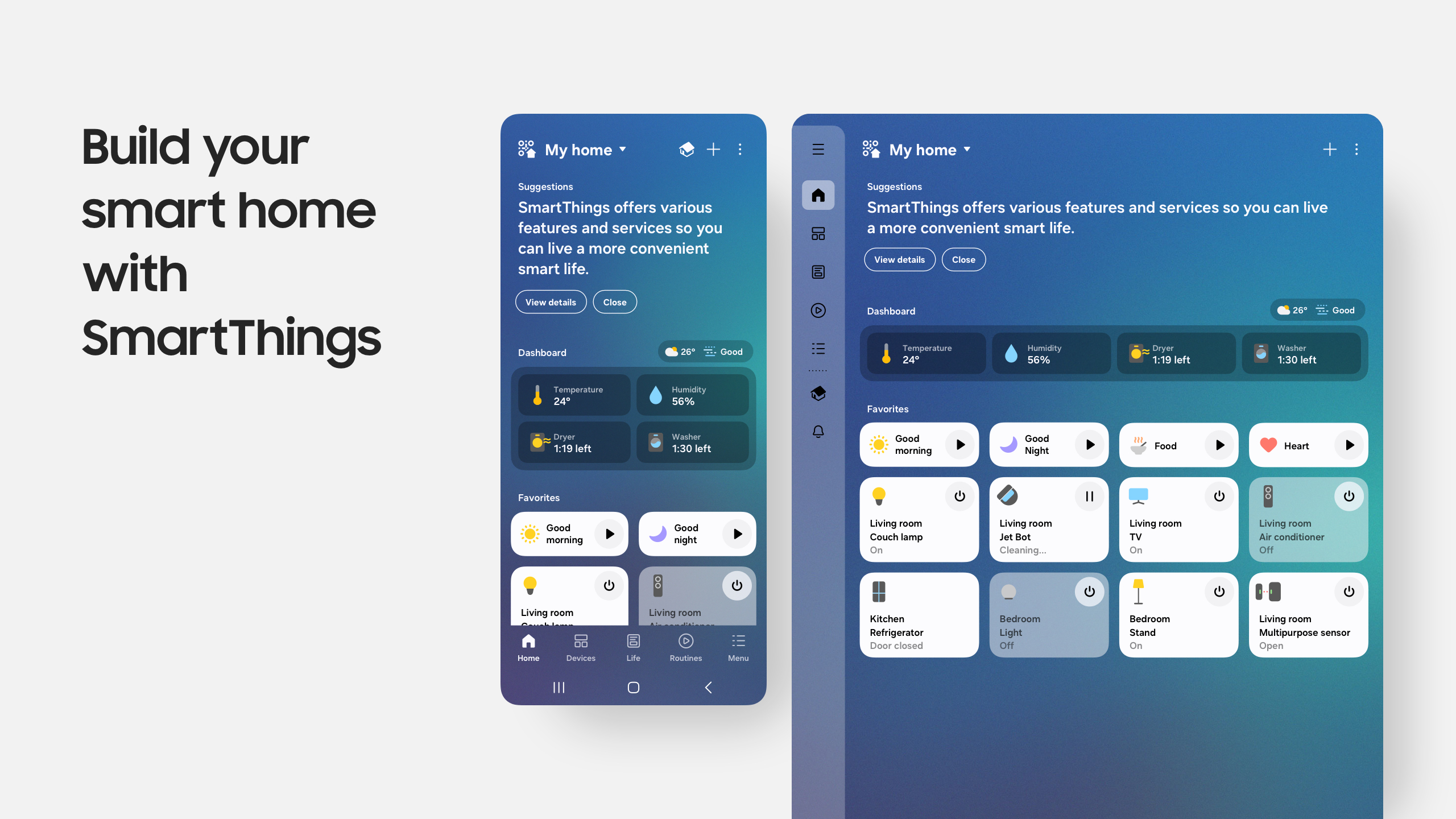
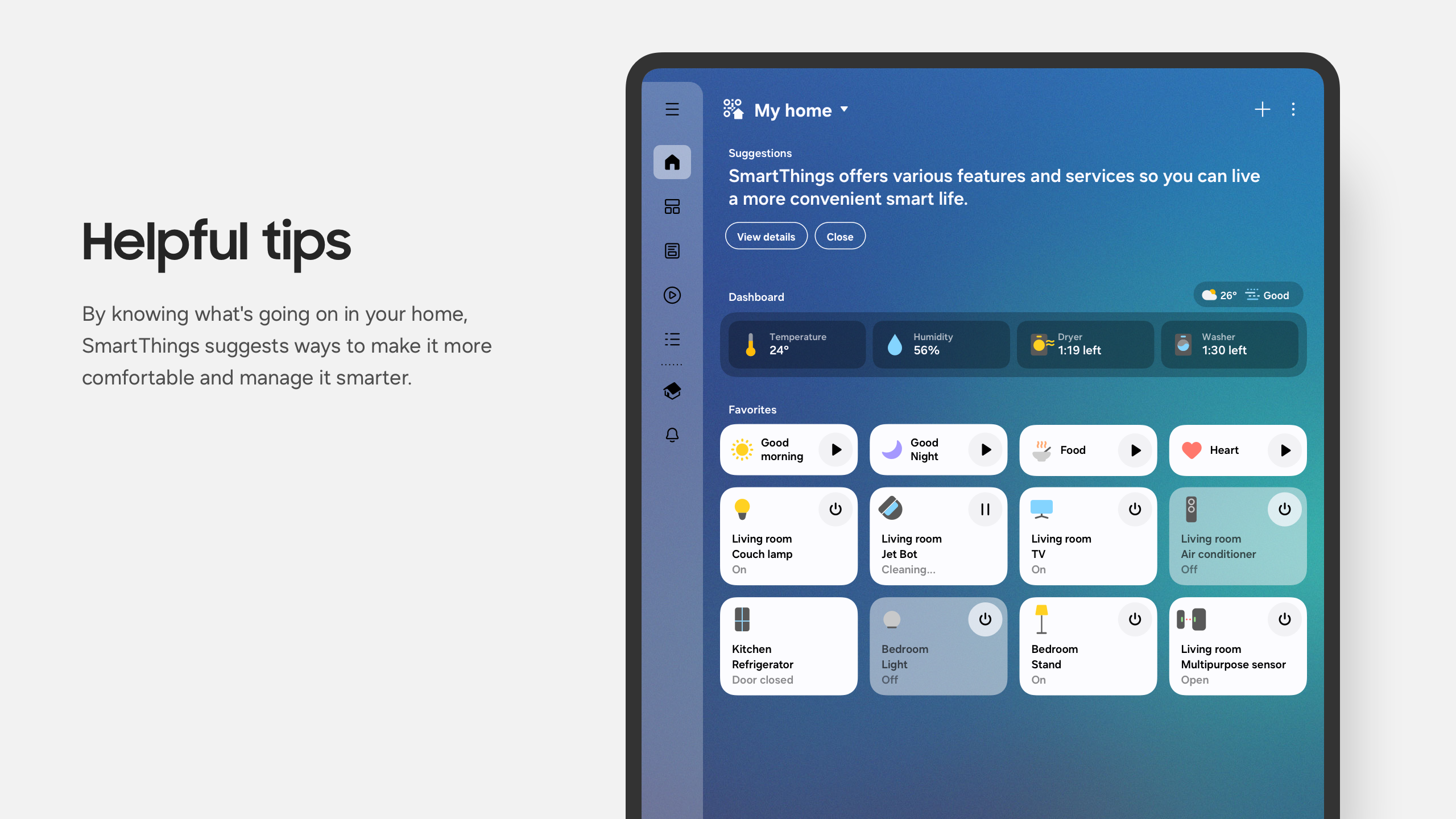
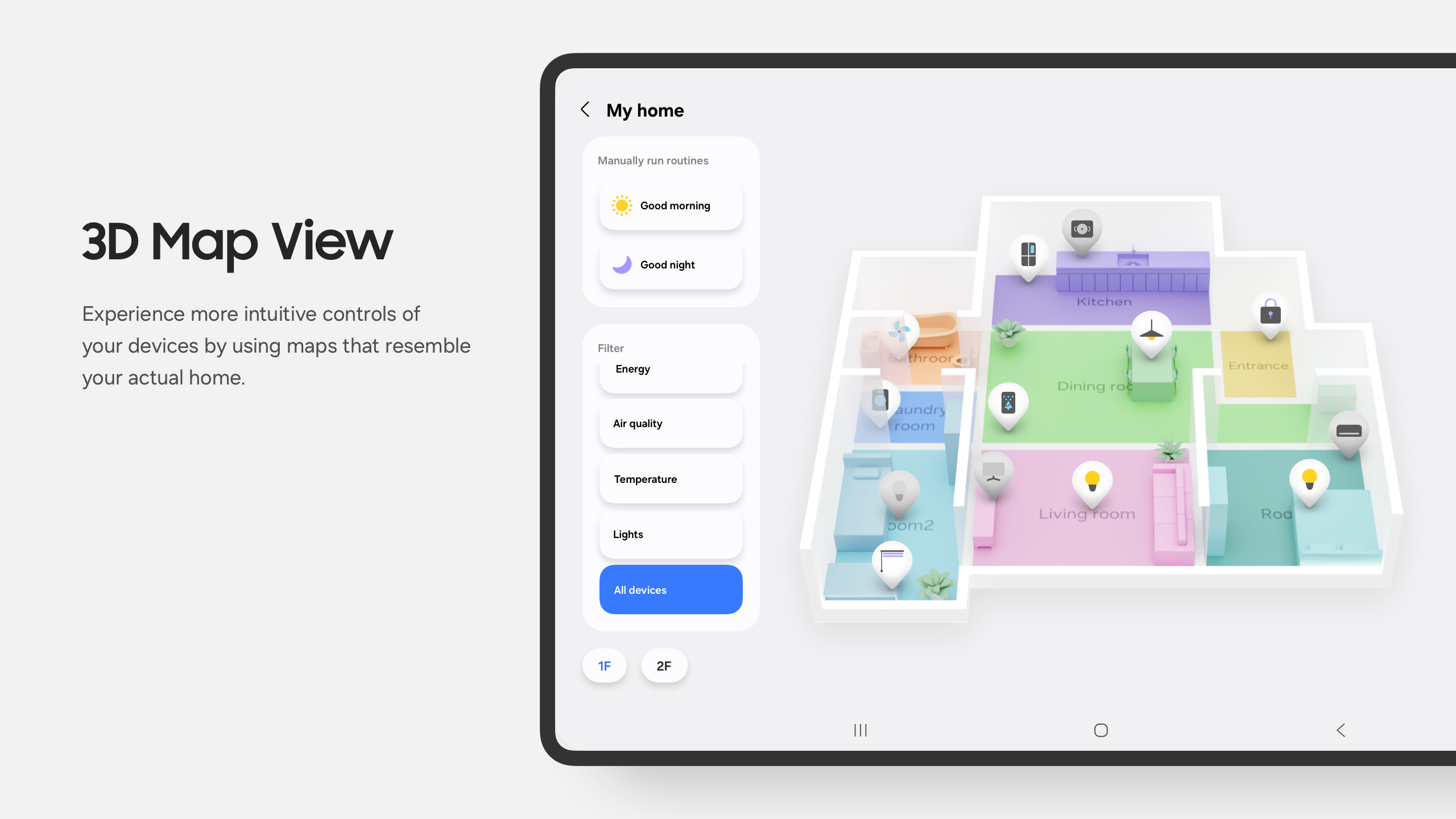
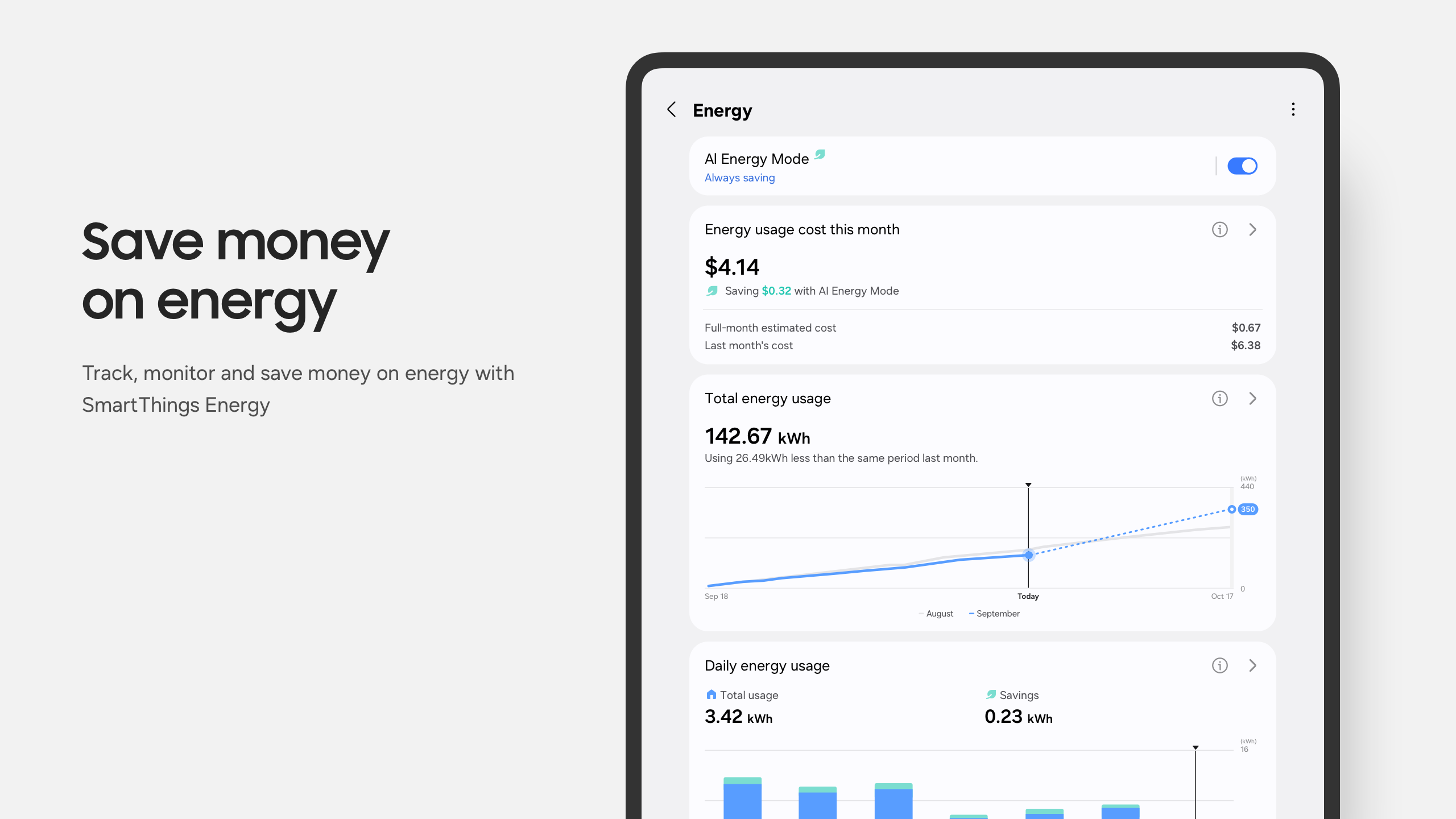
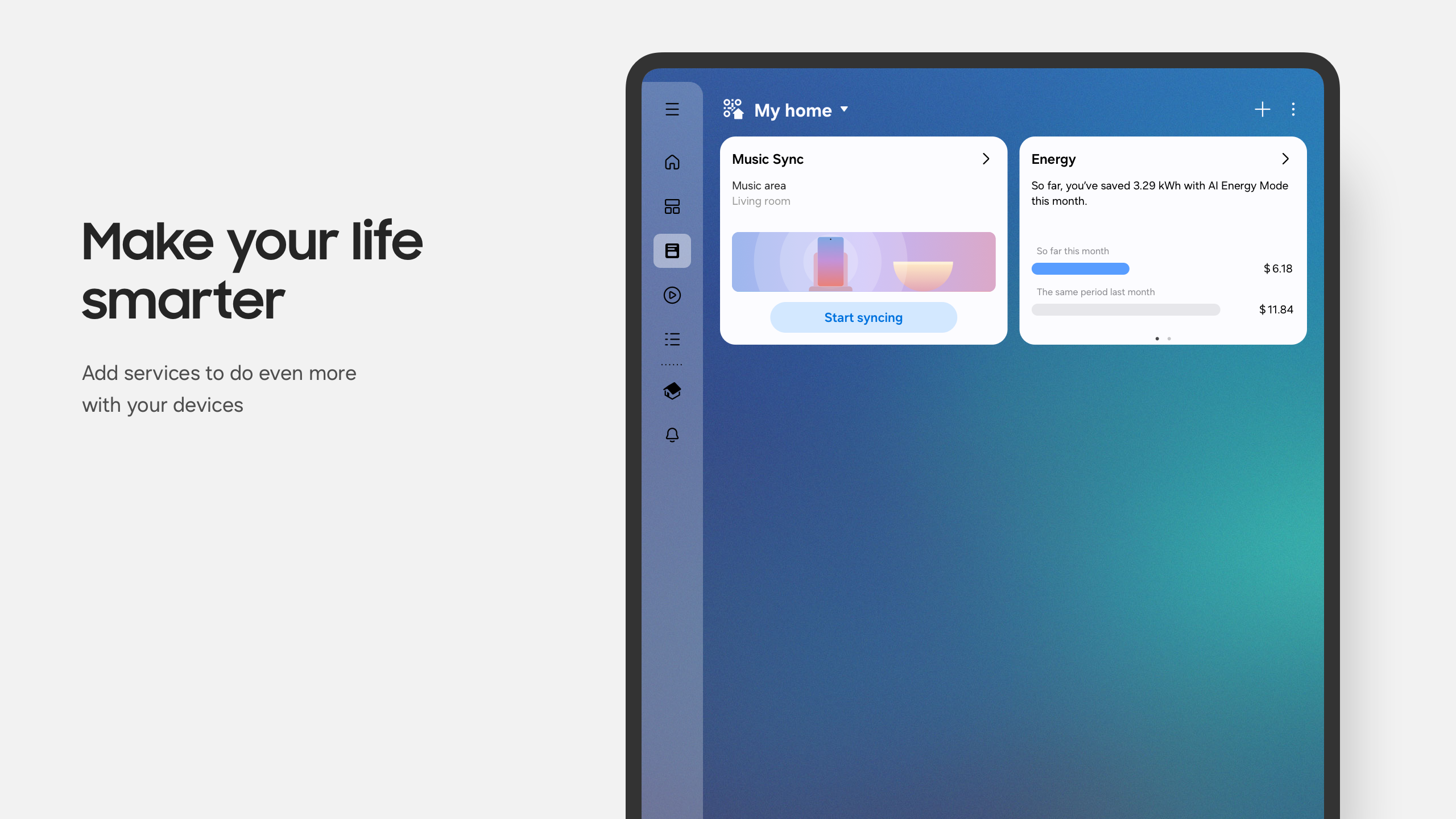
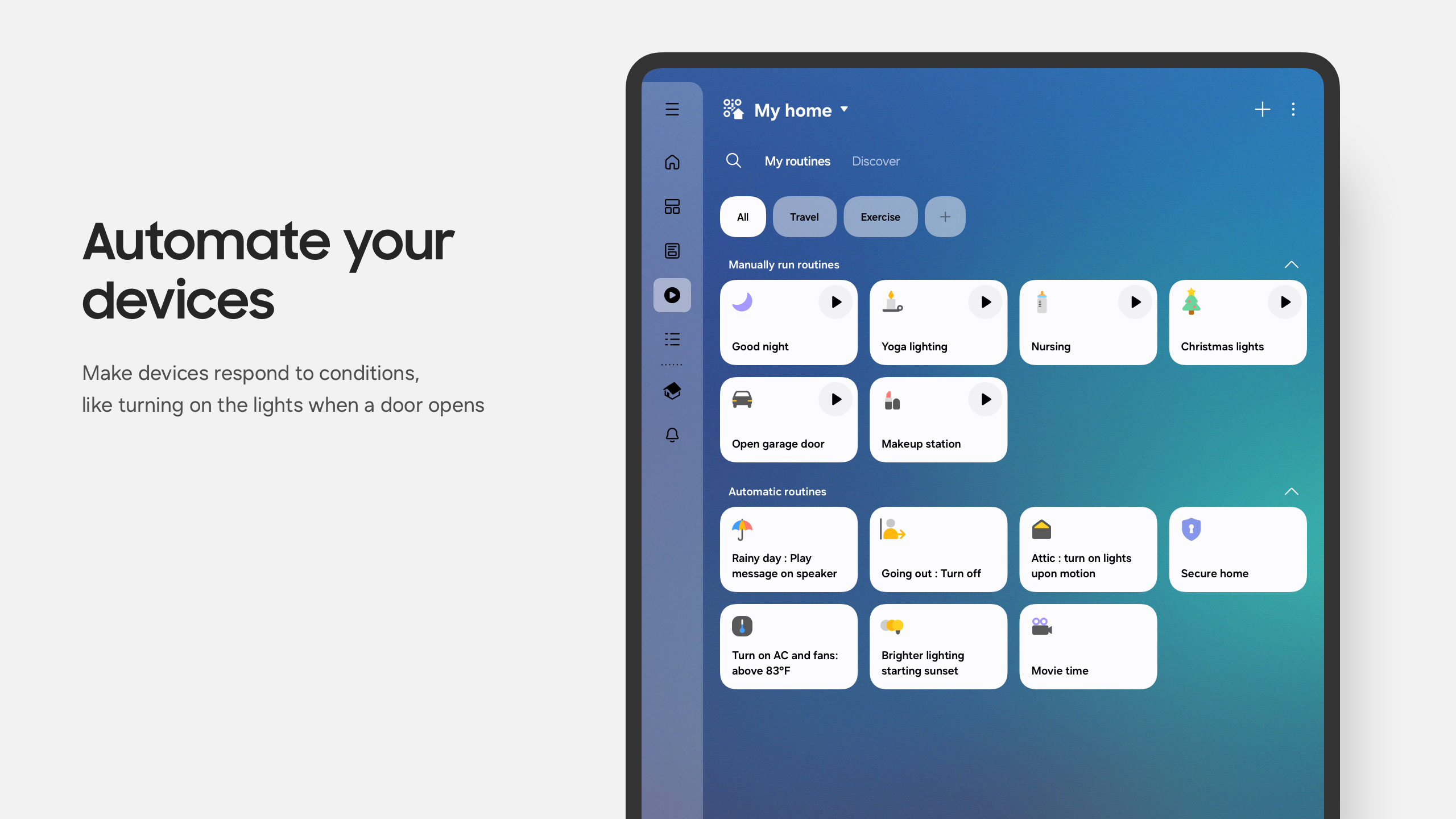
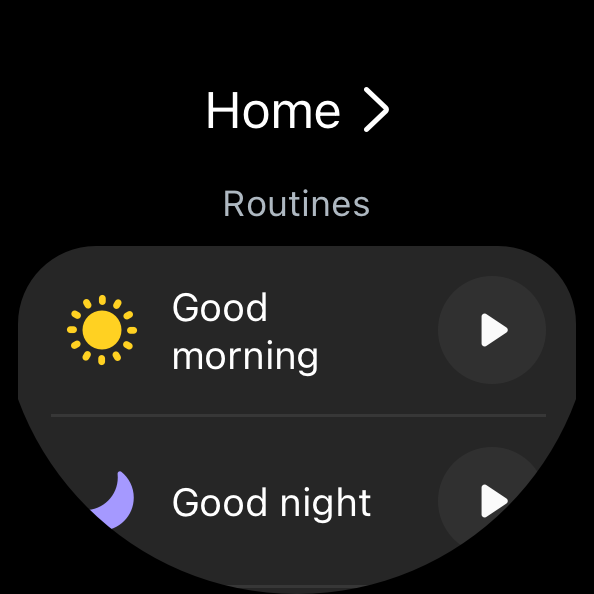
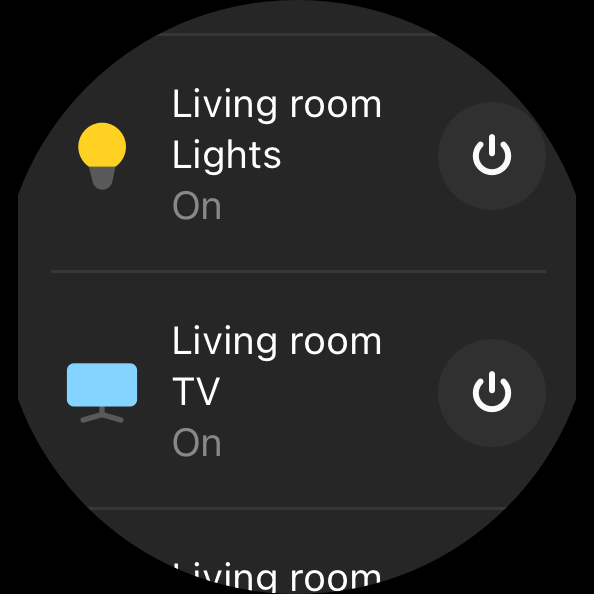
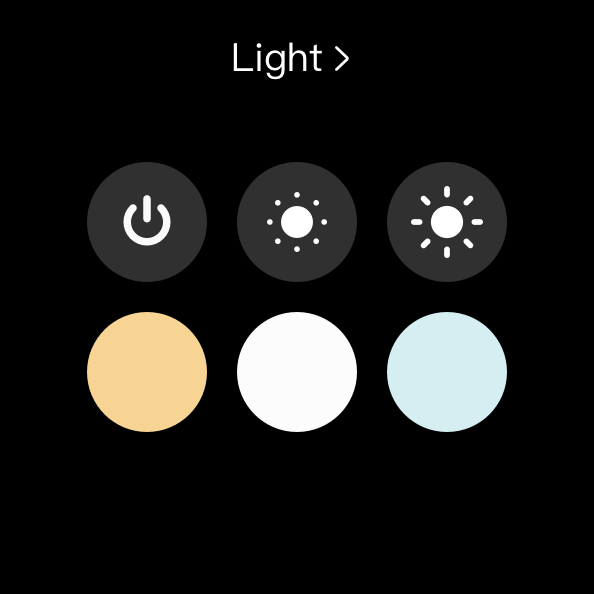
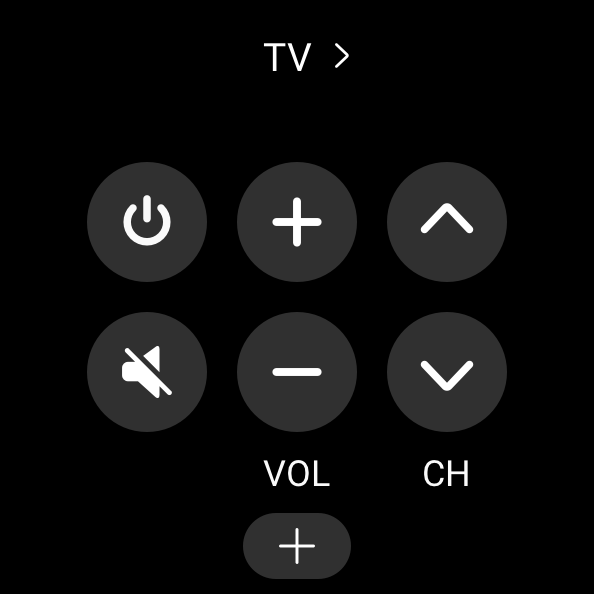
- Lihat status perangkat.
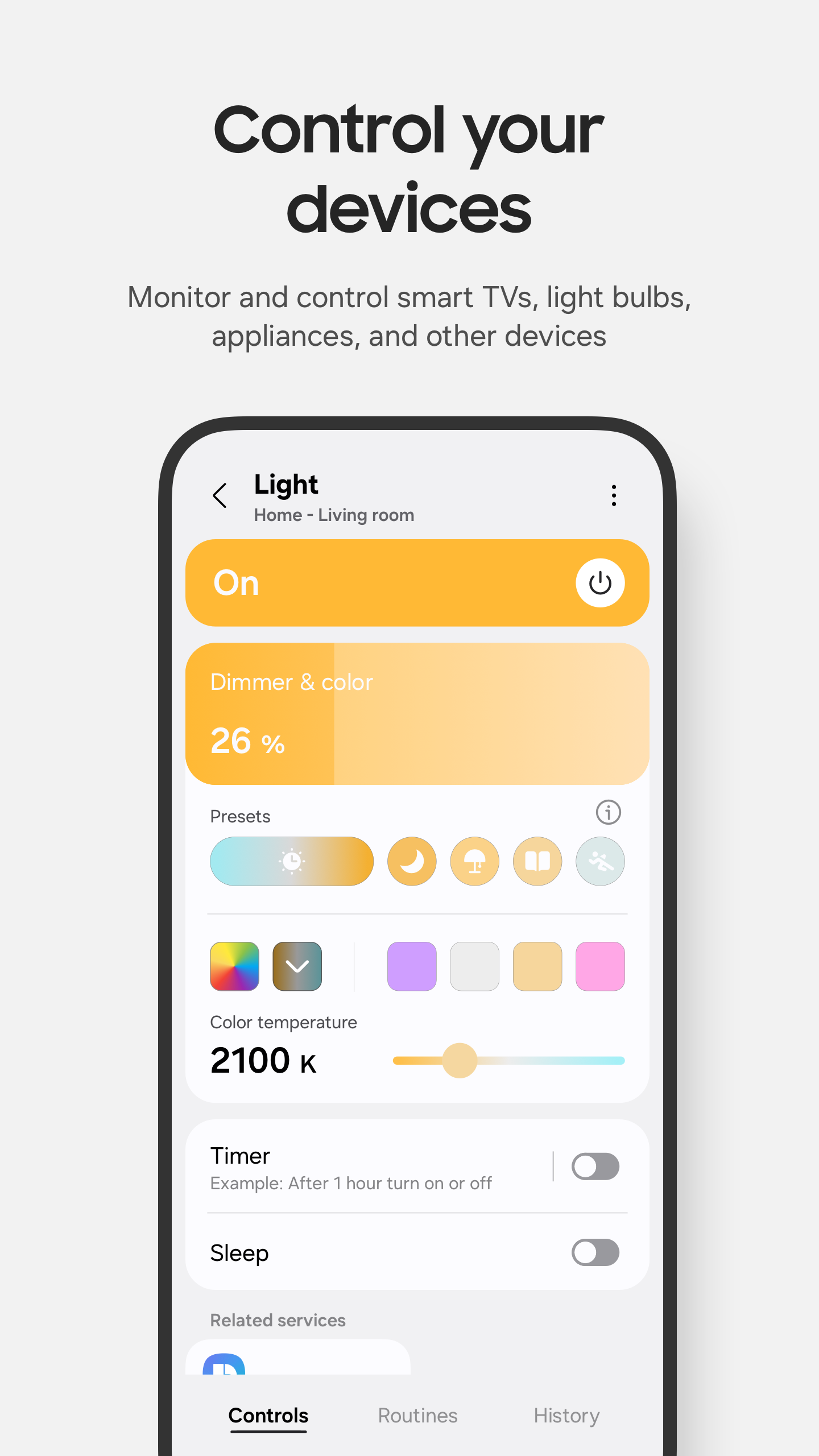
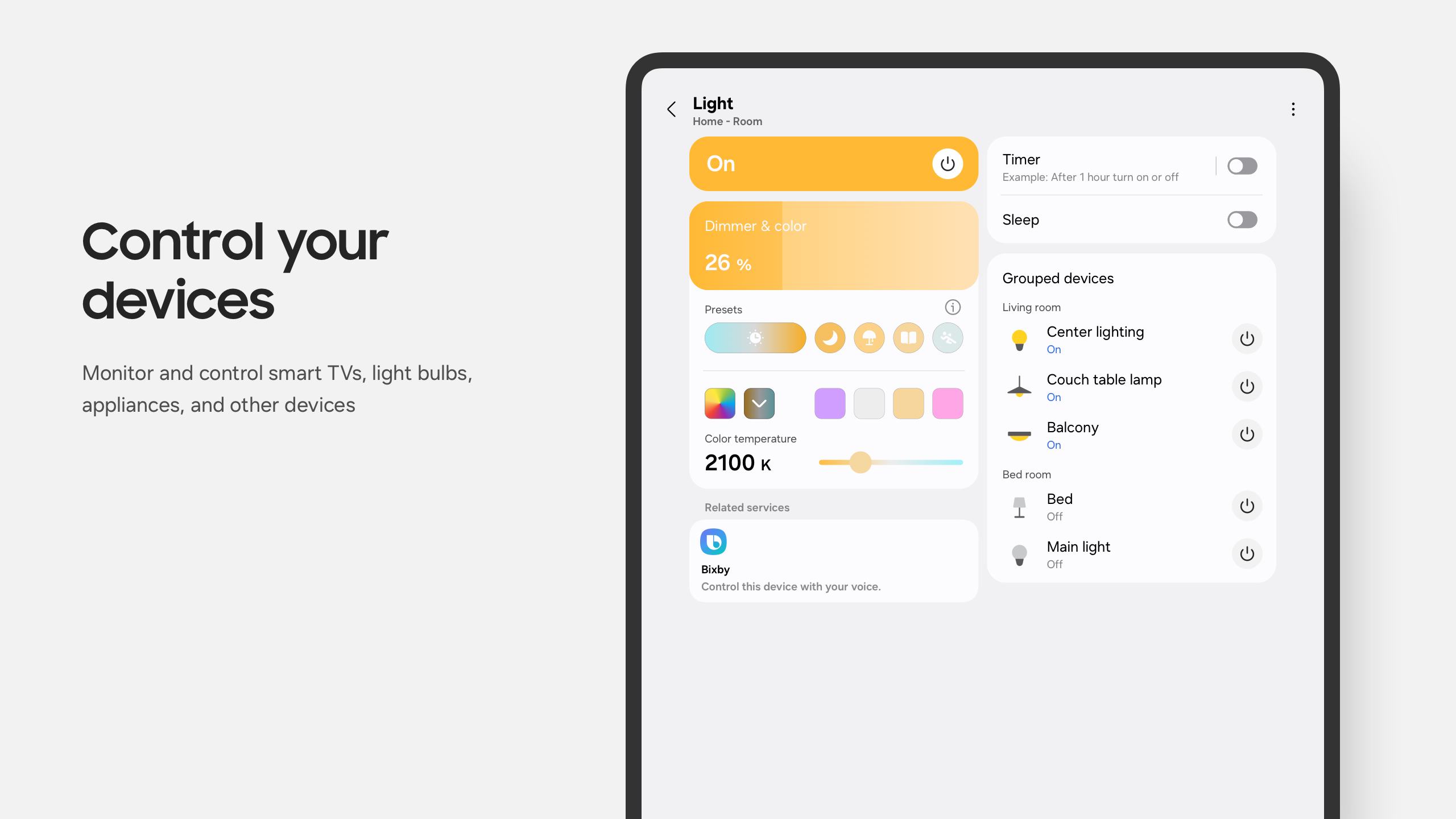
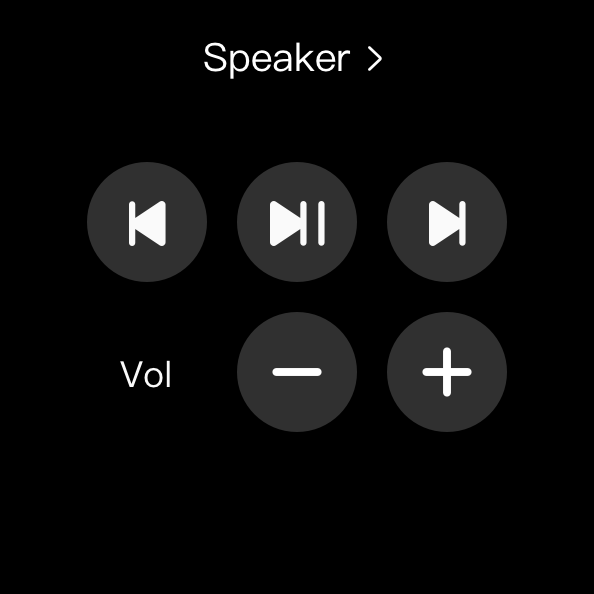
- Konfigurasi jarak jauh dari perangkat yang terhubung.
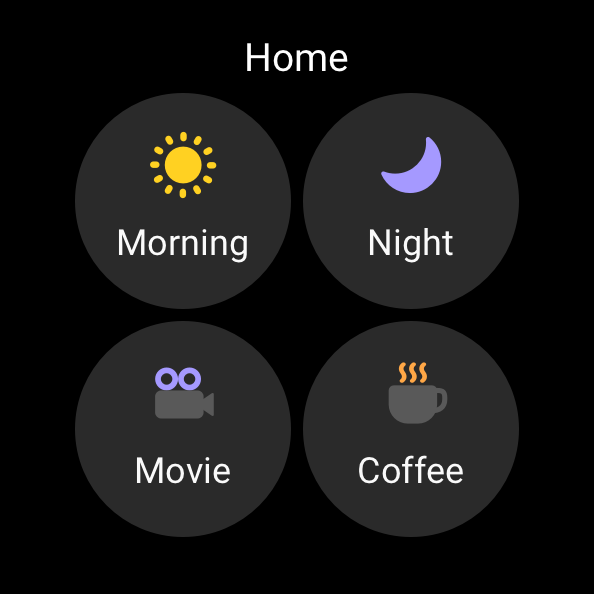
- Kelola beberapa perangkat sekaligus.
- Dukungan untuk notifikasi.
Deskripsi
Aplikasi SmartThings diperiksa oleh antivirus VirusTotal. Sebagai hasil pemindaian, tidak ada infeksi file yang terdeteksi oleh semua tanda tangan terbaru.
Cara memasang SmartThings
- Unduh file APK aplikasi dari apkshki.com.
- Temukan file yang diunduh. Anda dapat menemukannya di baki sistem atau di folder 'Download' menggunakan manajer file apa pun.
- Jika file yang diunduh berekstensi .bin (bug WebView di Android 11), ubah namanya menjadi .apk menggunakan pengelola file apa pun atau coba unduh file dengan browser lain seperti Chrome.
- Mulai penginstalan. Klik pada file yang diunduh untuk memulai penginstalan
- Izinkan penginstalan dari sumber yang tidak dikenal. Jika Anda menginstal untuk pertama kalinya SmartThings bukan dari Google Play, buka pengaturan keamanan perangkat Anda dan izinkan penginstalan dari sumber yang tidak dikenal.
- Lewati perlindungan Google Play. Jika proteksi Google Play memblokir penginstalan file, ketuk 'Info Lebih Lanjut' → 'Tetap instal' → 'OK' untuk melanjutkan..
- Selesaikan penginstalan: Ikuti petunjuk penginstal untuk menyelesaikan proses penginstalan.
Cara memperbarui SmartThings
- Unduh versi baru aplikasi dari apkshki.com.
- Cari file yang diunduh dan klik file tersebut untuk memulai penginstalan.
- Instal di atas versi lama. Tidak perlu menghapus instalasi versi sebelumnya.
- Hindari konflik tanda tangan. Jika versi sebelumnya tidak diunduh dari apkshki.com, pesan 'Aplikasi tidak terinstal' mungkin muncul. Dalam kasus ini, hapus instalan versi lama dan instal versi baru.
- Mulai ulang lampiran SmartThings setelah pembaruan.















Meminta pembaruan aplikasi
Ditambahkan Denis Rubinov
Versi: 1.8.33.25
Ukuran: 132.6 MB
Diperbarui: 24.06.2025
Developer: Samsung Electronics Co., Ltd.
Batasan Usia: Everyone
Otorisasi:
Diunduh di Google Play: 906270951
Kategori: Gaya hidup















Ulasan untuk SmartThings
it took 4 tries in 1yr took get a rest for my password because of the previous 2part authentication. do better samsung
Aries ♈️ 10 BTC
❤️
a bunch of stuff I'm not looking for
good
I love that app
Interesting. I feel like Ironman
doesn't support our Samsung TV anymore due to updates.
murokumar
We hate this update!
The only time I have a use for the SmartThings app is to get help finding my watch. But the feature needs a download within the app (which in itself is annoying) but no matter how many times I tap on the Find card the add-on never downloads. No errors or any other indication of what's wrong. For a feature that is normally needed in an urgency to be a useless tile in the app is just horrible product design.
I've never had an issue with this app and it has always worked well. But since the newest update I no longer have the status bar in with my notifications. The bar that was a drop down menu where I could switch between connected devices. It was so convenient and easy to use. I've looked through the settings trying to figure out if it was just optional now and I haven't been able to find anything. I'd absolutely love if we bring it back or tell me how to re-enable it.
It's overly complicated and unreliable. Does work well with our Frame TV. Sometimes it won't connect so we can't turn the TV on. You would think it would be easier to navigate to Netflix or Hulu via the app, but all it is is a digital version of the remote. Have fun entering passwords by swiping on a touchpad to select letter by letter on your TV. It could be so much better.
Updated 6/22: redownloaded this app to add my washing machine and dryer, it won't even add them before giving an error! Garbage app. Will not allow me to download controller for my smart TV. I couldn't even setup the TV using the app - I ended up having to set it up manually (like someone else on the reviews said, it just got stuck at 34%). Now it's running, I can power my tv on and off but nothing else. Submitted a ticket but heard nothing back.
App is really unintuitive, the layout, tabs, pages and deep menus/settings are so convuluted. The app is extremely glitchy. SmartThings with dumb coding. It crashes constantly and has trouble making/maintaining connections. My SmartThings account is linked to my Google Home app/ecosystem, and my smart home products connect fine and just plain work. While on the SmartThings app it's still having issues with everything the Google Home app handles easily, like turning on a light.
Kirimkan komentar
Untuk memberikan komentar, masuklah dengan jejaring sosial Anda:
Atau tinggalkan komentar anonim. Komentar Anda akan dikirim untuk dimoderasi.
Kirimkan komentar
Untuk memberikan komentar, masuklah dengan jejaring sosial Anda:
Atau tinggalkan komentar anonim. Komentar Anda akan dikirim untuk dimoderasi.