



Samsung Music
71+
unduhan5.0+
versi Android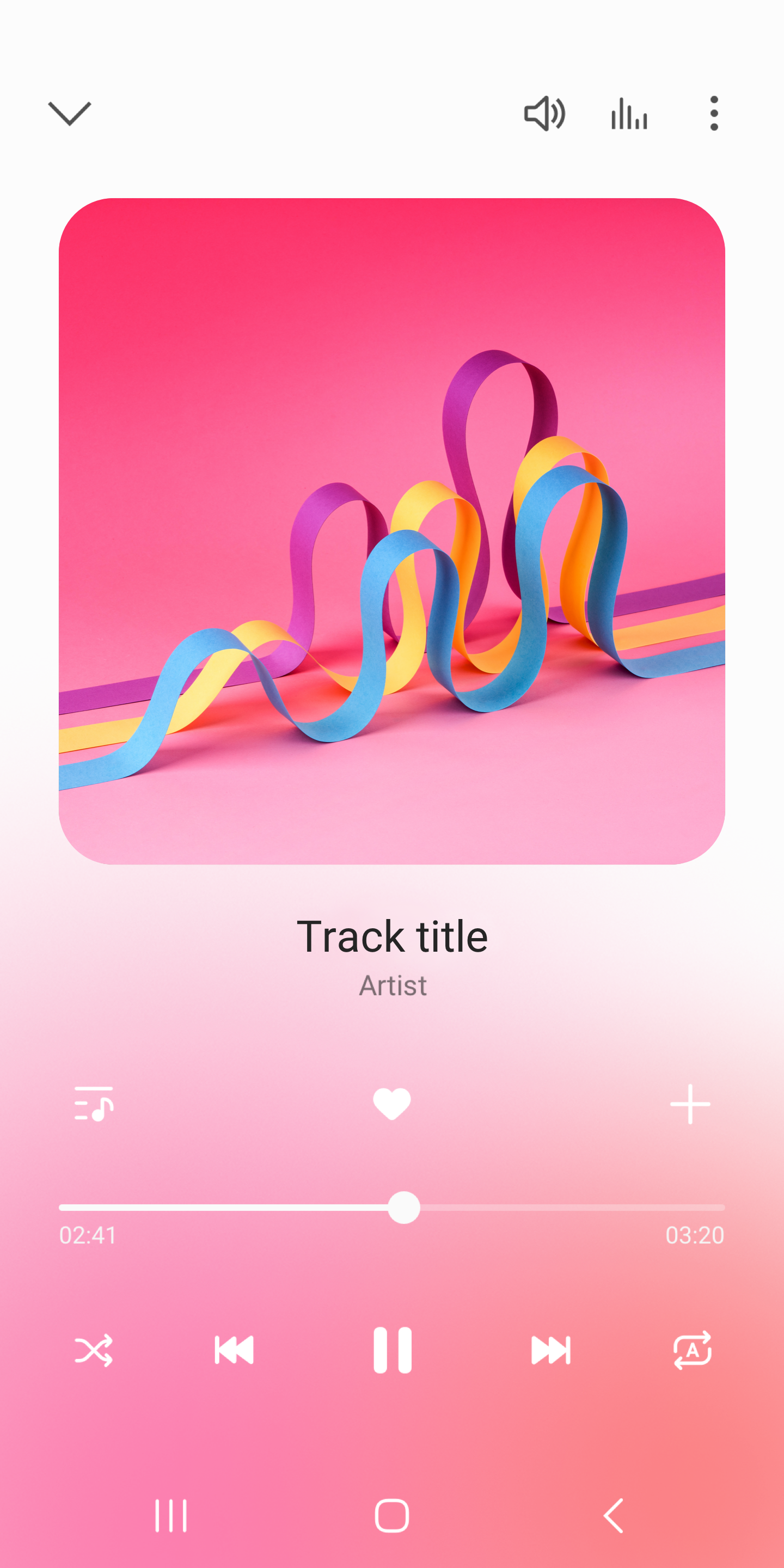
Ditambahkan: Denis Rubinov
Versi: 6.0
Ukuran: 0.7 MB
Diperbarui: 19.05.2025
Developer: Samsung Electronics Co., Ltd.
Batasan Usia: Teen
Otorisasi: 35
Diunduh di Google Play: 1055082252
Kategori: Musik dan audio
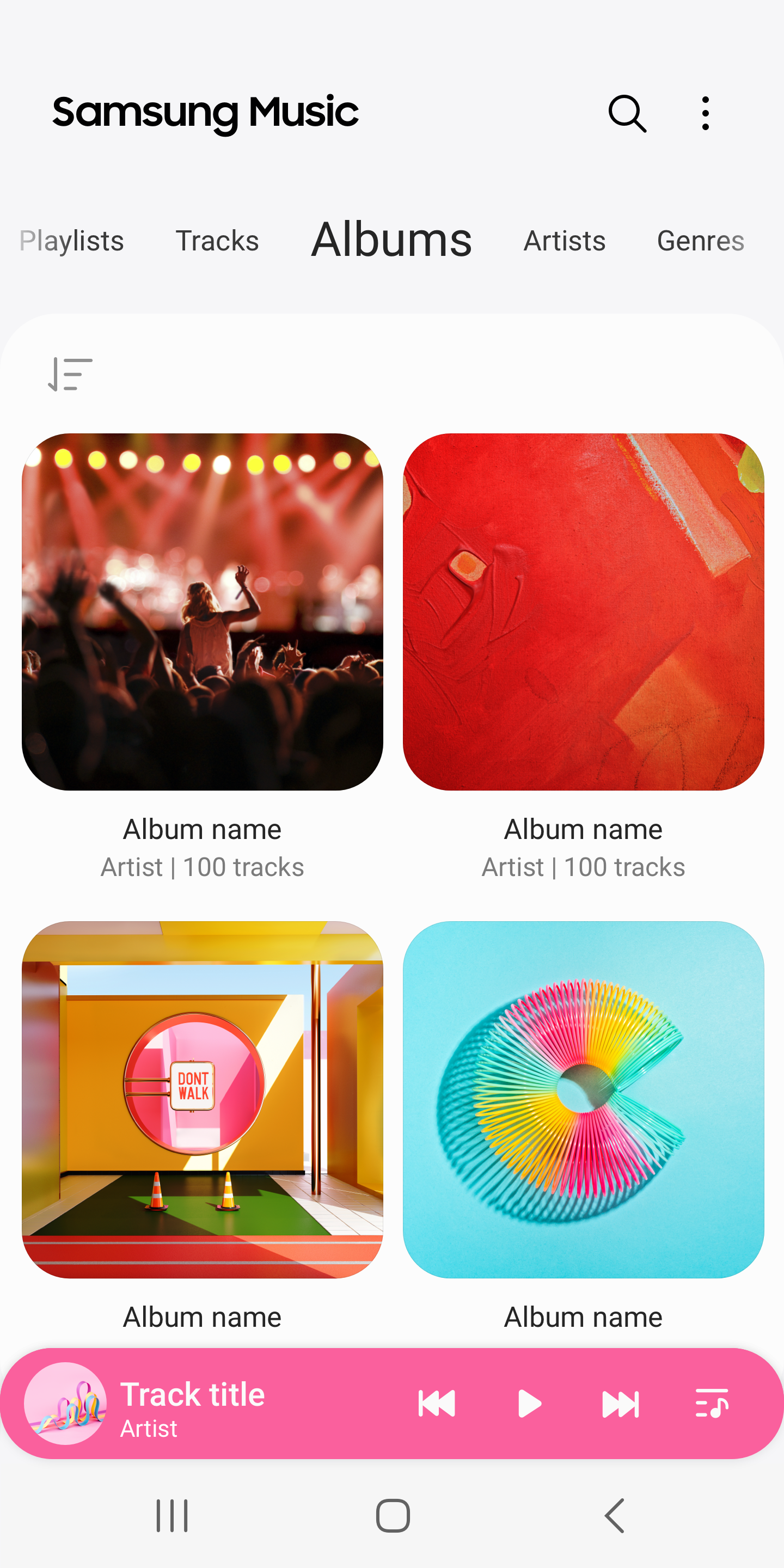
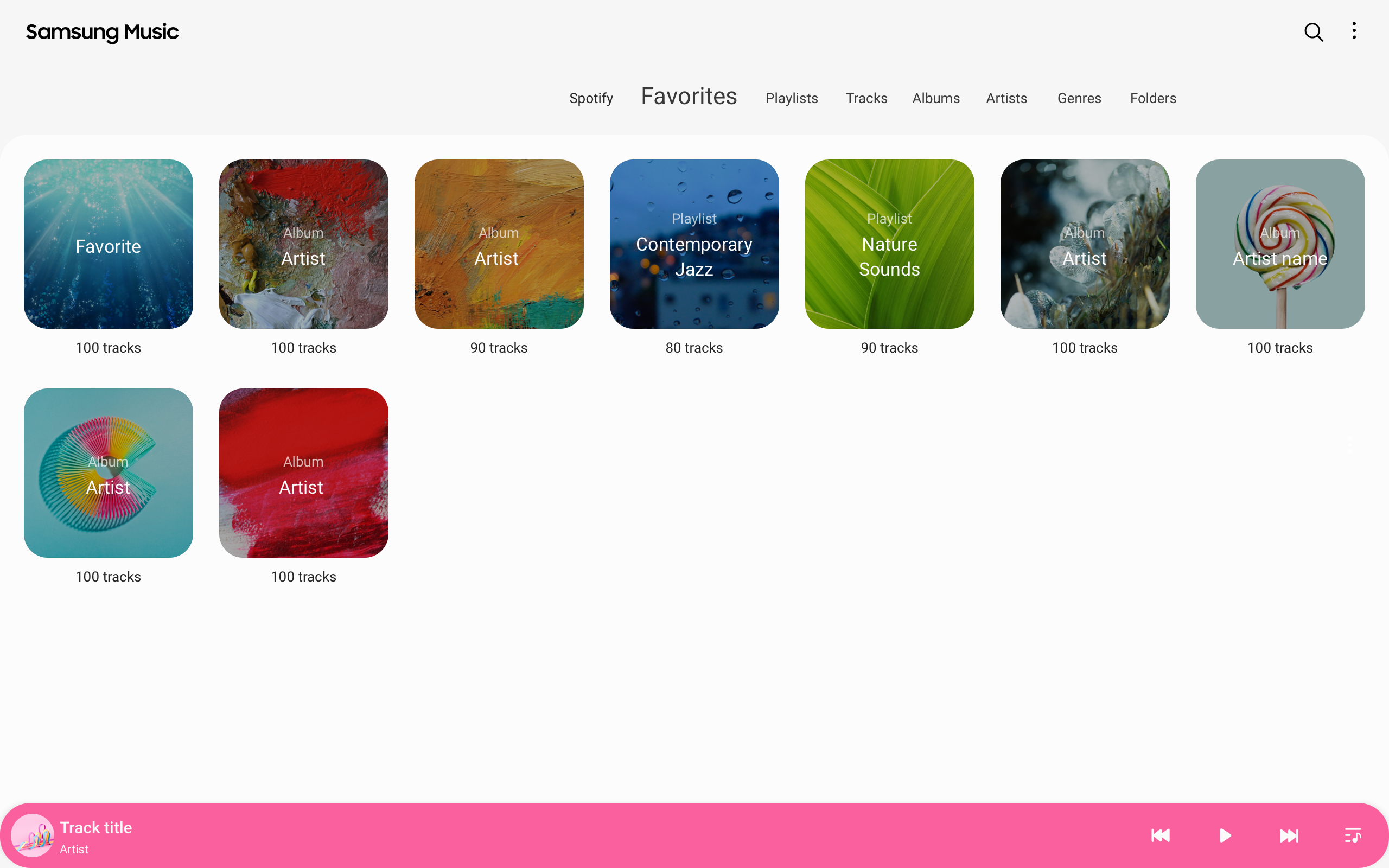
- Mendukung format lossy dan lossless.
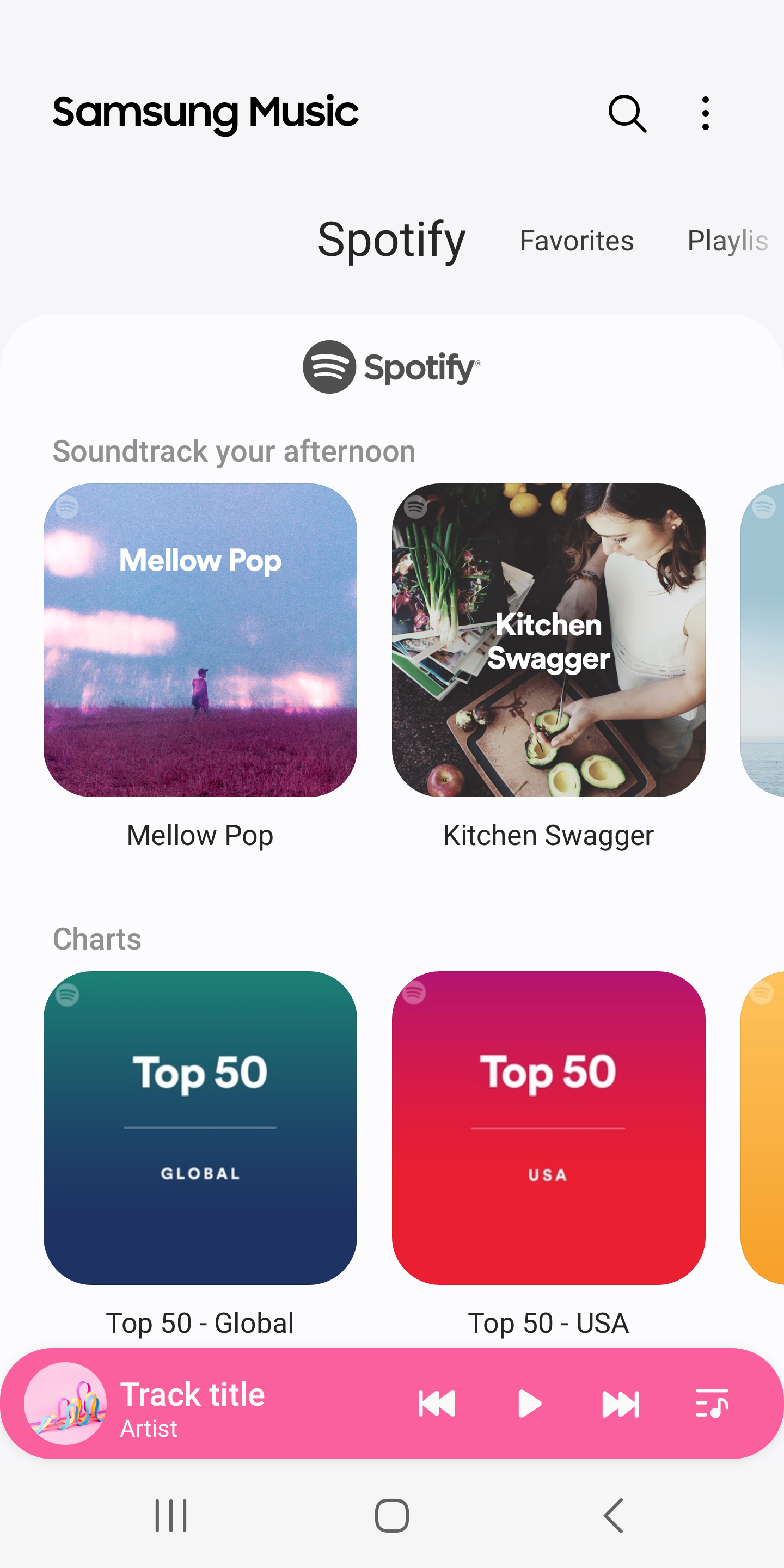
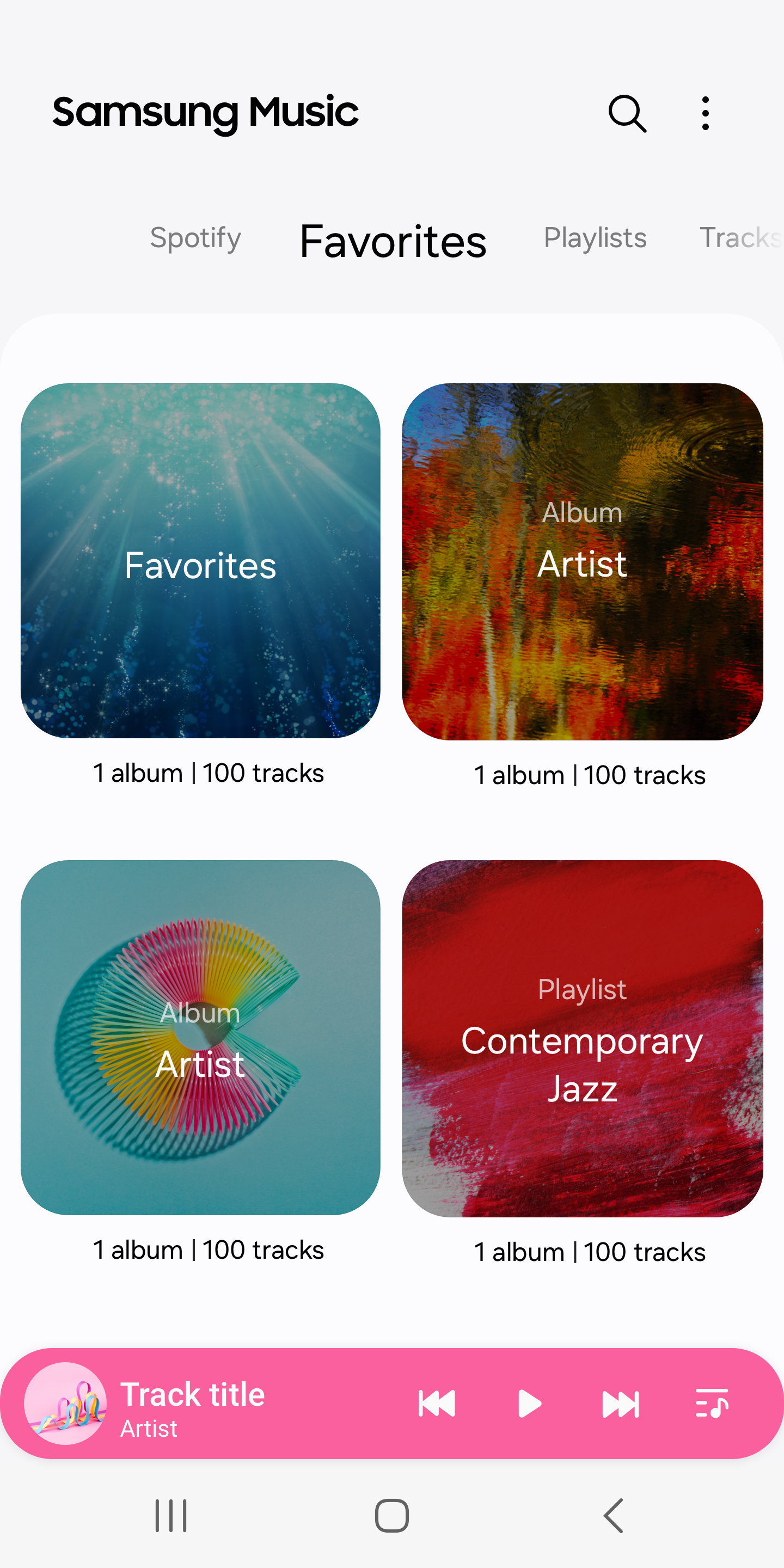
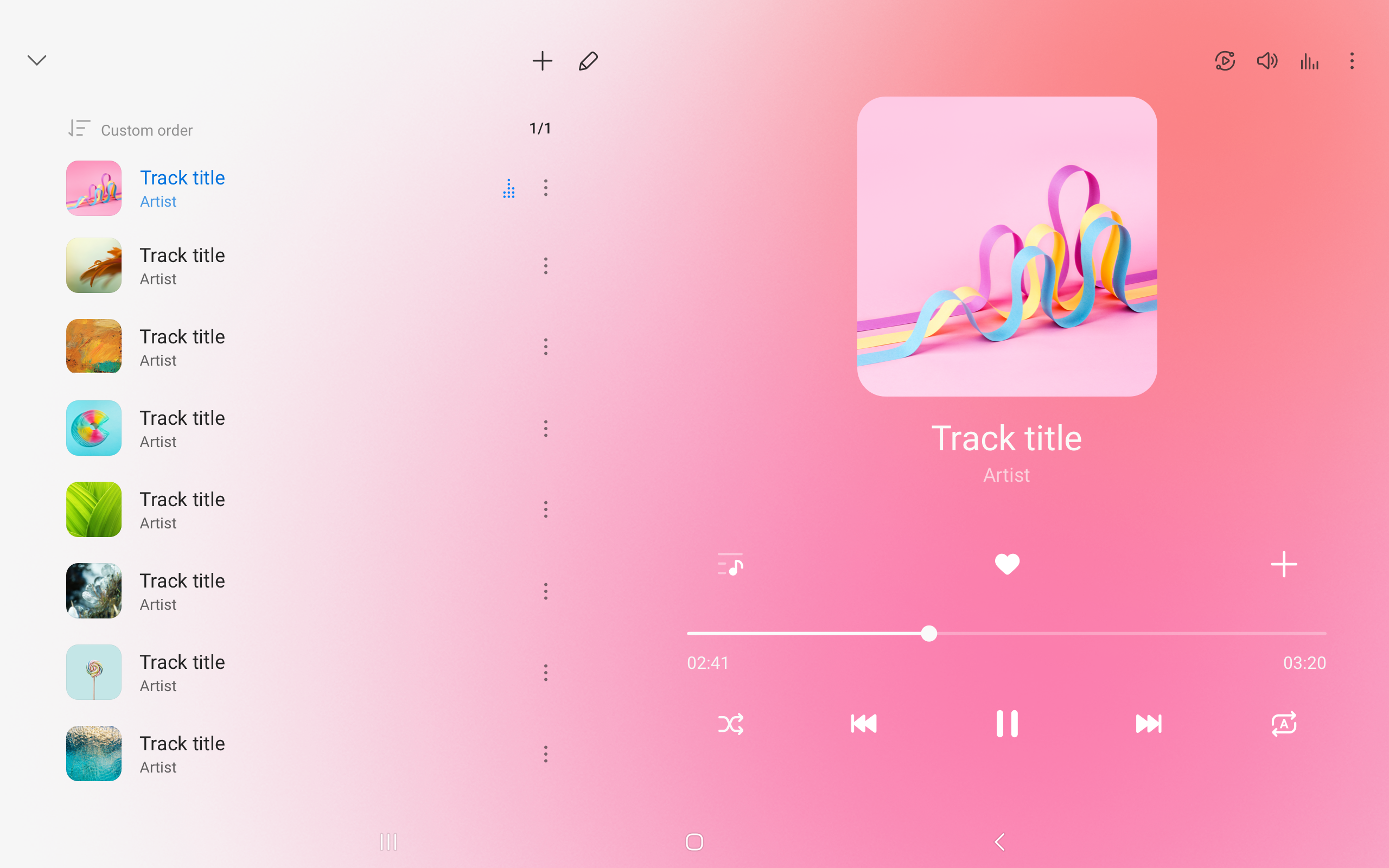
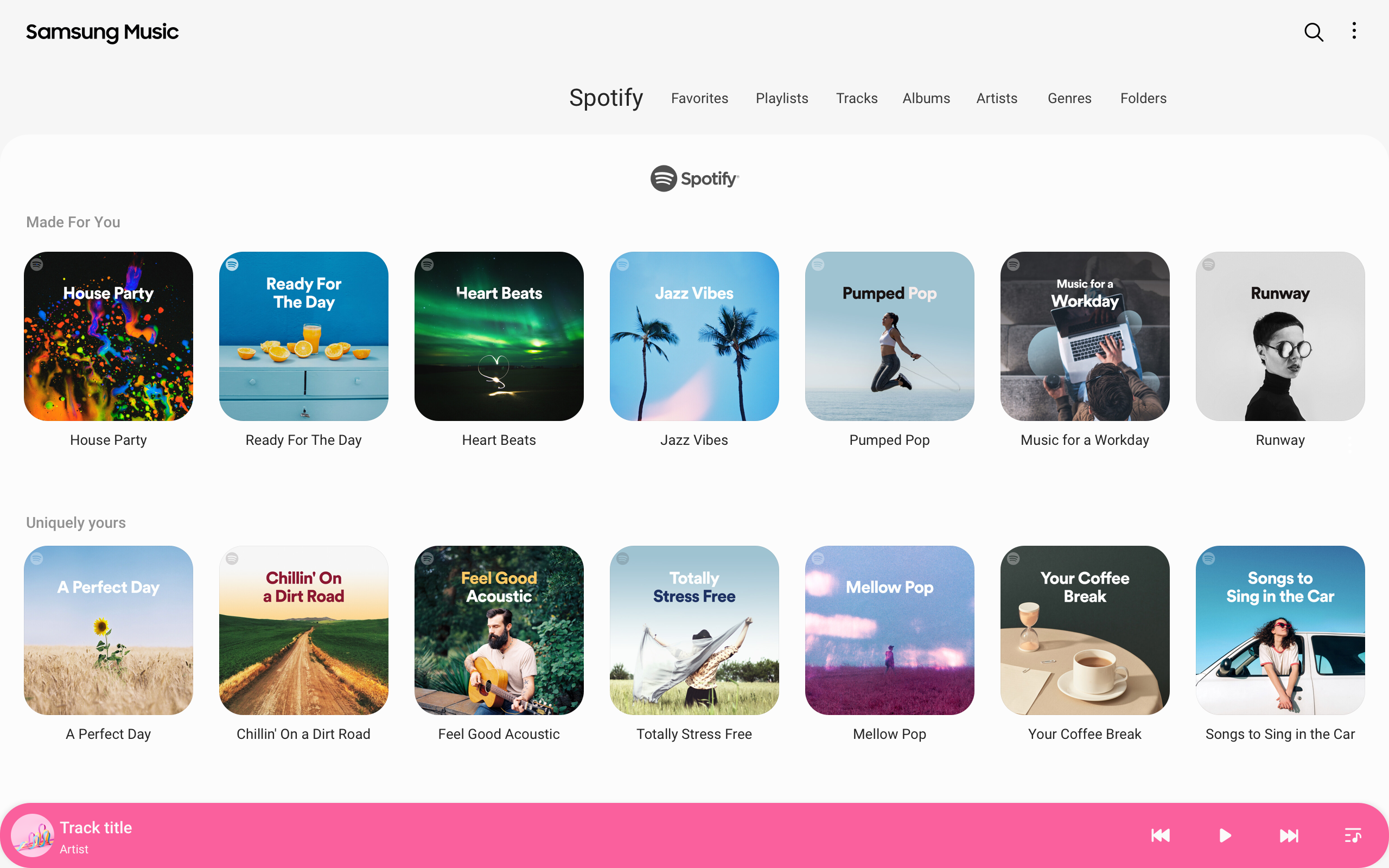
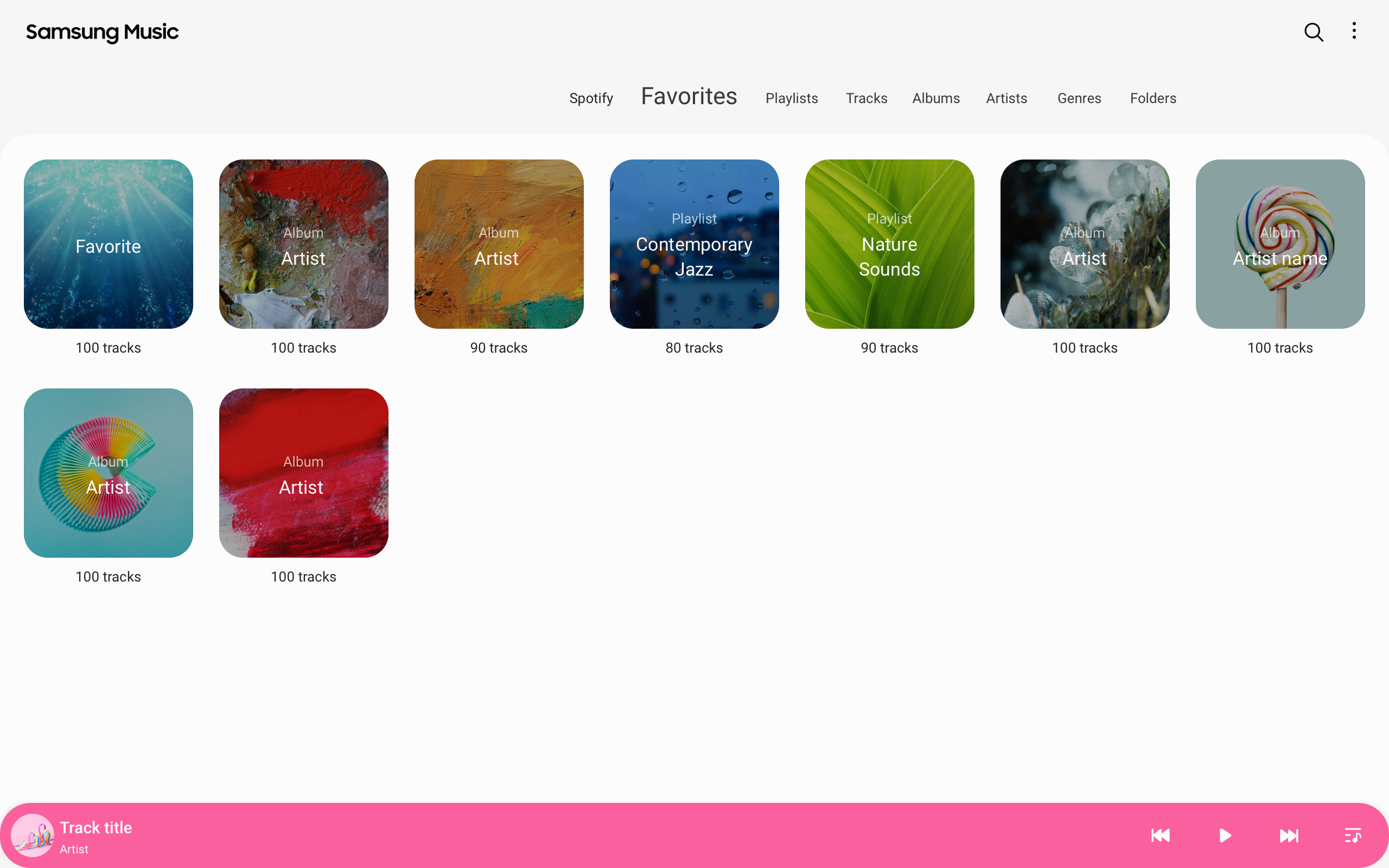
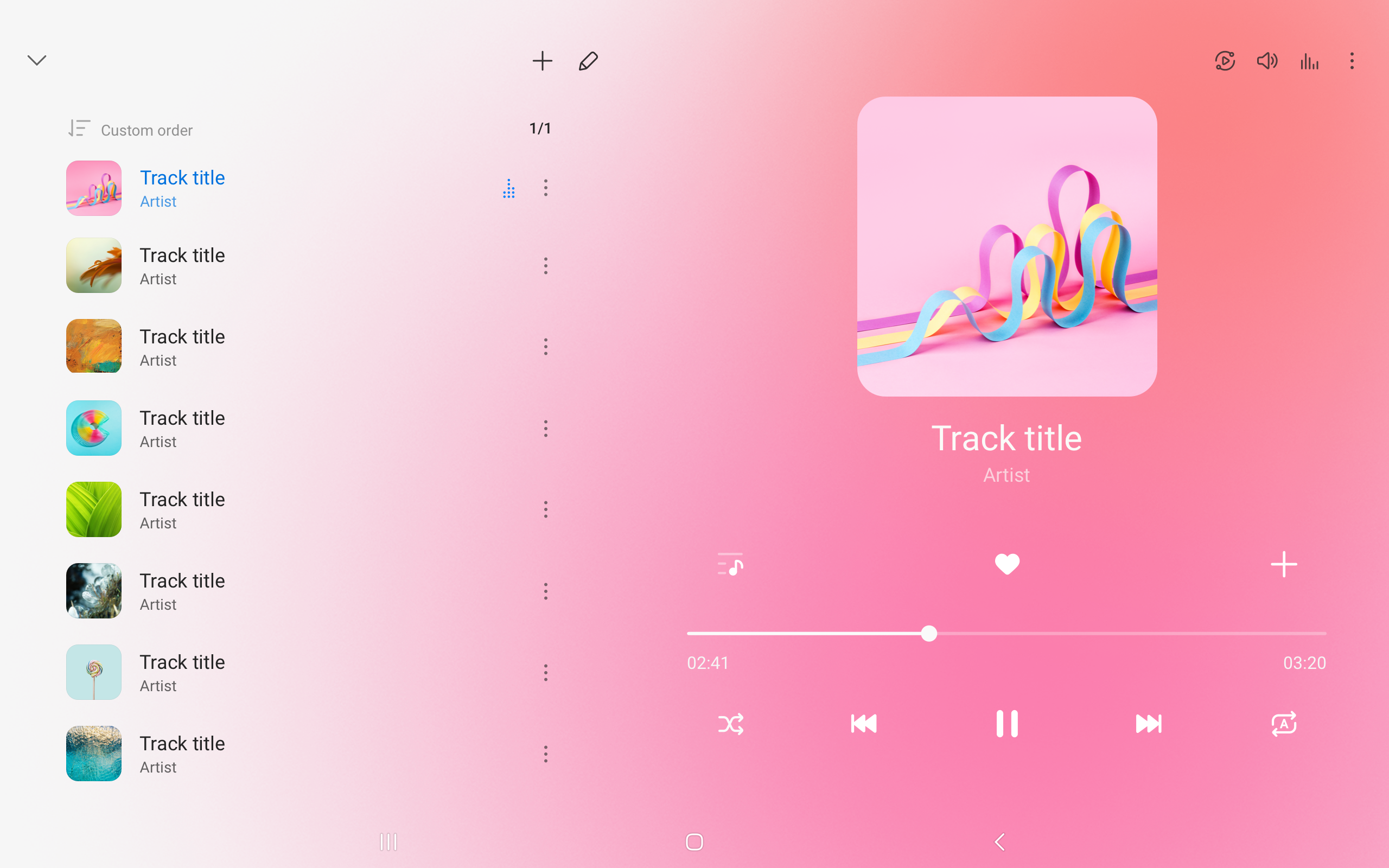
- Antarmuka yang intuitif.
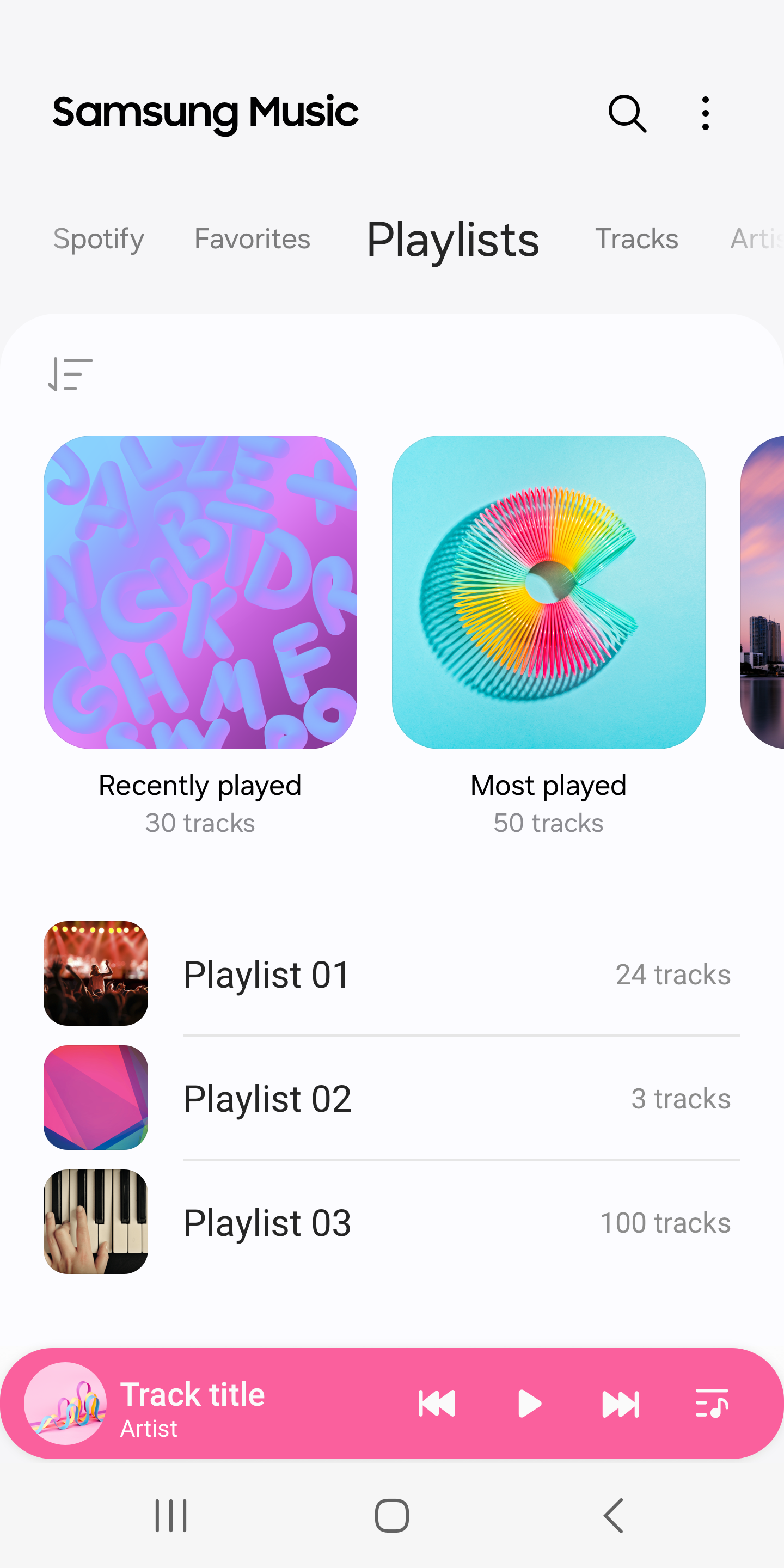
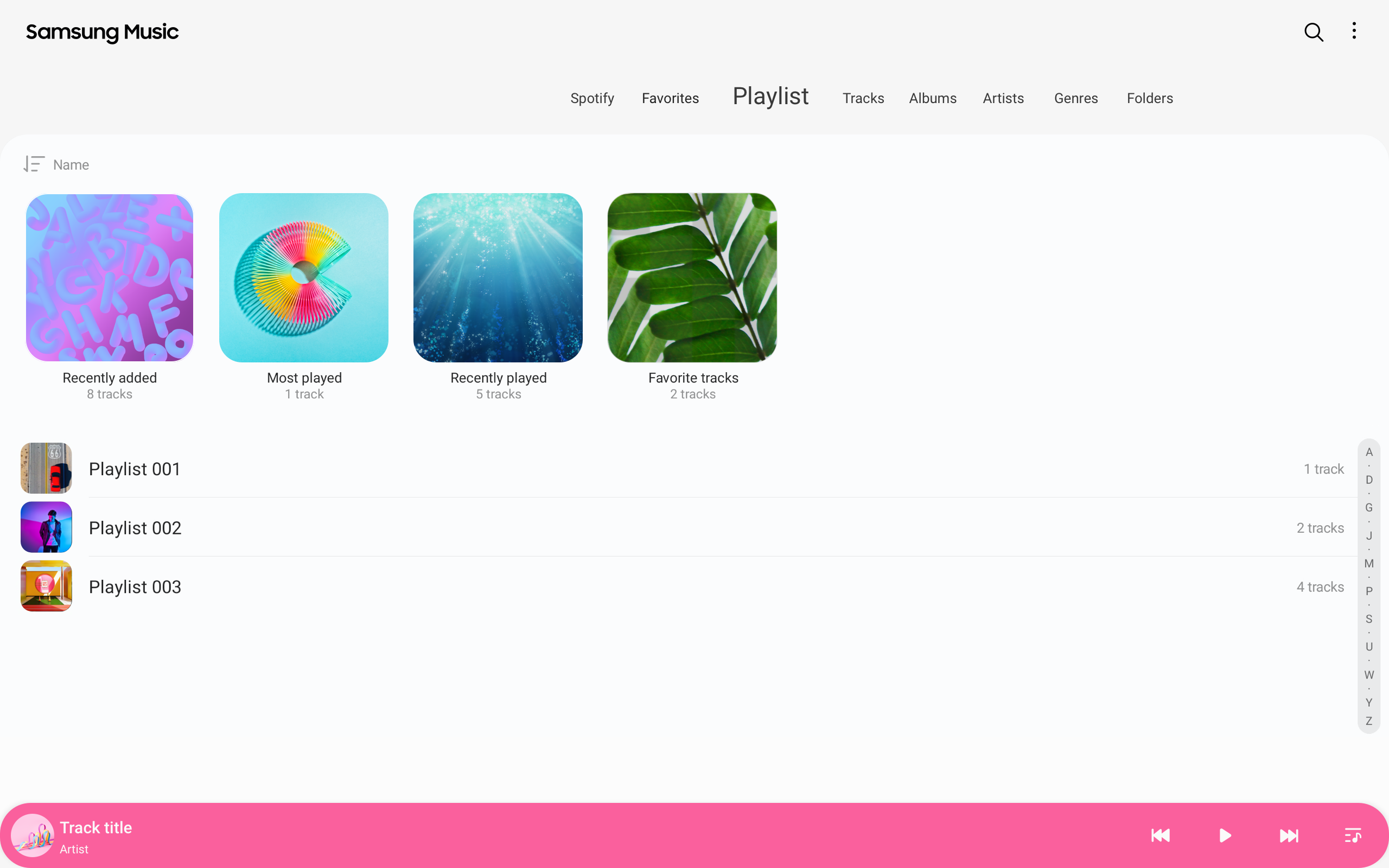
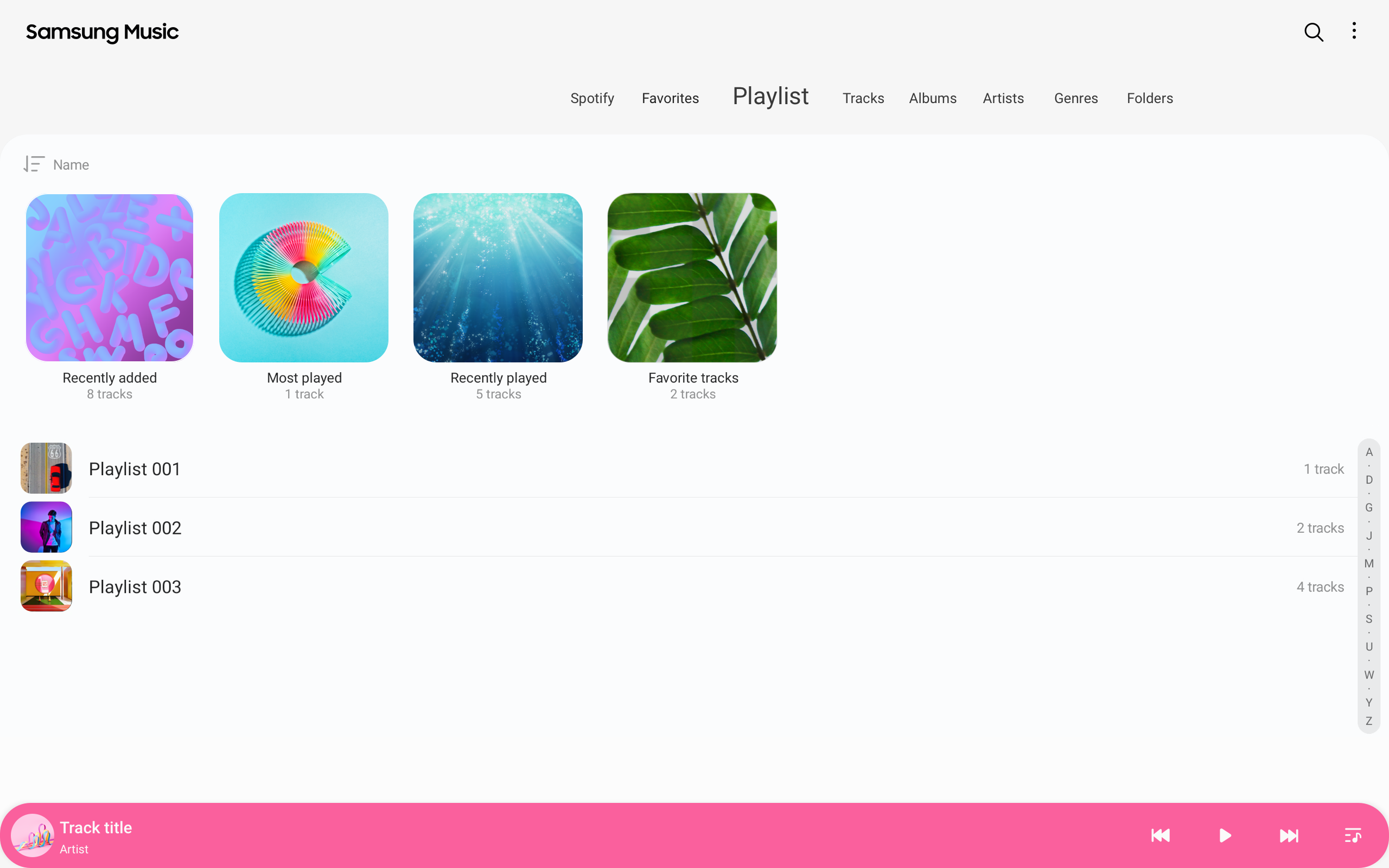
- Dukungan untuk daftar putar.
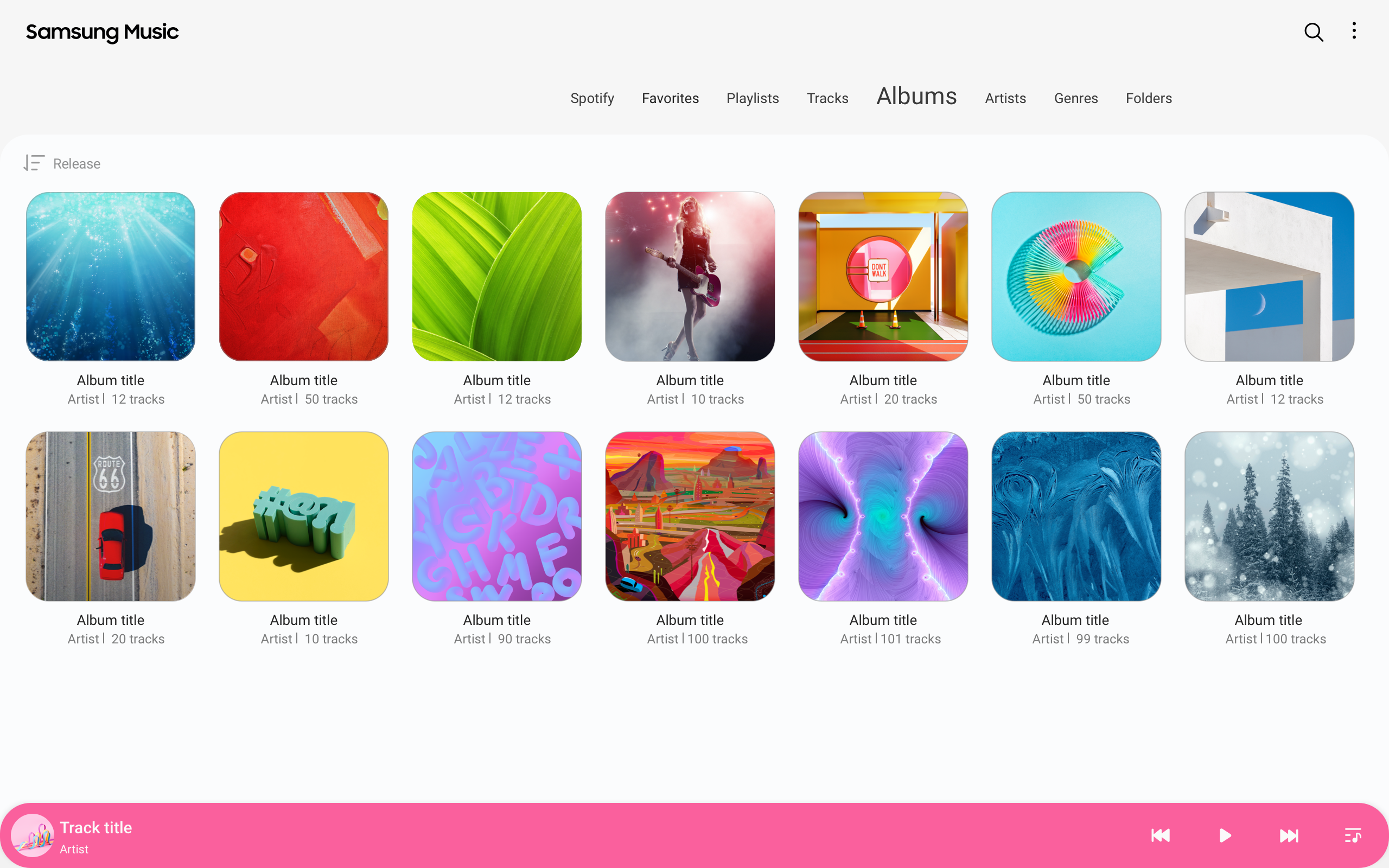
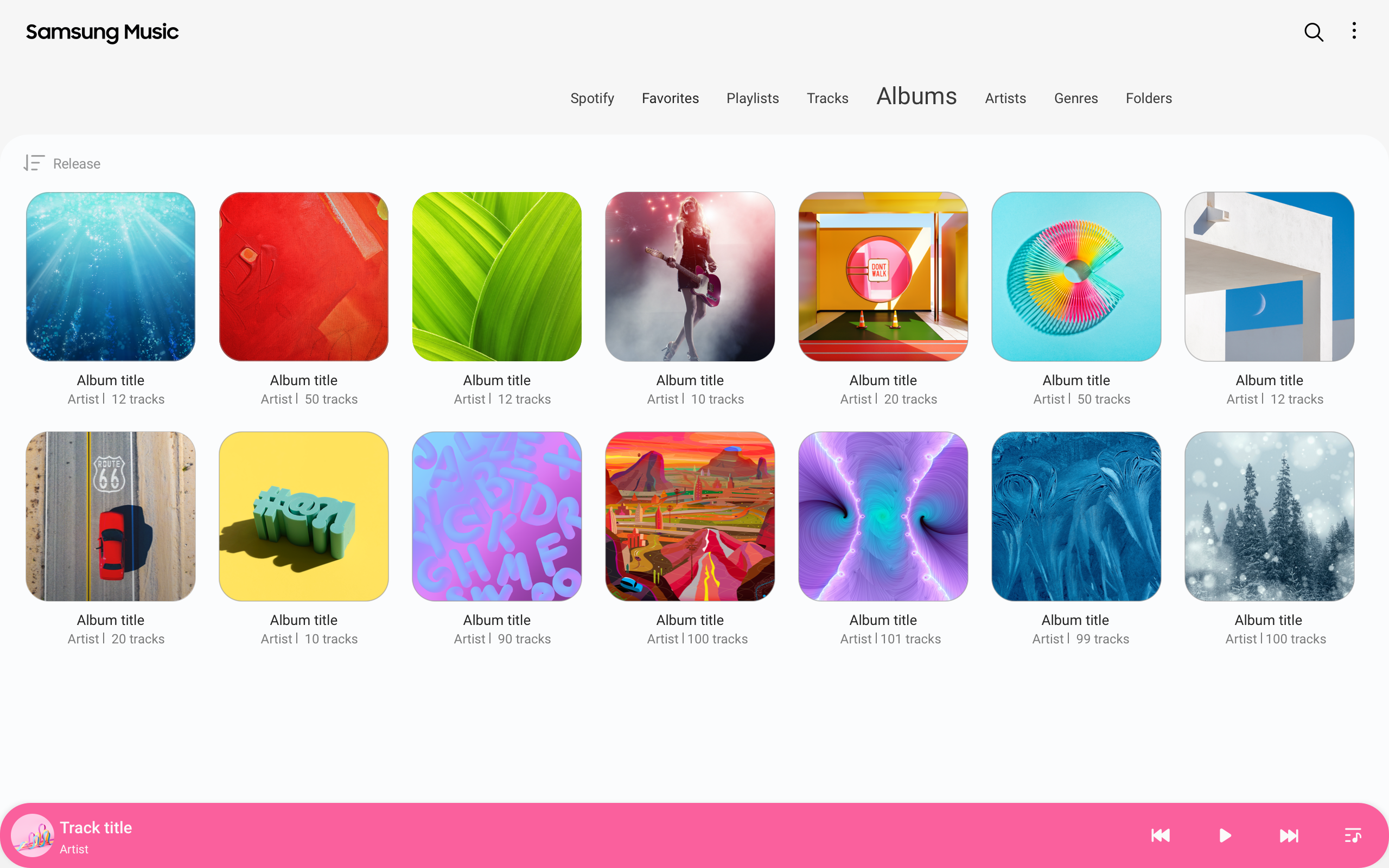
- Urutkan musik.
Deskripsi
Aplikasi Samsung Music diperiksa oleh antivirus VirusTotal. Sebagai hasil pemindaian, tidak ada infeksi file yang terdeteksi oleh semua tanda tangan terbaru.
Cara memasang Samsung Music
- Unduh file APK aplikasi dari apkshki.com.
- Temukan file yang diunduh. Anda dapat menemukannya di baki sistem atau di folder 'Download' menggunakan manajer file apa pun.
- Jika file yang diunduh berekstensi .bin (bug WebView di Android 11), ubah namanya menjadi .apk menggunakan pengelola file apa pun atau coba unduh file dengan browser lain seperti Chrome.
- Mulai penginstalan. Klik pada file yang diunduh untuk memulai penginstalan
- Izinkan penginstalan dari sumber yang tidak dikenal. Jika Anda menginstal untuk pertama kalinya Samsung Music bukan dari Google Play, buka pengaturan keamanan perangkat Anda dan izinkan penginstalan dari sumber yang tidak dikenal.
- Lewati perlindungan Google Play. Jika proteksi Google Play memblokir penginstalan file, ketuk 'Info Lebih Lanjut' → 'Tetap instal' → 'OK' untuk melanjutkan..
- Selesaikan penginstalan: Ikuti petunjuk penginstal untuk menyelesaikan proses penginstalan.
Cara memperbarui Samsung Music
- Unduh versi baru aplikasi dari apkshki.com.
- Cari file yang diunduh dan klik file tersebut untuk memulai penginstalan.
- Instal di atas versi lama. Tidak perlu menghapus instalasi versi sebelumnya.
- Hindari konflik tanda tangan. Jika versi sebelumnya tidak diunduh dari apkshki.com, pesan 'Aplikasi tidak terinstal' mungkin muncul. Dalam kasus ini, hapus instalan versi lama dan instal versi baru.
- Mulai ulang lampiran Samsung Music setelah pembaruan.









Poweramp Music Player (Trial)
Musik dan audio

Music Player
Musik dan audio

AIMP
Musik dan audio

Music Player - Mp3 Player
Musik dan audio

Mp3Mp4U Download mp3
Musik dan audio

Yandex Music, Books & Podcasts
Musik dan audio

Zaycev.Net: music for everyone
Musik dan audio

MX Player Codec (ARMv6 VFP)
Pemutar & Editor Video
Meminta pembaruan aplikasi
Ditambahkan Denis Rubinov
Versi: 6.0
Ukuran: 0.7 MB
Diperbarui: 19.05.2025
Developer: Samsung Electronics Co., Ltd.
Batasan Usia: Teen
Otorisasi:
Diunduh di Google Play: 1055082252
Kategori: Musik dan audio















Ulasan untuk Samsung Music
best music app that I've used
La mejor
we need somewhere to paste lyrics
why does it stop playing suddenly and when I try to play back the song, it restart from the beginning. fix it!!
I wish it had extra features like searching for album covers via the internet, auto adding album covers and tags based on internet search results, and adding lyrics. Some music tag editor apps have similar features.
it's perfect for me
app has gone to garbage. constantly resetting and not saving where I was.
the app is good and self explanatory but why not just pre install it within Samsung devices?
All updates can't respond
I'm forced to uninstall this latest update but manually download previous apk versions because they disabled Alphabetical scrolling. The app has no difference from other music players. Update: I am using a Note 20 Ultra & I'm restricted to installing previous Samsung Music Apks of certain versions only. Yet those older Apks, although u can Alphabetically scroll your music tracks initially, this function is somehow gets disabled when u use the app a 2nd time onwards. This app sucks throughout.
Seems to be a duplicate issue as another user, I've been using this app forever and just this week it has stopped playing continuously. I have to go in and press pause and then play for EACH song. Please fix this, Samsung! This is horrible, especially when listening to music while working out.
S21 FE5G.I've been using the Samsung music app for a very long time, but it seems that this last update really messed things up, I used to be able to listen to all of my downloaded music no matter what the audio version was, but now it won't over half my music due the audio file it is, I get a "Failed to Play" message on songs that I've played many times before no matter what audio file it is, I used to really like this app, but not anymore since the most recent update. PLEASE FIX THIS ISSUE.
Extremely unintuitive. When you select a song in a playlist, it just plays that one song, not the entire playlist. When you play an album, selecting a new song from a different album doesn't que the new album, it plays the selected song then goes back to the old que. You have to manually clear que each time.
I've been using this app for the longest and it has never been a problem but this last update kind of messed it up a little. When I listen to one song its supposed to go to play the next song automatically but if it goes to the next song or I choose another song it doesn't play it until I press pause then play and then it will play the song. It is highly annoying having to do this with every single song.
It's disappointing to have a music player that offers playlist but once a playlist is selected it won't play the playlist, it plays the all the songs that are in the music library instead. So when in a mood and want to listen to something different and just those particular songs on a certain list and I've got to listen to everything instead. Defeats the whole purpose of having playlists then.
Kirimkan komentar
Untuk memberikan komentar, masuklah dengan jejaring sosial Anda:
Atau tinggalkan komentar anonim. Komentar Anda akan dikirim untuk dimoderasi.
Kirimkan komentar
Untuk memberikan komentar, masuklah dengan jejaring sosial Anda:
Atau tinggalkan komentar anonim. Komentar Anda akan dikirim untuk dimoderasi.