



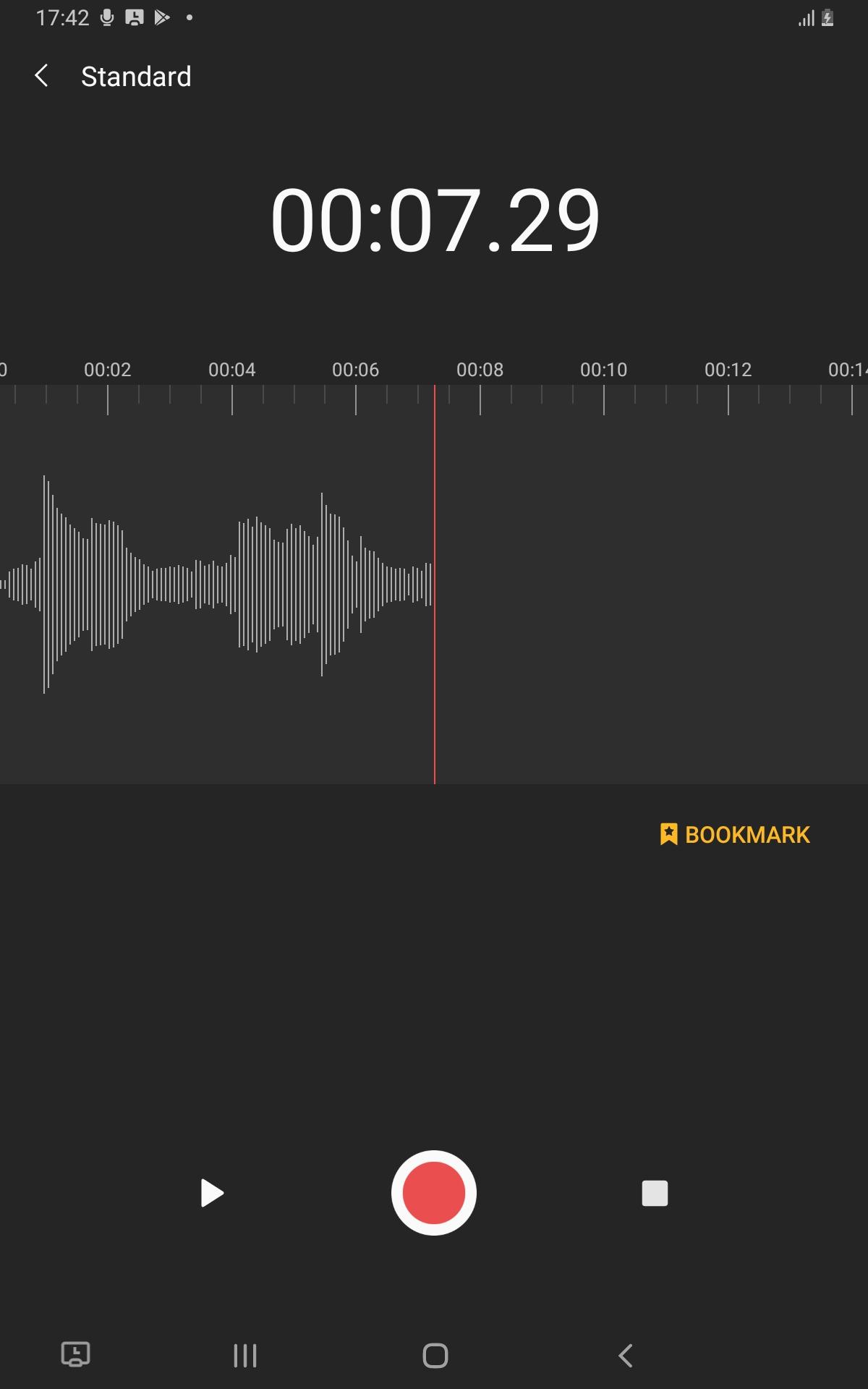
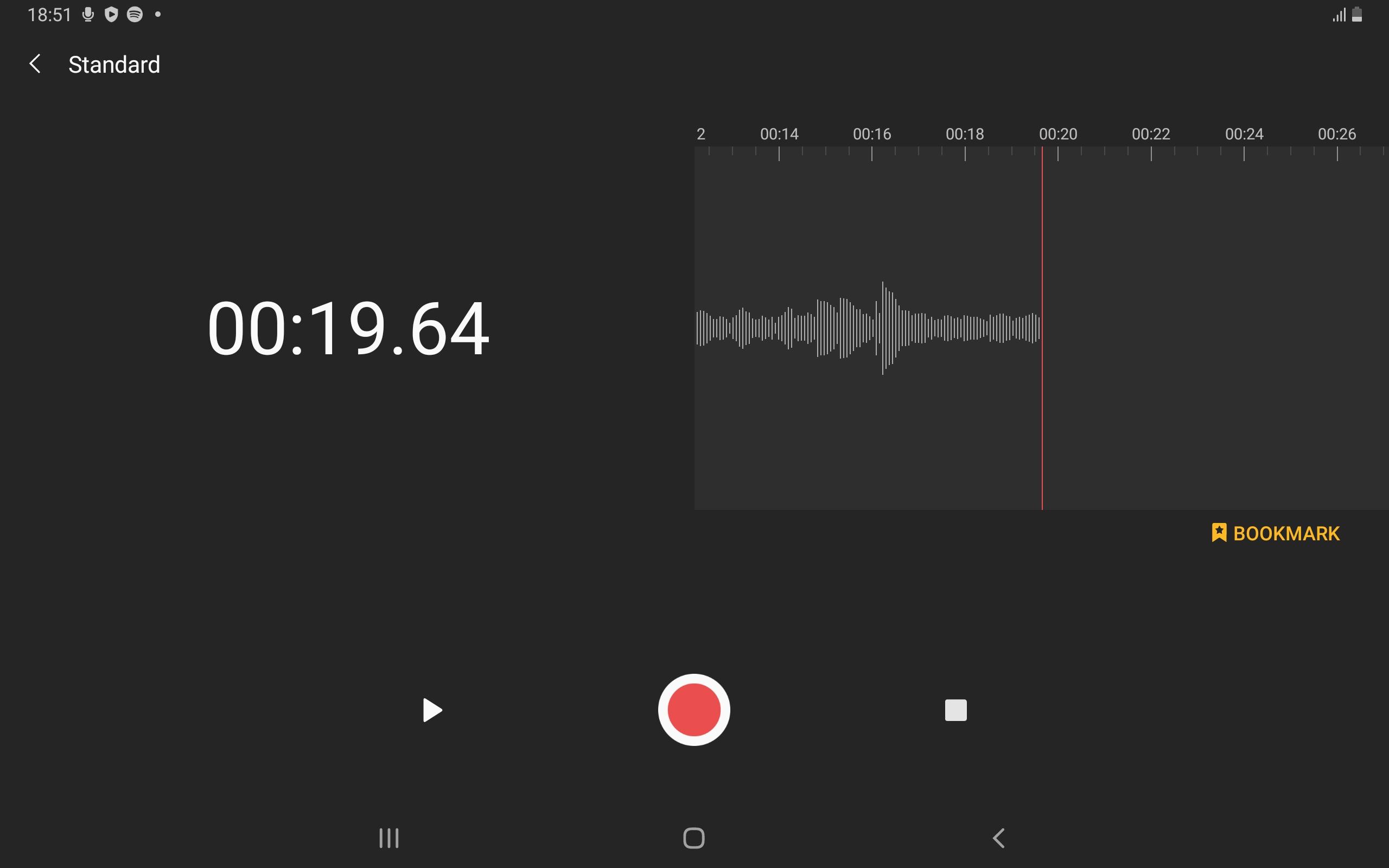
Samsung Voice Recorder
23+
unduhan1.0+
versi Android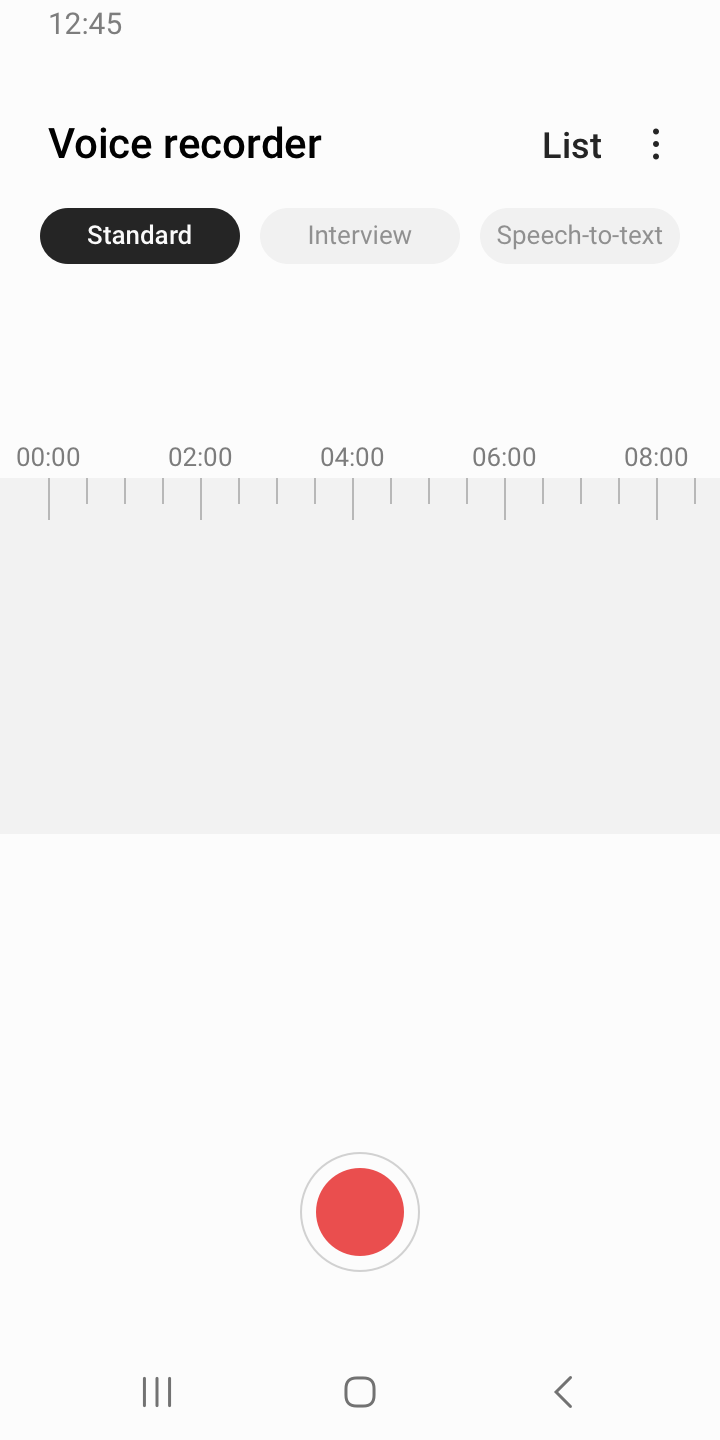
Ditambahkan: Denis Rubinov
Versi: 21.5.80.32
Ukuran: 31.9 MB
Diperbarui: 21.05.2025
Developer: Samsung Electronics Co., Ltd.
Batasan Usia: Everyone
Otorisasi: 31
Diunduh di Google Play: 2157765616
Kategori: Alat
- Bekerja secara gratis.
- Tidak mengandung iklan.
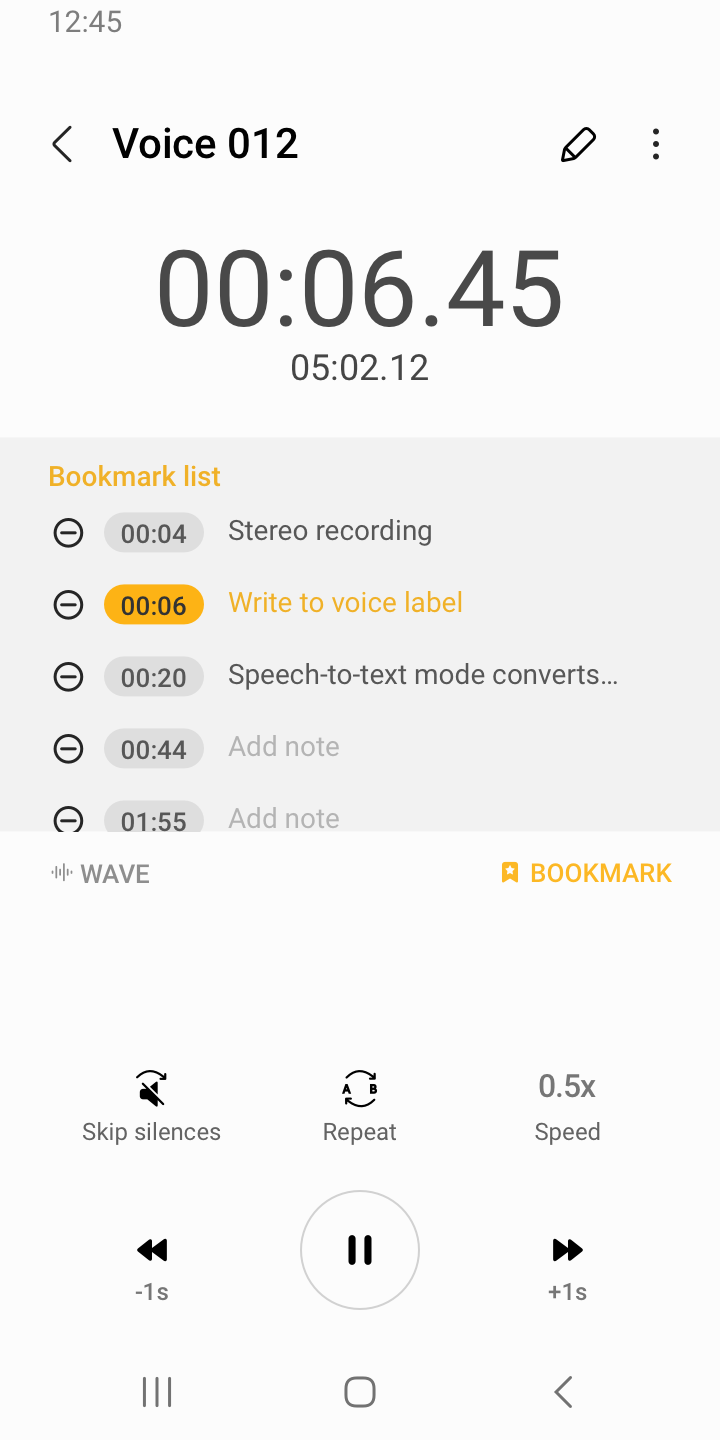
- Ada pengurangan kebisingan.
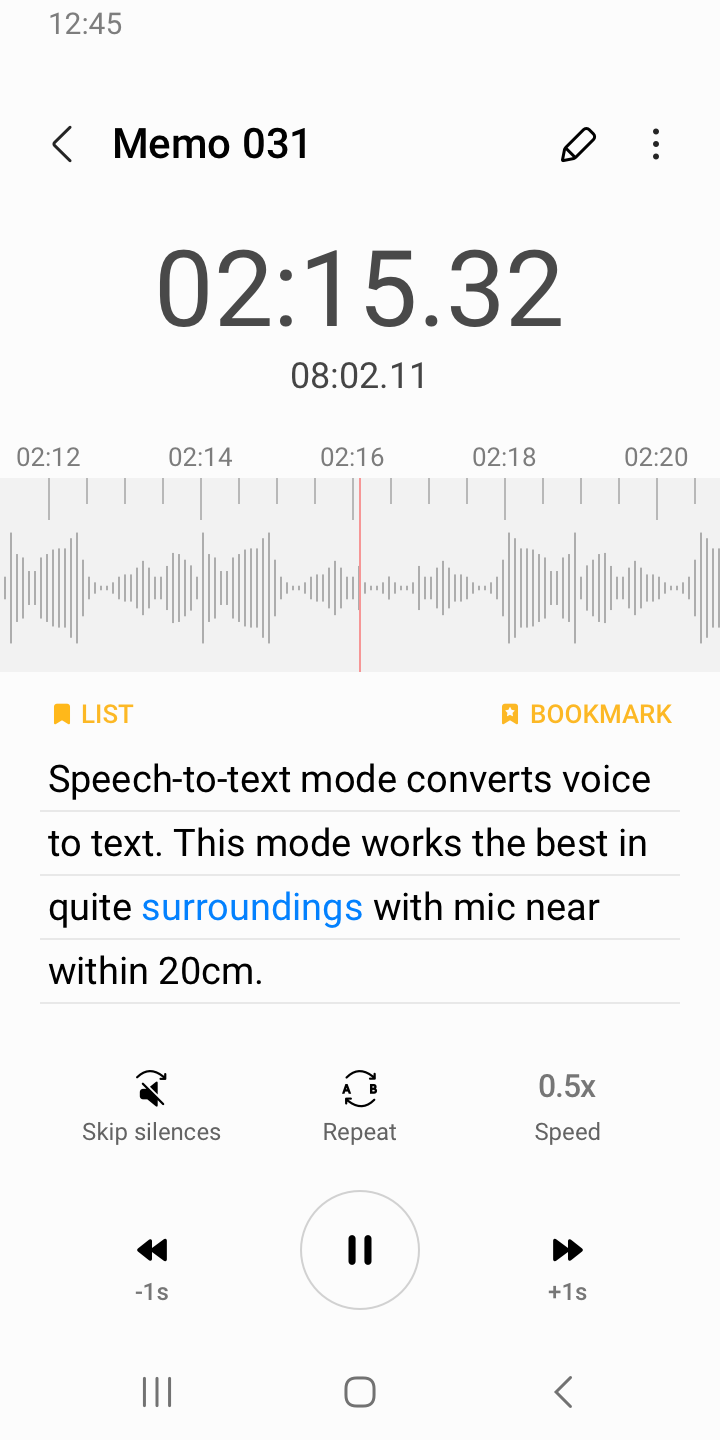
- Mengonversi rekaman suara menjadi teks.
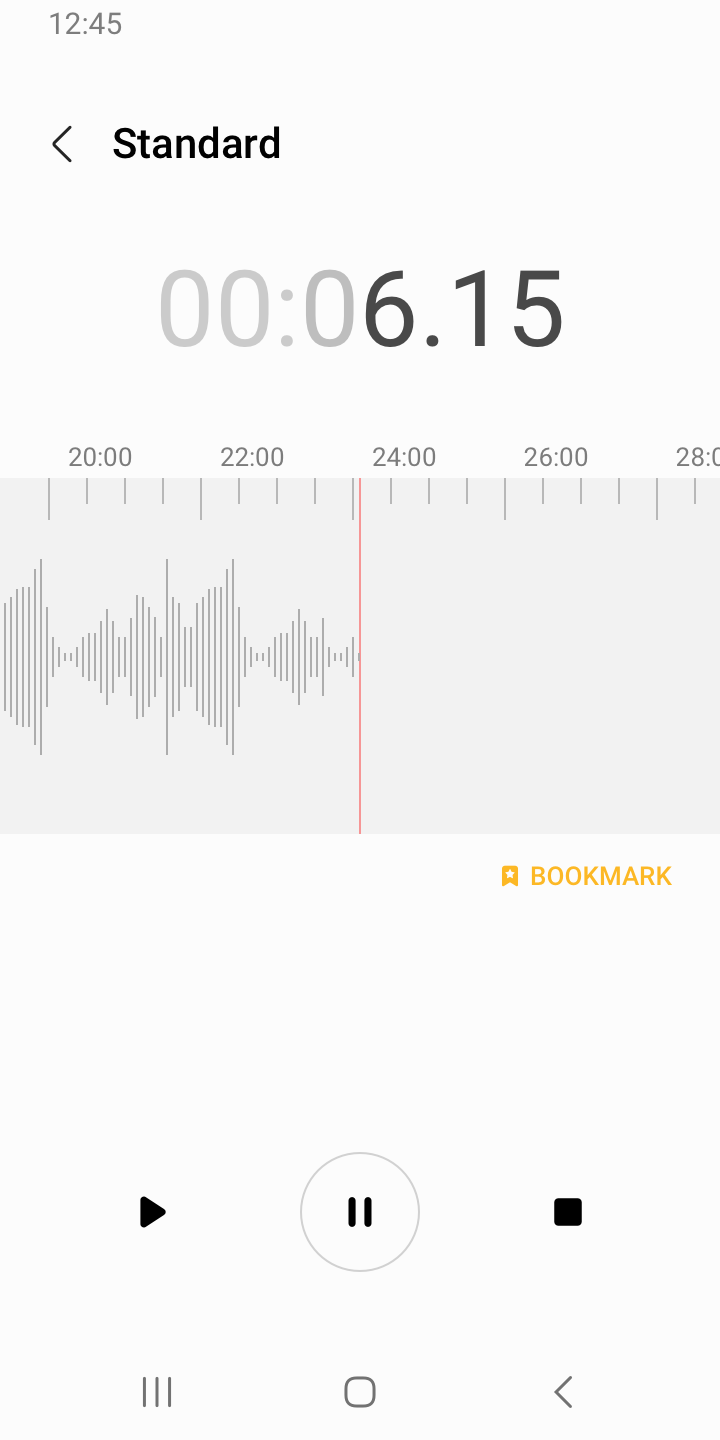
- Berjalan di latar belakang.
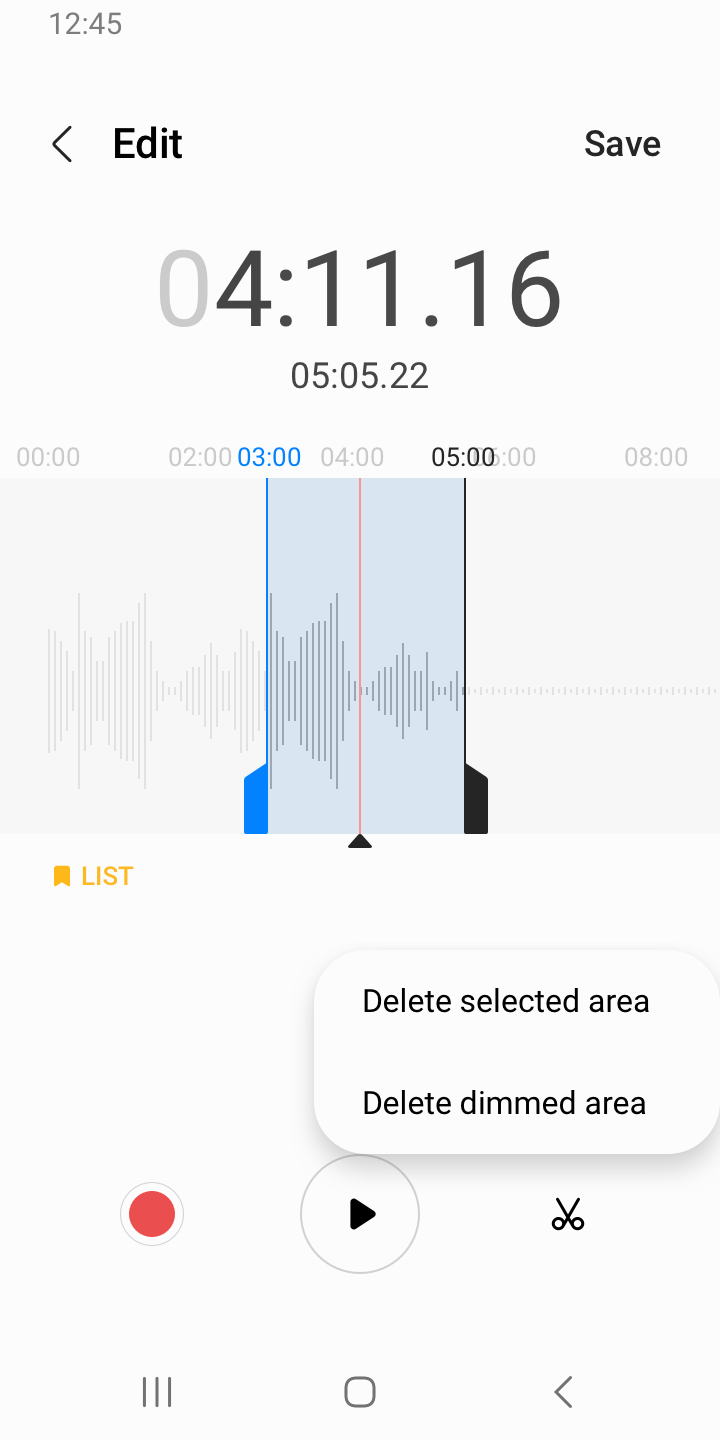
- Pilih dari beberapa format untuk menyimpan rekaman Anda.
- Fungsi unggah ke penyimpanan cloud.
Deskripsi
Aplikasi Samsung Voice Recorder diperiksa oleh antivirus VirusTotal. Sebagai hasil pemindaian, tidak ada infeksi file yang terdeteksi oleh semua tanda tangan terbaru.
Cara memasang Samsung Voice Recorder
- Unduh file APK aplikasi dari apkshki.com.
- Temukan file yang diunduh. Anda dapat menemukannya di baki sistem atau di folder 'Download' menggunakan manajer file apa pun.
- Jika file yang diunduh berekstensi .bin (bug WebView di Android 11), ubah namanya menjadi .apk menggunakan pengelola file apa pun atau coba unduh file dengan browser lain seperti Chrome.
- Mulai penginstalan. Klik pada file yang diunduh untuk memulai penginstalan
- Izinkan penginstalan dari sumber yang tidak dikenal. Jika Anda menginstal untuk pertama kalinya Samsung Voice Recorder bukan dari Google Play, buka pengaturan keamanan perangkat Anda dan izinkan penginstalan dari sumber yang tidak dikenal.
- Lewati perlindungan Google Play. Jika proteksi Google Play memblokir penginstalan file, ketuk 'Info Lebih Lanjut' → 'Tetap instal' → 'OK' untuk melanjutkan..
- Selesaikan penginstalan: Ikuti petunjuk penginstal untuk menyelesaikan proses penginstalan.
Cara memperbarui Samsung Voice Recorder
- Unduh versi baru aplikasi dari apkshki.com.
- Cari file yang diunduh dan klik file tersebut untuk memulai penginstalan.
- Instal di atas versi lama. Tidak perlu menghapus instalasi versi sebelumnya.
- Hindari konflik tanda tangan. Jika versi sebelumnya tidak diunduh dari apkshki.com, pesan 'Aplikasi tidak terinstal' mungkin muncul. Dalam kasus ini, hapus instalan versi lama dan instal versi baru.
- Mulai ulang lampiran Samsung Voice Recorder setelah pembaruan.
















Meminta pembaruan aplikasi
Ditambahkan Denis Rubinov
Versi: 21.5.80.32
Ukuran: 31.9 MB
Diperbarui: 21.05.2025
Developer: Samsung Electronics Co., Ltd.
Batasan Usia: Everyone
Otorisasi:
Diunduh di Google Play: 2157765616
Kategori: Alat















Ulasan untuk Samsung Voice Recorder
you deleted all my records . you don't even deserve one star .
THANK YOU VOICE RECORDER
very good
horrible. proprietary. no options to choose where to safe your files. transcript feature on s24 ultra in German is the worst transcription I've ever seen, and I used text to speech software in windows 95.
nice
crazy good sounds
Okay
good
Good.
I used stereo and interview mode combined and audio quality was horrible. The volume kept going from soft to loud and back and forth. It sounded garbally and underwater. Galaxy Note 10 plus. It also has an annoying pop up when the sound that records is too low. So, you see an annoying pop-up every time there is a pause in whoever is speaking. That's why this is a definitive 1 star app. The one thing it needs to do it, does very poorly and very annoyingly. The UI and graphics are great.
Used to work great... and quick to click on and record asap. After upgrade, cannot even record. Also, it is asking for permissions that have absolutely nothing to do with recording. If you have not needed those permissions for 2 years, and ratings were up, why do you need them now? I Uninstaller it. I will use a different app.
The app, after months of use without it, now requires me to give it permission to make/manage phone calls. I cannot open the app, not even to access old recordings, without granting this permission. As far as I can tell, the ONLY reason this app should need to control phone calls is if a particular setting is turned on, and I have that setting turned off. Even with it turned off, I have no access to the app without giving it unnecessary access to one of my privacy settings. NO.
This app formerly only required permissions to access microphone and files which is all that it should require. A recent update added a requirement for permissions to let the app access nearby devices and phone which should not be necessary for a simple voice recorder. This app actually won't launch unless you give it these very privacy invasive permissions! That's sketchy. 1 star until the devs change the app back so that it opens again without requiring access to nearby devices and phone.
You removed the "uncategorized" category! Now you have your list of categories and an "all" category (which is a good addition) but I cant tell which recordings i havent categorized so thats why its so important :( This is my go to voice note recording app. It launches and records quickly, gets the job done and has cool editing features while keeping it simple. Please bring back the uncategorized category in the next update. Everything else is good! 👍
I've tried several recording apps from the Google Play store, and I found this recorder to be the best one based on one important reason. The recorder doesn't randomly stop recording when it gets interrupted, for example when you have to take a picture or use another app that interrupts the recorder. It would temporarily pause then resume the recording after you're done with whatever apps you're using. All the other recording apps just stops recording when it gets interrupted which was annoying
Kirimkan komentar
Untuk memberikan komentar, masuklah dengan jejaring sosial Anda:
Atau tinggalkan komentar anonim. Komentar Anda akan dikirim untuk dimoderasi.
Kirimkan komentar
Untuk memberikan komentar, masuklah dengan jejaring sosial Anda:
Atau tinggalkan komentar anonim. Komentar Anda akan dikirim untuk dimoderasi.