



Data Usage Analyzer
2+
unduhan6.0+
versi Android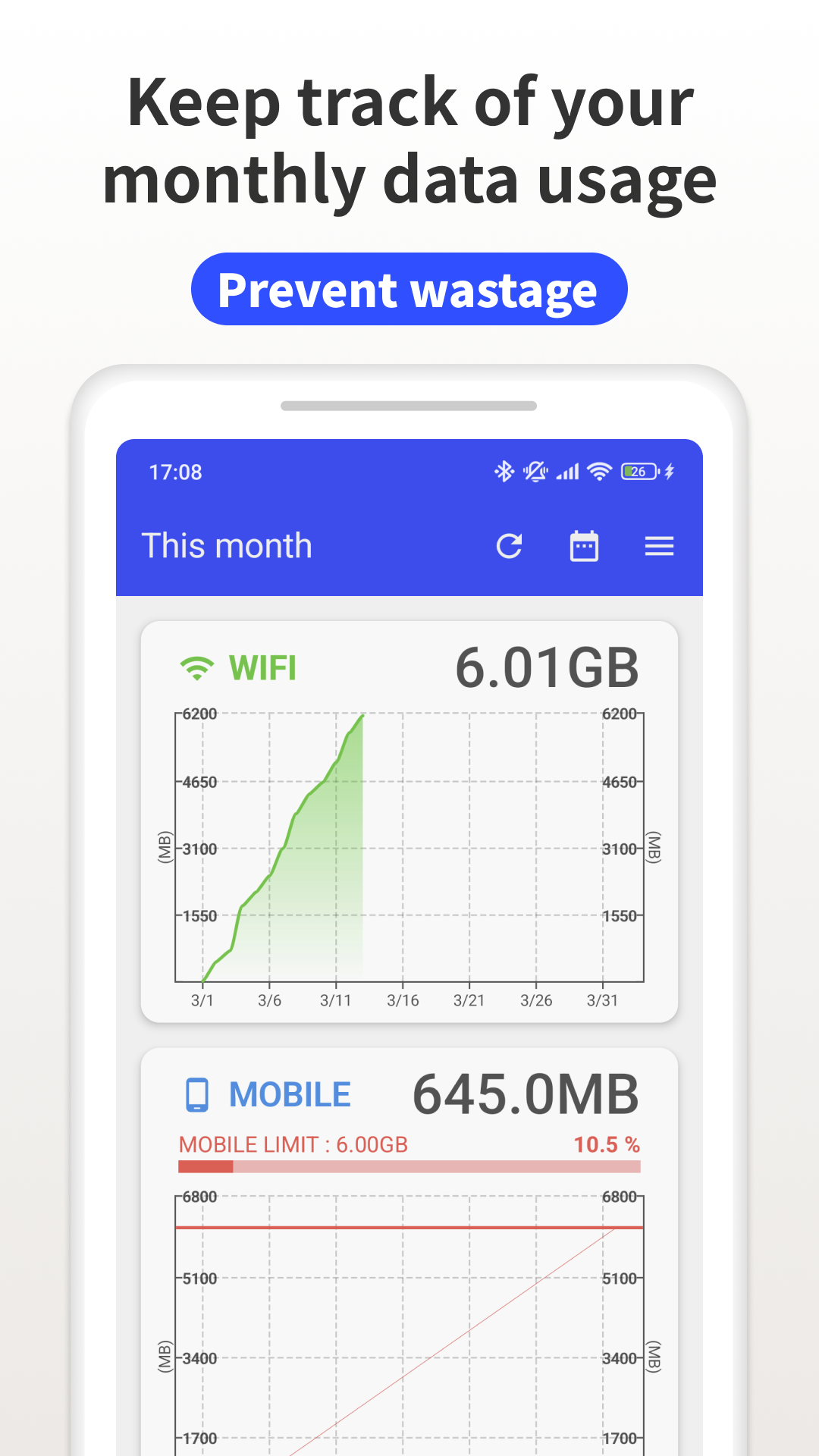
Ditambahkan: Denis Rubinov
Versi: 1.17.2030
Ukuran: 7.8 MB
Diperbarui: 12.11.2023
Developer: Lufesu Inc.
Batasan Usia: Everyone
Otorisasi: 10
Diunduh di Google Play: 2623735
Kategori: Alat
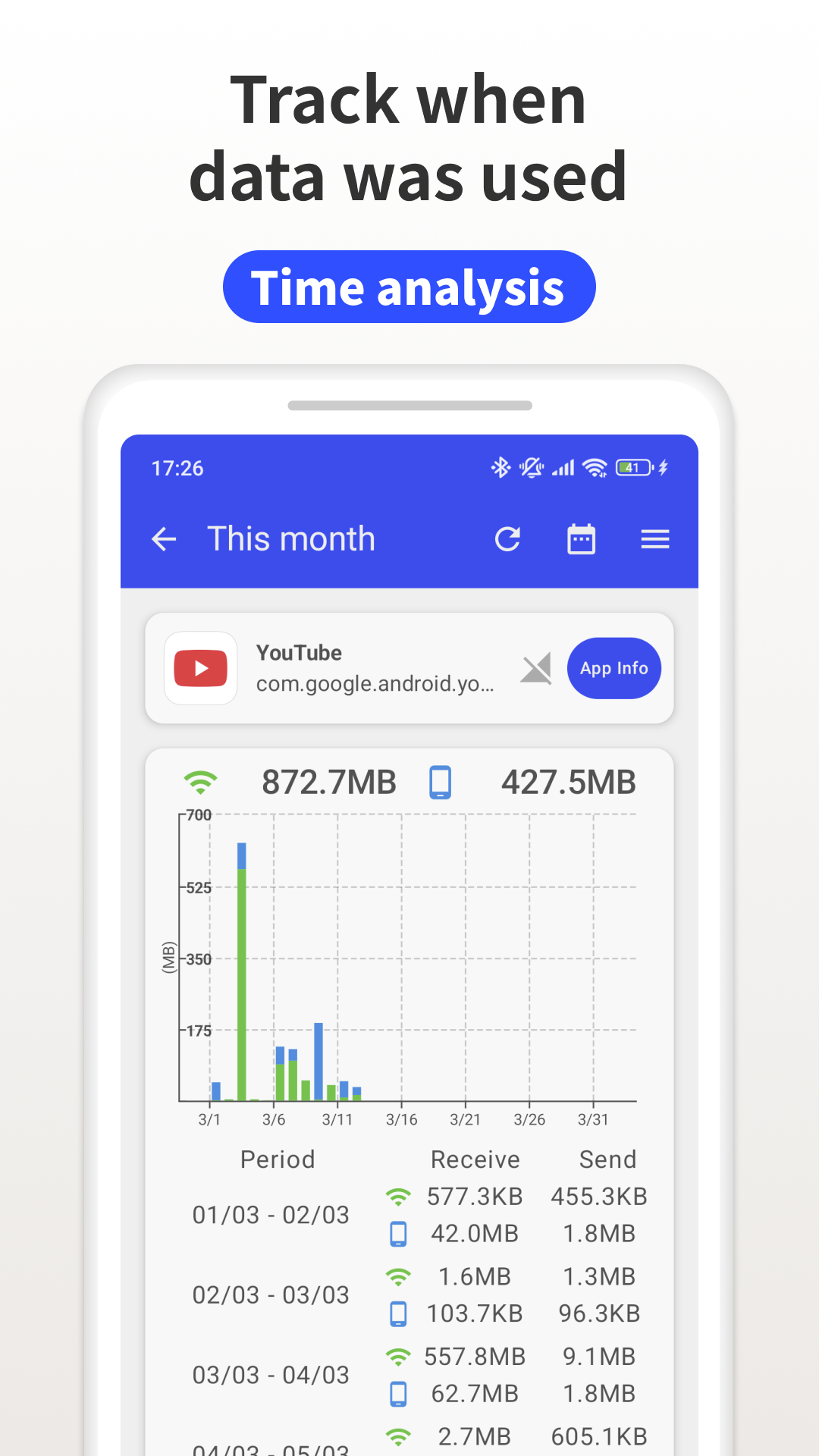
- Memungkinkan Anda menetapkan batas.
- Pemberitahuan tentang mendekati batas lalu lintas.
- Bekerja di jaringan seluler dan Wi-FI,
- Gratis untuk digunakan.
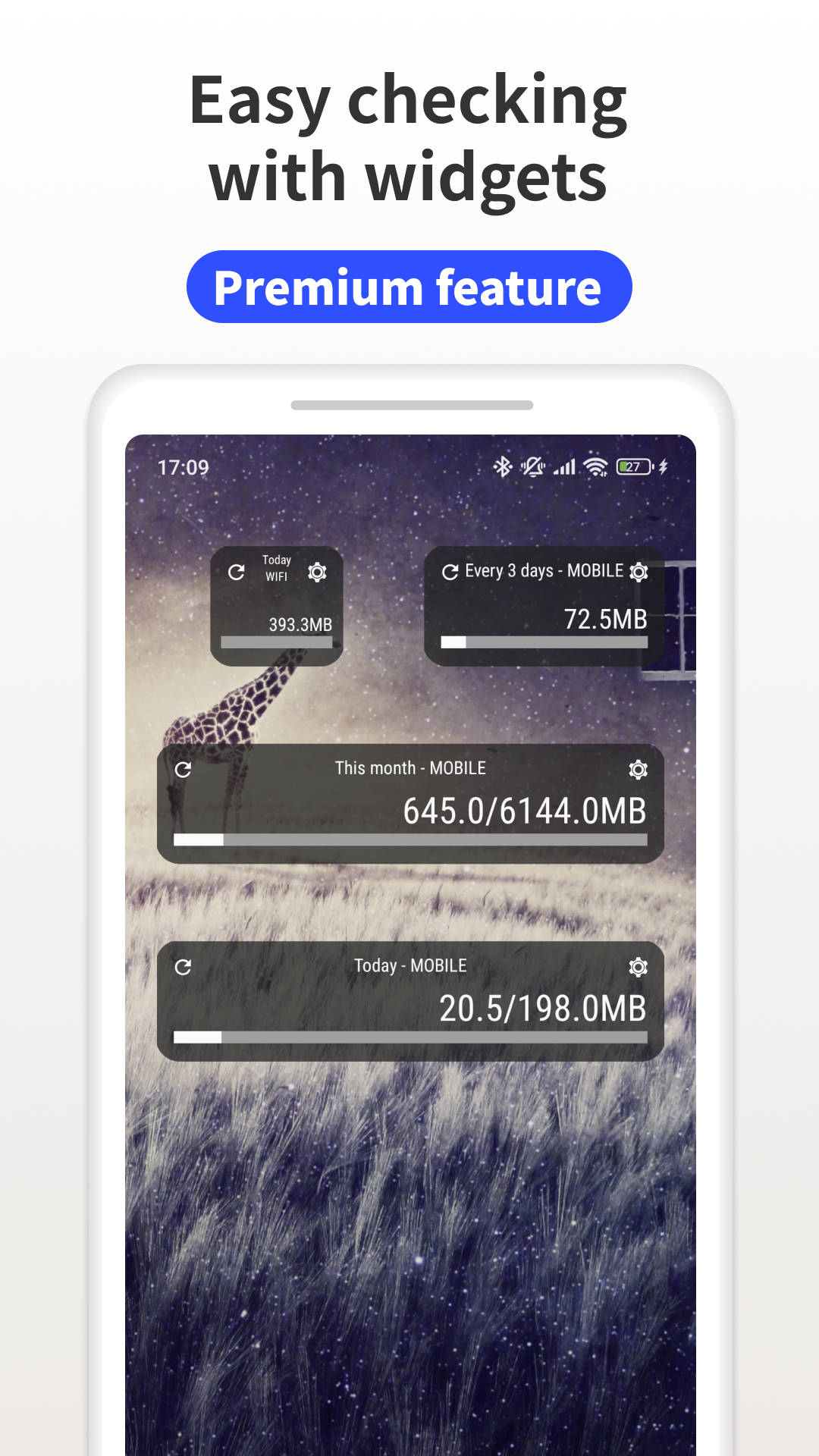
- Memiliki widget yang nyaman.
Deskripsi
Aplikasi Data Usage Analyzer diperiksa oleh antivirus VirusTotal. Sebagai hasil pemindaian, tidak ada infeksi file yang terdeteksi oleh semua tanda tangan terbaru.
Cara memasang Data Usage Analyzer
- Unduh file APK aplikasi dari apkshki.com.
- Temukan file yang diunduh. Anda dapat menemukannya di baki sistem atau di folder 'Download' menggunakan manajer file apa pun.
- Jika file yang diunduh berekstensi .bin (bug WebView di Android 11), ubah namanya menjadi .apk menggunakan pengelola file apa pun atau coba unduh file dengan browser lain seperti Chrome.
- Mulai penginstalan. Klik pada file yang diunduh untuk memulai penginstalan
- Izinkan penginstalan dari sumber yang tidak dikenal. Jika Anda menginstal untuk pertama kalinya Data Usage Analyzer bukan dari Google Play, buka pengaturan keamanan perangkat Anda dan izinkan penginstalan dari sumber yang tidak dikenal.
- Lewati perlindungan Google Play. Jika proteksi Google Play memblokir penginstalan file, ketuk 'Info Lebih Lanjut' → 'Tetap instal' → 'OK' untuk melanjutkan..
- Selesaikan penginstalan: Ikuti petunjuk penginstal untuk menyelesaikan proses penginstalan.
Cara memperbarui Data Usage Analyzer
- Unduh versi baru aplikasi dari apkshki.com.
- Cari file yang diunduh dan klik file tersebut untuk memulai penginstalan.
- Instal di atas versi lama. Tidak perlu menghapus instalasi versi sebelumnya.
- Hindari konflik tanda tangan. Jika versi sebelumnya tidak diunduh dari apkshki.com, pesan 'Aplikasi tidak terinstal' mungkin muncul. Dalam kasus ini, hapus instalan versi lama dan instal versi baru.
- Mulai ulang lampiran Data Usage Analyzer setelah pembaruan.






Meminta pembaruan aplikasi
Ditambahkan Denis Rubinov
Versi: 1.17.2030
Ukuran: 7.8 MB
Diperbarui: 12.11.2023
Developer: Lufesu Inc.
Batasan Usia: Everyone
Otorisasi:
Diunduh di Google Play: 2623735
Kategori: Alat















Ulasan untuk Data Usage Analyzer
Doesn't support background usage. You have to open the app everyday to read the data usage
My entire reason for installing it is now behind a paywall. I downloaded it to track my usage because I'm on a plan with limited data. It worked great for the couple years I used it, now just a couple days ago it stopped showing the display and when I pulled the app up it says I have to shell out money to get it back. F that.
Good application
安裝在工作模式裡的應用程式無法顯示數據流量
Whey this fkn app needs a phone permission, all the similar apps requiring only the data permission! It seems like a shady stuff in the background!
原本還算不錯,現在擱這還退步了是吧!?
There is no option to see statistic by range
Almost perfect. Can you guys implement Dual SIM monitoring for the data use, then it would be perfect. 👍
Useless app
Bustard app.
App still crashes in Android 12. Update on January 27, 2022...App has been updated by the developer and seems to work fine. 5 Stars! I'm getting ads even though I paid for the app. I'll see what happens when I reboot my smartphone.
I recommend. Great app. Many years ago, I was looking for an app that could show my data usage in real time. I found it. It never let me down. Many overlay positioning options. I think I even bought the pro version over time.
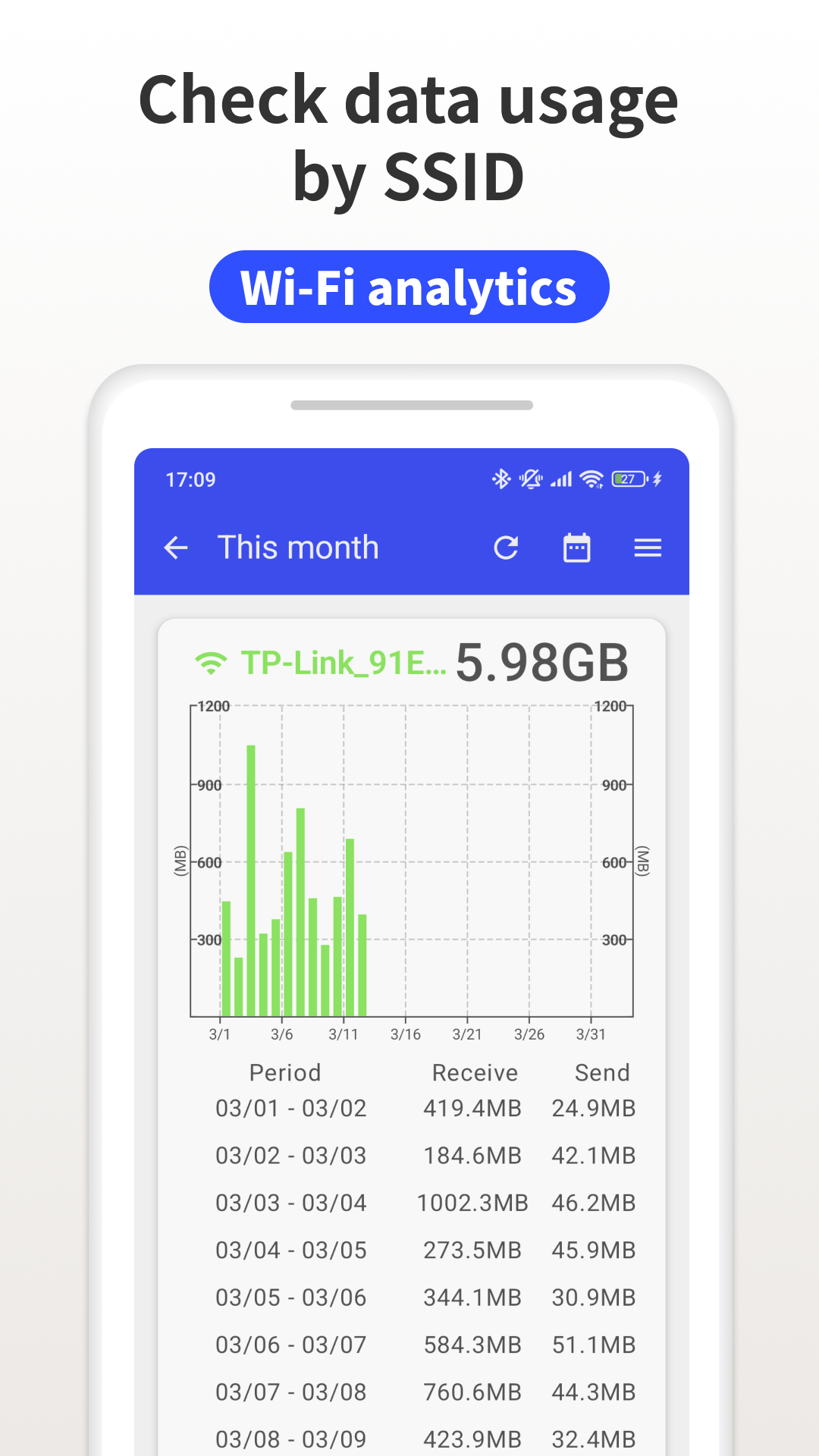
I have had good experiences with this app overall but recently (Pixel 2) it hasn't been showing correct information for data used by connected WiFi networks. The overall and per-app stats are good but it's no longer correctly breaking that down by connected network.
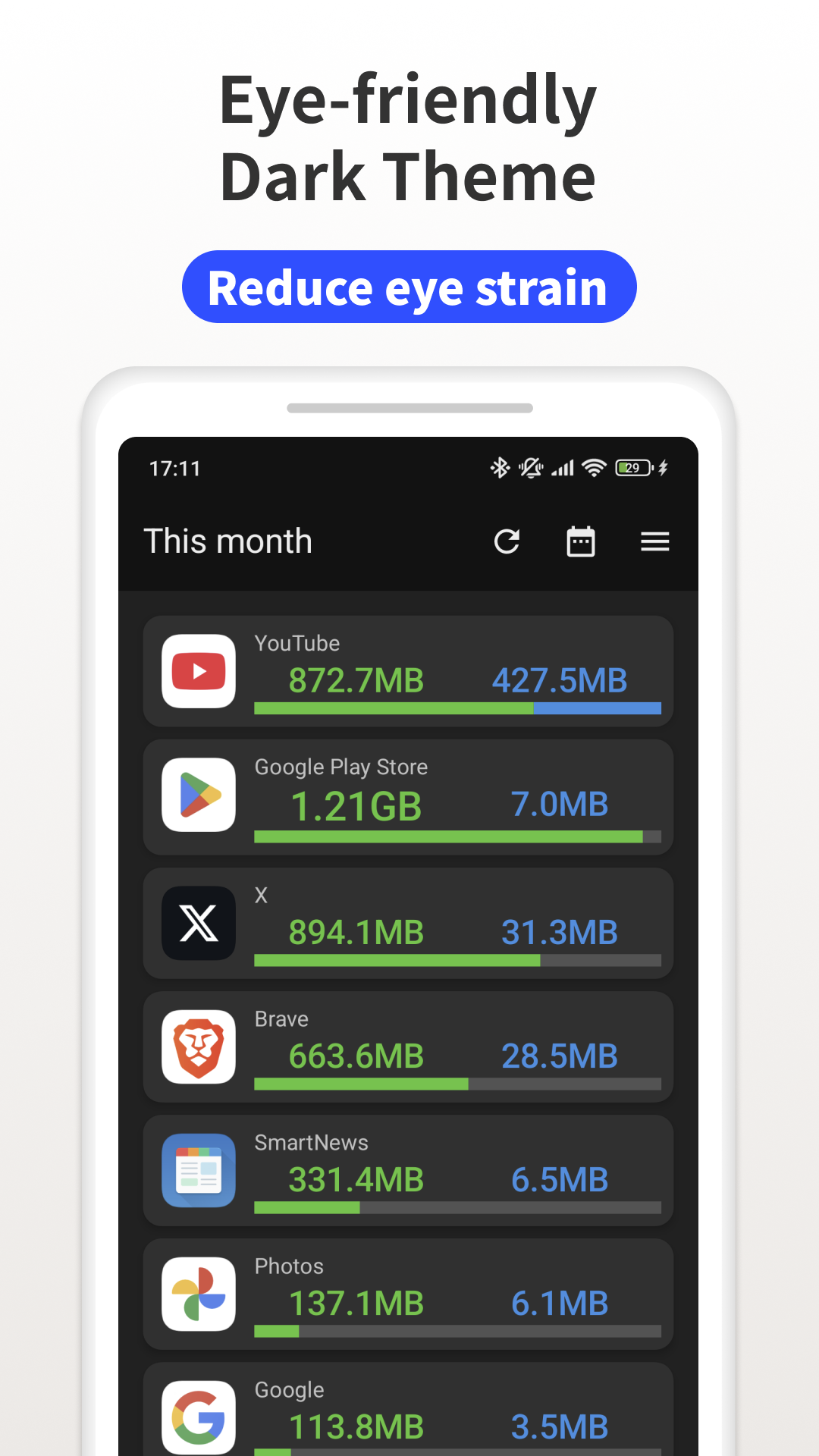
Best data tracking app. And it gives daily reports to help monitor data usage as well. Very accurate results. Lots time options to choose from. Dark layout is my favorite. I am adding it to all my devices. I recommend.
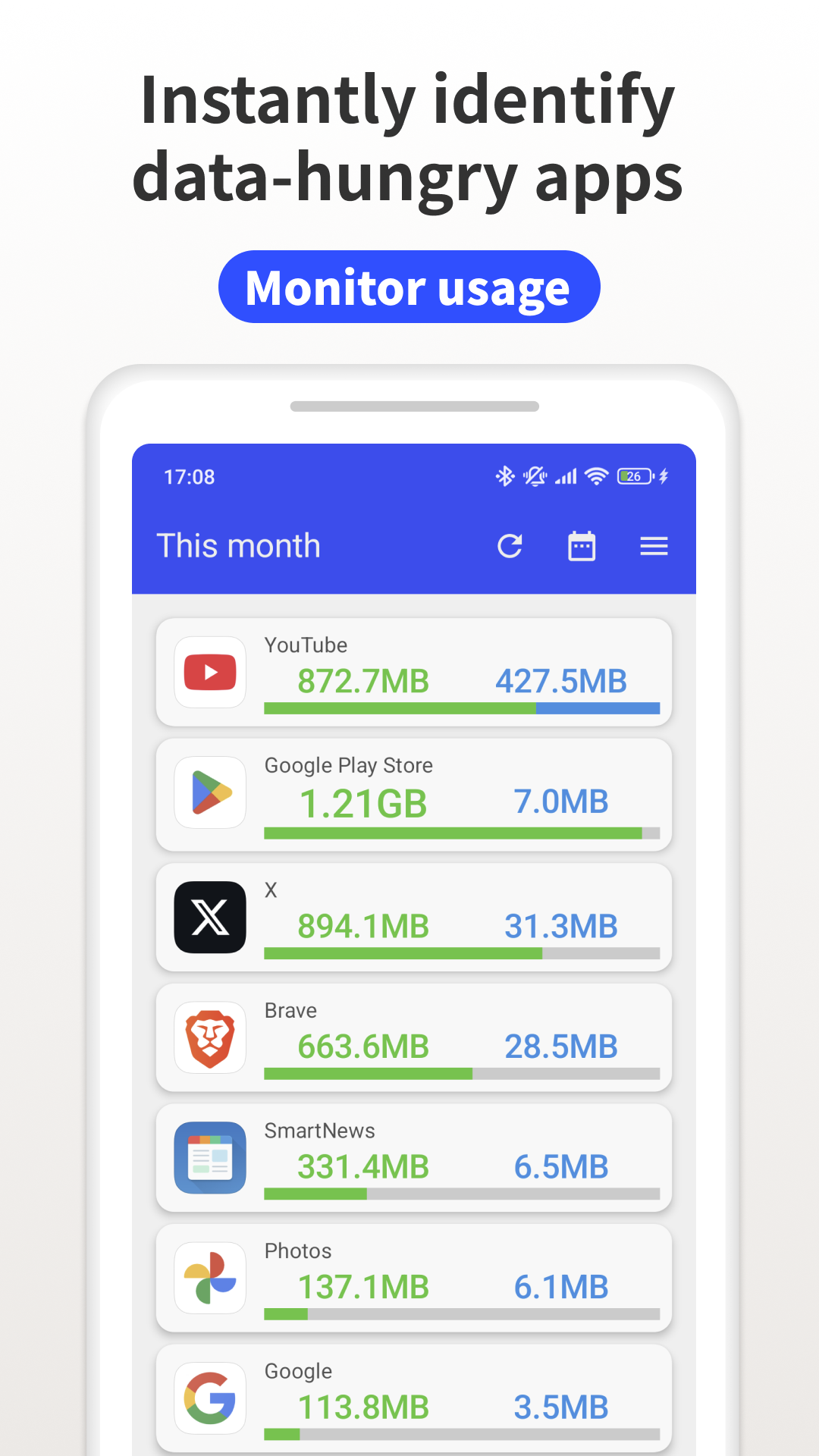
Very accurate and reliable. Great app. Love that it gives monthly reports. At end of each month I can go back and check to see which apps use what amount of total data for that particular month. Which app use the most and so on. It helps me to prevent overcharges fees on the following month So I can adjust my usage on the apps or don't use them I mean delete them for the following month. App have some very nice widgets for easy monitoring.
Kirimkan komentar
Untuk memberikan komentar, masuklah dengan jejaring sosial Anda:
Atau tinggalkan komentar anonim. Komentar Anda akan dikirim untuk dimoderasi.
Kirimkan komentar
Untuk memberikan komentar, masuklah dengan jejaring sosial Anda:
Atau tinggalkan komentar anonim. Komentar Anda akan dikirim untuk dimoderasi.